Video dubbing used to mean expensive studios, voice actors, and weeks of post-production. Today, an AI can sync any voice to any face in minutes, with results that hold up on broadcast-quality screens. The gap between what professionals use and what anyone can access has never been smaller, and the tools doing it are getting sharper every month.
This roundup covers the best lipsync tools for video dubbing right now. Whether you need frame-perfect accuracy for a professional production, fast turnaround for social content, or multilingual dubbing across 150 languages, there is a tool here built for that job. Every tool on this list is available directly on PicassoIA, no software installs needed.
What Separates Good Lipsync from Great
Not all lipsync tools perform the same job equally well. The difference between passable and professional comes down to a few specific factors that are easy to overlook until you are staring at a bad sync on a finished video.
Sync Accuracy at Frame Level
The best tools operate at frame-level precision, matching vowel and consonant shapes to specific audio windows rather than approximating general mouth movement. This matters most in close-up shots, broadcast content, and long-form video where viewers spend enough time with a face to notice any drift.
Frame-level sync is what separates tools like Lipsync 2 Pro and Lipsync Precision from faster but less precise alternatives. If your primary use case is high-stakes content, accuracy wins over speed every time.
Speed vs. Output Quality
Fast tools trade some accuracy for throughput. This is not necessarily a problem. For social media clips, internal communications, or draft reviews, a tool that returns results in seconds is far more valuable than one that takes five minutes to render a perfect sync.
The practical answer is to match the tool to the deliverable. Use fast sync for iteration and review, then run high-precision sync on your final output.
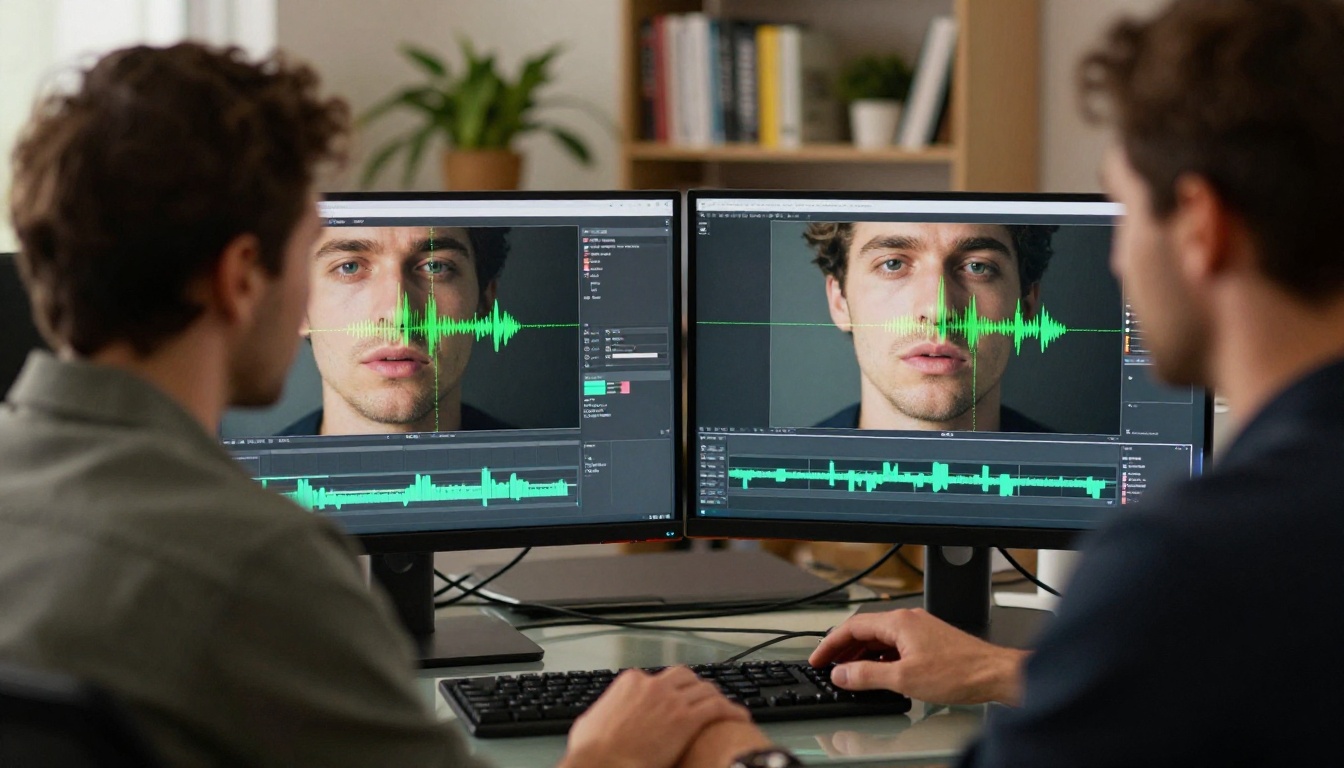
PicassoIA hosts 12 lipsync models. Below are the ones that cover the most ground, organized by what they do best.
Lipsync 2 Pro: Precision at Its Highest
Lipsync 2 Pro by Sync is the professional-grade choice for creators who cannot afford visible sync errors. It analyzes mouth geometry in detail and reconstructs lip movement from the target audio at high temporal resolution. The result is natural, tight sync that holds up in close-ups. Its predecessor, Lipsync 2, remains a solid option for those who want proven Sync engine performance at standard quality.
Best for: Music videos, corporate spokesperson content, narrative film dubbing.
💡 For best results with Lipsync 2 Pro, use audio with clear consonants and minimal background noise. Clean audio produces dramatically sharper sync.
Lipsync Precision: Broadcast-Ready Dubbing
Lipsync Precision by HeyGen takes a different approach, optimizing for visual realism across a range of face types and lighting conditions. Where some tools struggle with unusual angles or partial occlusion, Lipsync Precision maintains stable performance.
This tool is particularly effective for dubbing pre-recorded interviews, courses, and documentary footage where the subject is not always face-on to camera.
Best for: Educational content, interview dubbing, documentary post-production.
React 1: Realistic Sync with Emotional Range
React 1 by Sync goes beyond basic lip movement to incorporate subtle micro-expressions, jaw tension, and chin movement into the sync output. This produces a more natural animated quality, especially on longer speech segments.
Most lipsync tools ignore the chin. React 1 does not, and that small detail makes synthesized speech feel significantly more human.
Best for: Long-form dubbing, avatar performances, localized e-learning.
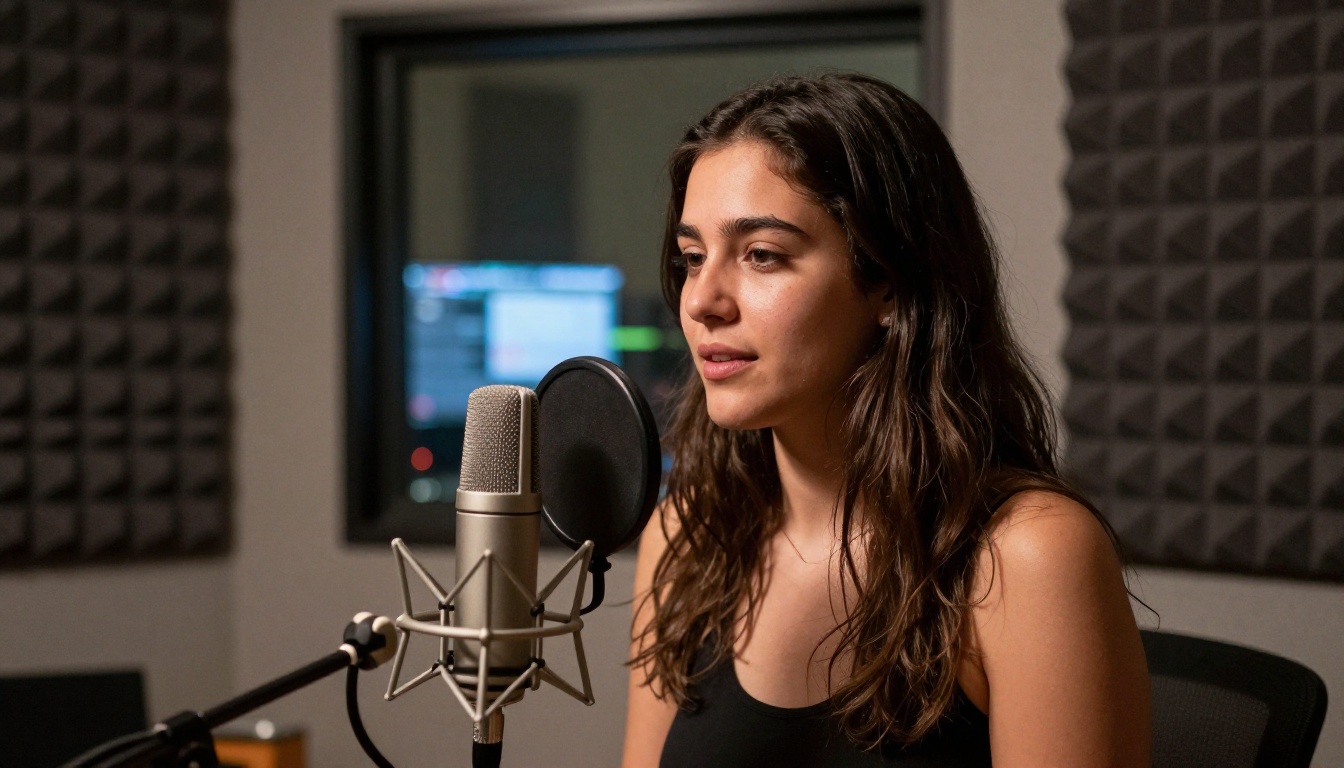
Lipsync Speed: Fast Sync for High Volume
When you need results fast, Lipsync Speed by HeyGen delivers. It is optimized for rapid processing without the wait time of high-precision models. For creators managing a high volume of localized content, it cuts turnaround from minutes to seconds.
Best for: Social media content, rapid iteration, draft review rounds, YouTube creators scaling across languages.
Kling Lip Sync: Cinematic Mouth Matching
Kling Lip Sync by Kwaivgi approaches lipsync as a cinematic tool, not just a technical one. Its output preserves the visual character of the original video and handles complex motion, partial face views, and natural head movement better than most.
If the source footage involves significant head movement or the subject speaks while in motion, Kling Lip Sync handles that with noticeably fewer artifacts than comparable tools.
Best for: Action sequences, sports commentary, vlog-style footage where the speaker is moving.
Pixverse Lipsync: Instant Audio-to-Mouth Sync
Pixverse Lipsync is built for speed and accessibility. Upload your video, provide the target audio, and the model handles alignment automatically. Its output is clean on static or near-static footage and works well for talking-head content.
Best for: Talking-head social clips, product explainers, quick language swaps on static footage.
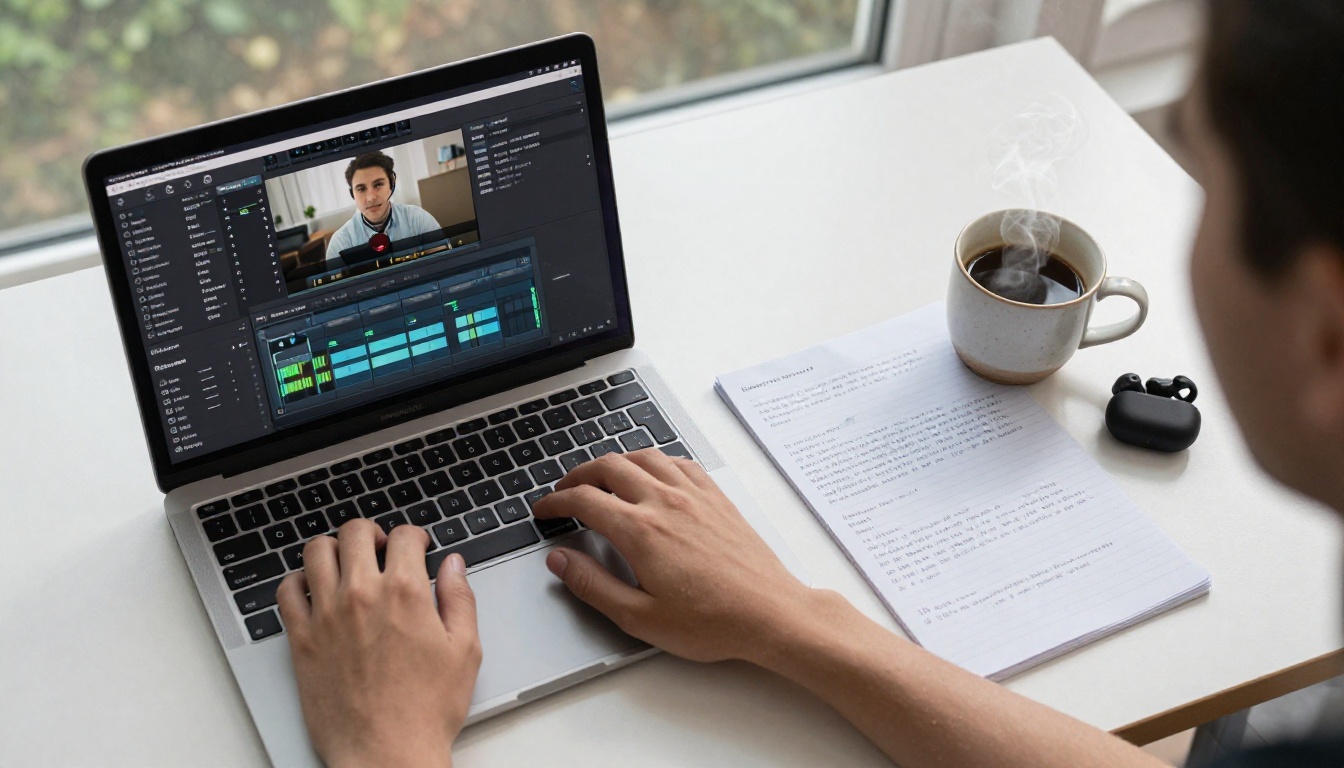
Translate and Dub in 150+ Languages
Video dubbing used to be a luxury for blockbuster studios. Today, a single tool can localize your content across more than 150 languages in one pass, with synced lip movement that matches the translated audio.
HeyGen Video Translate: Full-Pipeline Dubbing
Video Translate by HeyGen is the most complete dubbing pipeline on PicassoIA. It handles transcription, translation, voice generation, and lipsync in a single workflow. You input a video in any language, choose a target language, and receive a fully dubbed version with synced mouth movement.
The voice generation component matches pacing and tone to the original speaker, which dramatically reduces the "translation robot" effect common in cheaper dubbing pipelines.
Languages supported: 150+, including Spanish, French, German, Portuguese, Japanese, Korean, Hindi, Arabic, and many more.
Best for: YouTube localization, international marketing campaigns, global e-learning distribution.
💡 For best multilingual results, use footage with clear face visibility and minimal overlapping audio. Video Translate performs best when the speaker's face is unobstructed throughout the clip.
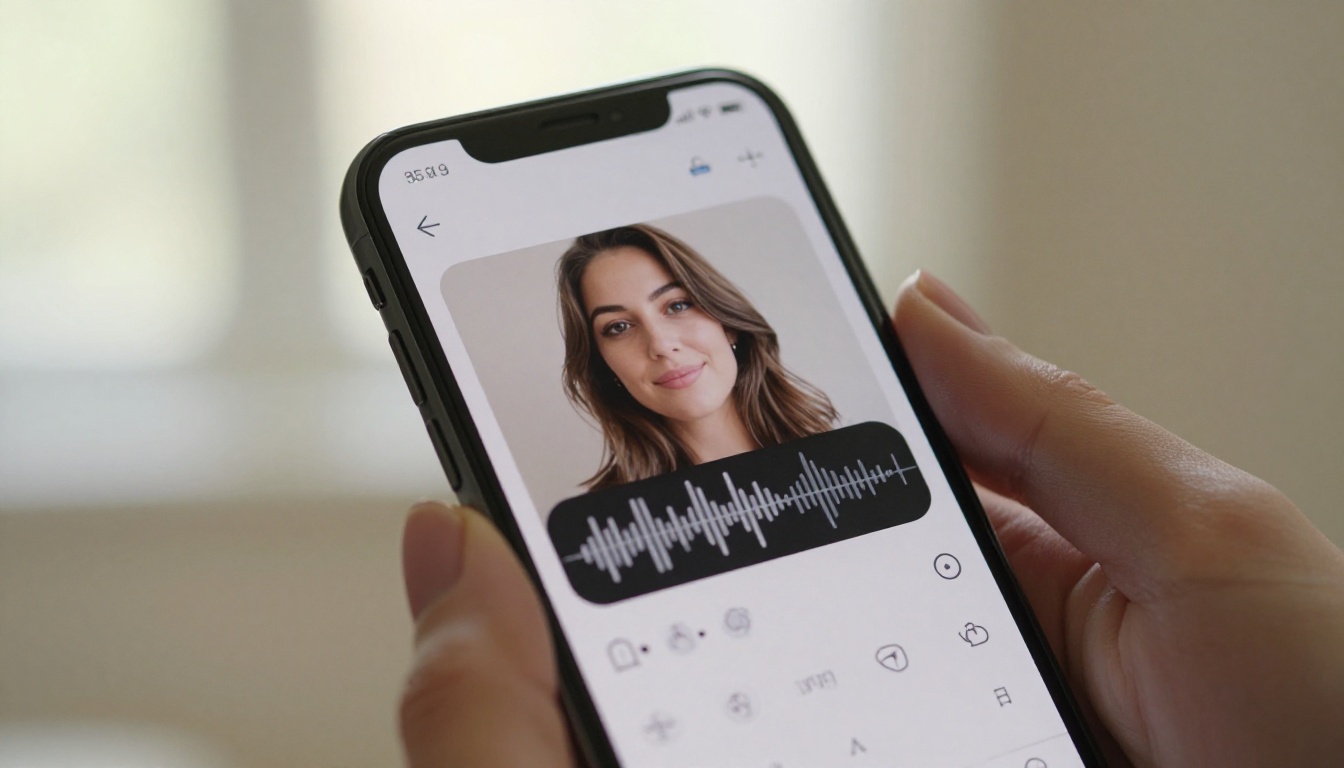
Bring Photos to Life with Talking Avatars
A significant subset of lipsync use cases does not start with video at all. These tools animate a single photograph into a fully lip-synced talking video, which opens up possibilities for avatar creation, virtual spokespeople, and creative storytelling.
Omni Human 1.5: Photorealistic Talking Portraits
Omni Human 1.5 by ByteDance is one of the most sophisticated photo-to-talking-video models available. It generates smooth, natural head movement, realistic blinking, and precisely synced lips from a single static image paired with an audio track.
The 1.5 version shows a marked improvement over its predecessor in handling hair, accessories, and complex facial features, which previously caused flickering or warping artifacts on some inputs.
Best for: Virtual spokespeople, avatar-based marketing, AI-generated presenters, social video from still photos.
Omni Human: The Proven Foundation
Omni Human remains a strong performer for straightforward photo animation tasks where the extended capabilities of 1.5 are not needed. Faster processing and a simpler parameter set make it a reliable workhorse for high-volume avatar generation.
Best for: Bulk avatar generation, rapid prototyping, animated profile images.
VEED Fabric 1.0: Bring Any Photo to Life
Fabric 1.0 by VEED takes photo animation in a slightly different direction, prioritizing natural motion dynamics over hyper-realistic rendering. The output has a warmer, more approachable quality that works well for brand spokespeople and educational avatars.
Best for: E-learning avatars, branded spokespeople, course content with human faces.
P Video Avatar: Talking Video from Any Face
P Video Avatar rounds out the avatar lineup with flexible input handling and solid performance across diverse face types. It accommodates portrait and landscape photos and handles various skin tones and facial structures with consistent quality.
Best for: Diverse cast content, international brand avatars, social media automation.
How to Use Lipsync Precision on PicassoIA
Lipsync Precision is the top pick for creators who need broadcast-quality sync. Here is how to use it directly on PicassoIA, no software download required.
Step 1: Open the model page
Navigate to Lipsync Precision on PicassoIA. You do not need an account to preview the interface, but you will need to log in to run the model.
Step 2: Upload your video
Click the video upload field and select your source video file. MP4 files under 200MB work best. Make sure the subject's face is clearly visible throughout the clip.
Step 3: Provide the target audio
Upload the audio file you want synced to the video. This can be a new voiceover, a translated audio track, or any audio with clear speech. WAV and MP3 formats are both accepted.
Step 4: Set sync parameters
Choose your sync intensity level. Higher intensity produces tighter lip movement but may show minor facial distortion on extreme phonemes. For most content, the default setting delivers the best balance.
Step 5: Run and review
Click "Run" and wait for the output. Processing typically takes 30 to 90 seconds depending on video length. Preview the synced video in the output panel before downloading.
Step 6: Download or publish
Download the final video directly to your device, or use PicassoIA's export options to save to your project library for further editing.
💡 If the sync appears loose on specific words, re-upload with a slightly slower-paced audio recording. Lipsync Precision performs best when audio pacing is natural and unhurried.
Side-by-Side Comparison
Choosing between 12 models is easier with a clear comparison. Here is how the main tools stack up across the criteria that matter most for video dubbing:
With 12 options available, the right pick depends on what you are optimizing for.
For Speed First
If you need a fast sync for social content, client previews, or internal review, choose Lipsync Speed or Pixverse Lipsync. Both return results quickly and perform well on standard talking-head footage.
For Accuracy First
When the output goes to broadcast, film, or any context where visible errors cost money, go with Lipsync 2 Pro or Lipsync Precision. The added processing time pays off in the final output.
For Translation at Scale
Video Translate is in a category of its own for multilingual dubbing. No other tool on this list handles the full transcription-to-lipsync pipeline in one pass across 150+ languages.
For Avatar Creation
Omni Human 1.5 is the benchmark for photo-to-talking-video. If output quality is the priority, start here. For speed or volume, Omni Human or Fabric 1.0 are solid alternatives.
Worth noting: if your workflow involves video editing or audio processing, PicassoIA's broader toolset covers the full production chain. You can use Super Resolution to upscale footage before dubbing, Text to Speech to generate the voice track you sync, and AI Video Enhancement to stabilize and clean up the final output, all from the same platform without switching between apps.
Ready to Dub Your First Video?
The tools are already there. Every model in this article is available on PicassoIA right now, with no software to install and no technical setup required. Whether you are syncing a five-second clip or dubbing a full documentary into eight languages, the workflow takes minutes, not days.
Start with Lipsync Precision if you want broadcast-quality output on your first run. Or pick Lipsync Speed if you want to test the process quickly before committing to a final render. Try creating a talking avatar with Omni Human 1.5 from a single photo, or dub your next video into a new language with Video Translate in one click.
Browse all lipsync tools on PicassoIA: picassoia.com/en/collection/lipsync


