Running an adult image generator on your own PC sounds simple until you hit the first wall: a 20 GB download that crashes at 8 GB of VRAM, a Python error you can't read, or a checkpoint that makes every face look like plastic. The good news is that local generation really does work, it really is free after the hardware, and nobody sees your prompts. The bad news is that the setup is where most people quit. This article sorts the best local NSFW image generator options, the settings that give clean results, prompt formulas you can copy, and the online alternatives worth using when your GPU isn't up to it.
Everything here is about adult, consensual, non-explicit glamour work: lingerie, swimwear, boudoir and fashion portraits of fictional adults. Never generate real people without their consent, and never generate anyone who looks underage.
Why Run an NSFW Generator Locally?
People go local for four reasons, and each one is a real advantage:
- Privacy. Prompts and outputs stay on your drive. No account, no server logs.
- No filters. Open-weight models don't ship with a refusal layer, so you control what the model will attempt.
- No per-image cost. After the GPU, electricity is your only expense.
- Total tweakability. Custom checkpoints, LoRAs, samplers, upscalers and inpainting passes are all yours to combine.
The trade-offs are just as real. You need a decent graphics card, an hour or two of setup, and patience with troubleshooting. Model files take up serious disk space, and every community checkpoint has its own license terms you should read before downloading.
💡 Quick test: if you generate fewer than 50 images a month, or you don't own a GPU with at least 8 GB of VRAM, an online route will probably cost you less time than a local install. More on that below.
Local vs. Online at a Glance
| Factor | Local install | Online platform |
|---|
| Upfront cost | GPU and storage | None |
| Setup time | 1 to 3 hours | Minutes |
| Speed | Depends on your GPU | Fast on any device |
| Privacy | Highest | Depends on provider |
| Customization | Unlimited | Limited to what's offered |
| Maintenance | You update everything | Handled for you |
What Your GPU Can Actually Run
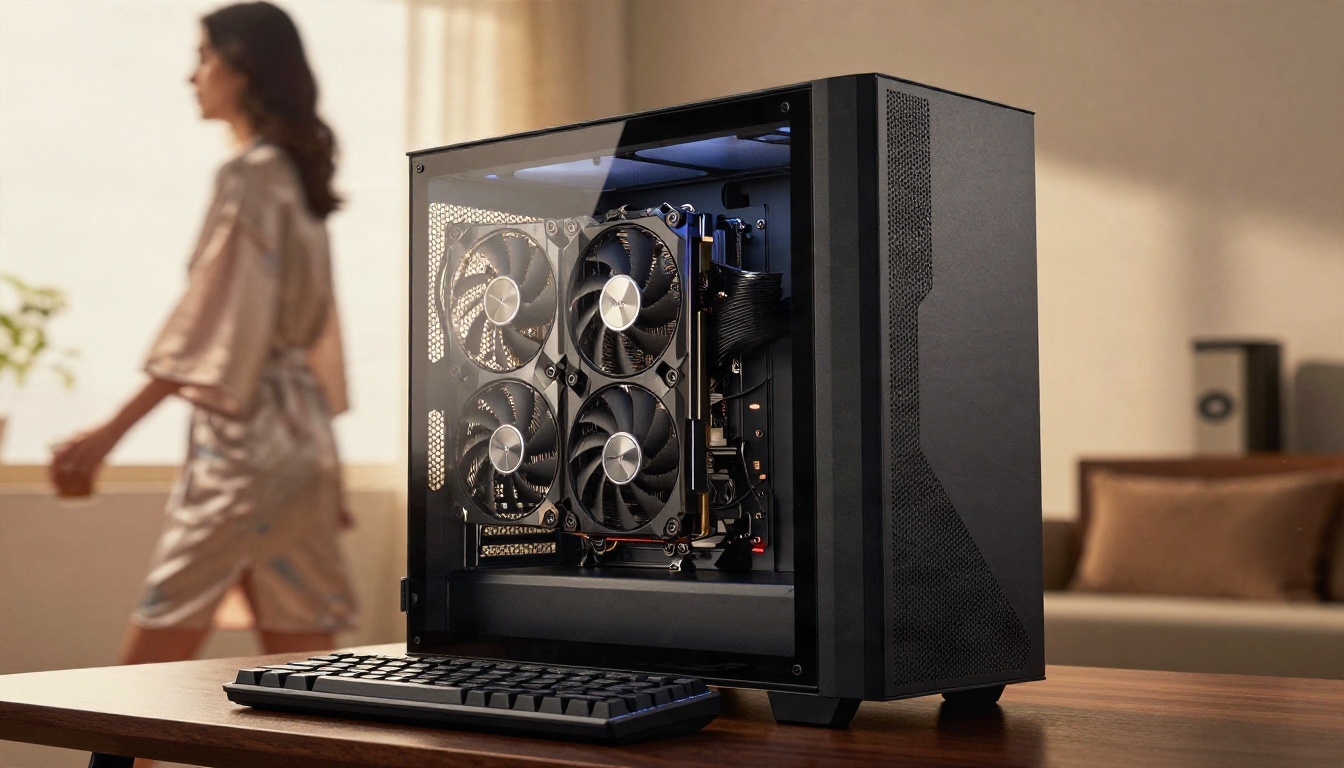
VRAM decides almost everything. Community numbers vary a little between sources, but the tiers below are a realistic starting point.
| VRAM | Realistic model choice | What to expect |
|---|
| 4 GB | Stable Diffusion 1.5 class | Slow, lower detail, works for experiments |
| 8 GB | SDXL based checkpoints | The sweet spot for most home users |
| 12 GB | SDXL, quantized Flux, Z Image Turbo class | Good realism at sensible speed |
| 16 to 24 GB | Full-quality Flux class, Qwen class | Best detail and prompt following |
Quantized (GGUF) versions of larger models squeeze them into 12 GB cards at a small quality cost. System RAM matters too. Plan on 32 GB if you want to run big models without constant swapping, and keep an SSD with at least 100 GB free for checkpoints, LoRAs and outputs.
Quick Hardware Check
Open Task Manager, go to the Performance tab, and click your GPU. The "Dedicated GPU memory" number is your VRAM. Match it to the table, pick one tier, and stop shopping for models above your limit. A model that doesn't fit will either crash or spill into system memory and crawl.
Free Models Worth Downloading
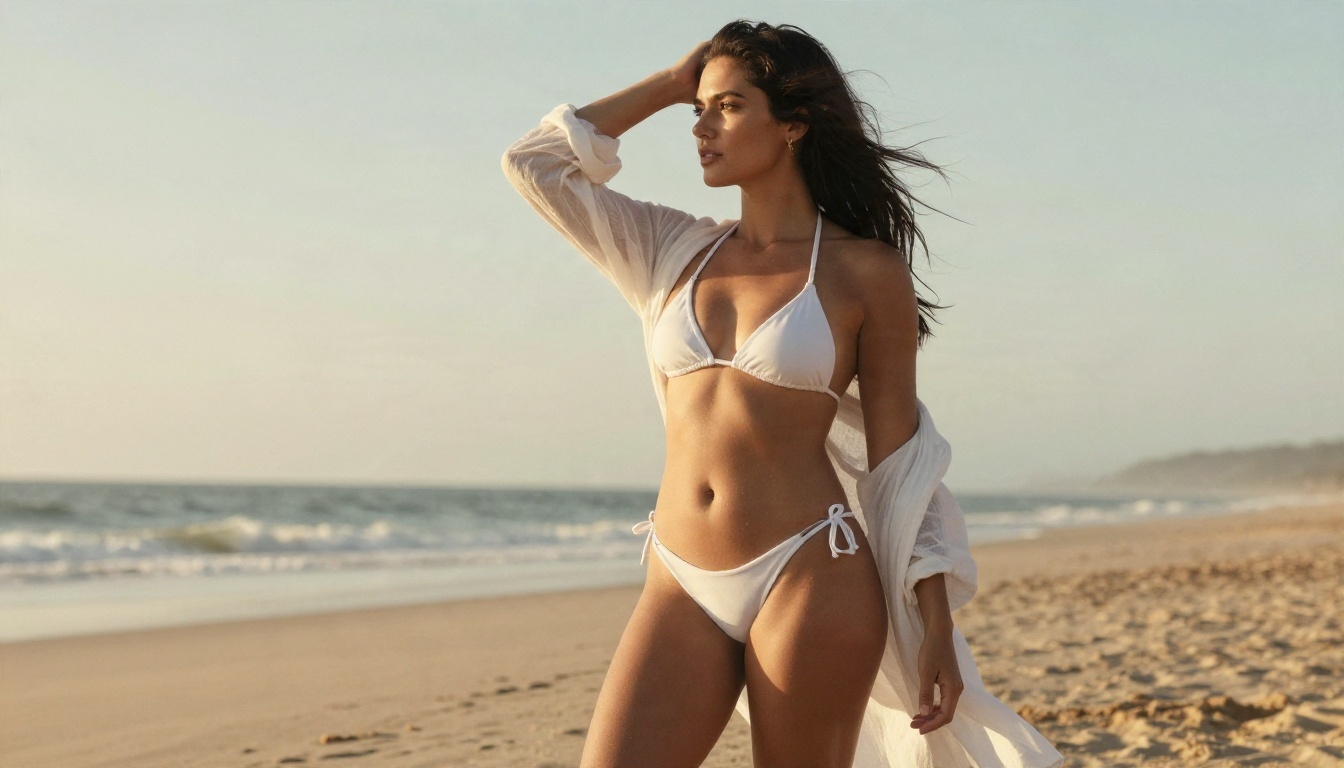
Local NSFW work lives in two camps: photoreal and anime or stylized. Since this site focuses on photographic results, the realistic options come first.
Photoreal Options
- SDXL realistic checkpoints. The most compatible family. Community checkpoints such as Pony Realism and Illustrious Realism are often mentioned for lingerie and swimwear portraits, and they run on 8 GB cards.
- FLUX.1 dev. Strong anatomy and skin, and excellent prompt following in plain English. It wants 12 GB or more, and it's better supported in ComfyUI than elsewhere. It has no built-in NSFW training, so people add LoRAs.
- Z Image Turbo. A fast, newer model that gets sharp results in very few steps. You can try it online with Z Image Turbo on PicassoIA before deciding whether it deserves a local download.
- Qwen image models. Excellent text understanding and natural skin, but heavy for local use. Qwen Image 3 is a good way to test the style without the install.
Anime and Stylized Options
Illustrious XL, NoobAI XL and Pony Diffusion dominate here, with tag-based prompting. They're excellent at illustrated styles but they're not what you want for photographic work.
💡 Popularity claims in this scene come mostly from CivitAI download counts and Reddit threads, not benchmarks. Check the current version and license on the model page before you commit disk space to a file.
Free Does Not Mean Rule-Free
Some checkpoints restrict commercial use, and some LoRAs forbid specific uses. If you plan to sell or monetize anything, read the license first. Keep a text file in each model folder with the source and license, so you can prove it later.
Frontends: Forge or ComfyUI?
You need software to run the model. Two options cover nearly everyone.
| Frontend | Best for | Weak point |
|---|
| Forge | Beginners, quick results, familiar tabs and sliders | Fewer exotic workflows |
| ComfyUI | Flux, complex pipelines, repeatable workflows | Nodes look intimidating at first |
| reForge | SDXL-only users who like the classic interface | Doesn't run Flux |
If you've never done this before, start with Forge. You paste in a prompt, choose a checkpoint, press generate, and see what happens. Move to ComfyUI when you want to chain a base pass, a face fix, an upscale and a color step into one saved workflow.
One privacy caveat: extensions and model managers can make network requests. If "fully offline" matters to you, review what you install, and consider blocking the app at the firewall once everything is downloaded.
Settings That Give Clean Results
Defaults produce soft, waxy skin and warped hands. These starting values fix most of that. Treat them as a baseline and change one thing at a time.
| Setting | SDXL class | Flux class | Z Image Turbo class |
|---|
| Steps | 28 to 35 | 20 to 30 | 8 or fewer |
| CFG or guidance | 4 to 6 | around 3.5 | around 1 |
| Sampler | DPM++ 2M Karras or Euler a | Euler, simple scheduler | Euler |
| Resolution | 832x1216 or 1024x1024 | 1024x1024 and up | 1024x1024 |
| Clip skip | 2 (for Pony-style models) | Not used | Not used |
Resolution Rules
Never start above the training size. Generate at the native resolution first, then upscale. Pushing straight to a large canvas creates duplicate limbs and stretched faces. A two-pass flow works better: base render, then a hires fix at 1.5x with denoise around 0.35 to 0.45.
Fixing Hands and Faces
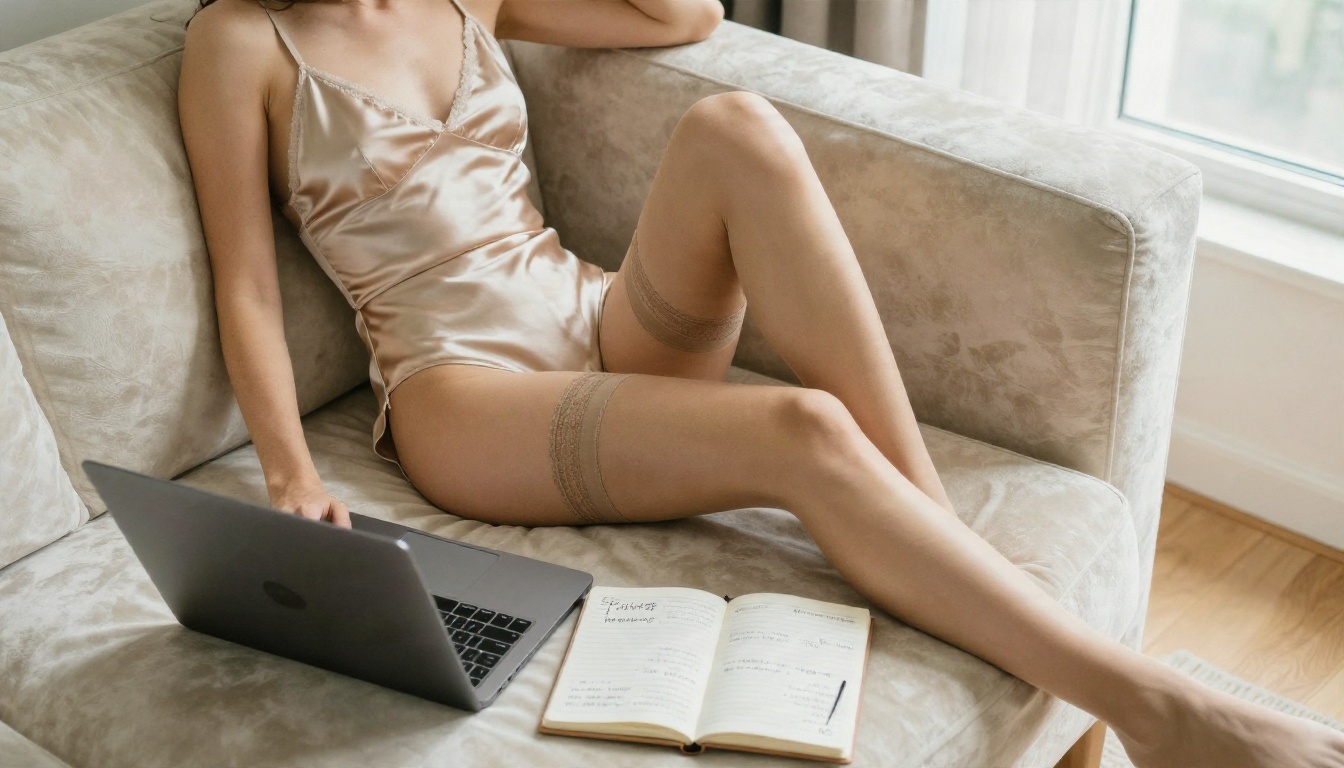
Use an inpainting pass with a small mask and a denoise of 0.3 to 0.5. Describe only what's inside the mask, such as "detailed hand, five fingers, natural skin". For faces, a detailer extension or a dedicated face-fix node in ComfyUI gets sharper eyes without changing the whole image.
The Seed Habit
Lock the seed when a composition works, then vary only the prompt. Keep a spreadsheet with seed, model, steps and prompt for your winners. That habit saves more time than any model upgrade.
Prompts You Can Copy Today
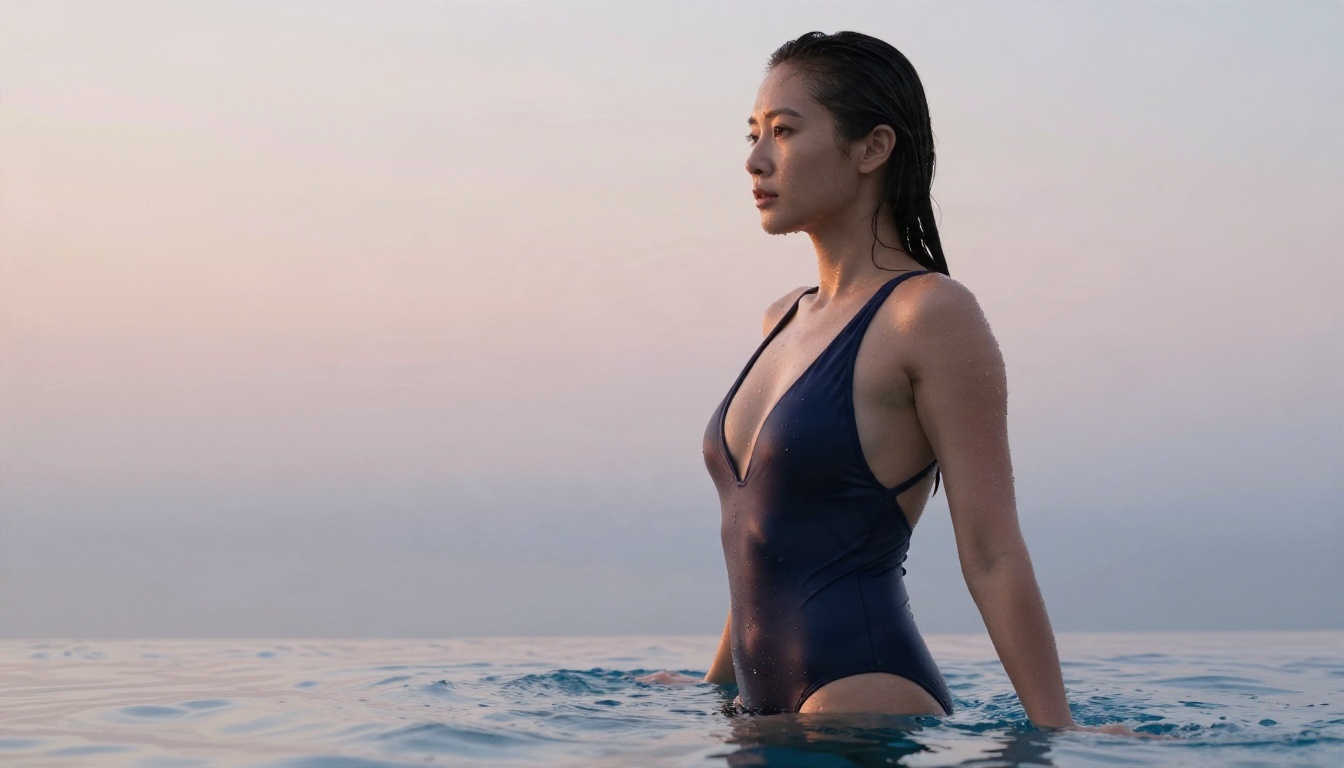
Photographic prompts follow one order: subject, outfit, pose, setting, light, camera, film feel. Natural language works for Flux, Qwen and Z Image class models. SDXL checkpoints respond to tag lists with some added sentences.
Three Formulas
1. Beach glamour
Adult woman, mid twenties, white string bikini, relaxed standing pose, golden hour beach, low sun backlight, 85mm f/1.8, natural skin texture, fine film grain, Kodak Portra 400 colors.
2. Boudoir portrait
Adult woman, ivory lace slip dress, lying on white linen, soft window light from above, 35mm lens, visible skin pores, gentle shadows, muted warm palette.
3. Poolside editorial
Adult woman, navy one-piece swimsuit, standing at an infinity pool edge, sunrise haze, wet skin with droplets, 70mm f/2, realistic water, calm expression.
Negative Prompt Starter (SDXL)
For SDXL based models, a short negative list works better than a long one: blurry, low quality, extra fingers, deformed hands, plastic skin, watermark, text, cartoon, 3d render, oversaturated. Flux and Z Image class models mostly ignore negative prompts, so describe what you want instead.
Why Camera Words Work
Lens and light terms act as realism anchors. "85mm f/1.8" tells the model to blur the background and flatter the face. "Window light from the left" gives direction instead of the flat studio look. "Kodak Portra 400" nudges the color palette toward warm, natural skin tones. Drop these words, and you get the glossy digital look that screams AI.
💡 LoRAs: add one at a time and start at a weight of 0.6 to 0.8. Stacking three at full strength usually wrecks faces.
Online Alternatives That Skip the Install
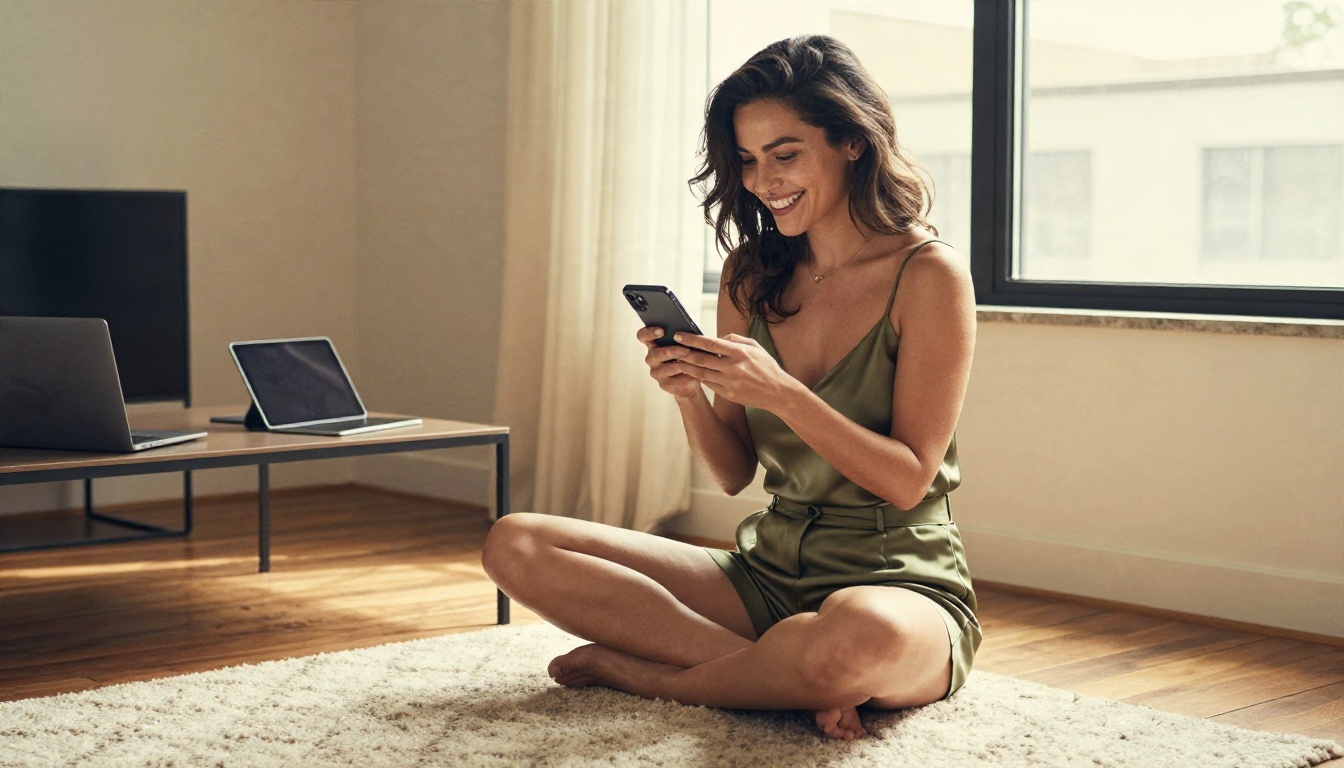
Not everyone wants to maintain a local stack. If you'd rather spend your time on results, a browser tool removes the VRAM question entirely. These are the models worth trying, in the order I'd test them.
The big win is speed. A render that takes a mid-range home GPU 30 to 60 seconds comes back in a few seconds, and you never see a CUDA error. Image Editor Pro removes the cost worry too, since generations are unlimited.
Online Route in Three Steps
- Open Seedream 4.5 and paste one of the three formulas above.
- Set a 16:9 or portrait ratio depending on whether you want a scene or a portrait, and generate a few variations.
- Refine in Image Editor Pro. Upload your favorite and ask for changes like a different outfit color, a new background or softer lighting.
💡 Keep the same descriptive prompt structure online. The subject, outfit, setting, light, lens order that works locally works here too.
Which Route Should You Pick?
Be honest about what you want from the hobby.
Choose Local If
- You own a card with 8 GB or more of VRAM
- You enjoy tinkering with LoRAs, samplers and node graphs
- Offline privacy is a hard requirement
- You generate hundreds of images a week
Choose Online If
- Your GPU is under 8 GB, or you're on a laptop
- You want results in the next ten minutes
- You'd rather not manage updates, drivers and broken extensions
- You work from several devices
Do Both
Plenty of creators draft online because it's quick, and run a local model only for the specialized LoRAs they can't find elsewhere. There's no rule that says you must pick one forever.
Three Mistakes That Waste Weekends
- Downloading five checkpoints on day one. Pick one, learn its habits, then add another.
- Copying settings between model families. Flux at CFG 7 looks burned. SDXL at CFG 1 looks gray.
- Skipping the upscale. A sharp 1024 render upscaled with a good model beats a blurry native 2048 render every time.
Make Your First Photoreal Set Today
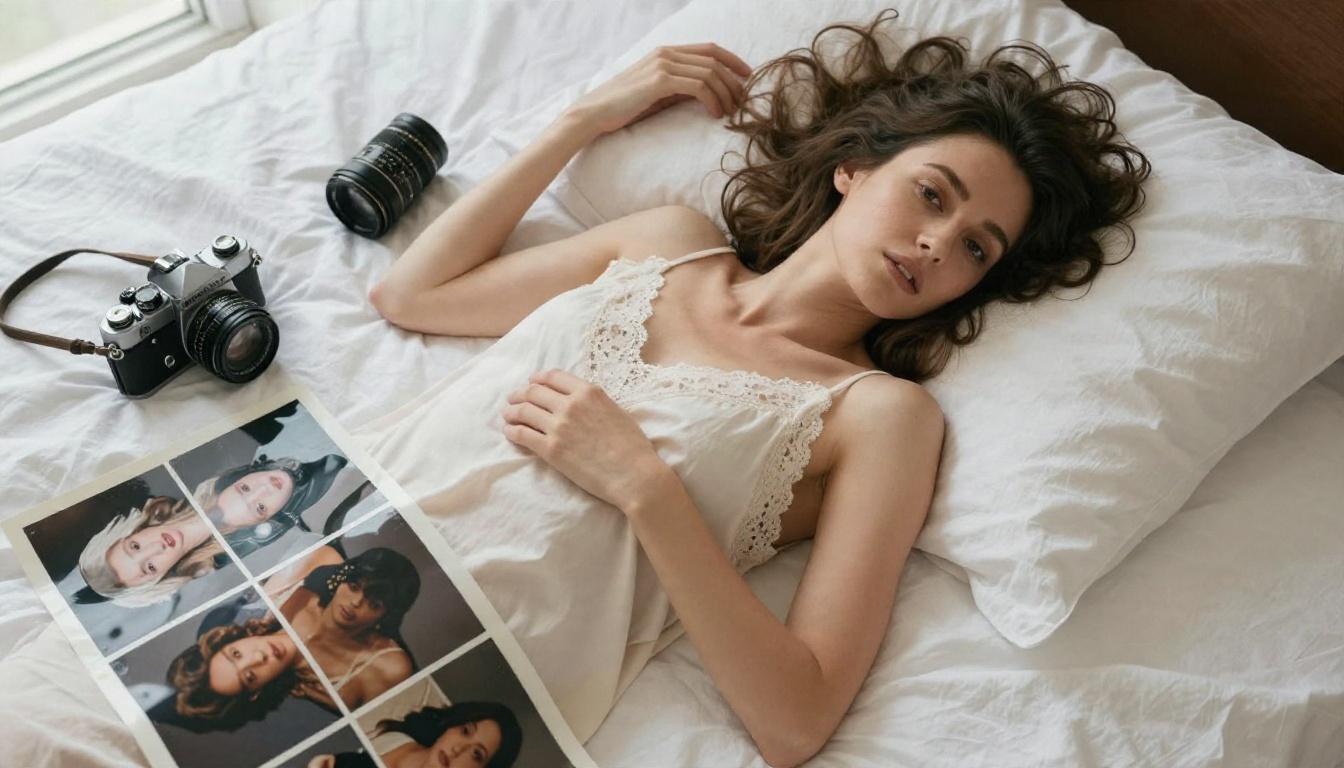
You now have the full picture: hardware tiers, free models, a frontend that fits your patience, starter settings, and prompt formulas that produce photographic results instead of plastic ones. If your machine can handle it, install Forge, pick one SDXL realistic checkpoint, and run the beach formula with the settings in the table. If it can't, or you simply want to skip the setup, open Seedream 4.5, paste the same prompt, and compare the results side by side.
Then take your favorite frame into PicassoIA Image Editor Pro and push it further with unlimited generations and edits. For every other option, browse the full lineup at picassoia.com/en/all-models, pick two models, run the same prompt through both, and keep whichever one gives you the skin, light and mood you were after. Your first good image is usually one prompt tweak away.


