Best Prompts for FLUX.2 Max Images That Actually Deliver
FLUX.2 Max rewards dense, specific prompts written like a photo brief. This breakdown shows the prompt structures, lighting cues, and lens specs that produce sharp, photoreal results, plus the pitfalls that flatten your output and ready-to-paste recipes for portraits, product, and landscapes.
Writing prompts for FLUX.2 Max feels less like typing keywords and more like writing a quiet brief for a very literal photographer. The model reads every word, weighs it, and renders the scene it believes you described. That is why the same five words that worked on older models can produce something flat here, and why a carefully written paragraph can produce a 4MP frame that looks like it came off a Hasselblad.
This breakdown is a working notebook of the prompt patterns that consistently get the most out of Best Prompts for FLUX.2 Max Images, the modifiers worth keeping, the ones worth dropping, and ready-to-paste recipes for portraits, landscapes, product, action, and quiet still life. Everything below has been tested against the live model on the PicassoIA platform, so you can copy any block, change the subject, and ship.
Why FLUX.2 Max Reads Prompts Differently
FLUX.2 Max is the high-fidelity sibling of the FLUX 2 family. It pushes resolution to roughly 4MP, holds long prompts without dropping clauses, and respects the natural order of ideas inside a sentence. Where earlier image models would average out a long description, FLUX.2 Max tends to obey it.
That changes the writing job. You are no longer chaining short tags. You are writing a short paragraph that a photo assistant could shoot from. Subject first, then environment, then light, then lens, then mood. The closer your prompt resembles a real photo brief, the closer the output resembles a real photograph.
Long Prompts Beat Short Prompts
Short prompts force the model to invent. Long prompts give it constraints, and constraints are what produce a specific image instead of a generic one. Fifty to one hundred words is the working range. Below thirty words, expect generic stock looks. Above one hundred and twenty, you risk contradicting yourself.
Order of Words Matters
FLUX.2 Max weights the front of the sentence slightly more than the tail. Put the single most important visual idea first. If the photo is about a face, the face goes first. If the photo is about light, the light goes first.
Specific Beats Stylish
"Cinematic" is everyone's favorite word and it does almost nothing here. "Volumetric morning light from a tall arched window on the left" does a lot. Trade vague stylistic adjectives for measurable, photographable facts.
💡 Working rule: If a sentence in your prompt could not be carried out by a real photographer with real gear, rewrite it.
The Five-Block Prompt Formula
Every reliable prompt for this model fits into the same five blocks. Once you internalize the order, writing a new prompt takes about a minute.
Block
What it controls
Example
Subject
What the camera is pointed at
A focused female ceramicist holding a stoneware bowl
Environment
Where the subject lives
In a sun-drenched pottery studio with wooden shelves
Lighting
Direction, color, quality
Warm afternoon sunlight from the right, backlighting hair
Lens and angle
Composition and depth
85mm lens at f/1.8, low-angle, shallow depth of field
Texture and mood
Realism cues
Skin pores, clay dust in the air, calm and quiet
Every recipe in the rest of this article uses this skeleton. You can swap any block independently without rewriting the others.
Block One, Subject
Name a single subject and a single action. Two subjects double the failure rate. If you need two people, describe them as one pair acting together (a couple, a duo, a mother and child) rather than two independent figures.
Block Two, Environment
Three or four concrete props beat a long list. A "kitchen" is anywhere. A "kitchen with a cast-iron skillet, a window facing the garden, and a wooden cutting board" is one specific kitchen. Pick the props that tell the story.
Block Three, Lighting
Direction (left, right, above, behind), time of day (golden hour, blue hour, late afternoon), and quality (soft, hard, diffused, raking) are the only three knobs you need. Skip "cinematic lighting" entirely and use those three knobs instead.
Block Four, Lens and Angle
Real focal lengths produce real-looking depth of field. 24mm for landscapes, 35mm for environment, 50mm for natural, 85mm for portraits, 100mm macro for product. Pair the focal length with an aperture (f/1.4, f/2.0, f/5.6, f/8) so the model knows how much background blur to render.
Block Five, Texture and Mood
This is where you tell the model the image should look photographed, not generated. Skin pores, fabric fibers, dust particles, paper grain, calm, contemplative, gentle. Two or three texture words, one mood word.
Prompts for Photoreal Portraits
Portraits are the most demanding test for any image model because human faces are the thing every viewer notices first. FLUX.2 Max does very well here when the prompt commits to a single lens and a single light source.
The Portrait Recipe
[Angle] portrait of a [age, gender, role] wearing [clothing detail],
[action or pose] in [specific environment with two props].
[Light direction] [light time] light from the [side], [light quality
description]. Background shows [one or two background elements],
slightly out of focus. Realistic skin texture with [pores, freckles,
stubble, lines], [subject hair description]. Shot with an [85mm or
50mm] lens at f/[1.4 to 2.8], [shallow or moderate] depth of field,
kodak portra 400, film grain, raw 8k photorealistic, no glow, no cgi.
Modifiers That Carry the Image
Skin texture phrases: "fine pores", "faint freckles across the cheekbones", "salt-and-pepper stubble", "calloused fingertips". These force the model to render texture instead of plastic.
Lens phrases: "85mm lens at f/1.8", "razor-thin depth of field on the eye". The eye-focus phrase is the single best portrait trick.
Film stock phrases: "kodak portra 400" produces warm skin tones. "ilford hp5" produces moody black and white.
Modifiers Worth Dropping
"Beautiful", "stunning", "perfect", "8k masterpiece", and "cinematic" do not add information. They eat tokens you could spend on real description. Strip them.
💡 Tip: When the same face comes out slightly different each time, lock the seed. Reuse it for variations on the same character.
Landscapes With Real Atmosphere
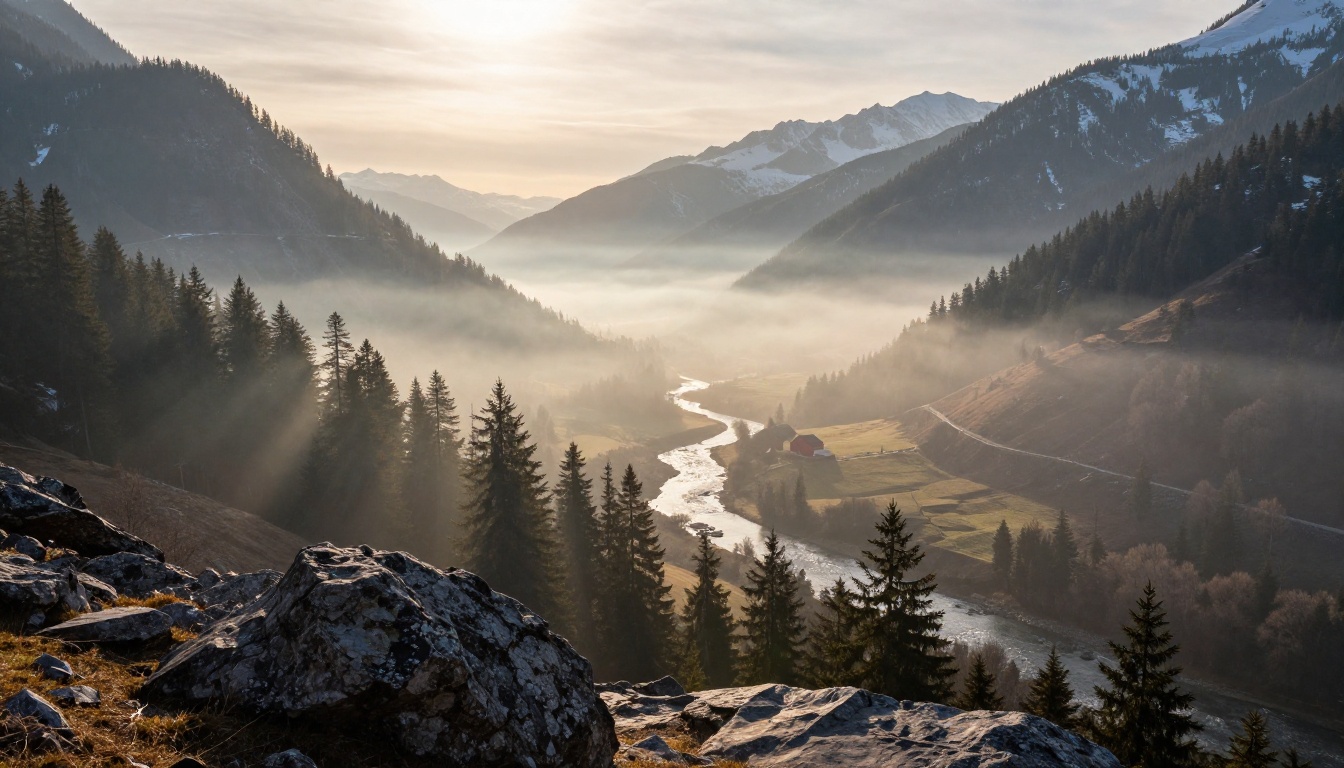
Wide scenes are where FLUX.2 Max shows off depth and atmosphere. The big trick is to write the foreground, middle ground, and background as three separate sentences.
Three-Plane Landscape Recipe
Wide cinematic landscape of a [biome] at [time of day], captured from
[a low rocky outcrop, a forest path, a coastal cliff] in the foreground.
[Middle ground feature, river, road, barn, lone tree] catches [light
quality]. [Background feature, distant peaks, ocean horizon, city
skyline] recedes into [soft haze, atmospheric perspective]. Volumetric
light beams pierce through [mist, trees, clouds]. Shot with a [16mm
to 35mm] wide-angle lens at f/8, deep focus from foreground rocks to
distant peaks, kodak portra 400, film grain, raw 8k photorealistic,
natural light, no glow, no cgi.
The Atmospheric Trick
The phrase "recedes into soft atmospheric haze" is doing heavy lifting in this prompt. It tells the model to compress tonal contrast in the distance, which is exactly how real cameras render layered depth. Without that phrase, distant mountains often render as sharp and high-contrast as the foreground, which looks artificial.
Time of Day Carries the Mood
Time
What it produces
Blue hour
Cool, quiet, melancholy
Sunrise
Warm, low side-light, long shadows
Mid-morning
Clean, balanced, neutral
Golden hour
Warm rim light, deep shadows
Twilight
Soft pastel skies, no harsh edges
Pick one and commit. Mixing them in the same prompt produces a confused image.
Product Shots That Look Real
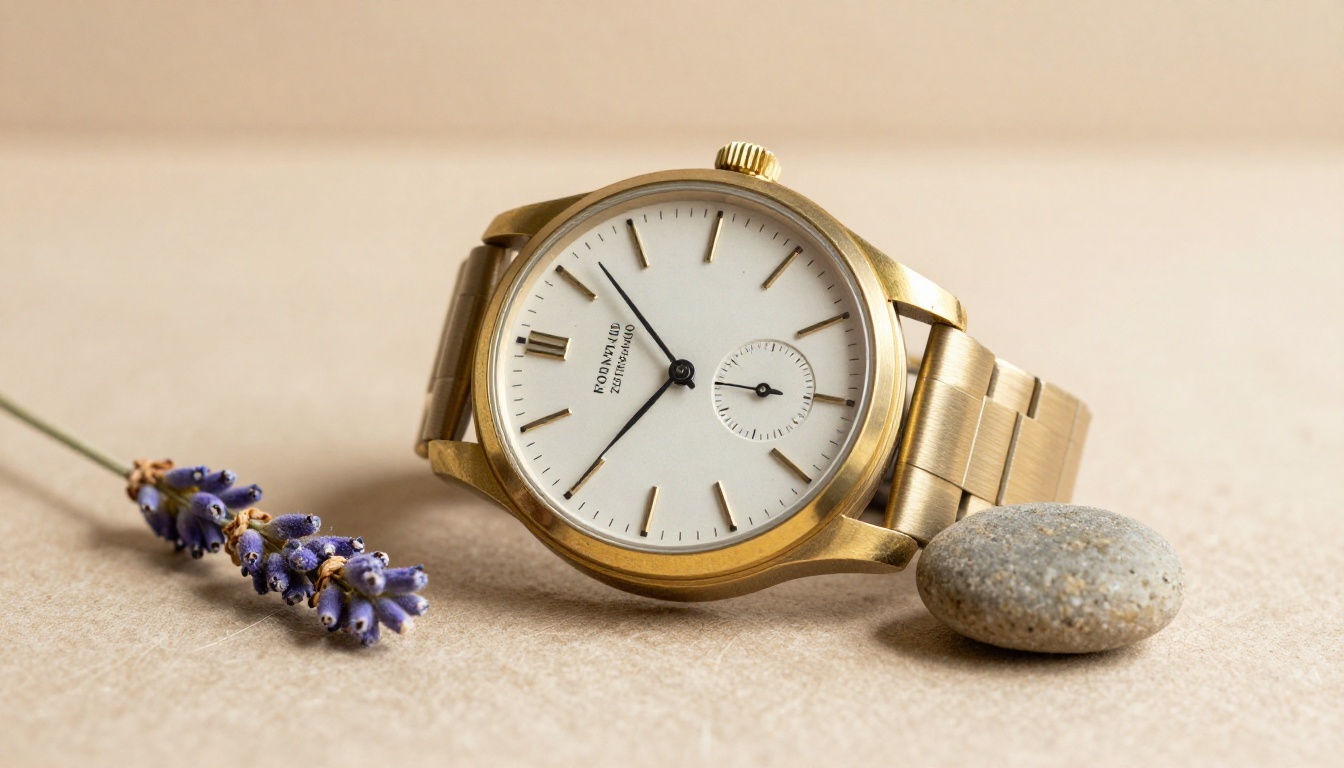
Product photography depends on materials reading correctly. Brass should look like brass, leather like leather, ceramic like ceramic. FLUX.2 Max responds well to material-specific language and a clear light source.
Product Recipe
Eye-level product still life of a [specific product with material
descriptors] resting on [surface] beside [two supporting props].
Soft [natural window light or single-source studio light] from the
[direction] [rakes across, falls on] the [material], revealing
[micro-grain, brushed texture, leather pores, glass refraction].
Background is a [color] gradient completely out of focus. Shot with
a 100mm macro lens at f/3.5, knife-edge focus on [detail], kodak
portra 400, raw 8k photorealistic, no glow, no cgi.
Material Phrases That Read Correctly
Brass: "brushed brass with visible micro-grain"
Leather: "supple full-grain leather with natural pore pattern"
Glass: "thick borosilicate glass with subtle internal refraction"
Ceramic: "matte unglazed stoneware with hand-thrown irregularities"
Linen: "loose-weave linen with visible thread structure"
The pattern is always the same. Name the material, then describe how the material looks under the chosen light.
Surface and Background Pairing
Light products on dark backgrounds and dark products on light backgrounds. This is a real studio rule, and the model honors it. A black watch on a black slate looks like nothing. The same watch on warm beige paper looks like product photography.
Action and Story in One Frame
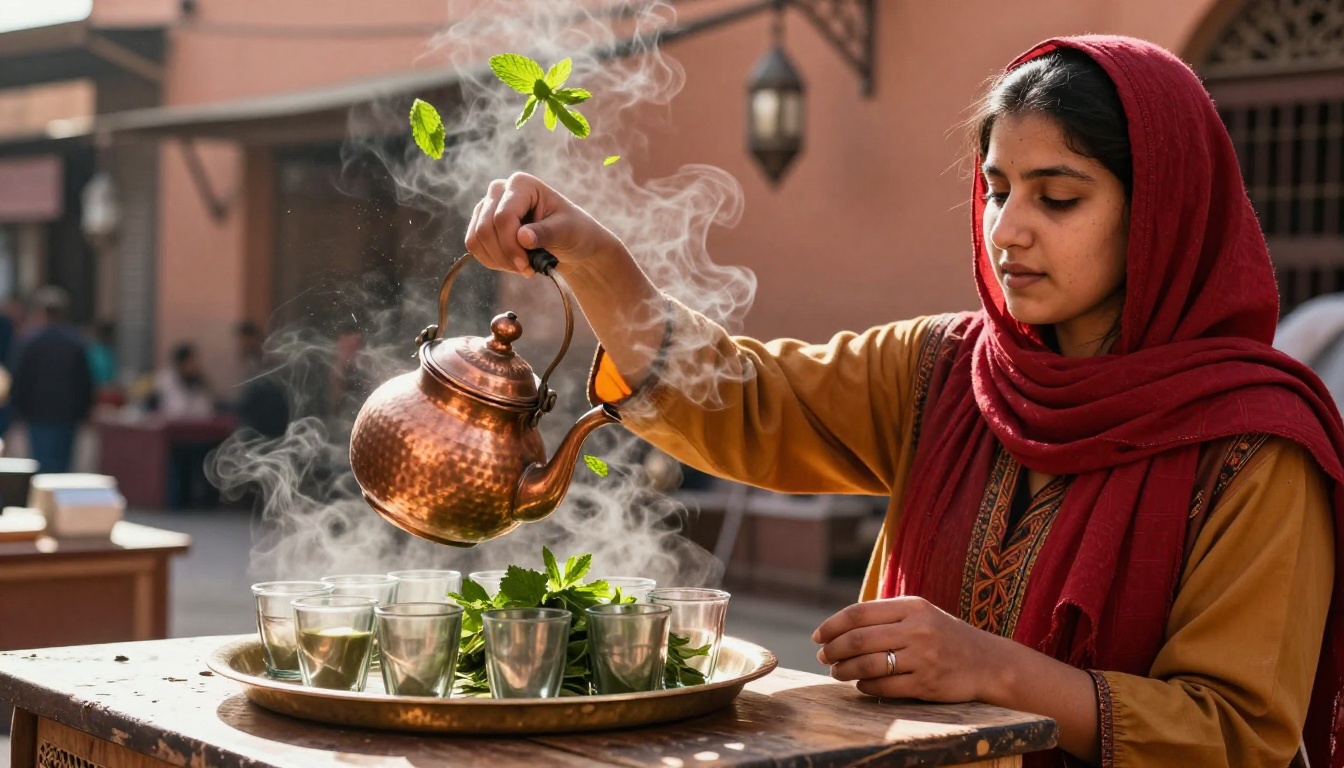
A single frozen action is more powerful than a long description. Pick the exact moment, then describe it in present tense, as if it is happening now.
Action Recipe
Close-up dynamic action shot of a [subject] [doing a specific small
action], captured at the exact moment [the visible peak of the action,
leaves in mid-air, water droplets suspended, hair caught mid-turn].
She wears [clothing]. [Object] in the scene shows [motion blur or
frozen detail]. [Direction] [time] sunlight from [a window, awning
gap, gap in trees] rakes across her face, sculpting [feature] and
catching [steam, dust, water spray] in soft volumetric beams.
Background of blurred [environment]. Shot with a 50mm lens at f/2.0,
motion preserved at 1/250s, kodak portra 400, raw 8k, natural light.
Why "Captured at the Exact Moment" Works
This phrase forces FLUX.2 Max to commit to a single instant rather than averaging across a sequence. Without it, the model often defaults to neutral standing poses. With it, hands are raised, fabric is in motion, particles are suspended.
One Action Per Frame
If your prompt tries to do two things at once (pouring tea and laughing and turning her head) the model has to pick. Pick for it. One action, one moment.
Architectural Scenes With Real Light
Architecture is the genre where bad lighting ruins everything. Direction and quality of light are doing more than the building itself.
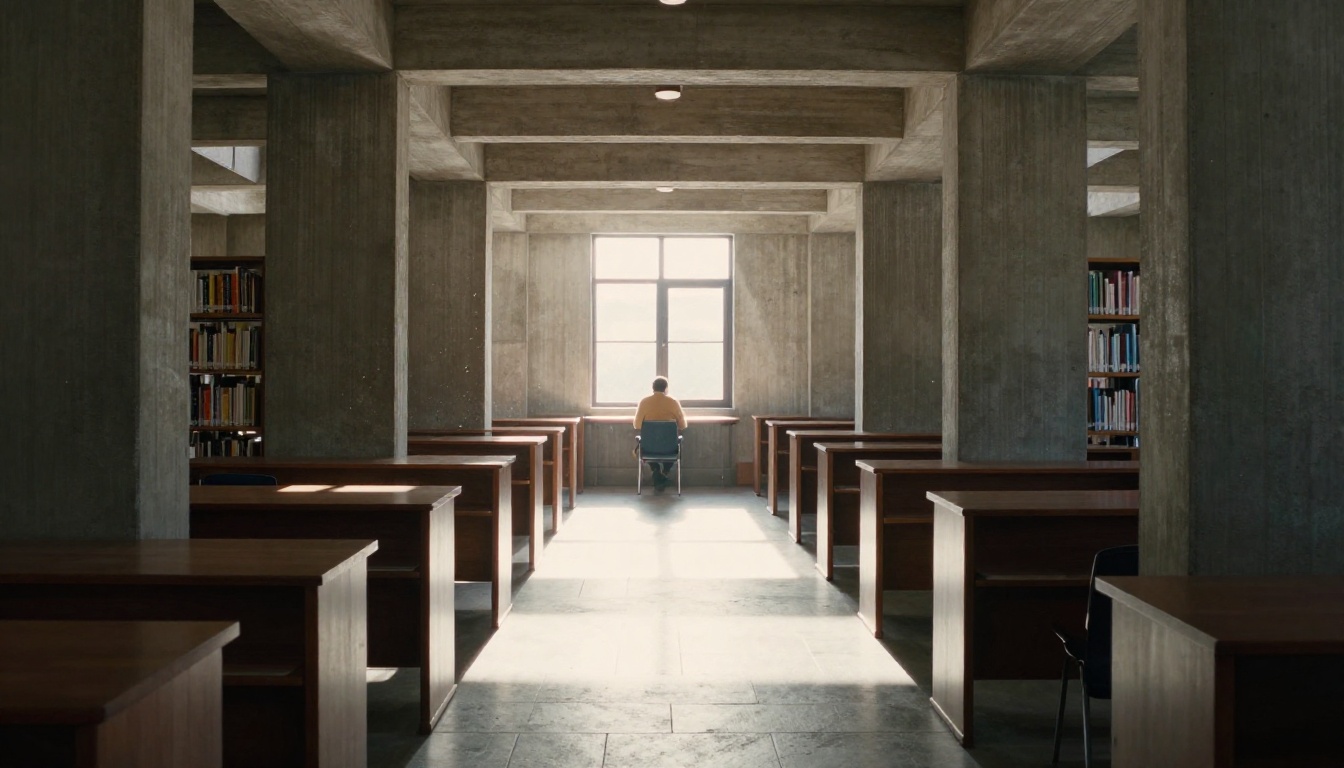
Architecture Recipe
Eye-level architectural photograph of a [style, brutalist, mid-century,
gothic, scandinavian minimalist] [building or room] bathed in soft
[time of day] light, captured down [a central aisle, a single corridor,
from a corner]. [Material details, raw concrete board-form patterns,
white-oak paneling, terrazzo flooring]. Light beams stream [direction]
through [skylights, tall arched windows, gaps in the ceiling], creating
[sharp rectangular pools, soft diffused fill] on the [floor material].
A single figure in [muted clothing] [pose] at the far end, silhouetted
against bright outdoor light. Shot with a 35mm lens at f/5.6,
leading-line composition, deep focus, raw 8k photorealistic.
The Figure Trick
Putting a single small figure deep in the frame gives the image scale and warmth. Without a figure, large interiors often feel cold and dead. With one, the brain reads architecture as a place where humans live.
Material Memory
The phrase "raw concrete board-form patterns" or "white-oak end-grain flooring" anchors the image in a specific material reality. Vague words like "modern" or "luxury" produce vague results.
Mood and Character Portraits
Beyond pretty faces, the model can carry emotional weight when the prompt describes inner state through physical signs.
Show, Do Not Tell
Instead of "a sad man", write "a man whose mouth is set in a tight line and whose hands rest folded on his lap, not quite still". Instead of "an excited child", write "a child caught mid-laugh, eyes squeezed shut, head tilted slightly back". The model renders what you physically describe.
Light as Emotion
Light
Mood it carries
Single hard spotlight
Intensity, focus, solitude
Soft diffused window
Calm, intimacy, tenderness
Backlit silhouette
Mystery, longing, distance
Warm tungsten
Memory, nostalgia, warmth
Cool overcast
Quiet, melancholy, restraint
Pick a mood, pick the matching light, and the face will follow.
Eye-Focus Is Everything
For any portrait that needs to land emotionally, end the prompt with "razor-thin depth of field on the eye". Sharp eyes against soft skin is the single most powerful portrait composition, and FLUX.2 Max executes it cleanly.
Style Recipes Worth Copying
These are full prompt blocks tested on FLUX.2 Max that produce repeatable looks. Copy the block, change the subject and environment, leave the rest.
Editorial Documentary
Eye-level documentary photograph of [subject doing a specific action]
in [a real, named-feeling environment]. Soft natural light from [a
window, a doorway, an overcast sky] falls evenly on the scene.
Realistic textures of [skin, fabric, wood, metal]. Shot with a 35mm
lens at f/2.8, slight grain, kodak portra 400, no flash, no glow,
raw 8k photorealistic.
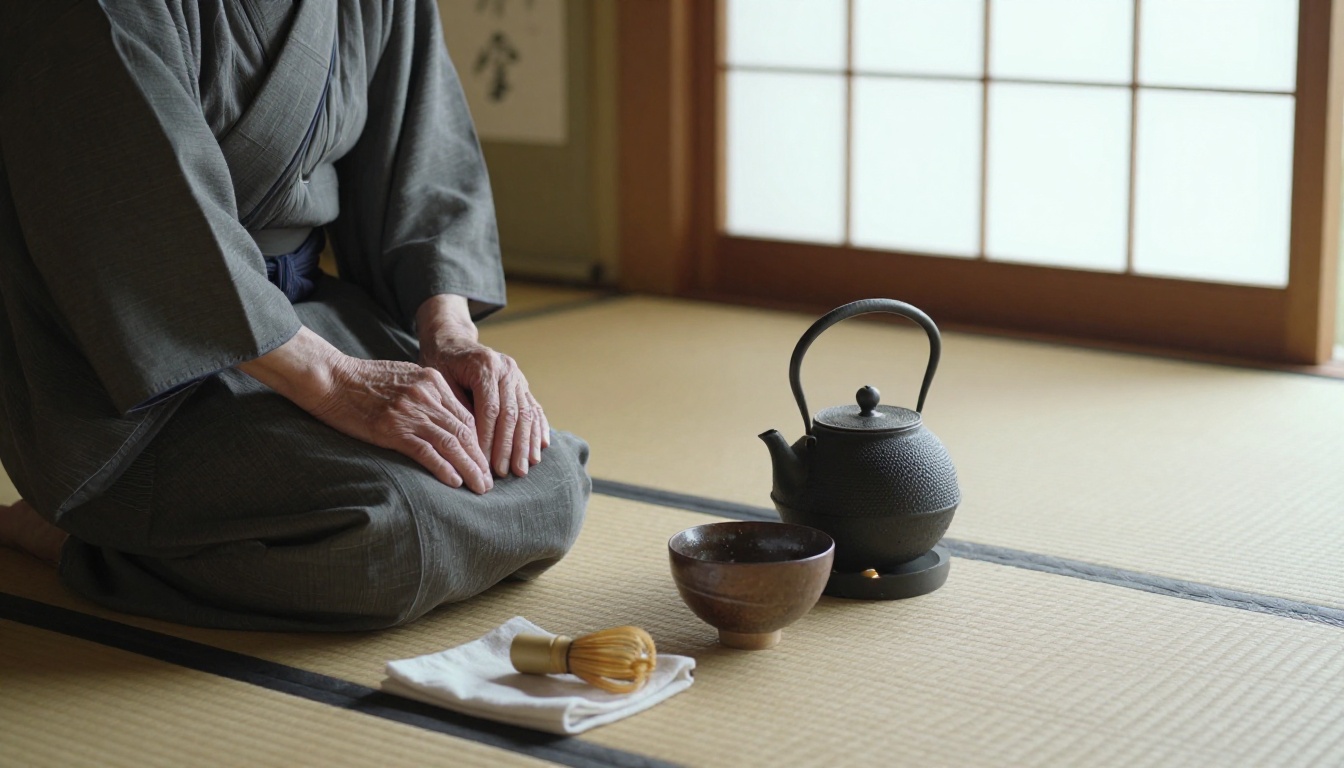
Quiet Still Life
Top-down flat-lay photograph of [object grouping] on [a textured
surface], arranged with [three or four supporting props placed
asymmetrically]. Diffused soft daylight from a [north-facing window,
overhead skylight] evenly illuminates the scene with no harsh shadows.
Shot top-down with a 50mm lens at f/5.6, sharp focus across the
entire image, paper fibers and material grain fully visible, kodak
portra 400, raw 8k photorealistic.
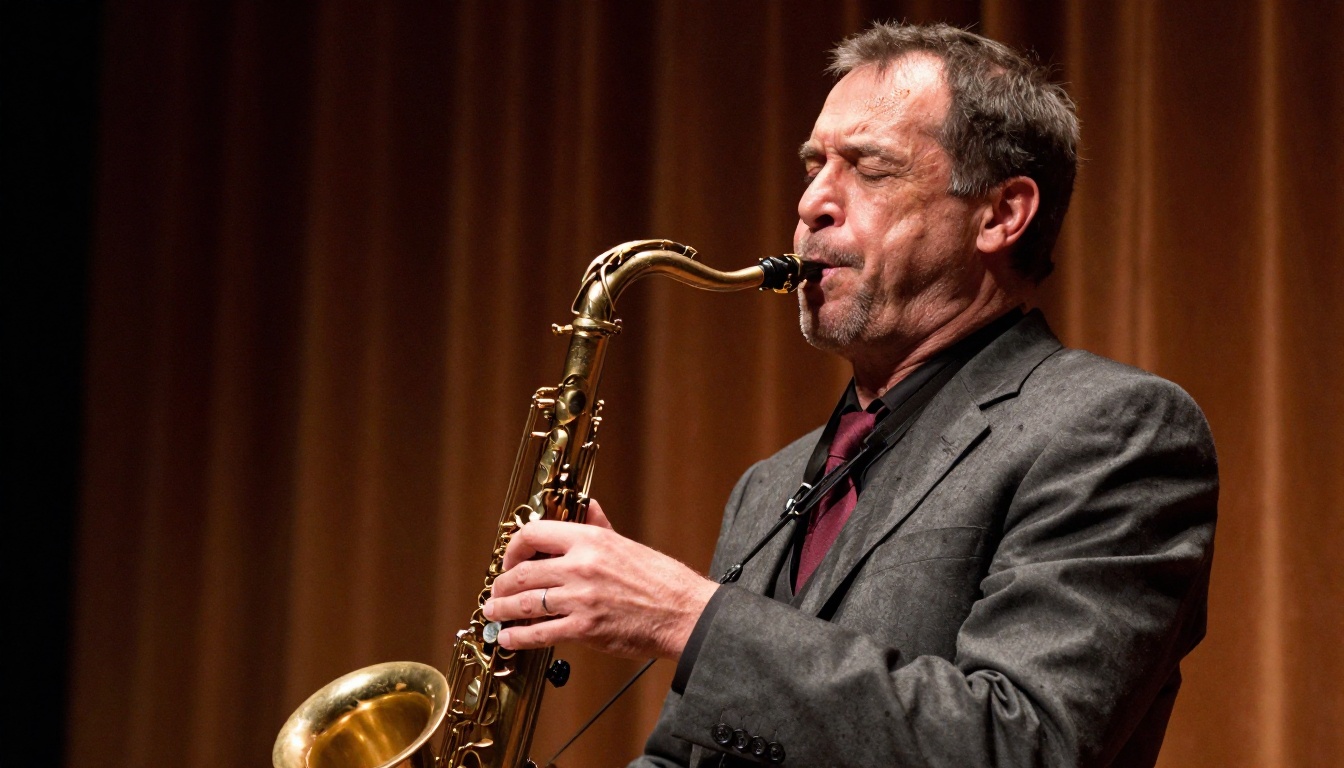
Cinematic Side-Light
Side-profile [close-up or medium shot] of [subject] [action], with
a single [hard, soft] light source from the [direction] carving
chiaroscuro across [feature]. Background falls into deep warm
shadow. Realistic skin texture with [aging or youth markers]. Shot
with an 85mm lens at f/1.4, razor-thin depth of field on the eye,
natural stage tungsten light only, raw 8k photorealistic.
Pitfalls That Flatten Output
These are the writing habits that quietly kill a prompt. Strip them.
Stacking Style Words
"Cinematic, hyperrealistic, masterpiece, award-winning, photorealistic, 8k, sharp focus, beautiful lighting". Every one of these phrases dilutes the next. Two are plenty.
Vague Lighting
"Beautiful lighting" tells the model nothing. "Soft window light from the left at 8am" tells it everything.
Borrowed Brand Names
Pretending your prompt is by a famous photographer rarely works on this model. Describe the look you want directly. "Wes Anderson aesthetic" produces a watered down result. "Centered symmetrical composition, pastel walls, single subject facing camera" produces what you actually wanted.
Too Many Subjects
Three people in a prompt becomes one person with three heads. Pick a single subject, or describe a tight pair acting together as one unit.
Negative Prompts Inside the Prompt
Saying "no neon" works fine. Saying "do not show any blue color" confuses the model and often does the opposite. Keep negatives short and visual.
Aspect Ratio Mismatch
A vertical portrait prompt rendered at 16:9 will fill the extra space with invented environment that often looks wrong. Match the aspect ratio to the subject. Portraits at 3:4, landscapes at 16:9, square crops at 1:1.
Sibling Models Worth Knowing
FLUX.2 Max is the high end of the FLUX 2 family, but the rest of the lineup has real uses.
The working pattern is simple. Draft on Flux Schnell or Flux 2 Dev, iterate on Flux 2 Pro, finalize on Flux 2 Max, then push the chosen frame through Flux Kontext Max for surgical edits or Flux Fill Pro to extend the canvas.
A Quick Word on Resolution
FLUX.2 Max outputs roughly four megapixel images natively, which is enough for web, social, and most print up to about 11 by 17 inches. For larger print or billboards, run the final frame through a super-resolution model before delivery. The model upscales cleanly because the source already carries real detail in skin pores, fabric weaves, and atmospheric haze.
A Checklist Before You Hit Generate
Run every prompt through this list before submitting. It catches most of the mistakes that produce flat output.
Single subject named first. Not a list. Not a pair unless they act as one.
Three concrete environment props. Not "studio" but "studio with wooden shelves, a window facing north, and a clay-stained apron".
Light has direction and time of day. Not "soft light" but "soft morning light from the left".
Real lens and aperture. 35mm at f/2.8, 85mm at f/1.8, 100mm macro at f/3.5.
Two texture words. Skin pores, fabric fibers, paper grain, brass micro-grain.
One mood word. Calm, restrained, focused, joyful, contemplative.
No empty style stack. Drop "cinematic, masterpiece, award-winning, 8k".
Aspect ratio matches subject. 16:9 for landscapes, 3:4 for portraits, 1:1 for product.
No contradictory clauses. Not "soft hard light" or "warm cool tones".
Ends with the realism cue. "kodak portra 400, film grain, raw 8k photorealistic, no glow, no cgi".
Your Turn at the Canvas
Open Flux 2 Max on PicassoIA, paste in any of the recipes above, swap the subject for something on your shot list, and run it. Then run it again with the same prompt and a different seed. The model rewards patient iteration, and the easiest way to feel that is to send the same prompt through twice and compare.
If your first frame feels close but not right, change one block at a time. New lens. New light direction. New environment. Keep the other four blocks frozen. After three or four passes, the image will arrive.
The whole Flux 2 family is available inside the PicassoIA platform, alongside outpainting with Flux Fill Pro, text-based edits through Flux Kontext Max, and super-resolution upscaling for print delivery. The prompts in this article are starting points. The fun part is making them yours.