Best Prompts for FLUX.2 Max Images That Actually Work
FLUX.2 Max produces 4MP photorealistic images with exceptional prompt fidelity. This breakdown covers tested prompt formulas for portraits, landscapes, product shots, architecture, and more, with real examples and parameter tips to help you get consistent results from every generation.
Getting genuinely great images out of FLUX.2 Max is not a matter of luck. It comes down to knowing how this model reads and processes text descriptions, where it excels, and what kinds of phrasing push it toward images that look indistinguishable from professional photography. This article breaks that down with tested, categorized prompt formulas that produce reliable results every time.
What Makes FLUX.2 Max Different
FLUX.2 Max is the flagship model in Black Forest Labs' second-generation lineup, positioned above FLUX.2 Pro and FLUX.2 Dev in both output quality and prompt responsiveness. When the final image quality matters, this is the model to use.
The 4MP Difference
Most AI image models generate at resolutions that look acceptable in a feed but fall apart when zoomed in or printed. FLUX.2 Max outputs at 4 megapixels, giving it room to render genuine micro-detail: individual fabric threads, skin pores, hair strands separated by wind, water droplets with refractive clarity. That resolution advantage only pays off when your prompt gives the model material to work with at that level. A vague prompt at 4MP still produces a vague image, just a much larger one.
How Prompt Fidelity Works Here
FLUX.2 Max has unusually high prompt fidelity, meaning it places described elements where you describe them, in the orientation you specify, with the lighting you define. Lower-tier models interpolate and improvise when prompts get specific. FLUX.2 Max leans into the details.
Two practical consequences:
Specificity pays off. Details you include tend to appear in the output.
Contradictions hurt. If your prompt says "harsh shadows" and "soft diffused light" in the same sentence, the model will struggle. Choose one direction and commit.
The Anatomy of a Winning Prompt
Every high-performing prompt for FLUX.2 Max follows a logical structure. The ordering does not have to be rigid, but a clear flow from subject to environment to lighting to camera helps the model build a coherent scene.
Subject and Action First
Open with the primary subject and what they are doing or how they appear. This anchors the whole scene before the model starts filling in details.
Strong:A young woman with curly auburn hair standing in a sunlit doorway, looking over her shoulder
Follow immediately with where the scene takes place. Be specific about surfaces, materials, and spatial relationships between elements.
Strong:inside a narrow stone alleyway with cobblestones slick from recent rain, terracotta walls worn and cracked at the base
Weak:in a nice outdoor place
Lighting That Actually Specifies Something
This is where most prompts fail. Generic terms like "good lighting" or "studio lighting" produce mediocre, inconsistent results. FLUX.2 Max responds to directional and quality-specific descriptors.
Avoid
Use Instead
"Good lighting"
"Volumetric morning light from the east at 20 degrees"
"Studio lighting"
"Soft box from camera-left with fill reflector on the right"
"Dark and moody"
"Low-key Rembrandt lighting, single tungsten source, deep shadow on the right side"
"Natural light"
"Diffused overcast window light from above-right, no harsh shadows"
"Dramatic"
"Side-lit at 90 degrees, strong shadow edge across the face, rim light catching the ear"
Camera, Lens, and Film Details
Adding camera specifications tells FLUX.2 Max you want photographic realism, not an illustrated aesthetic. These are the most reliable descriptors:
85mm f/1.4 at f/2.0 — portrait compression, dreamy background separation
24mm f/8 — wide-angle landscapes, deep focus front to back
Close every prompt with --ar 16:9 --style raw when generating for web or editorial use.
Portrait Prompts That Hit Every Time
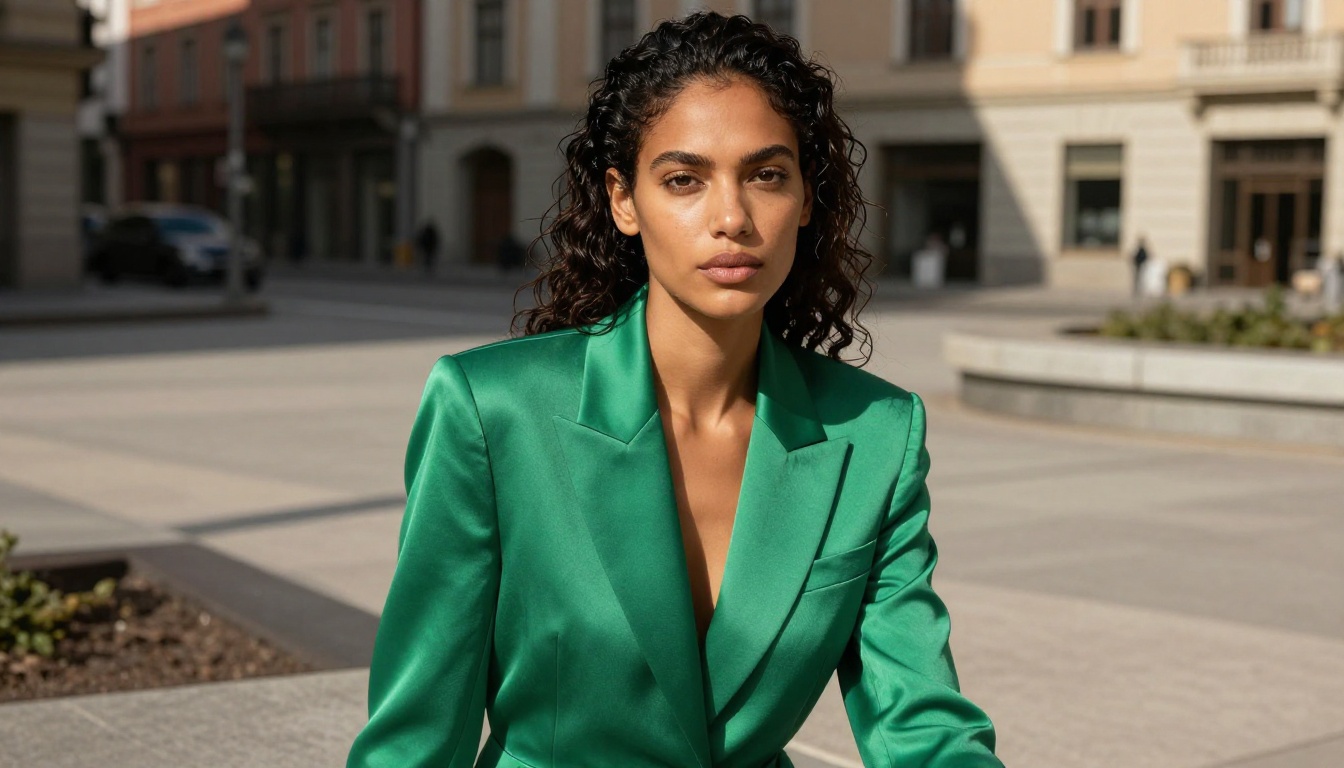
Portraits are where FLUX.2 Max shows the biggest advantage. The model handles skin texture, catch lights, and individual hair detail at a level that competes directly with real photography.
Female Portraits in Natural Light
This structure produces consistent results across lighting conditions:
Photorealistic portrait of a woman with [hair description] [location and pose],
[clothing with fabric detail], [expression]. [Directional light description
with angle], [shadow quality]. Shot with [lens and aperture], [bokeh
description]. [Film simulation]. --ar 16:9 --style raw
A working example:
Photorealistic portrait of a woman with long dark braids wearing a rust-colored
linen jacket, standing at the edge of a wooden pier at dusk, ocean behind her.
Warm golden light from camera-left at 30 degrees, rim light on her right shoulder
catching fabric texture. Shot with 85mm f/1.4 at f/2.0, ocean in soft bokeh.
Kodak Portra 400. --ar 16:9 --style raw
💡 For exceptional skin texture, add: visible pores on the nose bridge, fine peach fuzz catching sidelight on the cheeks, subcutaneous warmth at the ears and neck
Male Professional and Editorial Portraits
Professional male portraits benefit from these specific additions:
Medium close-up at eye level, [lens], soft frontal studio lighting with
Rembrandt pattern shadow on the left cheek, catch lights visible in both eyes,
individual stubble detail, [clothing fabric] texture visible at the collar
A working example:
Professional portrait of a man in his 40s with close-cropped silver hair and
three-day stubble, wearing a charcoal cashmere turtleneck, seated in a modern
leather chair. Soft box from camera-right, subtle fill from the left. 85mm f/1.8
at f/2.8. Catch lights in both eyes. Individual stubble detail visible.
--ar 16:9 --style raw
Landscape and Nature Prompts
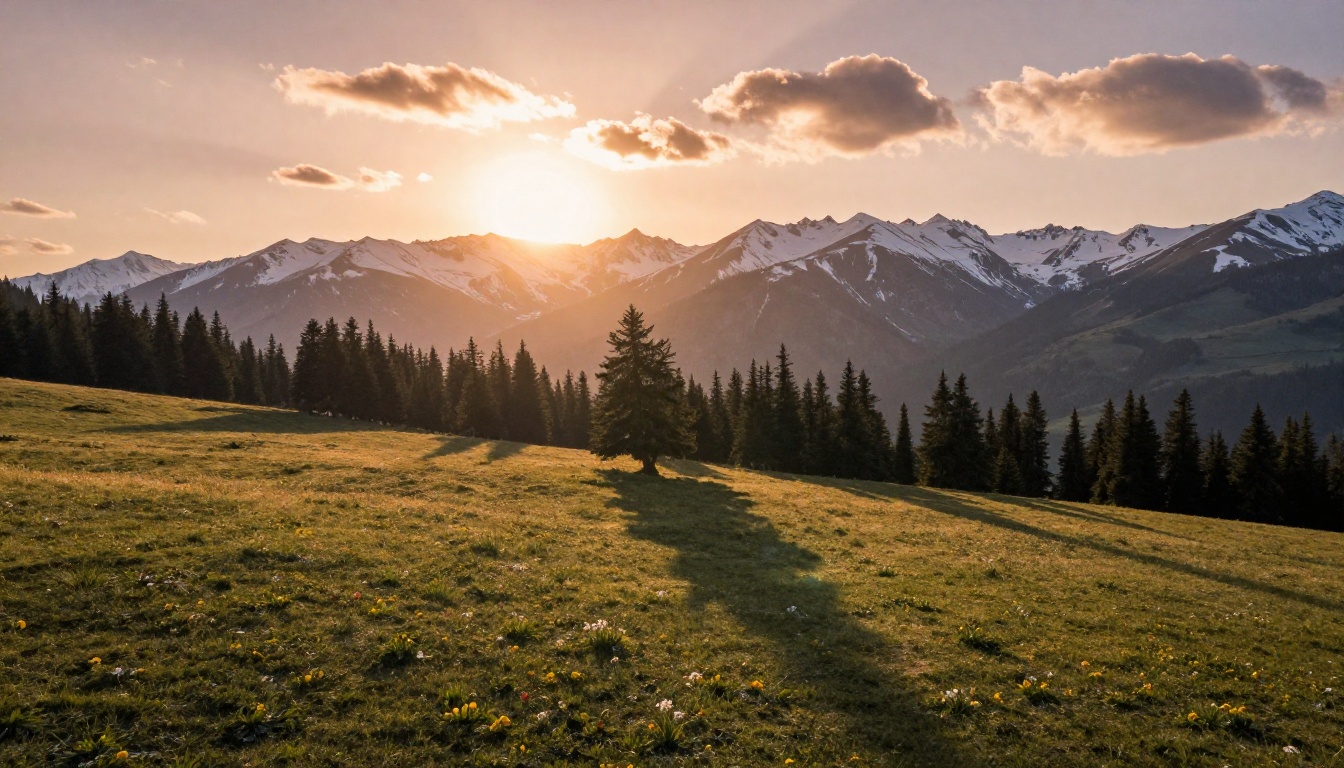
FLUX.2 Max handles large scenes well, but wide landscapes benefit from explicit atmospheric descriptors and a lens choice that communicates the scale you want.
Mountain and Wide-Angle Scenes
[Wide-angle lens] landscape of [terrain type], [foreground detail] in sharp
focus, [midground element] transitioning to [background], [weather and sky
condition] at [time of day], [light direction] creating [shadow and texture
effect]. [Film simulation]. --ar 16:9 --style raw
Additions that reliably improve scale and depth:
aerial drone perspective from [X] meters altitude
a single human figure visible for scale in the midground
atmospheric haze in the distance, layered mountain ridges receding
wildflowers in sharp focus at the bottom of the frame
💡 Always define the foreground. Landscape images without a defined foreground element feel flat and two-dimensional. Adding wet rocks in the immediate foreground or tall grass in sharp focus at the base of the frame creates depth that 4MP resolution makes visible.
Macro and Close-Up Nature
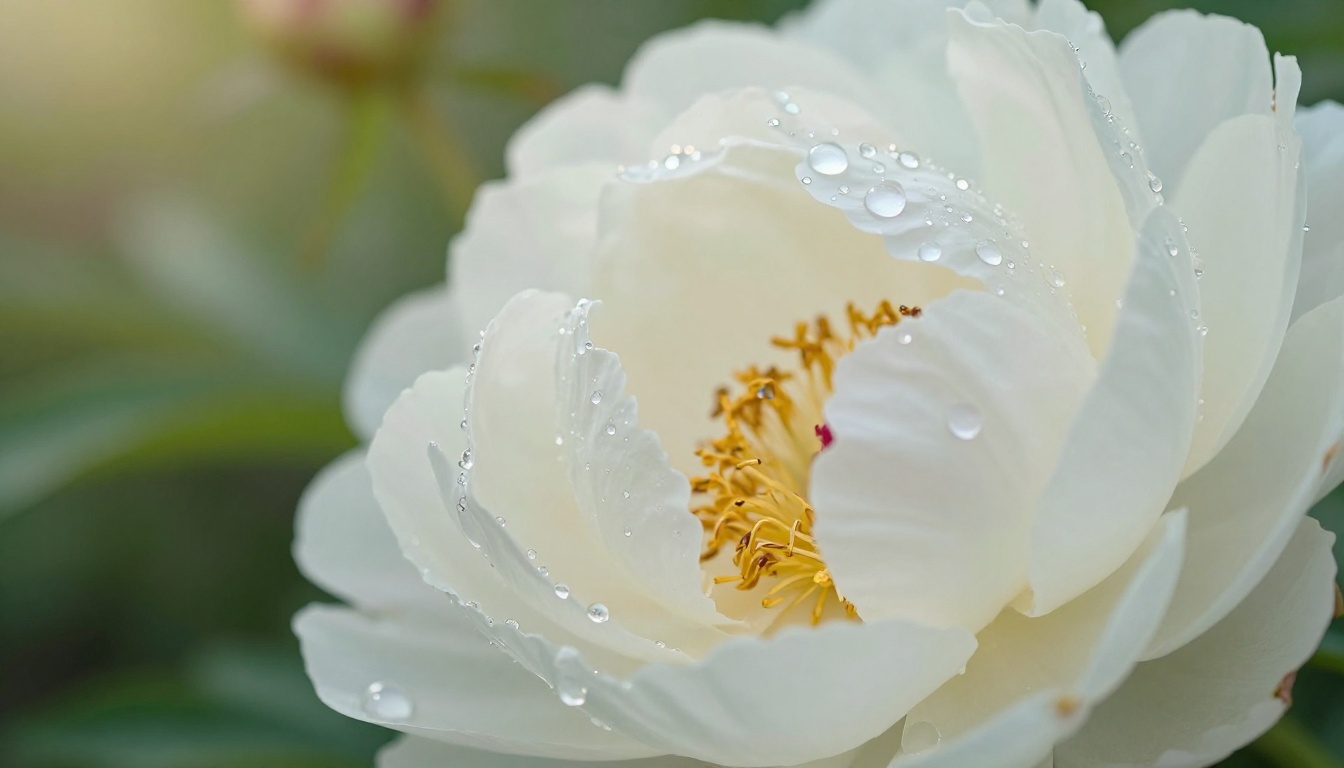
For macro work, the focal point and depth of field are the critical variables. FLUX.2 Max renders water droplet refraction with photographic accuracy when prompted correctly.
Extreme close-up macro photograph of [subject], [specific detail] in sharp
focus, [secondary element] falling into soft bokeh, 100mm macro lens at f/2.8,
[directional light source], [background description out of focus],
Kodak Portra 800 film simulation --ar 16:9 --style raw
Include water droplets with visible refraction of the garden background to push photorealism in floral and nature subjects. At 4MP, the model renders the tiny reflections inside each droplet.
Product and Commercial Photography
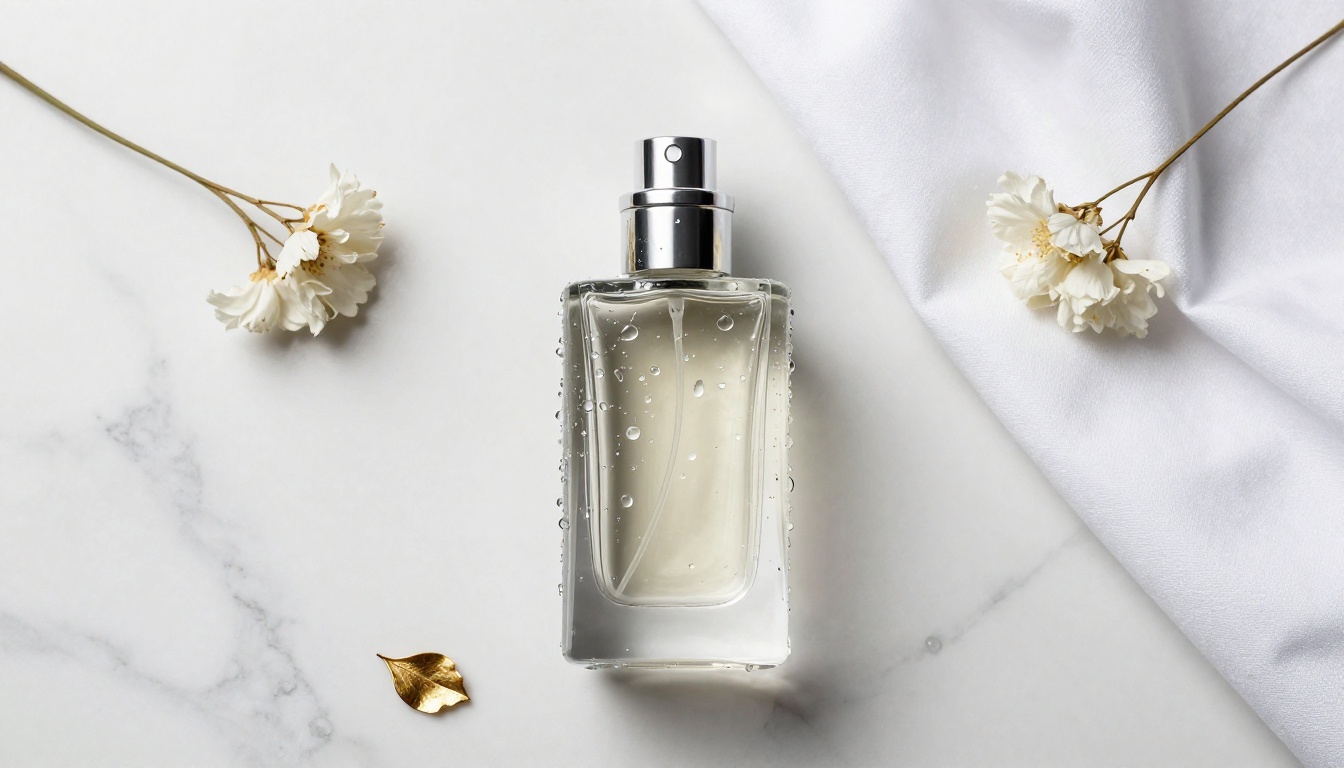
FLUX.2 Max produces product shots that hold up to commercial standards when the prompt specifies the exact lighting rig.
Luxury Product Shots
The core of a good product prompt is the precise light source description:
[Product] on [surface material with texture detail], [primary light source
and position] creating [specular highlight location], [fill light description],
[prop elements], [camera angle in degrees from horizontal], [lens],
[focus detail], [background], premium commercial photography --ar 16:9 --style raw
Surface materials that read well at 4MP:
white Carrara marble with subtle grey veining and visible surface variation
aged oak wood with visible grain, knots, and slight surface imperfections
black granite with mirror-like reflective surface catching every light source
natural linen fabric with visible thread weave and slight texture variation
Lifestyle Product Context
For lifestyle settings, a partial human element adds authenticity without making it a portrait:
[Product] in [natural setting], [human hands or partial figure interacting
with it], [natural activity], [window or outdoor light source], medium shot,
[lens], warm editorial color palette --ar 16:9 --style raw
Architecture and Urban Scenes
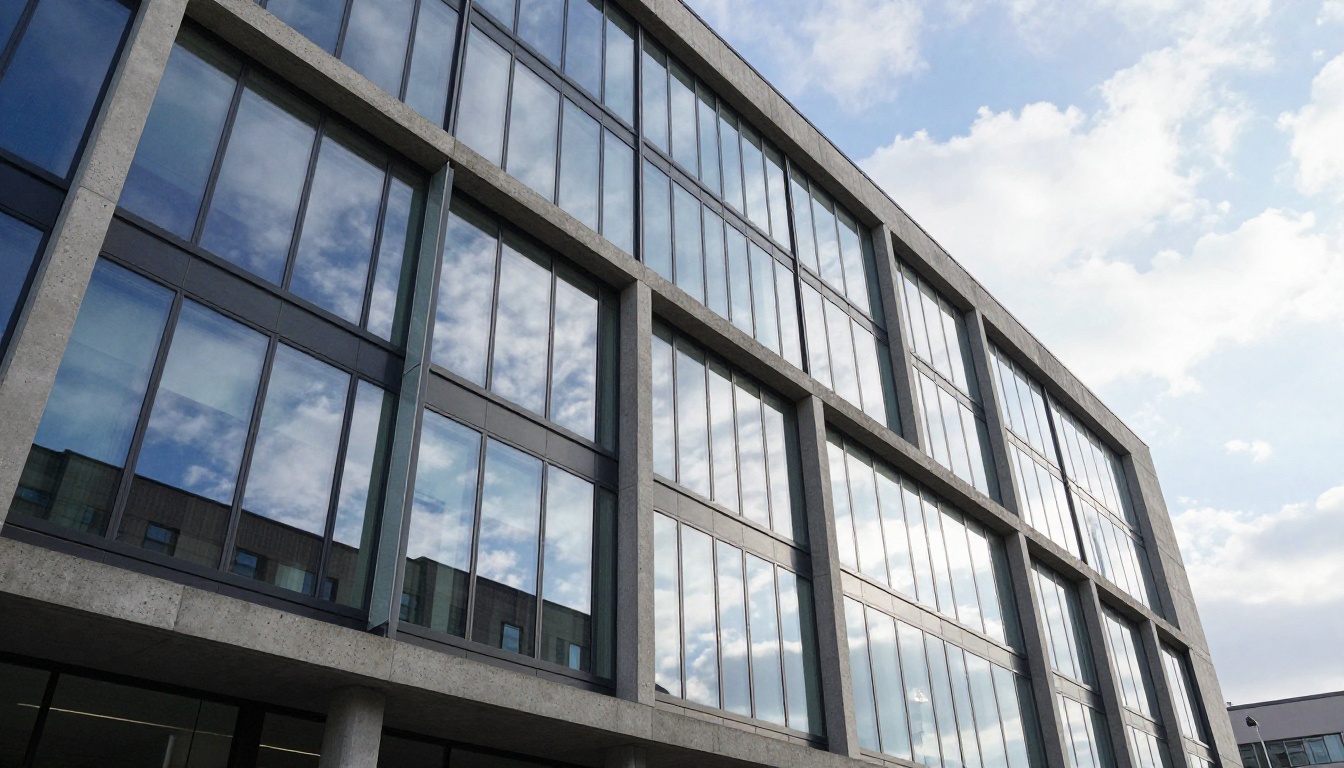
Architecture prompts require you to specify camera position and the time of day that best complements the structure's geometry and materials.
The core structure:
[Building type] shot from [position: street level / aerial / interior courtyard],
[camera angle: low angle looking up / straight-on / 45 degrees],
[material details: glass, concrete, brick with texture specifics],
[time of day] light creating [shadow and reflection effect],
[sky condition], [human element for scale], [lens] --ar 16:9 --style raw
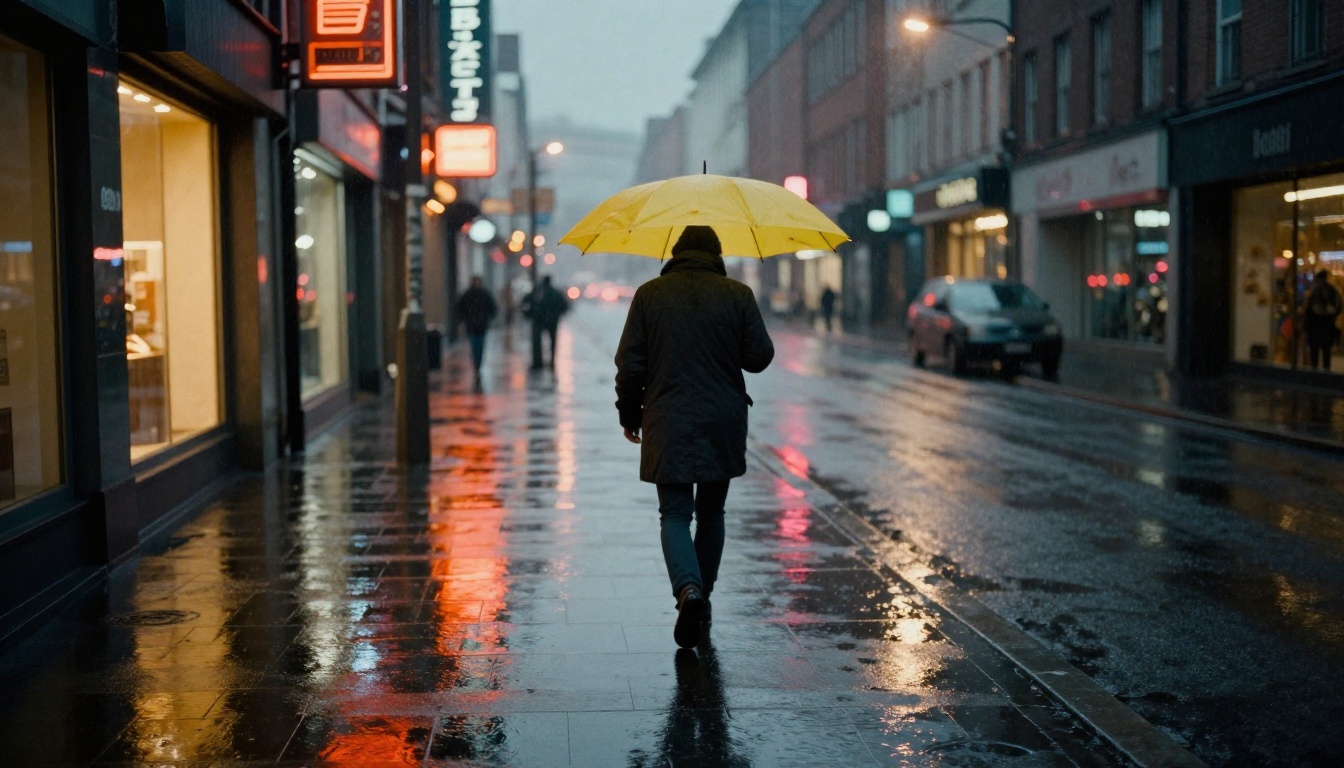
Night and wet-surface variations produce striking results. Water acts as a light multiplier, reflecting every source in the scene and turning an ordinary street shot into something cinematic.
[Urban subject] at night, wet asphalt reflecting [light source colors],
ambient mist diffusing distant sources, [figure or subject],
storefront windows casting [color] light rectangles on the road,
35mm f/2.0, Kodak Tri-X 400 film simulation, visible grain --ar 16:9 --style raw
Still Life and Cozy Scenes
Still life is underused as a test for FLUX.2 Max. The model's ability to render material textures, soft shadows, and ambient light makes it well suited to warm, intimate compositions.
[Primary object] with [secondary prop], placed on [surface with texture],
volumetric [time of day] light from [direction] casting [shadow description],
[camera angle and degrees], [lens], visible [texture detail on object],
[color palette], [film simulation] --ar 16:9 --style raw
💡 Adding steam rising softly from a hot beverage or dust particles visible in the light beam gives still life images real atmospheric presence. These subtle elements read clearly at 4MP resolution.
How to Use FLUX.2 Max on PicassoIA
PicassoIA gives direct access to FLUX.2 Max without API keys, token management, or per-image credits. You open the model, paste a prompt, and generate.
Set the aspect ratio (16:9 for landscape scenes, 1:1 for square portraits)
Click generate and wait for the 4MP output
Download directly or send to the editor for fine adjustments
Parameter reference:
Parameter
Recommended Range
Effect
Steps
30 to 40
Higher = more refined detail
Guidance Scale
3.5 to 4.5
Higher = more prompt-literal output
Seed
Lock when iterating
Consistent composition across variations
Aspect Ratio
Match your prompt intent
Avoids unwanted cropping
For editing a generated image, FLUX Fill Pro handles inpainting and outpainting while maintaining the FLUX visual language. For depth-aware compositional control, FLUX Depth Pro adds structural precision without replacing the base image.
If you want to generate style-consistent variations on an existing image, FLUX Redux Dev preserves the visual identity of a source while allowing compositional changes. FLUX Krea Dev takes a different angle, producing images that lean away from the typical AI aesthetic entirely.
FLUX.2 Max vs Other FLUX Models
Choosing between models is a tradeoff between output quality, generation speed, and iteration cost.
A practical workflow: draft compositions with FLUX.2 Dev or FLUX Fast, refine the prompt until the composition and lighting read correctly, then generate the final version with FLUX.2 Max. This approach keeps generation costs low while preserving the full quality ceiling for final outputs.
For even faster access, FLUX Kontext Fast supports image editing from a source photo, making it useful when you have a reference composition and want to iterate on it rather than generate from scratch.
Put These Prompts to Work
The prompt formulas above are starting points, not fixed recipes. FLUX.2 Max rewards iteration: run a prompt, identify what worked and what did not, and push the specifics harder on the next pass. When you find a composition worth developing, lock in a seed number and change one variable at a time.
PicassoIA makes the full Black Forest Labs FLUX lineup available alongside more than 90 other text-to-image models. You can move from a draft prompt to a finished 4MP image in seconds, with no setup required. Pick one of the portrait or landscape formulas from this article, run it with a specific subject in mind, and build from what the model gives you. The results will tell you exactly where to push next.