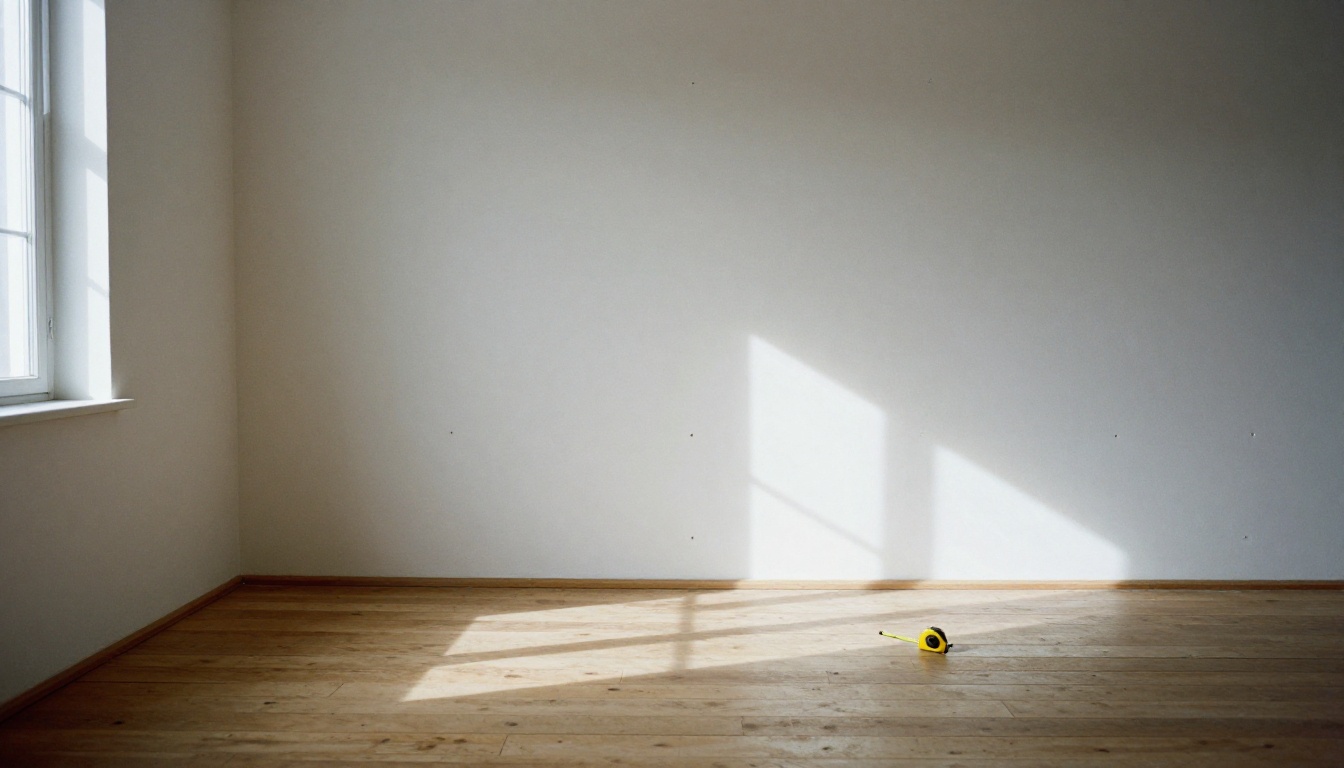
Empty rooms photograph badly. Bare walls, a floor that looks smaller than it is, and a faint sense of echo: buyers scroll past those photos in about a second. A furnished room holds attention because a person can picture a sofa, a dining table and a Sunday morning inside it. That gap is why virtual staging exists, and it is why realtors keep searching for the best virtual staging app that does not charge a small fortune for every photo.
This article sorts through the free options with a practical eye. You will see what a staging app has to get right, how free tiers and general AI editors compare, where the limits hide, and how to stage a real listing photo on PicassoIA step by step, with prompts you can copy today. It also spells out the disclosure rules, because a beautiful render that breaks MLS rules costs more than it saves.
Why Empty Listings Stall
An empty room is hard to read. Without a sofa or a bed, the eye has no reference for scale, and buyers cannot tell whether a 12 by 14 foot room fits a queen bed and two nightstands or only a twin. Photos taken in flat midday light make it worse: walls look gray, floors look scuffed, and the room feels colder than it does in person.
What Buyers Actually See
Most buyers meet a listing on a phone, and the first photo decides whether they tap for more. They are not judging craftsmanship. They are asking one fast question: can I live here? Furnished photos answer yes. Empty photos leave the question open, and an open question is easy to scroll past.

A few things buyers read from furniture without noticing:
- Scale: how many people can sit, sleep or eat in the room
- Flow: where the traffic path runs from door to window
- Purpose: whether the small room is a nursery, an office or a gym
- Warmth: textiles and wood tones make a room feel lived in
Virtual Staging vs Physical Staging
Physical staging is still the gold standard for in person showings, but it is expensive and slow. Virtual staging only changes the photos, which is exactly where most buyers form their first opinion.
| Physical staging | Virtual staging |
|---|
| Typical cost | Often $2,000 to $5,000 or more per home, billed monthly | Roughly $25 to $100 per photo from a service, much less with AI tools |
| Turnaround | Days to weeks | Minutes to a day |
| Changing the style | Move real furniture | Re-run a prompt |
| Works for vacant homes | Yes | Yes |
| What buyers find at the showing | Real furniture | An empty room, so disclosure matters |
💡 Tip: Prices vary a lot by provider and region. Treat the numbers above as a rough range, not a quote, and compare against what your last staged listing actually cost you.
What a Good Staging App Needs
Not every tool that adds a sofa to a photo is good enough for a listing. Before you compare prices, check the output against three tests.

Believable Furniture Scale
A sofa that is too large makes the room look tiny, and a rug that floats above the floor looks fake. Good tools place furniture with the right perspective and contact shadows. Zoom in on the legs of every table and chair: if they do not sit on the floor with a soft shadow, the render will draw complaints.
Light That Matches the Room
Furniture has to receive the same light as the room. If the window is on the left, shadows fall to the right. If the photo was taken on an overcast day, a sunlit sofa looks pasted in. The best results come from editors that read the whole photo and repaint the furniture inside it, rather than dropping a cutout on top.
Structure Stays Untouched
This one is non-negotiable. Walls, windows, doors, ceiling height, flooring and fixtures must stay exactly as they are. A staging tool that quietly widens a window or removes a power line misleads buyers and exposes you to complaints. Always compare the staged image with the original before publishing.
💡 Tip: Shoot the empty room from a corner at chest height, keep verticals straight, and open every blind. A clean, bright source photo gives any app better results.
Free Options Compared
"Free" means different things depending on the tool. Here are the main groups, with what you usually get and what you usually give up.
| Option type | What you get | Common catch |
|---|
| Dedicated staging apps | Style presets, room type menus, fast results | Free trials or a few free renders, then paid credits |
| Template and room planner apps | Drag and drop furniture | Results can look pasted in, and the catalog may be limited |
| General AI image editors | Prompt based control over style and layout | You write the instructions, so wording matters |
| Human editing services | Polished, reviewed work | Not free, priced per photo |
Dedicated Staging Apps
Apps such as roOomy, Virtual Staging AI and REimagineHome are built for this one job. You upload a photo, pick a room type and a style, and the app returns a staged version. Many offer a free trial or a small number of free renders, with paid credits after that. Free tiers change often, so read the current terms for watermarks, resolution limits and commercial use before putting a result on a live listing.
The upside is speed and simplicity. The downside is less control: if the app puts a gray sofa where you wanted a green one, you may have to spend another credit to try again.
General AI Image Editors
A general editor takes your photo plus a written instruction and changes only what you describe. That makes it flexible, since the same tool stages a living room, removes clutter, changes the sky outside the window and brightens a dark corner.
On PicassoIA, PicassoIA Image Editor Pro is the closest fit for this job. It is unlimited, with no per-edit cap and no daily quota, which matters when staging means trying several styles per room. It accepts up to three reference images, finishes most edits in a few seconds and can return up to two variations per run.
The Hidden Limits of Free
Before you commit to any free option, check these points:
- Watermarks: a watermark makes a photo unusable on a real listing
- Resolution: MLS platforms and print flyers need sharp, full size images
- Render count: a free trial of three images does not serve a ten photo listing
- Usage rights: confirm you may use the output commercially
- Consistency: the same sofa should appear in every angle of the same room
Stage a Room on PicassoIA
PicassoIA gives you several editing models in one place, so you can pick the one that suits the job instead of paying for separate subscriptions. For staging, these are the most useful:
Step by Step With Image Editor Pro
- Open the Image Editor Pro page on PicassoIA.
- Upload your empty room photo as the first image. This is the primary image the model edits.
- Write a prompt that names the room, the style and the furniture, then tells the model to keep everything structural unchanged.
- Leave the aspect ratio on
match_input_image so the staged photo has the same dimensions as the original.
- Set the number of outputs to 2 and compare both versions side by side.
- Pick JPG or PNG as the output format and leave quality at the default of 95 for listing photos.
- When a result looks right, note the seed so you can reproduce the same style on other angles of the same room.
- Download the file, add your disclosure label, and upload it to your listing.

Settings That Improve Results
A few habits make a large difference:
- Name what must not change. End every prompt with "keep the walls, windows, doors, ceiling and floor exactly as they are."
- Describe the light. Say "soft daylight from the window on the left" so shadows follow the real light source.
- Use real furniture words. "Oatmeal bouclé sofa, round oak coffee table" beats "nice modern furniture."
- Stay consistent across angles. Reuse the same furniture description for every photo of one room.
- Generate more than you need. Since Image Editor Pro is unlimited, keep the best of several attempts instead of settling for the first.
Here is a starting prompt you can paste and adjust:
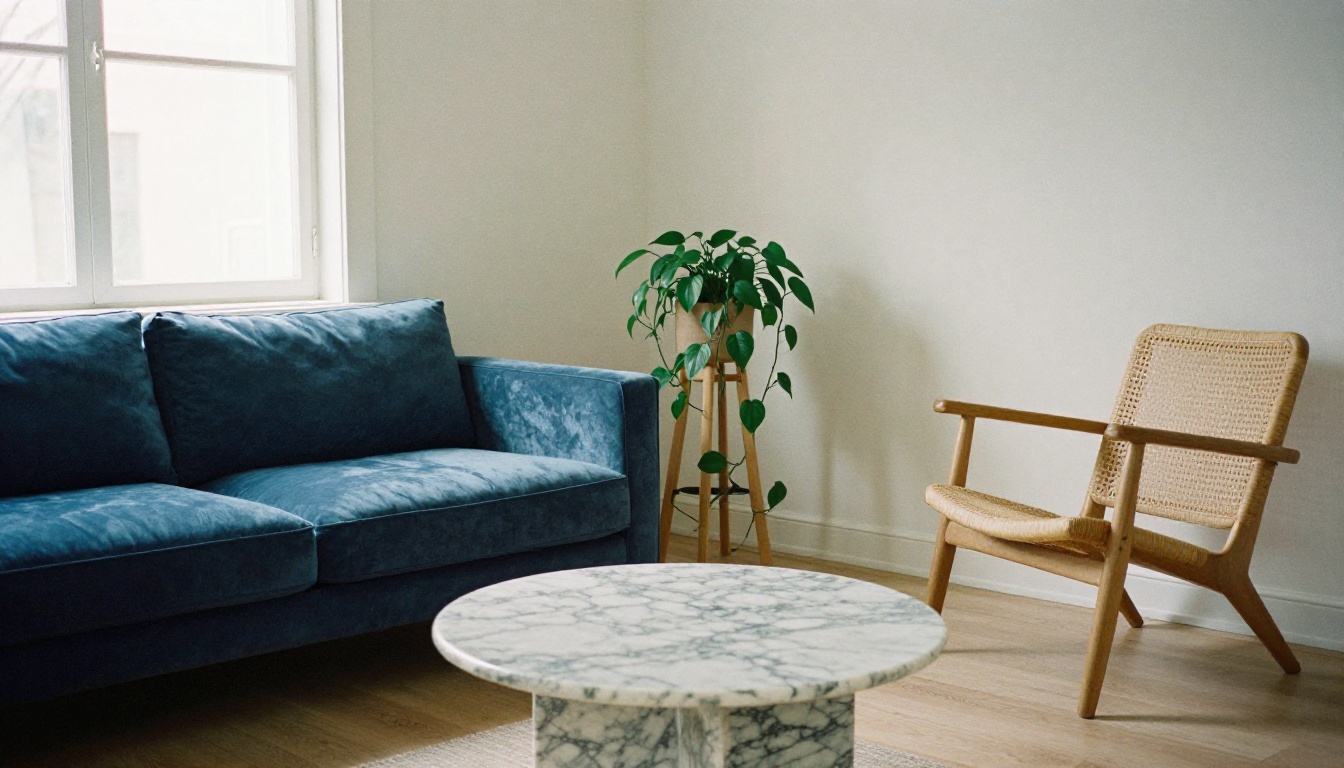
Stage image 1 as a bright living room with a three seat oatmeal sofa, a round oak coffee table, a cream wool rug, a rattan armchair and a floor lamp. Add one abstract canvas on the main wall and a potted plant near the window. Match the soft daylight from the left window. Keep the walls, windows, doors, ceiling, flooring and room dimensions exactly unchanged.
Room by Room Prompt Ideas
Different rooms need different furniture logic. These starting points keep the result believable.
Living Rooms and Bedrooms
For a living room, anchor the layout around one sofa and one rug, and keep the coffee table low so it does not block the view of the floor. For a bedroom, one bed, two nightstands and a simple rug are enough. More items rarely add value and often add visual noise.
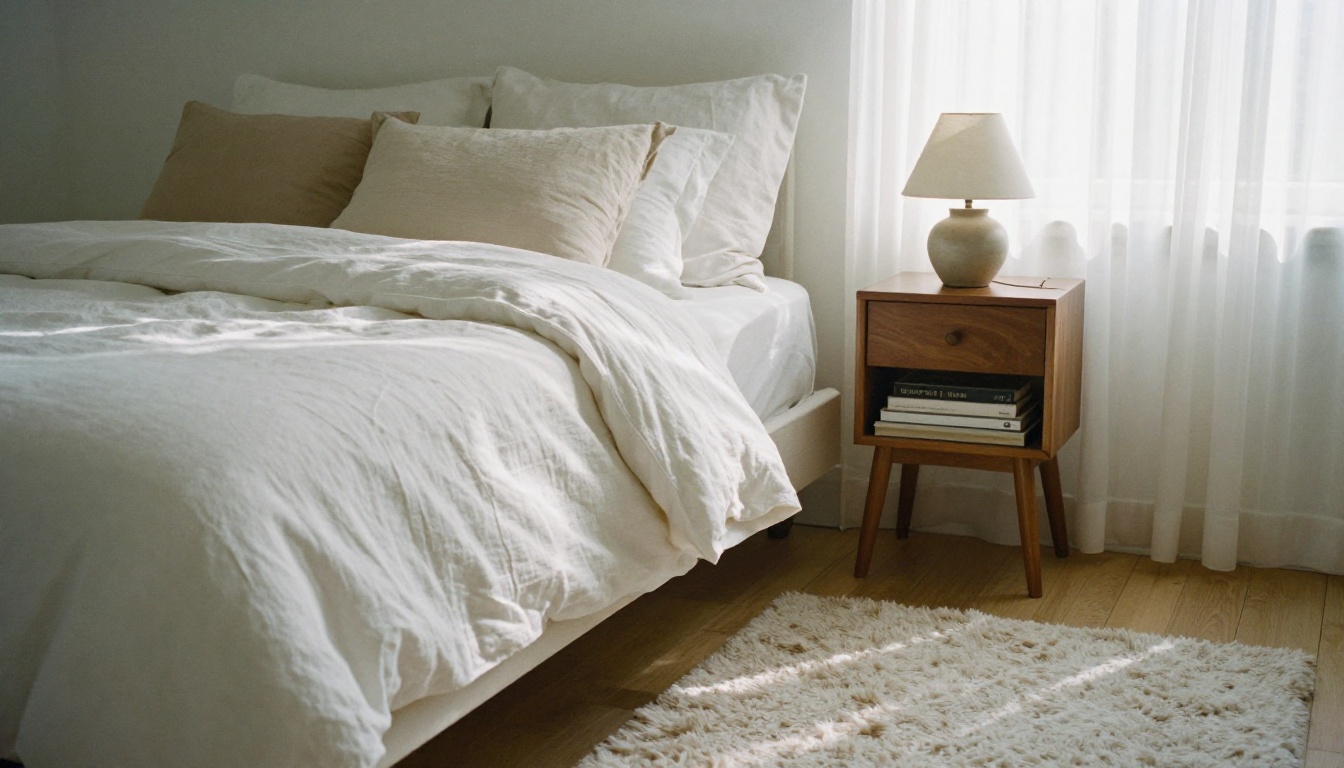
Try this for a bedroom: Stage image 1 as a primary bedroom with a king bed in white linen bedding, two walnut nightstands with ceramic lamps, a soft wool rug and sheer curtains. Keep window, walls and floor unchanged. Soft morning light from the right.
Kitchens, Offices and Patios
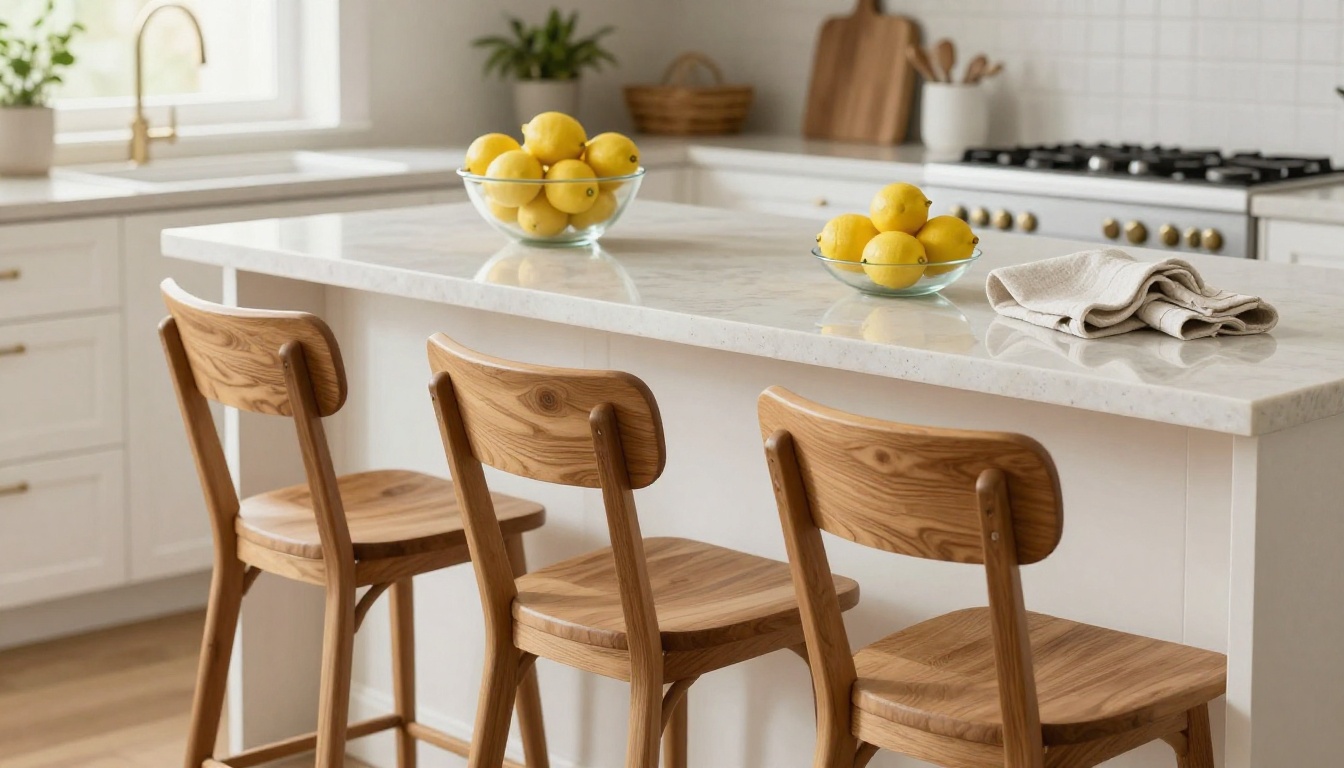
Kitchens already have fixed cabinets and counters, so staging here means light touches: stools at the island, a bowl of fruit, a folded towel. Spare rooms are different. A small empty room is the hardest to read, and a desk, shelf and lamp turn it into a home office in one edit.
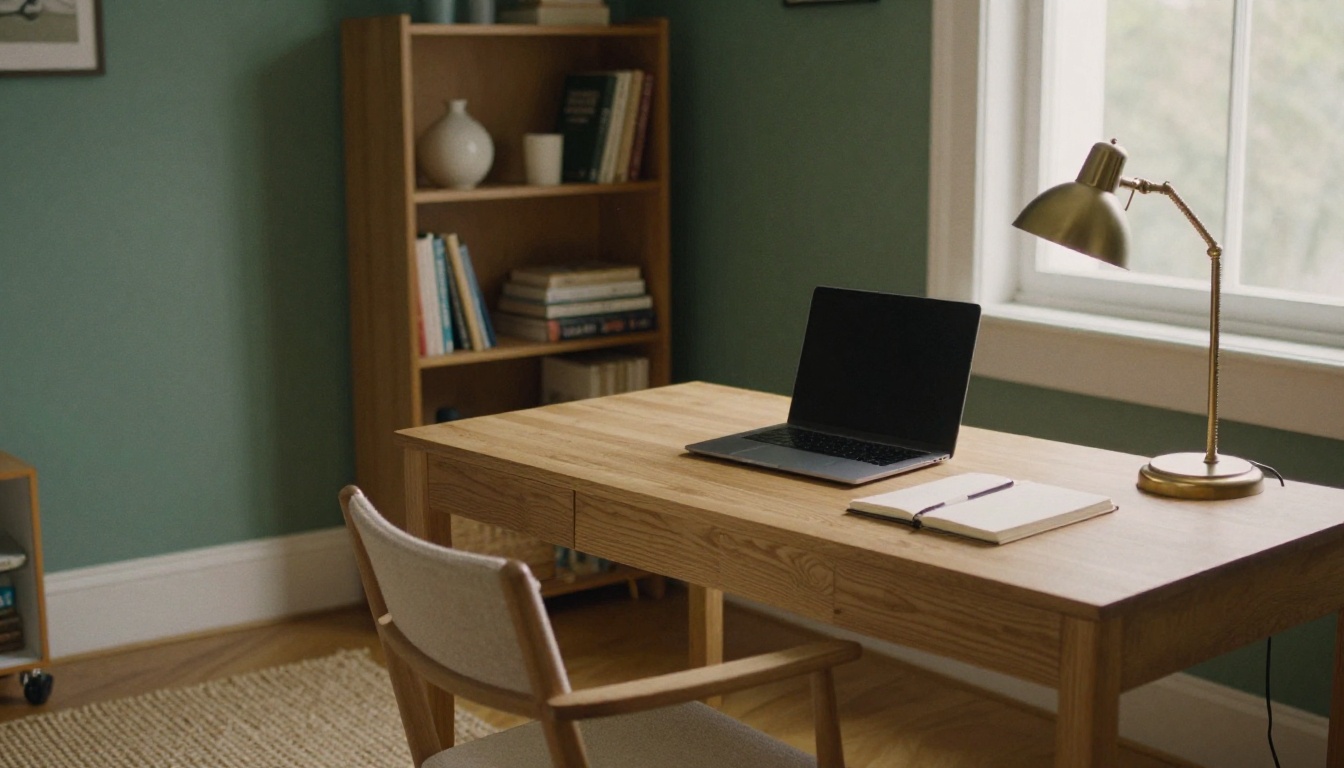
| Room | What to add | What to leave alone |
|---|
| Kitchen | Bar stools, fruit bowl, linen towel | Cabinets, counters, appliances |
| Home office | Desk, chair, bookshelf, lamp | Window size and outlets |
| Dining area | Table, four chairs, centerpiece | Light fixtures |
| Patio | Outdoor sofa, small table, plants | Fence line, pavers, lawn size |
Disclosure Rules to Respect
Virtual staging is accepted practice, but it comes with obligations. Rules differ by MLS and by state, so check yours before the first upload.
Label Every Altered Photo
Most MLSs expect you to disclose that images have been digitally altered, and some states now go further. California, for example, requires disclosure on altered listing photos and access to the original. A simple caption such as "Virtually staged" on each edited photo is the common approach. Where possible, include the original, unedited photo next to the staged one.
What Never to Change
Virtual staging is for furniture and decor. It is not for hiding problems. Do not remove stains, cracks, water damage, power lines or a neighboring building, and do not change flooring, countertops or window views. A buyer who walks in expecting something the photo promised will feel misled, and that is how complaints start.
💡 Tip: Save the original photo and the staged version together in the listing folder. If a question comes up later, you can answer in seconds.
Polish Before You Publish
Staging is only one step. Three quick extra edits make a listing photo look finished.
- Remove clutter first. A personal item left on the floor will survive the staging edit. Use Bria Eraser to remove loose objects before you add furniture.
- Fix the light. If the source photo is dim, Qwen Image Edit Plus Relight can brighten the scene so the furniture does not look darker than the room.
- Upscale for the MLS. Run the final image through Topaz Image Upscale when the platform wants larger files.
Outdoor space deserves the same treatment. A twilight patio with seating tells buyers the yard is part of the living space, and it works especially well as the final photo in a gallery.

Once your stills are ready, you can also animate a staged photo into a short clip for social media with an image to video model such as Wan 2.7 Image to Video. Label the clip as virtually staged as well.
Stage Your Next Listing Today
The best virtual staging app for a realtor is the one that gives believable results, keeps the structure of the room intact, and does not make every extra attempt cost money. Dedicated apps are fast when their free tier fits your listing. A general editor gives you more control and no surprise limits.
If you want to try it yourself, open PicassoIA Image Editor Pro, upload one empty room photo from your next listing, paste the starting prompt from this article and generate two versions. Then try a second style, a third angle, and a brighter version. Experimenting with Picasso IA costs you a few minutes, and the difference between an empty photo and a staged one is visible straight away. Pick one room, run the edit, and see how it changes the first photo your buyers scroll past.


