Better prompts aren't about magic words. They're about structure. Most people who get mediocre results from AI image generators aren't failing because of the model they chose or the platform they're using. They're failing because they're asking the generator to make creative decisions that should have been made in the prompt.
This article breaks down a four-part framework that applies across every major text-to-image model. It's not about memorizing keyword lists or copying prompt templates. It's about thinking visually first, then translating that vision into language the model can act on precisely.
Why Your Results Look Generic
Type "a woman in a city" and hit generate. What comes back is technically correct: there is a woman, there is something urban behind her. But the image has no specificity, no mood, no story. It looks like thousands of other images that started from the same vague instruction.

The Statistics Problem
AI image models fill missing information with statistical averages. When you write "a woman in a city," the model generates the most probable visual interpretation of that phrase based on training data. That's precisely why generic prompts produce images that resemble thousands of others: you've given it nothing to deviate from the mean with.
Adding specificity isn't about piling in more words. It's about providing the right words in the right places.
What the Model Is Actually Doing
Models like PicassoIA Image and Flux Krea Dev translate your text into a spatial representation of a scene. Every word you add narrows the probability space. Specific words narrow it further, toward the exact image you have in mind.
The framework below gives you a repeatable structure to build that specificity without guessing.
The Four-Part Prompt Framework
Every effective AI image prompt shares the same structural logic. The components don't always appear in the same order, but they're almost always present in prompts that produce consistent, high-quality results.
| Component | What It Controls | Example |
|---|
| Subject | Who or what the image is about | "A woman in her mid-30s, relaxed posture, looking sideways" |
| Environment | Location, setting, time of day | "On a rainy rooftop terrace in Paris, late afternoon" |
| Lighting | Mood, depth, and realism | "Golden hour backlight from the west, long shadows, warm tones" |
| Technical | Camera, film stock, quality | "85mm f/1.8, Kodak Portra 400, 8K, RAW photography" |
💡 You don't need all four to get a good image. But the more you include, the closer the result will be to what you actually had in mind.
Subject: More Than Just "A Person"
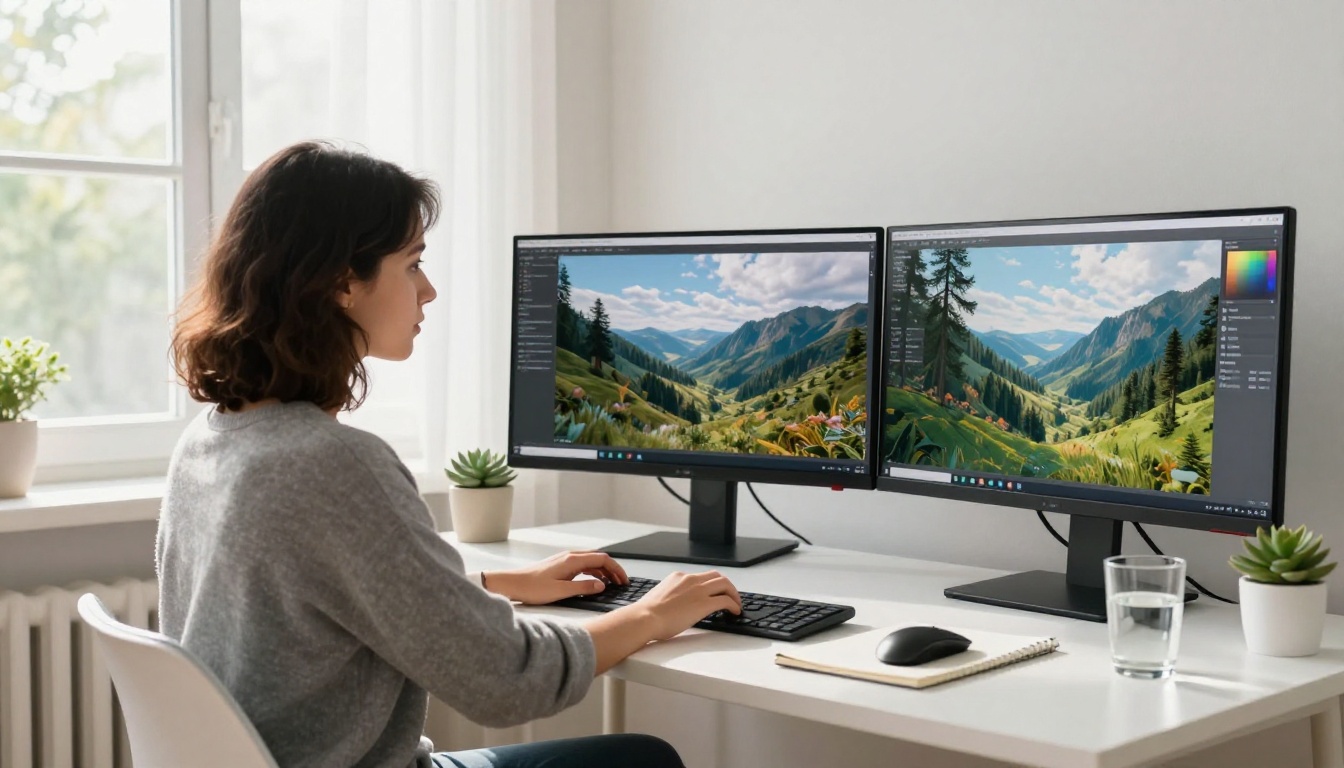
Your subject is the anchor. Most prompts start here, but most people stop too early, providing just enough detail to confirm a subject exists without describing how that subject actually looks or behaves.
Action and Pose
"A woman standing" is incomplete. "A woman standing with her weight shifted onto her right hip, glancing back over her left shoulder with a slight, knowing smile" gives the model a specific physical and emotional state to render.
Action and pose communicate emotion, narrative, and tension. A person "slumped on a park bench" tells a completely different story than "sitting upright on a park bench, arms spread across the backrest, watching the street with curious eyes." Same location. Opposite moods.
When describing your subject:
- Specify an age range, not an exact age (early 20s, mid-40s, late 50s)
- Describe clothing with brief physical detail: material, fit, dominant color, one notable feature
- Name the action or pose explicitly: standing, crouching, leaning forward, mid-stride, seated cross-legged
- Add one behavioral or emotional qualifier: distracted, confident, amused, exhausted, focused
The Detail That Actually Matters
Not all physical description carries equal weight. Hair color and eye color are low-priority details unless they're central to your concept. These matter more:
- Silhouette-defining clothing: a bulky oversized coat vs. a fitted blazer changes the entire shape of the image
- Skin tone, when photorealism is the goal
- Posture and weight distribution, because these imply personality without you having to state it directly
💡 Don't describe a face like a police report. Describe how a person carries themselves. That's what translates as real in a generated image.
Environment: The Scene That Sells the Story
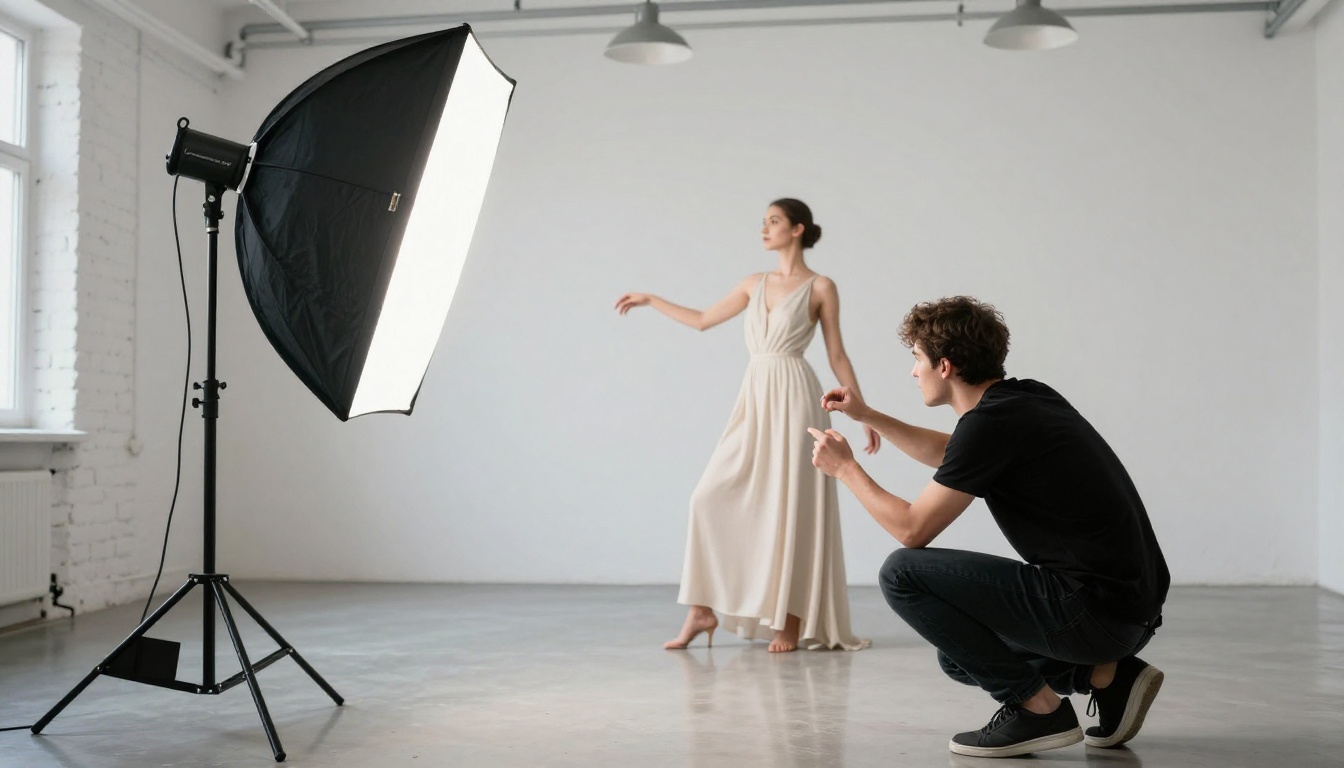
The environment is not a backdrop. It's an active participant. Two identical subjects placed in different environments will generate images with completely different emotional registers.
Indoor vs. Outdoor
Indoor environments give you control over atmosphere: the room type, furniture, wall textures, the compressed or expansive feel of a space. They allow you to specify artificial lighting sources precisely. A single desk lamp in a dark room. Fluorescent overhead light in an empty office. Warm pendant lights in a crowded restaurant.
Outdoor environments trade control for scale and natural variation. A person on a city street carries the entire implied weight of an urban world behind them. A person on a mountain trail implies solitude and physical effort even if you never mention those things.
Strong environment descriptors:
- Location specificity: "a corner table in a dimly lit Tokyo izakaya" instead of "a restaurant"
- Time of day: morning, midday, golden hour, blue hour, midnight
- Season and weather: overcast winter, humid summer evening, light rain
- Surface and texture: wet cobblestone, dry cracked earth, polished marble, rough concrete, frosted glass
Time of Day as a Design Variable
Time of day might be the single most efficient addition to any prompt. It sets your lighting by default and carries enormous mood implications without extra description.
Golden hour (one hour after sunrise, one hour before sunset): warm directional light, long shadows, rich tonal contrast. Blue hour (immediately after sunset): cool atmospheric light, deep indigo sky, moody and cinematic. Midday: harsh overhead light, clinical or sun-baked depending on context. Overcast: soft diffused light with minimal shadows, documentary and neutral.
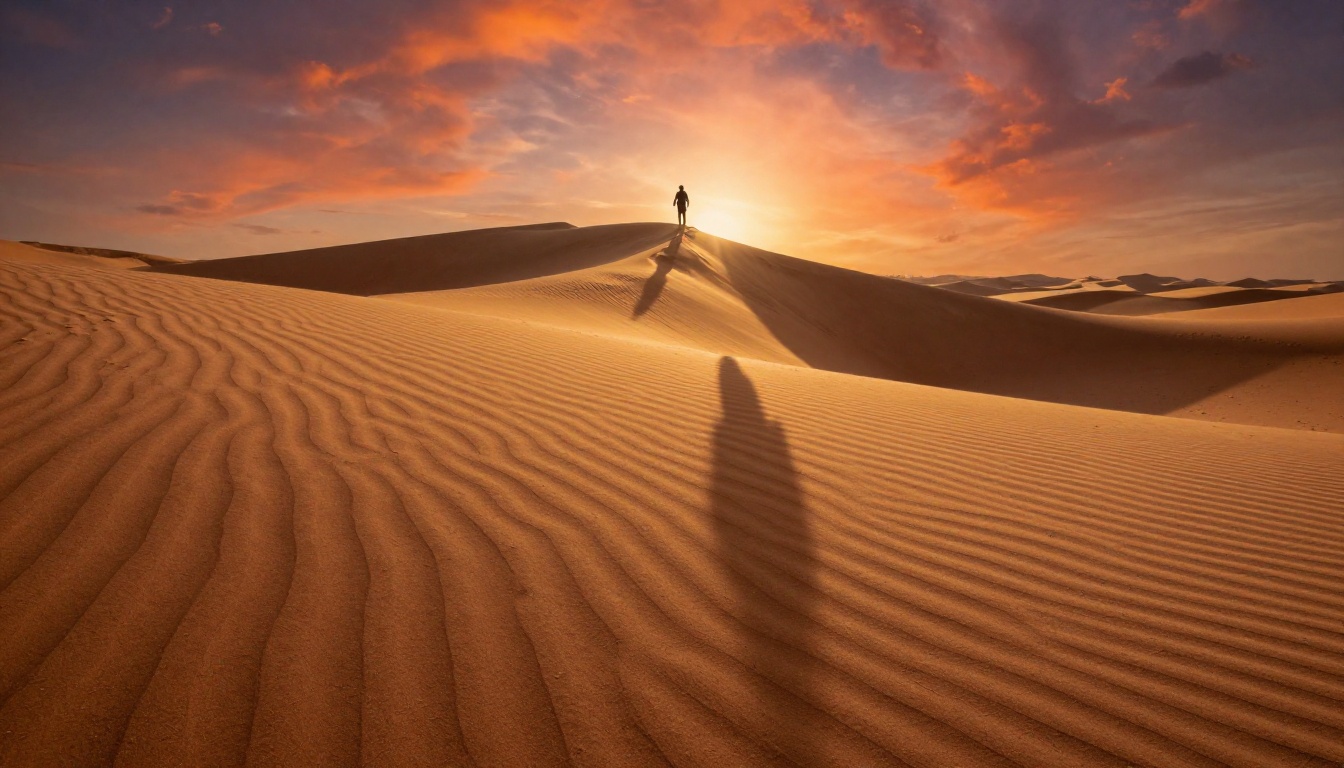
💡 If you add nothing else from this article, add the time of day to your next prompt. It changes the lighting, the color palette, and the mood simultaneously.
Lighting: The Variable Most People Skip
This is where the gap between ordinary and striking images lives. Most beginners describe a full scene and forget to describe the light. The model then invents statistically average lighting for that environment, which almost never matches what you actually wanted.
Natural Light: Direction and Quality
Natural light has two critical dimensions: direction and quality.
Direction describes where the light comes from relative to your subject:
- Front light: even and flat, low contrast, minimal shadow depth
- Side light: sculpts faces and textures, creates visible depth and dimension
- Backlight: rim light effects or silhouettes, often dramatic
- Top light: overhead sun, harsh under-eye shadows, unflattering for portraits
Quality describes how hard or soft the light appears:
- Hard light: direct sun or a spotlight, sharp defined shadow edges
- Soft light: overcast sky or a diffused window, smooth gradual shadow transitions
Artificial and Mixed Lighting
Artificial light sources carry strong narrative associations. Neon signs, candlelight, fluorescent office lighting, street lamps, fire, and screen glow all suggest different worlds and emotional contexts. Using them specifically produces images that feel intentional.
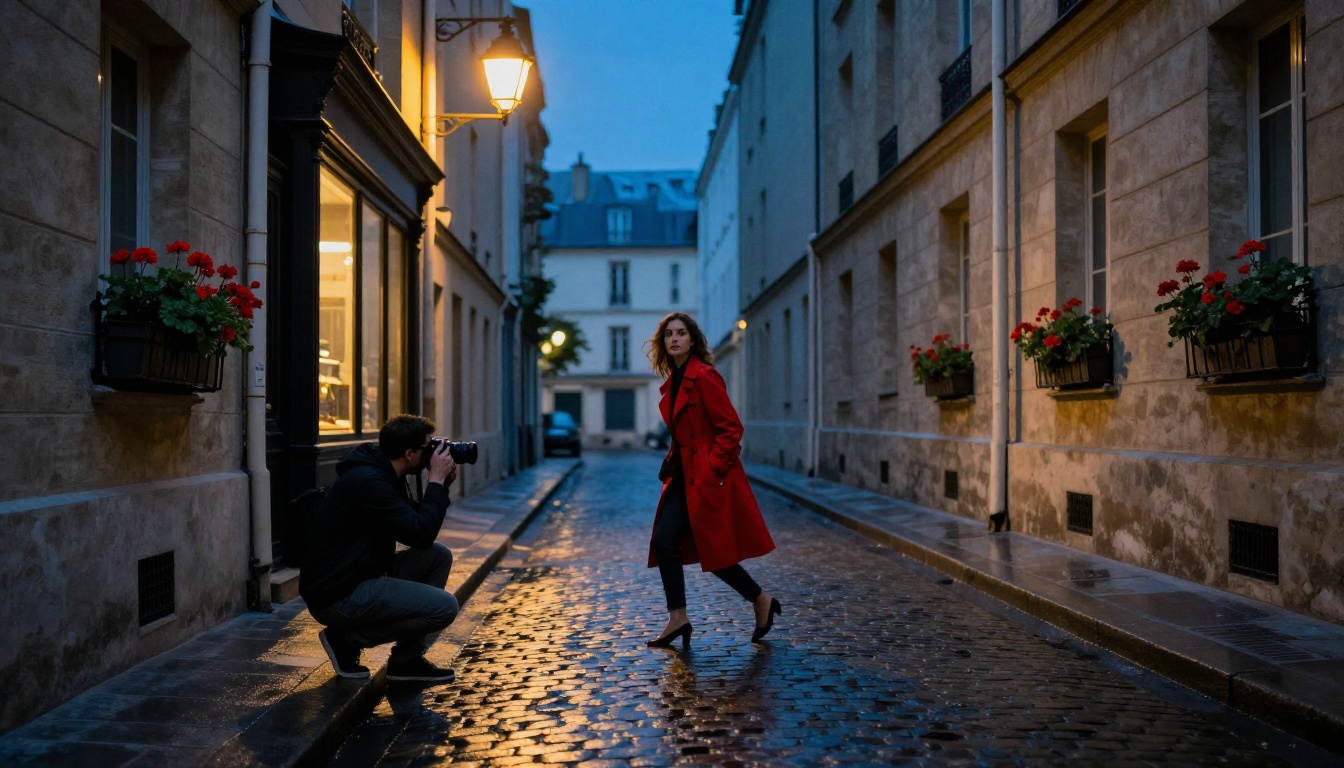
Mixed lighting creates some of the most visually interesting results. A face lit by warm candlelight with cool blue evening light visible through a window behind it creates natural tension between warmth and isolation. That kind of complexity is nearly impossible to achieve with vague prompts.
| Light Source | Mood | Works Best For |
|---|
| Golden hour sun | Warm, romantic, nostalgic | Portraits, landscapes |
| Blue hour sky | Cool, melancholy, cinematic | Urban, moody environments |
| Overcast diffusion | Even, muted, documentary | Street, editorial |
| Candlelight | Intimate, warm, ancient | Close portraits, still life |
| Neon signage | Electric, urban, charged | Night scenes, fashion |
| Studio strobe | Precise, clean, commercial | Product, beauty, fashion |
Technical Layer: Camera, Film, and Quality
The technical layer separates prompts that produce "fine" images from prompts that produce something worth printing. This section addresses camera settings, film stock emulation, and quality descriptors.
Lens Choices and Their Visual Signature
Focal lengths have distinct visual personalities. Using specific values in prompts activates that visual vocabulary inside the model.
- 24mm: Wide angle, dramatic perspective, subjects look small against their environments
- 35mm: The documentary focal length, natural and slightly wide, street and reportage
- 50mm: Closest to human eye perspective, neutral, versatile, editorial
- 85mm: Portrait standard, compresses background, flatters faces, beautiful background separation
- 100-200mm: Telephoto compression, subjects feel close to backgrounds, heavy and cinematic
Pair lens focal length with aperture:
- f/1.4 to f/2.8: Very shallow depth of field, subject isolated from background
- f/4 to f/5.6: Moderate depth, subject sharp with some background detail
- f/8 to f/16: Everything in focus, architecture and landscape work
Film Stocks and What They Do
Film stock names compress entire visual aesthetics into a single phrase. The model recognizes them.
- Kodak Portra 400: Warm skin tones, subtle grain, rich shadow detail
- Fuji Velvia 50: Saturated, punchy, vivid color ideal for landscapes
- Kodak Tri-X 400: Classic black and white, visible grain, high contrast
- Fuji Pro 400H: Cool tones, flat contrast, fashion and lifestyle feel
Quality modifiers that reliably improve output across most models:
photorealistic, 8K resolution, RAW photography, natural film grain, cinematic lighting, volumetric light
💡 Avoid vague boosters like "ultra-realistic" or "very detailed." A specific film stock name does the same job with far more precision and consistency.
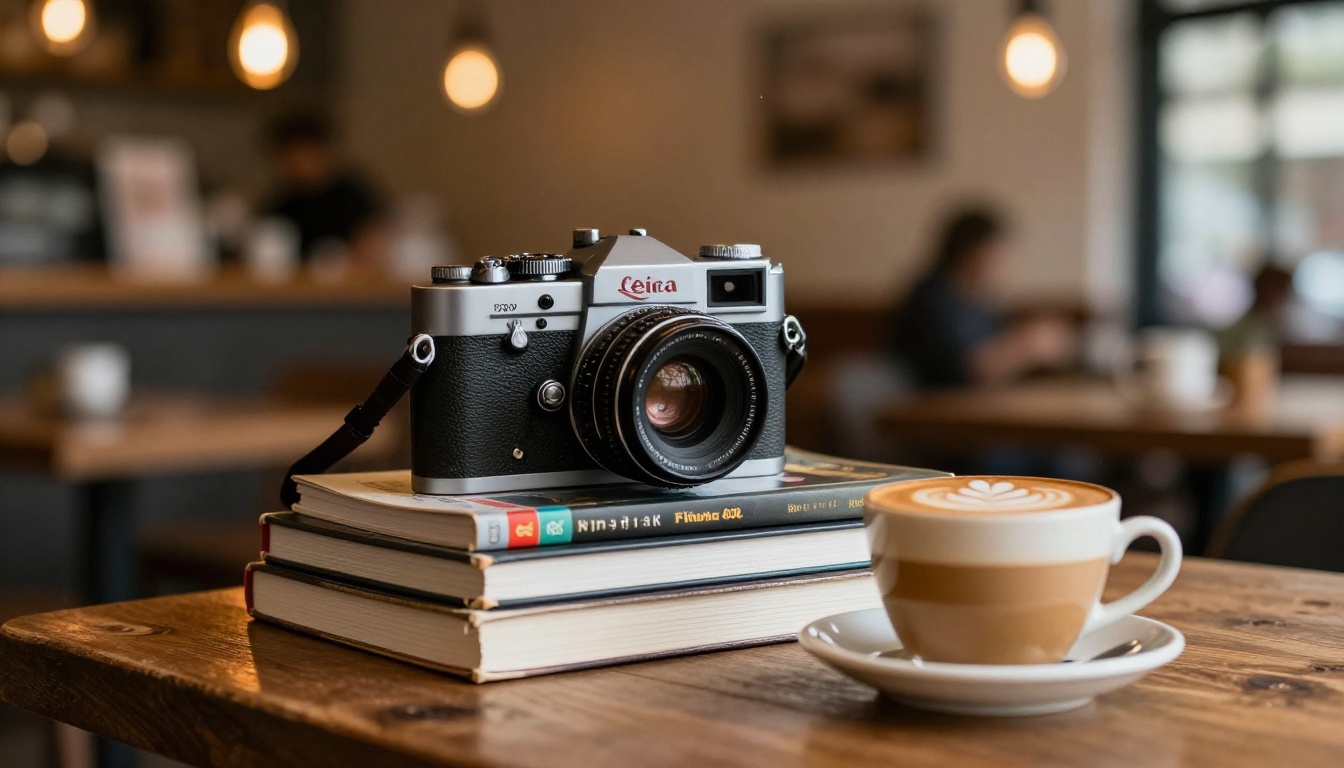
Before and After: The Framework in Action
Here's how a weak prompt evolves through each stage of the framework:
Starting prompt: "A woman in a coffee shop"
After Subject detail: "A woman in her early 30s, dark curly hair pinned up, wearing an oversized cream sweater, cradling a coffee cup in both hands, gazing out a rain-streaked window with a thoughtful expression"
After Environment: "...in a cozy independent cafe with wooden tables, warm pendant lighting overhead, and bookshelves lining the walls, on a grey autumn morning in Amsterdam"
After Lighting: "...soft grey overcast morning light entering through the window to her left, warm amber pendant fill from above, slight reflection on the window glass"
After Technical layer: "...Canon 50mm f/2.8, Kodak Portra 400 film grain, photorealistic, 8K, RAW photography --ar 16:9"
Each addition changes what the image actually looks like. Nothing was added arbitrarily.
| What Was Added | What It Changed |
|---|
| Age range and posture | Established character personality |
| Cafe type, city, and season | Created specific atmosphere |
| Light direction and source | Added depth and realism |
| Lens and film stock | Set the visual register |
How to Apply This on PicassoIA
PicassoIA Image is built to handle long, structured prompts. Here's how to put this framework to work directly on the platform.
Choosing the Right Model
Different models respond to detailed prompts in different ways:
- PicassoIA Image: Solid general-purpose model, handles portrait and landscape prompts well
- Flux Krea Dev: Deliberately avoids the "AI look," leans toward natural and photographic output
- Flux Pro Finetuned: High detail output, strong for complex multi-element prompts
- Seedream 4.5: 4K cinematic output with strong color accuracy
- GPT Image 2: Excellent compositional accuracy, handles complex scene descriptions reliably
Building Your Prompt Step by Step
- Write your Subject first: two to three sentences on appearance, action, and emotional state
- Add Environment: one to two sentences with location, time of day, and at least one surface or texture detail
- Describe Lighting: one sentence naming the source, direction, and whether it's hard or soft
- Append the Technical layer at the end: lens and aperture, film stock, photorealistic, 8K, RAW photography
- Set your aspect ratio:
16:9 for most photography work, 9:16 for vertical portrait formats
- Use the negative prompt field: add
text, watermark, blurry, deformed hands, CGI look, oversaturated as a baseline
- Generate and iterate: your first result tells you exactly which part of the framework needs adjustment
💡 PicassoIA's prompt field accepts long inputs without issues. A 150-word prompt is not too long. Models benefit from specificity.
Refining With Platform Tools
When a base image is close but not quite right, Flux Redux Dev generates controlled variations from an existing image while preserving the composition. This is useful when the overall structure is correct but you want to shift the lighting or atmosphere without starting from scratch.
For targeted fixes, PicassoIA Image Editor Pro gives you inpainting tools to correct specific areas, like faces, hands, or backgrounds, without regenerating the entire image.
Three Prompt Mistakes to Stop Making
Mistake 1: Style Words Without Specifics
"Cinematic" by itself means nothing. Every photograph can be cinematic depending on framing and intent. Instead, describe what cinematic looks like in your specific case: anamorphic lens flare, horizontal crop ratio, teal-and-orange color grade, heavy underexposure in the shadows.
Mistake 2: Internal Contradictions
Prompting for "harsh midday sunlight" and "soft romantic bokeh" in the same image creates conflicting instructions. Hard midday light and soft background separation don't naturally coexist. Check that your lighting choice is consistent with your technical layer before generating.
Mistake 3: Ignoring the Negative Prompt
Most platforms, including PicassoIA, include a negative prompt field. Use it consistently:
text, watermark, signature, blurry, oversaturated, deformed hands, extra fingers, plastic skin, CGI look, illustration
Negative prompts don't replace a precise positive prompt, but they filter out common artifacts that appear even in well-structured generations.
Start Generating Images That Look Intentional
The framework is four parts: Subject, Environment, Lighting, Technical. That's it. What separates forgettable AI images from genuinely striking ones is almost always precision, and this structure gives you a repeatable path to that precision on every single prompt.
Whether you're building content for a brand, creating reference images for a creative project, or generating work purely for the craft of it, the specificity of your prompt directly determines the quality of what comes back. PicassoIA Image and the Flux models available on the platform respond exceptionally well to structured, layered prompts.
Your first attempt doesn't need to be perfect. Write the subject. Add the environment. Describe the light. Append the technical layer. Hit generate. Adjust from there. That's the entire process.


