You typed a spicy prompt into Claude, hit enter, and got a polite refusal or a block of text instead of a picture. That moment sends thousands of people to search for Claude NSFW image every month, and the honest answer is a bit different from what most expect. Claude does not make photos at all, safe or otherwise. So the real question is not "how do I get past the filter" but "which tool can actually make the image I have in mind?" This article walks through what Claude can and cannot do, where its limits come from, and which free alternatives on PicassoIA handle tasteful glamour and adult-themed photography without the friction.
💡 Quick answer: Claude is a text and vision assistant. It reads images you upload, but it does not generate photos. For NSFW-leaning glamour images you need a dedicated image model, such as Seedream 4.5 or the PicassoIA Image Editor Pro.
Can Claude Make Images at All?
No, not in the sense people mean. Anthropic's own help pages say Claude does not generate photos or illustrations the way a dedicated image generator does. What it does well is read: you can upload a picture, a screenshot, a chart or a document, and Claude will describe it, pull text from it, and answer questions about it.
There is one partial exception. Claude can write code, and code can draw. Ask for an SVG, a chart, a diagram or a simple vector graphic, and it will produce something you can render in a browser. That is a flat, geometric kind of output. It is not a photograph, and it is nowhere near a realistic portrait.

What Claude Does Well
- Reading images: it describes, tags and summarizes photos you upload.
- Writing prompts: it drafts detailed text prompts you can paste into an image model.
- Code-based visuals: SVG icons, charts, simple diagrams, HTML layouts.
- Planning shoots: shot lists, lighting notes, mood boards in words.
What Claude Cannot Do
- Generate a photorealistic person from a text prompt.
- Edit a photo's pixels, swap clothing or change a background.
- Produce explicit or sexual imagery, even as code or ASCII-style art.
Why the Confusion Exists
Some third-party tools connect Claude to an outside image generator, so the chat window seems to produce pictures. In those setups the picture comes from the other model, and that model's own rules decide what is allowed. Claude is only the messenger passing along a prompt. If the connected generator is strict, you get a strict result. If it is loose, you get a loose one.
Where Claude's Content Limits Sit
Claude follows usage policies set by Anthropic, and those policies are cautious about sexual content. In practice you will see three kinds of behavior when you push toward adult material.
| Request type | Typical Claude response |
|---|
| Explicit sexual scene or image | Declines |
| Suggestive but non-explicit writing | Sometimes helps, with a toned-down style |
| Describing an uploaded glamour photo | Usually helps if the photo is non-explicit |
| Prompt for an outside image model | Helps with fashion, lighting and pose wording |
| Anything involving minors or real people without consent | Always declines |
The last row matters. No serious tool should help with that content, and neither will any tool recommended here. Everything in this article assumes adult subjects, fictional or consenting, and non-explicit results.
💡 Reality check: Rewording a refused prompt over and over rarely works and wastes your time. A refusal from a text assistant is a signal to switch tools, not to fight the filter.
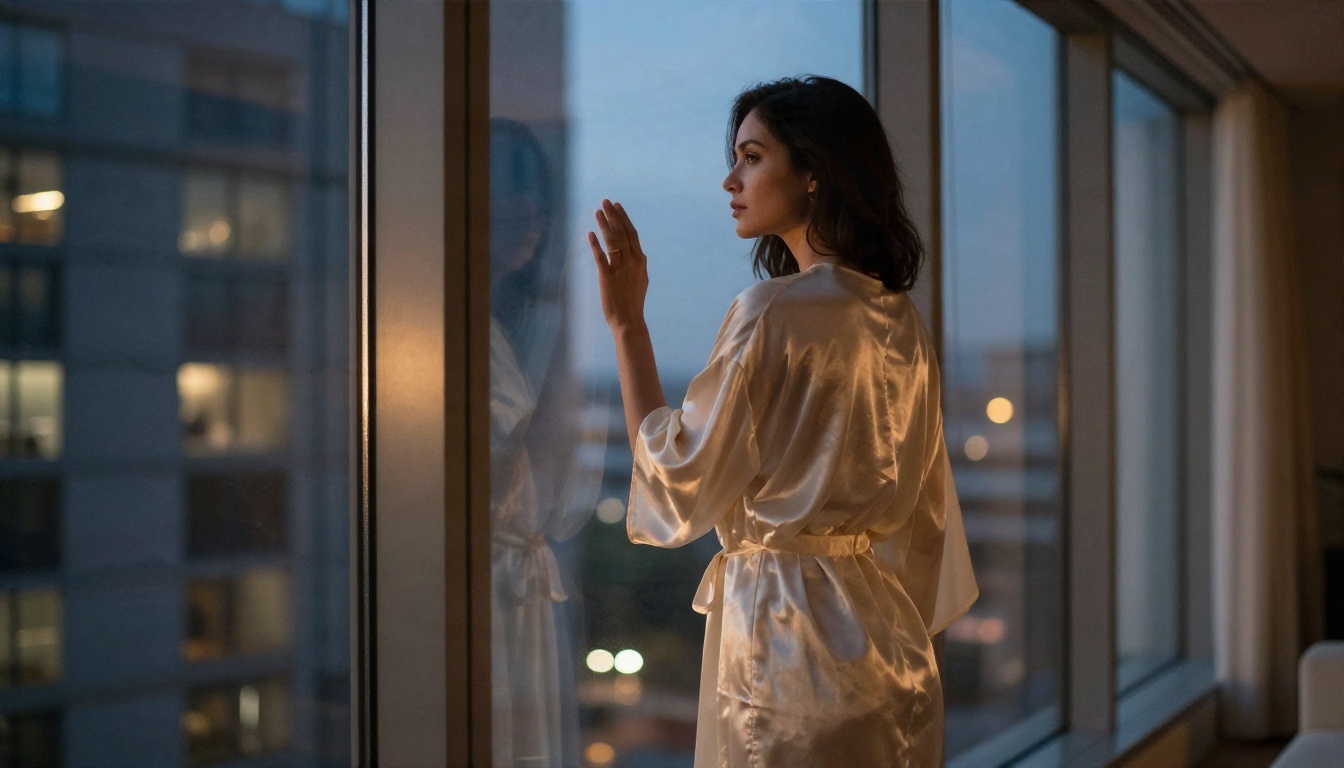
Why Chat Assistants Block NSFW Images
It helps to know why the wall exists, because it explains why dedicated image models behave differently.
Brand and Safety Reasons
A general assistant is used by students, companies and families. Its makers set conservative defaults so a single product can serve all of them. A glamour photographer and a school teacher use the same chat window, so the rules lean toward the stricter side.
Different Tools, Different Jobs
An image model has one job: turn a description into pixels. Many image models are built for creators, fashion shoots, boudoir work and editorial glamour, so their rules about swimwear, lingerie and artistic nudity are looser than a chat assistant's. That does not mean anything goes. It means the line sits in a different place, and the better platforms keep the output on the tasteful, non-explicit side.
What "NSFW" Often Means in Practice
Most people searching this term are not after explicit content. They want a bikini shot by a pool, a boudoir portrait in soft window light, a satin robe on a rumpled bed, a lingerie campaign look. That is glamour photography, and it is exactly what the models below handle well.
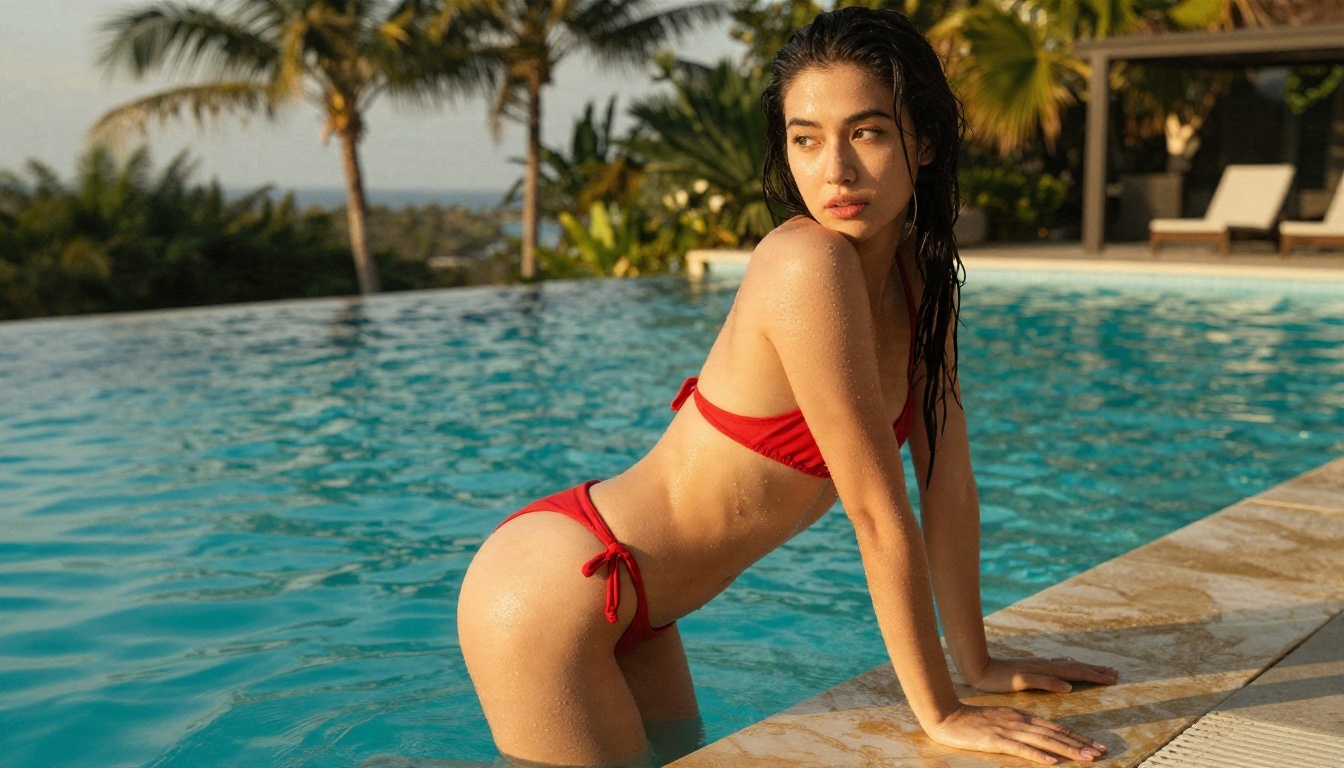
Using Claude as a Prompt Writer
Here is the smart workflow: let Claude do what it is good at, and let an image model do the rest. A text model such as Claude Sonnet 5 is excellent at turning a vague idea into a structured photographic prompt. Keep the request fashion-focused and non-explicit, and it will usually cooperate.
A Simple Prompt Formula
Ask for a prompt with these parts:
- Subject and pose: age (adult), outfit, expression, body position.
- Environment: room, location, props, background depth.
- Light: direction, time of day, softness.
- Camera: lens length, aperture, angle.
- Texture and film look: skin detail, fabric, grain, color palette.
Example Request to Claude
"Write a photographic prompt for an adult model in a black satin robe on a linen bed in a Mediterranean villa, soft morning light from the left, 85mm lens, shallow depth of field, Kodak Portra 400 look, tasteful and non-explicit."
Claude returns a polished paragraph. You paste that into an image model and generate. The same text assistant can also review the result if you upload it, suggesting changes to lighting or composition for your next run.
Free Alternatives That Make the Image
Claude is not on the list of image generators, so here are the models that are. They are available on PicassoIA, listed in the order I would try them for adult-leaning glamour work.
Seedream 4.5 First
Seedream 4.5 is where I start. It handles skin texture, fabric and light direction with a realism that suits boudoir, swimwear and fashion looks. It also follows long, detailed prompts closely, which pairs well with a prompt drafted by Claude.
Image Editor Pro for Unlimited Runs
The PicassoIA Image Editor Pro is the one to open when you want to iterate without counting. Unlimited generations mean you can try ten outfits, five locations and three lighting setups in one sitting, then keep the winner. It also edits existing photos, so you can change a background or adjust a look without starting over.
Speed Picks
Z Image Turbo returns images in seconds, which makes it ideal for testing a pose or setting before you spend time on a polished render. Flux 2 Klein 4B Base is a solid middle ground when you want style flexibility.
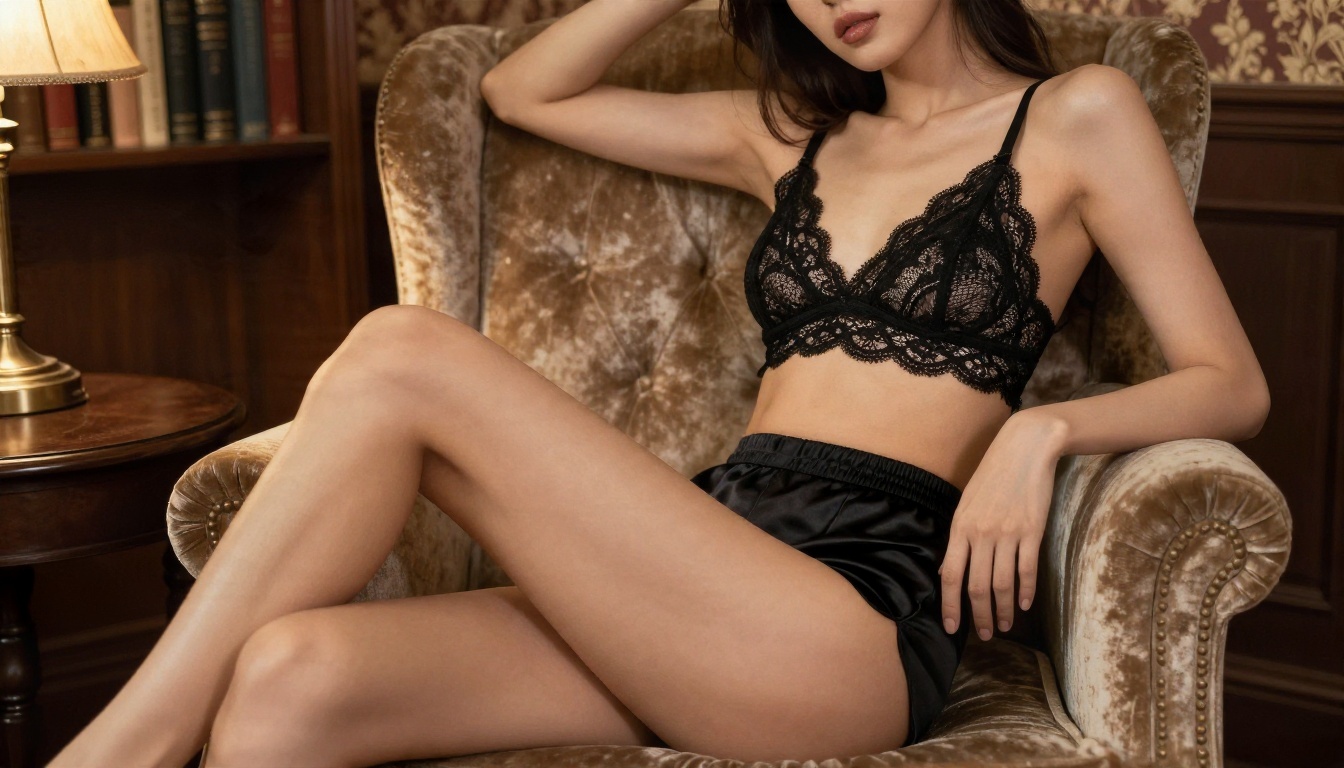
How to Get Similar Results on PicassoIA
Since Claude cannot produce the image, here is the workflow that does, using Seedream 4.5 as the main model.
Step by Step
- Draft the prompt. Ask Claude Sonnet 5 for a photographic prompt using the five-part formula above.
- Open Seedream 4.5. Go to the model page and paste the prompt.
- Set the ratio. Pick 16:9 for wide scenic shots, 3:4 or 2:3 for portraits.
- Generate and compare. Run two or three variations, since small wording changes shift pose and light.
- Refine in Image Editor Pro. Move the best result to the Image Editor Pro for background tweaks, outfit changes or clean-up.
- Upscale if needed. Use a super resolution tool for print-size output.
Parameter Tips
- Be specific about light. "Soft window light from the left" beats "good lighting."
- Name the lens. "85mm f/1.8" gives portrait compression and soft backgrounds. "35mm f/2.8" gives a wider, more environmental feel.
- Add texture words. "Visible pores," "linen weave," "satin sheen" push realism.
- Name the film look. "Kodak Portra 400, fine grain" gives warm, natural skin tones.
- State the tone. Words like "tasteful," "editorial" and "non-explicit" keep results in glamour territory.
💡 Pro tip: Generate the same scene with two models. Seedream 4.5 often wins on skin and fabric, while Hunyuan Image 3 can surprise you with environment detail.
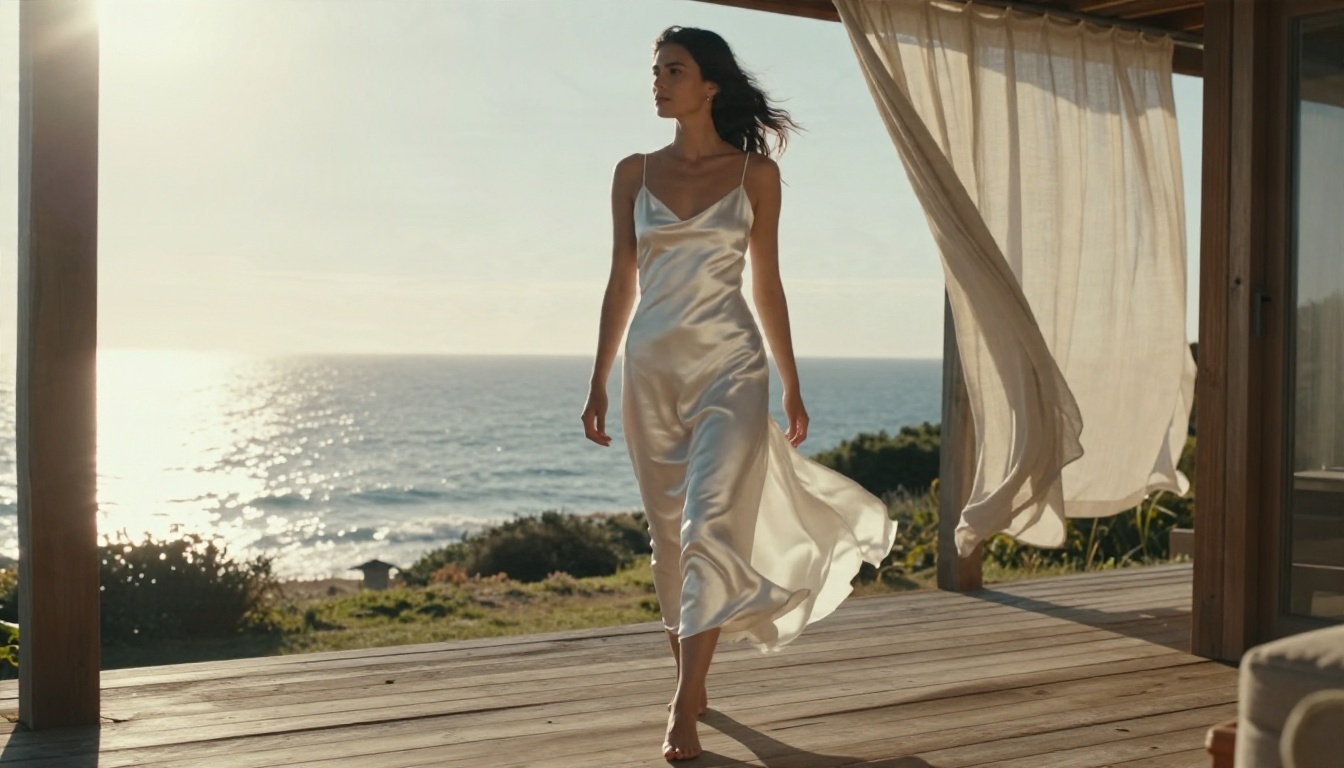
Claude Versus Image Models Side by Side
| Feature | Claude | Seedream 4.5 and Image Editor Pro |
|---|
| Generates photos | No | Yes |
| Reads uploaded images | Yes | Limited |
| Writes prompts | Excellent | Not its job |
| Glamour and swimwear looks | Writes about them only | Creates them |
| Explicit content | Declines | Keep results non-explicit |
| Unlimited iteration | Subject to chat limits | Unlimited in Image Editor Pro |
| Photo editing | No | Yes |
The table makes the split clear. Claude is a thinking partner. The image models are the camera. Use both and each does what it does best.
Common Mistakes
- Expecting Claude to render the image. It will not, no matter how the prompt is worded.
- Pasting short prompts into an image model. Short prompts give generic faces and flat light.
- Skipping the edit pass. A five-minute touch-up in an editor often lifts a good image to a great one.
- Mixing too many ideas. One outfit, one location, one light source per image.
Free Does Not Mean Careless
Free tools still deserve a few ground rules, and they protect you as much as anyone else.
Rules Worth Keeping
- Adults only. Every subject must be clearly an adult. No exceptions.
- No real people without consent. Do not generate lookalikes of real individuals, public figures or acquaintances.
- Keep it non-explicit. Swimwear, lingerie, boudoir and artistic implied nudity make strong content. Explicit material limits where you can share it and carries real risk.
- Label AI work. If you post images, say they are AI generated.
- Check platform rules. Social networks and print shops each have their own limits on adult-themed images.
Where Glamour AI Images Work Well
- Fashion and swimwear mood boards
- Concept art for photo shoots
- Book covers and editorial illustrations
- Social content for adult audiences within platform rules
- Personal wallpapers and private collections
Quick Prompt Ideas to Try Today
Here are five ready-to-use starting points. Paste them into Seedream 4.5 or the Image Editor Pro and adjust.
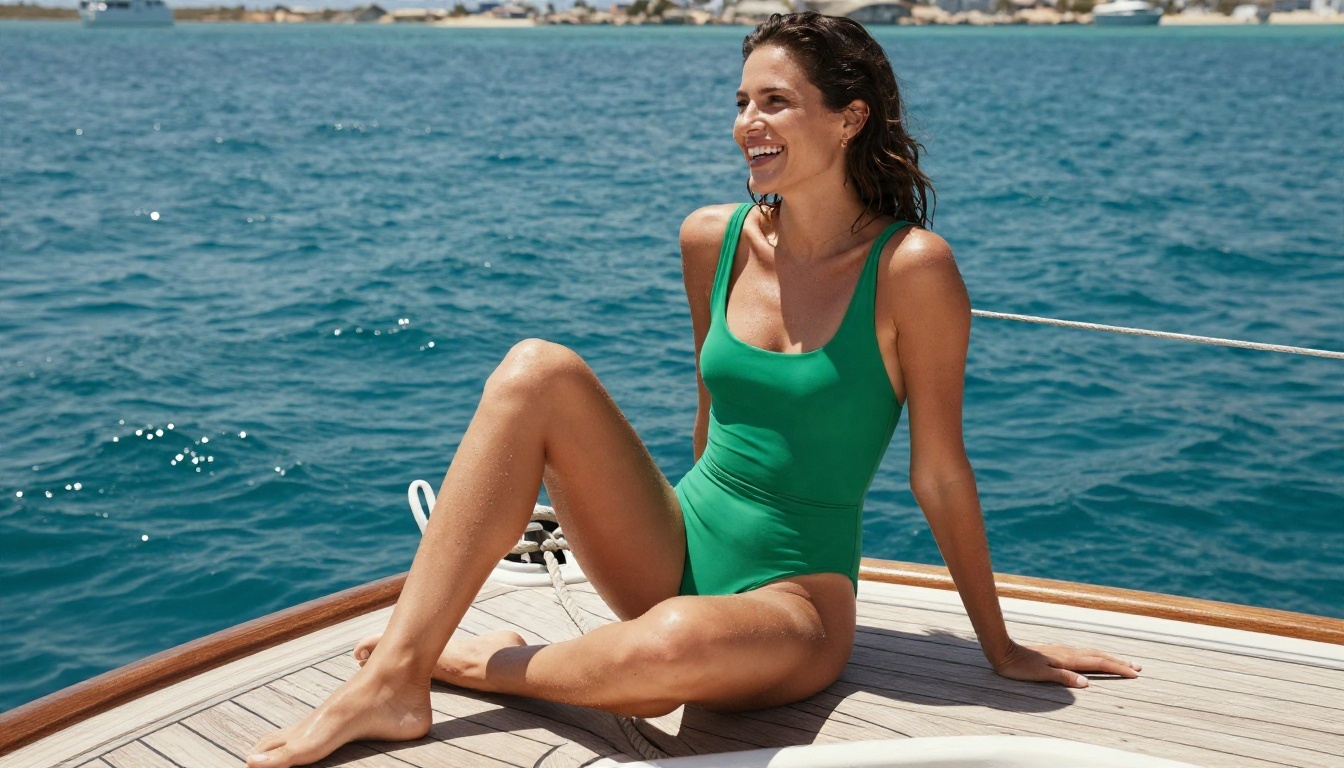
- Poolside golden hour: adult woman in a red bikini at an infinity pool edge, low sun from the right, wet skin, 35mm lens, film grain.
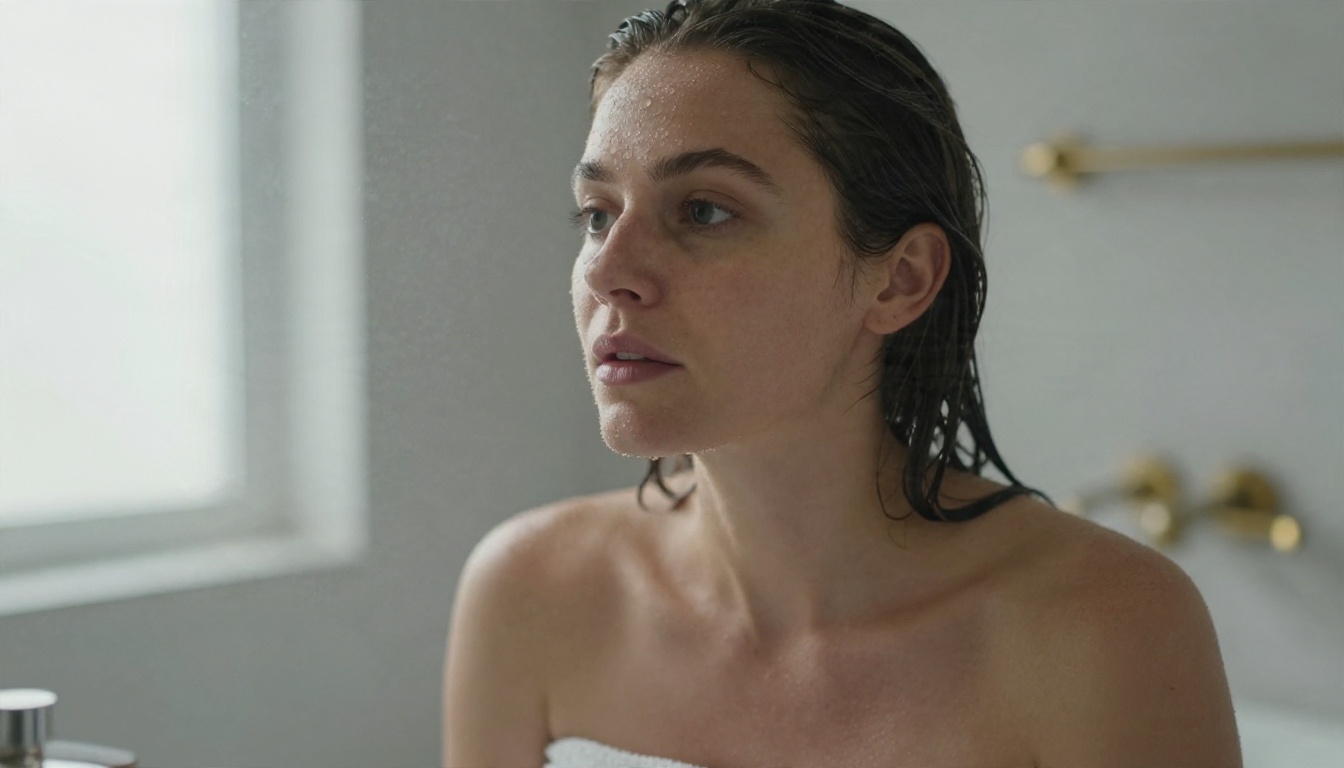
- Bathroom mirror portrait: adult woman wrapped in a white towel, fogged mirror, window light from the left, 85mm f/1.8, visible water beads.
- Boudoir armchair: adult woman in black lace and silk shorts on a velvet chair, warm lamp light, vintage apartment, shallow depth of field.
- Beach sunrise: adult woman on a woven blanket, pastel sky, high three-quarter angle, sand texture.
- Loft at blue hour: adult woman in a sheer robe by a tall window, city twilight outside, warm lamp inside, 50mm lens.
Each one names an adult subject, a clear light source, a lens and a texture. That structure is what separates a flat result from a convincing photograph.
Troubleshooting Weak Results
| Problem | Fix |
|---|
| Plastic-looking skin | Add "visible pores, natural freckles, fine grain" |
| Flat lighting | Name direction and time of day |
| Busy background | Ask for "shallow depth of field, softly blurred background" |
| Odd hands | Generate again, or fix in Image Editor Pro |
| Generic face | Add a short description of features and expression |
Try Your Own Glamour Shots Now
Claude will not make the picture, but that is no reason to stop. Use it for what it does best, planning and prompt writing, then hand the job to a model built for images. Start with Seedream 4.5 for realistic skin and fabric, move to the PicassoIA Image Editor Pro for unlimited retries and edits, and use Z Image Turbo when you want quick drafts. Uncensored-style freedom and speed are the point of these tools, and keeping results tasteful is up to you.
Ready to see the difference? Pick one of the prompts above, run it, and compare the result with what a chat assistant gave you. You can browse every available model at picassoia.com/en/all-models and build the exact workflow that fits your style on PicassoIA.


