Picking an AI coding tool in 2024 feels like shopping during a product reshuffle. OpenAI quietly deprecated the original Codex API while folding its capabilities into ChatGPT, Copilot, and GPT-4. Anthropic, meanwhile, shipped Claude Code as a standalone terminal agent that reads your entire codebase and acts on it autonomously. Both carry the weight of the Codex vs. Claude Code debate, but they are not really competing for the same job anymore. Here is what each one actually does, where each one stumbles, and how to decide which belongs in your stack.

Codex: The API That Became Infrastructure
OpenAI Codex was the original code-generation model, trained on billions of lines of public code and natural language. It powered the first version of GitHub Copilot and was accessible as a standalone API starting in 2021. By 2023, OpenAI deprecated the Codex API and folded its capabilities into GPT-3.5 and GPT-4 variants.
Today, "Codex" effectively refers to the code-intelligence layer powering GitHub Copilot, the OpenAI API with a code prompt, or the newer Codex CLI tool that OpenAI shipped in 2024 as an agentic coding assistant. The Codex CLI works conceptually like Claude Code: it takes natural language instructions and executes shell commands to complete tasks. But it is younger, less community-tested, and far less discussed among working developers.
For this comparison, Codex refers to the broader OpenAI coding ecosystem: autocomplete-style completions via Copilot, code generation via GPT-4o or GPT 5, and the Codex CLI agentic tool.
Claude Code: The Terminal Agent
Claude Code is Anthropic's command-line interface for agentic coding. You install it, point it at a project directory, and give it a task in plain English. It reads files, writes code, runs tests, commits to git, and asks for clarification when it hits ambiguity. The underlying model is Claude 4 Sonnet or Claude Opus 4.7, depending on your configuration.
Where Copilot sits inside your IDE and whispers suggestions as you type, Claude Code operates at the project level. It understands the relationship between files, can refactor across an entire codebase, and maintains context across multi-step tasks without you needing to repaste code snippets into a chat window.

How They Handle Real Tasks
Autocomplete vs. Agentic Coding
This is the clearest distinction between the two tools. GitHub Copilot excels at line-level and function-level autocomplete. You start writing a function signature and Copilot completes the body. You write a comment describing what you want and it drafts the implementation. For this pattern, it is fast, unobtrusive, and highly productive once the model absorbs context from the surrounding file.
Claude Code does not autocomplete as you type. It is a separate tool you invoke with a specific task. The tradeoff is breadth: Claude Code can handle requests like "find all the places where we call the legacy auth function, replace them with the new one, update the tests, and summarize what changed." That task would require significant manual navigation even with Copilot suggestions active.
Tip: Use Copilot for flow-state coding where you want AI suggestions inline. Use Claude Code for high-leverage tasks that would otherwise cost you 30-plus minutes of context-switching.
Multi-File Projects

This is where the tools diverge most sharply. Copilot reads the current file and a limited slice of surrounding files. It has improved at pulling context from open tabs in your IDE, but the context window for autocomplete purposes remains constrained in ways that matter on real projects.
Claude Code ingests your entire project directory. It reads your README, config files, test suites, and dependency tree. When you ask it to add a new feature, it already knows what patterns your codebase uses and tries to match them. On projects where consistency matters more than any single clever suggestion, this is a meaningful advantage that compounds over time.
| Capability | GitHub Copilot (Codex) | Claude Code |
|---|
| Inline autocomplete | Yes, real-time | No |
| Multi-file refactoring | Limited | Yes |
| Test writing | Yes (single file) | Yes (cross-codebase) |
| Shell command execution | No | Yes |
| Git integration | Via plugin | Native |
| Natural language tasks | Via chat | Via terminal |
Context Window and Memory
Where Codex Runs Out
The GPT-4o model powering Copilot Chat has a 128K token context window. That sounds generous until you realize a medium-sized TypeScript project with 200 files can exceed that easily. More critically, Copilot does not read your whole project by default. It reads what you show it, which means you are responsible for pasting in the relevant code whenever you ask a question.
This creates a consistent workflow tax. You find the file, copy the function, paste it into chat, ask your question, copy the answer back. For one-off questions this is tolerable. For deep refactoring work across a large codebase, it becomes a serious drain that eats the productivity gains the tool was supposed to provide.
Claude Code's Codebase Awareness

Claude Code was designed specifically to solve this problem. It reads the project on disk, maintains its own map of what exists where, and carries that context throughout the session. You do not paste code into a chat window. You describe what you want at the task level.
In practice, this means Claude Code can surface observations like: "I noticed you have the same validation logic duplicated in three places. Should I consolidate it while making this change?" That kind of proactive observation requires genuine codebase awareness, not just a snapshot of whatever file happens to be open.
Claude's models, including Claude 4 Sonnet and Claude Opus 4.7, were built with extended instruction-following and long-range code reasoning in the model architecture. This carries directly into Claude Code's performance on complex multi-step work where earlier AI tools tend to lose the thread.
Speed, Pricing, and Access
What You Actually Pay

GitHub Copilot costs $10/month for individuals and $19/month for the business tier. This includes both inline autocomplete and Copilot Chat powered by GPT-4o. For teams already operating on GitHub, this is often the default choice due to familiarity and deep ecosystem integration with pull requests, issues, and CI workflows.
Claude Code is billed on API usage: you pay per token consumed during a session. Light use can run a few dollars per month. Heavy agentic sessions where Claude reads and rewrites large codebases cost more. Anthropic offers flat-rate subscription access via Claude.ai that includes Claude Code access, making costs more predictable for regular users who do not want to track token spend manually.
| Factor | Copilot (Codex) | Claude Code |
|---|
| Base cost | $10/month individual | Usage-based or subscription |
| Team pricing | $19/month per seat | Scales with usage |
| Free tier | No | Limited via Claude.ai |
| Enterprise | GitHub Enterprise | Anthropic enterprise |
Which One Is Faster
For autocomplete, Copilot wins without question. Suggestions appear in milliseconds, inline, without breaking your typing flow. That is a fundamentally different interaction model from Claude Code, which requires you to leave your editor, write a command, and wait for a response that may take several seconds on complex tasks.
For task completion speed on substantial work, Claude Code usually comes out ahead on total time. Replacing 40 occurrences of a deprecated function call across a codebase takes a developer a half-day of careful manual navigation even with Copilot active. Claude Code handles it in a single command, with a change summary to review before committing.
Rule of thumb: If the task takes under 2 minutes manually, Copilot's inline flow wins on speed. If it would take over 10 minutes manually, Claude Code almost always wins on total time invested.
Where Copilot Lives
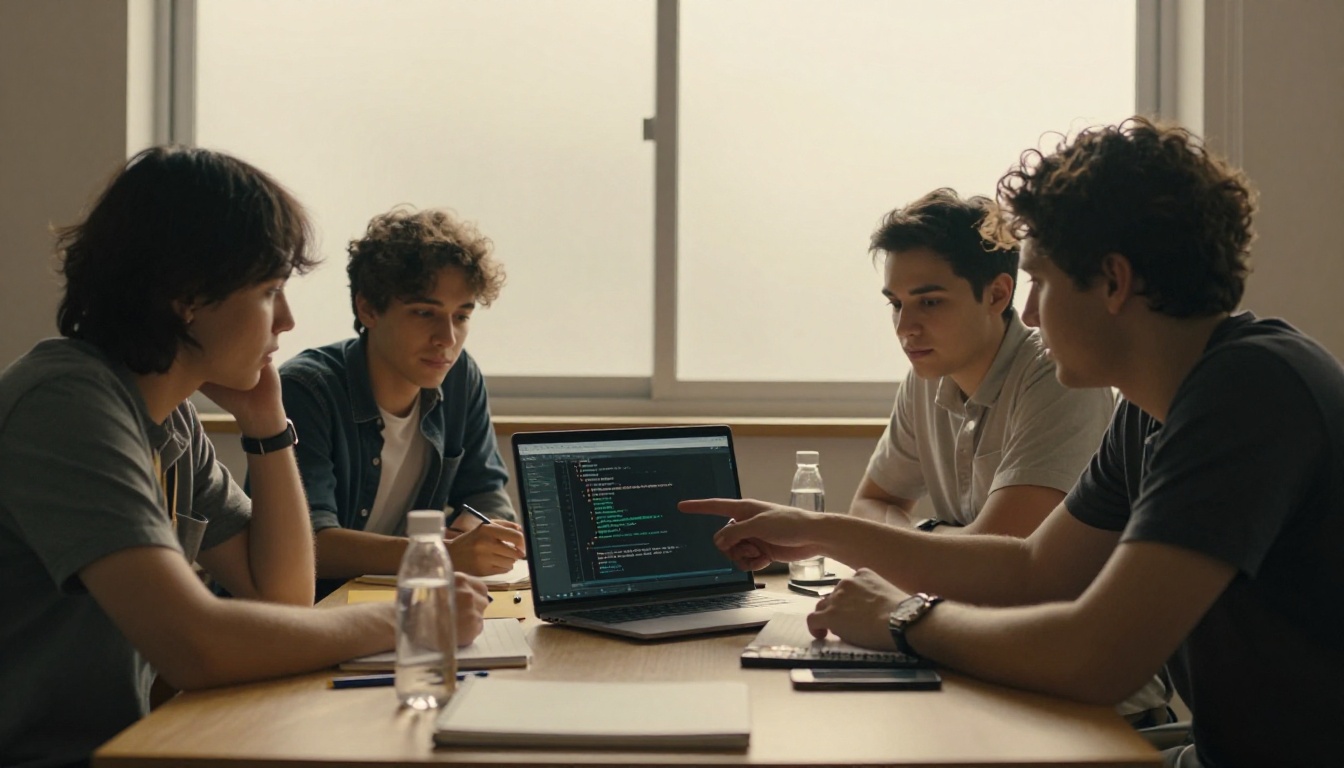
GitHub Copilot integrates directly into VS Code, JetBrains IDEs, Neovim, and Visual Studio. The experience is native: ghost text suggestions appear as you type, Copilot Chat opens as a panel, and the model accesses your open files without any manual configuration. For developers who live in their IDE and prefer not to context-switch to a terminal, this is a genuine workflow advantage that is hard to replicate with a separate tool.
The depth of IDE integration also gives Copilot access to language server diagnostics, inline error messages, and file-level hover context in ways that a filesystem-based terminal tool cannot fully replicate from outside the editor process.
Claude Code's Terminal-First Design
Claude Code runs in your terminal and works alongside any editor because it operates directly on the filesystem rather than inside a specific IDE process. This is a strength when your workflow already spans multiple tools: you can run Claude Code next to Vim, Emacs, VS Code, or a bare terminal session without any plugin required.
Anthropic is actively building tighter VS Code integration that brings some of Claude Code's capabilities inside the editor UI, but as of mid-2024, the terminal remains the primary and most capable interface.

Anthropic's model lineup is also available through their API and directly on platforms like PicassoIA, where you can interact with Claude 4.5 Sonnet and Claude 4.5 Haiku for code review, architecture discussions, and debugging sessions without installing a local tool.
When to Use Which One
Copilot (Codex) Wins Here
- Writing new code from scratch where inline suggestions accelerate typing
- Boilerplate-heavy tasks where you want AI to fill in the obvious parts
- Teams deeply embedded in the GitHub ecosystem and existing workflows
- Developers who prefer staying inside their IDE throughout the session
- Budget-conscious teams who prefer a predictable fixed monthly cost
- Developers building their skills who benefit from real-time inline guidance
Claude Code Wins Here

- Large-scale refactoring across many files in a single operation
- Migrating from deprecated APIs, libraries, or framework versions
- Writing comprehensive test suites for existing, undocumented code
- Tasks requiring full project context: dependency relationships, naming conventions, architectural patterns
- Debugging problems that span multiple files and abstraction layers
- Architecture review on an unfamiliar codebase you just inherited
Practical pick: Most professional developers end up using both. Copilot for flow-state writing, Claude Code for high-effort structural changes where full-project context is the difference between a clean solution and a patch.
The Model Difference Under the Hood
The tools sit on top of fundamentally different model lineages. Copilot uses GPT-4o and GPT 5 from OpenAI: models optimized for broad generalization, fast response time, and strong instruction following across many domains. OpenAI's coding-focused fine-tuning has improved substantially since the original Codex, and GPT-4o Mini offers a cost-effective option for lighter code tasks.
Claude models, including Claude 3.7 Sonnet and Claude Opus 4.6, were trained with Anthropic's Constitutional AI approach, which emphasizes precise instruction adherence and reduced hallucination on technical tasks. In practice, this shows up in Claude Code's ability to carry out multi-step plans without drifting off-task, a known weakness of earlier GPT-powered agentic tools.
Other strong coding-focused models worth tracking in the broader space include DeepSeek R1 for complex reasoning problems, Kimi K2 Instruct for agentic workflows, IBM's Granite 8B Code Instruct 128K for teams wanting a dedicated open-weight code model, and Llama 4 Maverick Instruct as a capable open-source alternative.
The AI coding space is moving faster than any single tool can keep up with. What wins benchmarks in January may be outpaced by April. The more important skill is knowing which type of tool fits which type of task, rather than betting everything on one vendor.

Try the Models Without the Setup
The Codex vs. Claude Code debate often comes down to workflow preference and task type rather than one tool being objectively superior. What helps most is running your actual problems through both model families to see which output style matches how you think and work.
On PicassoIA, you can access over 65 large language models in a single interface, including the full Anthropic Claude family and OpenAI's GPT lineup, without managing separate subscriptions or API keys. Try the same coding problem through Claude 4 Sonnet and GPT 5 side by side. Add DeepSeek R1 to the mix for problems that require multi-step reasoning. You will form a more grounded opinion from 15 minutes of direct testing than from any benchmark table.
Beyond LLMs, PicassoIA offers image generation, video tools, audio generation, and more, so the same platform where you do AI coding research doubles as a full creative suite for technical documentation visuals, presentation assets, and project imagery. The fastest way to form a real opinion on any AI tool is to use it on a real problem. Start there.


