Vertical video has taken over. TikTok, Instagram Reels, YouTube Shorts: the 9:16 format is where attention lives, and still photos no longer cut it. With Wan 2.7 I2V on PicassoIA, you can convert any photograph into a smooth, realistic vertical video clip in minutes, without touching a single editing timeline.
This is not a slow frame-by-frame animation process. Wan 2.7 Pro reads your photo's lighting, depth, and subject position, then generates fluid motion that looks like the original scene was always in motion. Hair blows softly. Light shifts. The environment breathes. The result is a video that feels captured, not manufactured.
What Wan 2.7 Pro Actually Does
The gap between photos and video
Most creators have thousands of photos sitting unused. Great shots from a session that never made it into a post because the platform favors video. Wan 2.7 Pro closes that gap by treating your photo as the first frame of a video and generating everything that happens next.
The model does not simply zoom or pan the image. That Ken Burns effect approach produces obviously fake motion that viewers immediately recognize. Instead, Wan 2.7 I2V uses a diffusion process trained on massive video datasets to predict realistic temporal motion: how water ripples, how fabric drapes and moves, how a person's expression might shift over the next five seconds. The result is cinematic image-to-video conversion that holds up even at 1080p vertical output.
Why the vertical format changes everything
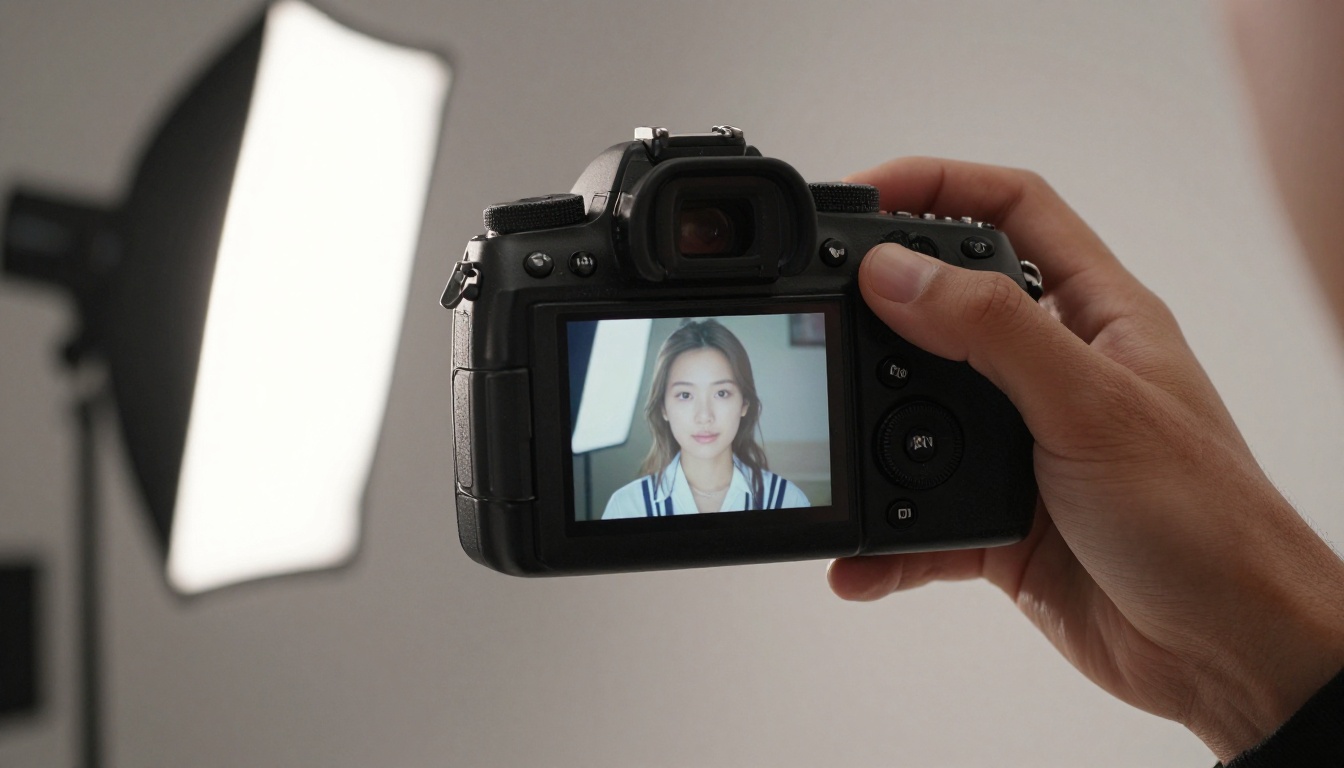
Landscape video is what people expect on YouTube or desktop screens. Portrait-mode video (9:16) is what stops thumbs on TikTok and Reels. The problem has always been that most professional photographers shoot in landscape orientation, and cropping a landscape photo to 9:16 destroys the composition.
Wan 2.7 I2V sidesteps this entirely. You can upload a portrait-orientation photo and get a native 9:16 output. You can upload a square or landscape photo and use the model's cropping settings to focus on the subject. You can even let the model expand context naturally so the vertical frame feels intentional, not cropped. This is why the combination of a good portrait photo and Wan 2.7 I2V produces better social content than most shot-on-phone vertical videos.
The Wan 2.7 I2V Model, Explained
What makes it different from older Wan versions
The Wan family has moved fast. Wan 2.5 I2V introduced reliable image conditioning. Wan 2.6 I2V improved motion coherence and handled complex backgrounds better. Wan 2.7 Pro takes another leap on two specific fronts.
Motion fidelity: Subject movement is more physically realistic. Fabric dynamics, hair motion, and facial micro-expressions no longer produce the subtle warping artifacts that earlier versions sometimes showed. When you feed a portrait into the model, the resulting motion feels grounded in how that specific person would actually move in that specific light.
Prompt adherence: The model follows motion prompts more precisely. If you write "the camera slowly zooms in while the subject smiles," Wan 2.7 Pro executes both the camera motion and the expression change. Earlier versions often ignored one element or the other, defaulting to generic ambient motion instead.
Portrait-mode stability: Vertical composition is significantly cleaner. Earlier Wan models were primarily trained on landscape video data, which sometimes showed in vertical output artifacts near the frame edges. Wan 2.7 Pro handles the 9:16 frame natively without composition distortion.
Resolution and output specs
| Spec | Value |
|---|
| Output format | MP4 |
| Maximum resolution | 1080p |
| Vertical aspect ratio | 9:16 |
| Default clip duration | 5 seconds |
| Frame rate | 24fps |
| Audio | Native synchronized ambient audio |
💡 Five seconds is more than enough for TikTok hooks and Instagram Reels intros. Loop the clip in your native editing app if you need longer runtime.
How to Use Wan 2.7 I2V on PicassoIA
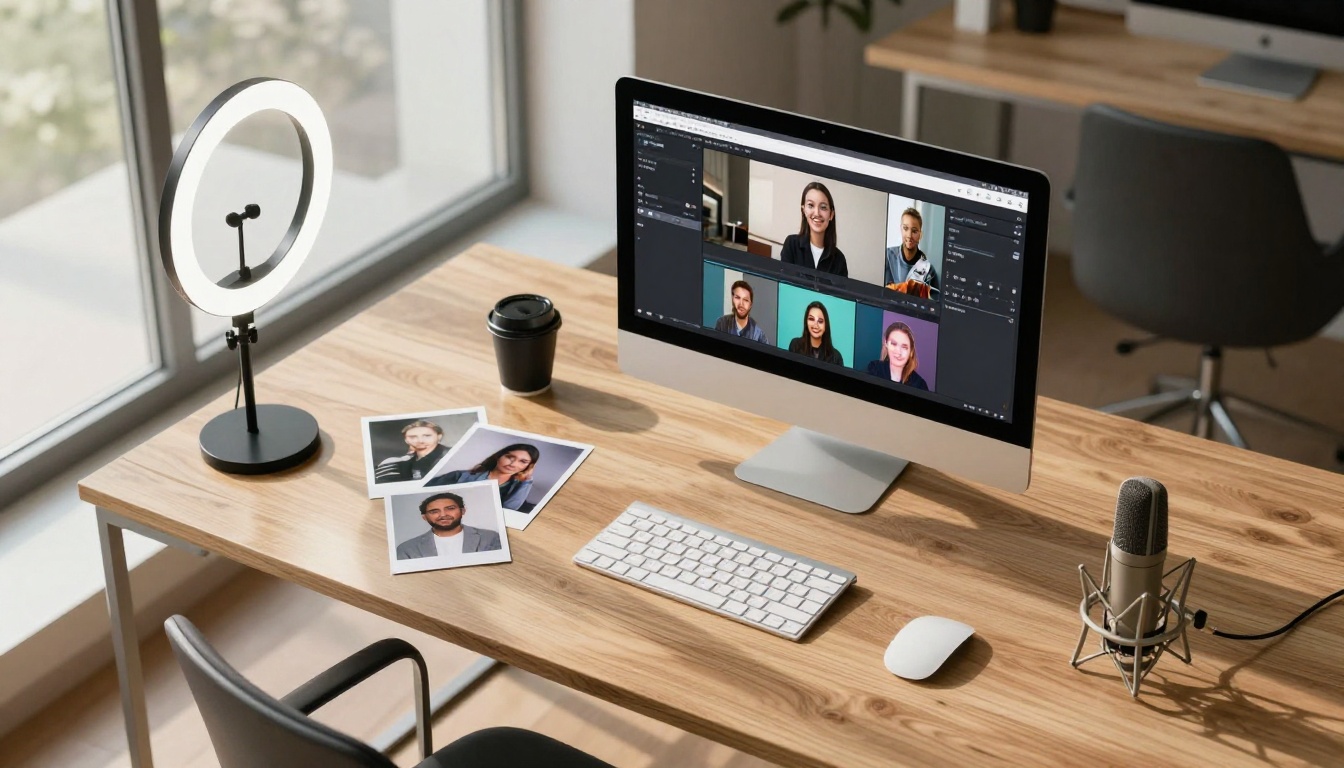
PicassoIA gives you direct access to Wan 2.7 I2V without API keys, local GPU setups, or technical configuration. Here is the exact process from photo to published video.
Step 1: Upload your source photo
Navigate to the Wan 2.7 I2V model page on PicassoIA and click the image upload field.
What works best:
- Portrait orientation photos (shot at 9:16 or 4:5)
- Minimum 1024px on the short side
- JPEG or PNG format
- Photos with a clear subject and an identifiable background
What to avoid:
- Heavy compression artifacts, which the model picks up and amplifies in motion
- Very dark or very overexposed photos, since motion generation depends on scene depth reading
- Photos with significant text in frame, since text distorts unpredictably under video generation
Step 2: Write your motion prompt
This is where most users underperform. A weak prompt produces generic floating motion. A strong prompt produces exactly the video you had in mind.
The model responds best to prompts that describe what moves, how it moves, and what the camera does in that order.
Weak prompt: "beautiful woman walking"
Strong prompt: "woman's hair moves gently in a soft breeze from the left, she slightly turns her head toward the camera with a calm smile, slow push-in dolly shot, warm morning light"
Keep prompts under 80 words. The model handles specificity well but loses accuracy when prompts exceed a paragraph.
Step 3: Set format to vertical
In the aspect ratio dropdown, select 9:16. If your source photo is already portrait orientation, the model uses the full frame. If it is landscape, the model will center-crop to the subject by default. For higher-quality output, select 1080p in the resolution field. The generation takes slightly longer, but the difference in sharpness is significant when the video plays full-screen on a phone.
Step 4: Generate and download
Click Generate. Wan 2.7 I2V typically completes in 60 to 120 seconds on PicassoIA's GPU infrastructure. Preview the video in the built-in player before downloading to catch any artifacts early. If the motion feels too extreme or too subtle, adjust the motion intensity slider and regenerate.

Writing Prompts That Get Results
Motion words that work
The Wan 2.7 I2V model has strong associations with specific motion vocabulary. These words consistently produce better results:
| Motion Type | Effective Prompt Words |
|---|
| Hair and fabric | "gentle breeze," "soft wind from left," "fabric ripples" |
| Camera | "slow dolly-in," "subtle push," "gentle pan right," "static hold" |
| Lighting | "golden hour shift," "cloud shadow passes," "warm light flicker" |
| Subject | "slight head turn," "soft exhale," "eyes shift left," "lips part slightly" |
| Environment | "leaves rustle," "water shimmers," "smoke drifts upward" |
💡 Combine one subject motion, one camera motion, and one lighting condition for maximum output quality. Three elements is the sweet spot. More than five dilutes the result.
Describing camera movement precisely
The model's camera motion is its most reliable capability. These phrases work consistently:
- "slow dolly-in": camera gradually pushes toward the subject over the clip duration
- "gentle crane up": camera rises slightly, revealing more background at the top of the frame
- "subtle rack focus": background blurs progressively during the clip as if refocusing mid-shot
- "static shot": no camera movement at all, ideal for portraits where the subject is the only motion element
Common mistakes that kill quality
Overloading the prompt: Asking for too many simultaneous actions produces visual chaos. If you want hair moving, a head turn, a camera push, and changing light all at once, the model will compromise on all of them. Pick your two or three most important elements.
Describing the end result instead of the action: "Beautiful cinematic video" tells the model nothing useful. "Leaves flutter softly in the background while the subject's gaze shifts slowly from off-camera to direct, slow push-in" gives it actionable directions.
Putting negative language in the main prompt: Writing "no shake, no blur" in the main prompt field does not reliably suppress those behaviors. Use the dedicated negative prompt field if the interface provides one, or phrase your prompt in specific positive language about what you want instead.
Ignoring source image quality: The model cannot invent detail that is not in the photo. A blurry source produces a blurry video. A heavily compressed JPEG produces blocky video artifacts. The highest-quality outputs always come from sharp, well-exposed photos.
Portrait orientation vs landscape
Portrait shots convert most naturally to vertical video. When the composition was designed for vertical viewing (subject centered, background framing at top and bottom), the 9:16 output looks intentional. Landscape photos can still work but require deliberate prompt writing to handle the crop. If your subject sits on the left third of the frame, specify "focus on left subject, camera moves slightly right" to prevent the model from defaulting to a center crop that excludes your subject.
Lighting conditions that work
Natural golden hour produces the warmest, most organic motion output. The warm-to-cool light gradient at this time of day gives the model strong depth information to work from, which translates into more convincing parallax and subject-background separation in the video.
Soft overcast light creates even illumination that the model handles predictably. Motion tends to be cleaner, with fewer edge artifacts around the subject boundaries.
Hard direct sunlight is the most challenging condition. Deep, high-contrast shadows create regions of lost detail that the model has to invent, which sometimes produces unrealistic fill-in motion during video generation.
Indoor studio lighting works well when the setup is three-point or softbox-based. Flat, low-contrast indoor lighting from a single overhead source tends to produce flat video with minimal perceived depth in the output.
💡 If you have a photo shot in harsh midday sun, try running it through PicassoIA's super-resolution tools first to recover edge detail before feeding it into Wan 2.7 I2V.
Resolution and file format
The model extracts more scene information from larger source images. Minimum recommendations:
- Portraits: 1024 x 1820px or larger for native 9:16 output
- Environmental shots: 1080 x 1920px or larger
- Product shots: 1024 x 1024px or larger (supply 1:1 source, then specify 9:16 output in the model)
PNG format preserves the most lossless detail for the model to process. JPEG at 90% quality or higher is also reliable. Avoid photos exported below 80% JPEG quality, as compression artifacts will show in the video output.
Wan 2.7 Pro vs Other Video Models
vs Wan 2.6 I2V
Wan 2.6 I2V is a strong predecessor that many creators still use for bulk generation. The differences between 2.6 and 2.7 are noticeable but not dramatic:
| Feature | Wan 2.6 I2V | Wan 2.7 I2V |
|---|
| Portrait-mode stability | Good | Noticeably better |
| Motion realism | Solid | More physically accurate |
| Prompt adherence | Moderate | Stronger |
| Generation speed | Slightly faster | Slightly slower |
| Maximum resolution | 1080p | 1080p |
If you are generating large batches and speed matters more than peak quality, Wan 2.6 I2V remains a solid choice. For final-quality output intended for publishing, Wan 2.7 Pro is worth the extra generation time.
vs Kling v2.6 and Kling v3 Video
Kling v2.6 and Kling v3 Video produce exceptional cinematic quality, particularly for dramatic motion sequences. They are strong choices for landscape-format video but show less consistent results in portrait (9:16) output compared to Wan 2.7 Pro. For vertical social content specifically, Wan 2.7 Pro has a clear advantage. For widescreen cinematic storytelling, Kling v3 Video may produce more dramatic results.
vs Hailuo 02 and Pixverse v5
Hailuo 02 excels at fast generation and is ideal for rapid prototyping and ideation. The output quality is lower than Wan 2.7 Pro for detailed portrait work, but the speed advantage is real when you are running many iterations. Pixverse v5 produces stylistically vivid video but leans toward a slightly processed, hyper-saturated aesthetic. For raw, photorealistic photo-to-video conversion that stays faithful to the source image, Wan 2.7 Pro delivers cleaner results.
Real Use Cases Worth Trying
TikTok content from product shots
E-commerce brands and small business owners photograph their products constantly. Static product photos on TikTok scroll past in an instant. Converting the same photo into a five-second clip (perhaps the product rotating slightly, or packaging catching a shift of light) immediately elevates the content without a video shoot budget.
Prompt example for product shots: "product rotates 15 degrees clockwise in place, ambient studio light shifts warm to cool across the label, subtle depth-of-field focus pull toward front text, static camera"
Instagram Reels from portrait photography
Portrait photographers who want to repurpose their work for Reels can convert each image into a short clip: a slight head turn, a soft smile forming, hair moving in a breeze, a slow push-in toward the eyes. These clips as Reels consistently outperform static posts in reach and profile discoverability.
Prompt example for portraits: "subject's gaze shifts slowly from slightly off-camera to direct eye contact, a subtle smile forms at the corners of the mouth, hair moves gently in a soft breeze from the left, slow rack focus from background to face"
YouTube Shorts from travel and lifestyle photography
Content creators building YouTube Shorts channels around photography, travel, or lifestyle subjects can batch-convert their strongest images into short video clips using Wan 2.7 I2V. Pair each clip with a voiceover using PicassoIA's text-to-speech models and a background track from the AI music generation tools, and you have a finished Short without filming anything new.
💡 Generate 10 vertical clips from your best photos, add ambient audio with PicassoIA's audio tools, and schedule one Short per day for two weeks. The entire batch takes an afternoon to produce.

When to Use Wan 2.7 R2V Instead
Wan 2.7 R2V (Reference-to-Video) is a related model in the same family worth understanding. Where I2V uses your image as the video's first frame and animates forward from there, R2V uses it as a visual reference for style, character appearance, and scene composition without locking the video to that exact starting frame.
Use Wan 2.7 I2V when: You want the video to begin exactly from your photo and animate forward. The subject, background, and composition all match the source image at frame one.
Use Wan 2.7 R2V when: You want to generate new video content that matches the look, character, or environment of your reference photo, but with different poses, camera angles, or action sequences not present in the original.
There is also Wan 2.7 T2V for generating entirely new video content from a text description, with no source image at all. The three Wan 2.7 variants together cover every starting point: text only, reference image, or direct photo animation. For vertical social content built from existing photography, I2V is almost always the right starting point.
More Video Models on PicassoIA
If you want to create vertical videos without a source photo, PicassoIA offers over 100 text-to-video models alongside the Wan 2.7 family. Notable options for vertical content creation:
- Seedance 2.0: ByteDance's flagship model with built-in synchronized audio generation, excellent for music-driven content
- Kling v3 Omni Video: Produces cinematic 1080p output from text, strong for dramatic narrative and storytelling
- Hailuo 02: Fast generation with solid quality, ideal for rapid iteration when you need volume over peak quality
- LTX 2 Pro: Lightricks' high-quality 4K video model for creators who need maximum resolution output
- PicassoIA Video: The platform's own free unlimited video generator, perfect for experimenting without worrying about credits
These tools and Wan 2.7 I2V coexist in the same interface, which means you never have to choose between animating an existing photo and generating something entirely new. Both workflows are one click away. Browse the full catalog at picassoia.com/en/all-models.
Start Creating with Your Photos
Every photographer has a hard drive full of images that never found an audience. Wan 2.7 I2V gives those photos a second life in the format that social platforms actually reward right now.
The barrier is low: upload a photo, write a 30-word motion description, select 9:16 at 1080p, and click generate. In under two minutes, you have a vertical video clip that looks like it was shot specifically for social media. No camera crew. No editing suite. No additional footage.
Head to PicassoIA and open Wan 2.7 I2V. Pick your strongest portrait shot, write a motion prompt using the vocabulary and structure covered above, and run the first generation. That first clip will tell you exactly what this model can do with your specific photography style, your subjects, and your lighting.
Your photos already have the quality. Wan 2.7 Pro adds the motion.


