Every photograph is secretly a 3D scene that got flattened. The camera compressed depth, distance, and spatial relationships into a single plane of pixels. Now AI can read that spatial information back out of the image and rebuild the scene the way your eyes actually experienced it.
This is not about adding a gimmicky filter. It is about extracting the geometry that was always embedded in your photo and giving it volume, depth, and the ability to be viewed from multiple angles. The results are dramatic, and the process is simpler than most people expect.
What It Means to Go 3D
The Depth Problem in Flat Photos
A photograph collapses everything into two dimensions. A mountain range that stretched 40 kilometers appears on the same flat surface as a wildflower in the foreground. Your brain interprets depth cues from the image, such as relative size, atmospheric haze, and focus blur, but the data itself is flat.
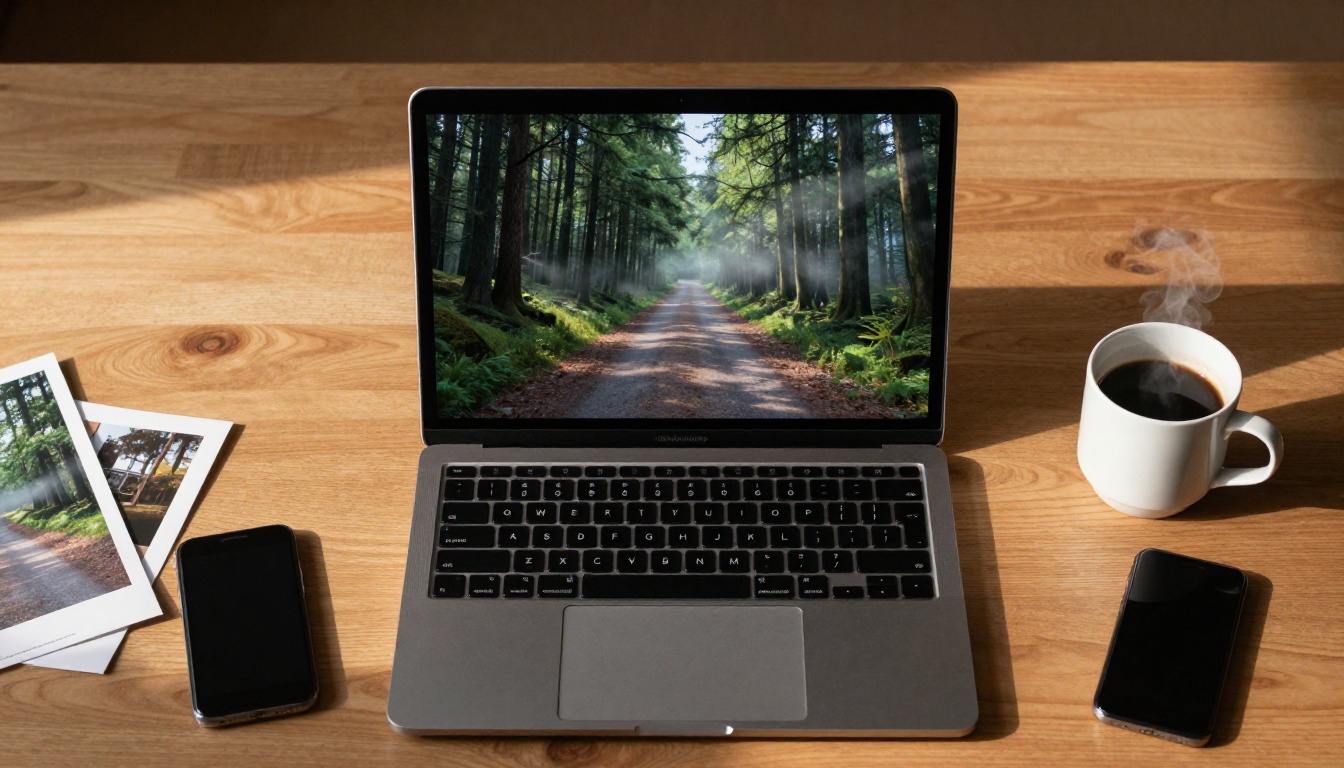
AI-powered depth estimation solves this by analyzing those exact cues computationally. The algorithm examines contrast gradients, texture density, object scale relationships, and atmospheric perspective to build a depth map: a grayscale image where brightness represents distance from the camera. Close objects appear light, distant objects dark. That map becomes the foundation for genuine 3D reconstruction.
How AI Reads Spatial Information
Modern depth estimation models were trained on millions of image pairs: standard photos matched with their corresponding LiDAR or stereo-camera depth data. From that training, the network learned to recognize patterns that reliably correlate with depth across virtually any type of scene.
Signals the AI uses:
- Texture gradient: Fine textures indicate close surfaces, coarse or blurred textures indicate distance
- Relative object size: Known objects (people, cars, doors) serve as spatial anchors
- Defocus blur: Areas outside the focal plane carry distance information
- Atmospheric haze: Blue-shifted, low-contrast areas signal depth
- Occlusion: Objects in front of other objects establish clear depth order
The model synthesizes all of these signals simultaneously and produces a per-pixel depth estimate accurate enough for convincing 3D reconstruction.
Monocular vs. Stereo Depth
There are two paths to depth: stereo (two cameras, like your eyes) and monocular (a single camera, like most photos). Stereo depth is geometrically precise. Monocular depth, which is what AI uses on your existing photos, is inferential: it uses learned priors about the world rather than geometric triangulation.
For creative and visual purposes, monocular AI depth is more than sufficient. The slight imprecision in absolute distances rarely matters when the goal is a compelling 3D parallax effect or scene reconstruction.
Types of 3D Effects AI Can Create
Parallax and Motion Effects
The most immediately striking output is a parallax animation: the different depth layers of your photo shift at different rates as the camera position simulates movement. Foreground elements move more than background elements, exactly as they would if you physically moved your head while looking at the scene.
This effect works especially well on:
- Portrait photos where the subject pops from the background
- Landscape images with strong foreground, midground, and horizon layers
- Architectural shots with clear depth recession
Full Scene Reconstruction
Beyond parallax, more sophisticated AI systems can reconstruct the actual 3D geometry of a scene from a single photo. This creates a mesh or point cloud that can be navigated in 3D space, often revealing surfaces that were hidden in the original 2D view.
The reconstruction process:
- Depth estimation generates the depth map
- Each pixel is projected into 3D space using the camera's estimated focal length
- Regions that were occluded in the original view are inpainted using AI
- The result is a navigable 3D environment with genuine spatial volume
Depth-Based Background Separation
Even without full reconstruction, the depth map alone enables powerful editing. Once every pixel has a depth value, you can:
- Select the subject precisely without manual masking
- Replace or blur backgrounds with physically correct depth of field
- Composite subjects into new 3D environments with matching perspective
- Apply depth-aware effects like fog, atmospheric depth, or light falloff
This is where background removal tools become essential. The Bria Remove Background model on PicassoIA delivers clean, edge-accurate cutouts that preserve fine details like hair and fabric, making it the ideal first step before placing a subject into a new 3D scene.
Best Photos for 3D Conversion
Not all photographs respond equally well to AI depth conversion. The quality of the result depends heavily on the depth cues available in the original image.
Portraits with Clear Subjects
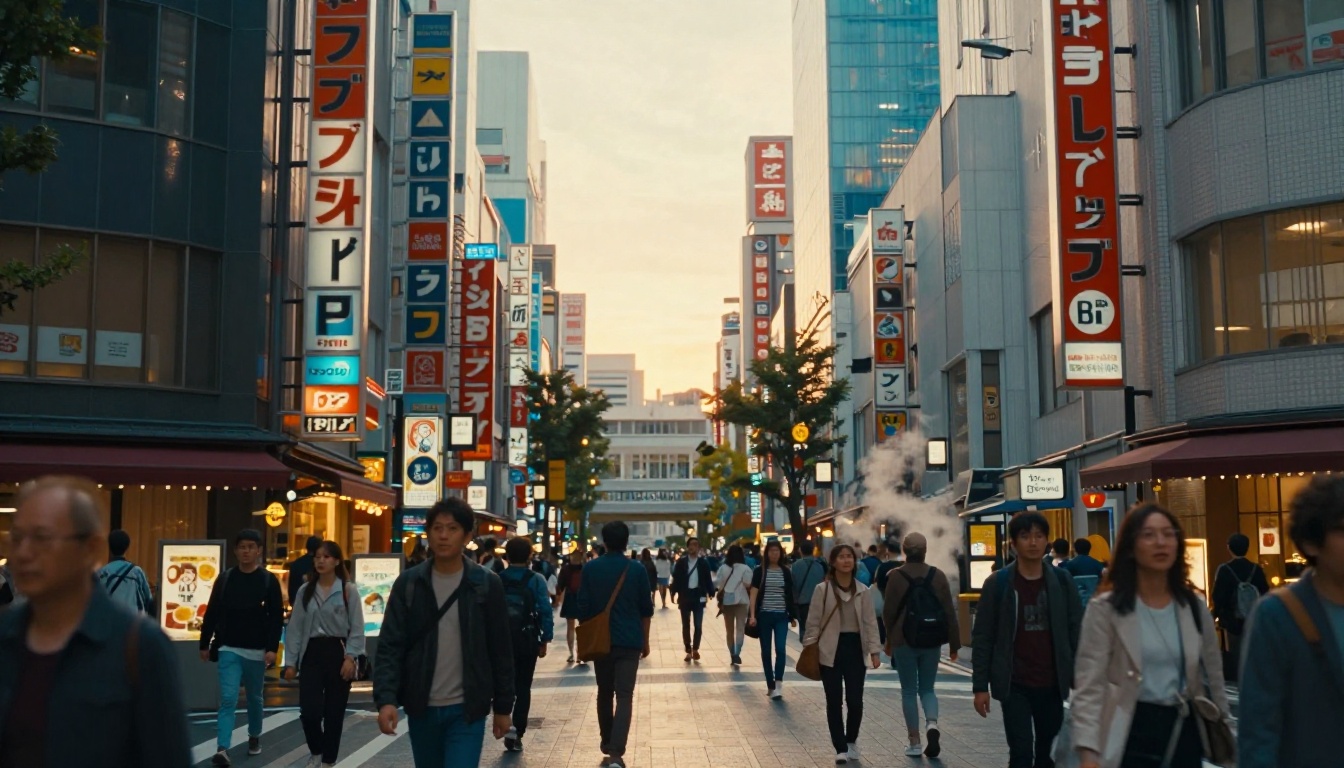
Portraits where a person is clearly separated from a background are ideal candidates. The face provides strong texture detail for depth estimation, and the out-of-focus background gives the AI clear distance information to work with.
Best portrait conditions:
- Subject shot with a 50-135mm lens for natural compression
- Background with visible bokeh or soft focus
- Good directional lighting that creates facial shadow depth
💡 Tip: Portraits shot at f/1.8 to f/2.8 give the AI the clearest depth signal. Wide-aperture blur is direct distance information that the algorithm reads accurately.
Landscapes with Distinct Layers
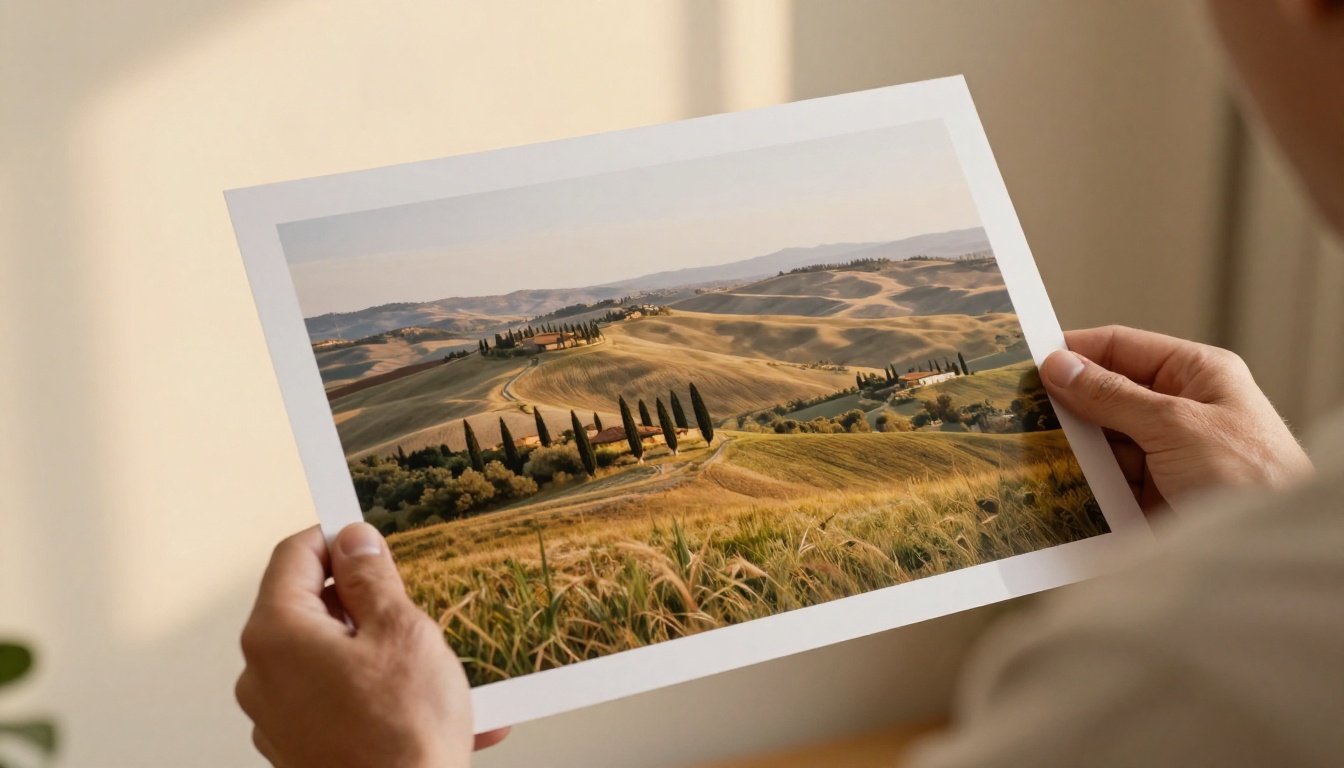
Landscapes work exceptionally well because they naturally have multiple depth layers: foreground elements (grass, rocks, flowers), a midground (trees, buildings), and a distant horizon. The AI can separate and stack these layers into a convincing 3D scene.
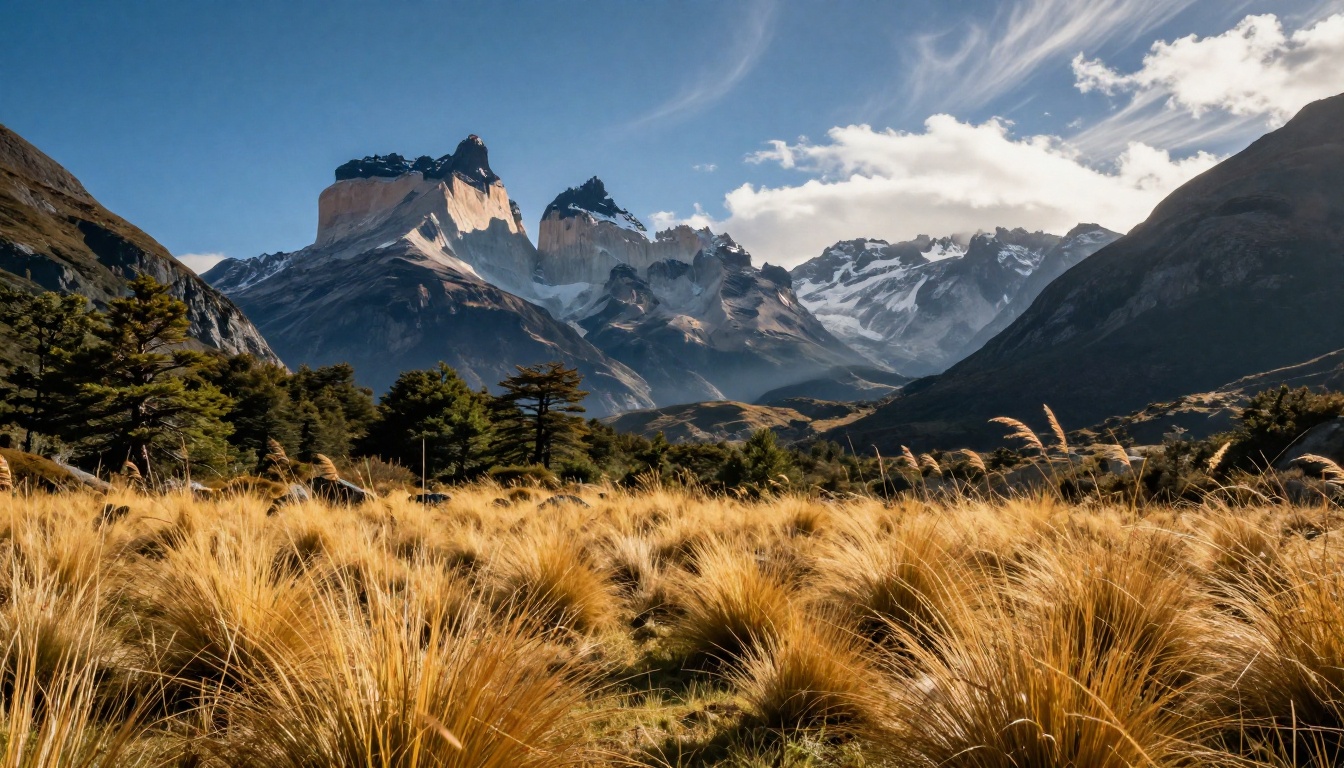
| Scene Type | Depth Cue Strength | 3D Output Quality |
|---|
| Portrait, shallow DOF | Very High | Excellent |
| Landscape with layers | High | Excellent |
| Street scene with crowd | High | Very Good |
| Flat interior shot | Medium | Good |
| Aerial top-down view | Low | Fair |
Architecture and Urban Scenes
City photography with strong linear perspective and clear building recession is another strong performer. The geometric regularity of architecture gives the AI reliable scale and distance references to build accurate depth from. Historic city centers, dense commercial streets, and architectural landmarks all produce exceptional 3D depth results because the vanishing point geometry constrains the reconstruction precisely.
How to Create 3D Scenes on PicassoIA
PicassoIA provides the tools to both generate new 3D-style scenes from text descriptions and process photographs with AI-powered depth rendering. Here is a practical workflow for creating compelling 3D visual content.
Step 1: Choose or Generate Your Base Image
Start with a high-resolution photograph that has good depth cues, or use PicassoIA's text-to-image models to generate a scene specifically built for 3D conversion.
When generating a base image for 3D conversion, prompt for:
- Clear foreground and background separation
- Directional natural lighting that creates visible shadows
- Objects at different distances from the camera
- Atmospheric perspective for distant elements

The text-to-image collection on PicassoIA includes over 90 models optimized for photorealistic outputs. For scenes heading into 3D processing, request natural lighting, realistic textures, and clear spatial composition in your prompt. The stronger the depth cues in the input, the more convincing the 3D output.
Step 2: Apply Depth Processing
Once you have your base image, the depth estimation pipeline analyzes it and generates a depth map. The quality of this map determines everything that follows.
Things that improve depth map quality:
- High resolution input: More pixels mean more detail for depth estimation
- Sharp focus on primary subject: Contrast at subject edges helps edge detection
- Varied texture across the frame: Textureless regions like plain sky are harder to depth-estimate accurately
- Visible perspective lines: Architectural shots with vanishing points help constrain the geometry
Step 3: Upscale and Sharpen Your Output
The 3D conversion process, especially background inpainting for occluded regions, can introduce softness or artifacts. Super-resolution models address this by restoring or adding fine detail to the processed image.
On PicassoIA, several specialized upscalers handle this job:
- Clarity Pro Upscaler: Adds photorealistic texture and sharpness to AI-generated or processed images. Handles faces and foliage particularly well.
- Crystal Upscaler: Optimized for portrait upscaling, preserving skin texture and hair detail through 4x magnification.
- Topaz Image Upscale: Professional-grade upscaling up to 6x with artifact suppression and detail synthesis.
- Real ESRGAN: Fast 4x upscaling suited for both natural photos and AI-generated imagery.
💡 Tip: Always upscale before final export. The depth conversion step often reduces apparent resolution. A single pass through Clarity Pro Upscaler restores the crispness of the original shot.
Output Quality After 3D Processing
Super-Resolution for Crisp Details
The relationship between depth conversion and resolution matters. When the AI separates depth layers and inpaints previously hidden regions, it synthesizes new pixels. Those synthesized pixels are coherent but often softer than the original image data.
Super-resolution models solve this with two distinct approaches:
Faithful upscaling models like Real ESRGAN and Recraft Crisp Upscale amplify existing detail while suppressing compression artifacts, staying close to the original image.
Generative upscaling models like Clarity Pro Upscaler and Recraft Creative Upscale synthesize new, plausible detail that goes beyond what was in the original image, adding pores, fabric texture, and foliage detail that was never captured by the camera.
For 3D scene outputs, generative upscaling is usually the better choice because it compensates for detail lost during the depth processing pipeline.
Removing Backgrounds for Compositing
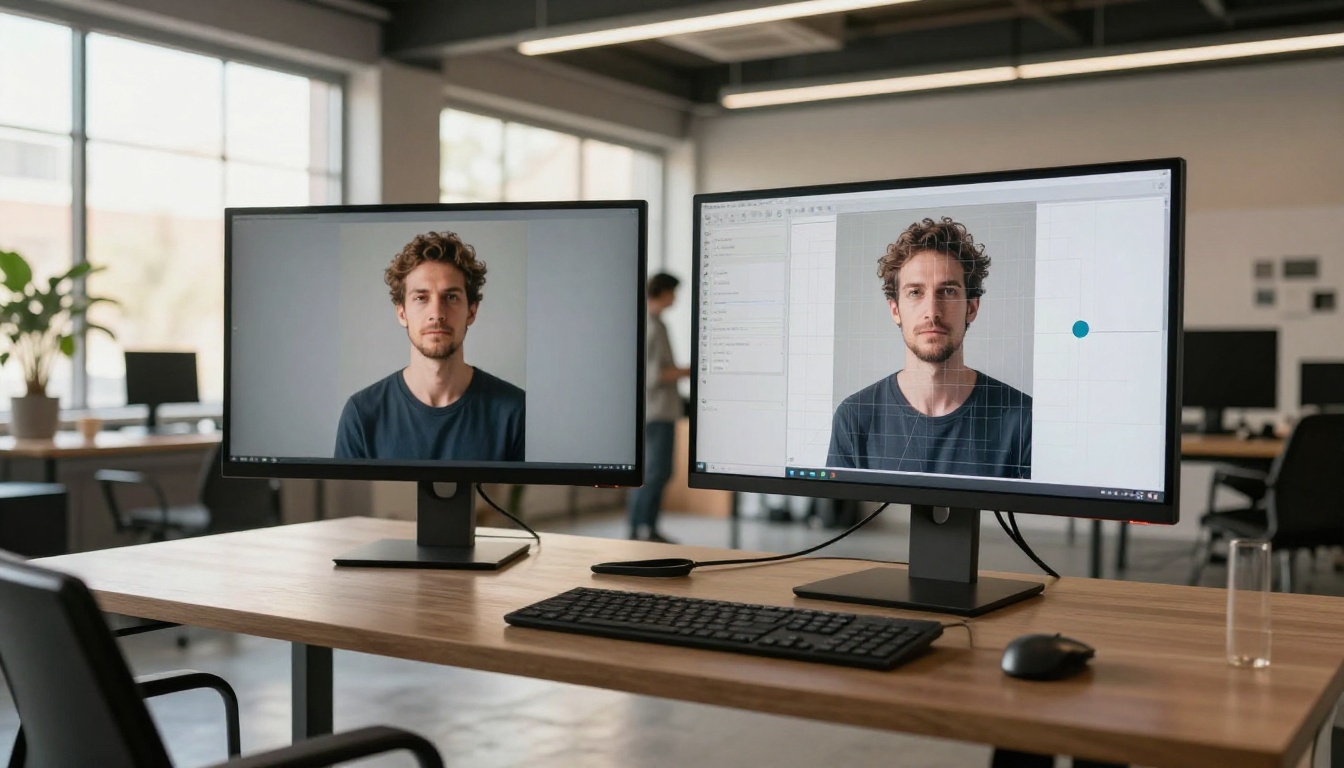
One of the most powerful downstream applications of depth-processed images is subject extraction and compositing. Once a photo has been processed for depth, the subject separation is much cleaner because the depth map provides precise edge information.
The workflow looks like this:
- Process the original photo for depth
- Use the depth map to create a precise subject mask
- Remove the background with Bria Remove Background
- Drop the extracted subject into a new scene generated with PicassoIA's text-to-image models
- Apply matching depth of field and lighting using the depth data
This creates compositions that are geometrically coherent: the subject sits in the new scene with correct perspective, realistic shadow casting, and matching atmospheric conditions rather than looking cut-and-pasted.
Practical Applications
Social Media Content
Parallax 3D effects on photos are among the most attention-grabbing formats on Instagram Reels and TikTok. A standard portrait or landscape photo converted to 3D and animated creates immediate visual interest that flat images simply cannot match.
The effect works particularly well for:
- Travel photography where landscapes gain dramatic spatial depth
- Fashion and beauty content where subjects pop from editorial backgrounds
- Product photography where items appear in three-dimensional space

Product Photography
E-commerce benefits directly from 3D scene creation. Products photographed flat can be rebuilt into navigable 3D environments, allowing customers to see spatial dimensions and context in ways that standard product images cannot convey.
The depth map generated from a product photograph also makes possible:
- Automatic background replacement with controlled depth of field matching the product's position
- Consistent lighting synthesis across product image libraries
- 3D shadow and reflection generation that matches the product's actual geometry
Creative Projects
Beyond commercial applications, AI-powered 3D scene creation opens creative possibilities that were previously expensive and technically complex:
- Historical photo restoration brought into 3D space for new life
- Wedding and portrait photography converted into immersive memories
- Fine art prints with depth-aware processing for gallery display
- Architectural visualization from a single reference photograph
💡 Tip: For the most convincing 3D effect on portrait photography, use Crystal Upscaler after the depth conversion. The portrait-specific training makes facial details extraordinarily crisp after the 3D processing pipeline.
Start Creating Your Own 3D Scenes
The gap between a flat photograph and a fully spatial 3D scene has closed dramatically. What once required stereo camera rigs, LiDAR scanners, and teams of 3D artists now takes minutes with the right AI tools.
PicassoIA brings this capability together in one place: generate photorealistic base images with depth-optimized compositions, sharpen every detail with Clarity Pro Upscaler or Topaz Image Upscale, and extract subjects cleanly with Bria Remove Background for seamless compositing into new three-dimensional environments.
Pick one photo you have taken recently, something with a clear subject and a defined background, and put it through the process. The spatial depth that was always embedded in that image will finally be visible.
Try it on PicassoIA


