The drop is the moment everything was built for. Eight bars of tension, a filtered snare roll, a pitched-down vocal chop, and then, the floor opens. That moment, the one that makes a crowd lose their mind, is now something you can produce with AI, even if you have never opened a DAW in your life.
AI music generation has crossed a threshold. Tools like Google Lyria 3 Pro, Minimax Music 2.6, and Stability AI Stable Audio 2.5 are not just generating ambient loops anymore. They produce structured, genre-specific music with real arrangement logic, including build-ups, drops, and breakdowns. This article walks you through exactly how to use them.
What Makes a Drop Hit Hard
The anatomy of a tight drop
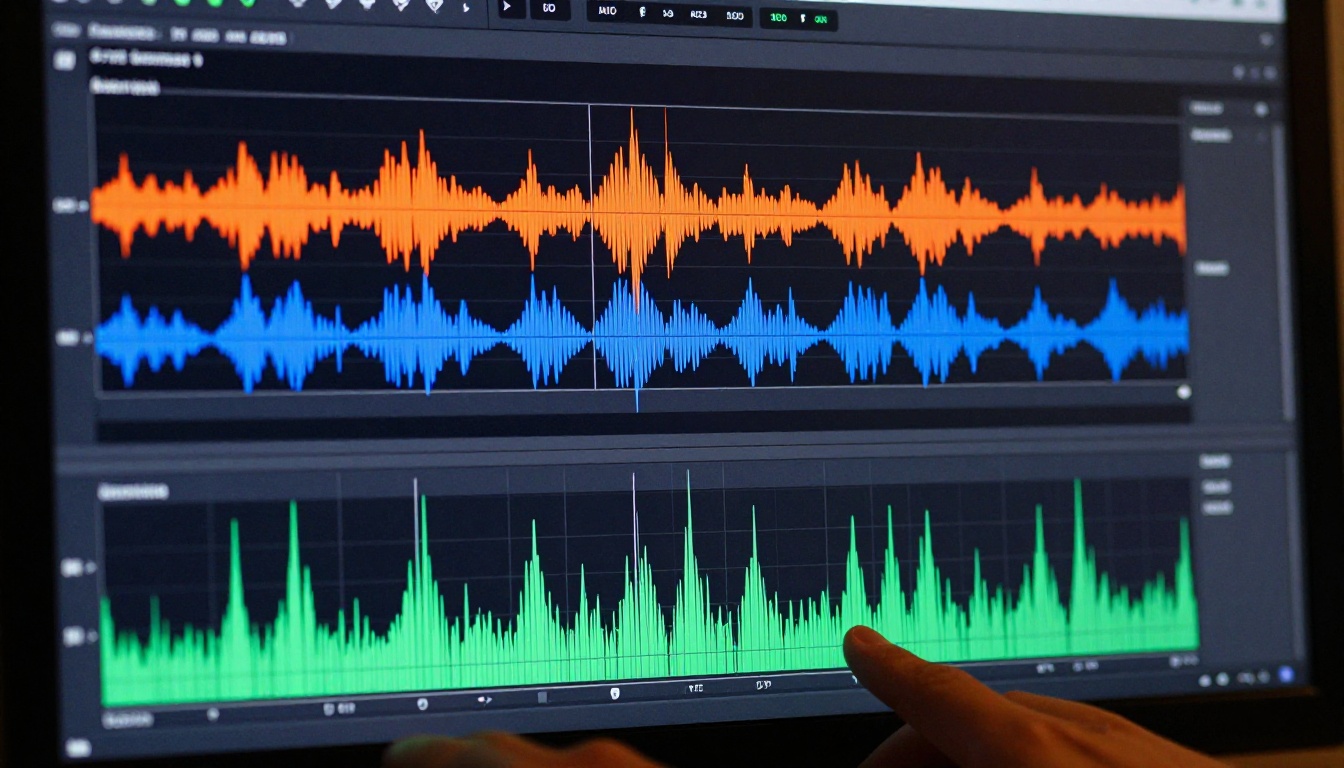
A great EDM drop is not a single element. It is a combination of layers working together to create a wall of sound that arrives at precisely the right moment. The core components are:
- Kick drum: A punchy, compressed 909 or 808 kick sitting at 60-80Hz
- Bassline: Either a sustained sub-bass or a rhythmic bassline that interacts with the kick through sidechain
- Lead synth: The melodic hook that carries the drop's identity, typically a supersaw or pluck sitting in the 1-4kHz range
- White noise sweeps: Used just before the drop to create a sense of upward momentum
- Sidechain compression: Makes the bass "pump" rhythmically against the kick, the defining sonic signature of most EDM
💡 The best drops feel inevitable. The build-up plants expectation. The drop delivers payoff. Every element before it should point toward this moment.
Tension before the release
Producers often spend more time on the build-up than the drop itself, and for good reason. The drop only hits as hard as the tension that precedes it. Common build-up techniques include:
- Filter sweeps: A high-pass filter closing down, stripping all the bass before the drop so the sub hits like a wall on release
- Risers: Pitched-up synth or vocal samples that climb in pitch and volume through the final bars
- Snare rolls: 16th-note snare patterns that double in speed as the drop approaches
- Silence or a hold: A complete cut for one or two beats right before impact, the most powerful tool in the arsenal
AI tools now understand this structure. When you write a prompt that includes "build-up leading to a hard drop," the better models generate an arrangement with actual tension and release dynamics rather than a flat, looping track.
Google Lyria 3 Pro for structured arrangements
Google Lyria 3 Pro is currently one of the most capable models for generating full-length EDM tracks with proper arrangement logic. It understands genre conventions well enough to produce a track where the drop sounds structurally distinct from the verse, something earlier AI music tools consistently failed at.
What makes it stand out for EDM specifically is its handling of spectral weight. Drops generated by Lyria 3 Pro tend to carry noticeable low-end energy at the moment of release, which is exactly what a functioning drop requires. Pair it with Google Lyria 3 for shorter, faster generations when you are iterating on ideas.
Minimax Music 2.6 for fast iteration
Minimax Music 2.6 is built for speed. If you are generating multiple variations of a drop to compare, this is the model to use. It responds well to specific genre tags in prompts, so writing "128 BPM progressive house, euphoric lead synth drop, white noise riser" returns something genuinely close to that description, quickly.
It also pairs well with Minimax Music 01 if you want to layer AI vocals over the generated track. Generate the drop instrumentally first, then bring in Music 01 to write and generate lyrics that fit the energy.
Stable Audio 2.5 for sound design
Stable Audio 2.5 by Stability AI takes a different approach. Rather than generating full songs, it excels at producing specific audio segments: a 16-bar drop loop, a bass stab, a riser effect, or a particular synth texture. For producers who want to combine AI-generated elements with their own DAW work, this is the most flexible option in the lineup.
Generate just the drop section, export it, and import it into Ableton or FL Studio as a loop. Then build the arrangement manually around it. This workflow gives you AI-speed sound design without sacrificing control over your final track.
ElevenLabs Music for prompt-based creation
ElevenLabs Music focuses on generating complete tracks from text descriptions. It handles a broad range of electronic subgenres well, from future bass to techno, and is particularly strong at generating tracks with a clear emotional arc. For EDM drops, it performs best when you give it detailed structural instructions in your prompt rather than relying on short descriptions.
How to Use AI Music Generation on PicassoIA
Step 1: Pick your model
Select the model based on your goal. For a full track with a structured drop, start with Google Lyria 3 Pro or Minimax Music 2.6. For isolated drop loops you plan to edit in a DAW, use Stable Audio 2.5. For vocal-driven tracks with a drop moment, try Minimax Music 2.5.
Step 2: Write a production-grade prompt
This is where most beginners lose time. A vague prompt produces a vague result. Think like a producer and describe the track the way you would brief a session musician. Here is what to include:
| Prompt Element | Example Value |
|---|
| Genre | Progressive house, big room, future bass |
| BPM | 128 BPM, 140 BPM |
| Structure | Verse, build-up, drop, breakdown |
| Drop character | Hard, euphoric, minimal, dark, aggressive |
| Instruments | Supersaw lead, 808 sub, punchy kick |
| Mood | Euphoric, melancholic, aggressive, uplifting |
A strong prompt example: "128 BPM progressive house, gentle piano intro building to a white noise riser, then a massive supersaw lead drop with heavy sidechain pump on the bass, euphoric and anthemic, stadium-ready, A minor"
Step 3: Generate and compare variations
Do not commit to your first output. Generate at least three variations with slightly different prompts. Change the BPM, swap "supersaw" for "pluck synth," or shift the mood from euphoric to dark. The difference between variations will show you precisely how the model responds to each prompt variable, which is how you get faster at prompting.
Step 4: Restyle with the genre-matching model
If you have a reference track with the drop energy you want, Minimax Music Cover lets you restyle any song by genre. Input a reference, specify the genre transformation, and it produces a new version carrying that drop energy signature. This is a fast way to capture a specific sonic character without describing every element from scratch.

Writing Prompts That Actually Work
Structure your prompt like a producer
The difference between "make an EDM song" and a prompt that produces a usable drop is structure. Think in layers and timeline:
- Set the tempo and genre first — this anchors every other decision the model makes
- Describe the build-up — how many bars, what elements, what happens in the final two bars before impact
- Describe the drop — kick character, lead character, bass behavior, energy level, compression feel
- Describe what comes after — does it break down, strip back, or build again immediately
💡 Adding specific production terms like "sidechain compression," "sub-bass dominant," "white noise sweep," and "long reverb tail on snare" significantly increases the technical accuracy of your output.
BPM and key as anchors
Most AI music models respond to explicit BPM specification. Setting the tempo in your prompt anchors the rhythmic feel of everything. For EDM subgenres:
- 120-124 BPM: House, deep house, tropical house
- 126-132 BPM: Progressive house, electro house, big room
- 138-145 BPM: Trance, uplifting trance
- 140-150 BPM: Dubstep, melodic dubstep, riddim
- 150-160 BPM: Hardstyle, hardcore, uptempo
Specifying a musical key adds another layer of control, particularly for the emotional character of the lead synth in your drop. Minor keys produce tension and aggression. Major keys produce euphoria.
What to avoid in your prompt
- Vague emotion words without musical context: "make it hype" tells the model nothing about tempo, instrumentation, or structure
- Conflicting genre combinations: "jazz-influenced hardstyle techno trap" is not a useful brief for any model
- Overloading a single prompt: if you want to describe more than five distinct elements, split your request across two generations and combine them

3 Mistakes That Ruin AI-Generated Drops
Skipping the build-up in your prompt
Producers generating only the drop section and ignoring build-up instructions end up with a track that has no contrast. The drop does not hit hard if the model does not know there is supposed to be tension before it. Always describe the full arc, even if you plan to edit the arrangement afterward.
Accepting the first output
The first generation is a draft, not a final product. Every professional using AI music tools generates multiple iterations. The model does not always nail the sub-bass weight on the first try, or the kick lands too soft. Iterate without hesitation. These tools are fast enough that exploring five variations costs you ten minutes, not a session.
Ignoring frequency balance
AI-generated drops sometimes have a spectral imbalance where the mid-range is too cluttered and the low end is thin. When you listen back to a generation, check these three things specifically:
- Is the kick punchy around 80Hz, or does it sound like a click?
- Is there genuine sub-bass energy below 60Hz, or does the track disappear on a system with subwoofers?
- Does the lead synth sit in the 1-4kHz range without colliding with the bass?
If any of these are off, revise the prompt with frequency-focused language: "punchy low-mid kick," "deep sub-bass dominant bassline," or "bright, cutting supersaw lead with space in the low-mid."
Taking Your Drop Further
Refining AI output in a DAW
Stable Audio 2.5 produces audio segments that import cleanly into any DAW. Once you have a generated drop loop you are satisfied with, the next steps in your DAW are straightforward:
- Apply sidechain compression manually for a tighter, more controlled pump effect
- Layer an 808 sub underneath the AI-generated bassline for added physical weight
- Add processing: Reverb on the snare, stereo delay on the lead, subtle saturation on the mix bus
- Edit the arrangement: Loop sections, trim or extend bars, pitch-shift if the key is slightly off
The AI handles the initial sound design and arrangement sketch. You handle the precision finishing that makes it release-ready.
Comparing models for different subgenres
Where AI Music Actually Stands Right Now
How far these tools have come
Two years ago, AI-generated music sounded like it was made by a system that had read about music but never heard it. Timing was off, drops felt arbitrary, and frequency balance was consistently poor. The tools available now are in a different category entirely.
Google Lyria 3 Pro generates tracks where the drop lands structurally in the right place. Minimax Music 2.6 produces basslines with genuine rhythmic character. Stable Audio 2.5 generates loops with enough sonic consistency to drop directly into commercial production workflows. This is not novelty anymore. It is a functional production tool.
What AI still gets wrong
Be honest about the current limits. AI music generation is strong at:
- Creating reference tracks and arrangement sketches at speed
- Generating multiple variations for A/B comparison
- Handling established genre conventions with structural accuracy
- Producing full arrangements from detailed prompts
It is still developing in:
- Generating truly original sonic signatures that do not feel generic
- Replacing a skilled sound designer's ear for precise frequency detail
- Producing radio-ready masters without post-processing
The workflow that produces results today is hybrid: AI generates the raw material fast, you refine it with intent.
Build Your First Drop Right Now
You do not need studio experience, a DAW subscription, or years of practice to produce your first EDM drop. You need a clear prompt, the right model, and a willingness to iterate through a few versions.
Start with Google Lyria 3 Pro if you want a complete track with an arrangement that makes structural sense. Use this prompt structure as your starting point: "[BPM] [genre], [build-up description], [drop character], [mood], [key instruments]". Generate it, listen critically, adjust one variable at a time.
If you want just the drop loop, go to Stable Audio 2.5 and request a specific segment: "16-bar progressive house drop loop, 128 BPM, heavy sidechain bass, bright supersaw lead, punchy kick, A minor".
For a full song with vocals built around a drop moment, Minimax Music 2.5 and Minimax Music 01 give you lyrics and arrangement in a single workflow.
The tools are there. The barrier to entry is lower than it has ever been. The only thing between you and your first drop is the prompt.
💡 Try generating three variations of the same drop with different moods: euphoric, dark, and minimal. Comparing the three outputs will teach you more about how AI music models respond to prompt language than any written resource.