Hiring a spokesperson used to mean casting calls, studio bookings, teleprompter setup, lighting rigs, and multiple editing rounds before you had anything usable. Today, you can skip every single one of those steps. With modern AI lipsync tools, you upload a photo, type your script, and get back a fully animated talking presenter, complete with synchronized lip movements, natural head motion, and a voice that sounds like it came from a real recording session.
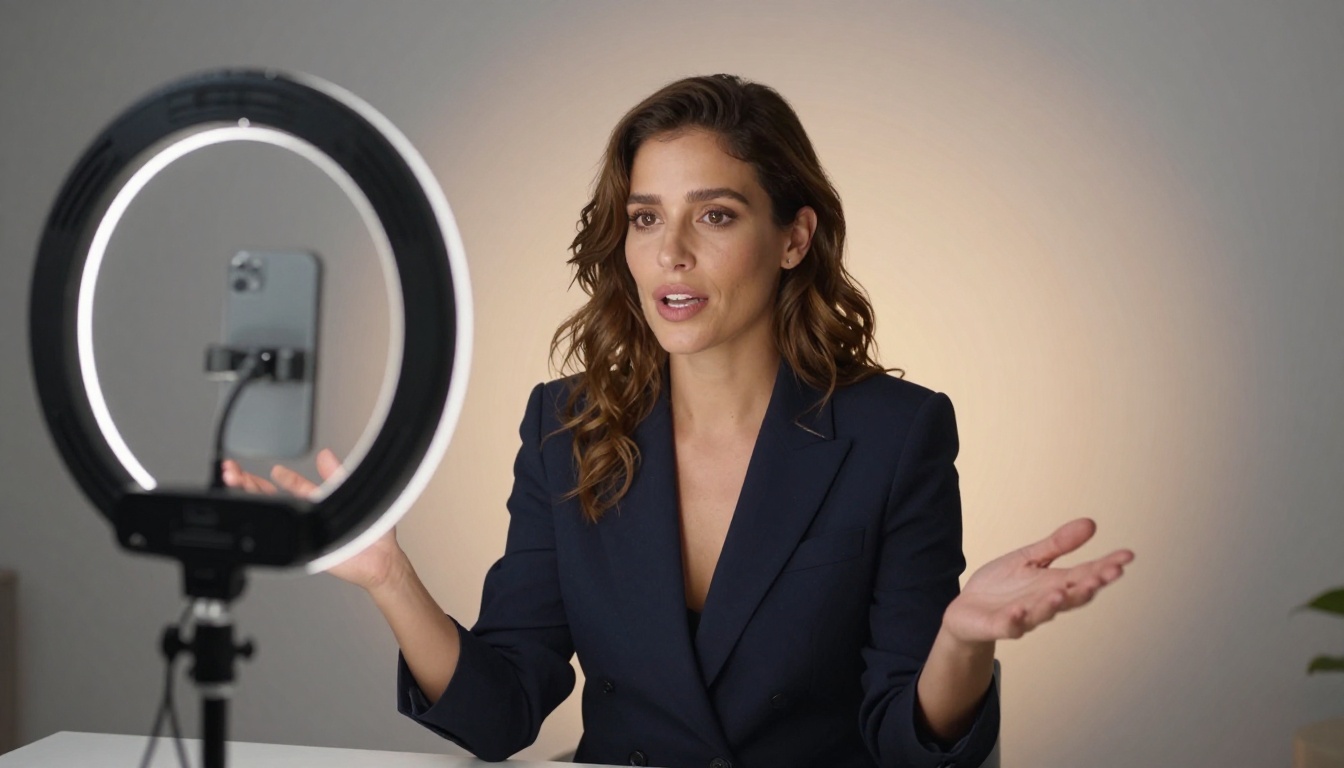
This is not a gimmick. Brands are using AI spokespersons for product demos, onboarding videos, multilingual campaigns, and social ads. Solo creators are building entire faceless channels. E-commerce stores are replacing static product pages with video presentations that actually convert. The technology crossed the "good enough" threshold a while ago. Now it sits firmly at "genuinely impressive," and the gap between AI and human presenters is closing faster than most people expect.
What an AI Spokesperson Actually Is
It Is Not an Avatar, It Is a Presenter
There is a meaningful difference between a cartoon avatar nodding to audio and a true AI spokesperson. A real AI spokesperson uses lipsync technology to animate a human face, taken from a photo or short video clip, so that the mouth, jaw, and surrounding facial muscles move in precise sync with a spoken script. The result looks like a real person talking, not a puppet being moved frame by frame.
The core technology is built on audio-driven facial animation models. The AI reads the audio waveform at the phoneme level, then generates subtle but accurate facial movements: lip shapes, jaw openings, micro-expressions, blinks, and natural head drift that match what a real speaker would produce. The most advanced models extend this to full upper-body motion, including shoulder movement and breathing rhythm.
The Three Things You Actually Need
To create a virtual spokesperson with AI, you need exactly three things:
- A face image or short video clip — a clean portrait photo works perfectly
- A script or audio file — write text and generate a voice, or upload your own recorded audio
- An AI lipsync model — the engine that does the animation
No camera. No studio. No lighting kit. No talent contract. The entire production stack has been compressed into a browser window.
Why AI Beats Hiring a Real Presenter
The Numbers Are Hard to Argue With
| Factor | Human Presenter | AI Spokesperson |
|---|
| Time to produce | 3 to 7 days | 5 to 15 minutes |
| Cost per video | $500 to $5,000+ | Near zero |
| Revisions | Requires a reshoot | Re-generate instantly |
| Languages | Requires re-recording per language | Any language, same face |
| Consistency across videos | Varies by session | 100% consistent |
| Simultaneous productions | One at a time | Unlimited in parallel |
The cost and time savings are obvious once you see them side by side. But the more significant advantage is iteration speed. You can test five different scripts, ten different voice styles, and three different visual presentations before lunch, then choose the version that actually works before spending a single dollar on distribution.
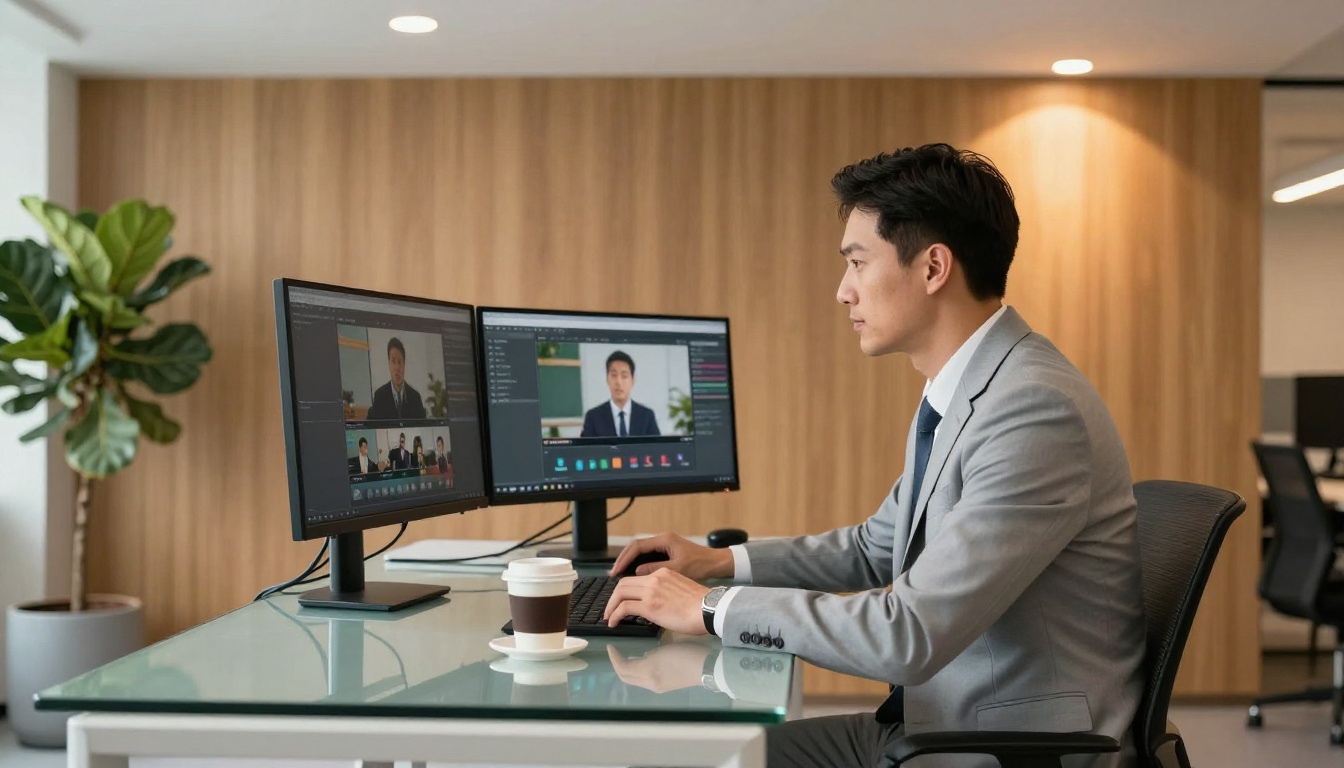
Where It Makes the Biggest Difference
AI spokespersons deliver their clearest advantage in specific production scenarios:
- E-commerce product videos: Swap in a fresh spokesperson for every seasonal campaign without a reshoot
- Online courses and tutorials: Record once, update the script later without involving anyone on camera
- Multilingual campaigns: One presenter face, dubbed into 40+ languages with frame-accurate lip sync
- Social media ad creative: Test dozens of script variations with different hooks in the same afternoon
- Internal communications: Company-wide announcements that feel personal without requiring executive time
- Real estate and SaaS demos: Walkthrough videos for every listing or feature without a video team
💡 The sweet spot is any content that needs to feel human but changes frequently. AI spokespersons compress the cost and production time of that cycle to near zero.
The Best AI Models for the Job
A Landscape That Moves Fast
Not all lipsync tools produce the same results. Some are optimized for speed. Others prioritize frame-accurate precision for broadcast use. Some handle full-body animation. Others excel specifically at portrait photos. Here is what each top model is actually built for.

P Video Avatar is one of the most versatile talking avatar generators available. You provide a portrait and an audio file, and it returns a video with natural head motion, realistic eye blinks, and tight lip sync. The output quality is strong for marketing content, social ads, and product demos, and it handles a wide variety of portrait styles reliably.
Omni Human 1.5 from ByteDance represents a significant step forward in spokesperson realism. Beyond face animation, it generates full upper-body motion synchronized with the audio, so the presenter moves naturally from the torso upward. Shoulder shifts, breathing rhythm, subtle hand gestures: all of it contributes to a presence that feels genuinely human. This is the right model for educational content, long-form explainers, and any context where the viewer spends more than 60 seconds watching.
Omni Human (the first-generation version) remains a strong, reliable choice when you need fast results with solid lip accuracy. Good for rapid prototyping before committing to a final model.
Fabric 1.0 from VEED specializes in making photos talk with a clean, polished aesthetic. It is optimized for marketing-ready output and handles professional studio portraits particularly well. The color and skin tone consistency across frames is notably strong.
React 1 from Sync focuses on applying realistic lipsync to existing video footage. If you already have a video of someone speaking and need to re-dub it with a new audio track, React 1 keeps the facial animation credible and avoids the artifact issues common in cheaper alternatives.
Lipsync 2 Pro from Sync is the precision tool in this category. It is slower than most options, but the frame-accurate mouth movement it produces is the standard for broadcast-quality work. For scripts with technical vocabulary, fast speech, or unusual phoneme patterns, the Pro variant handles edge cases that other models miss.
Lipsync 2 is the standard version, offering a strong balance between quality and processing speed. It is the right default when you need reliable results without the overhead of the Pro tier.
Lipsync Speed from HeyGen is built for volume. When you need to generate 30 or 50 product videos in a single session, this model delivers fast results without coherence issues. It is the production pipeline choice.
Lipsync Precision from HeyGen takes longer but produces noticeably tighter sync on complex phoneme sequences. For high-visibility placements where the sync quality will be scrutinized by viewers, this is worth the additional processing time.
Kling Lip Sync from Kwai performs particularly well on longer clips where consistency across the full video duration matters. Many models drift slightly in accuracy past the 60-second mark. Kling maintains coherence well into 2 to 3 minute outputs.
Video Translate from HeyGen deserves its own mention. If your workflow involves taking an existing English video and deploying it in Spanish, French, Portuguese, or 140+ additional languages, with a spokesperson whose lips match the dubbed audio perfectly, this is the specific tool designed for exactly that use case.
How to Create Your Spokesperson on PicassoIA
A Step-by-Step Walkthrough
The following workflow uses P Video Avatar as the primary tool. The same principles apply to any lipsync model on the platform.
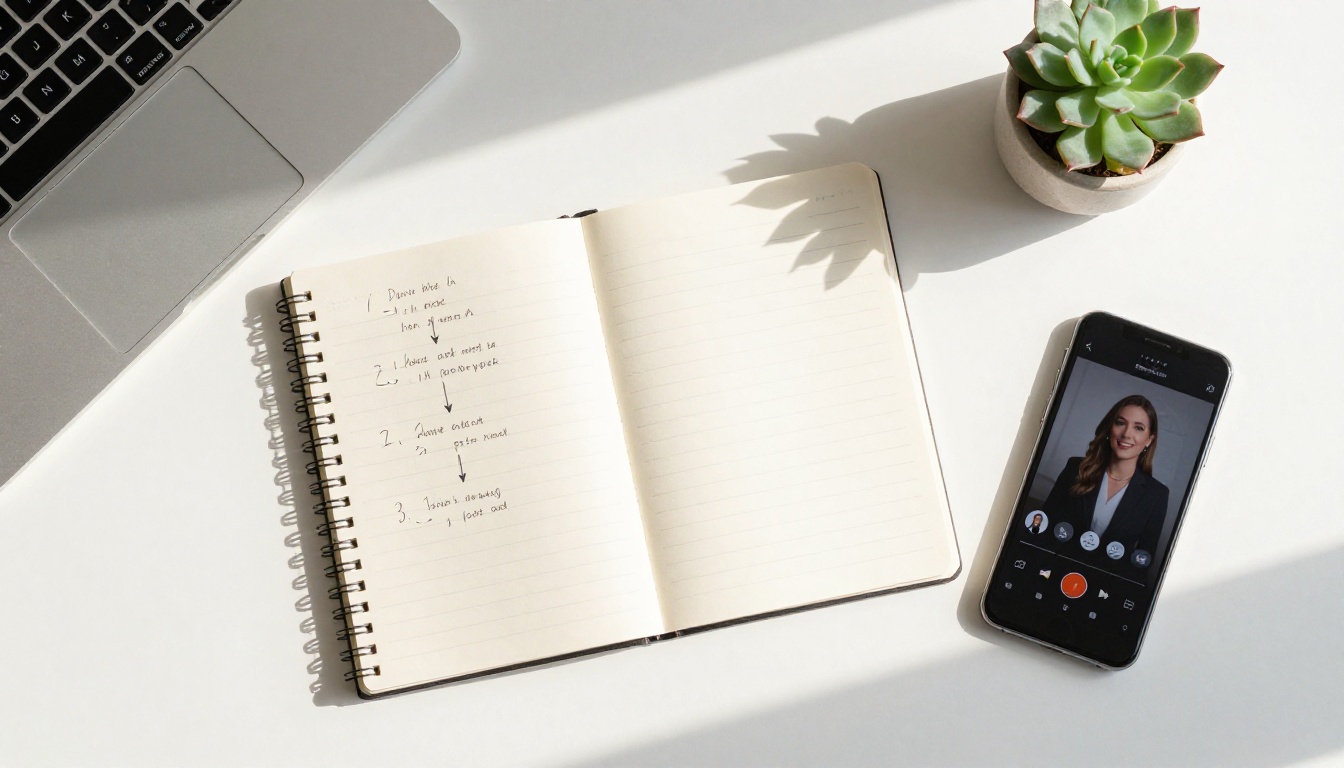
Step 1: Prepare your portrait photo
Use a clean, front-facing portrait with even lighting and a simple background. The face should be fully visible with no obstructions, accessories blocking the mouth, or extreme angles. A neutral or white background produces the cleanest results, though complex backgrounds are manageable with most models. Minimum resolution: 512x512 pixels. JPEG or PNG, either works.
Step 2: Write a tight, conversational script
Keep your first version short, between 30 and 60 seconds. This lets you evaluate output quality quickly before committing to a longer production. Write conversationally. Short sentences. Natural pauses built in. The AI handles pacing and breathing rhythm automatically, but it follows the cues in the audio, so overly dense or run-on scripts produce less natural results.
Step 3: Generate or record your audio
You have two paths. Option one: write your script, paste it into one of PicassoIA's Text to Speech models, audition several voice styles, and export the audio file that fits your brand tone best. Option two: record your own voice in a quiet room, which often produces the most natural lipsync since the audio timing is genuinely human. Both approaches work well. The recorded voice option tends to shine in longer productions.
Step 4: Upload and configure on PicassoIA
Navigate to the P Video Avatar model page. Upload your portrait image and your audio file. Adjust expression intensity settings if available. A slightly elevated expression setting prevents the flat, vacant look that underprocessed models sometimes produce. Submit the generation job.
Step 5: Review and iterate
Download the output and watch it at full playback speed, not in slow motion. Check sync accuracy specifically at the transitions between words and at consonant-heavy phoneme sequences like "p," "b," and "m" sounds, which are the hardest for models to handle. If anything feels slightly off, try a different portrait crop or preprocess the audio to remove any leading silence. Most issues resolve within two iterations.
💡 For the sharpest results across any model, record or export audio in a quiet environment with no background noise. The model performs better when phoneme timing is clean and unambiguous.
Taking It to Broadcast Quality
When quality matters at the highest level, combine tools in sequence. Use Lipsync 2 Pro for frame-accurate sync on your initial generation, then run the output through one of PicassoIA's AI video enhancement models to upscale the final video to 4K. The combination produces a result that holds up at full screen on any display.
Choosing the Right Voice
Voice Is Half the Performance
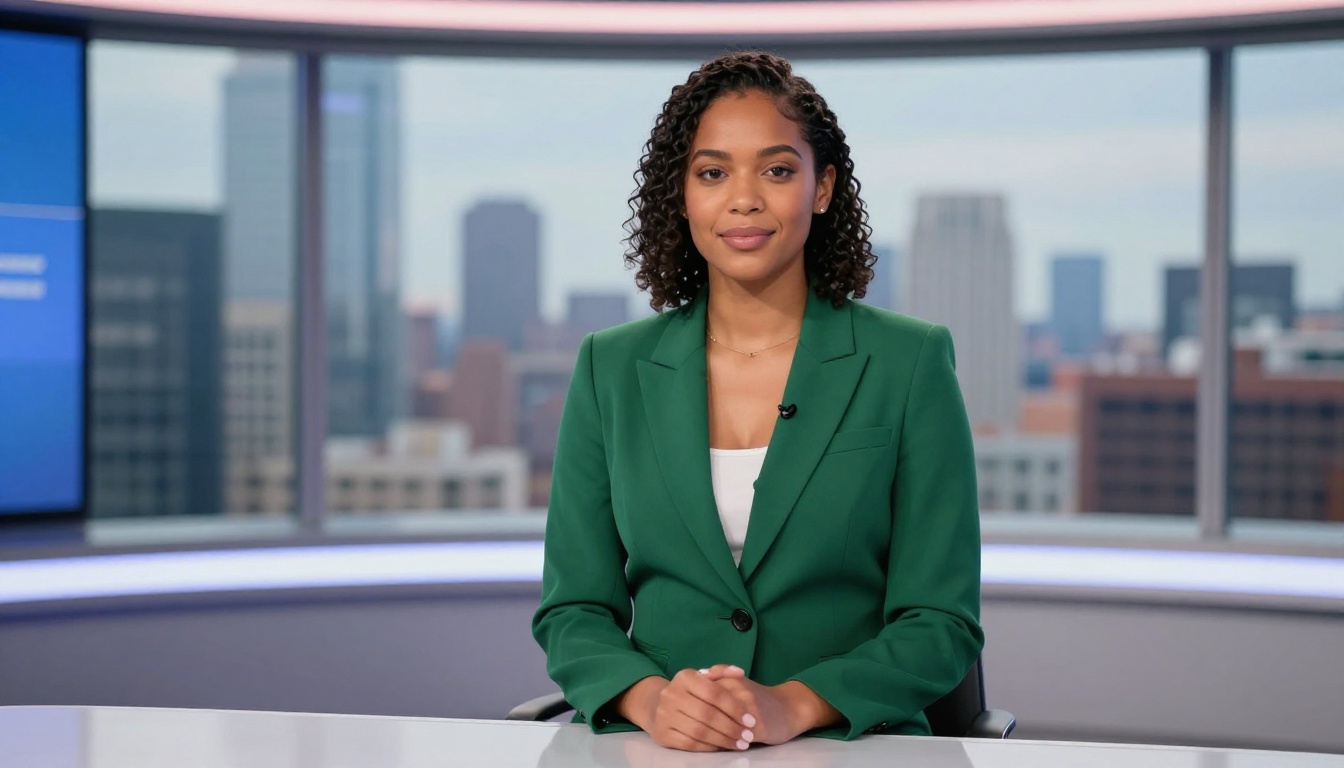
A technically perfect lipsync animation still falls flat with the wrong voice. The voice determines how the spokesperson is perceived, whether it reads as confident or hesitant, authoritative or approachable, formal or casual. Spend real time on this decision before generating a final video.
PicassoIA's Text to Speech models give you access to a broad range of voice styles, accents, and tones. Audition at least three to five different voices against your actual script before committing. Small differences in pacing, timbre, and articulation speed create very different audience impressions.
Regional Accent and Language Considerations
If you are targeting a specific regional audience, accent matters more than most marketers acknowledge. A Spanish-speaking audience in Mexico responds differently to Castilian Spanish than to Mexican Spanish. The same logic applies to Brazilian vs. European Portuguese, or Canadian vs. British English. Use Video Translate when you need to deploy the same spokesperson face across multiple regional markets without re-recording everything from scratch.
Real Use Cases That Work
E-Commerce at Scale
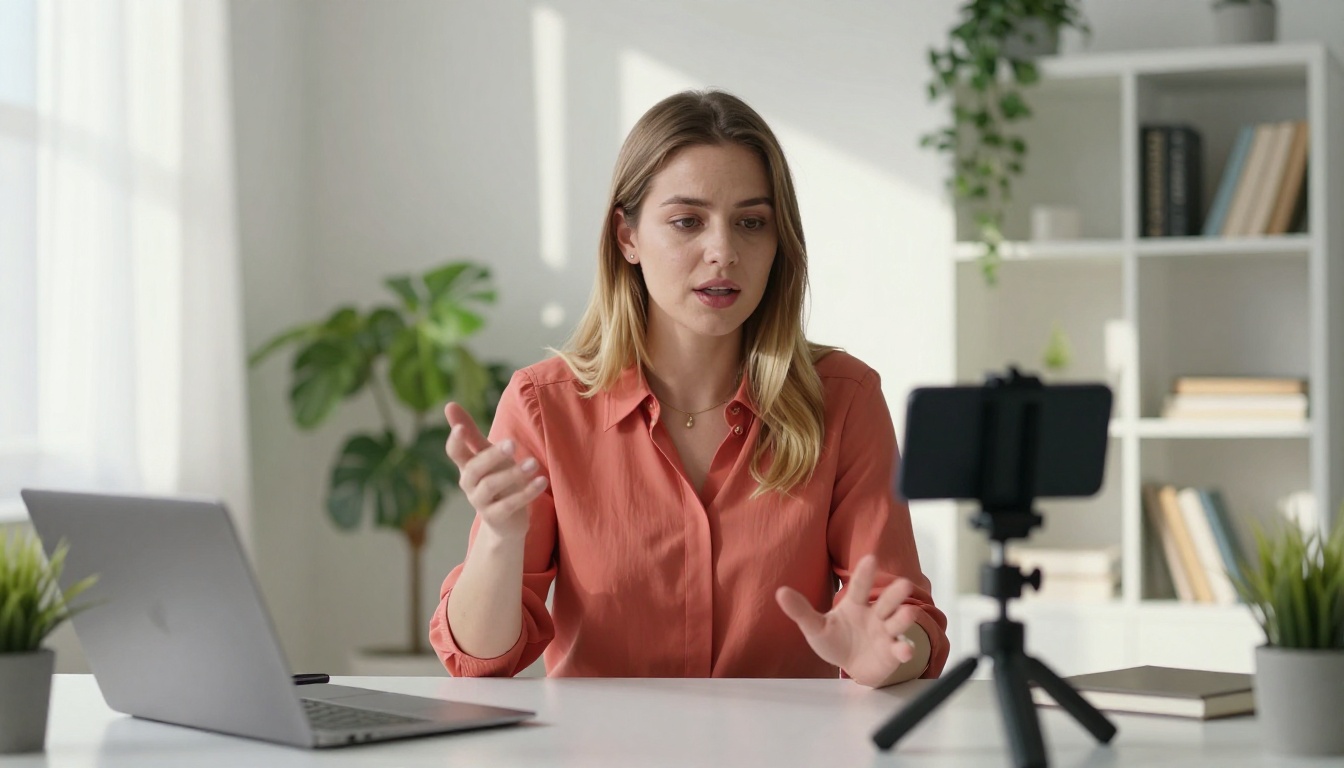
A static product image with a bullet point list competes with every other static product image on the page. A video with a person explaining the product in 45 seconds does not have the same competition problem. The conversion rate difference between a presented video and text-plus-image is well documented. AI spokespersons make that format affordable for every product in a catalog, not just the flagship item.
Online Courses and Training Content
Instructors who prefer not to appear on camera, or who want to maintain a consistent visual identity across all course modules regardless of when they were recorded, use AI spokespersons to front every lesson. The instructor records their own voice, the AI animates a chosen face, and the final course feels cohesive and professional without the friction of on-camera production. Updates to a module require nothing more than a new audio file.
Corporate Communications
HR teams use AI spokespersons for onboarding videos, compliance training, safety briefings, and policy update announcements. The spokesperson stays visually consistent across every video, the brand presentation is controlled, and updates require only a script change and a re-generation. No coordinating with executives, no studio bookings, no edit queue.
Multilingual Campaigns
The workflow is straightforward: produce one video in your primary language, translate the script, generate dubbed audio for each target language, then use Video Translate or Lipsync Precision to sync the lips in each version. One creative asset becomes ten regional variants with minimal additional work.
Common Mistakes That Kill Realism
What Goes Wrong Most Often
Most failed AI spokesperson videos share the same handful of problems:
- Low-quality source photo: Blurry portraits, side angles, or heavily retouched photos produce poor lip animation. Use a sharp, front-facing image with even, natural lighting.
- Noisy or inconsistent audio: Background hiss, room echo, or volume spikes cause frame-level sync errors. Clean audio is the single most impactful quality variable.
- Script that reads like it was written: Formal written text produces stiff, unnatural results. Write how a confident person actually speaks, with natural rhythm and short sentences.
- Skipping the short test: Generate a 30-second version before committing to a 5-minute production. Spot problems early.
- Flat expression settings: Models like Omni Human 1.5 and P Video Avatar have expression intensity controls. A neutral setting produces a blank, uninvested look. Increase it slightly to get natural emotional engagement.
Avoiding the Uncanny Valley
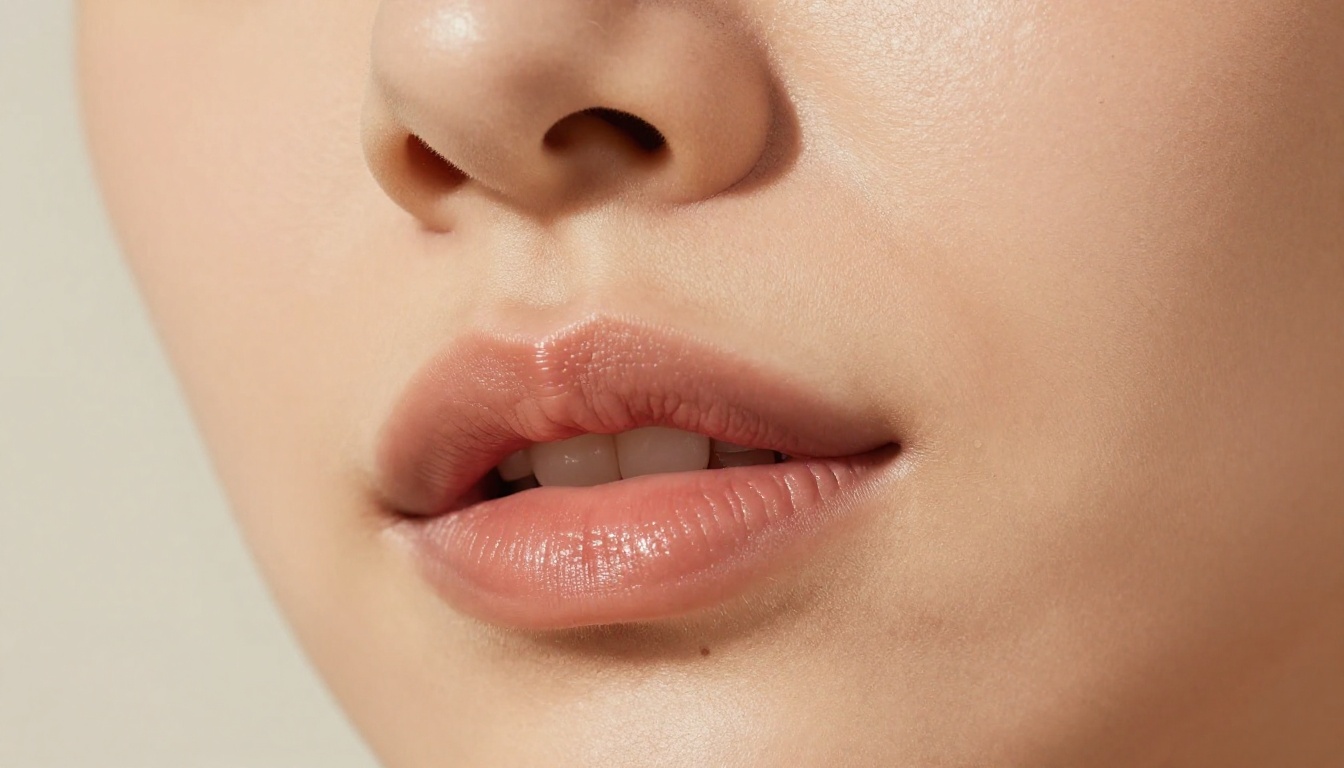
The uncanny valley is a real concern, but it is almost entirely driven by specific technical failures rather than the technology itself: mismatched skin tone between face and neck in the output, teeth that appear flat or static, or eyes that hold a fixed stare without natural blinks. Most modern lipsync models handle blinking and micro-expressions automatically. If the output still feels off, switching to a model with full upper-body motion like Omni Human 1.5 resolves the disconnect most of the time. Full-body motion provides the visual context the brain needs to read the image as human.
Create Your First Video Today
The production barrier for a professional spokesperson video is gone. A clean portrait, a 60-second script, and access to PicassoIA is everything needed to ship a finished video today, without a studio, a camera, or a talent budget.
Start with P Video Avatar for a fast first result. Move to Omni Human 1.5 when you want full upper-body realism for longer-form content. Use Lipsync 2 Pro when precision matters for broadcast or high-visibility placements. Pair everything with a carefully chosen voice from the Text to Speech models, and use Video Translate when you are ready to scale the same asset across languages.
The spokesperson your brand needs already exists. You just need to bring the script.
Start creating on PicassoIA


