Every serious athlete knows the feeling: the wrong song hits at the peak of a set and your rep count drops before the music even ends. Workout music is not a luxury. It directly affects output, endurance, and how hard you push through the final seconds of a circuit. Now, AI music generation has made it possible to create workout playlists with AI music that are built around your exact training pace, mood, and intensity, with no streaming subscriptions, no royalty conflicts, and no dependency on what someone else decided was a good gym mix.
Why Playlist BPM Changes Everything
The Science Behind Music and Exercise
Research from sports psychology has established a consistent pattern: music with a tempo between 120 and 140 BPM correlates with improved performance during moderate-intensity exercise. During high-intensity intervals, 140 to 160 BPM tracks push more effort out of athletes involuntarily. The brain synchronizes motor patterns with rhythmic beats, a phenomenon called rhythmic entrainment, and it works whether you are aware of it or not.
The problem with pre-built playlists is that they are built for the average listener, not your specific heart rate zones, your specific workout phases, or your specific goals. A track that fires up a runner at 145 BPM might feel sluggish to a powerlifter warming up at 125 BPM. AI music generation solves this by letting you specify the exact tempo, energy, and mood of every track you produce.
What Generic Playlists Actually Cost You
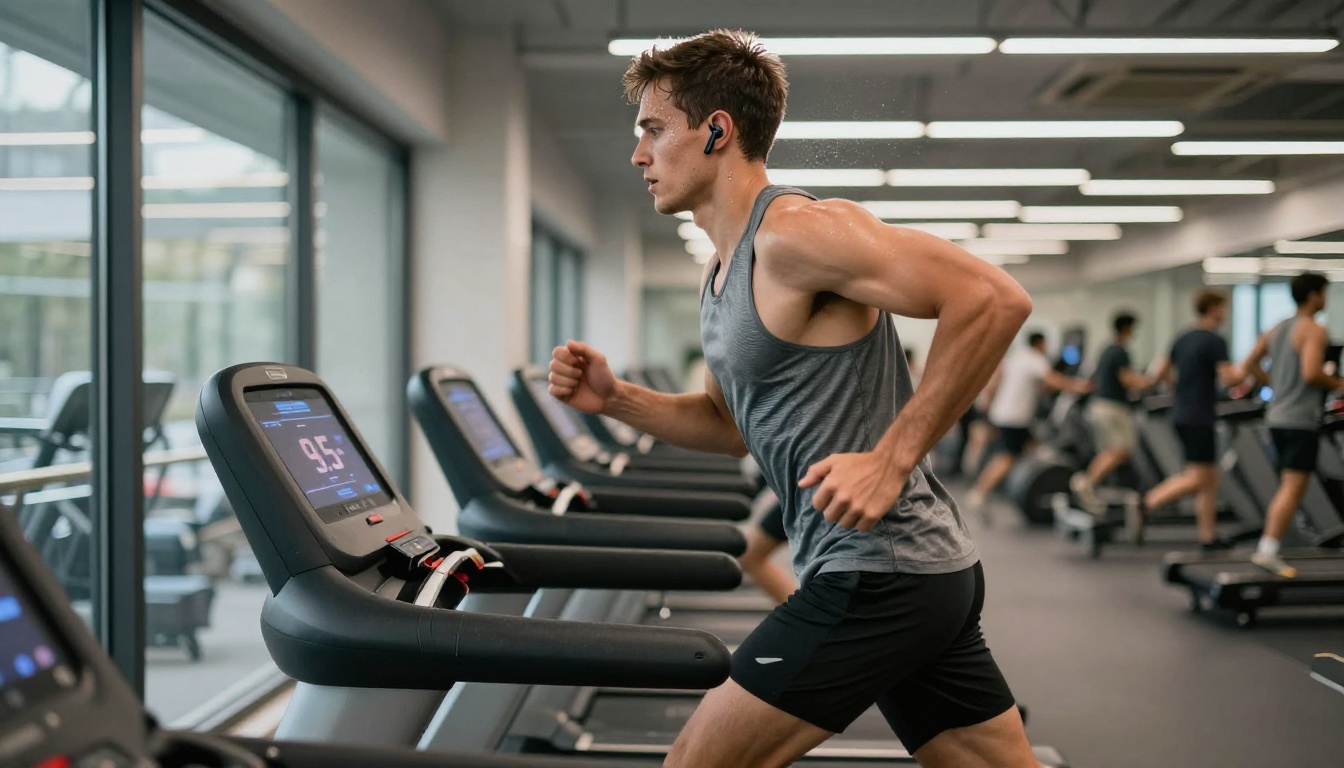
Most people do not realize how much time they spend skipping songs during workouts. A poorly matched track at a critical moment, say a slow ballad hitting right as you begin the hardest interval of a HIIT circuit, does not just break focus. It actively reduces output. Studies on exercise music have shown tempo mismatch can reduce effort by up to 10% during peak exertion phases.
Beyond performance, there is the licensing problem. Using commercial music for content creation, live streams, or class instruction comes with real legal and financial risks. AI-generated workout music sidesteps this entirely because the output is original.
What AI Music Generation Actually Does
From Text Prompt to Full Track
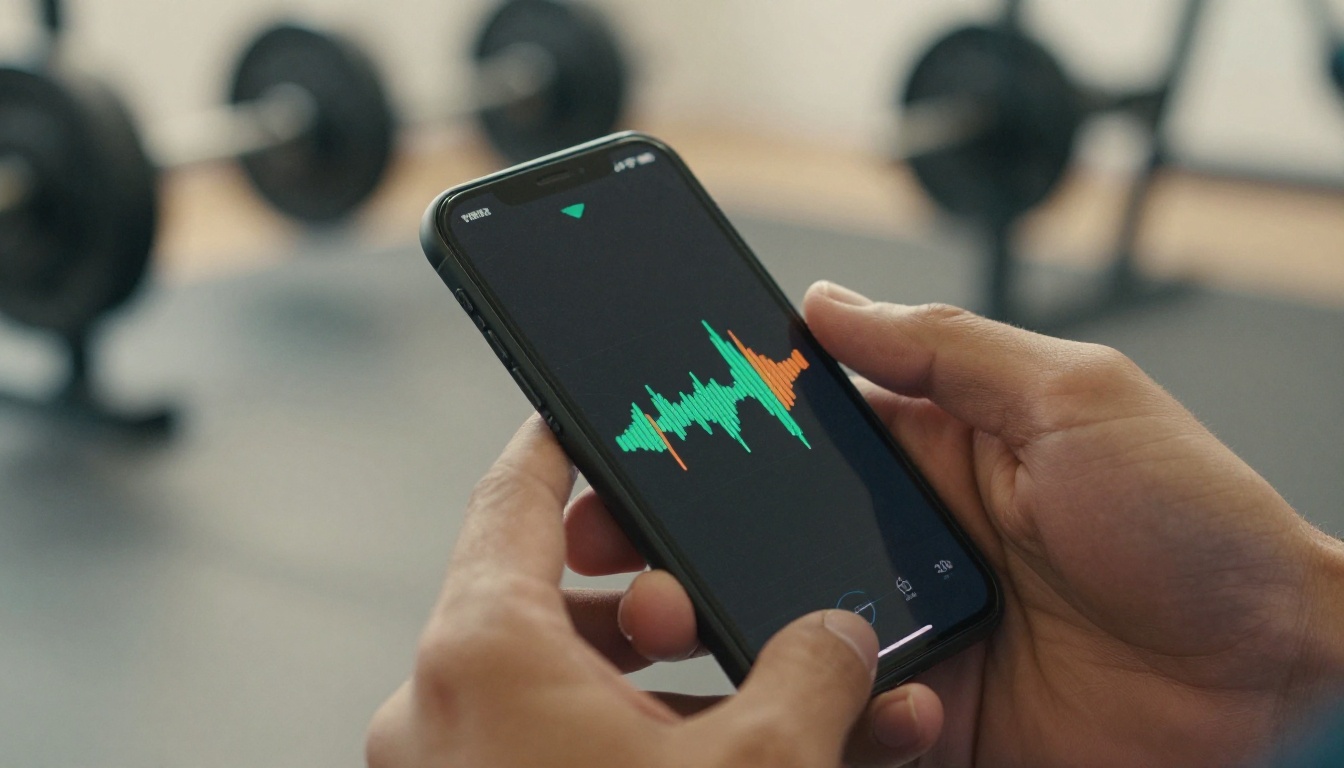
Modern AI music models generate original audio from text descriptions. You describe what you want, the genre, energy level, BPM range, instruments, and mood, and the model produces a track that did not exist before. No samples, no remixed loops from existing commercial music.
This changes what is possible for anyone building a workout playlist. Instead of browsing thousands of pre-made tracks hoping to find the right tempo, you write a prompt like: "High energy hip-hop beat at 150 BPM, heavy 808 bass, driving snare, no vocals, 3 minutes, for sprinting" and get exactly that.
No Royalties, No Restrictions
Because the music is AI-generated, it does not carry the licensing restrictions of commercially produced tracks. This matters for fitness instructors, personal trainers, YouTube workout creators, and anyone streaming live classes. The tracks you generate are yours to use freely in your workouts and content without copyright flags.
The Best AI Music Models Available Now
Not all AI music tools produce the same results. Here is a breakdown of the top models currently available, all accessible from PicassoIA's AI music generation collection:
Google Lyria 3 Pro
Google Lyria 3 Pro produces full-length, high-fidelity tracks across virtually any genre. For workout music, it excels at generating driving electronic tracks, cinematic orchestral builds, and hard-hitting hip-hop instrumentals. The prompt system responds well to tempo specifications and energy descriptors, making it highly controllable for sports applications.
Tip: Specify BPM explicitly in your Lyria 3 Pro prompt. Include energy descriptors like "relentless," "driving," or "pounding" for high-intensity phases. For warm-ups, try "building," "progressive," or "motivating at 120 BPM."
Minimax Music 2.6
Minimax Music 2.6 is built for generating full songs with vocals, which makes it ideal for motivational workout tracks where lyrics add emotional charge. The model handles genre transitions well, meaning you can prompt it for a track that starts slower and builds to peak energy, mirroring a workout warm-up-to-peak structure.
ElevenLabs Music
ElevenLabs Music focuses on clean instrumental composition from text prompts. It is particularly effective for gym sessions where vocals would be distracting, like heavy lifting sessions requiring focus on breathing and form. Specify "no vocals," the tempo, and the primary instrument palette and it delivers clean, focused output.
Stable Audio 2.5
Stable Audio 2.5 by Stability AI is purpose-built for precision tempo output and loop generation. If you need a 145 BPM drum-forward electronic track that loops cleanly for a 20-minute cardio session, this model delivers with minimal prompt iteration. The BPM control is tighter than most other models.
Build Your First AI Workout Playlist
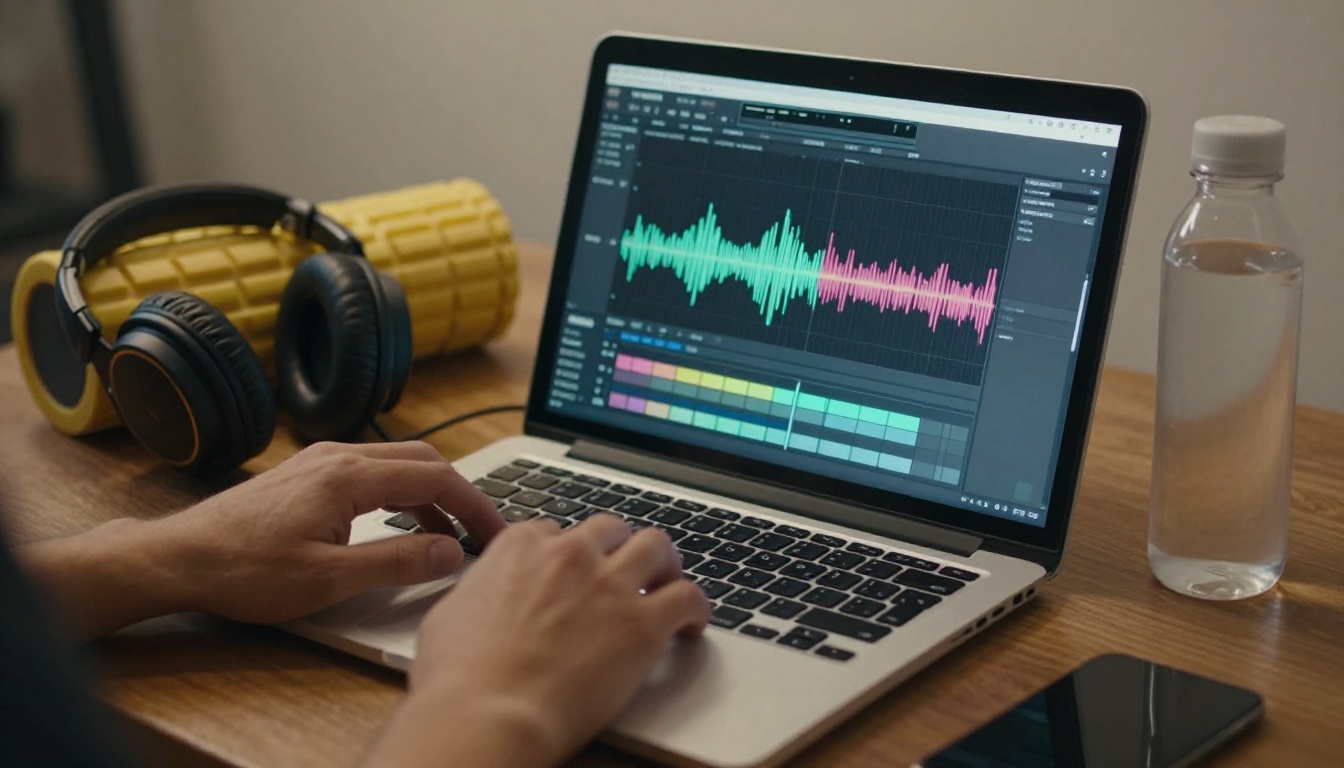
Creating a workout playlist with AI music is a structured process. The goal is to map music energy to your workout phases, not to randomly generate tracks and hope they fit together.
Phase 1: Warm-Up (120-130 BPM)
The warm-up phase needs music that builds gradually. Start at 120 BPM and work up toward 130 BPM over 5-10 minutes. Prompt for:
- Genre: Funk, upbeat soul, or light electronic
- Energy: "Building," "warming," "progressive"
- Instrumentation: Light percussion, bass groove, minimal synths
- Duration: 2-3 minute tracks (generate 3-4 for a 10-minute warm-up)
Example prompt for Google Lyria 3:
"Upbeat funk instrumental at 125 BPM, walking bass line, crisp hi-hats, rhodes piano, bright and motivating, no vocals, 2.5 minutes"
Phase 2: Main Session (140-160 BPM)
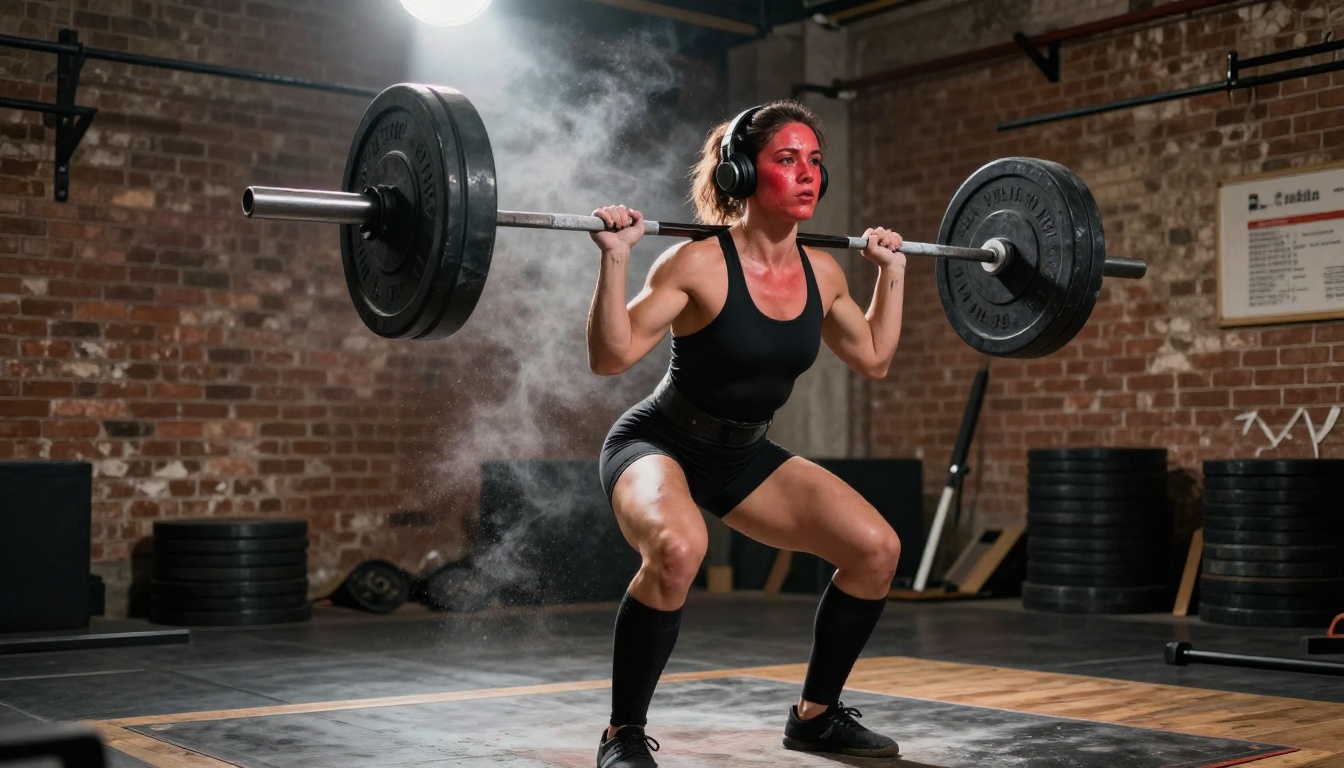
This is where the music needs to match peak effort. For strength training, heavy beats with a slow-to-mid tempo (130-140 BPM) work better than frantic tempos. For HIIT or cardio, push to 150-165 BPM.
- For lifting: Hard rock, trap, dark electronic with heavy bass
- For HIIT and cardio: EDM, drum and bass, high-energy hip-hop
- For sprint intervals: 155-165 BPM, driving percussion, no melodic breaks
Example prompt for Minimax Music 2.5:
"Aggressive trap beat at 155 BPM, 808 bass drops, hard-hitting snare, no lead melody, dark energy, 4 minutes, for sprinting"
Phase 3: Cool-Down (80-100 BPM)
The cool-down is often neglected but the music here matters for recovery. Dropping tempo signals the nervous system to shift gears. Generate 3-4 tracks in the 80-100 BPM range with soft piano or acoustic guitar, ambient pads, and no heavy percussion.
Example prompt for ElevenLabs Music:
"Peaceful ambient piano at 85 BPM, soft reverb, no percussion, warm tones, meditative, post-workout cool-down, 3 minutes"
How to Use Lyria 3 Pro on PicassoIA
Google Lyria 3 Pro is one of the most capable models for generating full-length, high-quality workout tracks. Here is how to use it directly on PicassoIA:
Step 1: Open the Model
Go to Lyria 3 Pro on PicassoIA. No software installation is needed. The model runs entirely in your browser, no account required to try your first generation.
Step 2: Write Your Prompt
The prompt is everything with AI music. Be specific. Include:
- BPM ("at 148 BPM")
- Genre ("drum and bass," "hard electronic," "hip-hop instrumental")
- Energy level ("high intensity," "relentless," "building")
- Instruments ("heavy kick drum," "distorted bass," "synth stabs")
- Vocals ("no vocals" or "motivational male vocals")
- Duration ("3 minutes," "4 minutes")
- Use case ("for sprinting," "for heavy squats," "for HIIT intervals")
Example high-quality prompt:
"Hard electronic track at 152 BPM, heavy kick drum every beat, driving synth bass, layered hi-hats, intense energy, no vocals, 3.5 minutes, designed for HIIT interval training"
Step 3: Generate and Iterate
Click generate and listen to the output. Most tracks come out usable on the first or second attempt. If the tempo feels off or the energy does not match, adjust the prompt with more specific language. "More aggressive," "heavier bass," or "faster tempo" added to your prompt shapes the next iteration significantly.
Tip: Generate 2-3 variations of the same prompt and pick the best one. Lyria 3 Pro responds to subtle wording changes, so small edits produce meaningfully different results.
Step 4: Download and Sequence
Download your generated tracks and sequence them according to your workout phases. A 45-minute session typically needs:
- 3-4 warm-up tracks (10 minutes total)
- 6-8 main session tracks (25-30 minutes total)
- 2-3 cool-down tracks (10 minutes total)

Writing Prompts That Actually Work
The quality of your AI-generated workout music depends almost entirely on how well you write the prompt. This is a skill that improves quickly with practice.
What to Always Include
| Element | Example |
|---|
| Tempo | "at 145 BPM" |
| Genre | "drum and bass," "trap," "rock" |
| Energy | "aggressive," "relentless," "building" |
| Instruments | "heavy kick, synth bass, distorted guitar" |
| Vocals | "no vocals" or "motivational lyrics" |
| Duration | "3 minutes," "4 minutes" |
| Context | "for sprinting," "for lifting," "for yoga" |
5 Ready-to-Use Workout Prompts
These work directly with Lyria 3 Pro, Minimax Music 2.6, or Stable Audio 2.5:
- Heavy Lifting: "Dark hip-hop instrumental at 130 BPM, heavy 808 bass, slow rolling snare, no melody, intense and focused, 4 minutes, for barbell work"
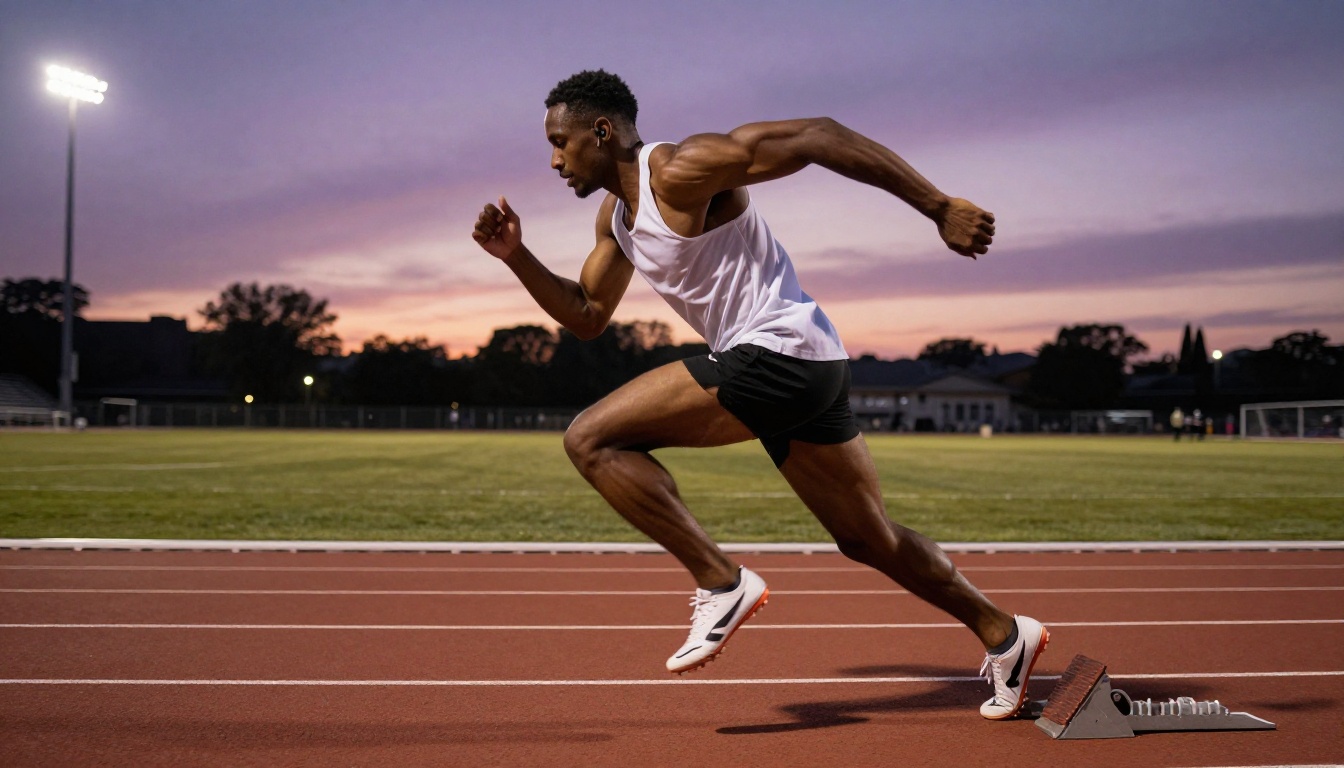
- Sprint Intervals: "Drum and bass track at 160 BPM, fast snare rolls, driving bass line, high energy, no vocals, 3 minutes, for sprinting"
- HIIT Circuits: "Electronic dance track at 150 BPM, hard kick drum, energetic synths, building drops, no lyrics, 4 minutes, for interval training"
- Treadmill Run: "Upbeat hip-hop beat at 140 BPM, punchy snare, bass groove, motivational feel, no vocals, 5 minutes, for steady state running"
- Stretching Session: "Ambient piano at 80 BPM, gentle reverb, no percussion, slow and peaceful, 4 minutes, for post-workout stretching"
Matching Music to Workout Type
Different training styles call for fundamentally different music. Here is a breakdown of what works for each context:
Strength Training
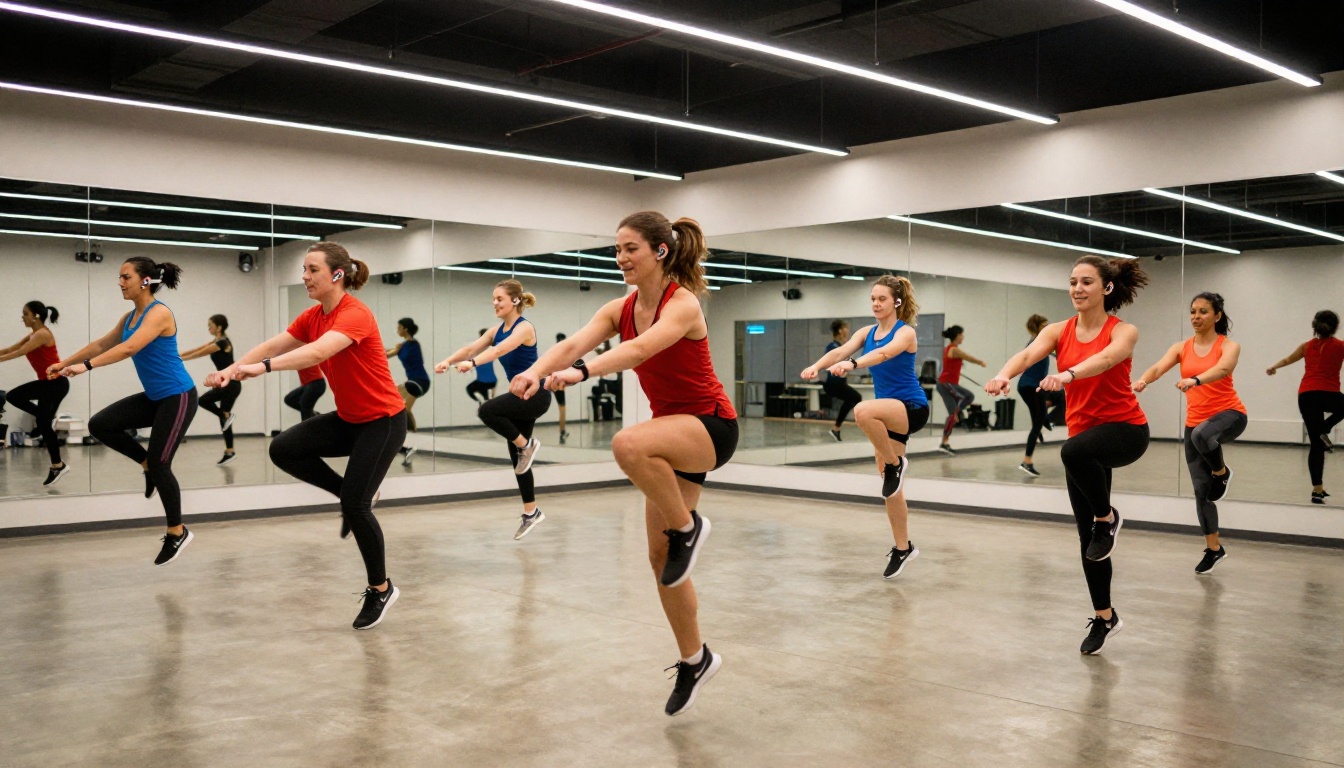
Heavy lifting requires focus, not distraction. The best music for strength work sits at 130-145 BPM with minimal melodic complexity. Heavy bass, a locked groove rhythm, and no sudden energy drops that could break concentration during a set.
Models that work best: ElevenLabs Music for clean instrumentals, Stable Audio 2.5 for BPM-precise loops.
Genres to prompt: Dark hip-hop, industrial metal, heavy electronic, trap
Cardio and HIIT
Cardio benefits from the widest BPM range depending on intensity. Steady-state cardio sits around 135-145 BPM. High-intensity intervals push to 155-170 BPM during work phases, with deliberate energy drops during rest phases. AI-generated tracks can be built to mirror these energy patterns in a single track by prompting for "builds from 130 BPM to 160 BPM with a drop at 2:30."
Models that work best: Google Lyria 3 Pro for dynamic builds, Minimax Music 2.6 for motivational tracks with vocals.
Genres to prompt: EDM, progressive house, drum and bass, high-BPM hip-hop
Recovery and Mobility
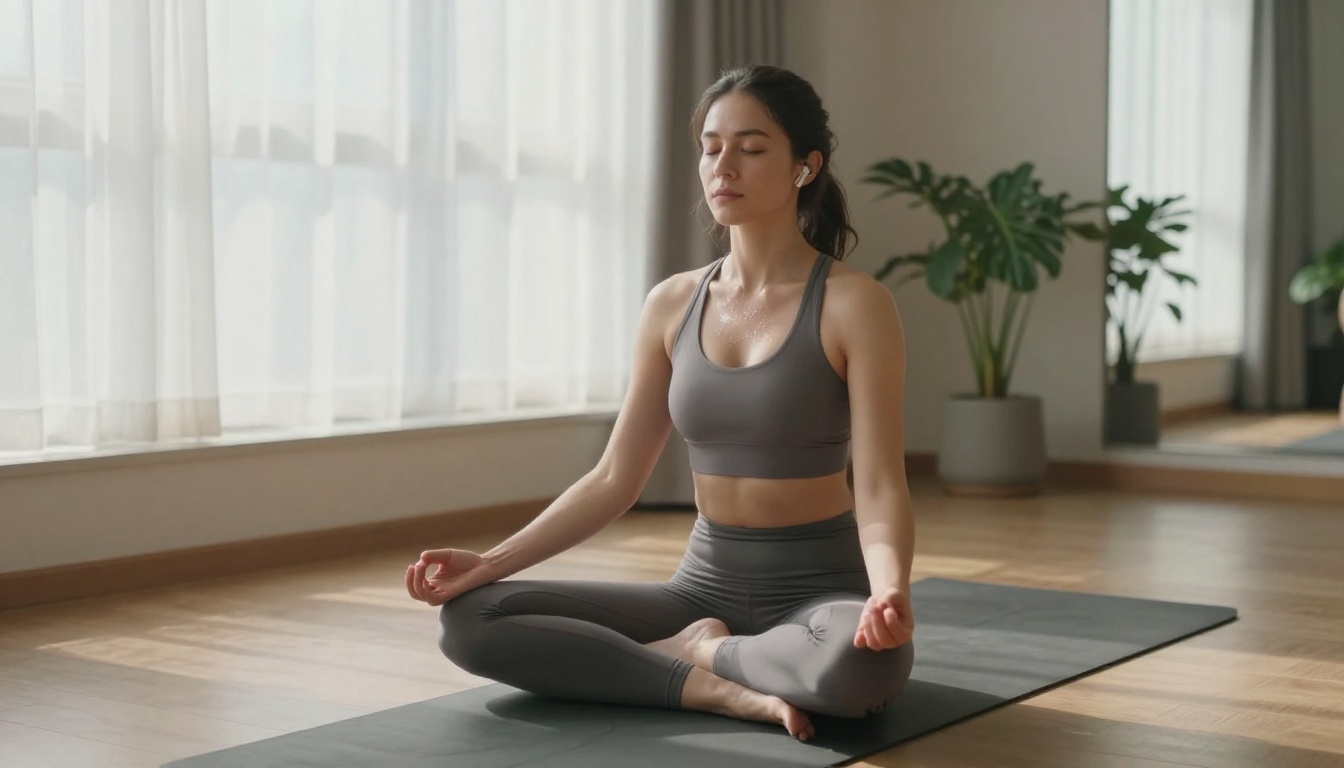
The cool-down phase is where most people make a playlist mistake: stopping the music entirely or leaving the same high-energy tracks playing. The body needs a deliberate tempo signal to shift into recovery mode. Target 75-100 BPM with acoustic instrumentation, ambient pads, or soft electronic textures. ElevenLabs Music handles this particularly well with piano and ambient genre prompts.
3 Mistakes Most People Make
Ignoring BPM in Prompts
The single biggest mistake when generating workout music with AI is writing vague prompts. "High energy workout music" produces generic results. Specifying "150 BPM drum and bass for sprinting" gives the model exactly what it needs to deliver a track that actually works in that context.
Generating One Track at a Time
A workout playlist is a sequence, not a single song. Plan your sessions as a full arc: warm-up, build, peak, recovery. Generate enough tracks for the full duration before any workout. Running out of music mid-session because you only generated two tracks is a workflow problem with an easy fix.
Not Adjusting for Workout Phase
Using the same tempo track for warm-up and peak intensity is one of the most common playlist construction errors. The warm-up track that felt great at 125 BPM will feel slow and frustrating during a 160 BPM sprint interval. Build phase-specific batches and keep them separate in your library.
Build a Full Week of AI Workout Music
Once you understand the phase-based system, scaling it to a full training week is straightforward:
Generate your week's music in a single session and your training week is covered without touching a streaming service.
Start Building Your Playlist Today
The gap between the workout playlist you have and the one that would actually push you harder is smaller than you think. Every AI music model listed in this article is available right now on PicassoIA, no software to install, no subscription to set up for individual tracks.
Write your first prompt. Start with your hardest workout day. Specify the BPM, the genre, and the energy level. Generate 3-4 tracks for each phase. Listen, adjust your prompts, and regenerate anything that does not land.
Try Google Lyria 3 Pro for your peak intensity session first. It produces the most dynamic, high-fidelity output with minimal iteration. Once you hear a track built exactly around your sprint intervals or your heaviest lifting sets, pre-built playlists stop making sense.
Start generating your workout music on PicassoIA and build something your training has never had before: a soundtrack made for exactly how you work out.


