Hair is the single most challenging subject in photo editing. Not busy backgrounds, not complex multi-object scenes. Hair. The thousands of individual strands that each catch light differently, the flyaways that escape in every direction, the semi-transparent ends that blend into whatever sits behind them. Every photographer who has tried to manually select a subject's hair against a real-world background knows exactly what this costs in time, patience, and lost detail.
That changed when AI background removal got genuinely good at hair. Tools like the Bria Remove Background model on PicassoIA now isolate hair with the kind of precision that used to require a Wacom tablet, hours inside Photoshop's "Select and Mask" workspace, and careful manual refinement strand by strand. Now it takes seconds. The results are cleaner, more consistent, and faster than anything achievable by hand.
This article breaks down exactly how AI cuts hair details from backgrounds, why it works on every hair type from tight coils to fine straight strands, and how to use the Remove Background model on PicassoIA to get perfect results on every photo you upload.
Why Hair Is the Hardest Subject to Cut Out
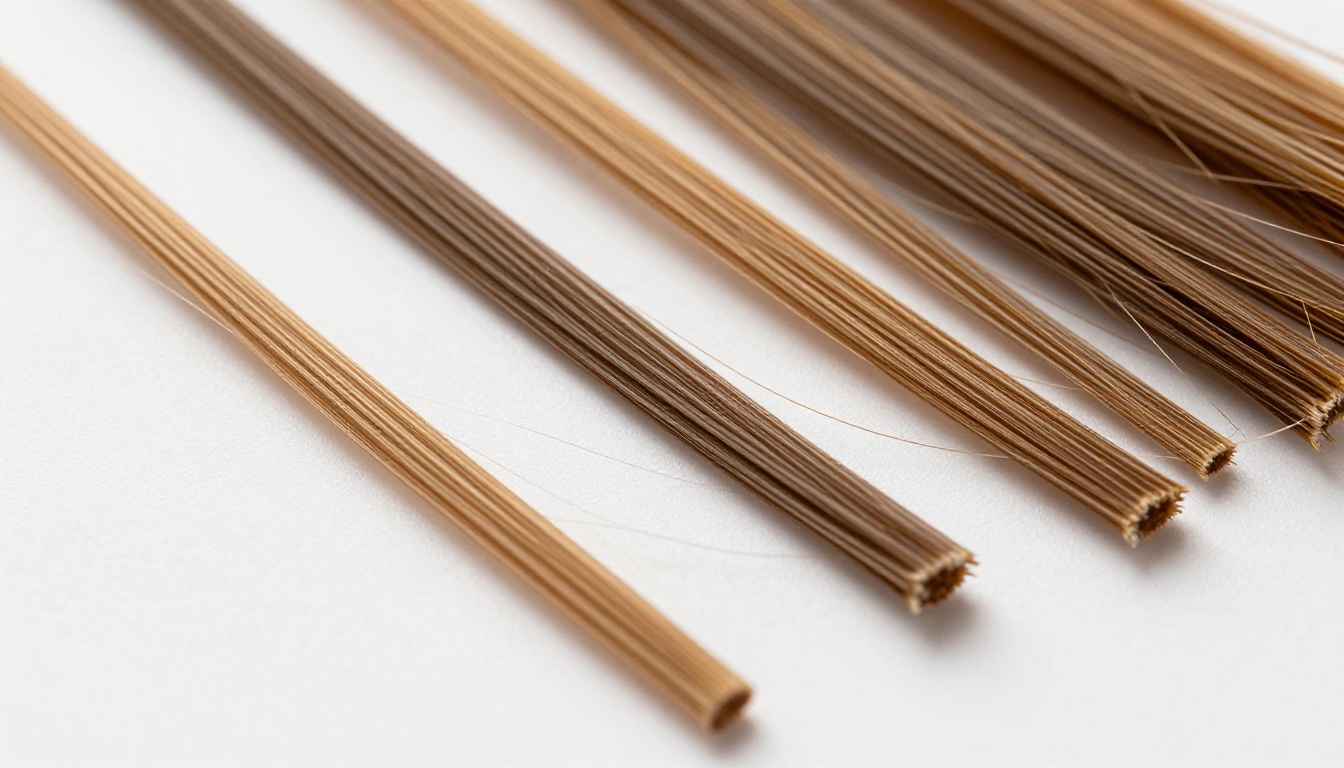
The human eye registers hair as a unified mass. Photo editing software sees it as millions of separate pixels, each carrying a slightly different color value, opacity, and edge relationship with surrounding pixels. That gap between how we perceive hair and how software processes it is exactly why cutting hair from backgrounds has been so difficult for so long.
The Problem with Fine Strands
A single human hair is roughly 70 micrometers wide. At typical portrait resolutions, that translates to roughly one pixel on screen, sometimes less at wider focal lengths or when shooting from a distance. When that one-pixel-wide strand sits against a background that is even slightly similar in tone or color, traditional selection tools have no reliable way to distinguish between "this is hair" and "this is background."
The standard tools fail in predictable ways:
- Magic Wand: Selects by color similarity, immediately struggles when hair and background share similar luminance values
- Background Eraser: Works on clear color contrast, breaks down entirely on semi-transparent hair ends
- Lasso Tool: Accurate in theory but forces you to manually trace every strand, which is simply not practical on a real portrait
- Pen Tool: The most precise option, but impossibly slow for anything with significant flyaway strands
- Quick Selection: Fast but leaves jagged, unnatural edges along the hairline that require extensive cleanup
Each of these tools forces you to choose between speed and accuracy. AI removes that tradeoff entirely.
What Manual Editing Actually Costs You
A professional photo retoucher working efficiently can complete a detailed hair cutout in 30 to 60 minutes per image, depending on hair complexity and background difficulty. At typical retouching rates, that means a single portrait edit can cost between $20 and $75 just for the background removal step. For photographers who need to deliver edited galleries of 50 or 100 portraits from a session, those numbers become genuinely unworkable.
Beyond direct cost, manual hair selection introduces inconsistency across a batch. Different editors, different sessions, even different fatigue levels within a single session produce measurably different results. The flyaway hairs around the crown get treated differently in image 15 than they were in image 3. AI eliminates that variability. Every image in a batch gets processed by the same model with the same approach, producing consistent edge quality across every photo.
How AI Reads Hair Differently
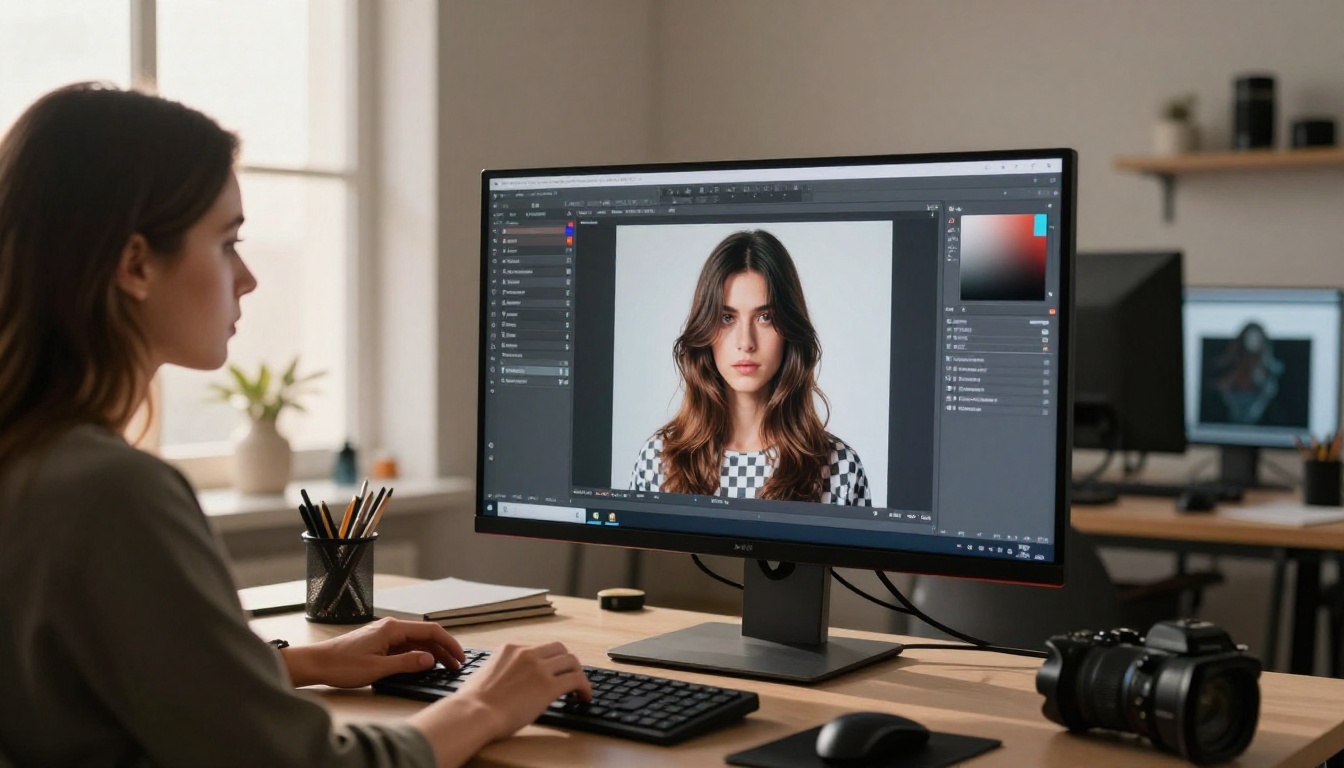
The reason AI background removal finally works on hair is not simply access to more computing power. It is a fundamentally different approach to understanding what hair actually is in an image, versus what a background is.
Pixel-Level Pattern Recognition
Modern AI models trained for background removal have processed tens of millions of portrait images. Through that training, they develop an internal model of what hair looks like across every hair type, color, lighting condition, and background combination. They learn that hair has characteristic patterns at the pixel level: the way luminance transitions at hair edges, the semi-transparency of fine ends, the way individual strands cast micro-shadows on each other, and the structural geometry of how strands group, separate, and overlap.
When the model processes your photo, it is not asking "is this pixel hair-colored?" It is asking "does this cluster of pixels, in this spatial relationship to surrounding clusters, exhibit the structural patterns consistent with hair in a portrait context?" That semantic understanding is what allows it to correctly identify and isolate even the most challenging hair, including situations where hair color closely matches the background.
The Edge-Detection Revolution
Traditional edge-detection algorithms look for hard transitions in pixel values. Hair rarely provides those. The outer edge of a hair mass is typically a soft gradient from solid hair color to partial transparency to full background. The very finest strands at the edge of any hairstyle are often close to zero opacity where they meet the background.
AI edge detection handles this by predicting a per-pixel opacity value rather than making a binary "inside or outside" decision. Each edge pixel gets assigned a value between 0 and 100% opacity, creating a smooth, natural-looking transition that preserves the semi-transparent quality of real hair ends. The result looks like the photo was always shot against that new background rather than composited from two separate images.
Semantic Subject Understanding
A critical advantage of modern AI background removal is that the model understands the concept of "a person" before it even looks at the hair. It identifies the subject's body, face, and the full hair mass as a connected semantic unit. This prevents common errors where isolated sections of hair, separated from the main mass by negative space, get incorrectly classified as background and erased.
This matters enormously for curly hair, braids, dreadlocks, and any hairstyle where the hair mass has visible space within it. Traditional tools erase those interior areas because they look like background to a pixel-comparison algorithm. AI tools preserve them because they understand they are part of the hairstyle.
Bria Remove Background: What It Does to Hair
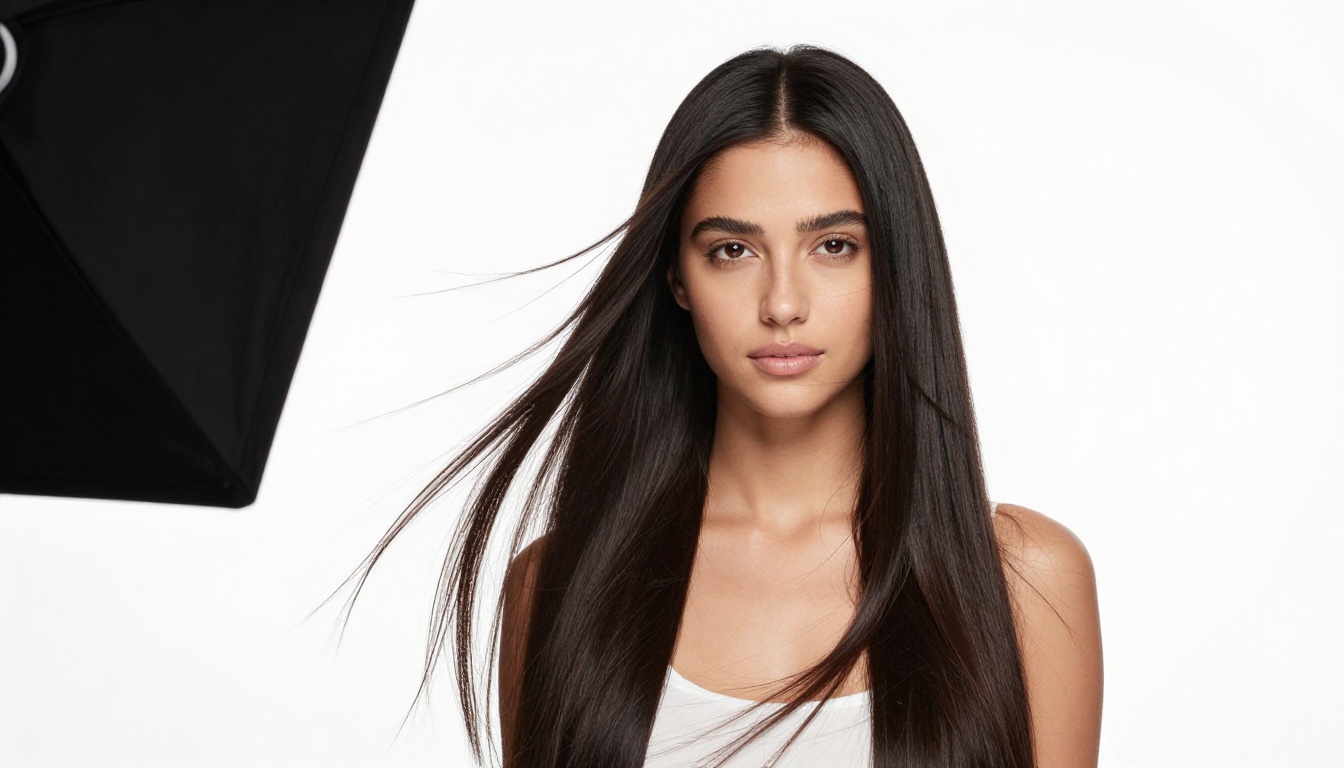
The Bria Remove Background model available on PicassoIA is specifically engineered for high-fidelity subject isolation in portrait contexts. Unlike generic background removers built primarily for simple product photography, Bria's architecture prioritizes the hardest edge cases in portrait work, and hair is at the top of that list.
Tip: For best results with Bria Remove Background, upload the highest resolution version of your photo. Higher resolution gives the model more pixel information to work with at the hair edges, producing cleaner isolations with more preserved strand detail.
Before and After: Real Results
The practical difference shows up most dramatically in three specific scenarios that cause other tools to produce unusable results.
Flyaway strands: The fine, individual hairs that escape the main hair mass and float against the background are typically the first casualty of automated background removal tools that are not purpose-built for hair. Bria preserves them because it recognizes the structural pattern of isolated strands, not just the main hair body. Even single strands extending several inches from the primary mass are correctly identified and kept.
Semi-transparent ends: Lighter hair colors and naturally fine hair often have ends that are partially transparent, especially where they catch direct light. Bria assigns these pixels fractional opacity values rather than clipping them to fully transparent, preserving the natural taper and luminosity of real hair ends. The difference is visible immediately in composites: natural-looking integration versus hard cut edges.
High-contrast scenarios: Dark hair against light backgrounds and light hair against dark backgrounds both present different challenges that require different processing approaches. The model handles both cases reliably because it has been trained on sufficient examples of each contrast condition.
Why Bria Handles Curls and Layers
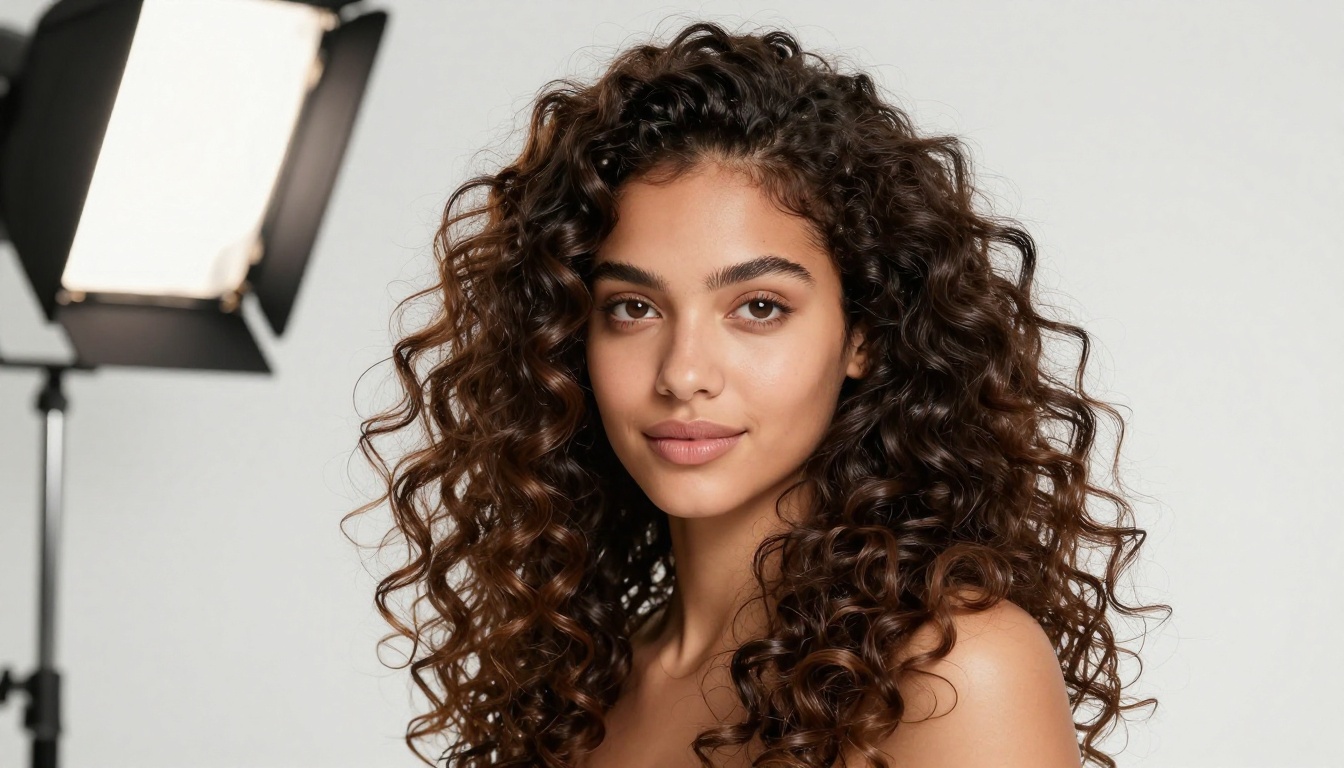
Curly and layered hair presents a challenge that goes beyond edge detection: the interior of the hair mass contains background-colored negative space between the curls. A model that does not understand hair structure at a semantic level will incorrectly fill in those gaps, producing an isolated subject that looks like they have a solid hair-shaped blob rather than actual hair with volume and dimension.
Bria's architecture correctly identifies the negative space within curl patterns as part of the natural hair presentation, leaving those interior voids transparent or semi-transparent as appropriate. The result is an isolated subject with curly hair that still reads as curly hair with authentic volume, not a flat silhouette. The same principle applies to layered cuts, textured styles, and braided hair where the structure creates visible interior gaps.
How to Use Remove Background on PicassoIA
The workflow for removing hair backgrounds on PicassoIA is intentionally straightforward. All the complexity is handled by the model. Your job is to provide the right input and let the AI do the work.
Step 1: Upload Your Photo
Navigate to the Bria Remove Background model page on PicassoIA. Upload your portrait photo directly from your device. The model accepts standard JPEG and PNG files at any resolution, though higher resolution produces better hair edge results.
What helps the model perform better:
- Sharp focus on the subject, especially around the hair edges and hairline
- Sufficient lighting contrast so hair has distinguishable tonal values from the background
- Original, minimally compressed files when available
- Photos where the hair mass occupies a meaningful portion of the frame
What creates more difficult conditions:
- Extreme motion blur throughout the hair
- Hair color that exactly matches the background's dominant hue
- Severe underexposure that flattens all tonal relationships in the image
Step 2: Run the AI Model
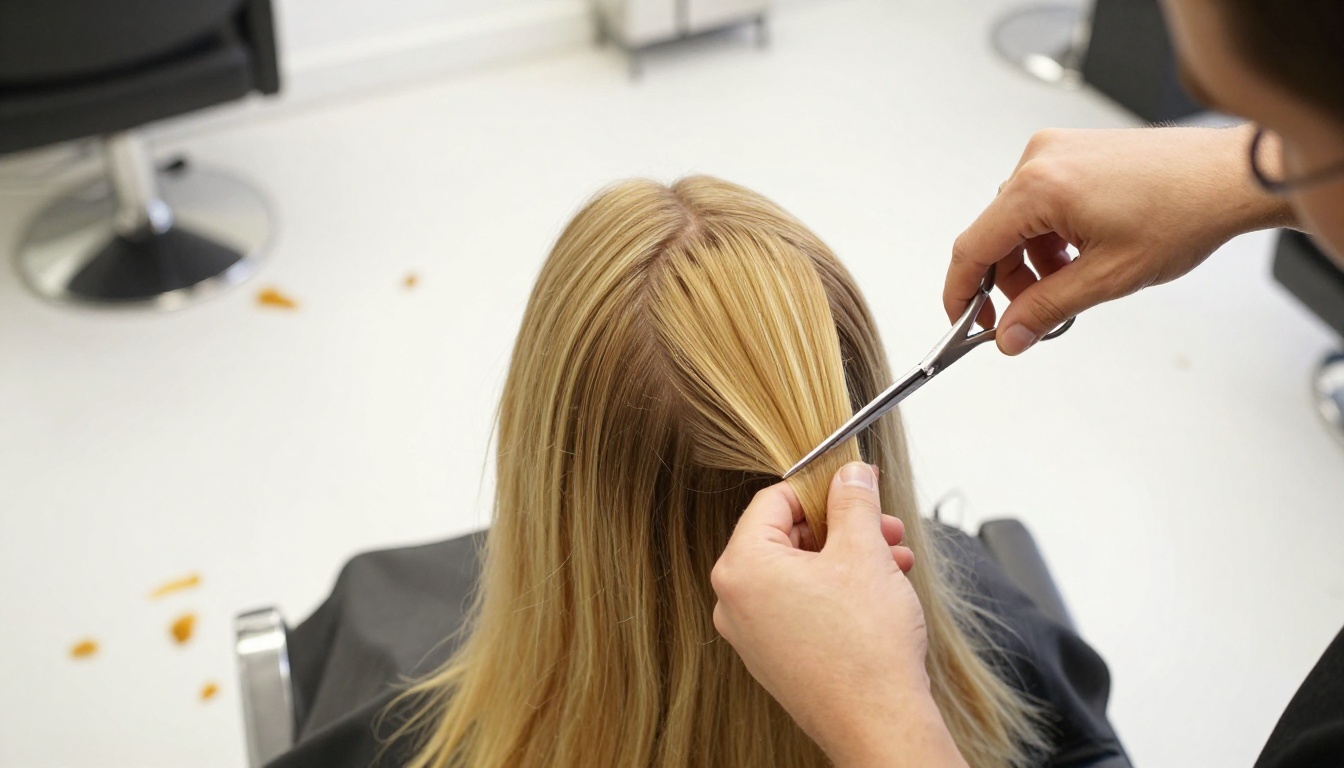
Click the generation button and let the Remove Background model process your image. Processing time varies based on image resolution, but most portrait photos complete within a few seconds. The model runs entirely on PicassoIA's cloud infrastructure, so there is no local processing requirement and no software to install or configure.
During processing, the model works through several stages:
- Subject identification: Semantic segmentation locates the primary person in the frame
- Hair mass mapping: The full hair region is identified including all detectable strands
- Edge opacity calculation: Per-pixel opacity values are computed for all transition regions
- Transparency mask generation: A final mask separates subject from background at sub-pixel accuracy
- PNG output rendering: The isolated subject exports with a fully transparent background
Each stage builds on the previous one, allowing the model to use its understanding of the whole subject when making fine decisions about individual edge pixels.
Step 3: Download and Use Your Cutout
The output downloads as a PNG with a transparent background. This file format preserves the hair transparency information and works directly in every major editing and design environment:
- Design tools: Canva, Adobe Express, Figma, Sketch
- Professional software: Photoshop, Lightroom, Premiere, After Effects
- Web applications and content management systems
- Print production workflows and layout applications
Tip: When placing your isolated subject on a new background, add a subtle shadow layer below the subject adjusted to match the lighting direction of the new background. This single step makes composites look significantly more natural.
5 Hair Types AI Now Handles Perfectly
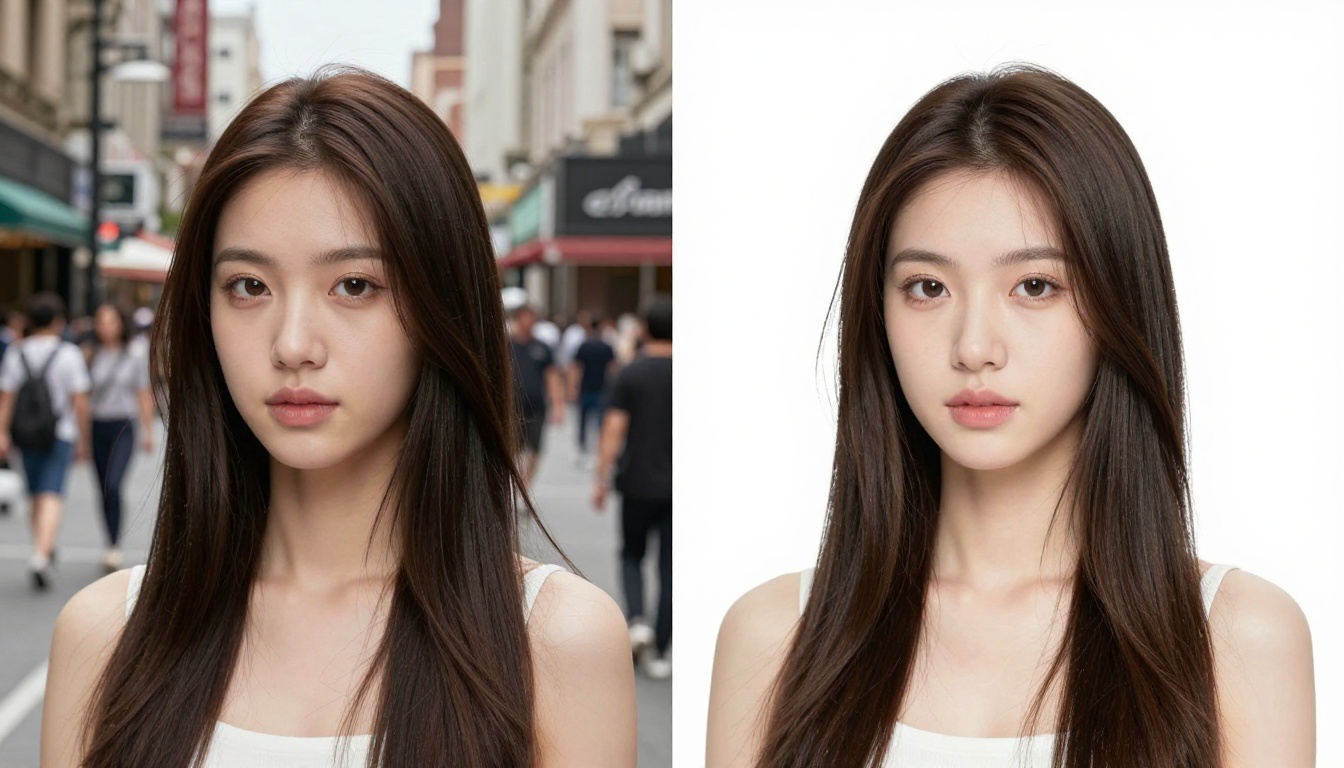
| Hair Type | Challenge Level | Key Issue | AI Approach |
|---|
| Straight Fine Hair | Medium | Semi-transparent ends blend into background | Fractional opacity mapping preserves natural taper |
| Curly or Coily Hair | High | Interior negative space within curl patterns | Semantic understanding maintains volume and dimension |
| Layered or Feathered | High | Multiple overlapping layers with soft edges | Multi-depth edge processing handles each layer |
| Blonde or White Hair | Very High | Minimal contrast against light backgrounds | Color-independent structural recognition bypasses contrast dependency |
| Wet or Styled Hair | Medium | Clumped strands behave differently than loose hair | Mass-level segmentation with strand refinement |
The table above reflects general difficulty under typical shooting conditions. Every category becomes easier with better lighting contrast between subject and background, and harder when that contrast decreases.
Common Problems and How to Fix Them
Even the most capable AI model encounters conditions that reduce isolation quality. Understanding what causes those problems lets you set up photos correctly before shooting, and troubleshoot results effectively when they fall short of what you need.
Gray or White Hair Against Light Backgrounds
This is the hardest case in hair background removal across all tools, AI and manual alike. When hair luminance approaches background luminance, even human eyes struggle to trace the hairline accurately. The model faces the same fundamental information limitation. For these situations, the most effective approach is to create contrast before the model runs:
- Shoot against a slightly darker background, even soft gray versus pure white makes a meaningful difference
- Add a subtle backlight positioned behind the subject to create rim separation around the hair crown
- If reshooting is not possible, use the AI output as a detailed starting point and refine only the most difficult edge areas manually in Photoshop, rather than starting from scratch
Wet or Oily Hair
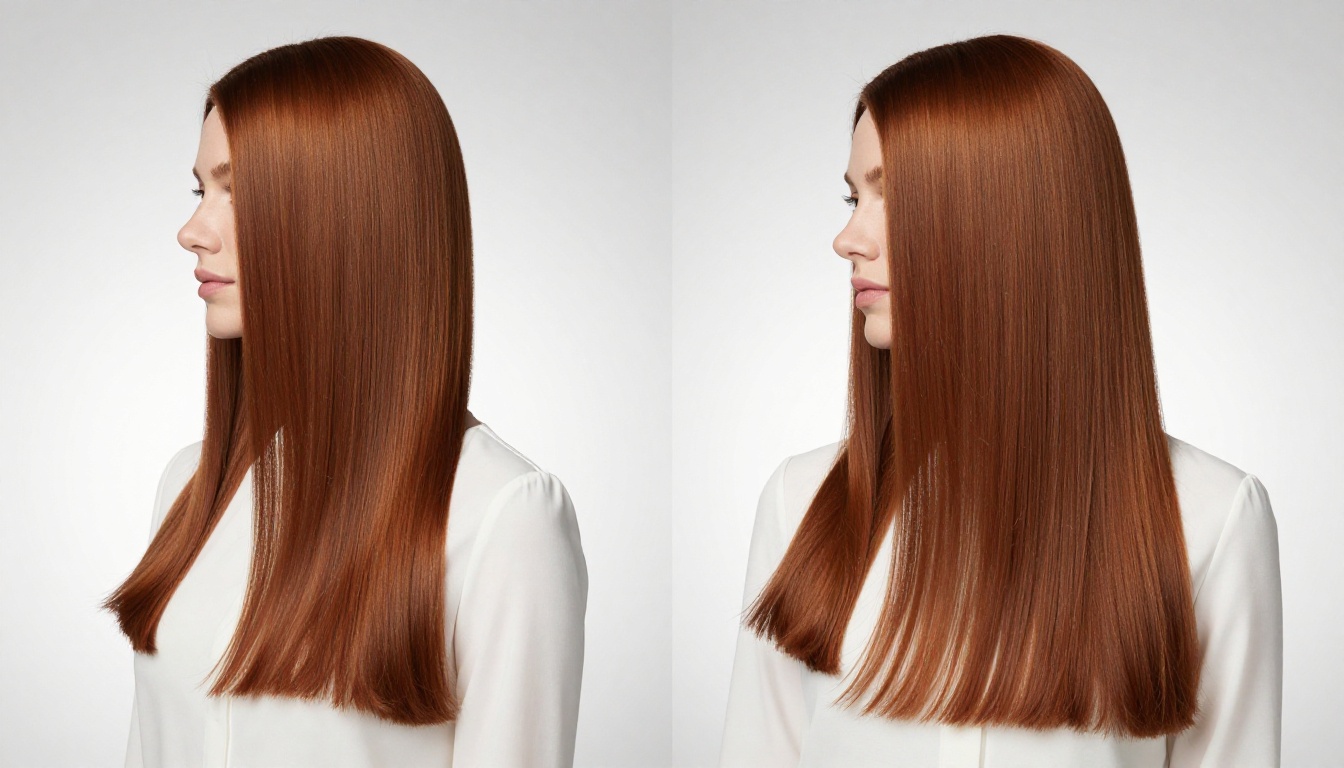
Wet hair darkens uniformly and clumps into thicker strands that do not separate from each other the way dry hair does. The AI model performs well on wet hair as a whole mass, isolating the subject cleanly from the background. However, the fine individual strand detail that makes dry hair results look so natural is not present in the source image to begin with. The output accurately reflects what is actually there in the photo. If you need the appearance of fine strand detail, consider shooting dry hair and adding any wet styling effects in post-production after the isolation step.
Backlit Hair with Halo Effects
Backlighting creates a luminous glow around hair that can soften the boundary between subject and background. The Bria Remove Background model handles most backlit scenarios well because it uses semantic subject identification first, then refines edges based on that understanding rather than relying purely on pixel contrast at the boundary.
The glow itself is sometimes partially included in the isolation, which actually creates a natural-looking light wrap effect on composites. If the halo needs to be fully removed for a clean white background result, a brief manual cleanup of the glow region is faster than attempting a full manual selection from scratch.
When You Need More Than Background Removal
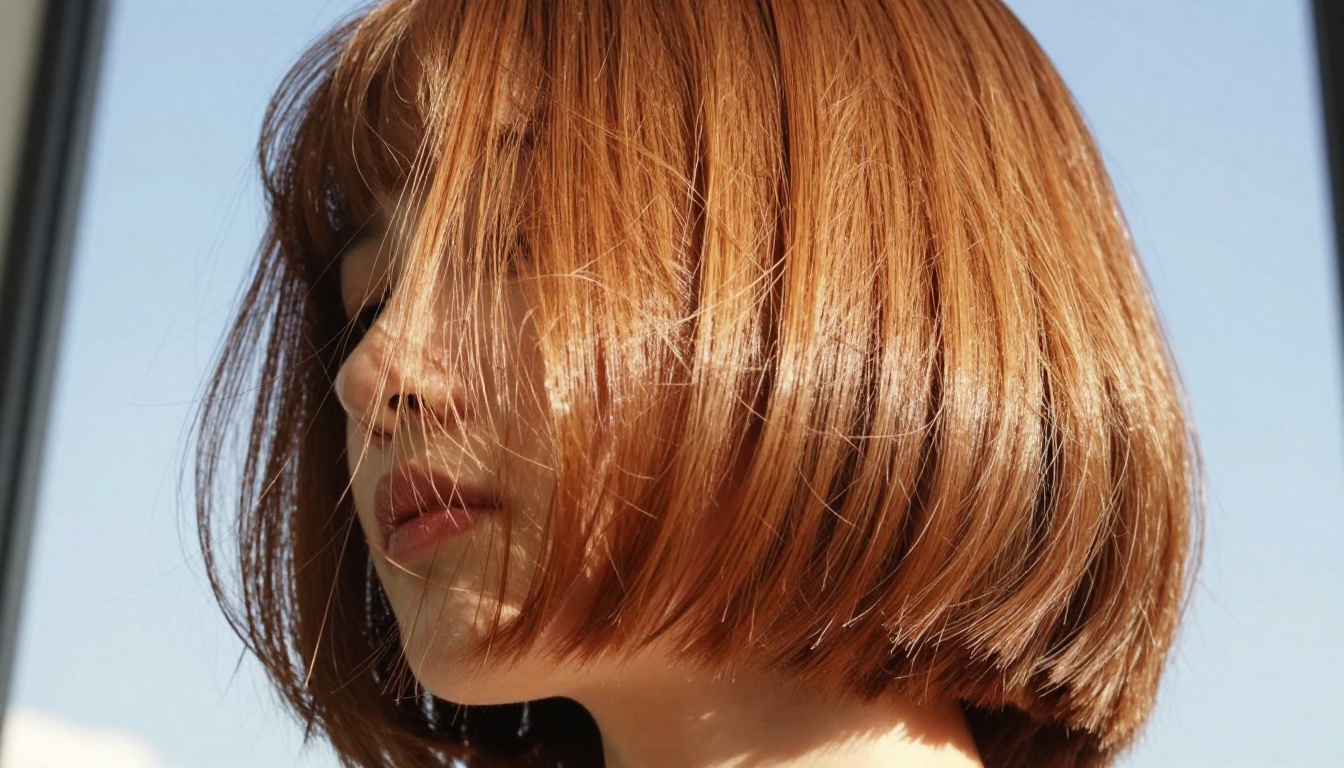
Background removal is frequently the first step in a larger production workflow. PicassoIA offers additional capabilities that extend what you can do with a cleanly isolated subject.
Super Resolution: Once you have a clean cutout, scaling it up for print applications requires an upscaling approach that understands transparency. PicassoIA's super-resolution models can upscale isolated subjects 2x to 4x while preserving fine hair detail in the transparency mask. Standard upscaling algorithms soften and blur the hair edges during enlargement. AI-powered super resolution maintains the strand-level sharpness that makes the cutout look real at large print sizes.
Inpainting for Background Replacement: After removing the background, inpainting tools let you generate entirely new backgrounds that match specific scenes, lighting conditions, or color palettes. AI-generated backgrounds integrate naturally with isolated subjects because both are processed with an understanding of light, depth, and scene coherence. The hair edges blend naturally into AI-generated environments in ways that simple background swaps rarely achieve.
Image Restoration: For older portrait photos where you want to remove backgrounds and clean up overall image quality, AI image restoration tools can reduce noise, correct blur, and recover detail before or after the isolation step. Running restoration first gives the background removal model cleaner pixel data to work with.
Start Creating with Perfect Hair Cutouts
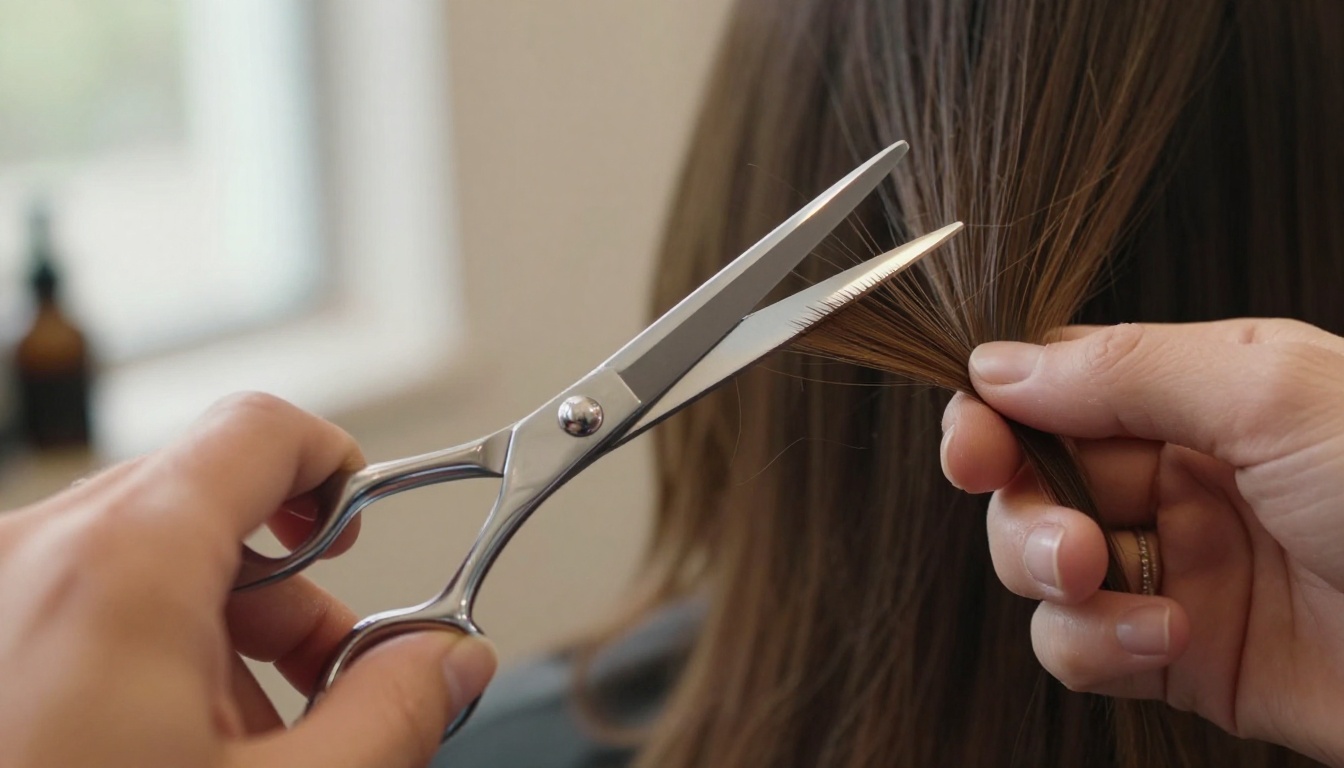
The gap between "acceptable" background removal and genuinely precise hair isolation is visible in every composite where the edit gives itself away. Hard pixelated edges along the hairline, missing flyaway strands, filled-in curl interior, blown-out white halos around the crown — these are the specific markers of tools that were not designed for hair.
The Bria Remove Background model on PicassoIA was built to solve exactly these problems. It preserves individual strands along the hairline, maintains natural semi-transparency at the hair ends, correctly handles the interior structure of curly and layered styles, and produces consistent results across every image in a batch without manual intervention between shots.
For photographers delivering edited portrait galleries, designers building composite campaigns, product teams who need models on brand backgrounds, and content creators who want clean subject images on custom backdrops: precise AI hair isolation changes what is achievable within a realistic editing timeline. What used to require 45 minutes of careful manual work per image now takes seconds. The consistency across 100 photos in a batch is something manual editing simply cannot match at any budget.
Upload your first portrait to Bria Remove Background on PicassoIA and see the results for yourself on your first try.


