You typed a perfectly normal prompt for a swimwear shoot, a boudoir portrait or a classical figure study, and the generator answered with a polite refusal. Sound familiar? Almost everyone who works with AI images hits that wall sooner or later, and the real question is never just "does it allow nudity?" It is what exactly gets blocked, why, and what can you do instead? This article answers all three, with plain rules, free options, copy-ready prompts and alternatives that work today.
The Short Answer
Most mainstream AI image generators do not allow nudity. Tools from big technology companies treat nudity and sexual content as a policy violation, and they enforce it with filters that run on your prompt, on the generated image, or on both. A few platforms are looser, but they still draw hard lines around real people, minors and anything non-consensual.
Here is the practical picture:
- Mainstream assistants and design tools are restrictive. Many refuse not only explicit prompts but also borderline ones such as lingerie, bare shoulders or "artistic nude".
- Specialized creative platforms are more flexible with glamour, swimwear and implied artistic content, as long as the result stays non-explicit.
- Nothing legitimate allows sexual content involving minors, or sexualized images of real, identifiable people made without consent. Those rules are not negotiable, and regulators in several countries have been stepping up pressure on exactly this point.
💡 Quick rule of thumb: if your idea is a fashion shoot, a beach editorial, a boudoir portrait or a silhouette behind fabric, you are usually fine on a creative platform. If your idea needs explicit anatomy or a real person's face, no responsible tool will do it, and this article will not help you with that.
Why Generators Block Nudity
It is easy to assume the filters are just prudish. They are not, or at least not only. Three forces push companies toward strict rules.
Legal and regulatory pressure
Synthetic explicit imagery, especially deepfakes of real people, has triggered investigations and temporary blocks of AI services in several countries during 2026. Companies that host or distribute generators face real liability, so they filter broadly rather than risk a lawsuit or a ban.
Payment and app store rules
Card processors and app stores restrict adult content. A generator that wants to be sold through those channels usually has to keep outputs clean, even if its underlying model could produce more.
Brand safety
A model that sits inside a workplace suite or a search engine cannot afford a single viral screenshot. So the safest policy is a blanket one, and borderline requests get caught in the net.
The side effect is frustration for legitimate users: photographers, swimwear brands, illustrators studying anatomy, and adult creators making tasteful work who just want a tool that does not panic at the word "bikini".
Policies change often, so treat the table below as a general picture and read each provider's current content policy before you rely on it.
| Type of tool | General stance on nudity | Real people | Free tier behavior |
|---|
| Big tech chat assistants with image output | Strict, frequent refusals | Heavily restricted | Same rules as paid |
| Design suites like Adobe Firefly | Strict, nudity and sexual themes prohibited | Restricted | Same rules as paid |
| Midjourney and DALL-E style services | Generally block nudity | Restricted | Free access is limited or absent |
| Grok from xAI | Sexualized depictions of real people banned, tightened after public criticism in early 2026 | Banned | Applies on every tier |
| Open weights models run locally | Depends on the model and setup | Your responsibility, and the law still applies | Free, needs hardware |
| Creative platforms such as PicassoIA | Non-explicit glamour, swimwear and implied artistic work supported | Never for sexualized content | Free credits available |
Notice the pattern: free does not mean unfiltered. A free tier almost always follows the same safety rules as the paid plan, because the rules come from the model provider and not from the price.
What Counts as Non-Explicit
This is where most confusion happens, so let us be concrete. The line most platforms draw, and the one this article follows, looks like this.
Usually acceptable on creative platforms:
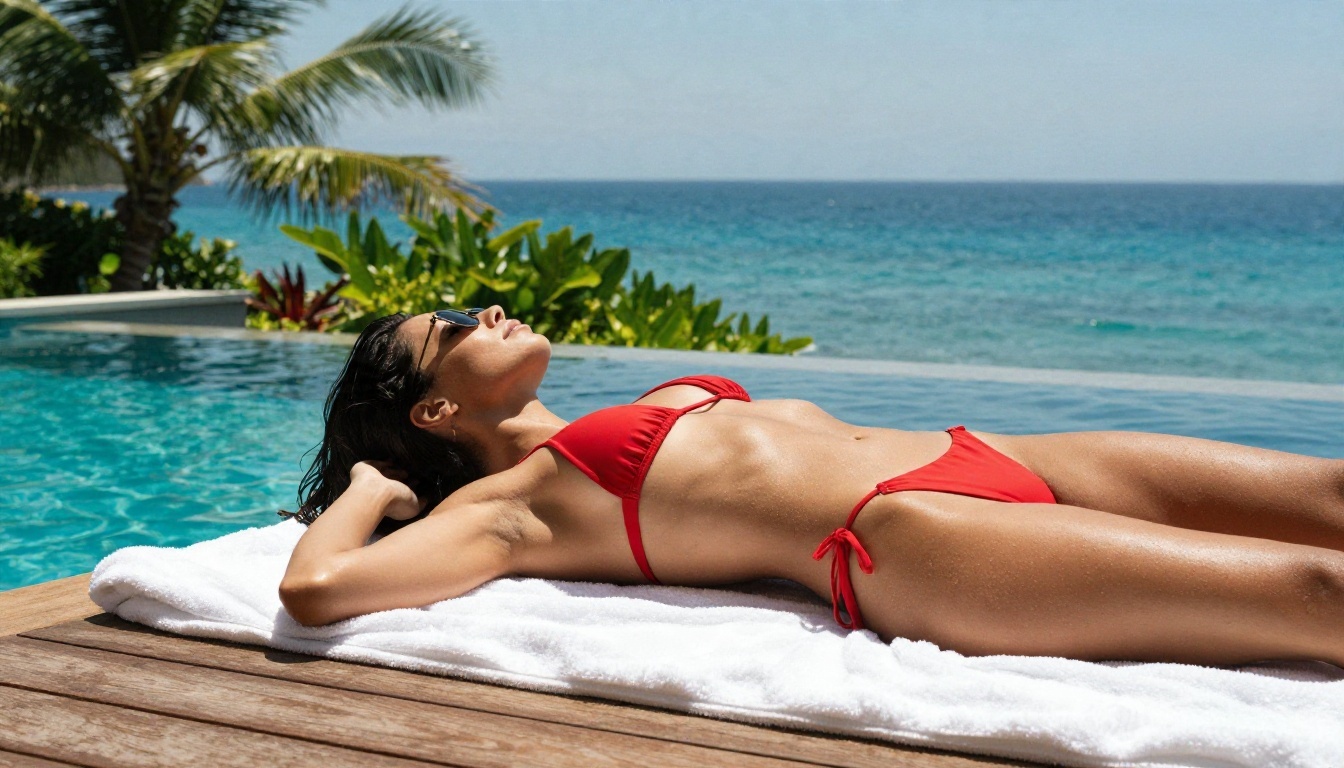
- Swimwear and bikini photography
- Lingerie style boudoir with tasteful framing
- Bare shoulders, towels, robes and silk fabrics
- Silhouettes behind sheer curtains
- Artistic and classical figure references where nothing is explicit
Not acceptable anywhere reputable:
- Pornographic or explicit sexual imagery
- Any sexual content involving minors, including characters who look underage
- Sexualized images of real people without their consent, including celebrities and ex-partners
- Content meant to harass, blackmail or humiliate someone
That second list is not a technicality. Non-consensual intimate imagery causes real harm, and in many places creating it is a crime. Keep your subjects fictional, or real people who gave you clear permission.
Free Options That Actually Work
If you want to try things without paying, you have four realistic routes. Each has trade-offs.
1. Free credits on a creative platform
This is the fastest path. You sign up, get a starting balance and generate right away in the browser. Seedream 4.5 is the model I would reach for first for glamour and portrait work, because it handles skin, fabric and light with strong realism and is far less jumpy about swimwear and boudoir themes than the big assistants.
2. Unlimited editing
PicassoIA Image Editor Pro is built around unlimited generations, which matters when you are iterating. Glamour prompts rarely work on the first try. You adjust the outfit, the light, the angle, and a pay-per-image counter makes that painful. Unlimited runs remove the pressure.
3. Open weights models on your own machine
You can download an open model and run it locally. It costs nothing per image, but you need a decent graphics card, patience with setup, and a clear understanding that legal responsibility sits with you. Quality varies a lot between community builds.
4. Fast lightweight models for drafts
Z Image Turbo is quick, which makes it a good sketchpad. Try your pose, outfit and lighting idea in seconds, then move the best concept to a stronger model for the final render.
💡 Speed tip: draft in a fast model, finish in a high fidelity one. You will burn far fewer credits than rendering every idea at full quality.
How to Use Seedream 4.5 on PicassoIA
Since Seedream 4.5 is the lead recommendation for tasteful glamour and swimwear work, here is a straightforward workflow.
Step 1: Open the model page
Go to the Seedream 4.5 page and sign in. New accounts can start with free credits.
Step 2: Write a structured prompt
Build the prompt in this order: subject, outfit, setting, light, camera, mood. For example:
"A woman in a champagne silk robe sitting on a white linen bed, soft golden morning light from the left, 85mm lens, shallow depth of field, natural skin texture, film grain, calm and intimate mood."
Step 3: Choose the aspect ratio
Pick 16:9 for editorial and hero images, or a portrait ratio for social posts. Set it before you generate, since changing it later alters the composition.
Step 4: Generate and compare
Run two or three variations. Look at hands, fabric folds and eye detail. If one image is close, keep its wording and change just one thing at a time.
Step 5: Refine with the editor
Send the best result to PicassoIA Image Editor Pro to adjust outfit color, remove a distracting object or fix lighting, without paying for each attempt.
Step 6: Upscale if needed
For print or large banners, run the final through Clarity Pro Upscaler to add crisp detail while keeping the photographic look.
Prompts for Tasteful Glamour
Good prompts do the heavy lifting. Models respond to photographic language far better than to vague adjectives like "sexy" or "hot", which can also trip filters. Describe the photograph, not the desire.
A prompt formula that works
[Subject and pose] + [outfit and fabric] + [location] + [light direction] + [lens and angle] + [texture and film look]
Five prompts to copy
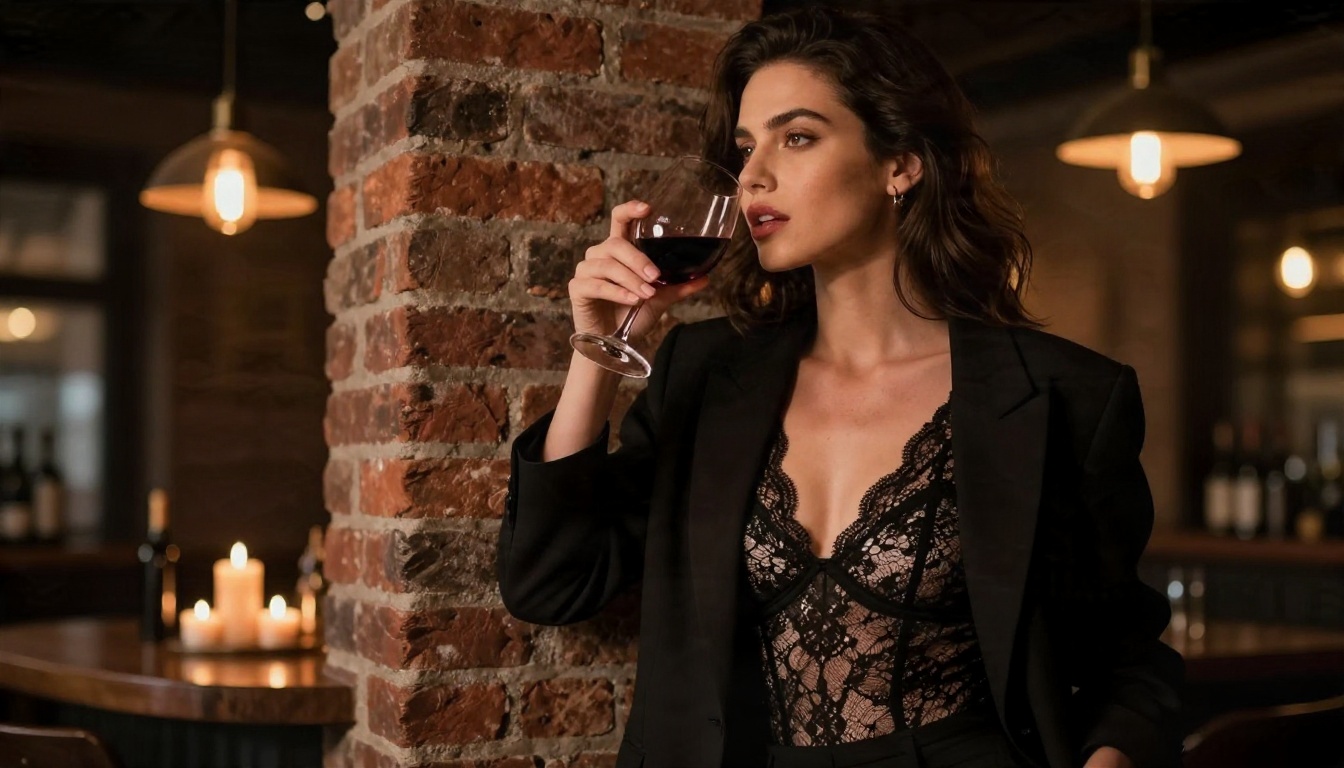
- Boudoir editorial: "Medium shot of a woman in a black lace bodysuit under an oversized blazer, leaning on a brick wall in a dim wine bar, warm pendant light from above right, 85mm f/1.4, visible lace texture, film grain."
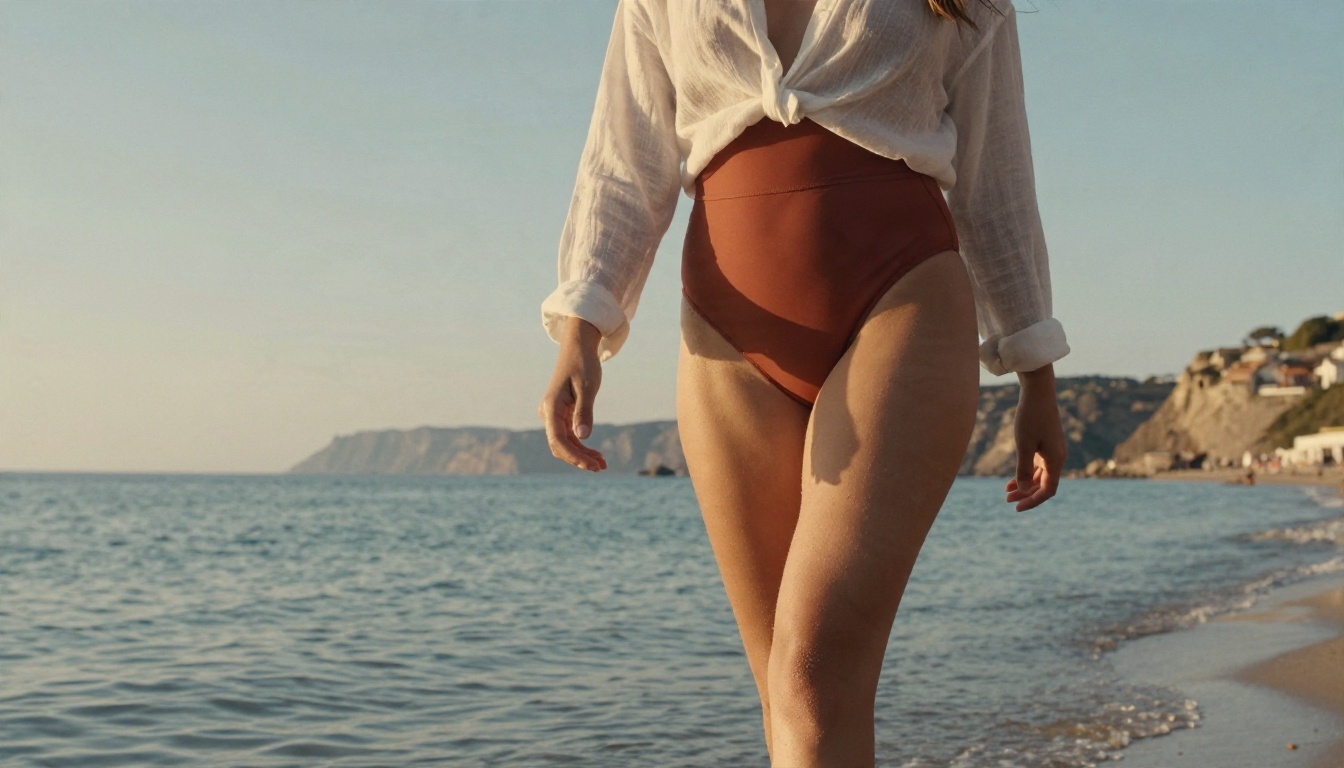
- Beach swimwear: "Low angle photo of a woman in a terracotta swimsuit and sheer linen shirt walking on wet sand at golden hour, backlight, 50mm f/1.8, salt droplets on skin."
- Soft silhouette: "A woman as a soft silhouette behind a sheer ivory curtain, strong window backlight, concrete loft, 70mm lens, fabric weave visible."
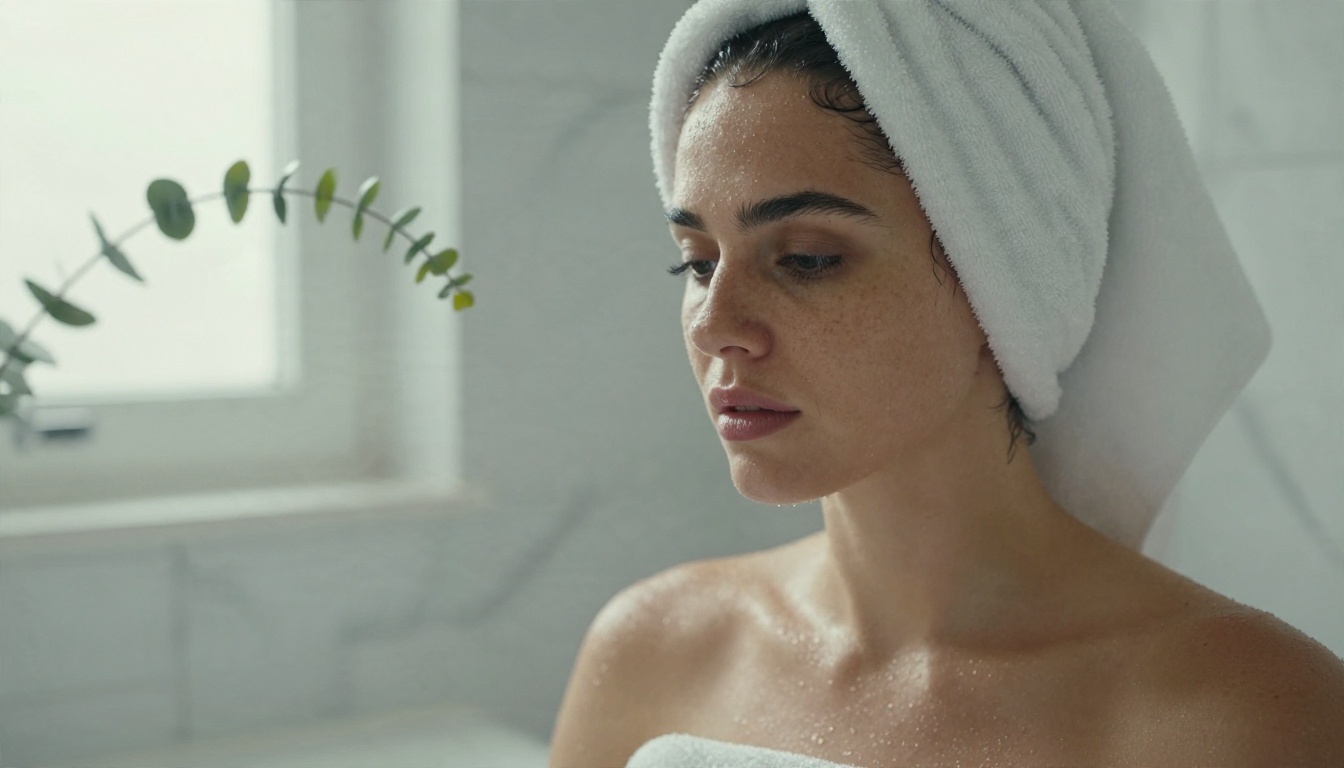
- Spa portrait: "Close-up of a woman with wet curls in a white towel by a steamy window, diffused daylight from the left, 100mm macro, water droplets on shoulders."
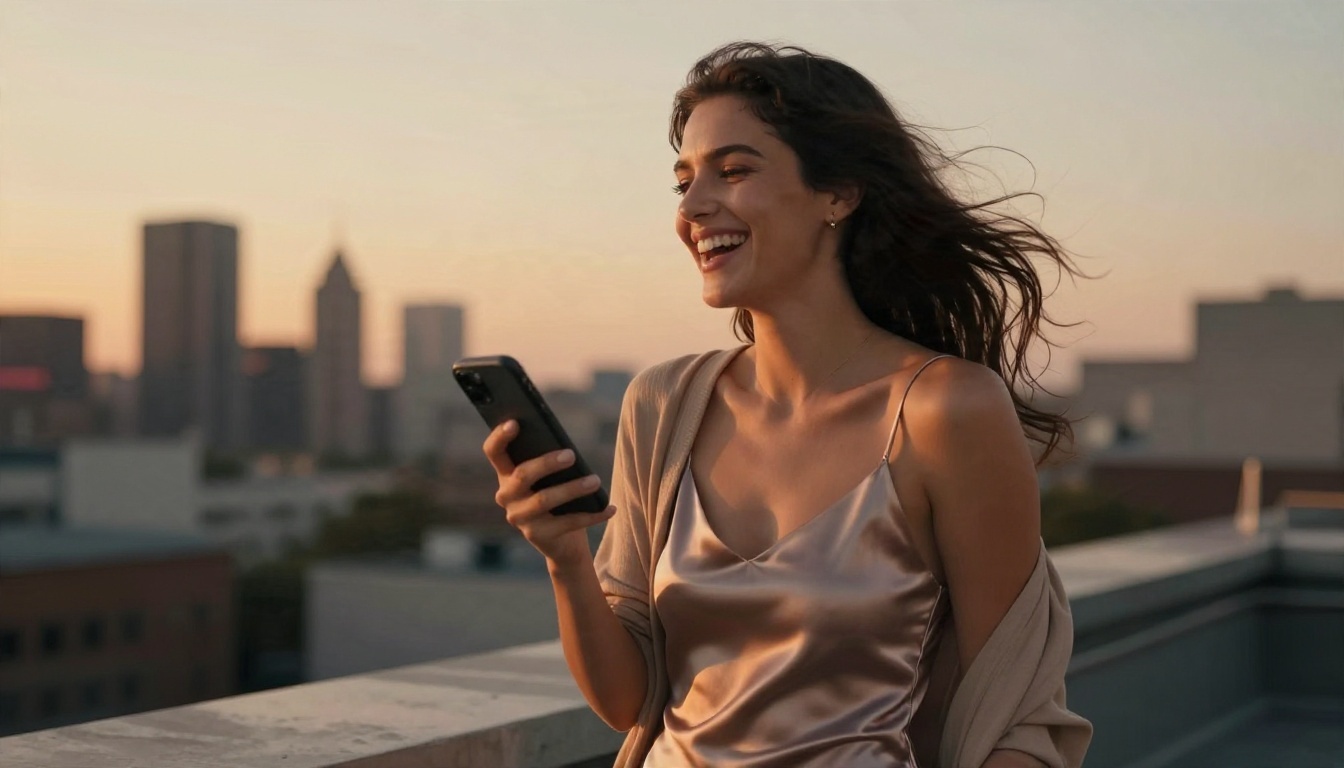
- Rooftop dusk: "Candid photo of a woman in a satin slip dress with a cardigan, laughing at her phone on a rooftop at sunset, 85mm f/1.8, waist up."
💡 Why these work: each prompt names a real photographic setup. Filters and models both read that as fashion or lifestyle photography, which is exactly what you want.
Words to avoid
Skip vague, charged terms. Replace them with concrete descriptions.
| Instead of | Try |
|---|
| "sexy" | "confident glance, tailored silk, warm tungsten light" |
| "naked" | "wrapped in a towel" or "silhouette behind sheer fabric" |
| "seductive pose" | "leaning against a wall, looking away from camera" |
| "perfect body" | "natural skin texture, soft rim light" |
Alternatives Worth Trying
Different models have different strengths. If one refuses a prompt or gives a plastic look, try another from this list. All of them are on PicassoIA.
When to pick each one
- Need the best skin and fabric realism? Start with Seedream 4.5.
- Iterating on outfit and light all afternoon? Use Image Editor Pro, since unlimited runs mean no counting.
- Testing ten poses quickly? Z Image Turbo gets you drafts in seconds.
- Want a consistent styled look across a series? Try the Flux 2 Klein LoRA variants.
- Prefer a crisp portrait feel? HiDream L1 Full is worth a run.
Common Mistakes to Avoid
Most refusals and ugly results come from a handful of habits.
- Using a celebrity name. This hits the real person rule instantly, and it is also unfair to the person. Create fictional subjects.
- Stacking charged words. Three suggestive adjectives in one prompt raise flags even when the image would be fine. Use photographic language.
- Ignoring light. Flat lighting makes skin look like plastic. Always name a light direction and a time of day.
- Skipping lens details. "85mm f/1.8" gives portraits a natural compression and soft background that generic prompts cannot.
- Rendering everything at final quality. Draft fast, finish slow.
- Treating a refusal as a puzzle to crack. If a tool blocks something, rewording to sneak past the filter usually breaks its terms of use. Switch to a tool whose rules match your project instead.
Quality Checks Before You Publish
Before you post or sell an image, run through a short checklist.
- Hands and fingers: count them. Models still slip here.
- Fabric logic: straps, seams and folds should make physical sense.
- Skin texture: pores and fine hair should be visible, not airbrushed away.
- Background sanity: no melted objects, no distorted text.
- Platform rules: Instagram, Etsy, stock sites and ad networks each have their own limits on revealing content. A perfectly legal image can still be rejected on a marketplace.
- Disclosure: some platforms and countries require you to label AI generated images. Check before you post.
A Note on Real People and Consent
This deserves its own section because it is where tools, laws and common decency meet. Never generate sexualized images of someone who has not agreed to it. That includes face swaps onto bodies, "what would she look like" experiments and anything shared without permission. The harm is real even when the picture is synthetic, and being caught can mean account bans, legal trouble and lasting damage to someone else.
If you work with a model or client who consents, put it in writing, state what the images will be used for, and keep a record. Fictional characters and invented faces avoid the issue completely, and they usually give you better creative control anyway.
Make Your First Image Today
So, does it allow nudity? On most big-name tools, no. On creative platforms built for photographers and artists, you get far more room for swimwear, boudoir style portraits and implied artistic work, as long as you stay non-explicit and keep real people out of it.
The fastest way to see the difference is to try it. Open Seedream 4.5, paste one of the prompts above, and watch how the light and fabric come out. Then move your favorite to PicassoIA Image Editor Pro and keep refining with unlimited generations. When you want to see what else is available, browse every model at picassoia.com/en/all-models and build your own style, one shot at a time.


