The global film industry spends billions every year making movies speak different languages. Dubbing studios in Budapest, Mexico City, and Mumbai employ hundreds of voice actors, sync coordinators, and audio engineers just to replace the dialogue track on a single feature film. The process takes months. The budget runs into six figures. And for every Hollywood blockbuster that gets this treatment, thousands of films never reach foreign audiences at all.
AI lipsync changes that math entirely. Today, you can dub movies into other languages with AI lipsync using tools that handle translation, voice synthesis, and lip retargeting automatically, in minutes, at a fraction of the traditional cost.
What Traditional Dubbing Actually Costs
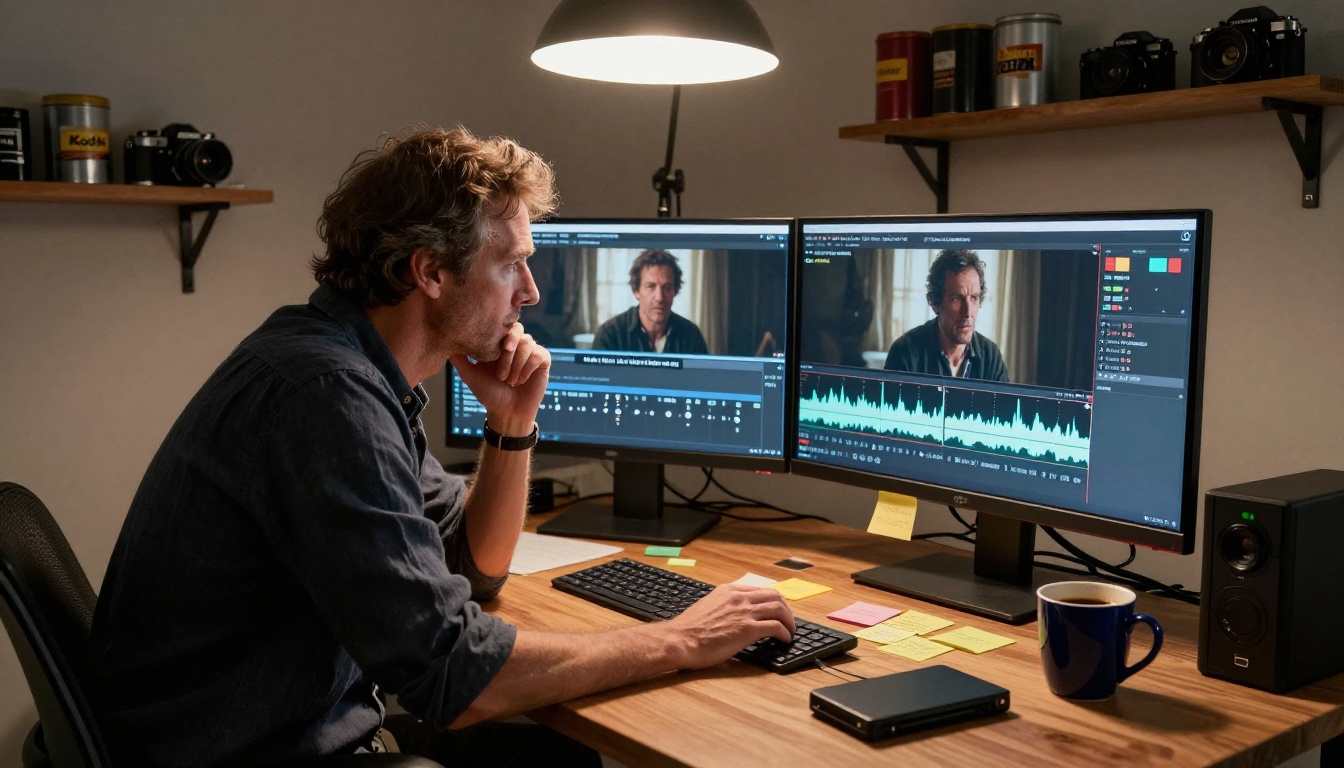
Before looking at what AI can do, it helps to understand why traditional dubbing is so expensive and why that cost has kept video localization out of reach for most creators.
The Real Numbers
Dubbing a feature-length film into a single language typically costs between $15,000 and $100,000, depending on the territory, the number of speaking roles, studio rates, and how many revision passes the production requires. Multiplied across five or ten target languages, that number becomes a project-killing obstacle.
The cost breaks down roughly like this:
| Cost Component | Typical Share |
|---|
| Voice talent (actors) | 40-50% |
| Studio recording time | 20-30% |
| Sync and post-production | 15-25% |
| Translation and adaptation | 10-15% |
Even a 10-minute documentary or corporate training video requires scheduling voice actors, booking studio time, and multiple rounds of sync correction. A single session often costs $500 to $2,000 before any editor touches the audio.
Why It Locks Out Small Creators
Independent filmmakers, educators, e-learning developers, and social media brands are effectively priced out. The economics only work at scale, which means most video content stays locked in its original language, reaching a fraction of its potential audience.
AI dubbing breaks that barrier. The same video that would cost $40,000 to dub traditionally can now be processed in minutes, with lip movements that actually match the new audio track.
How AI Lipsync Dubbing Works
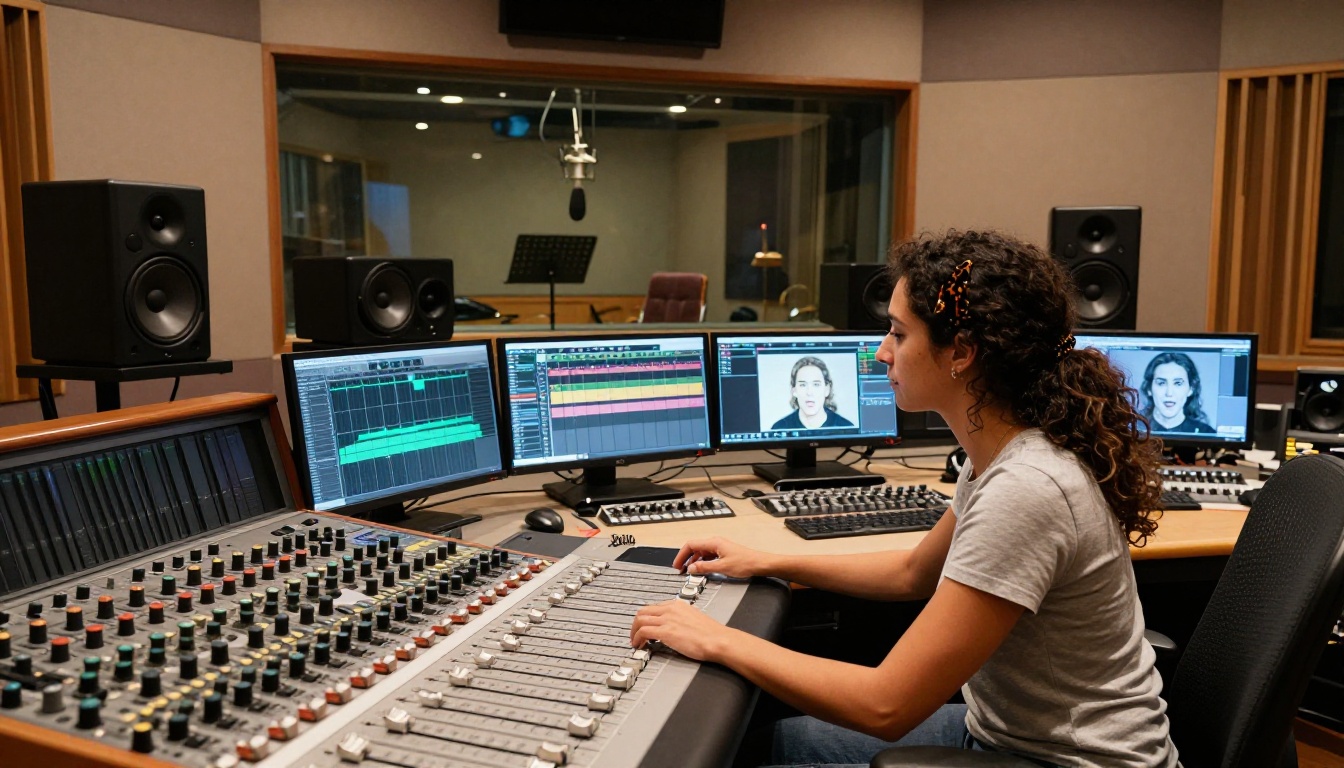
The technology behind AI dubbing is not a single system. It is a pipeline of several models working together, each handling a different part of the problem.
Speech-to-Speech Translation
The first stage converts the original spoken dialogue into text using speech recognition, translates it into the target language using a large language model, then synthesizes new audio in that language. Modern systems do all three steps rapidly, producing audio that is linguistically accurate and tonally appropriate for the scene.
💡 The best systems preserve emotional tone. If the original speaker whispers or shouts, the translated audio does the same. This is called paralinguistic transfer, and it separates quality AI dubbing from robotic text-to-speech output.
Facial Motion Retargeting
This is where lipsync AI does its most impressive work. After the new audio is generated, the system analyzes the phoneme sequence of the translated speech and maps it onto the original video footage. It modifies the mouth, jaw, and sometimes cheek movements frame by frame, so the visible articulation matches the new language.
Different languages have different phoneme sets, different mouth shapes, and different rhythm patterns. Spanish vowels are open and frequent. German consonant clusters are tight and rapid. Mandarin has tonal qualities requiring specific jaw and lip positions. The best lipsync models are trained on multilingual phoneme data to handle this complexity naturally.
Voice Cloning for Consistency
Advanced dubbing systems do not use generic text-to-speech voices. They clone the original speaker's vocal characteristics, including timbre, pace, and resonance, applying them to the translated audio. The dubbed version sounds like the same person speaking the new language, not a random synthetic voice reading a translation.
This consistency is what makes AI-dubbed content feel authentic rather than mechanical. The emotional performance comes through even across language boundaries.
The Best AI Models for Dubbing

Several powerful lipsync models are available directly on PicassoIA, each with different strengths depending on your use case.
Video Translate: 150+ Languages
Video Translate by HeyGen is the most capable option for full movie and video dubbing. It handles translation, voice synthesis, and lip retargeting in a single workflow, supporting over 150 languages and dialects.
Upload a video, select the target language, and the model processes everything automatically. The output includes a fully dubbed audio track and retargeted lip movements. For creators who need to localize content across multiple regions, this is the most efficient path available.
Supported language families include: Romance languages (Spanish, French, Italian, Portuguese), Germanic languages (German, Dutch, Swedish), Slavic languages (Russian, Polish, Czech), Asian languages (Mandarin, Japanese, Korean, Hindi), Arabic varieties, and dozens more.
Precision vs Speed
HeyGen offers two additional models optimized for different priorities:
Lipsync Precision focuses on maximum accuracy. It runs slower but produces tighter sync, particularly on close-up shots where the mouth is prominent in frame. This is the right choice for narrative films, interviews, and any content where lip movement accuracy is visible and critical.
Lipsync Speed prioritizes throughput. It processes video significantly faster, making it practical for high-volume workflows like dubbing entire series or large batches of training videos where some precision can be traded for speed.
| Model | Best For | Processing | Sync Accuracy |
|---|
| Video Translate | Full dubbing + translation | Medium | High |
| Lipsync Precision | Close-up shots, film | Slower | Very High |
| Lipsync Speed | Batch processing, series | Fast | Good |
Sync Lipsync 2 Pro
Lipsync 2 Pro by Sync handles the toughest cases: footage with extreme head movement, partial occlusion, multiple speakers in the same frame, or challenging lighting conditions.
Its sibling, Lipsync 2, covers the same use cases at a lower computational cost. React 1 by Sync is built specifically to retrofit any audio onto any video with accurate sync, making it ideal when you already have the translated audio prepared and only need the lip retargeting step.
Kling and Pixverse
Kling Lip Sync from Kwaivgi performs particularly well on Asian language phoneme sets, including Mandarin and Japanese, where mouth shapes differ significantly from Latin-script languages.
Pixverse Lipsync takes a generalist approach, syncing any audio track to any video quickly and cleanly. It is a reliable option for straightforward dubbing tasks where the footage is well-lit and the speaker is front-facing.
How to Dub a Video on PicassoIA
PicassoIA makes the dubbing workflow accessible without any technical setup. Here is how to take a video from original language to dubbed output using Video Translate.
Step 1: Open Video Translate
Navigate to Video Translate by HeyGen on PicassoIA. No software installation, no credentials needed.
Step 2: Upload your source video
Upload the video file you want to dub. Supported formats include MP4, MOV, and WebM. The video should have clear audio with minimal background noise for best translation accuracy.
💡 Pro tip: Videos with a single speaker and minimal background music produce the cleanest results. Heavy background music interferes with the speech-to-text stage and reduces translation accuracy.
Step 3: Select the target language
Choose from 150+ available languages. You can also select specific regional dialects, such as Latin American Spanish vs. Castilian Spanish, or Brazilian Portuguese vs. European Portuguese. This matters for both pronunciation accuracy and audience authenticity.
Step 4: Configure voice settings
Decide whether to use voice cloning (which preserves the original speaker's vocal identity) or select from a library of pre-made voices for the target language. Voice cloning is recommended for films and narrative content. Pre-made voices work well for corporate or instructional material.
Step 5: Run and review
The model processes the video and returns the dubbed output with retargeted lip movements. Review the sync on close-up shots first, as these are where any timing offset is most visible. If a section needs refinement, you can re-run specific segments rather than the entire video.
Step 6: Export
Download the final dubbed video as a standard MP4. The original audio track can be preserved as an additional track, giving you a bilingual version with the option to switch between original and dubbed audio.
Who Actually Uses AI Dubbing
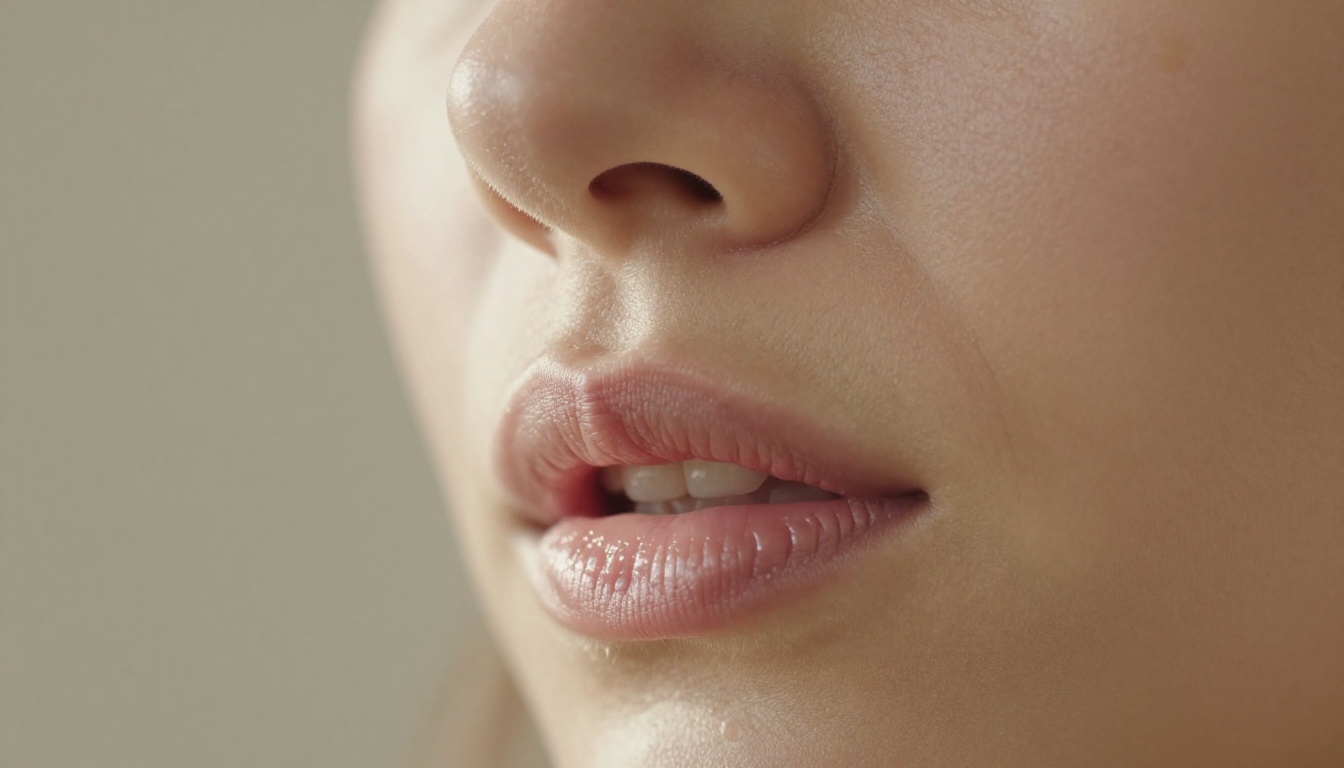
AI video dubbing is not a niche tool for tech enthusiasts. It is actively used across several industries that all share one problem: reaching multilingual audiences without a massive localization budget.
Independent Filmmakers
Short film directors and documentary makers are using AI dubbing to submit work to international festivals and streaming platforms that require localized versions. A filmmaker can now create Spanish, French, and German dubs of a 20-minute documentary in an afternoon, something that would have required weeks of coordination and a significant budget through traditional channels.
The quality is now good enough for festival submission in many categories, and for streaming platforms with moderate production standards.
Corporate and E-Learning
This is currently the largest commercial use case for AI dubbing. Companies with global workforces need onboarding videos, safety training, compliance content, and product demos in multiple languages.
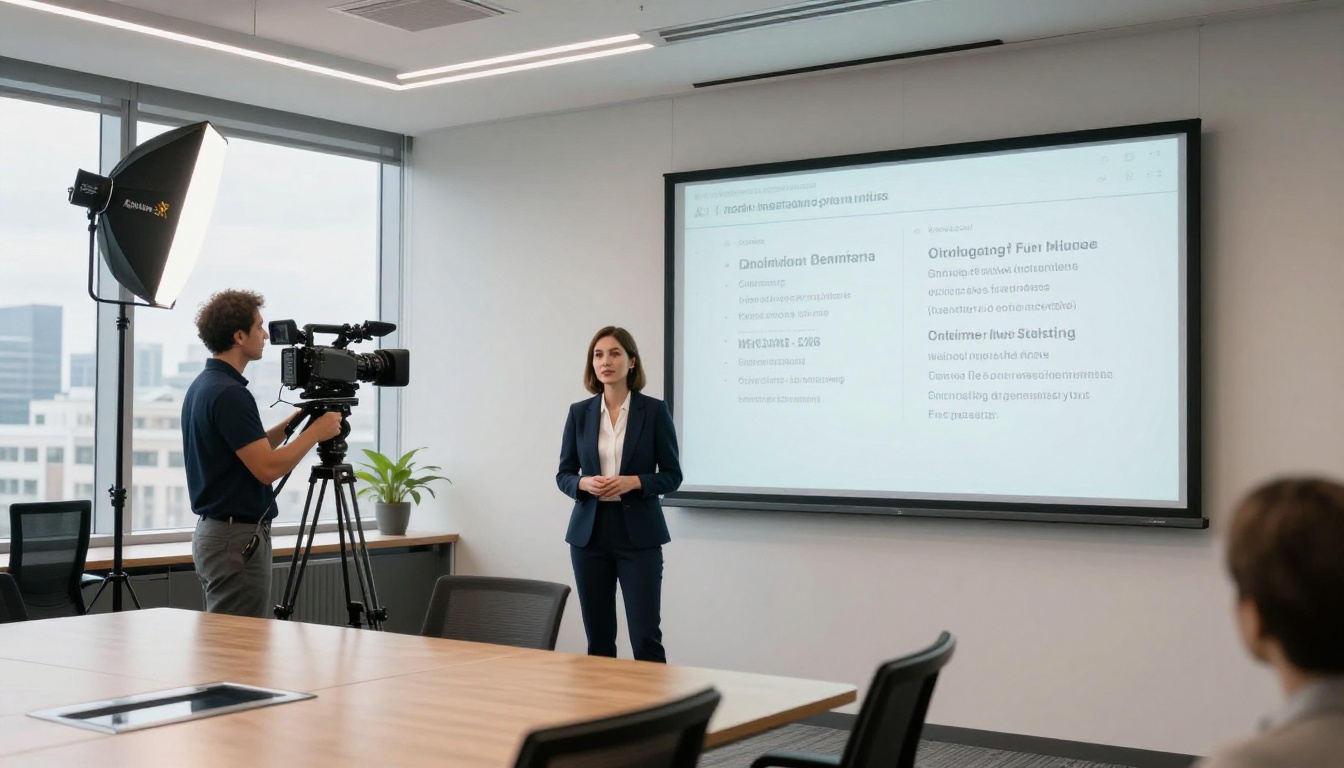
Traditional localization of a single 5-minute training video into 10 languages would cost $50,000 to $100,000. With AI dubbing, the same job costs a fraction of that and can be updated instantly when the source content changes, without rebuilding every language version from scratch.
Social Media Creators
YouTube channels and social accounts targeting global audiences are using AI dubbing to expand reach. A cooking channel originally in Italian can now publish dubbed versions in English, Portuguese, and Korean without hiring translators or voice actors.
The lipsync accuracy on AI-dubbed social content is already indistinguishable from human dubbing on small screens and compressed video formats. At standard social media bitrates and display sizes, even careful viewers cannot reliably spot AI-dubbed content.
Students and Educators
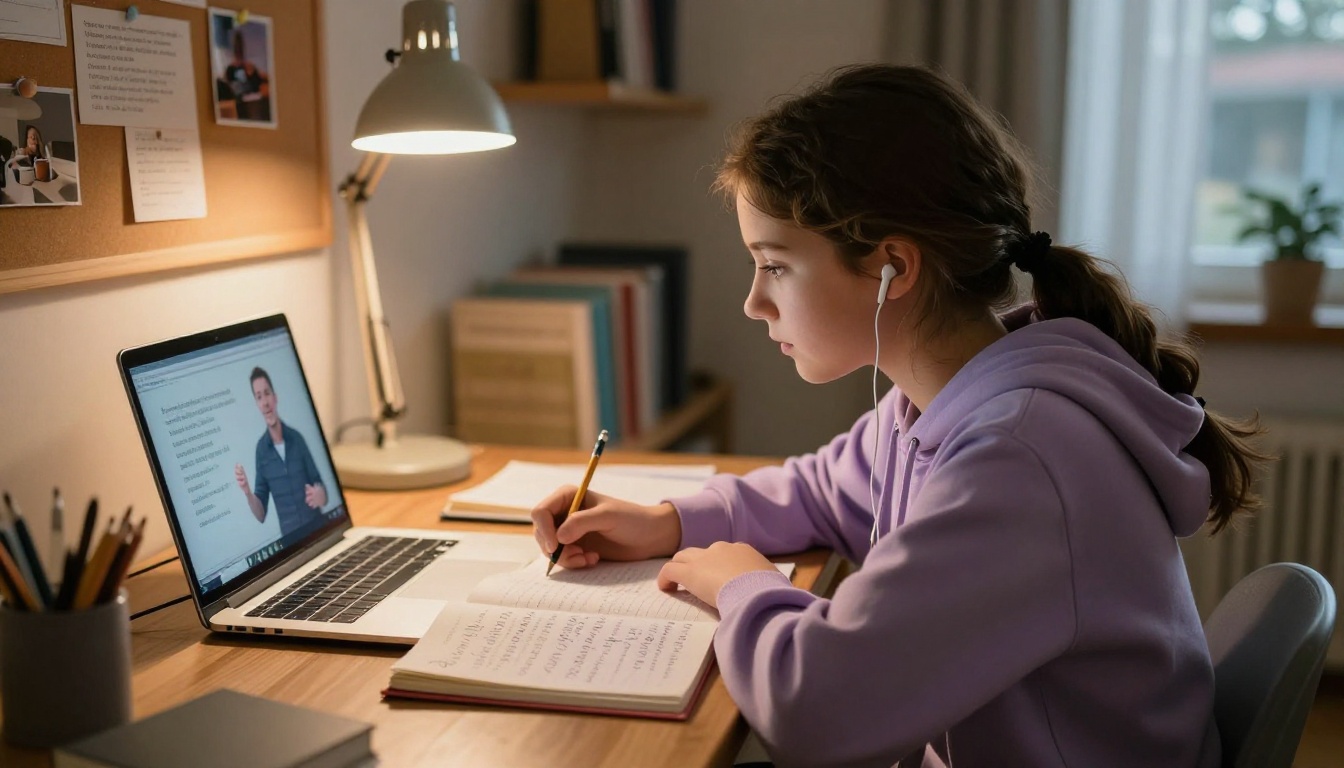
Educational platforms face one of the clearest ROI cases for AI dubbing. A course that took months to produce can now be made accessible to non-English speaking students in hours. The instructor's original voice and personality are preserved through voice cloning, which maintains the human connection that makes online education effective.
What AI Dubbing Can't Do (Yet)
AI dubbing has real limitations that matter in certain contexts. Knowing them upfront saves time and prevents disappointment.
Emotional Acting Nuance
The best human voice actors do not just say words in the right language. They interpret the script, make acting choices, and deliver performances that serve the scene emotionally. AI voice synthesis can preserve some paralinguistic qualities of the original performance, but it cannot replicate the intentionality of a skilled dubbing actor who understands the full scene context.
For prestige narrative content, human actors in the target language remain the better creative choice. For everything else, AI dubbing is now genuinely good enough.
Technical and Regional Dialects
Highly specialized content, such as legal proceedings, medical procedures, or deeply localized cultural humor, requires human translators who understand the subject matter. AI translation is trained on general language, not domain-specific vocabulary or regional idiom.
A video about everyday cooking works well. A video about neurosurgical procedures for a specific regional medical audience needs human review before the dubbed version goes live.
Footage with Heavy Obstruction
Lipsync retargeting requires a clear view of the speaker's mouth. Footage where the mouth is frequently covered, shot from extreme side angles, or obscured by motion blur and compression artifacts will produce inconsistent results. Well-lit, front-facing footage with the speaker clearly in frame gives all lipsync models their best chance at clean output.
💡 Shooting tip: If you are producing content specifically to be AI-dubbed later, shoot with this in mind. Front-facing, medium close-up shots with clean lighting and no background music during dialogue will give you the best dubbing results.
Your First Dubbed Video Is Minutes Away
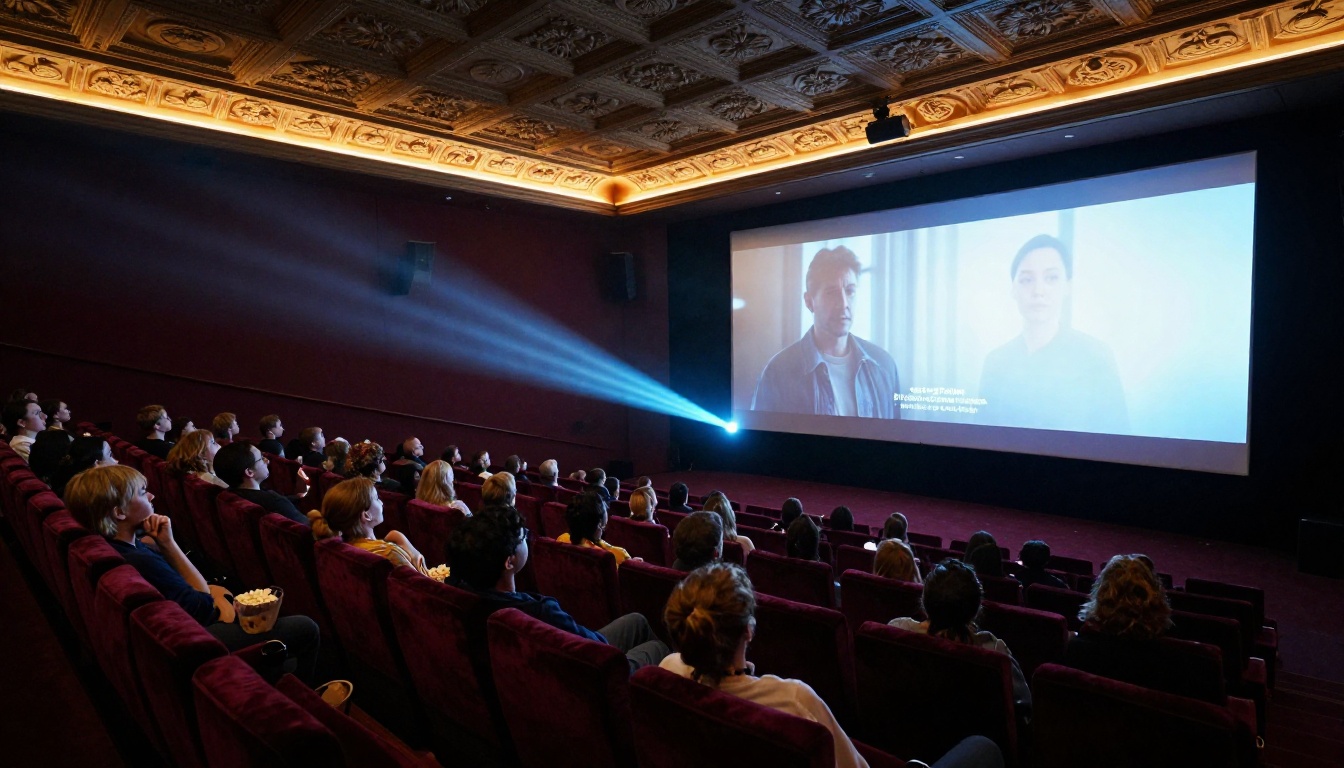
The technology that once required a full production company and a six-figure budget is now available to any creator with a video file and a target language in mind.
PicassoIA brings together the best lipsync models in a single platform, with no setup and no per-seat software licenses. Whether you want to reach Spanish-speaking audiences instantly with Video Translate, achieve frame-perfect sync on close-up footage with Lipsync Precision, process large batches efficiently with Lipsync Speed, or tackle demanding footage conditions with Lipsync 2 Pro, all of it runs right now without any friction.
The global audience for your content already exists. The only thing missing is the language they speak.
Pick a video. Pick a language. See what AI dubbing actually produces when you run it yourself on PicassoIA.


