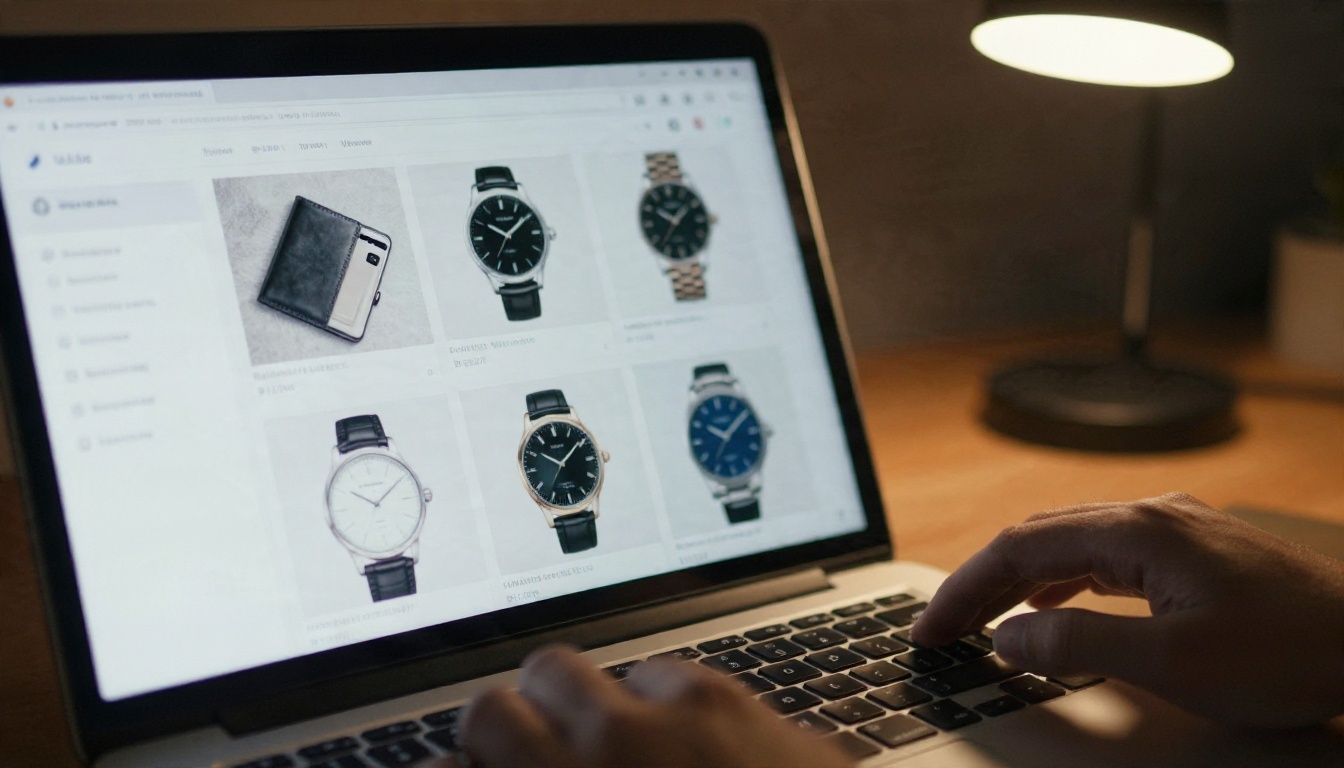
Ecommerce Product Image Metadata Generator: Free Alt Text, Titles and Descriptions
Stop typing alt text by hand. Build a free ecommerce product image metadata generator with vision-capable AI models that writes alt text, titles and descriptions for every photo in your catalog, with copy-ready prompts, formulas and a batch workflow.
You just shot forty product photos. They look great. Then you open your store admin and find forty empty alt text fields, forty blank title boxes and a description field that wants 150 words per item. Most sellers either skip the fields or paste the same sentence everywhere, and both choices quietly cost sales. An ecommerce product image metadata generator fixes this: you feed it a photo, and it hands back alt text, a title and a description that match what the picture actually shows.
This article shows how to set up that generator yourself using language models that can read images, how to write prompts that produce usable copy, and how to avoid the mistakes that turn automated metadata into spammy noise.
Why Image Metadata Matters
Search engines cannot see your product the way a shopper does. They read the file name, the alt attribute, the surrounding text and the page title, then decide whether your image deserves a spot in Google Images or a product carousel. Screen readers do the same job for people who cannot see the photo at all.
Alt text does two jobs
Alt text is the short written description attached to an image. It serves accessibility first and product image SEO second. A shopper using a screen reader hears it read aloud in place of the photo. A crawler uses it as context. If the text says "image1.jpg" or "product", both audiences get nothing.
Titles and descriptions finish the picture
The image title attribute, the product title and the on-page description give search engines the vocabulary around your photo. A description that mentions material, size, color and use case helps your page match the long, specific queries people type when they are ready to buy.
💡 Quick check: Open any product page, right click an image and inspect it. If the alt attribute is empty or repeats the product name word for word on every photo, you have an easy win waiting.
What a Metadata Generator Does
A generator is simply a workflow with three parts: an image goes in, a language model with vision reads it, and structured text comes out. You do not need a plugin or a subscription. You need a capable model and a good prompt.
Vision models read your photo
Some language models accept images as input and describe what they see: colors, materials, shapes, background, angle. On PicassoIA you can use Gemini 3.5 Flash for quick batches, Claude Sonnet 5 when you want careful, natural phrasing, or Qwen3.7-Plus, which is built to generate text and interpret images. Kimi K2.5 also reads text and images and is a useful second opinion.
The three outputs you need
Output
Where it goes
Ideal length
Main purpose
Alt text
Image alt attribute
80 to 125 characters
Accessibility and image search
Title
Product title or image title attribute
50 to 70 characters
Click appeal and relevance
Description
Product page body
60 to 150 words
Buyer questions and long tail queries
💡 Tip: Ask for all three in one request, returned as JSON or a simple labeled list. It is faster to paste, and the model keeps the three pieces consistent with each other.
Alt Text That Actually Helps
Good alt text reads like a caption you would say out loud to a friend who cannot see the screen. It names the product, the visible details and, when it matters, the context.
A formula that works
Use this pattern: product type + material or color + distinguishing detail + angle or context.
For example: "Tan pebbled leather crossbody bag with brass buckle, front view on white background." That is 80 characters, specific, and useful to a person who cannot see the photo.
Good and bad side by side
Weak alt text
Strong alt text
"bag"
"Tan leather crossbody bag with brass buckle, front view"
"IMG_2043.jpg"
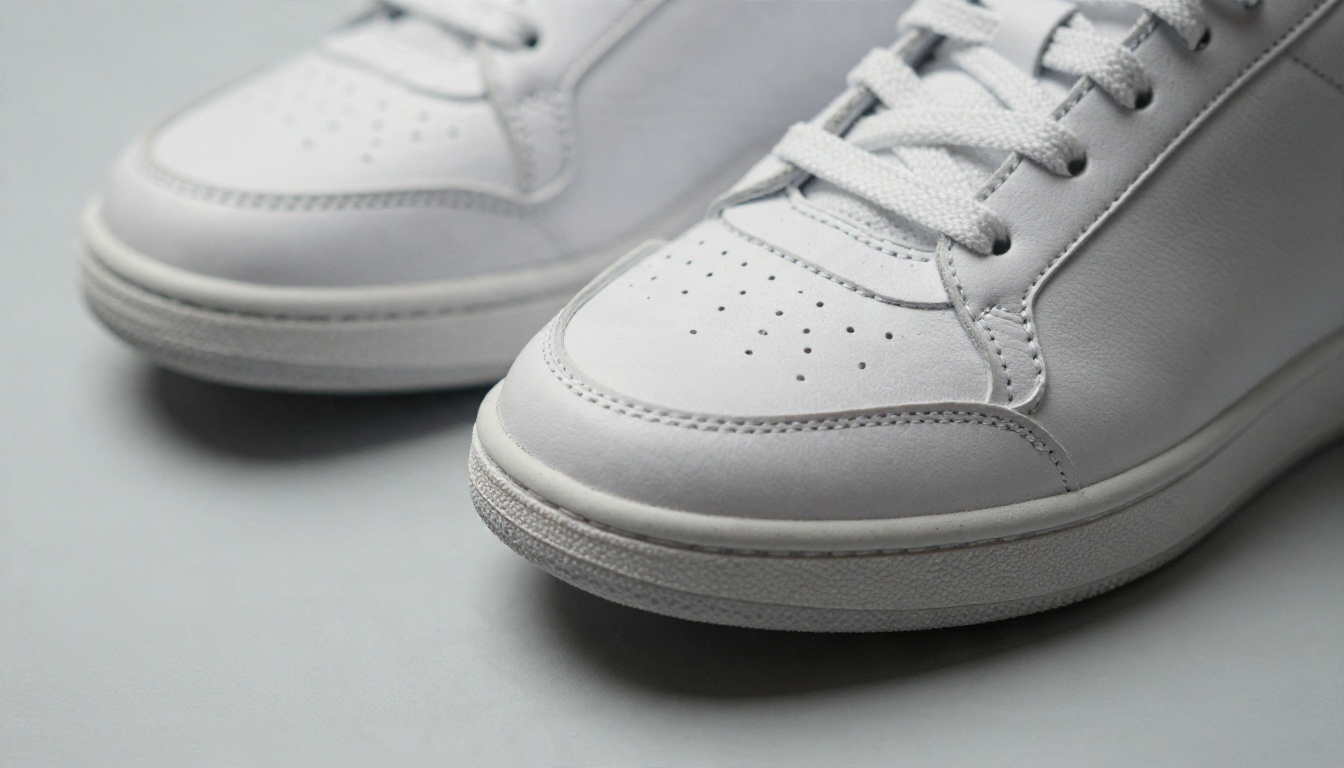
"White leather sneakers with perforated toe box, side view"
"Buy cheap mugs best mugs online"
"Speckled blue ceramic mug with wide handle, held in one hand"
"Product photo"
"Folded charcoal wool sweater with ribbed cuffs on a wooden table"
Handle variants and gallery shots
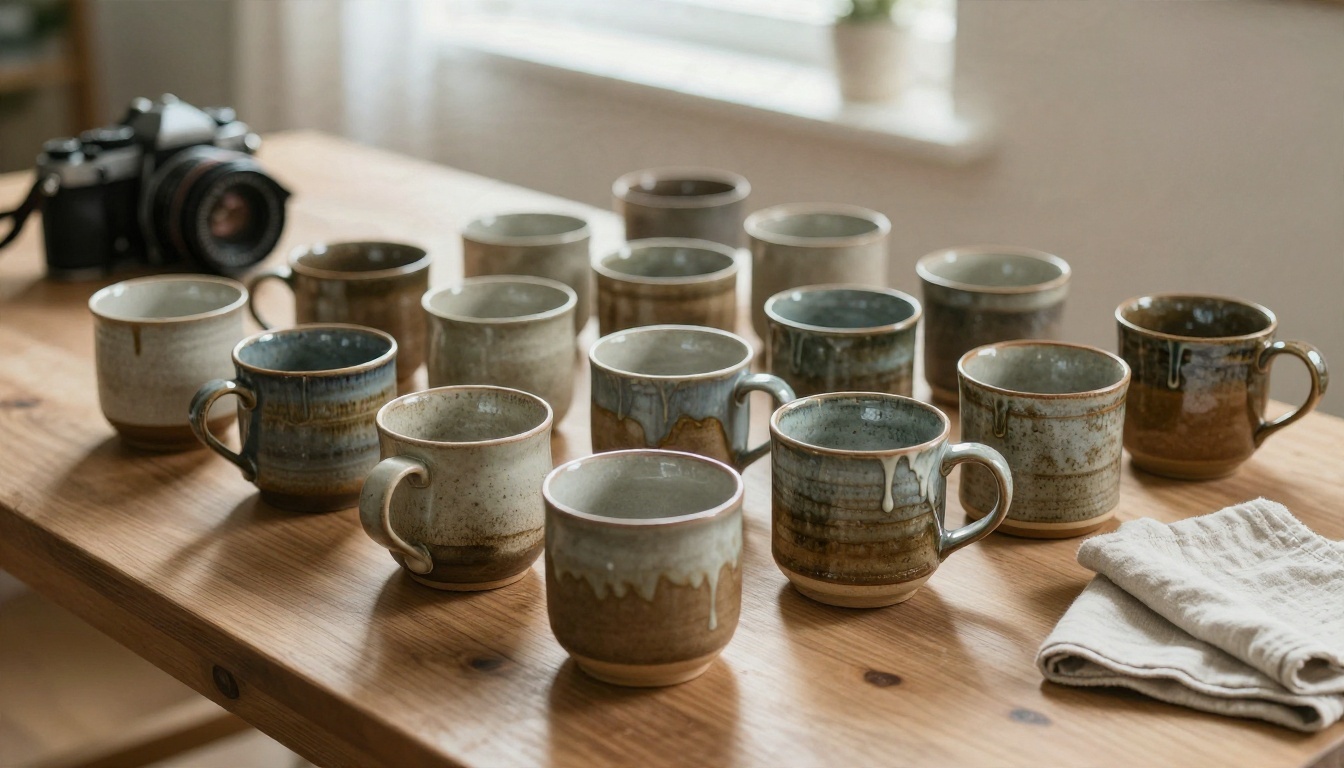
Every photo in a gallery needs its own alt text. A front view, a detail shot and a lifestyle image should describe different things. If you sell a mug in six glazes, the alt text for each should name the glaze, not repeat "ceramic mug" six times.
💡 Rule of thumb: If an image is purely decorative, such as a divider or background texture, leave the alt empty on purpose. Do not feed those to the generator.
Titles That Rank and Convert
A title has to be readable by a person scanning a results page and clear enough for a crawler to classify. The model can draft it, but you set the pattern.
A repeatable title pattern
Brand or maker + product type + defining attribute + variant. For a pair of shoes: "Low top white leather sneakers, perforated toe box, men's size 10." Put the words a shopper would type first, and the less important detail at the end where it can be trimmed.
Length and punctuation
Keep titles between 50 and 70 characters when you can. Avoid all caps, repeated adjectives and strings of commas. A model will happily write "Best Amazing Premium Quality Sneakers" if you let it. Tell it not to.
File names count too
Before you upload, rename the file. "white-leather-sneakers-side-view.jpg" tells a crawler more than "DSC00872.jpg". You can ask the model to suggest a file name in the same request, using lowercase words separated by hyphens.
Descriptions Buyers Actually Read
Descriptions are where a generator can save the most time and also where it can do the most damage if left alone. The model sees the photo, but it does not know your return policy, your fabric weight or whether the sweater runs small.
Give the model your facts
Pass a short fact sheet along with the image: material, dimensions, care instructions, SKU, price tier and target buyer. The model blends what it sees with what you tell it, and the output stays accurate.
A structure that reads well
One opening sentence that names the product and its best feature.
Two or three short sentences on material, fit or use.
A specifications list with size, color and care.
One closing line that answers the likeliest buyer question.
Match the tone of your brand
Tell the model who your customer is. A handmade ceramics shop wants warm, sensory language. A hardware store wants plain, exact facts. Paste two existing descriptions you like and ask the model to match their voice.
Build the Workflow on PicassoIA
You can run the whole process inside the platform: prepare the images, generate the metadata, then review it before it goes live.
Step 1: Prepare clean images
Better input gives better output. A model describes what it can see clearly, so a cluttered background leads to vague copy.
Paste this template into the chat, attach the image, and fill in the bracketed facts.
You are an ecommerce copywriter. Look at the attached product photo.
Product facts: [material, size, color, care, price tier]
Customer: [who buys this]

Return:
1. ALT: one sentence, under 125 characters, describing what is visible. No "image of".
2. TITLE: 50 to 70 characters, product type first, no all caps.
3. FILE: a lowercase file name with hyphens.
4. DESCRIPTION: 80 to 120 words in a warm, plain voice. End with a specs list.

Rules: only mention what is visible or in the facts. Do not invent features.
Do not repeat the same adjective twice.
Step 4: Run a batch
Send images one at a time with the same template, or paste several facts in sequence and keep the chat going so the model holds your tone. Copy the results into a spreadsheet with one row per SKU and columns for alt text, title, file name and description. Your store's bulk importer can then read the file.
Step 5: Review before publishing
Spend ten seconds per item. Check that colors match, that no feature was invented and that the length fits your theme. This step is what separates useful metadata from filler.
💡 Safety net: Add the line "If you are unsure about a detail, write UNSURE instead of guessing." Then search the spreadsheet for that word before upload.
Mistakes That Cost You Sales
Automation speeds up the work, and it also speeds up errors. These are the ones that show up most.
Stuffing search terms
Alt text that repeats a phrase three times reads as spam to people and to ranking systems. One mention of the product type is plenty.
Inventing details
Models can overreach. A photo of a cotton sweater may get described as "merino wool" if your prompt invites guessing. Always provide the facts and forbid invention.
Copying one description everywhere
If fifty variants share the same description, search engines treat them as duplicates. Ask the model to change the opening sentence and lead with the attribute that differs, such as color or size.
Ignoring mobile display
Titles that run past 70 characters get cut off in many mobile listings. Put the most important words in the first half.
Skipping a human pass
A generator drafts, you decide. Reviewing a sample of ten items every batch catches repeating mistakes before they spread to the whole catalog.
Quick Reference Checklist
Check
Pass condition
Alt text
Under 125 characters, specific, no "image of"
Title
50 to 70 characters, product type first
File name
Lowercase, hyphenated, descriptive
Description
Accurate, voice matches brand, specs listed
Variants
Each has unique alt text and opening line
Review
A person checked a sample from every batch
Try It on Your Own Catalog
Pick five products today. Clean the photos, paste the template above into Gemini 3.5 Flash or Claude Sonnet 5, and compare the results with what is live on your store right now. You will see the gap right away.
Then go further: use Remove Background for clean packshots, create new lifestyle scenes with Seedream 4.5, and write metadata for every one of them in the same session. Browse every available tool at picassoia.com/en/all-models and start building your own metadata workflow on PicassoIA.