Most people who search for a free NSFW image editor hit the same wall within five minutes: a tool that looks free, a banner that says "content not allowed," and a credit counter that drops to zero after three tries. The frustrating part is that the edit you wanted was usually simple. Change a swimsuit color, soften the light, swap a background, fix a sleeve. Nothing explicit, just adult glamour work that mainstream editors refuse on principle.
This article sorts out what actually works. You will see which kinds of online editors exist, which prompts give clean results on the first or second attempt, where the free limits really sit, and how to keep your edits on the right side of consent and law. Everything here assumes adult subjects only and photos you own or have permission to edit, whether they are your own pictures or AI generated characters.
💡 Quick answer: prompt based editing beats mask based editing for most glamour retouching. It is faster, needs no brush skills, and works on free tiers. Start with Seedream 4.5 for fresh looks, then use PicassoIA Image Editor Pro when you want unlimited edits on the same photo.
What Free NSFW Editing Really Means

The phrase "edit image NSFW free" bundles three different needs into one search. Some people want to change an existing photo (outfit, pose lighting, background). Others want to generate a new image from a reference. A third group just wants an editor that does not reject a bikini photo as a policy violation. Knowing which one you are saves hours.
Editing Versus Generating
An editor takes your photo as the starting point and changes only what you describe. A generator builds a new picture from text and may drift away from the face, the pose, or the room you wanted to keep. Modern models blur the line: you upload a picture, write an instruction like "change the dress to a black satin slip," and the model rebuilds the garment while holding the face, hair and background steady.
That is why instruction based editors dominate now. You do not paint a mask around a strap or trace a neckline. You write one sentence.
Why Prompt Only Edits Win
Mask based inpainting still has a place, mostly for surgical fixes like a stray hand or a bad earring. But for glamour retouching, prompt only edits have three clear advantages:
- Speed: one sentence, one render, often under ten seconds.
- Consistency: the model reads the whole image, so shadows and skin tone stay coherent.
- Free tier friendly: no dashboard, no brush tool, no extra credits for mask processing.
One thing worth knowing from recent reviews of the market: several providers allow prompt only edits without signup, while mask based inpainting and outpainting sit behind a dashboard login. If a site pushes you to register before the first edit, expect the free allowance to be small.
Online Editors Compared
Not all free editors are built the same way. Before choosing one, check three things: does it accept swimwear and lingerie without blocking, does it keep your face stable, and how many edits can you run before the paywall appears.
Free Tiers and Their Caps
Free access almost always comes with a cap. The common patterns are a daily credit allowance, a monthly allowance of a handful of generations, reduced output resolution, or queue priority that favors paid users. Mainstream assistants from large companies, including GPT Image 1.5 in its public tools, limit free usage and block explicit sexual content outright. Services that advertise "uncensored" often sell credits quickly after a small free trial, and the limits change often enough that any number you read online may already be stale.
| Editor type | Typical free cap | NSFW tolerance | Best use |
|---|
| Mainstream assistant editors | Few edits per month | Very strict, blocks swimwear edge cases | Safe background and color fixes |
| Credit based web editors | Daily credits, then paywall | Varies by site | Quick tests |
| Local tools on your own GPU | Unlimited after setup | Fully under your control | Heavy users with a strong graphics card |
| PicassoIA model collection | Free models and an unlimited editor | Built for adult glamour looks | Repeated edits on the same photo |
Mask Based Versus Prompt Based
If you have ever used an inpainting brush, you know the routine: paint over the area, write what should appear, wait, fix the seam, repeat. It works, but the result depends on your brush accuracy. Prompt based editors such as Qwen Image Edit Plus and Flux Kontext Fast skip the mask and rebuild the targeted element from your sentence.
💡 Rule of thumb: use prompt edits for clothing, color, light and background. Use masks only for tiny local repairs.
Prompts That Work for Edits
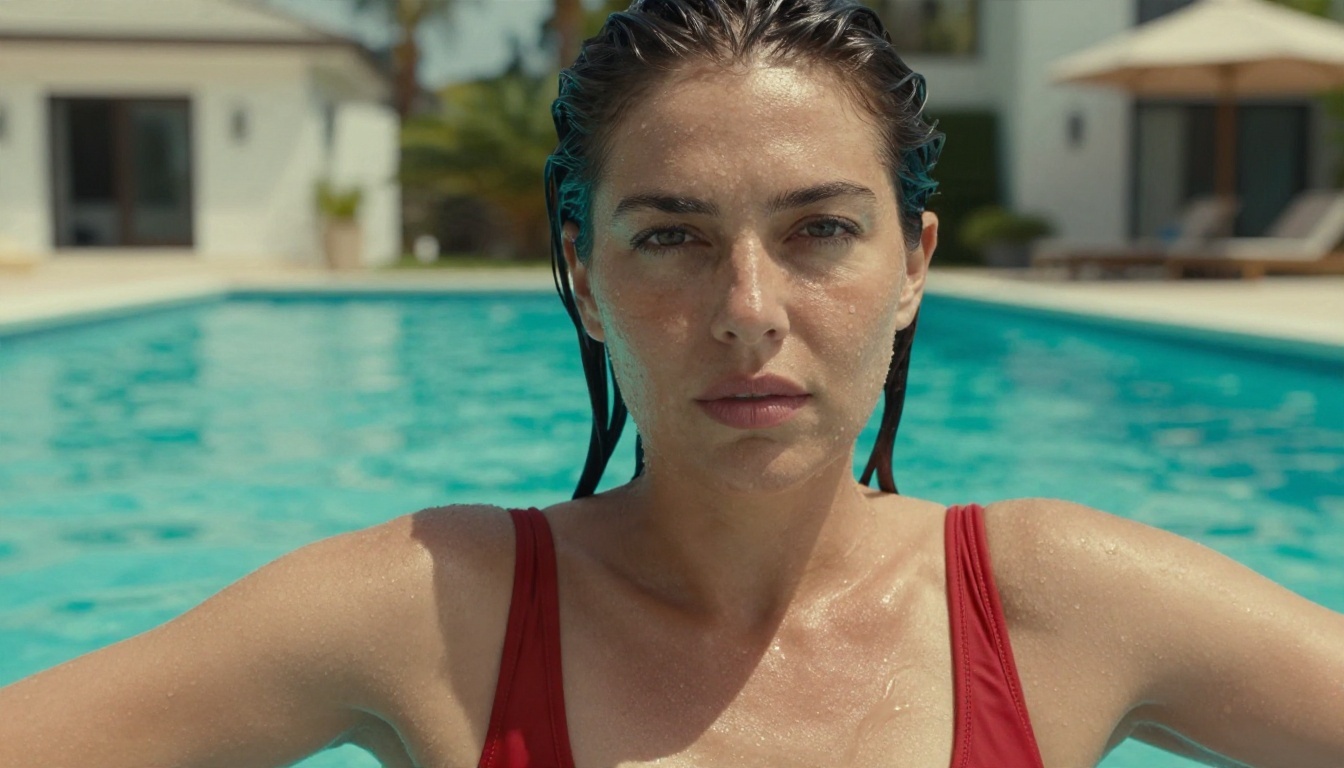
A strong edit prompt does two jobs. It names the change, and it names what must stay the same. Forgetting the second part is the most common reason faces drift or backgrounds melt.
Outfit and Swimwear Swaps
Clothing swaps are the most requested edit, and they respond well to concrete fabric words. Compare these two prompts:
- Weak: "make her wear a bikini"
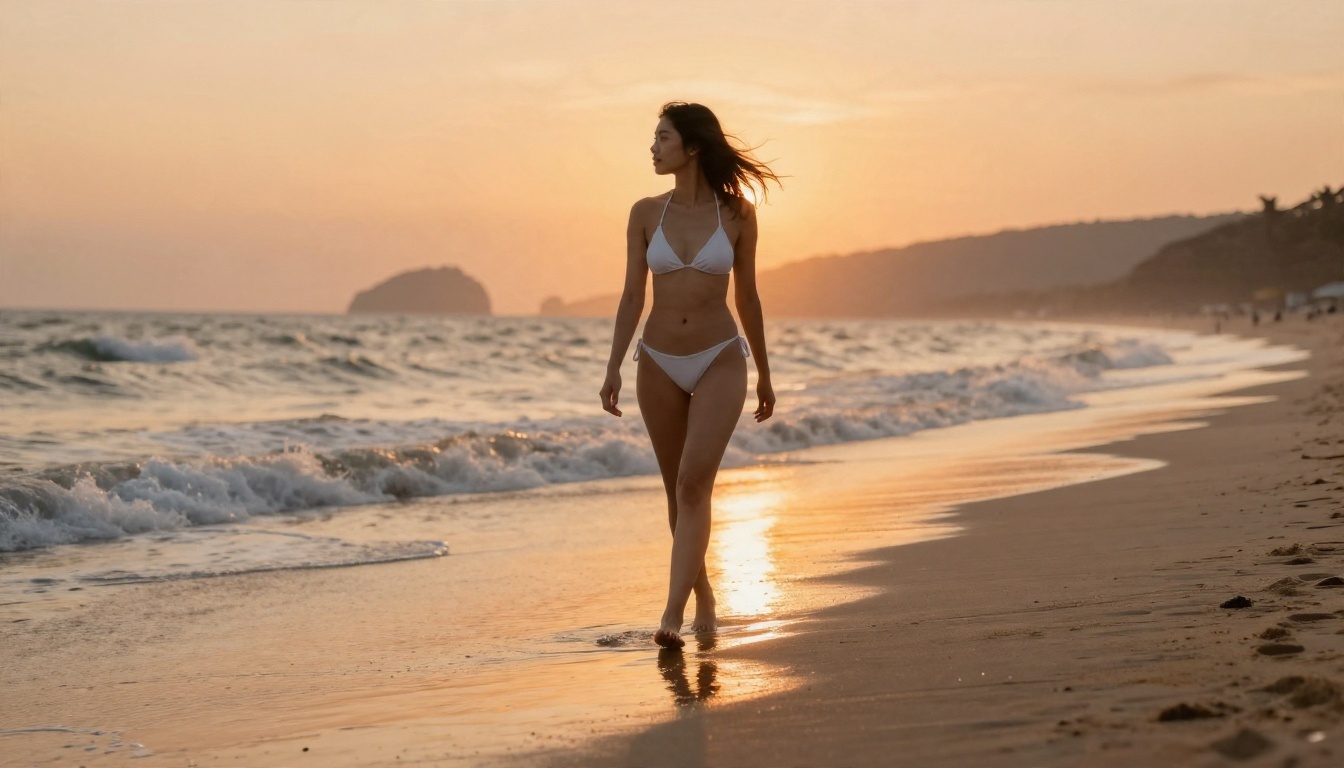
- Strong: "Replace her top with a white string bikini top, keep the same face, hair, pose, sunset beach background and golden backlight, natural skin texture"
The strong version tells the model what to rebuild and what to protect. Useful fabric and style words include satin, lace, ribbed knit, silk slip, halter, high waisted, matte, glossy, sheer curtain light.
Prompts you can copy and adapt:
- "Change the dress to a black silk slip with thin straps, keep face, pose and room unchanged."
- "Swap the swimsuit for a red one piece with a deep scoop neckline, keep the wet hair and pool background."
- "Replace the jacket with an oversized cream knit sweater falling off one shoulder, keep lighting identical."
- "Change the outfit to a cream lace bralette and linen trousers, preserve freckles and skin tone."
Lighting and Mood Changes
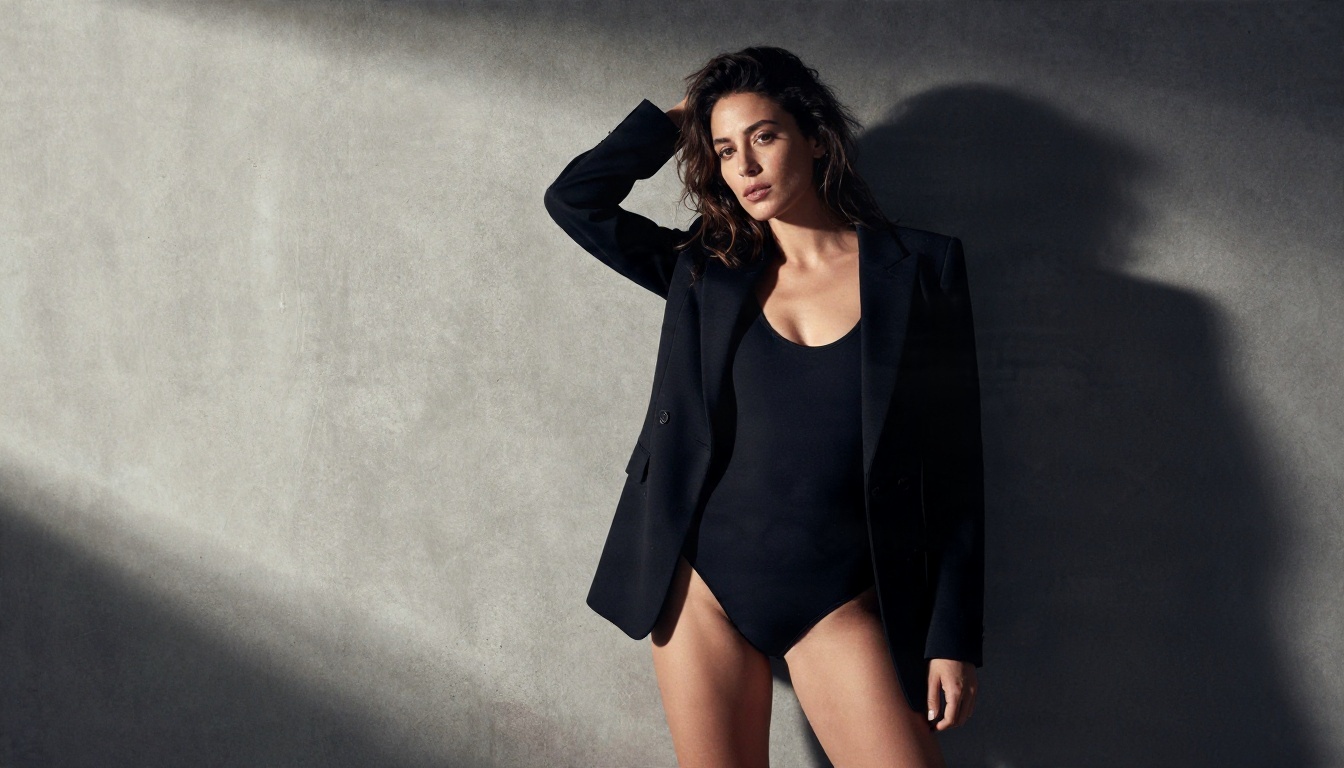
Light is the cheapest way to make a photo feel more glamorous. Editors respond well to photographic vocabulary, because it is what they were trained on. Try these:
- "Add warm golden hour backlight from the right with a soft rim glow on the hair."
- "Change the lighting to a single window source from the left, soft shadow on the right side of the face."
- "Shift to blue hour with warm string lights behind, keep subject unchanged."
- "Lower the contrast, lift the blacks slightly, add subtle film grain like Kodak Portra 400."
Notice that none of these ask for explicit content. They ask for mood, which is what separates a flattering editorial from a flat snapshot.
A Prompt Template to Copy
Keep a reusable skeleton in a notes file:
[Change] + [Fabric and color] + keep [face, hair, pose, background] + [light direction] + [lens and film feel]
A filled example: "Change the top to a navy halter bikini top, keep face, hair, wooden deck and lake background, warm amber light from the right, 50mm lens look, natural film grain."
Seedream 4.5 for Glamour Edits
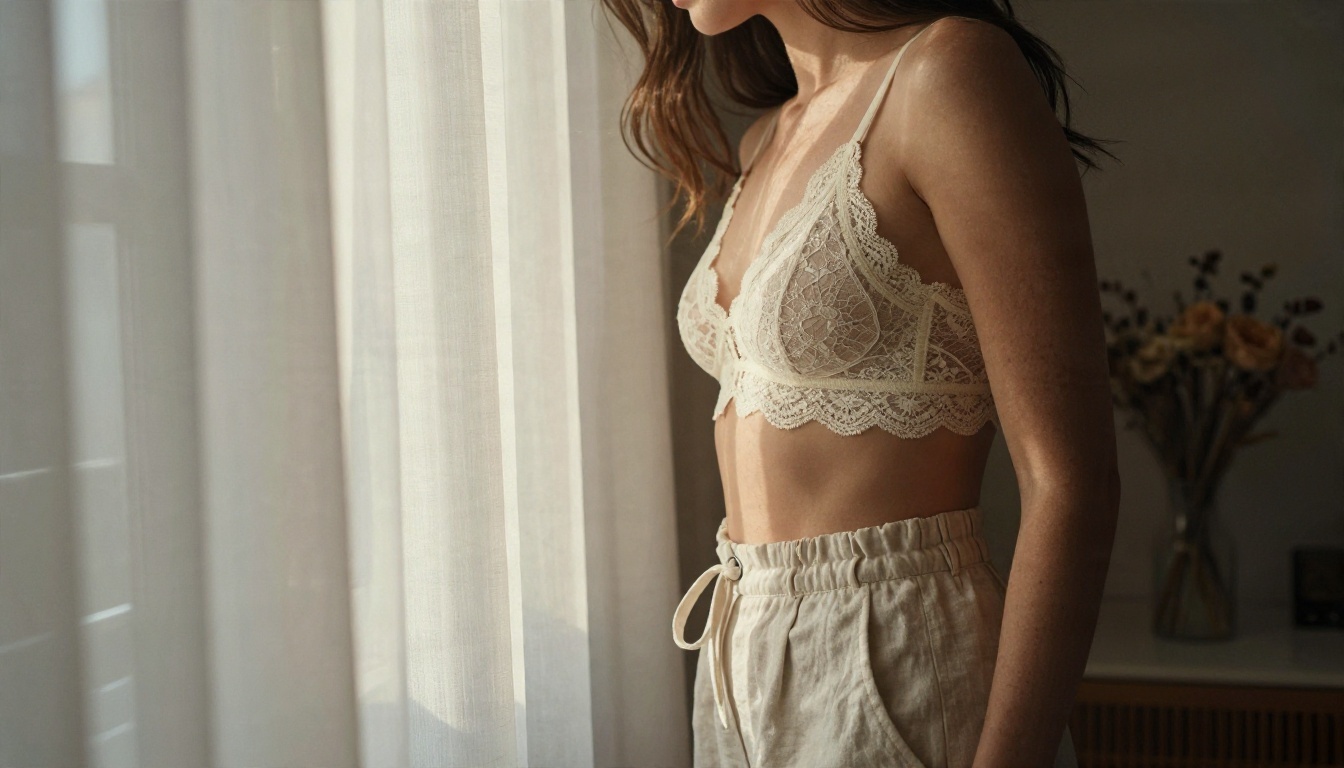
Seedream 4.5 is the model to try first when the goal is a glamorous, photographic result. It handles skin texture, fabric detail and soft backlight well, and it reads long, specific prompts without losing the plot. That matters when you describe lace threads, silk sheen or wet hair highlights.
Why it works for this topic:
- Strong photographic realism, including pores, freckles and fine hair strands.
- Reliable fabric rendering, from satin folds to ribbed knit.
- Output sizes that hold up on large screens.
- Good adherence to lighting instructions like "window light from the left."
Prompt tips for Seedream 4.5:
- Write the subject first, then clothing, then environment, then light, then lens.
- Add real photography words: 85mm, f/1.8, shallow depth of field, Portra 400 grain.
- State imperfections you want: peach fuzz, light freckles, a loose strand of hair.
- Keep the tone suggestive and aesthetic. Focus on style, not explicit anatomy.
Note that Seedream 5 Lite is not the right choice here, since the lighter variants block adult content. Stick with Seedream 4.5 for this kind of work.
How to Use Image Editor Pro on PicassoIA
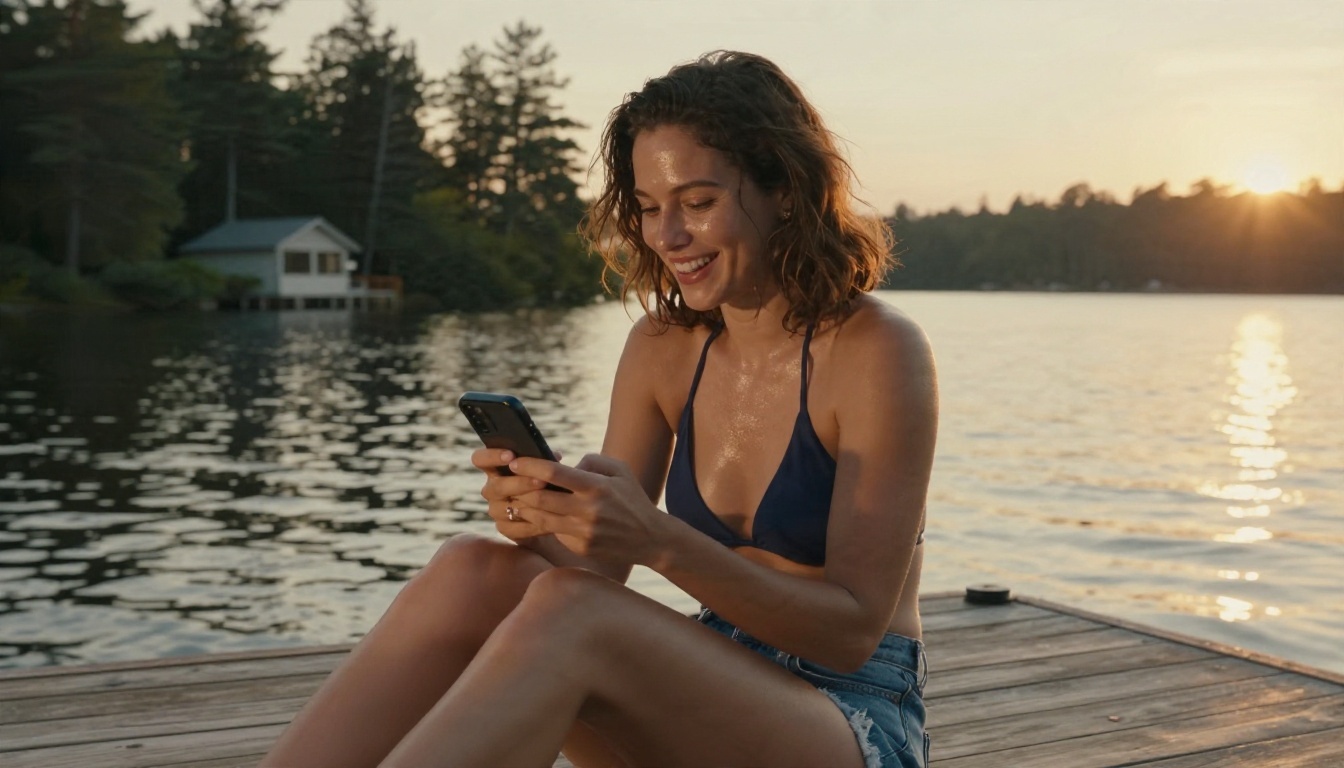
When you want to keep refining the same photo, an unlimited editor is worth more than any single clever prompt. PicassoIA Image Editor Pro is built around that idea: upload a photo, describe the change in plain English, and run as many edits as you need without watching a credit counter.
Step by Step
- Open the model page. Go to the Image Editor Pro page and sign in.
- Upload your photo. Choose a clear, well lit picture of an adult subject you have the right to edit. Higher input quality gives cleaner output.
- Write one instruction. Name the change and name what must stay the same, using the template above.
- Generate and compare. Run the edit, look at the face, hands and edges, then adjust the sentence rather than starting over.
- Chain small edits. Do outfit first, then lighting, then background. Three small edits beat one giant prompt.
- Upscale at the end. Send the final version through Real ESRGAN for a sharper 4x result.
Settings Tips
- One change per run. Models handle a single clear instruction better than five tangled ones.
- Repeat protection words. "Same face, same hair, same pose" in every prompt keeps identity stable.
- Reuse the best version. If an edit lands well, use that output as the next input instead of returning to the original.
- Keep a prompt log. Save the sentences that worked so you can reuse them on the next photo.
💡 Because the editor is unlimited, the smart habit is to iterate quickly. Ten cheap tries with small prompt changes usually beat one carefully engineered attempt.
Real Limits of Free Editing
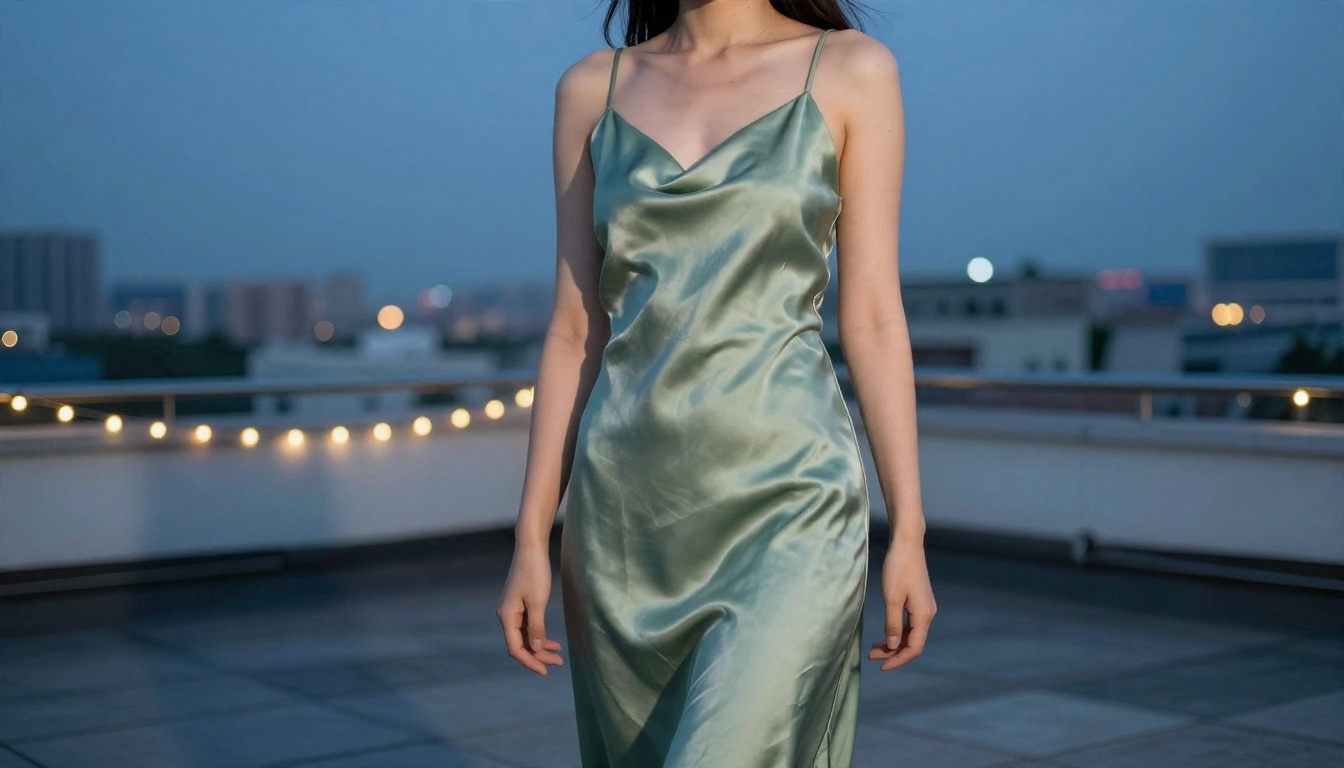
Free is rarely free in every dimension. Here is where the cost usually hides.
Credits, Resolution and Queues
| Limit | What you will notice | Workaround |
|---|
| Credit caps | A few edits, then a paywall | Use an unlimited editor for iteration |
| Capped resolution | Soft output, visible blur on zoom | Upscale with Real ESRGAN |
| Queue priority | Waits of minutes at peak hours | Run edits off peak or use a fast model like Z Image Turbo |
| Watermarks | Logo across the corner | Check the tier before you start |
| Filter strictness | Blocked swimwear or lingerie | Pick a model built for glamour looks |
A realistic reviewer verdict from the current market: a truly unrestricted free editor with zero setup is rare. The options are either local software that needs a capable GPU, or a cloud product with a ceiling. Treat any specific limit number as temporary, because providers change them constantly.
Consent and Legal Lines
This part is not optional. Keep to these rules every time:
- Adults only. Never edit or generate anyone who looks underage. No exceptions.
- Your own photos or explicit permission. Do not edit sexual or revealing versions of a real person who has not agreed. Several countries now treat non consensual edited images as a criminal matter.
- No impersonation. Do not edit a real person into content that could be passed off as genuine.
- Keep it non explicit. Suggestive, stylish, editorial work is the lane. That is both the safer and the better looking one.
A simple test: if the subject saw the edit, would they be comfortable with it? If the answer is anything but yes, stop.
Fixing Common Edit Mistakes
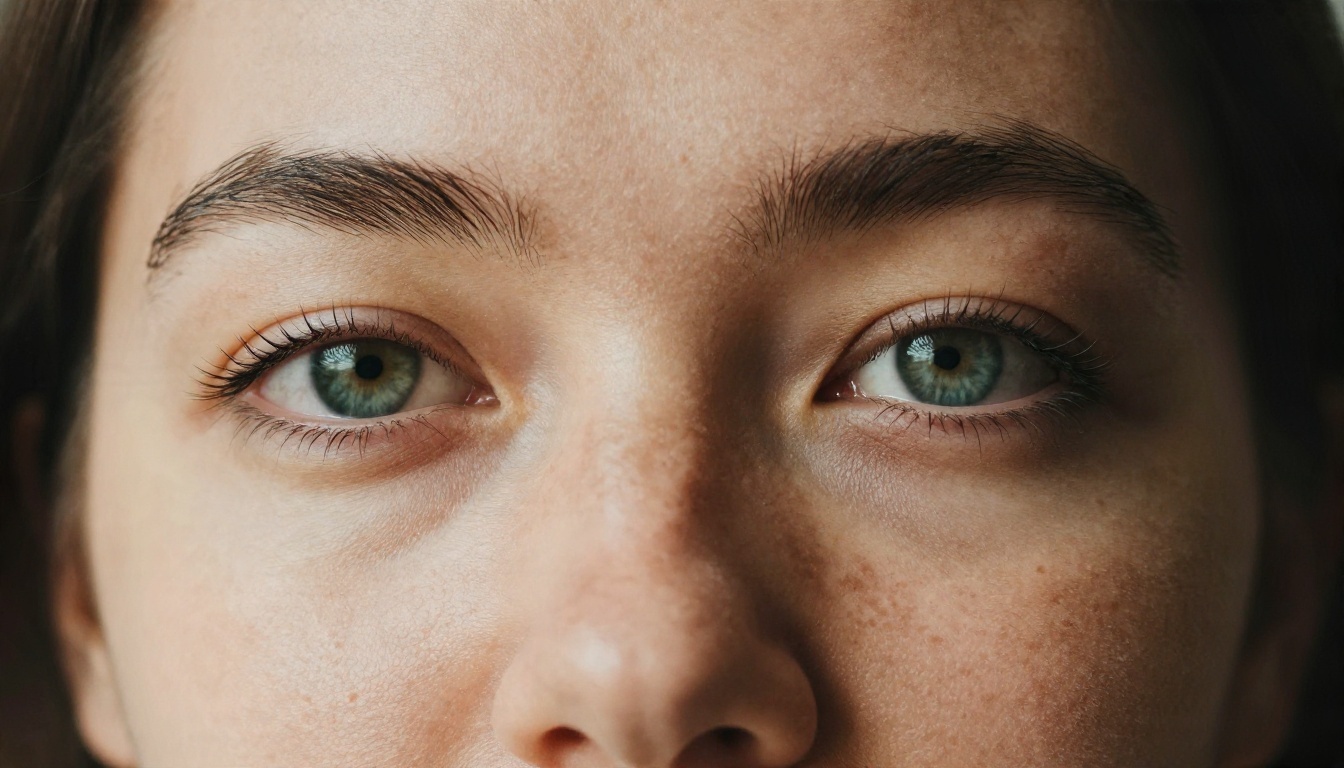
Even good editors slip. These are the problems you will meet most often and the quick repairs.
Plastic or Waxy Skin
Over smoothing is the signature flaw of rushed edits. Add skin words to the prompt: "visible pores, fine peach fuzz, light freckles, natural sheen, no airbrushing." Also state a film look such as Kodak Portra 400 grain, which pushes the model toward organic texture.
Broken Hands and Edges
Hands and strap edges are where models fail first. Three fixes help:
- Crop the frame so hands stay out of the shot, or place them in a pocket or hair.
- Ask for a simpler pose in the prompt, such as "one hand in her hair."
- Run a second pass on only that region with Qwen Image Edit 2511, asking it to fix the hand and keep everything else identical.
Upscaling the Final Image
Most free outputs leave you with a soft file. Run the final pick through Real ESRGAN to restore edge detail, especially around eyes, lace and hair. Do this last, since upscaling before editing just magnifies flaws.
💡 Workflow that holds up: generate or upload, edit outfit, edit light, repair small flaws, upscale. Five short steps, same order every time.
Which Model for Which Edit
Here is the order I would use, based on the task:
Try It on Your Own Photos
You now have the full picture: prompt based editing is the fastest route, a template keeps results consistent, free tiers hide caps you should plan around, and consent is the line that never moves. The best way to see all of it in action is to run an edit yourself.
Pick one photo you own. Open Seedream 4.5 to create a glamour look from scratch, or load the picture into PicassoIA Image Editor Pro and change the outfit, then the light, then the mood. Save the prompts that work. Within an hour you will have your own library of reliable sentences.
When you want to compare more options side by side, browse every available model at picassoia.com/en/all-models and build your own editing workflow with Picasso IA today.


