Those recordings of your parents' wedding in the 1980s, the Super 8 films of childhood birthdays, the VHS tapes of family road trips: they hold some of the most irreplaceable moments of any person's life. For decades, the only option was to watch them degrade in real time, colors bleeding, grain swallowing faces whole, scenes becoming indecipherable smears of amber and static. That changed. AI-powered video restoration now works on footage that was genuinely thought to be unrecoverable, pulling clarity out of noise, sharpening edges that were never sharp to begin with, and pushing old clips into 4K without losing the soul of what was captured.
This article breaks down exactly how that process works, which tools deliver real results, and how you can do it yourself without any technical background.
Why Old Recordings Fall Apart
Not all old footage degrades the same way. The format determines the failure mode, and knowing what you're dealing with shapes which restoration approach works.
Film Emulsion and What Time Does to It
16mm and 8mm film stores visual information in a layer of light-sensitive chemicals bonded to a plastic base. Over decades, the chemical binders break down. The silver halide crystals that once held image information start to clump, shift, or dissolve. The result is visible grain, color cast shifts toward magenta or amber, and in severe cases, physical shrinkage of the film base that introduces warping across the frame.
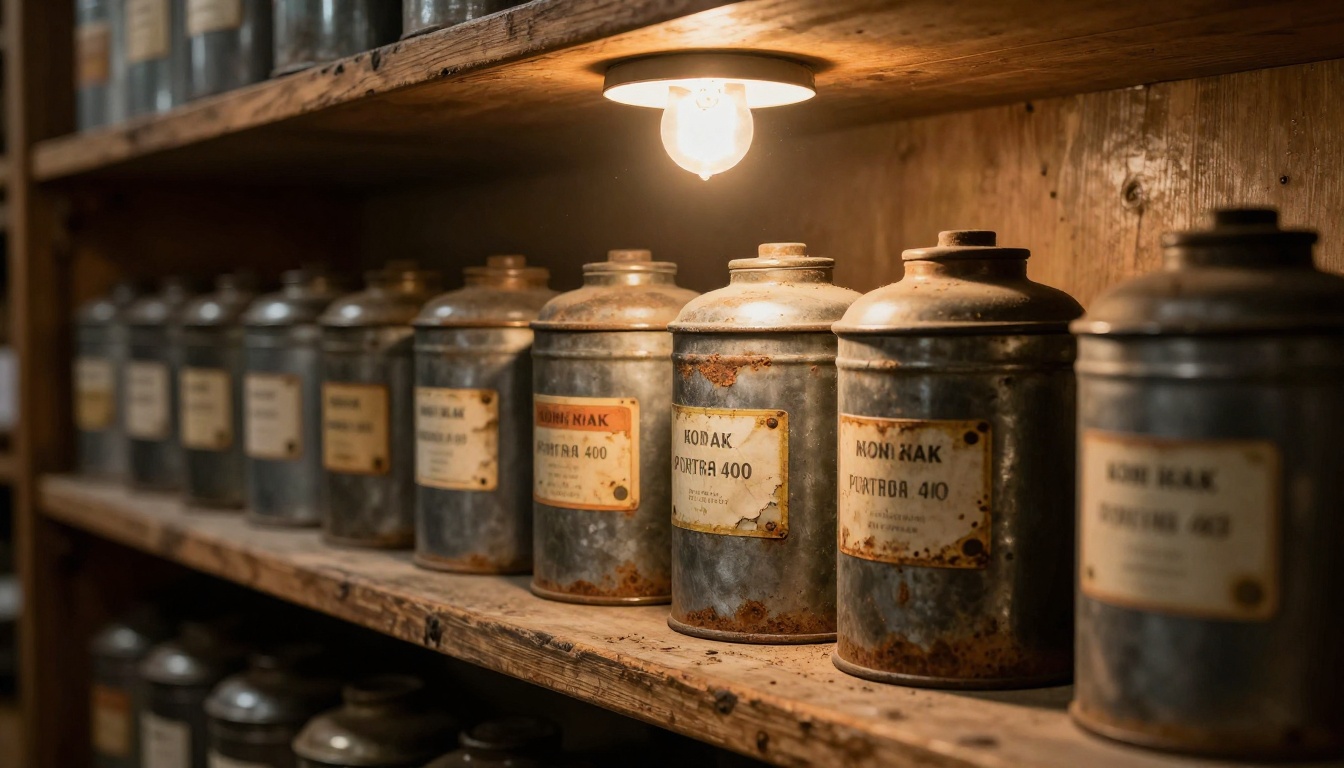
Beyond chemical decay, physical damage adds another layer: scratches run along the length of the film from repeated projection, dust embeds itself into the emulsion layer, and splice marks from editing create visible jumps. Each type of damage responds differently to AI correction, which is why identifying the damage first saves time later.
VHS and the Magnetic Tape Problem
VHS and Betamax tapes store information as magnetic polarization patterns on a thin oxide coating. That coating flakes, the magnetic signal weakens with each playback, and the tape stretches unevenly over time. The visible artifacts are distinct from film damage:
- Horizontal scanlines caused by video head wear
- Color bleeding at high-contrast edges (chroma noise)
- Dropout artifacts: white or black horizontal flashes where signal was lost entirely
- Ghosting: a faint double-image effect from signal cross-contamination between tracks
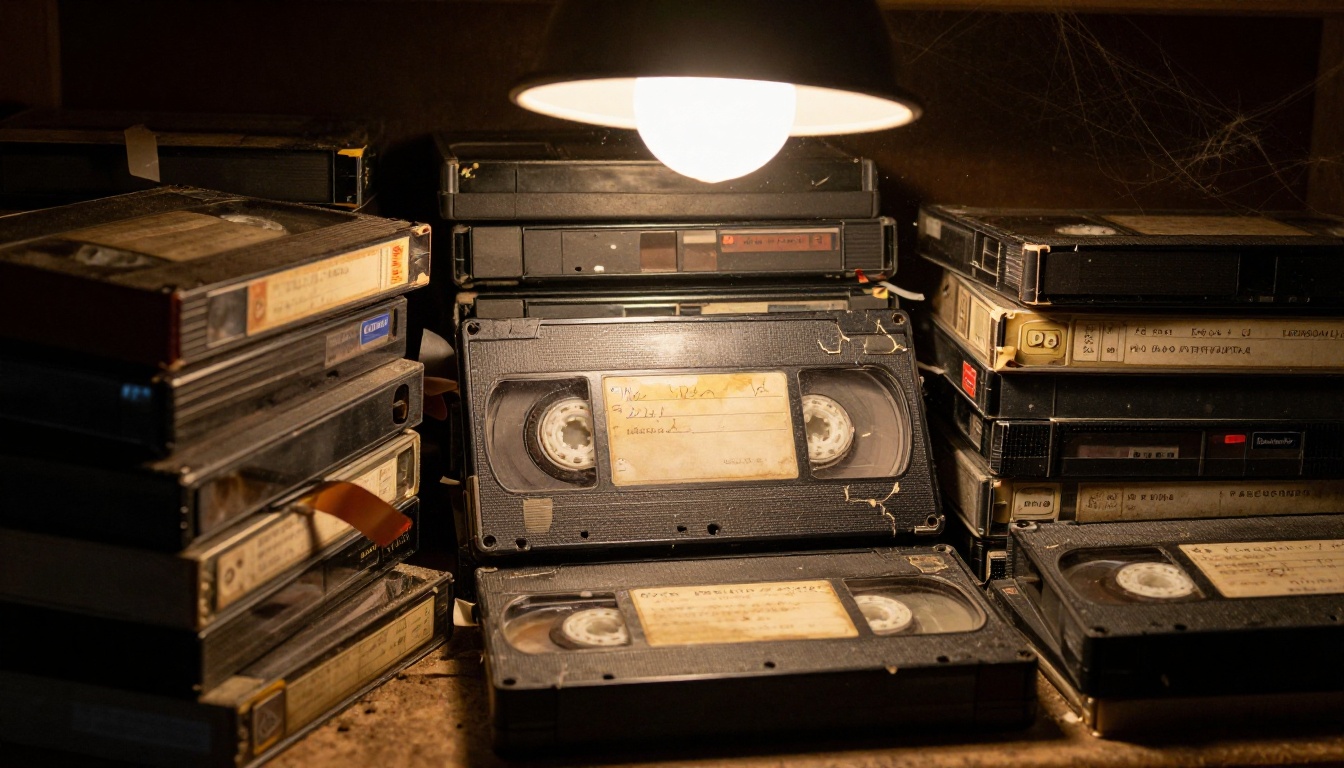
AI models trained on VHS degradation patterns identify and suppress all of these because they have processed thousands of examples of exactly this corruption during training. The model isn't guessing: it recognizes these artifacts by pattern and removes them selectively, leaving the actual picture signal intact.
What AI Actually Does to Old Video
The term "AI restoration" covers several distinct operations that often run simultaneously. Breaking them down separately makes it clearer what to expect from the output.
Super Resolution: More Than Just Zooming In
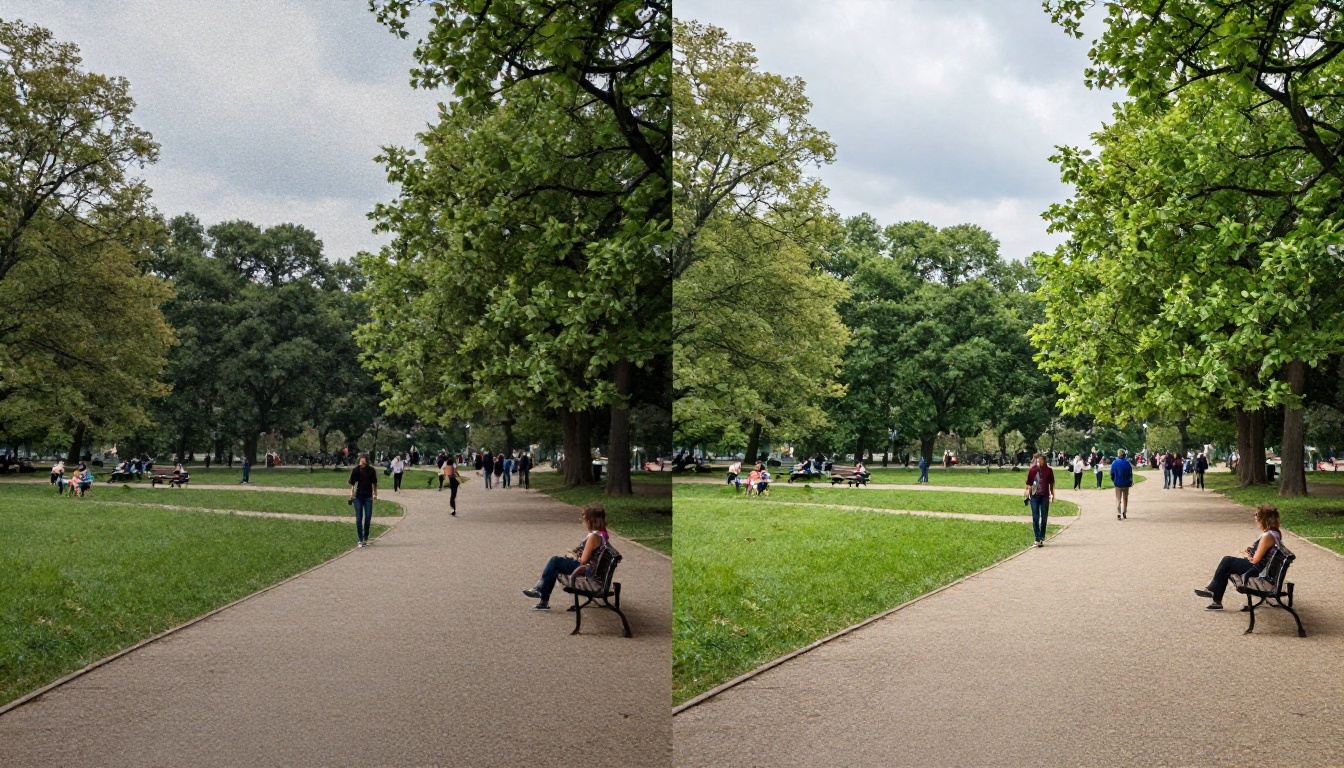
Traditional upscaling averages nearby pixels to fill in the gaps, which is why old footage blown up to 4K looks blurry and soft. AI super resolution works differently. A neural network, trained on millions of image pairs consisting of low-resolution originals and their corresponding high-resolution versions, is trained to infer the high-frequency detail that should logically be present based on surrounding context.
When the model sees a blurry edge on a face, it doesn't guess randomly. It draws on statistical knowledge of what human facial features look like at high resolution and places detail accordingly. The result isn't manufactured from nothing: it's a statistically informed reconstruction of detail the original format couldn't capture.
Temporal Consistency Explained
Processing video frame-by-frame without accounting for motion creates a flickering effect. Each frame gets slightly different detail placed in slightly different positions, so faces pulse and textures shimmer between frames. Temporal consistency is the mechanism that prevents this.
Video restoration models process overlapping windows of frames simultaneously, comparing adjacent frames to ensure that generated detail stays stable across time. This is computationally expensive, which is why it's one of the primary differentiators between budget tools and professional-grade models like Topaz Video Upscale. The difference is visible within the first few seconds of playback.
The Types of Damage AI Fixes Best
Not every damage type responds equally to AI restoration. Here's where the technology genuinely excels:
| Damage Type | What AI Does | Result Quality |
|---|
| Grain and noise | Separates signal from noise using trained pattern recognition | Excellent |
| Low resolution | Super resolution inference fills missing detail | Very good |
| Color fading | Neural color correction restores natural tones | Good |
| Horizontal scratches | Inpainting fills the corrupted area | Good |
| Chroma noise (VHS) | Frequency-domain filtering removes color bleed | Excellent |
| Severe physical damage | Inpainting combined with reconstruction | Variable |
💡 AI restoration works best when the source has something to work with. Footage that's almost completely degraded won't produce miracles. Even the best models need some signal present in the noise to build on.
The Best AI Models for Video Restoration
These three models are available on PicassoIA and cover different restoration scenarios with different output characteristics.
Crystal Video Upscaler
Crystal Video Upscaler by Philz1337x is built specifically for upscaling older video content. It uses a modified ESRGAN architecture tuned for video temporal consistency and handles film grain particularly well, preserving natural texture rather than over-smoothing it into a plasticky, unnatural result.
Where it shines: Film footage, 8mm, 16mm, and early digital video from the 1990s.
Output: Up to 4K resolution.
Strength: Preserves natural film grain while sharpening structural detail at edges.
Topaz Video Upscale
Video Upscale from Topaz Labs is among the most well-known names in professional video restoration. Their Iris model variant is designed specifically for footage containing human faces, recovering facial detail from low-resolution source material with impressive accuracy. The Proteus model handles general footage where faces aren't the primary subject.
Where it shines: VHS home movies with people, wedding footage, interview recordings.
Output: 4K and 120fps motion interpolation.
Strength: Face reconstruction and stable motion consistency across frames.
Runway Upscale v1
Upscale v1 from RunwayML is the fastest of the three for processing speed. It makes sensible trade-offs: less temporal consistency overhead in exchange for quicker turnaround. For shorter clips or preview passes before a full restoration run, it's the practical choice.
Where it shines: Quick previews, short clips, iterative testing before committing to full processing.
Output: 4K resolution.
Strength: Speed without catastrophic quality loss on short clips.
Super Resolution for Still Frames
When the goal is restoring individual frames, screenshots, or thumbnail images from old footage rather than full video clips, image-specific super resolution models give even better results than video models. Without the need for temporal consistency across frames, these models dedicate their full computational budget to a single image, producing finer detail recovery than any frame-by-frame video pass can achieve.
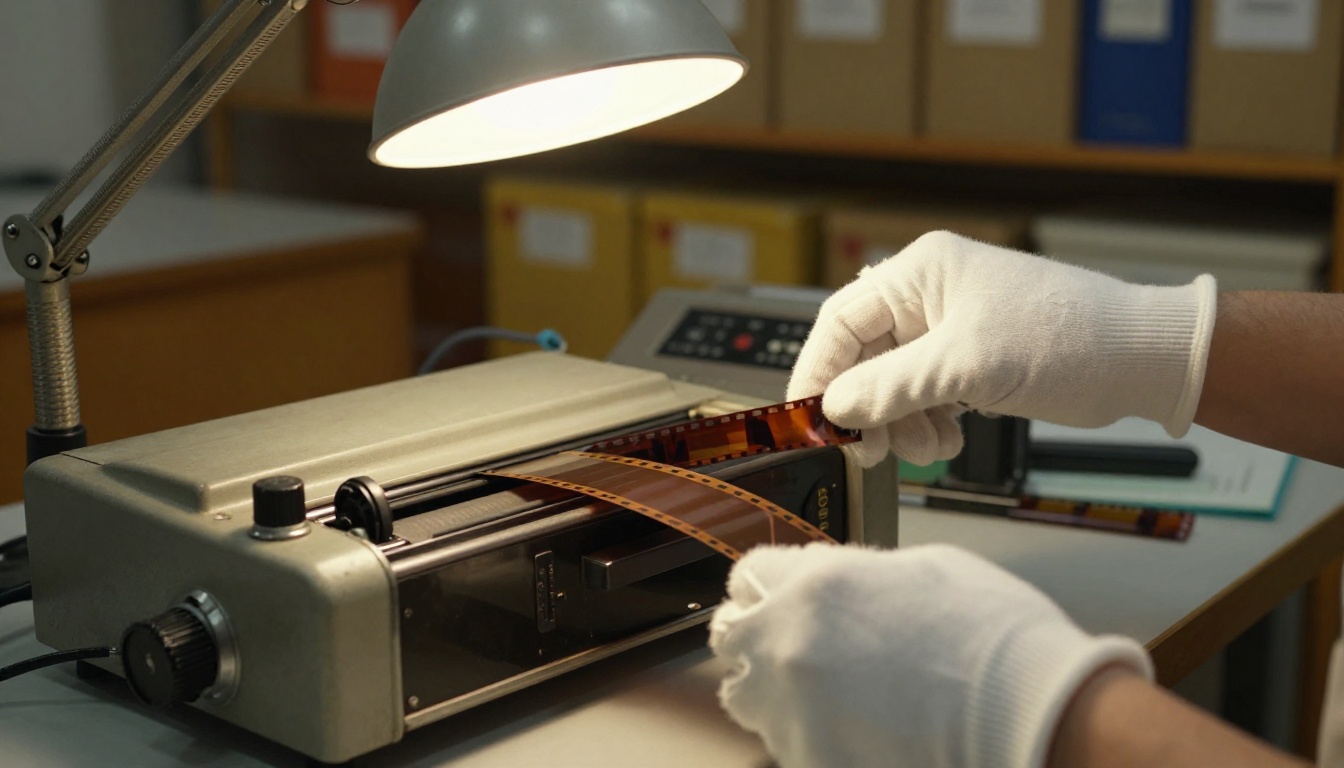
Available on PicassoIA for still-frame restoration:
- Clarity Pro Upscaler: Photorealistic upscaling with fine detail recovery, particularly strong on portraits and faces extracted from old footage stills.
- Real ESRGAN: The open-source backbone behind many restoration tools. Excellent at structural sharpening and noise removal without over-processing textures.
- Image Upscale by Topaz: Up to 6x upscaling. Preserves natural textures without the artificial sharpening halos that cheaper tools introduce.
- Google Upscaler: Clean 4x upscaling with strong performance on architectural detail, street scenes, and landscapes from old documentary footage.
- P Image Upscale: Fast processing for batch work on large collections of stills from digitized film archives.
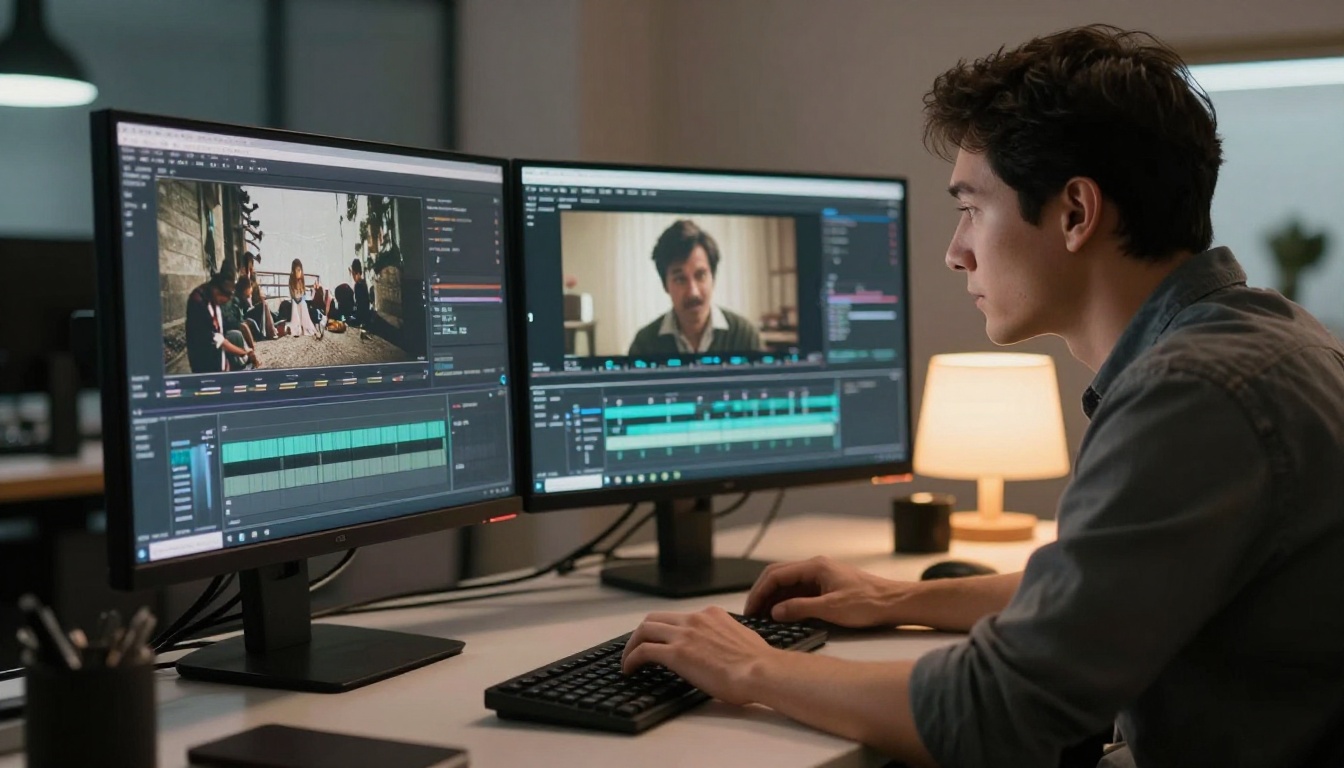
PicassoIA brings all these models together in one platform. Here's how the process works from start to finish.
Step 1: Digitize Your Source First
AI restoration works on digital files. If the source is a physical tape or film reel, it needs to be digitized before any AI processing can happen. The quality of the digitization sets the ceiling for what AI can recover. A VHS digitized at 480i with a cheap USB capture card gives the AI less to work with than one digitized at native tape speed with proper signal processing hardware.
For precious or fragile footage, professional digitization services are worth considering before running AI restoration. The AI processing step is repeatable and can be re-run at any time with better settings. The capture from a deteriorating tape is a one-shot opportunity that can't be undone.
Step 2: Match the Model to the Source Format
| Source Format | Recommended Model |
|---|
| 8mm / Super 8 film | Crystal Video Upscaler |
| 16mm film | Crystal Video Upscaler or Topaz Video Upscale |
| VHS / Betamax | Topaz Video Upscale (Iris variant for people) |
| Early digital video (DV, MiniDV) | Runway Upscale v1 |
| Single frames and stills | Clarity Pro Upscaler or Real ESRGAN |
Step 3: Set Expectations on Processing Time
Video restoration is computationally intensive. A two-minute VHS clip processed at 4K through Topaz Video Upscale can take 20-40 minutes depending on queue load. Longer documentary reels take several hours. Running the process on a short 30-second test clip first is the practical approach: it confirms the model and settings before committing the full job to the queue.
5 Mistakes That Ruin Restoration Results
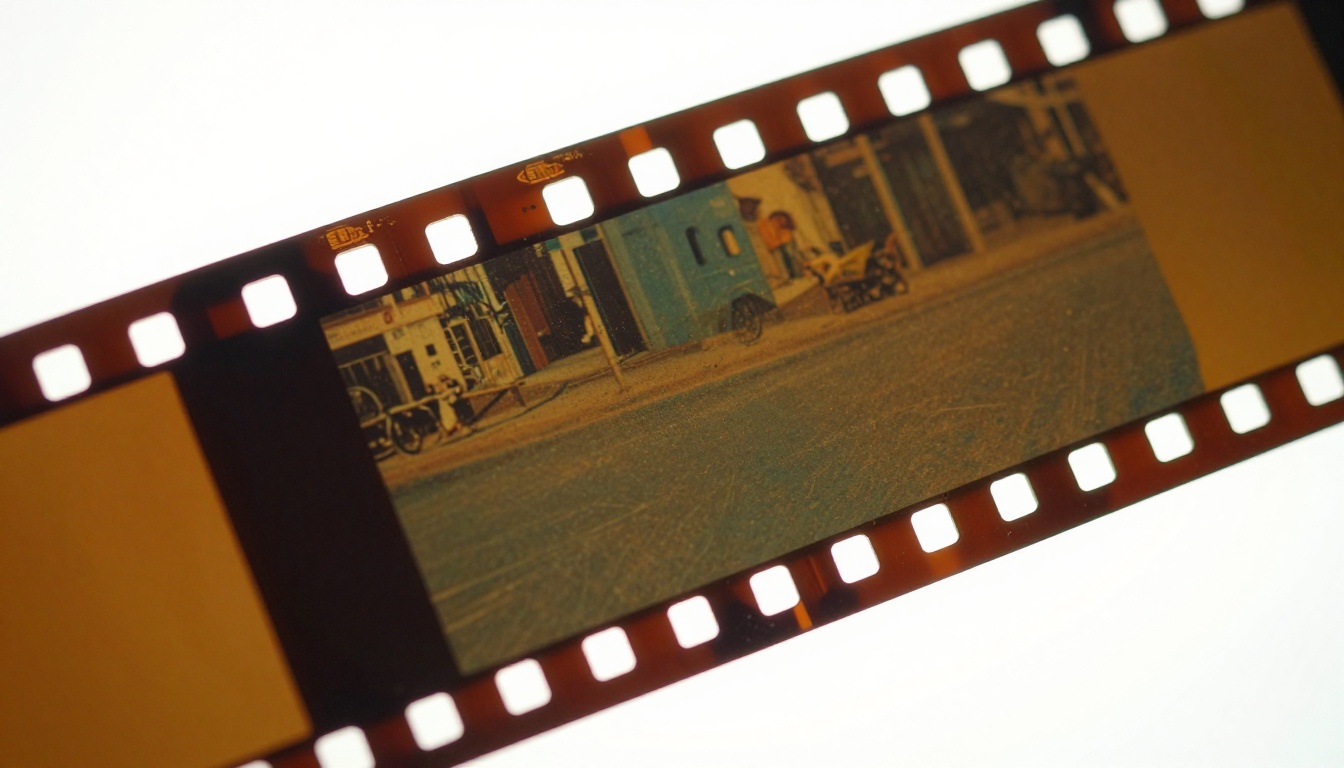
Most bad restoration results come from one of these five errors, not from a failure in the AI model itself.
1. Upscaling already-upscaled footage
If the source video was already stretched from 480p to 1080p before AI processing, the model sees a blurry 1080p file rather than a crisp 480p original. Always work from the lowest-resolution, highest-quality source available. Compression artifacts from prior processing will be exaggerated, not fixed.
2. Using the wrong model for the damage type
A general upscaler applied to VHS chroma noise won't suppress the color bleeding. Matching the model to the specific artifact type is the most critical decision in the entire workflow, and testing on a 30-second clip costs nothing before committing to a full run.
3. Over-processing with multiple AI passes
Running multiple AI passes on the same footage compounds artifacts. Each pass adds generated detail on top of already-generated detail, producing an uncanny, over-sharpened result with halos, smearing, and texture errors. One carefully chosen pass is almost always better than two successive ones.
4. Ignoring the audio track
Video restoration tools don't touch audio. Old tapes often have audio degradation just as severe as the picture. AI audio restoration tools should be applied to the audio track independently as a separate workflow step, after the video restoration is complete.
5. Not testing on a short clip first
Committing a two-hour family reunion tape to a full AI restoration run without testing a 30-second sample is the fastest way to waste hours of processing time on the wrong settings. Always validate on a short clip that represents the worst-quality section of the footage.
What Real Restoration Results Look Like
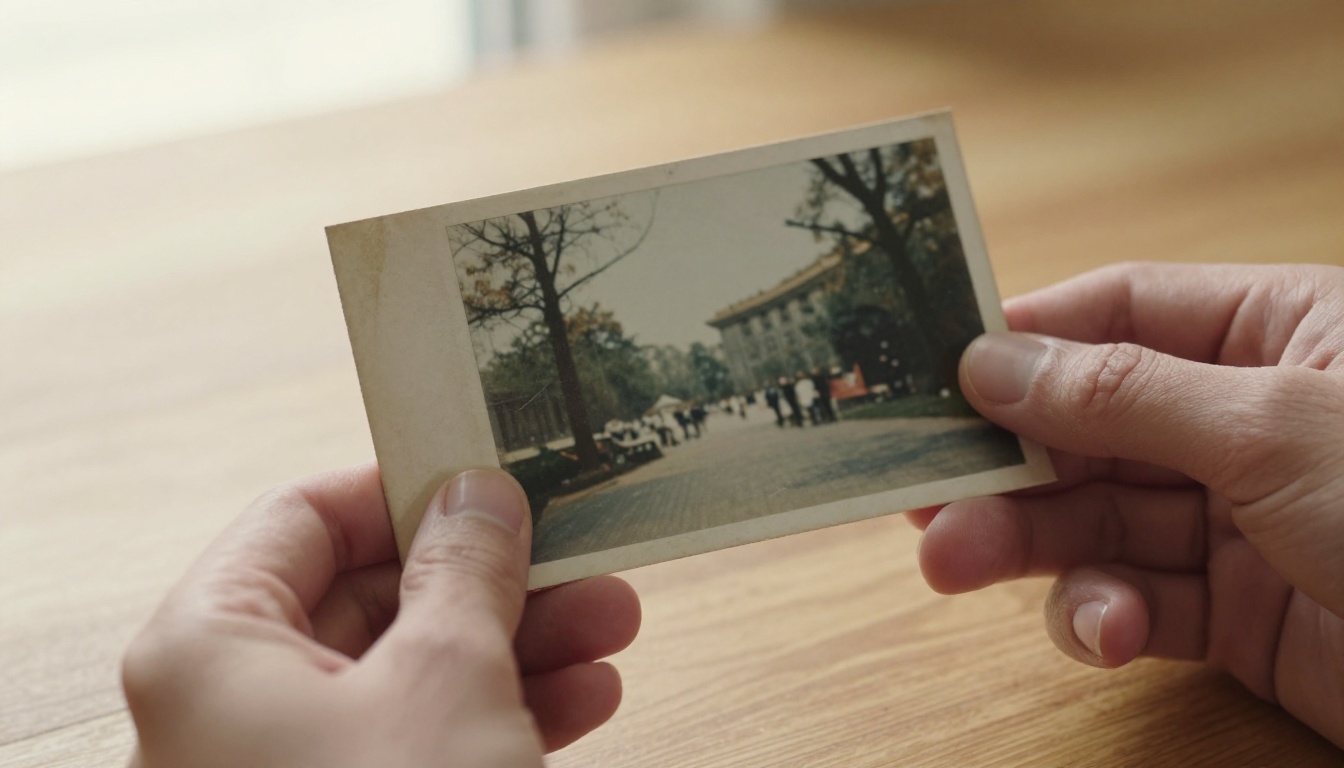
Results vary by source quality, but here are realistic benchmarks from common restoration scenarios:
1980s 8mm Home Movies: Grain removal is typically very clean. Edge sharpening recovers significant detail in faces and background objects. Color restoration to natural tones works well if the original color shift is uniform across the reel. Expect output that looks like it was shot on a better camera of the same era, not like modern 4K footage.
VHS Wedding Footage: Scanline removal and chroma noise reduction produce dramatic improvements even on heavily degraded tapes. Faces in well-lit scenes respond especially well to the Iris model in Topaz Video Upscale. Dark reception scenes with heavy dropout artifacts are harder: the AI fills the gaps but the inference becomes more speculative in low-signal areas.
Old Documentary Reels: Structural detail like buildings, street signs, and landscapes responds better than faces at this source quality. Motion sequences such as parades or crowd footage can produce ghosting if temporal consistency isn't handled well. Crystal Video Upscaler performs particularly well on this type of material.
💡 Honest expectation: AI restoration improves old footage significantly in most cases, but it doesn't recreate what was never captured. The goal is recovering what's there, not inventing what isn't. Footage with genuinely strong original signal will produce remarkable results. Footage that was always poor quality at capture will improve, but not miraculously.

The recordings sitting in shoeboxes, attics, and storage units don't have to stay unwatchable. Every tool described in this article is available now on PicassoIA, and none of it requires video editing experience or technical knowledge to use.
PicassoIA brings together Crystal Video Upscaler, Topaz Video Upscale, Runway Upscale v1, and a full suite of image super-resolution models in one place. Pick a clip, pick a model, and see what the AI pulls back from decades of degradation.
For still frames and individual images from old footage, Clarity Pro Upscaler and Real ESRGAN are the fastest path from blurry to sharp. And for anyone sitting on a collection of deteriorating tapes, the combination of proper digitization followed by AI processing is genuinely the most accessible form of archival preservation available to everyday people right now.
Start with a 30-second test clip. See what comes back. Then decide which recordings deserve the full treatment.
Browse all video and image restoration models at picassoia.com


