A faceless AI TikTok Shop affiliate account looks like a workaround for shy creators, but it is often the cleaner business model. You never film yourself, you never rent a studio, and a winning video can be remade in ten variations without a tired face ever showing up in the feed. What the viewer sees is the product, a pair of hands, a clean scene and a voice that sounds like a friend who actually owns the thing.
This article lays out the whole setup: how the faceless format works, which AI tools produce the footage, a repeatable routine for one video, how to pick products, and the rules that keep an account out of trouble. Everything assumes you want sales, not vanity views.
💡 Quick answer: Film real hands with the real product, use AI for scenes, B-roll and voiceover, label realistic AI content, and post short videos on products that pay a commission of 10% or more.
Why Faceless Works on TikTok Shop
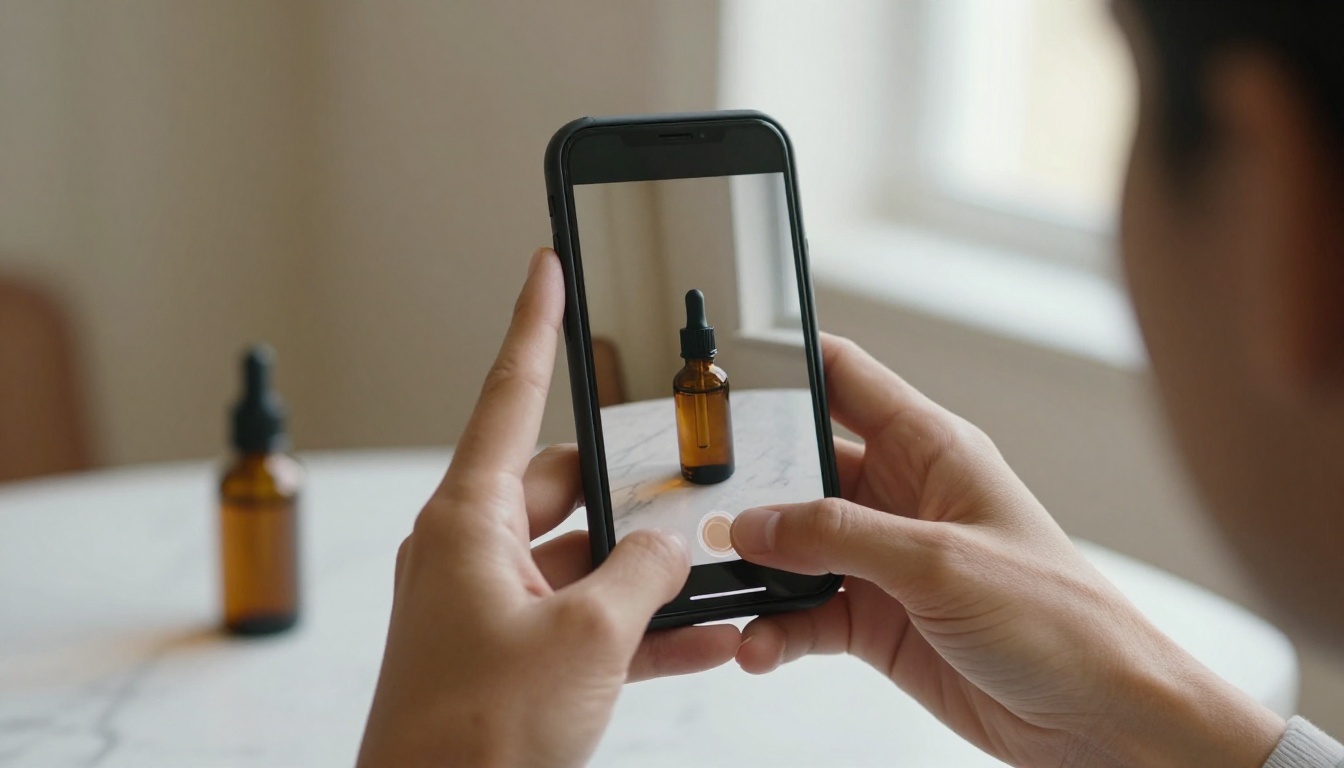
TikTok Shop turns a video into a checkout. A viewer sees a gadget, taps the product tag, and buys without leaving the app. In that flow the buyer cares about three things: what the product looks like, how it works, and whether it is worth the price. Your face answers none of those questions.
What Affiliates Actually Earn
As an affiliate you earn a percentage of each sale made through your tagged links. Commission rates are set by the seller and vary by category. Many listings sit somewhere between 5% and 20%, and beauty or health items often pay more than apparel. Always read the rate on the product page before you promote anything.
Here is simple math to set expectations. These numbers are illustrations, not promises.
| Product price | Commission | Earned per sale | Earned per 100 sales |
|---|
| $15 | 10% | $1.50 | $150 |
| $30 | 15% | $4.50 | $450 |
| $60 | 20% | $12.00 | $1,200 |
The takeaway: a cheap product with a tiny commission needs huge volume, while a mid-priced product with a fair rate pays back faster.
💡 Eligibility depends on your country. Most markets ask you to be 18 or older, and many set a minimum follower count that has ranged from 1,000 to 5,000. Check the affiliate section inside your TikTok app for the current numbers before you plan around them.
Why Buyers Skip the Face
Shoppers on a product video are looking for proof, not personality. A face competes with the item for attention, while a close shot of a hand squeezing, pouring or unfolding the product keeps the eye exactly where the sale happens.
Staying faceless also gives you practical advantages:
- Privacy: no one recognizes you at the grocery store.
- Scale: you can run several niche accounts without being the same person in each.
- Repeatability: a script, a set of hands and an AI voice can be reused for dozens of products.
- No burnout: you do not have to look presentable at 7 a.m. to post.
Three building blocks handle almost every faceless video that converts. Mix them and you have a content engine.
Hands-Only Product Demos
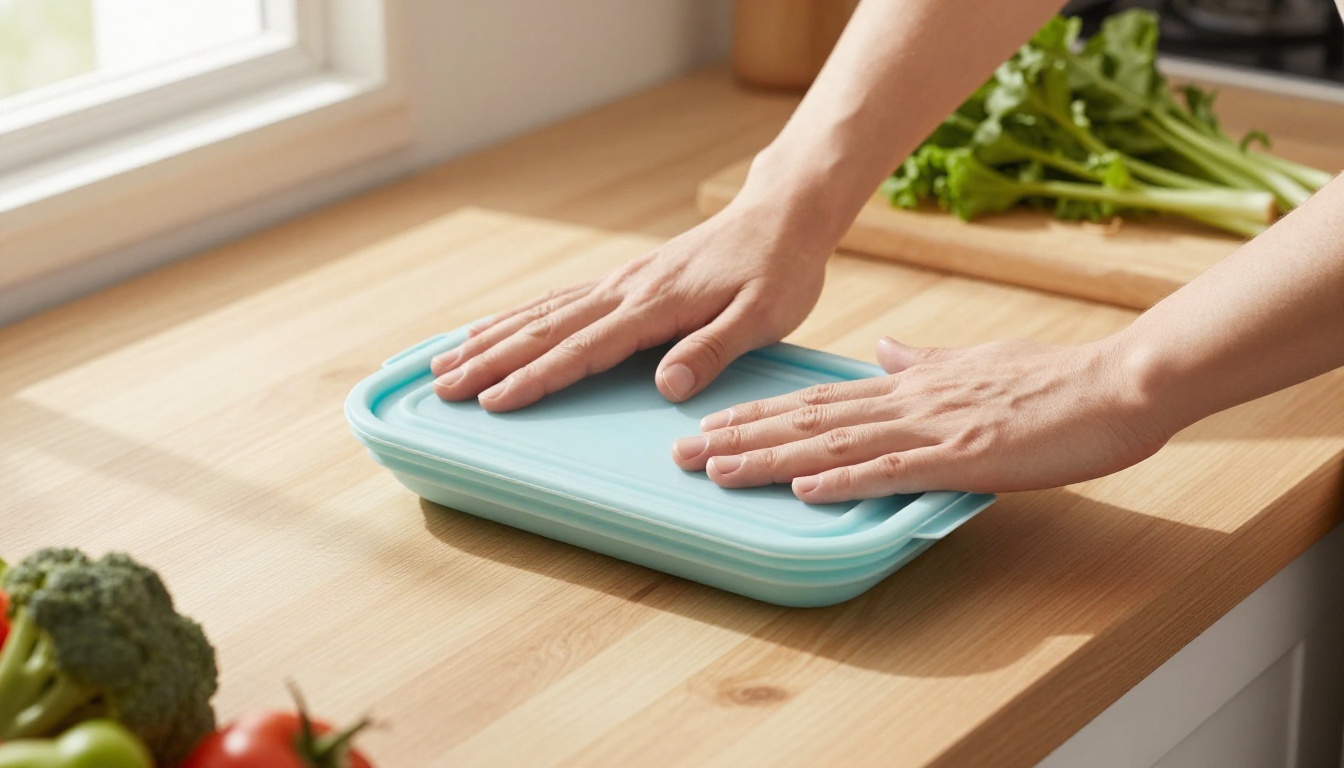
This is the backbone. Shoot from above or at a three-quarter angle, keep your hands in frame and let the product do the talking. A strong demo follows three beats:
- Problem: a messy counter, a tangled cable, a bulky container.
- Action: your hands use the product in one clean motion.
- Result: the neat outcome, shown in the last two seconds.
Put the hook in the first second. A hand slamming a collapsed container flat beats a slow logo reveal every time.
Voiceover Over Real B-Roll
A voice carries the pitch while the footage shows the proof. Spoken pace sits near 150 words a minute, so a 30-second video needs about 75 words. Use this skeleton:
- Hook (0 to 3 seconds): a bold claim or a relatable annoyance.
- Problem (3 to 8 seconds): one sentence on the pain.
- Proof (8 to 22 seconds): the demo, with the voice naming two specific benefits.
- Offer (22 to 30 seconds): price, any current deal, and a nudge to tap the product tag.
You can record the voice yourself or generate it, and the toolkit below shows how.
Hooks That Stop the Scroll
With no face to hold attention, the first line and the first shot carry the whole video. These templates work across most product types:
- "I stopped buying [old thing] after I found this."
- "This costs [price] and fixes [problem]."
- "Stop doing [common habit] if you own [item]."
- "Three things this [product] does that surprised me."
- "Nobody told me [product] could do this."
- "Watch what happens when I press this."
Pair each spoken hook with motion in the first frame: a hand entering the shot, a lid popping open, a quick pour. Movement in the opening second is what makes a thumb pause.
Text Overlays and Captions
Many people watch with the sound off, so captions are not optional. Keep each line under six words, use a high-contrast font and place text away from the buttons on the right edge of the screen. Highlight the price or the one number that matters, such as "holds 2 liters" or "fits in a pocket".
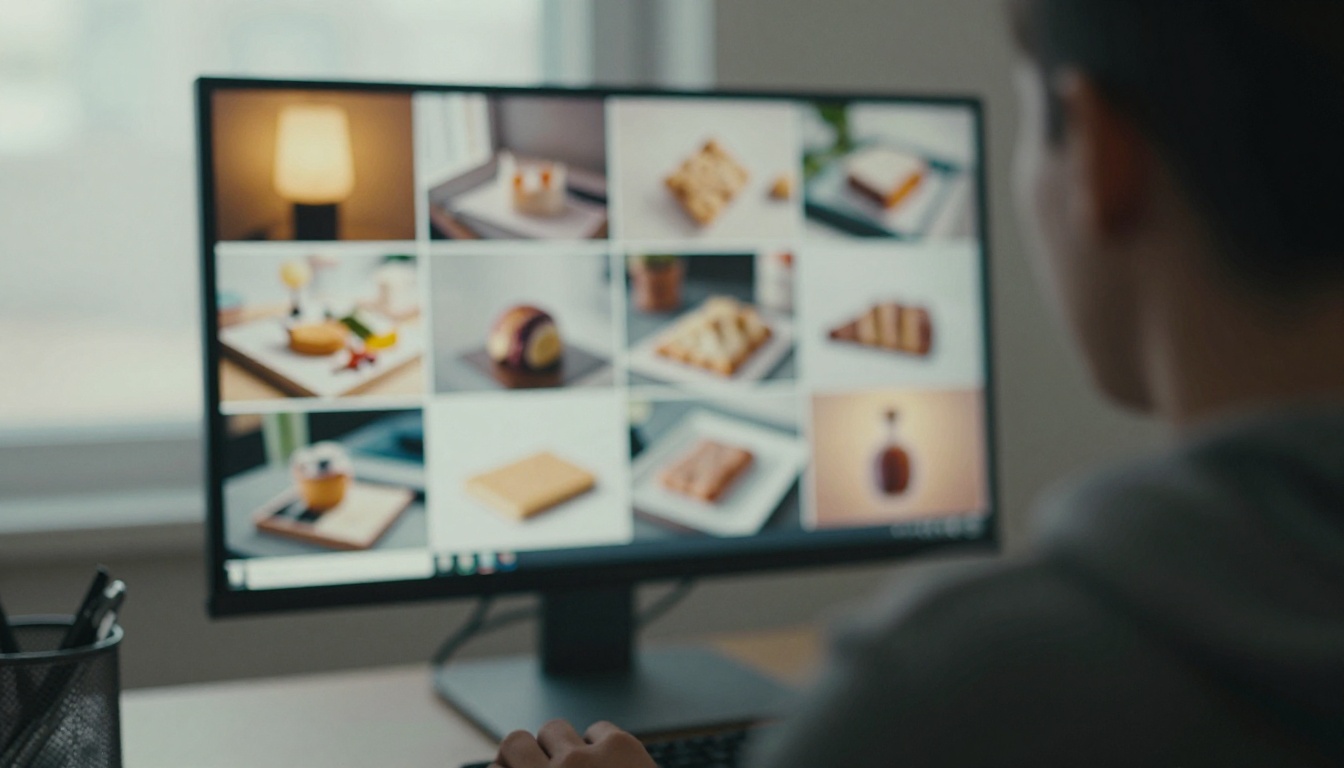
AI fills the gaps that your real footage cannot: lifestyle scenes, backgrounds, hooks, motion and narration. Here is a practical split between what to film and what to generate.
| Task | Film it yourself | Generate with AI |
|---|
| Product close-ups | Yes, always real | Never fake the item |
| Lifestyle scene around the product | Optional | Yes |
| Animated hook or intro shot | No | Yes |
| Voiceover | Optional | Yes |
| Thumbnail background | No | Yes |
Images for Scenes and Thumbnails
Start from your real product photo and build the world around it. Seedream 4.5, Nano Banana Pro, Flux 2 Pro and GPT Image 2 can all produce photorealistic kitchens, bathrooms, desks and outdoor scenes you can use as backdrops or thumbnails.
When you already have a photo that only needs a fix, such as a messy background or bad lighting, Image Editor Pro is the faster route because you edit instead of regenerating from scratch.
Scene prompts work best when they leave room for the product and for captions. These starters give you a base to edit:
| Scene | Prompt starter |
|---|
| Kitchen | "Bright modern kitchen counter, morning window light, empty space in the center, 35mm lens, shallow depth of field" |
| Bathroom | "Marble shelf, soft diffused daylight, folded towel, eucalyptus sprig, 50mm lens, natural film grain" |
| Desk | "Tidy oak desk beside a window, warm afternoon light, ceramic mug and notebook, 85mm lens" |
💡 Describe light and lens in every prompt: "soft window light from the left, 50mm lens, shallow depth of field". Photoreal prompts look like real photography, and viewers trust that look. Skip neon and glossy 3D styles, which read as fake in a shopping feed.
Video From a Single Photo
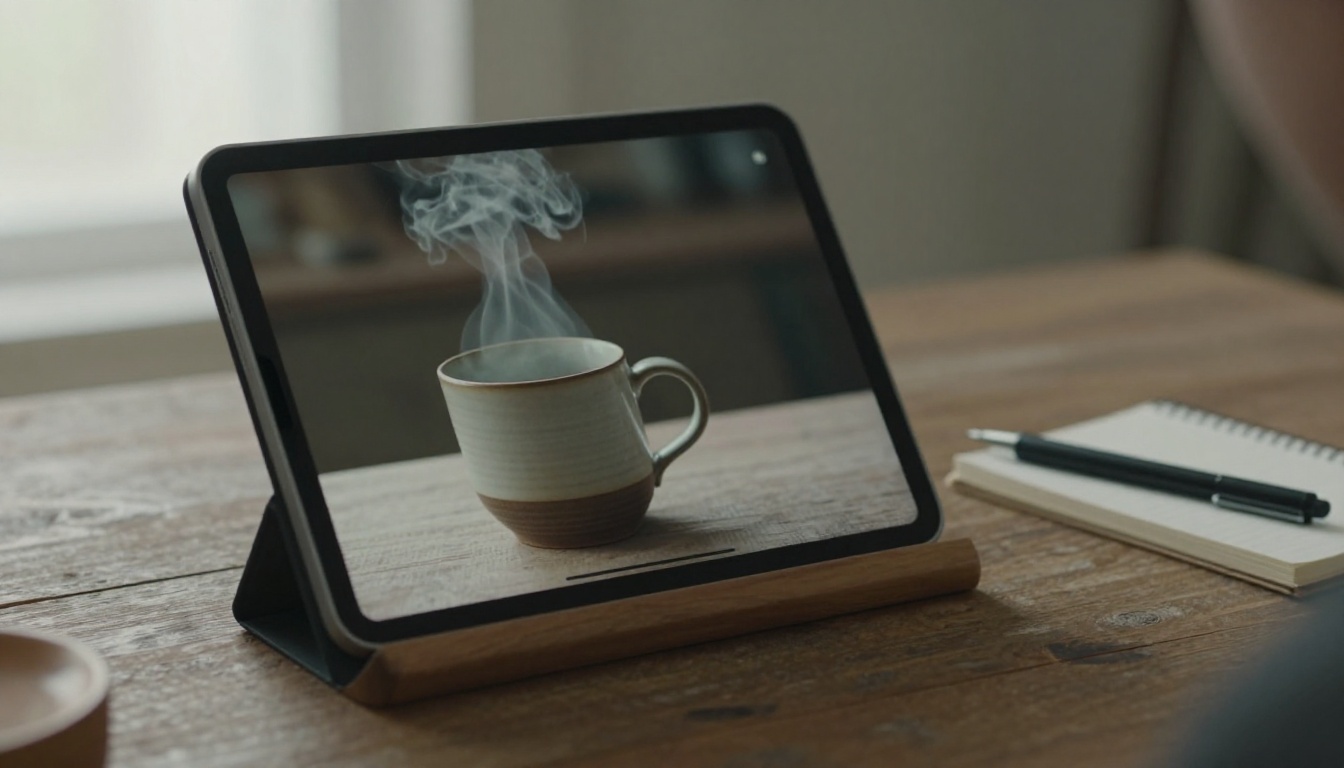
Image-to-video is where faceless accounts save the most time. You hand the model a still and describe the motion, and it returns a short clip.
- Seedance 2.0 animates a first-frame image and can generate audio in the same pass, with 9:16 vertical output for TikTok.
- Seedance 2.5 Lite is listed as a free, unlimited generator for clips up to 10 seconds, which suits high-volume testing.
- Kling v3, Veo 3.1 and Wan 2.7 I2V give you alternatives when one model handles a certain motion better than another.
- Picasso IA Video is a free, unlimited option for quick text or image clips.
Use generated clips for the hook, the scene change or the b-roll. Keep the product itself real.
Voiceover Without Your Voice
MiniMax Speech 2.8 HD and ElevenLabs V3 turn a script into natural narration. Write for the ear: short sentences, contractions, no jargon. Read the script aloud once yourself. If you stumble, the synthetic voice will sound stiff there too, so rewrite that line.
From Product to Posted Video

Here is the routine that turns one product into one posted video. With practice it fits into a single working session.
- Pick the product and read its page for the three strongest selling points.
- Order a sample or use an item you already own so the footage is real.
- Storyboard four shots on paper: hook, problem, demo, result.
- Film the hands-only shots vertically in daylight.
- Generate the extras: one scene image, one animated hook clip, one voiceover.
- Edit in your preferred app, add captions, and keep the total under 35 seconds.
- Tag the product, add the disclosure setting and post.
- Check the numbers after 48 hours and keep or change the hook.
A weekly rhythm keeps you consistent without turning the work into a grind:
| Day | Video type | Purpose |
|---|
| Monday | Hands-only demo | Sales |
| Tuesday | Problem and fix | Reach |
| Wednesday | Unboxing from above | Trust |
| Thursday | Before and after setup | Proof |
| Friday | Top three picks | Browsing |
| Saturday | Reply to a comment | Community |
How to Use Seedance 2.0 on PicassoIA
Seedance 2.0 is a good fit for the animated hook because it builds video and audio together. Follow these steps.
- Open the model page: go to the Seedance 2.0 page on PicassoIA.
- Write the prompt: this is the only required field. Describe the motion in order, for example: "A hand lifts a silicone container from a light oak counter, the container snaps flat, slow push-in, soft window light."
- Add a first-frame image: upload your product or scene photo as the
image input. Note that this input cannot be combined with reference images.
- Set the format: choose
9:16 for aspect ratio, 720p for resolution, and a duration of 5 seconds. Setting duration to -1 lets the model pick the length.
- Control the audio: keep
generate_audio on if you want sound effects and music built in. For spoken lines, put the dialogue in double quotes inside the prompt.
- Add references if you need them: you can supply up to 9 reference images to keep a look consistent, or a last-frame image to control how the clip ends.
- Generate and download: wait for the result, check the first and last frames, and save the clip.
💡 Generate three short clips with different seeds and keep the best one. Setting a seed also lets you reproduce a result you liked.
Picking Products That Convert
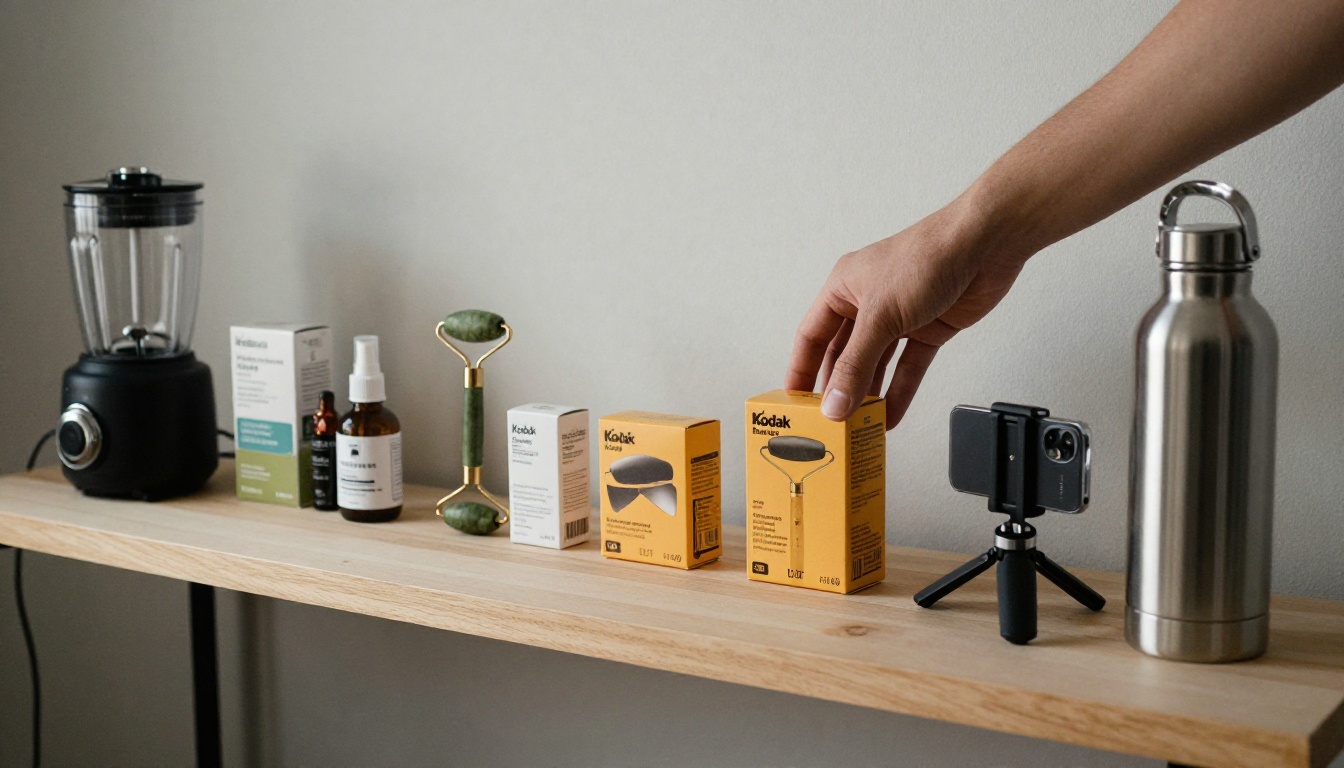
Product choice decides more than editing skill. A perfect video for the wrong product earns nothing.
Demo-Friendly Product Types
Pick items whose benefit is visible in under ten seconds:
- Kitchen gadgets: choppers, collapsible containers, frothers.
- Home organization: drawer dividers, cable holders, over-door racks.
- Beauty tools: face rollers, silicone brushes, travel bottles.
- Cleaning helpers: lint removers, scrub brushes, stain pens.
- Small tech accessories: phone stands, charging organizers.
Avoid anything that depends on a human reaction, such as clothing fit or a skincare result shown on a face.
Commission and Reviews to Check
Before you commit, run this short check:
- Rate: does the commission land at 10% or higher?
- Price: is it low enough for an impulse buy, roughly $15 to $60?
- Reviews: is the rating solid and recent? A product with return problems hurts your reputation.
- Competition: how many creators already show the same demo? A fresh angle beats a copy.
Rules and Mistakes to Avoid

AI makes production easy, which also makes it easy to cut corners. The accounts that last follow a few simple rules.
Label Realistic AI Content
TikTok allows AI-generated content, and its label is a disclosure requirement, not a ban. Realistic people or scenes that could pass as real footage should carry the AI-generated label. Use the label whenever your clip could be mistaken for a filmed event. Also use TikTok's promotional content disclosure on videos where you earn a commission, since shoppers are entitled to know when a post is paid.
Show Only What the Product Does
Never use AI to invent results the product cannot deliver. A generated "before and after" for a cleaning tool, a made-up review or an exaggerated capacity will lead to refunds, reports and removal. Generate the setting. Film the product.
Keep a folder for every video with the raw clips, the product page and your order receipt. If a seller or the platform ever questions a claim, you can show exactly which shots are real footage and which ones were generated.
Three Mistakes That Kill Accounts

- Posting without testing the hook. Make three versions of the first two seconds and compare watch time.
- Promoting ten products at once. Pick one per week, push it with several formats, then move on.
- Ignoring the data. Review views, product clicks and orders every few days. Cut formats that get views but no clicks, because that means the hook works and the offer does not.
Make Your First Faceless Video Today
You do not need a camera crew, a ring light or a following of thousands to start testing. Pick one product, film your hands for ten seconds, and let AI build the scene, the motion and the voice around it.
Open PicassoIA and try the pieces from this article: generate a backdrop with Seedream 4.5, animate it with Seedance 2.0, and record the narration with MiniMax Speech 2.8 HD. Make three variations, post the best one, and let the numbers tell you what to build next.


