Two AI image models are fighting for the top spot in photorealism, and neither is willing to yield easily. FLUX.2 Max comes from Black Forest Labs, the team that built the FLUX.1 architecture and pushed it into commercial production. GPT Image 2 is OpenAI's latest text-to-image release, carrying the weight of one of the best-funded AI labs in the world. Both models promise photorealism. Both deliver impressive results. But when you push them on the details that actually separate realistic from almost realistic, the differences become clear fast.
This is not a theoretical breakdown. The comparison below runs through specific categories: skin and portrait quality, environmental detail, product and studio photography, text rendering inside images, and prompt faithfulness. If you are deciding which model to use for work that demands photorealistic output, this is where you find the answer.
What Separates Real from Almost Real
The Gap Between Good and Photorealistic
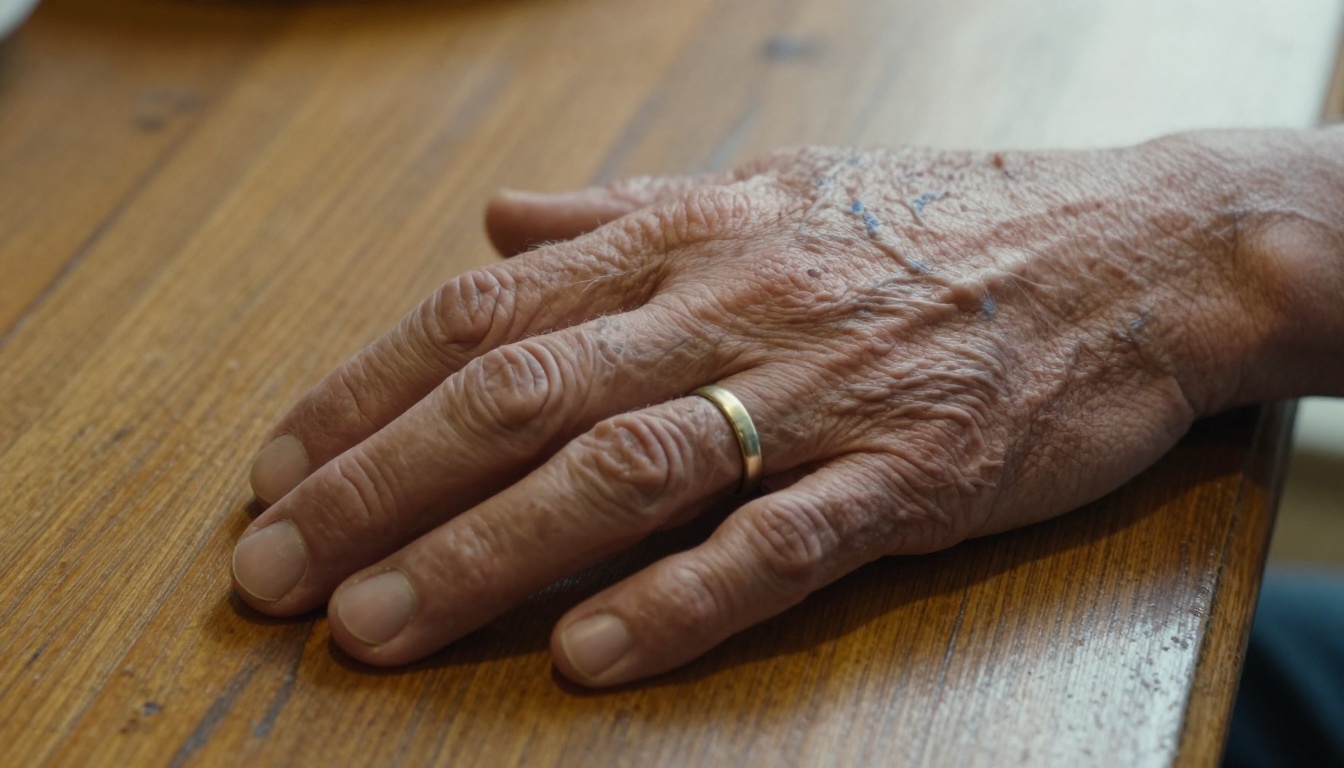
Most AI image generators can produce something that looks good at a glance. Photorealism is a different standard. A truly photorealistic image holds up when you zoom in. Individual pores on skin do not blur into a smooth gradient. Fabric weave does not look painted. Shadows fall from consistent light sources and do not float. Reflections obey geometry.
The gap between "impressive" and "photorealistic" is where most models break down. FLUX.1 was already pushing that boundary hard. FLUX.2 Max and GPT Image 2 both claim to close it further, but they approach the problem from different directions.
Three Metrics That Decide the Winner
When evaluating AI image realism, three categories carry the most weight:
- Micro-texture fidelity: skin pores, fabric grain, surface imperfections, material authenticity
- Lighting physics: consistent light direction, accurate shadow behavior, specular highlights on materials
- Prompt adherence: how precisely the output reflects what was written, including composition, subject pose, and environmental detail
A model that scores high on all three earns the label photorealistic. A model that excels at one but falters on another produces output that feels slightly artificial, even when it is technically detailed.
FLUX.2 Max, Explained
What Black Forest Labs Changed
FLUX.2 Max is a direct successor to FLUX.1, but the upgrades are not cosmetic. The model was retrained with a focus on resolution ceiling and detail density. Where FLUX.1 capped practical output quality around 1 megapixel before compression artifacts appeared in fine details, FLUX.2 Max extends that ceiling to 4 megapixels cleanly.
More important than raw resolution is what the model does with that resolution. FLUX.2 Max tends to distribute detail with photographic logic: maximum sharpness at the subject's focal point, controlled rolloff into background blur, and consistent rendering of surface texture across the frame. It does not apply the same detail level everywhere, which is exactly what real photography looks like.
The model also accepts up to eight reference images, which makes it genuinely useful for production workflows. You can steer its output toward a specific aesthetic or subject without rewriting prompts from scratch.
4MP Output and Why It Matters
Most text-to-image models generate at resolutions that look fine at screen size but fall apart when scaled up. A 512x512 output upscaled to 2048x2048 loses detail because the original generation did not contain that detail to begin with.
FLUX.2 Max generates natively at 4MP, meaning the detail exists at the source. You are not upscaling a lower-resolution prediction. Every pixel in the output was part of the model's generation pass. For print work, large-format digital assets, or any use case where the image will be scrutinized at full resolution, this difference is real.
💡 Pro Tip: Set FLUX.2 Max to 2MP for most web work and save 4MP for assets that will be cropped, zoomed, or printed at large format.
GPT Image 2.0, Explained
OpenAI's Angle on Realism
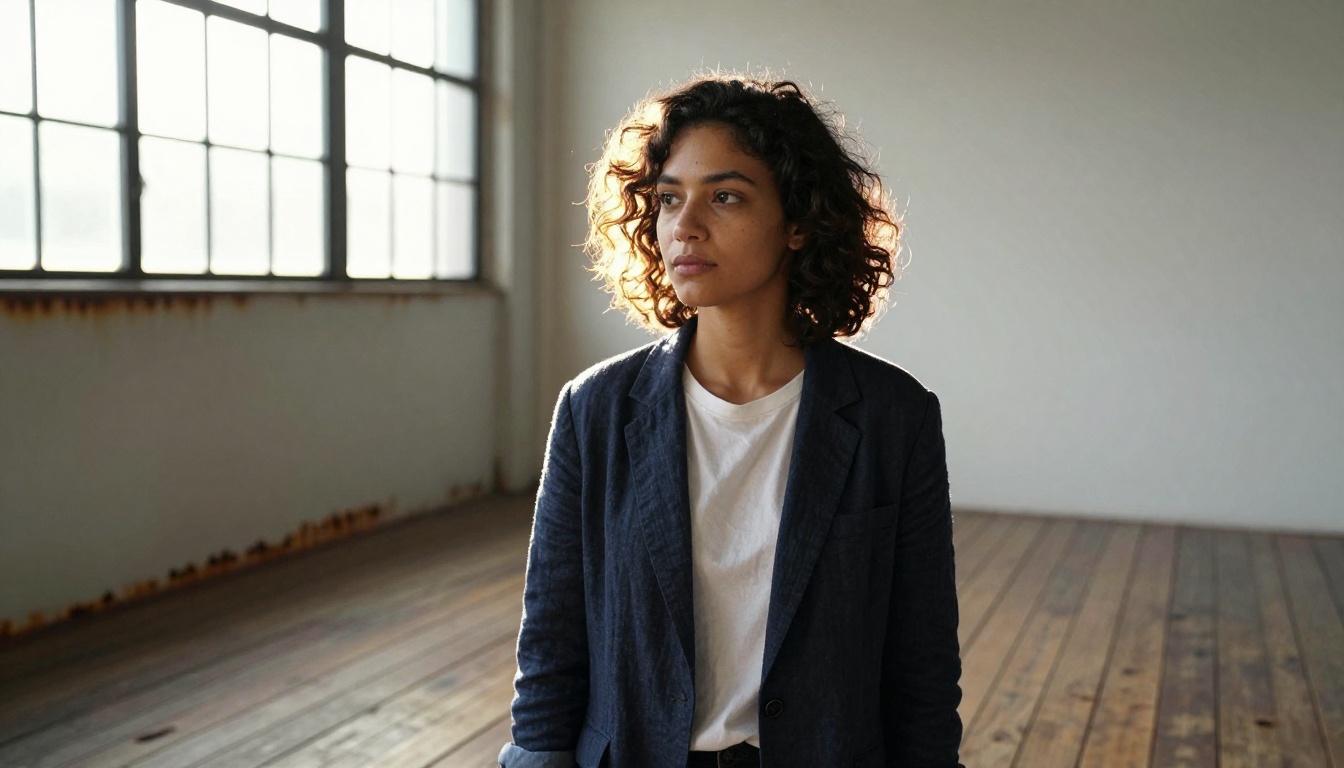
GPT Image 2 takes a different path toward realism. OpenAI's strength is in language model integration, and that shows in GPT Image 2's core capability: it reads long, complex prompts with precision and builds images that reflect the specific details you describe. The instruction-following is arguably better than any other model currently available.
Where FLUX.2 Max focuses on generating output with photographic texture density, GPT Image 2 focuses on making the image match the description exactly. If you describe a specific composition, a precise color palette, a particular mood or relationship between subjects, GPT Image 2 is more likely to produce exactly that.
Where GPT Image 2 Actually Excels
GPT Image 2 has a standout capability that no other model currently matches: text rendering. It can place readable words and phrases inside an image with high legibility. This is genuinely difficult for diffusion models, which historically treat text as a pattern to approximate rather than precise letterforms to reproduce.
For practical use cases like:
- Social media graphics with embedded copy
- Product mockups with readable labels
- Event posters with clear event details
- Brand assets with logo text
GPT Image 2 is the tool. FLUX.2 Max, like most diffusion-based models, produces degraded or stylized text rather than crisp letterforms.
💡 Use GPT Image 2 when your brief requires text inside the image, transparent backgrounds, or exact compositional placement of multiple subjects.
Portrait and Skin Texture Tests
How FLUX.2 Max Handles Skin
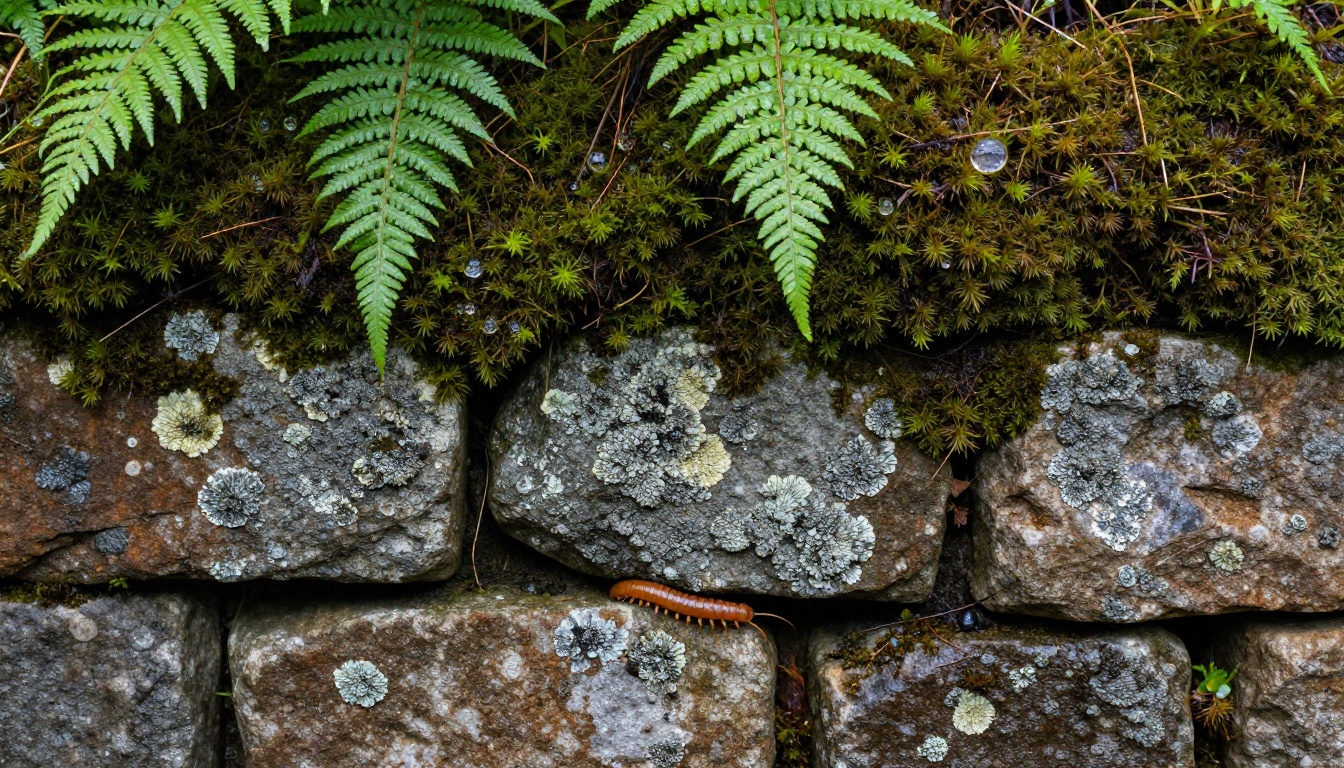
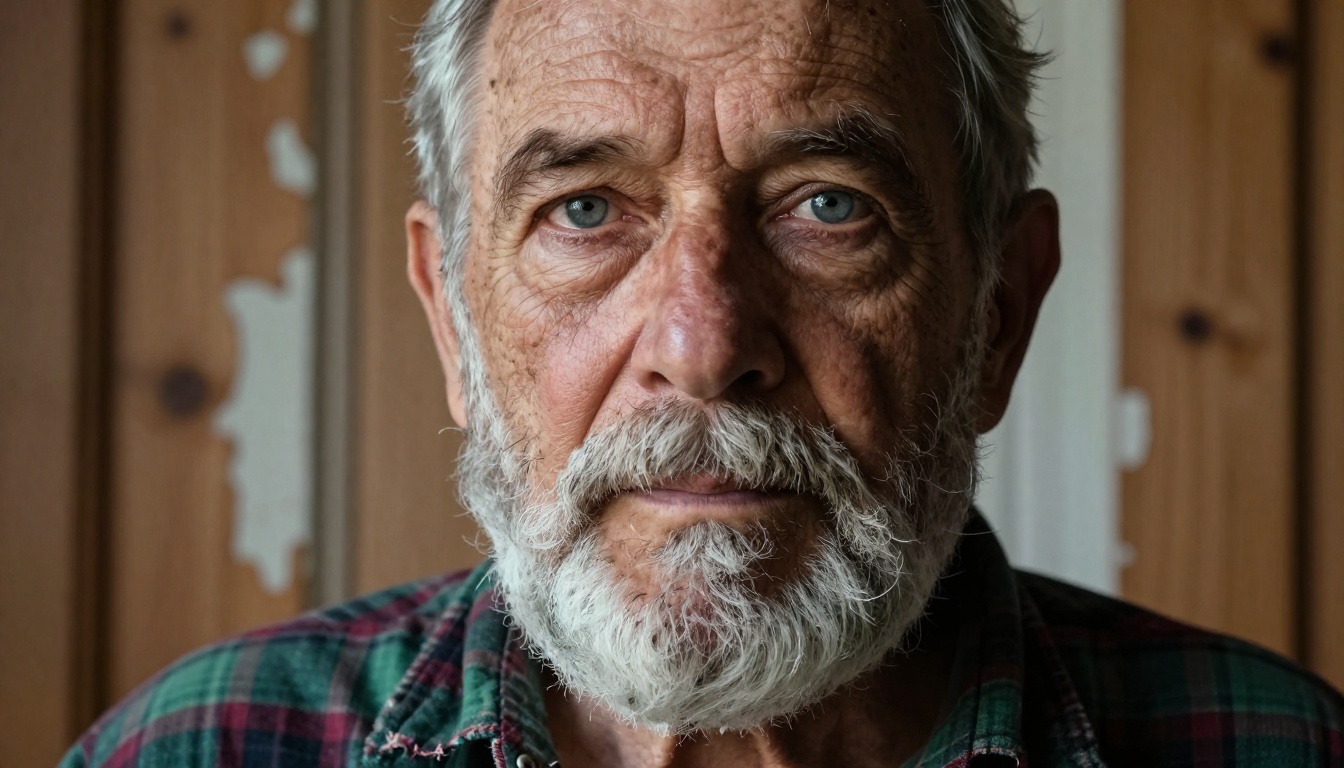
Skin realism is the hardest test for any image model. Human observers are wired to detect when skin looks wrong, even if they cannot articulate exactly why. FLUX.2 Max performs exceptionally well here.
At 2MP and above, FLUX.2 Max renders:
- Individual pores with size variation that matches the face region (larger near the nose, finer at the cheek)
- Subsurface scattering where light passes slightly through thin skin areas like earlobes and the space between fingers
- Natural asymmetry in facial features rather than the uncanny symmetry that marks AI-generated faces
- Hair strands with realistic diameter variation and directional light response
The result passes scrutiny at close inspection in a way that earlier models could not sustain. A FLUX.2 Max portrait at 4MP can be cropped into the eye region and still look like a photograph.
GPT Image 2.0 on Human Subjects
GPT Image 2 handles human subjects well, but the texture language is slightly different. Skin in GPT Image 2 tends to be slightly smoother, with less visible micro-texture. It reads as "polished editorial photography" more than "documentary photography." This is not a flaw for every use case. Beauty campaigns, product model shots, and corporate headshots often benefit from that smoother finish.
Where GPT Image 2 falls behind in portrait work is at extreme detail levels. Zoom into a GPT Image 2 portrait and the skin, while attractive, loses the granular pore-level detail that FLUX.2 Max maintains. At standard screen viewing sizes, this difference is minimal. At print or high-zoom, it matters.
Portrait Realism Comparison:
| Criterion | FLUX.2 Max | GPT Image 2 |
|---|
| Skin micro-texture | Exceptional | Very Good |
| Hair strand detail | Very Good | Good |
| Natural asymmetry | Strong | Moderate |
| Lighting physics | Strong | Strong |
| Editorial polish | Moderate | Excellent |
| Zoom resilience | 4MP native | Medium resolution cap |

Environments, Architecture, and Objects
Cityscapes and Outdoor Scenes
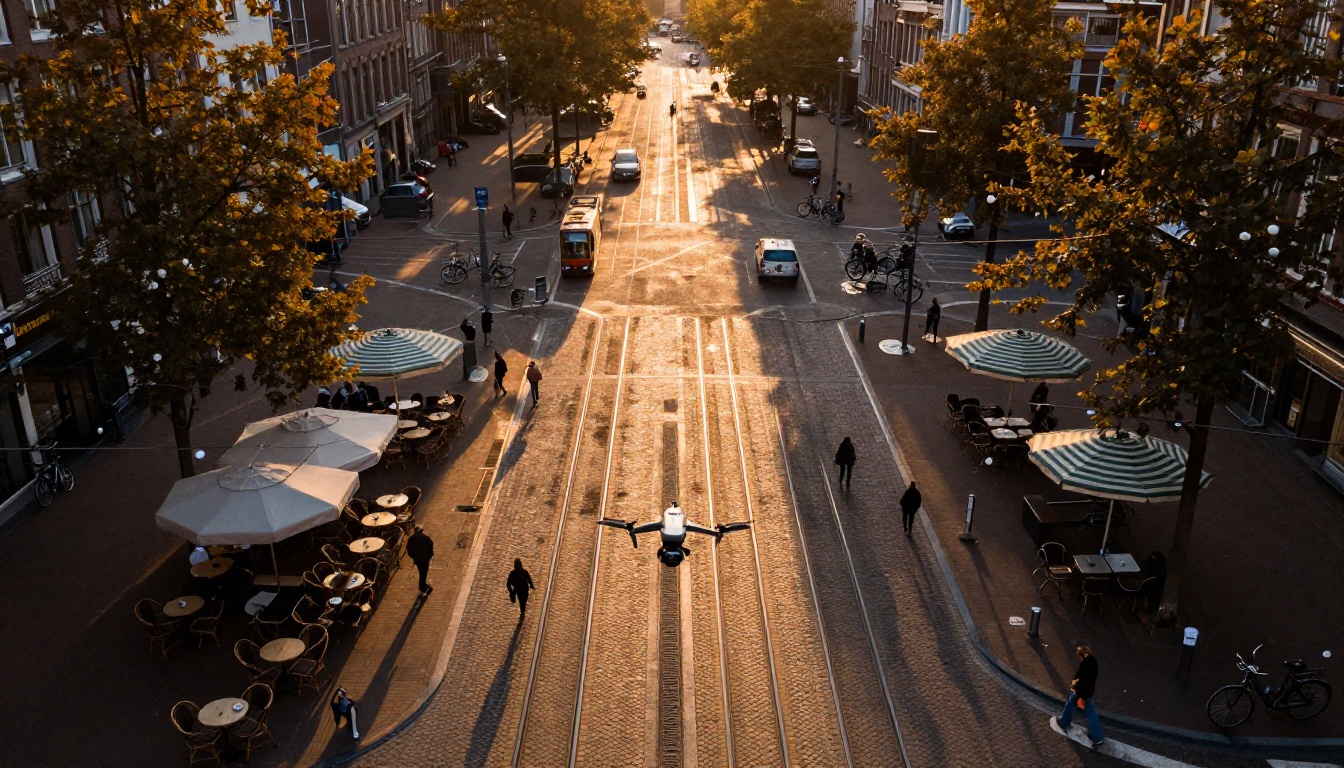
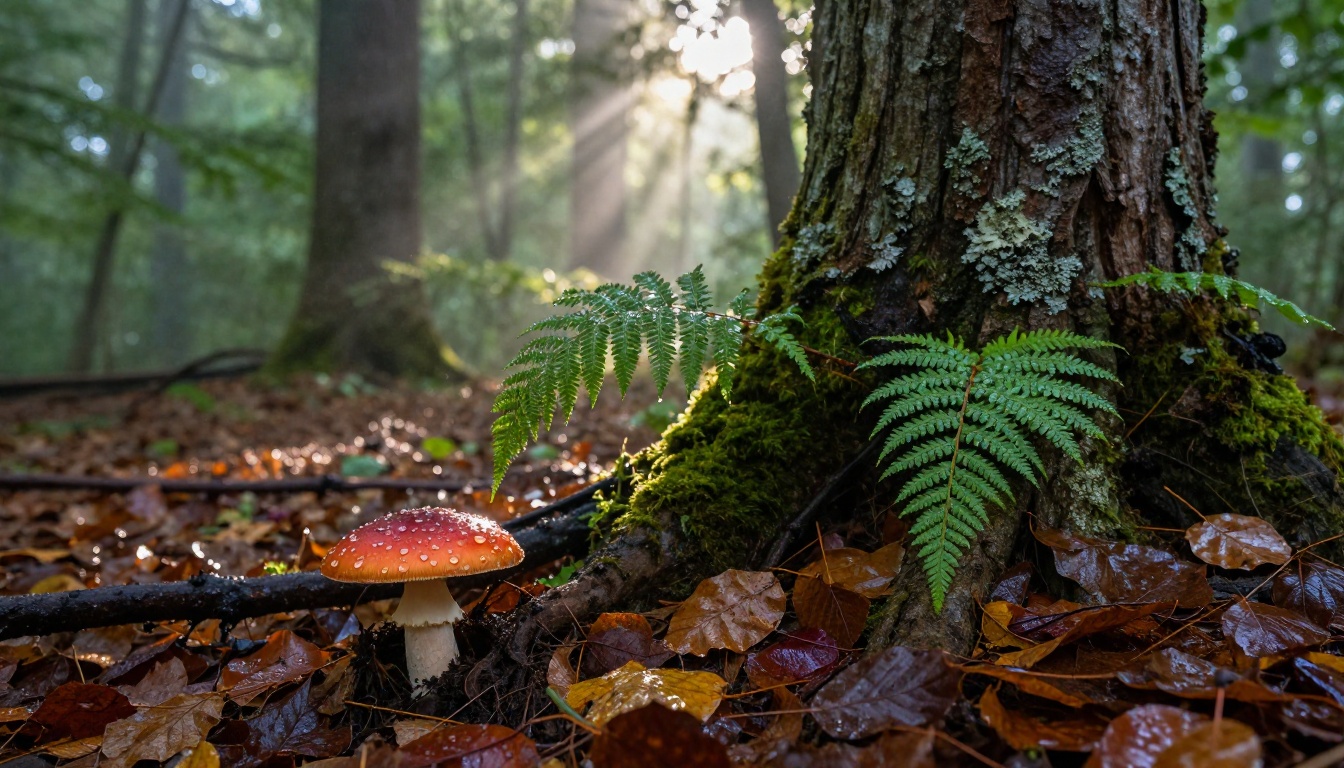
Environmental photography is where FLUX.2 Max's attention to surface texture pays off across the entire frame. Cobblestone streets have individual stones with their own reflectance properties. Brick walls show mortar lines with age staining. Wet pavement catches specular light from the correct angle. These are things that require the model to apply physically informed reasoning to texture, not just pattern matching.
GPT Image 2 produces beautiful environmental images, particularly when the brief is compositionally specific. If you describe an urban scene with precise placement of elements, GPT Image 2 places them where you said. FLUX.2 Max is more likely to interpret the prompt loosely and redistribute elements based on its training sense of photographic composition.
For unscripted environmental realism, FLUX.2 Max has the edge. For controlled scene construction, GPT Image 2 gives you more placement control.
Product and Studio Photography
Product photography is a genuine strength for both models, but for different reasons.
FLUX.2 Max excels at:
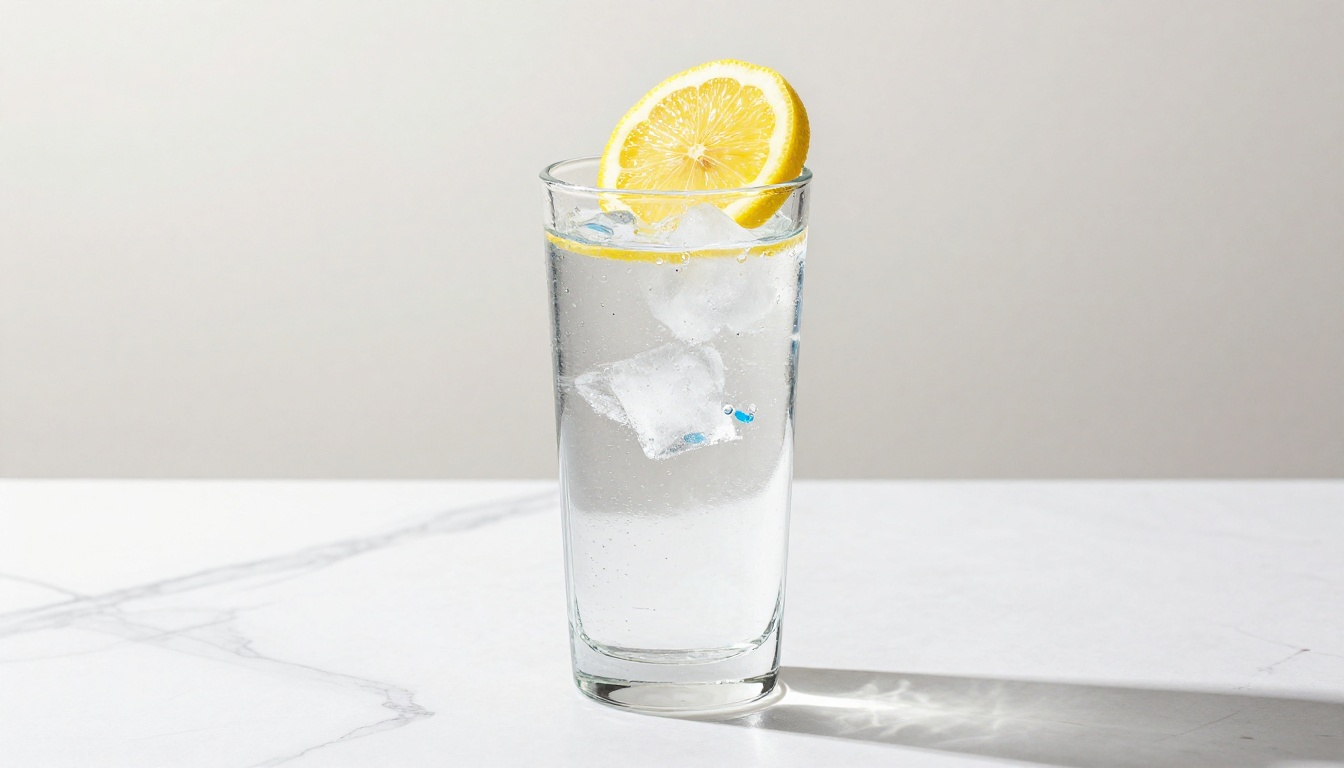
- Material accuracy: glass looks like glass, with refraction and caustic light patterns; metal shows the right specular quality; fabric drapes with physical weight
- Surface imperfections: a leather bag has grain variation; a ceramic cup shows the slight unevenness of handmade forms
- Background integration: product subjects sit convincingly in the environment, with shadows falling at the correct angle
GPT Image 2 excels at:
- Clean isolation: transparent background support makes cut-out product shots workflow-ready
- Multi-angle consistency: batch generation of 10 variants that match in color and lighting
- Text overlay: product labels and packaging with readable copy
💡 For e-commerce product photography: Use GPT Image 2 for isolated catalog shots with clean backgrounds. Use FLUX.2 Max for lifestyle product shots in realistic environments.
Text Rendering and Prompt Faithfulness
GPT Image 2.0 Takes the Text Crown
This is not a close contest. GPT Image 2 renders text inside images with a clarity and precision that FLUX.2 Max simply cannot match. Short words at large sizes come out sharp and clean. Even medium-length phrases remain legible in most outputs.
This capability is more valuable than it sounds. Any brief that involves typography, readable labels, signage, or captions inside the image becomes dramatically simpler with GPT Image 2. You write the text in the prompt and it appears in the image, accurately.
FLUX.2 Max's Prompt Interpretation
FLUX.2 Max interprets prompts rather than executing them literally. This is both a strength and a limitation. On the strength side, a moderately detailed prompt produces an image with strong photographic instincts: good composition, natural light relationships, and plausible environmental context. The model fills in gaps with photographic logic.
On the limitation side, very precise compositional instructions are sometimes reinterpreted. If you need a specific subject positioned at a particular point in the frame with a specific background element at another, GPT Image 2 will comply more reliably than FLUX.2 Max.
Prompt Faithfulness Comparison:
| Scenario | FLUX.2 Max | GPT Image 2 |
|---|
| Complex scene composition | Moderate | Strong |
| Subject pose accuracy | Good | Very Good |
| Text inside image | Poor | Excellent |
| Color accuracy | Good | Very Good |
| Mood and atmosphere | Excellent | Good |
| Reference image adherence | Very Good | Good |
Speed and Resolution in Practice
Both models are accessible via PicassoIA without any setup, but their generation characteristics differ in ways that affect workflow.
| Specification | FLUX.2 Max | GPT Image 2 |
|---|
| Max native resolution | 4 MP (up to 4096px) | Up to 3840x2160 |
| Reference image input | Up to 8 images | Multiple images |
| Batch generation | Not native | Up to 10 images |
| Output formats | WebP, JPEG, PNG | PNG, JPEG, WebP |
| Transparent background | No | Yes |
| Text rendering | Limited | Excellent |
| Safety filter | Adjustable (1-5) | Adjustable |
| Realism focus | Texture depth | Instruction precision |
For single-image, high-fidelity work where realism at the texture level is the priority, FLUX.2 Max is the more capable tool. For production workflows that require consistency across variants, embedded text, or exact compositional control, GPT Image 2 fits better.
How to Use FLUX.2 Max on PicassoIA
Both FLUX.2 Max and GPT Image 2 are available on PicassoIA without any API setup or technical installation. The workflow for FLUX.2 Max is direct.
Step-by-Step for Realism
Step 1: Open the model
Go to FLUX.2 Max on PicassoIA and click to open the generation interface.
Step 2: Set your resolution
For web and social media content, choose 2 MP. For print, large-format digital assets, or any output you plan to crop and zoom, select 4 MP.
Step 3: Choose your aspect ratio
For most editorial and landscape use, 16:9 is the best default. For portraits and mobile content, switch to 9:16. For social media squares, use 1:1.
Step 4: Write a detailed prompt
FLUX.2 Max responds to camera specifics. Include:
- Camera and lens details (e.g., "shot with a Sony A7R V, 85mm f/1.8")
- Lighting setup (e.g., "volumetric morning light from the left, soft fill from the right")
- Subject texture description (e.g., "skin with visible pores, slight moisture on the forehead")
- Film grain reference (e.g., "Kodak Portra 400 grain")
Step 5: Upload reference images (optional)
If you have existing visuals, upload up to 8 reference images to steer the model toward your target aesthetic.
Step 6: Set the safety tolerance
Default is level 2 (balanced). Increase to 4 or 5 for more permissive content outputs.
Step 7: Generate and review at full resolution
After generation, zoom into the output at 100% to inspect texture quality before downloading.
Parameters That Matter Most
💡 The single most impactful change you can make to FLUX.2 Max output quality is the resolution setting. Switching from 1MP to 4MP at the same prompt produces dramatically richer texture detail.
- Resolution: 2MP is the sweet spot for speed/quality balance. 4MP for maximum fidelity.
- Aspect ratio: Always match the output to the intended display format before generating, not after.
- Safety tolerance: 1 is very strict and will refuse some legitimate prompts. 3 is a good general setting.
- Seed: Lock the seed when you want to iterate on the same composition with prompt variations.
For GPT Image 2, the same principles apply but with one addition: use the quality: high setting when generating final-output images rather than draft iterations. The difference in detail is significant.

The Verdict and What to Do Next
After running both models through systematic tests across portraits, environments, products, and compositionally complex scenes, the breakdown looks like this:
FLUX.2 Max wins on:
- Raw photorealism at the texture level
- Skin and portrait work at high resolution
- Environmental and material detail
- Zoom resilience at 4MP native output
- Atmospheric and mood quality
GPT Image 2 wins on:
- Text rendering inside images
- Exact compositional instruction-following
- Batch generation of consistent variants
- Transparent background output
- Production workflow speed
Neither model wins in every category. The right choice depends on the brief. If you are building editorial photography, documentary-style visuals, or any output where texture realism is the primary standard, FLUX.2 Max is the better tool. If you need controlled, precise image production with readable text or transparent backgrounds, GPT Image 2 does the job.
The fastest way to form your own opinion is to run the same prompt through both models side by side on PicassoIA. Both are available now, no subscription or technical setup required. Write one detailed prompt describing a realistic scene, run it through FLUX.2 Max at 4MP and GPT Image 2 at high quality, then zoom into both outputs at 100% and let the detail tell you which fits your workflow.


