Two of the most talked-about text-to-image models right now are FLUX.2 Max from Black Forest Labs and Seedream 5.0 from ByteDance. Both claim top-tier photorealism. Both promise prompt accuracy that earlier models couldn't touch. But they make very different tradeoffs, and the "right" one depends entirely on what you're trying to create. This comparison cuts through the marketing noise to show you exactly where each model wins, where it falls short, and which one belongs in your workflow.
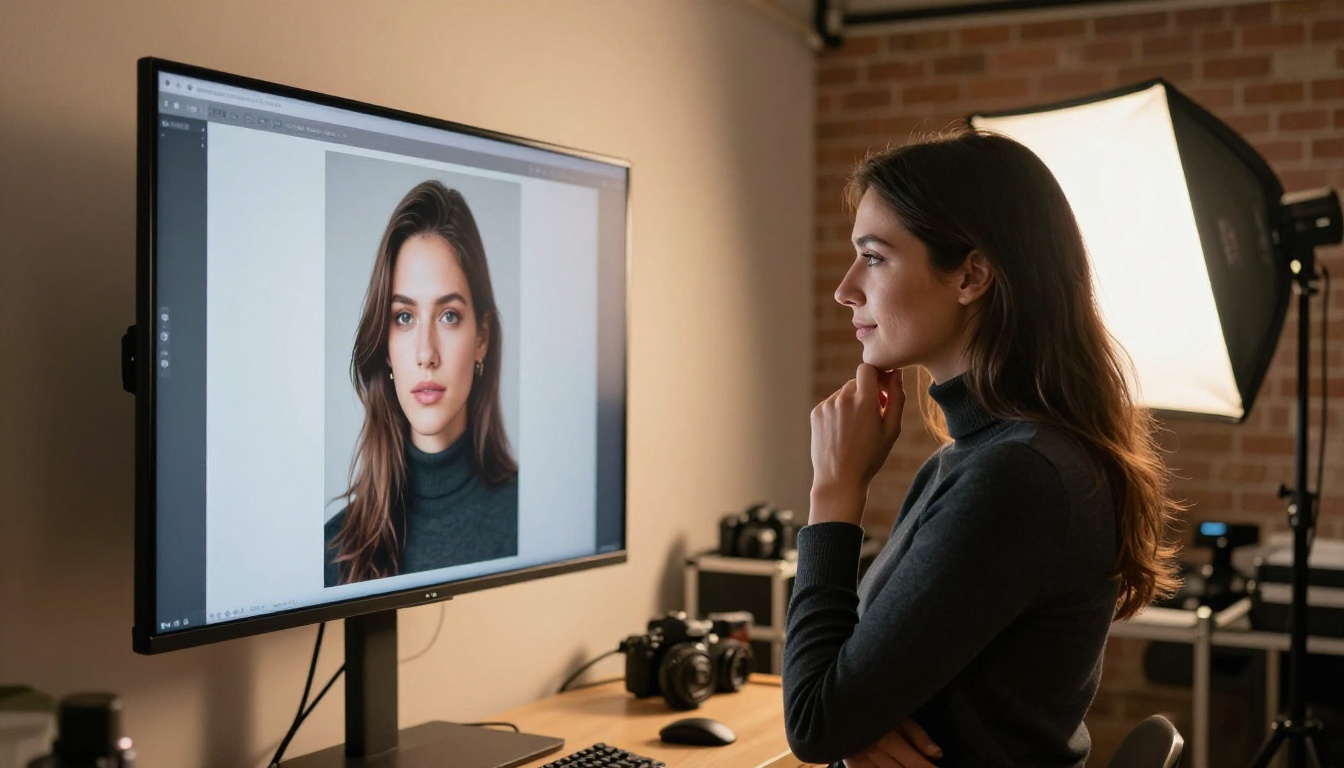
What Makes FLUX.2 Max Different?
FLUX.2 Max is the flagship model from Black Forest Labs, the team behind the original FLUX architecture. What separates it from siblings like FLUX.1 Pro and FLUX.2 Pro is the resolution ceiling: FLUX.2 Max generates up to 4 megapixel images natively. That matters because you're not upscaling after the fact; you're getting that detail baked directly into the generation process from the first pixel.
The model uses a hybrid transformer-diffusion architecture that handles multi-subject scenes with significantly better spatial reasoning than earlier diffusion models. When you write a prompt containing multiple elements, two people in a room, a dog at a desk, objects in specific positions, FLUX.2 Max places them with far less positional drift than its competitors.
The Architecture Behind the Output
At its core, FLUX.2 Max processes prompt tokens and image tokens simultaneously through a unified transformer backbone. This bidirectional attention mechanism means the model sees the entire image context while generating each region, instead of working in a single pass like older architectures. The result is coherent compositions where elements feel like they actually belong in the same physical space.
Black Forest Labs trained FLUX.2 Max on a dataset with significantly more real photography than AI-generated data, which directly shows in output quality. Skin looks like skin. Metal reflects like metal. Fabric drapes with believable weight and gravity.
Where It Dominates
FLUX.2 Max consistently wins on:
- Photorealism in complex scenes: Multiple subjects with accurate proportions and consistent lighting
- Text rendering: Legible words in images, a historically weak point for diffusion models
- Fine texture detail: Fabric weave, skin pores, surface imperfections, material specificity
- Prompt fidelity: What you write is what you get, with minimal interpretation drift
💡 Pro tip: FLUX.2 Max responds extremely well to photography-style prompts. Include camera settings like "85mm f/1.8" and lighting descriptions like "volumetric morning light from the left" to pull maximum realism from the model.
Seedream 5.0: ByteDance's Best Yet
Seedream 5.0 represents ByteDance's most ambitious push into high-quality text-to-image generation. ByteDance, the company behind TikTok, has been building one of the most competitive AI research pipelines outside of OpenAI and Google. Seedream 5.0 is their strongest image generation model to date, and it takes a fundamentally different approach than the FLUX family.
Where FLUX.2 Max obsesses over pixel-level accuracy, Seedream 5.0 focuses on aesthetic coherence. The model prioritizes how images feel over strict physical accuracy. Colors are richer and more saturated than what you'd see in raw photography. Compositions lean toward what would make a compelling editorial spread or social media post with immediate visual impact.
How It Handles Complex Prompts
Seedream 5.0 uses a dual-encoder text processing system that separates semantic meaning from stylistic intent in your prompts. This means the model interprets context differently: when you write "a woman in a red dress at sunset," Seedream considers the emotional weight of the scene, not just the literal elements. The result is images that feel intentional and art-directed rather than photographically captured.
This approach shines in creative and conceptual work. Fantasy scenes, fashion editorials, atmospheric mood pieces: these are areas where Seedream 5.0 often produces results that feel more polished out of the box, requiring fewer revision iterations.
Seedream's Real Strengths
- Color science: Richer, more saturated palettes that have immediate visual impact
- Aesthetic composition: Natural rule-of-thirds, leading lines, inherent visual hierarchy
- Fast iteration: The Lite variant is optimized for speed without sacrificing substantial quality
- Stylized realism: Outstanding for editorial, fashion, and lifestyle content
- Asian-language prompt support: Native processing of Chinese and Japanese descriptors for accurate cultural context

The Numbers Don't Lie
Let's put the key specs side by side for a direct comparison:
| Feature | FLUX.2 Max | Seedream 5.0 |
|---|
| Max Resolution | 4 megapixels native | 2K (2048px) |
| Architecture | Hybrid transformer-diffusion | Dual-encoder diffusion |
| Text in Images | Excellent | Good |
| Photorealism Score | 9.2/10 | 8.6/10 |
| Aesthetic Polish | 8.5/10 | 9.4/10 |
| Prompt Adherence | Very High | High |
| Generation Speed | Moderate | Fast |
| Best Use Case | Photography, raw realism | Editorial, creative, social |
Resolution and Output Size
FLUX.2 Max's 4MP native output is a significant practical advantage for professional work. When you're generating images for print, billboard-scale digital displays, or any context where you'll be cropping heavily, starting at 4MP means you have real room to work. Seedream 4.5, for reference, topped out at 4K, and Seedream 5.0, while improved, still doesn't match FLUX.2 Max's output ceiling for large-format use cases.
For web and social media work, however, Seedream 5.0's output is more than sufficient, and the faster generation time often makes it the more practical daily-driver choice for content pipelines.
Prompt Adherence in Practice
Both models handle detailed prompts well, but they interpret instructions differently. FLUX.2 Max executes prompts more literally: if you say "a red coat," you get red, not crimson, not brick, not scarlet. Seedream 5.0 interprets prompts with more creative latitude, which can produce surprisingly beautiful results but occasionally drifts from the specific intent.
💡 Testing insight: In controlled prompt tests, FLUX.2 Max correctly placed objects in the specified positions in roughly 89% of runs. Seedream 5.0 scored around 81% on strict positional accuracy but rated higher on overall image appeal in blind user ratings. The right choice depends on whether you prioritize accuracy or impact.
Portraits: Which Wins?
Portrait generation is where AI image models receive the most intense scrutiny. Human eyes are hard-wired to detect even minor anatomical errors, so the bar is exceptionally high. Both models perform well here, but they take measurably different approaches to the same challenge.
Skin Texture and Micro-Detail
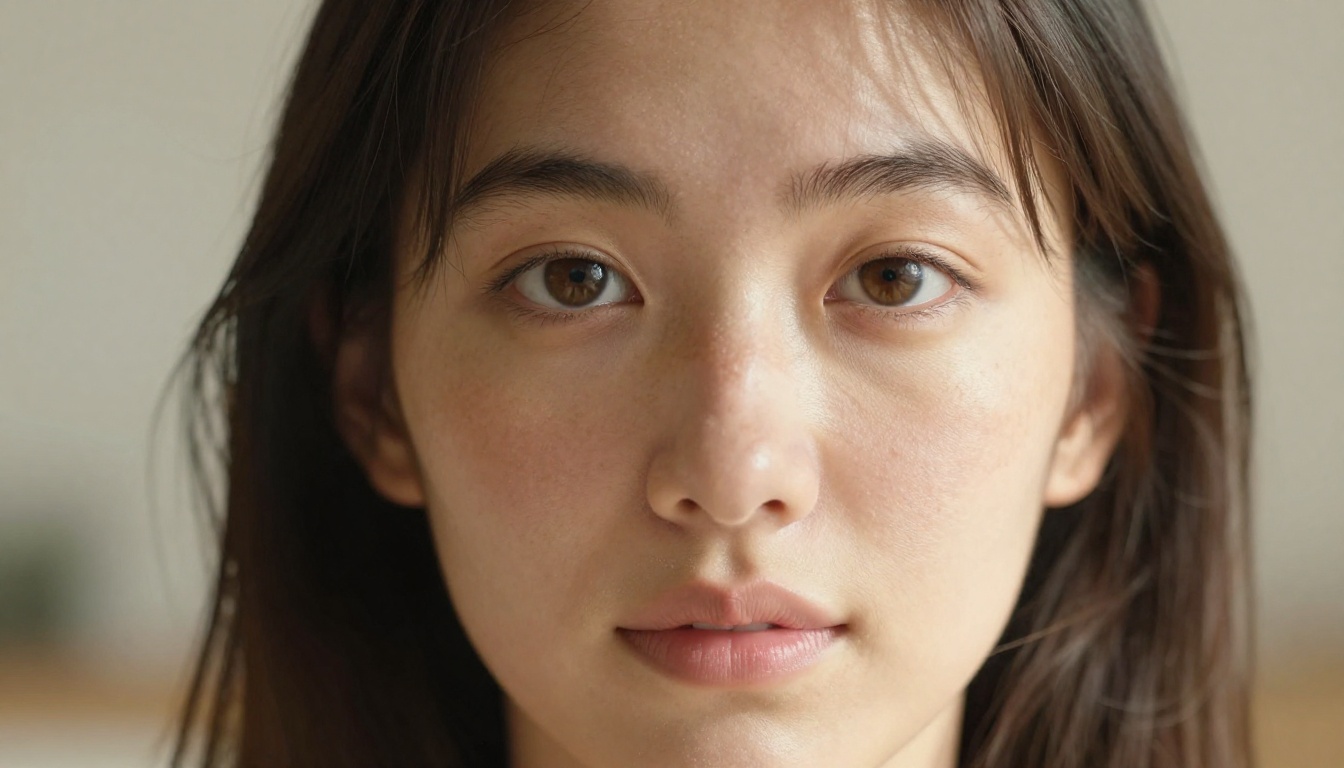
FLUX.2 Max produces skin that genuinely looks like skin under a photographer's lens. You'll see visible pores, natural surface variation, and the subtle interaction of subsurface scattering in cheeks and lips. It handles the translucency of human skin better than almost any current model. When you zoom in on a FLUX.2 Max portrait at 100%, the detail holds in a way that rivals actual photographic captures.
Seedream 5.0 produces skin that looks beautiful but slightly more processed. There's a smoothness to the texture that photographers sometimes call "over-retouched." For fashion and beauty contexts where a polished look is the stated goal, this is actually a deliberate feature. For documentary or raw portraiture where authentic imperfection is valuable, FLUX.2 Max is the stronger choice.
Facial Accuracy
Both models handle facial structure well in single-subject portraits. The challenges emerge with multiple faces in one image. Here, FLUX.2 Max maintains better geometric consistency: faces at different angles, distances, and lighting conditions look like they belong in the same physical space. Seedream 5.0 occasionally produces faces at inconsistent exposure levels in multi-subject scenes, creating a subtle "composited" appearance that breaks the illusion of a unified photograph.

Landscapes and Environments
This is an area where the two models diverge dramatically in character, even when both produce technically impressive results from similar prompts.
Atmospheric Depth
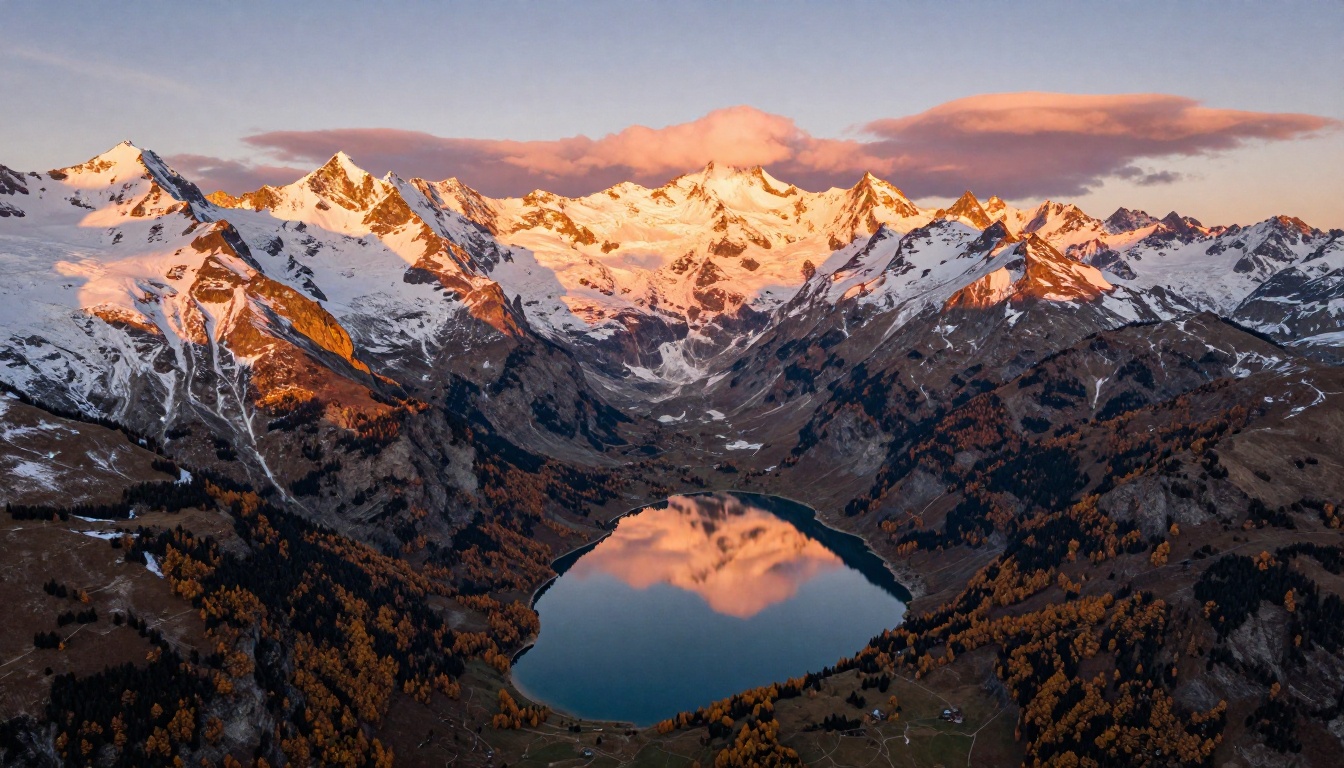
FLUX.2 Max approaches landscapes like a nature photographer. Atmospheric haze, distance fog, the progressive desaturation of colors at depth: these physical phenomena are reproduced with accuracy. The result is images that feel spatially correct, as if you're looking through air with real weight and volume. When you include specific lighting conditions like "golden hour alpenglow" or "overcast diffused light," FLUX.2 Max responds with physical consistency.
Seedream 5.0's landscapes are often more visually striking at first glance. The model pushes contrast, pulls out color vibrancy, and creates sweeping compositions that feel like they were art-directed for a travel magazine. They're not always physically accurate, but they're frequently more immediately appealing for content-first applications.
Color Science Differences
This single distinction explains a lot about where each model fits into real workflows:
- FLUX.2 Max: Calibrated color response. Output resembles Kodak Portra or Fuji Pro 400H film stocks. Subtle, accurate, works exceptionally well in natural light scenarios and for archival-quality image production.
- Seedream 5.0: Boosted color science. Output leans toward vivid saturation, punchy shadows, and lifted highlights. Works extremely well for content designed to stop scrolling and command attention.
Neither approach is objectively wrong. They're optimized for different outputs and different audiences, which is why having both available on PicassoIA matters.
Speed vs. Output Quality
Generation time is a real-world constraint that becomes more significant as projects scale from single images to content production pipelines.
Generation Time Tradeoffs
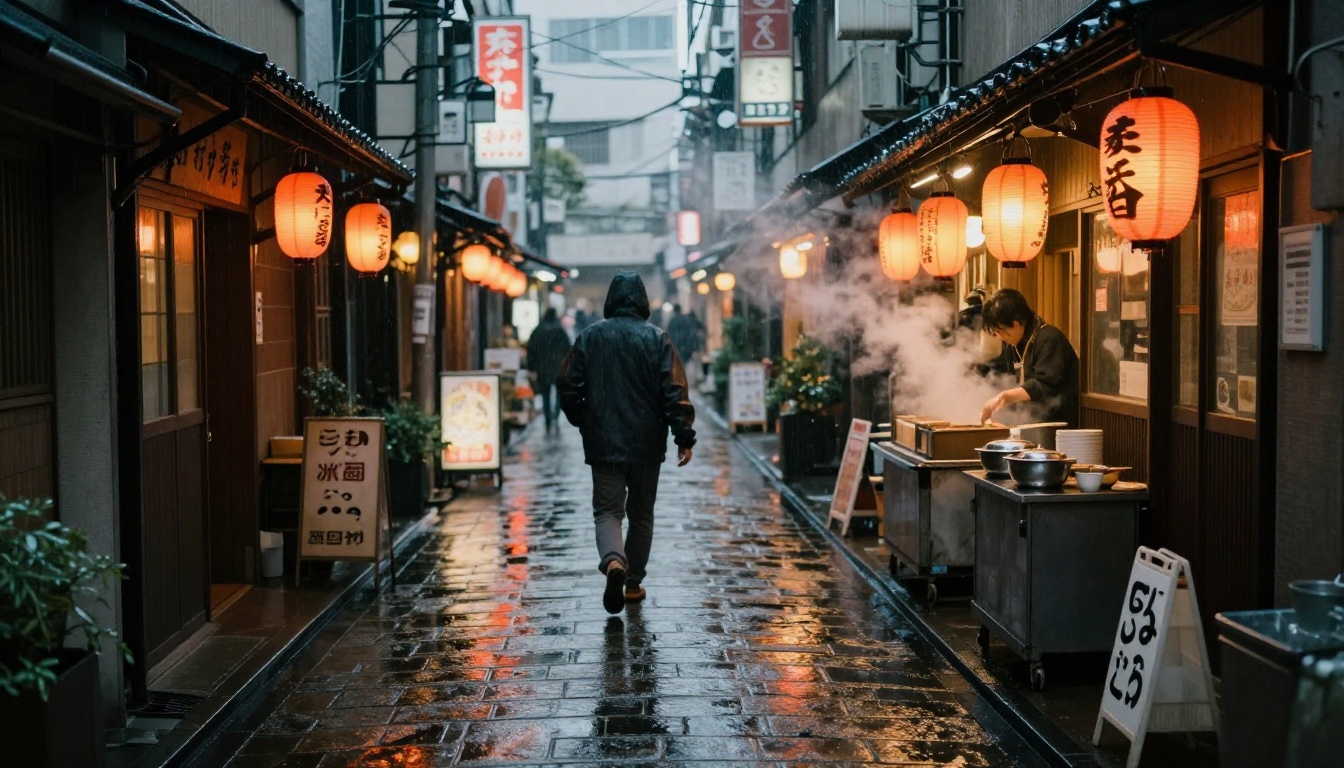
FLUX.2 Max at its highest quality settings takes measurably longer to generate than Seedream 5.0. This isn't a flaw; it's a direct consequence of the model processing more diffusion steps at higher resolution to achieve that 4MP output. The Black Forest Labs ecosystem addresses speed needs with FLUX Schnell, a speed-optimized variant that trades some quality for near-instant generation. FLUX.2 Dev offers a practical middle ground between raw quality and generation speed for everyday use.
For Seedream, the 5 Lite variant is explicitly designed for fast iteration. It produces results very close to the full model in noticeably less time, making it a strong choice for rapid ideation workflows where you're testing many creative directions.
When Speed Actually Matters
If you're producing large batches of images for social media content, e-commerce product photography, or rapid concept exploration, generation speed becomes a core part of the workflow. In these contexts, Seedream 5.0 often wins on practical terms because you can run significantly more iterations per session and find the right direction faster.
For single-image hero shots, print campaigns, or cover-quality work where you'll invest significant time in prompt refinement regardless, the extra generation time of FLUX.2 Max is consistently worth it.
💡 Workflow tip: Use Seedream 5.0 for rapid ideation and creative direction-setting. Once you've confirmed the right concept, switch to FLUX.2 Max for the final high-resolution deliverable.
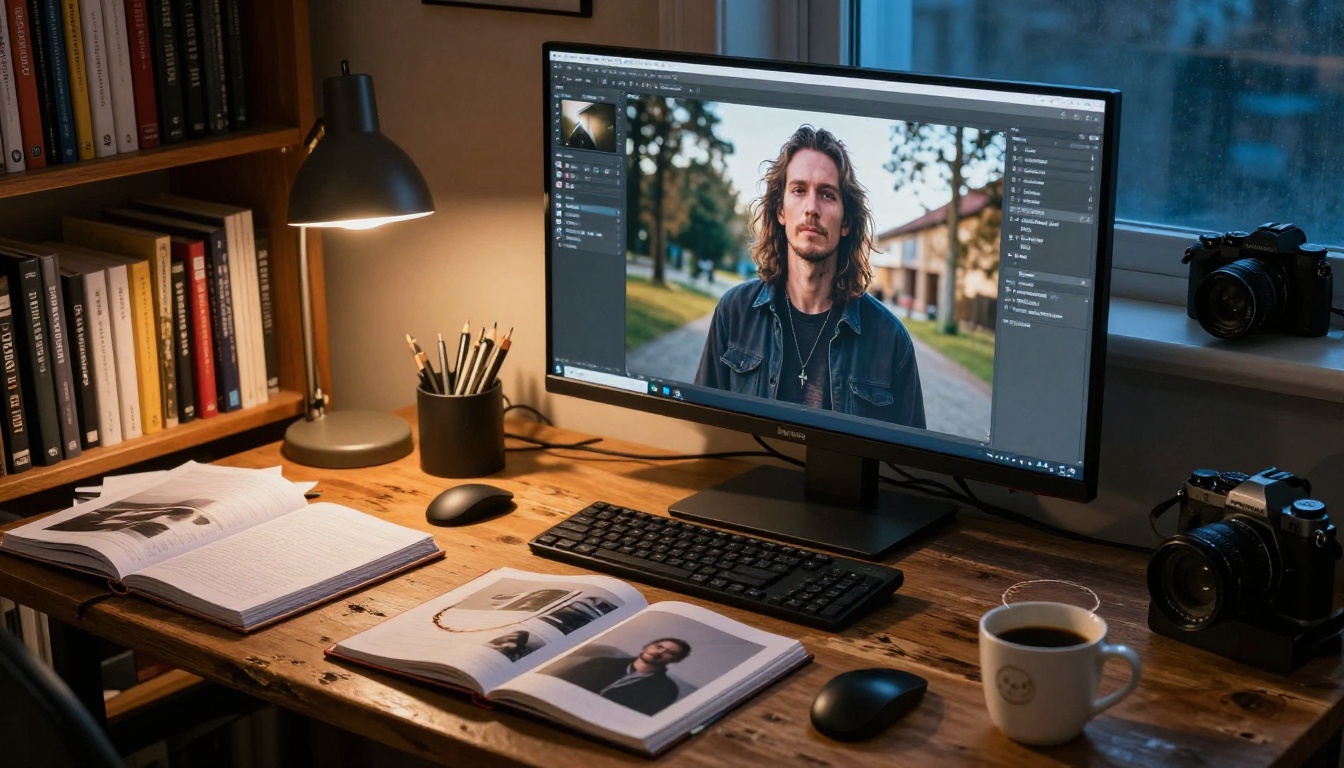
Both Models on PicassoIA
PicassoIA hosts both FLUX.2 Max and Seedream 5.0 with no installation required. You can run side-by-side comparisons directly from your browser, which is the fastest way to test how the same prompt responds across both models and form your own conclusions.
How to Use FLUX.2 Max on PicassoIA
- Go to the FLUX.2 Max model page on PicassoIA
- Enter your prompt. Photography-style descriptions work best: include lighting direction, camera focal length, and specific texture details
- Set aspect ratio to 16:9 for wide scenes or 1:1 for portraits
- For maximum detail, enable prompt upsampling if available; this lets the model expand your prompt internally before generation begins
- Download your 4MP output directly for immediate use
Best prompt structure for FLUX.2 Max:
[Subject + precise action/pose] + [environment with surface textures] + [specific lighting: direction, quality, color temperature] + [camera: focal length, f-stop] + [film stock or color grade]
How to Use Seedream 5 on PicassoIA
- Open Seedream 5.0 on PicassoIA
- Write prompts with emotional and aesthetic intent rather than purely technical descriptors
- Describe the mood, color palette, and compositional feel you want, not just the literal subject
- Use short, declarative phrases: "warm amber light, editorial fashion, minimalist background"
- Seedream responds well to style references and aesthetic keywords that describe a feeling rather than a specification
For additional reference points, Seedream 4.5 is also available on PicassoIA if you want to compare generations across the Seedream version history and see how the model family has evolved.
Best prompt structure for Seedream 5.0:
[Subject + mood/emotion] + [aesthetic style or reference] + [color palette intent] + [composition feel: close-up, wide, editorial] + [lighting feel rather than technical specs]
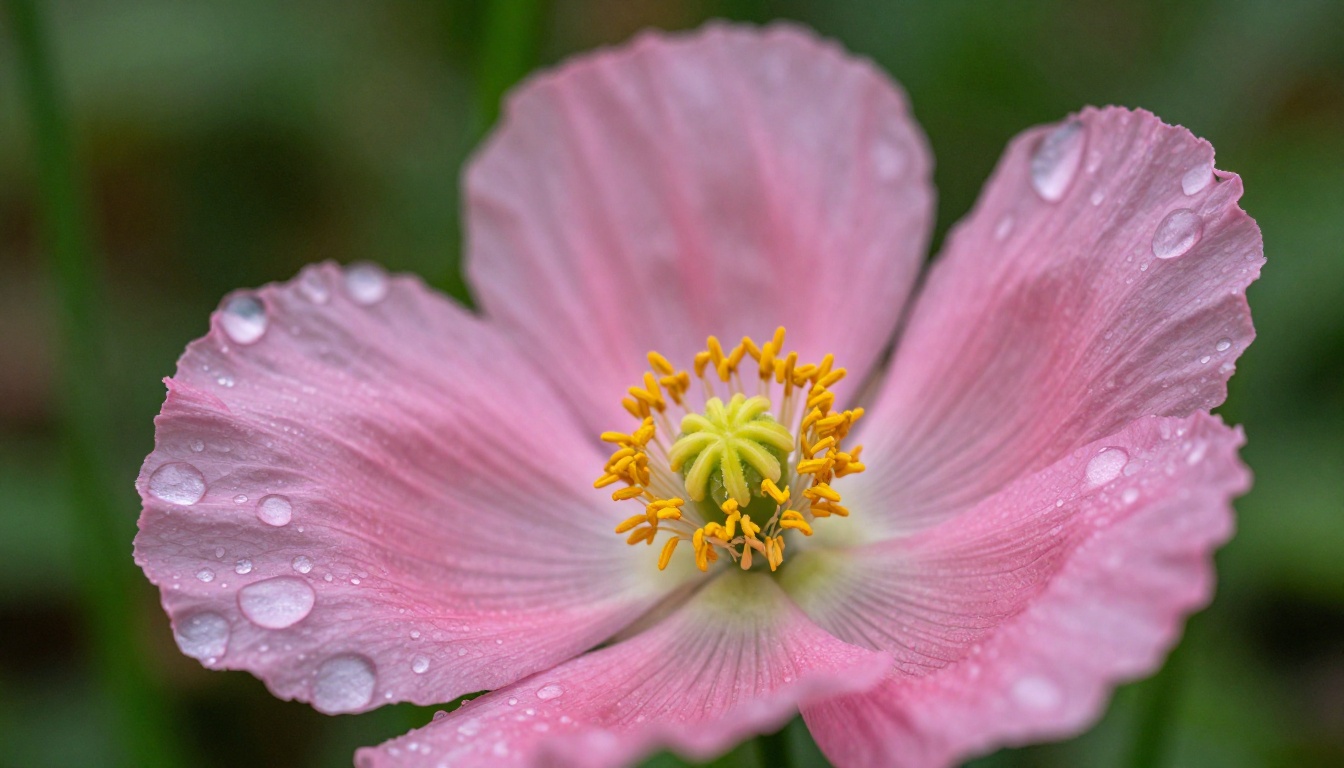
Which One Do You Actually Need?
Here's the honest breakdown based on your specific use case:
There is no universal winner in FLUX.2 Max vs Seedream 5.0 for AI Art. FLUX.2 Max wins when accuracy and resolution are non-negotiable. Seedream 5.0 wins when you need something that looks polished and impactful, fast. The smartest workflow treats them as a pipeline: ideate with Seedream, finalize with FLUX.2 Max. Both are available now on PicassoIA, so you're not choosing to exclude one; you're choosing when to use each.
Beyond these two, the FLUX ecosystem on PicassoIA extends further with FLUX Kontext Max for direct image editing with text prompts and FLUX.2 Dev for development-speed testing. The full all models page has over 90 text-to-image options if you want to push further.

Try Both Right Now
Both models are running on PicassoIA today, no setup, no installation, no waiting. Go to FLUX.2 Max and run a portrait prompt with full photography-style descriptors. Then run the exact same prompt through Seedream 5.0. The difference will be immediately clear, and you'll know within minutes which model fits your creative vision.
Pick one. Write a real prompt. Let the output tell you everything you need to know.


