Two of the most important text-to-image models in 2025 are generating real debate among creators, developers, and commercial studios. FLUX.2 Max, released by Black Forest Labs as the flagship of their second-generation family, pushes photorealistic generation to a ceiling that was difficult to imagine just twelve months ago. Stable Diffusion 4, the next step in Stability AI's open-source lineage, carries forward one of the most community-driven and modifiable ecosystems in the history of AI imaging. If you are trying to choose between them for your projects, the decision is more nuanced than it first appears.
What FLUX.2 Max Actually Delivers
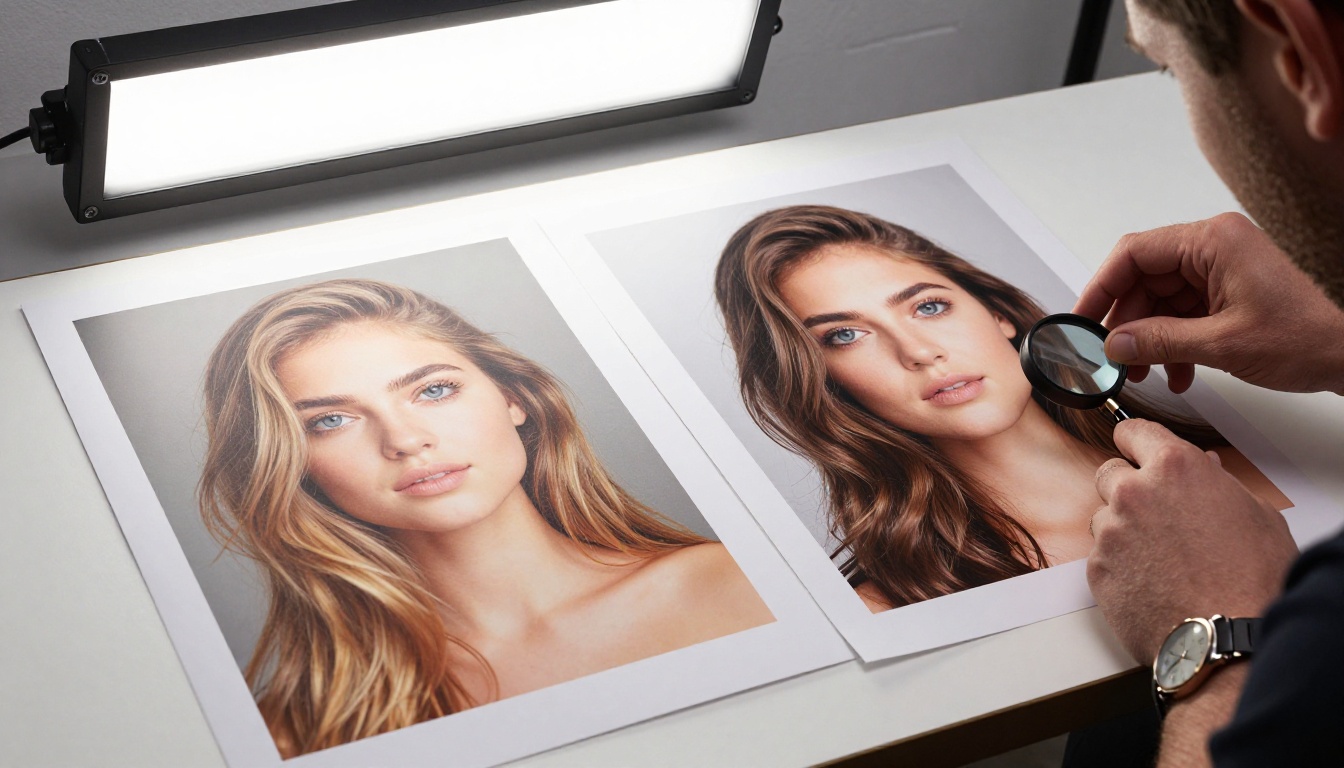
FLUX.2 Max is the top-tier model in Black Forest Labs' second-generation family. It sits above FLUX.2 Pro and FLUX.2 Dev in raw output quality, and it represents a meaningful architectural evolution over the original FLUX.1 series.
The model uses a hybrid design that combines multimodal diffusion transformer blocks (MMDiT) with standard transformer blocks. Rather than injecting text conditioning as a side-channel signal, the architecture allows the model to attend to both image tokens and text tokens simultaneously. The effect is prompt adherence that feels fundamentally different from earlier diffusion models: complex, multi-clause prompts are honored more faithfully, and the model rarely drifts away from what you actually wrote.
What Changed from FLUX.1
FLUX.1 Pro and FLUX.1 Dev were already regarded as best-in-class for photorealism when they launched. FLUX.2 Max builds on that foundation with three key improvements:
- Prompt precision at scale: Multi-concept scenes that previously saw subject drift now remain coherent across the full composition
- Facial and body anatomy: Hands, eyes, teeth, and proportions are consistently accurate even at complex angles and unusual lighting conditions
- Material rendering: Fabric weave, skin pores, polished metal, glass surfaces, and natural materials render with a fidelity that competes directly with real photography
The architecture's simultaneous text-image attention is what drives these gains. The model does not process your prompt as a secondary signal that gets injected into a diffusion process. It treats your words and the evolving image as equally important inputs throughout the generation, which is why complex prompts land so much more reliably.
The Speed Position in the FLUX.2 Family
FLUX.2 Max is not the fastest model in the family. If you are iterating rapidly through concepts, FLUX.2 Dev and FLUX.2 Flex offer significantly faster turnaround at slightly lower quality ceilings. The practical workflow most professionals settle on: draft with Dev, finalize with Max.
💡 On PicassoIA, you can switch between FLUX.2 Max, FLUX.2 Pro, and FLUX.2 Dev in seconds, letting you use Dev for drafts and Max for final renders without leaving the platform.
What Stable Diffusion 4 Brings
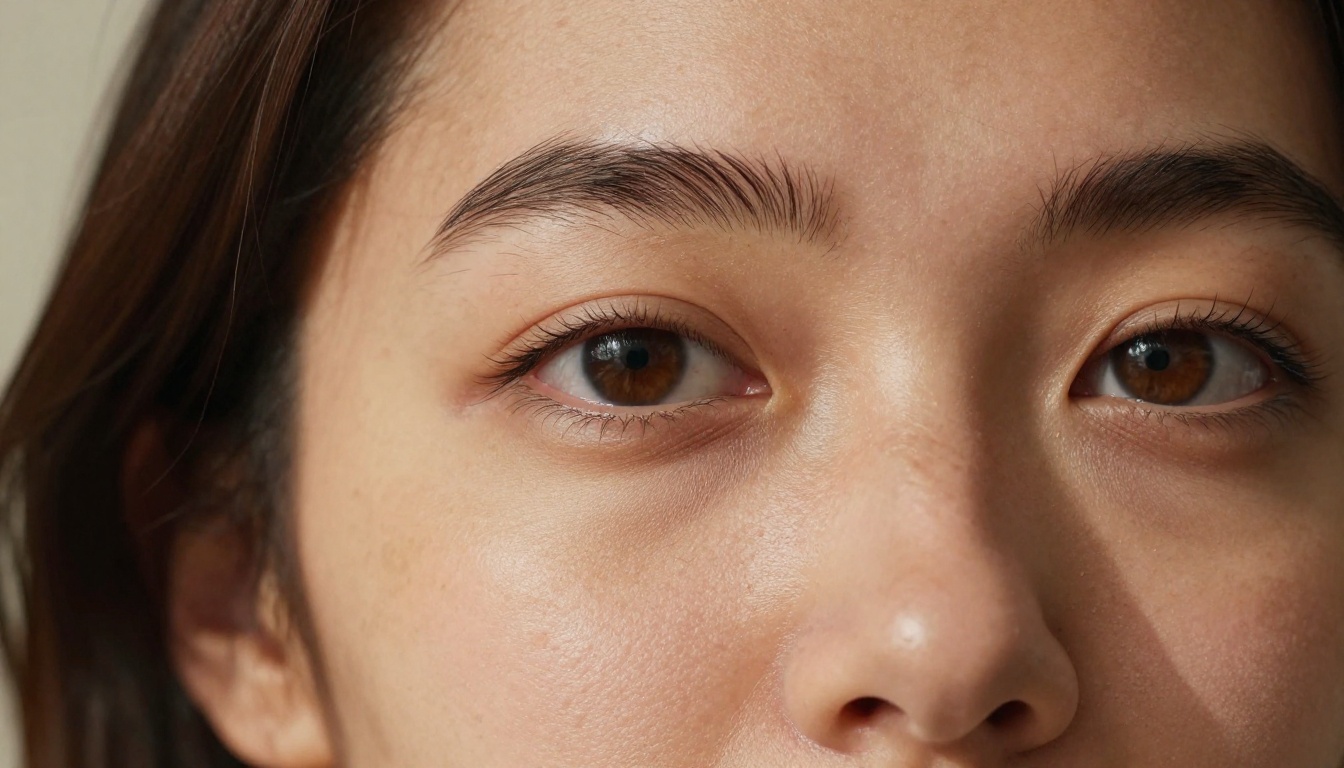
Stable Diffusion 4 is Stability AI's next evolution of their flagship open-source text-to-image model. The trajectory from SD 3.5 Large and SD 3.5 Large Turbo makes the direction clear: improved multi-subject coherence, refined flow matching, better text rendering, and a stronger default aesthetic out of the box.
The SD lineage has always been defined by two things: open model weights and a community that moves faster than any single development team. SDXL brought a major resolution and quality leap. SD 3.0 introduced multimodal diffusion transformers. SD 3.5 tightened image coherence and prompt following considerably, producing a noticeably more predictable generation experience than its predecessor.
What SD4 Is Built to Improve
Based on the SD 3.5 architecture and Stability AI's public research direction, SD4 pushes on:
- Larger base parameter count: Better handling of scenes with multiple subjects and complex spatial relationships
- Improved flow matching training: More accurate inference with fewer denoising steps, which means faster generation without the quality penalty of earlier distilled variants
- Refined ControlNet architecture support: Structural conditioning without the quality degradation that appeared in some SD3 ControlNet implementations
- Multi-image reference handling: Blending reference images more coherently for style transfer and identity consistency tasks
Why Open Weights Still Matter
One of the most important structural differences between FLUX.2 Max and Stable Diffusion 4 is not about image quality. Once SD4 weights are released publicly, the community will fine-tune the model, create LoRAs for specific styles and faces, build custom merges, and run local inference without any per-image API cost. FLUX.2 Max is a closed commercial API with no public weights release.
For creators working inside a platform like PicassoIA, this distinction matters less day-to-day since both models are equally accessible through the interface. But for developers building custom pipelines, studios training on proprietary datasets, or users who want inference without usage caps, the open-weights model carries a structural advantage that no quality benchmark can fully displace.
Image Quality Head-to-Head
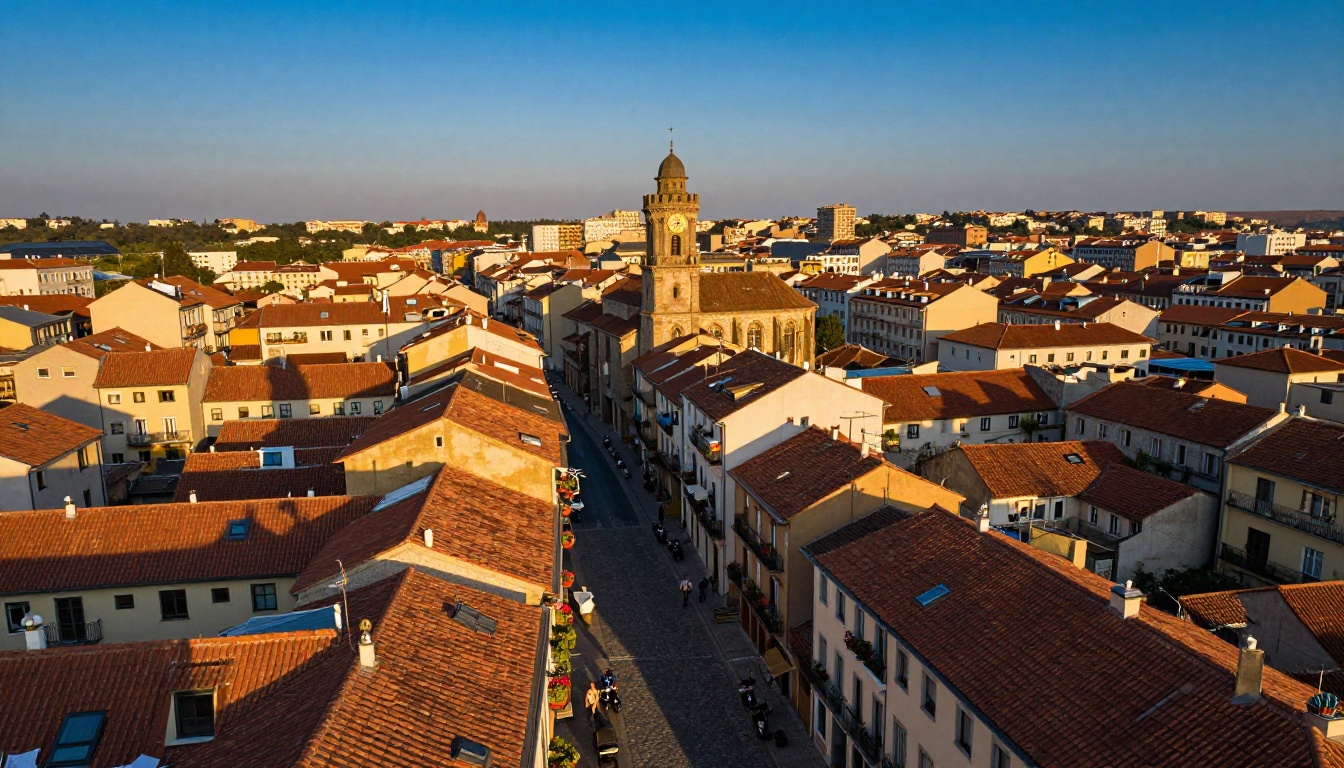
When image quality is the primary decision factor, the comparison becomes category-dependent. Here is a realistic breakdown based on real-world testing across common prompt types.
Portrait Photography
| Criterion | FLUX.2 Max | Stable Diffusion 4 |
|---|
| Skin pore realism | Exceptional | Very Good |
| Hair strand detail | Exceptional | Good |
| Eye anatomy and catchlight | Very Good | Good |
| Facial symmetry at angles | Very Good | Good |
| Clothing fabric realism | Very Good | Good |
| Anatomy on hands and fingers | Very Good | Good |
FLUX.2 Max has a consistent edge in photorealistic portrait generation. The simultaneous attention mechanism that processes text and image tokens together produces faces that look anatomically correct even in challenging three-quarter angles and complex lighting conditions. You rarely need negative prompt guardrails with FLUX.2 Max, because the model's anatomical understanding is strong enough to produce correct results from positive prompts alone.
SD4 improves substantially over SD 3.5 in portrait handling, but the photorealism ceiling still leans toward FLUX.2 Max on most portrait prompt types, particularly when fine detail in skin texture and hair is important to the final output.
Landscape and Nature
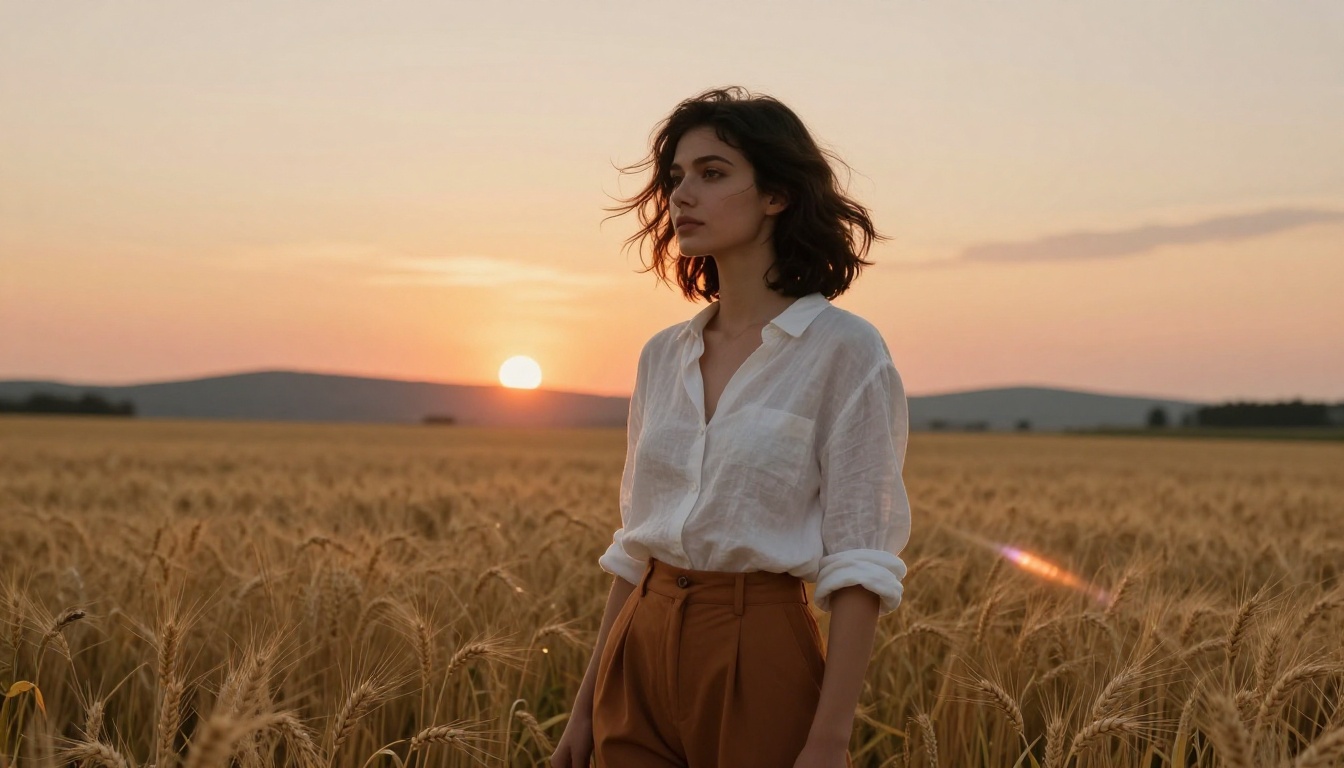
This is where the quality gap narrows considerably. Both architectures handle large-scale scenic prompts with impressive fidelity. FLUX.2 Max tends to produce better micro-texture on surfaces: individual pine needles, rock detail visible under clear water, realistic grass blades in foreground compositions.
Where SD4 has a natural edge is color saturation and cinematic palette. The default aesthetic of the Stable Diffusion family leans slightly warmer and more saturated than FLUX.2 Max, which produces a more neutral and documentary-style look by default. For editorial landscape photography with a filmic punch built in, SD4's output often requires less post-processing adjustment.

Product and Commercial Photography
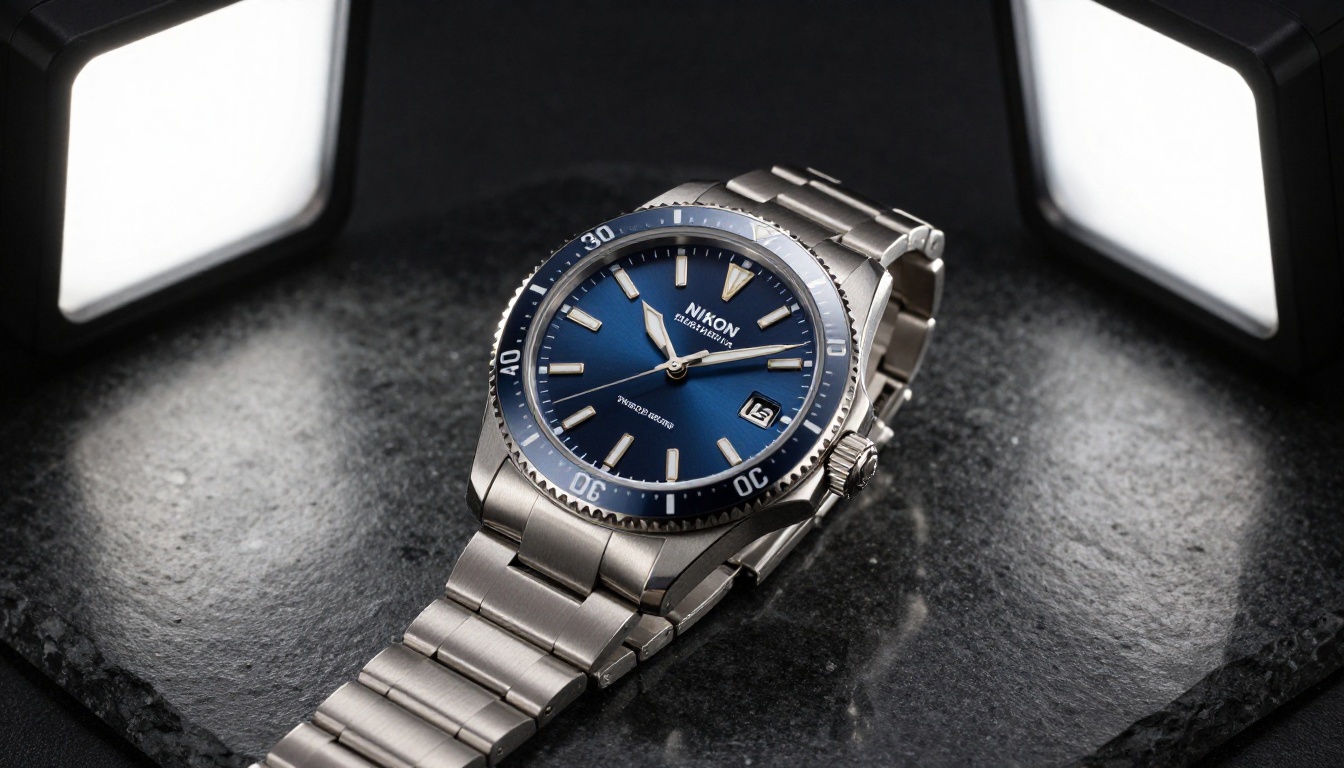
FLUX.2 Max is the clearer winner in controlled commercial photography scenarios. Its rendering of specular highlights on metal surfaces, accurate label typography, and light behavior on glass and transparent materials produces results that are production-ready for e-commerce and advertising work with minimal retouching.
SD4 can produce strong commercial results, particularly with highly detailed prompts, but controlling subtle reflection behavior and shadow falloff often requires more iteration than FLUX.2 Max needs.
| Prompt Type | Better Model | Reason |
|---|
| Portrait photography | FLUX.2 Max | Anatomy, skin texture, facial symmetry |
| Landscape and nature | Tie | FLUX.2 Max for texture, SD4 for color palette |
| Product photography | FLUX.2 Max | Material, light, and reflection accuracy |
| Concept art and illustration | SD4 | Richer LoRA and fine-tune ecosystem |
| Text inside images | SD4 | Better community text-LoRA tooling |
| Architecture | Tie | Both strong at different stylistic aspects |
| Speed at draft quality | SD Turbo | SD 3.5 Large Turbo is very fast |
Prompt Adherence and Control
Prompt adherence is one of the most practically important dimensions of any text-to-image model, and it is where the two models diverge most meaningfully in terms of day-to-day workflow impact.
FLUX.2 Max and Prompt Complexity
FLUX.2 Max handles complex multi-clause prompts reliably. A prompt like "a woman in a burgundy cashmere coat standing on a rain-slicked Parisian street at 9pm, neon signs reflected in puddles, 85mm lens bokeh, Kodak Portra 800 grain" will be honored across most of its components simultaneously. The model does not sacrifice one element to deliver another.
This has a real creative consequence: you can invest time writing a rich, specific prompt and trust that the output will reflect it closely. The creative bottleneck shifts from prompt engineering to creative direction, which is where your attention should be.
SD4 and Structural Control
Where SD4 and the broader Stable Diffusion ecosystem have a significant lead is structural control beyond text prompts. The ControlNet toolkit available for SD models allows you to:
- Constrain poses: Feed an OpenPose skeleton and generate any subject into that exact body position
- Preserve edges: Use Canny or HED edge maps to generate into an existing compositional structure
- Match depth: Depth conditioning keeps spatial relationships consistent across prompt variations
- Inpainting and outpainting: Fill masked regions or expand the canvas with seamless results
For photographers, concept artists, or brand teams who need to generate into defined compositional constraints, these tools represent a workflow capability that FLUX.2 Max cannot currently match at the same community tooling depth. FLUX Kontext Max and FLUX Kontext Pro close some of this gap through instruction-based image editing, but the SD ecosystem's ControlNet depth is still an advantage.
Architecture and Fine-Tuning
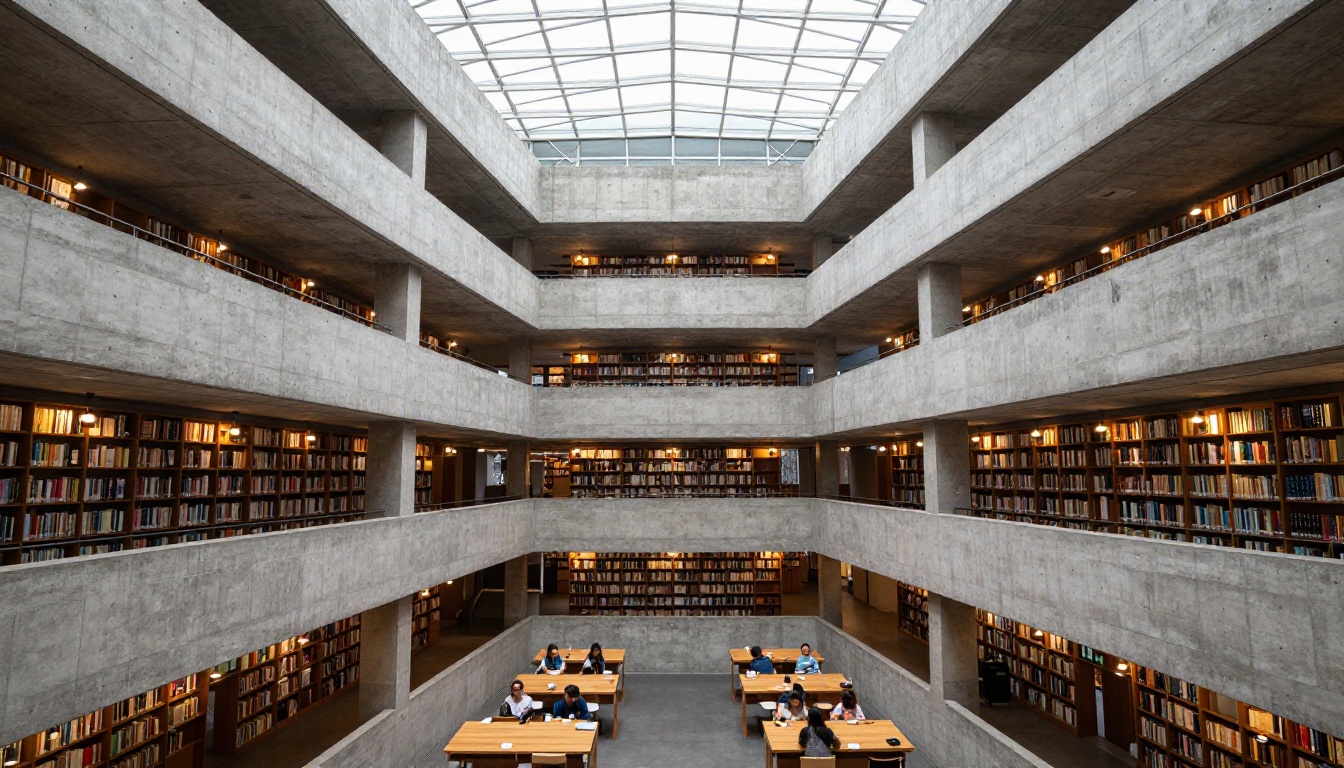
Fine-tuning changes the equation entirely for professional studios and specialized applications.
Training Your Own Style with SD4
When SD4 weights are released, the community will quickly produce fine-tunes and LoRAs for virtually every aesthetic style, subject domain, face, and product type. This has been the pattern with every previous SD release, and it is one of the most powerful structural advantages of the ecosystem. If you need a model that generates images in your specific brand style, with your product in every shot, or with a particular artistic voice built into every output, SD4's trainability represents a capability FLUX.2 Max does not currently offer publicly.
The SD 3.5 Medium variant is also worth noting here as a lightweight option with lower VRAM requirements that still produces strong results, making it accessible for local fine-tuning even on consumer hardware.
FLUX LoRA and the Kontext Approach
Black Forest Labs has made fine-tuning possible through FLUX.1 Dev and its associated LoRA tooling, and FLUX.2 Dev extends this. For FLUX.2 Max specifically, fine-tuning through the public API is not available, but the base quality ceiling is high enough that many commercial tasks do not require it. Where a SD workflow would rely on a custom fine-tune to hit a specific aesthetic, a well-crafted FLUX.2 Max prompt often achieves the same output through description alone.
How to Use FLUX.2 Max on PicassoIA

PicassoIA gives you immediate browser access to FLUX.2 Max without any API key setup or GPU provisioning. Here is how to get the most out of it.
Write Layered Prompts
Organize your prompt in five layers, building from subject outward to technical detail:
- Subject: Who or what is in the image, their pose, clothing, expression, and action
- Environment: Location, background elements, time of day, season, and atmospheric conditions
- Lighting: Direction (left, right, overhead), quality (hard or diffused), color temperature, and source type
- Camera: Focal length, aperture for depth of field, shooting distance, and angle
- Film and texture: Film stock aesthetic, grain character, color science (e.g., Kodak Portra 400, Fujifilm Velvia 50)
Skip Negative Prompts
FLUX.2 Max rarely benefits from negative prompts. Start with a strong positive description. If a specific detail is wrong in the output, refine the positive description in the next generation rather than adding exclusion terms. This workflow is faster and produces more consistent results than the negative-prompt-heavy approach that earlier SD models often required.
Use FLUX Kontext for Targeted Edits
Once you have a strong base image, FLUX Kontext Max lets you make precise edits while preserving overall style, composition, and lighting. Need to change a jacket color? Swap the background? Adjust the lighting direction? FLUX Kontext handles these changes through instruction-following prompts rather than repainting the entire image from scratch. FLUX Kontext Pro is a faster, lighter version of the same capability, well suited for rapid iteration on drafts.
Use FLUX.1.1 Pro Ultra for Print-Ready Output
When you need maximum resolution for print or large-format display, FLUX.1.1 Pro Ultra supports ultra-high-resolution outputs. Built on the same FLUX lineage, it is optimized for output scale rather than inference speed, making it the right choice when a commercial print job requires a file that can withstand large-format reproduction.
Which Model Is Right for Your Work?
The answer depends on what you are actually trying to produce. Here is a practical decision framework based on the real-world strengths of each model family.
FLUX.2 Max is the stronger choice if:
- Your primary use is photorealistic portraits, beauty content, or editorial photography
- You are generating product images for e-commerce or advertising campaigns where material and light accuracy matter
- You want a minimal prompt engineering overhead with maximum output predictability
- You are working inside a platform that handles API and GPU infrastructure for you
Stable Diffusion 4 is the stronger choice if:
- You need ControlNet-style structural control for compositing or scene layout work
- Fine-tuning on proprietary datasets or training to a specific brand style is a core requirement
- You want to run local inference without per-generation cost
- Community LoRAs for specific artistic styles are central to your creative direction
- Typography and text elements inside images are a frequent requirement in your work
For most creators using PicassoIA today, FLUX.2 Max is the stronger daily driver for quality-first work. The platform also gives immediate access to SD 3.5 Large and SD 3.5 Large Turbo as the proven, available alternatives from the Stable Diffusion family, delivering the SD4-direction aesthetic in models you can use right now without waiting for a full SD4 public release.
Start Creating with Both Models
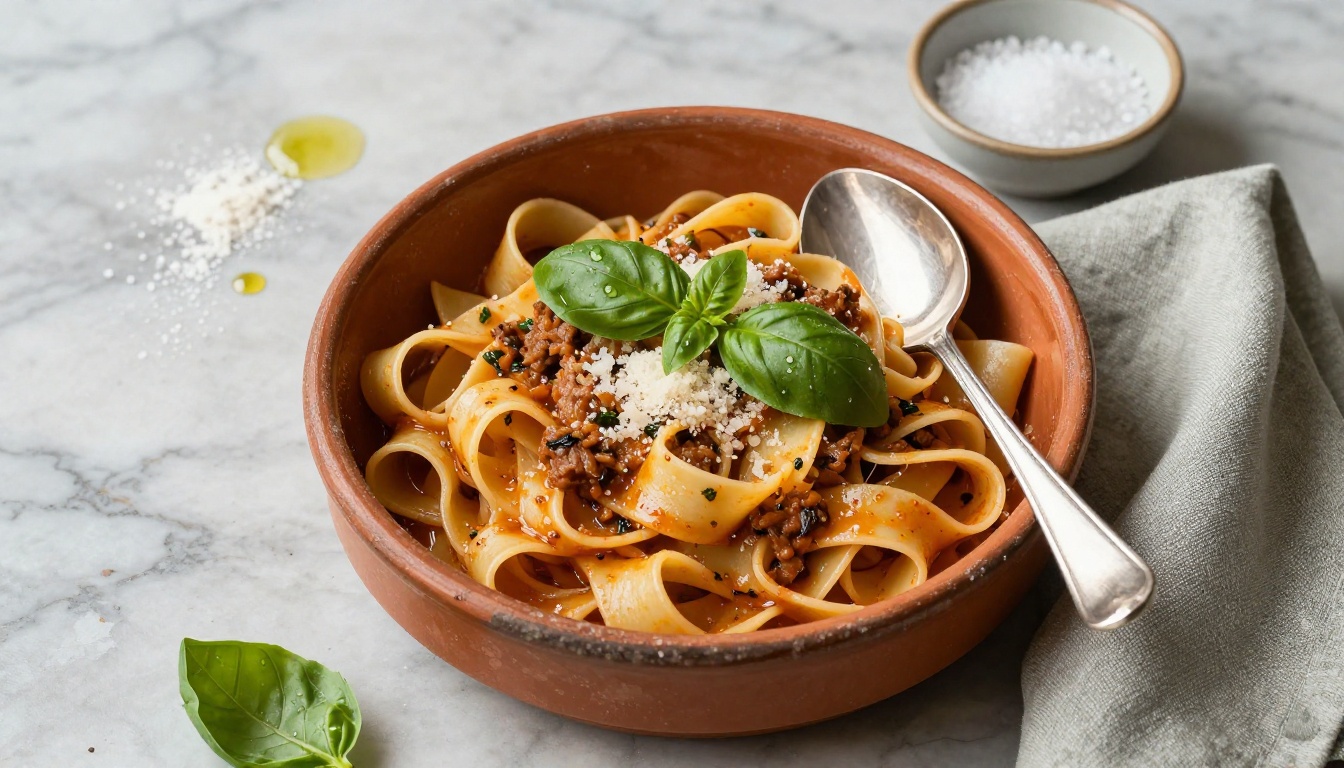
The best way to settle this comparison for your specific creative work is to run the same prompt through both models and see the outputs side by side. Theory only takes you so far. Real creative decisions come from seeing how each model responds to your actual prompting style and subject matter.
PicassoIA gives you access to FLUX.2 Max, the complete Stable Diffusion 3.5 family, and over 91 text-to-image models in a single platform. Try a portrait prompt, a landscape, and a product shot. See which model responds best to your prompting style and subject matter. Many working creators find that both earn a place in their workflow: reaching for FLUX.2 Max when photorealism and anatomical accuracy are the brief, and the Stable Diffusion family when community tooling, structural control, or a more cinematic color aesthetic matter more.
Visit picassoia.com/en/all-models to see the full model catalog and start your first generation.


