If you've been chasing true photorealism in AI-generated images, two models have dominated the conversation in 2027: Flux from Black Forest Labs and GPT Image 2.0 from OpenAI. Both claim to produce images indistinguishable from real photographs. Both are partially right. But they achieve realism differently, fail differently, and suit completely different creative workflows. This article breaks down exactly how they compare, with real test cases, side-by-side analysis, and a clear answer on which one to use for your specific needs.
Two Models, One Fight for Realism
The race for photorealistic AI image generation has moved fast. Flux Dev arrived as Black Forest Labs' open-weight diffusion model with extraordinary attention to material detail. GPT Image 2 followed as OpenAI's flagship image model, built on multimodal foundations that give it an unusual ability to reason about scene composition before generating a single pixel.
They represent two different philosophies:
- Flux is a diffusion model built on deep latent space training for textural fidelity.
- GPT Image 2.0 uses a hybrid architecture that processes the full prompt as a coherent semantic unit before output.
What does that mean in practice? Flux tends to produce images that feel photographically real at the pixel level. GPT Image 2.0 tends to produce images that make sense as photographs at the compositional and narrative level.
That distinction is everything.
What Flux Does Best
Skin, Surfaces, and Micro-Detail
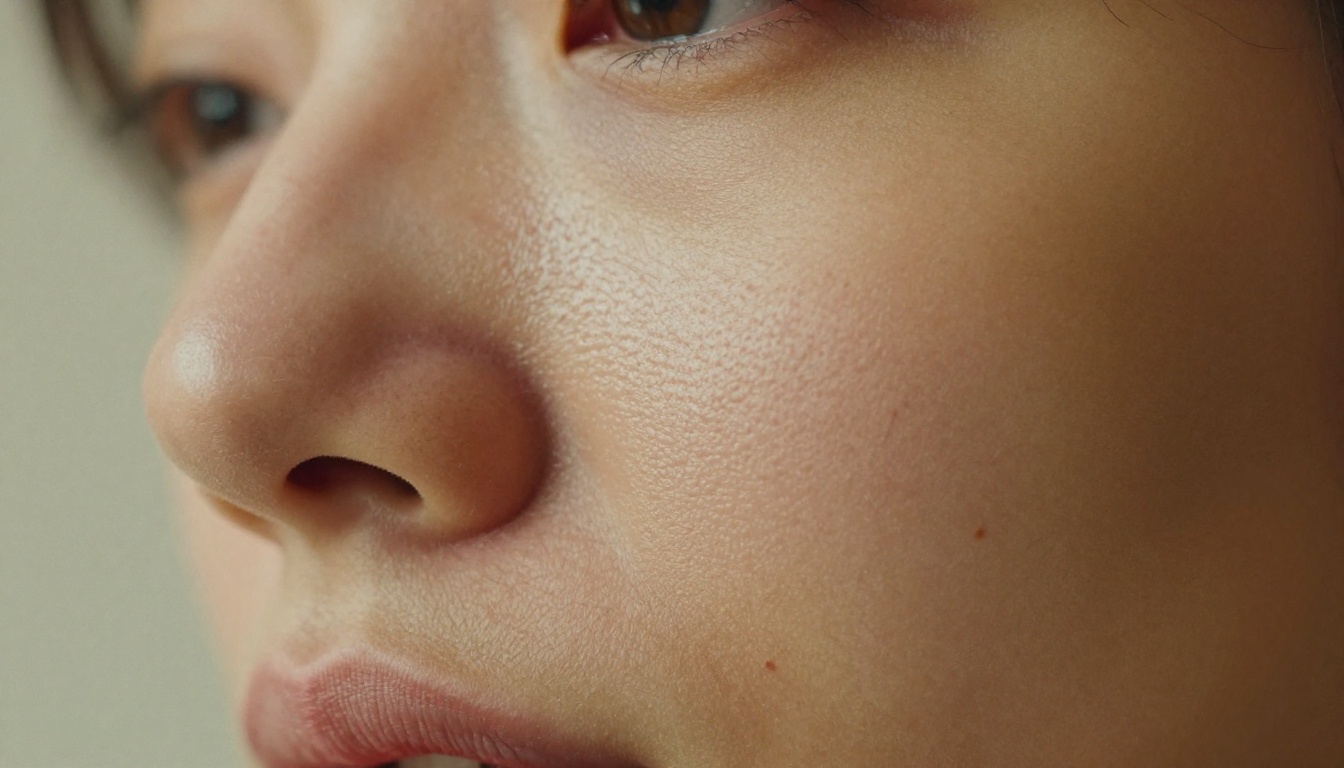
Flux's most praised quality is what photographers call micro-texture fidelity: the ability to render pores, hair strands, fabric weave patterns, and surface imperfections that make a photograph feel inhabited and real. When you prompt Flux Dev or Flux 1.1 Pro with a close-up portrait, it renders the nasal crease with the correct pinkish undertone, the whites of the eyes with visible capillaries, and the individual fibers of a cotton shirt at high zoom.
💡 Tip: For maximum skin detail with Flux, include specifics in your prompt: "individual pores visible, vellus hair catches sidelight, Kodak Portra 400 film grain, 85mm macro lens" produces dramatically better results than just "realistic portrait."
This extends to hard surfaces too. Stone textures, wood grain, food photography, product shots: Flux handles these with a precision that feels almost obsessive. Individual cobblestones with moss in the cracks. Annual ring patterns in table wood. The crumb structure inside torn sourdough bread. These details are not random; they follow physical logic.
Natural Light Without Trying
Light is where Flux quietly separates itself from most competitors. It doesn't just add "golden hour lighting" because you typed those words; it renders volumetric light behavior: how light wraps around a curved surface, where the specular highlight lands on a glass of water, how a shadow transition moves from crisp to soft depending on the distance of the light source.
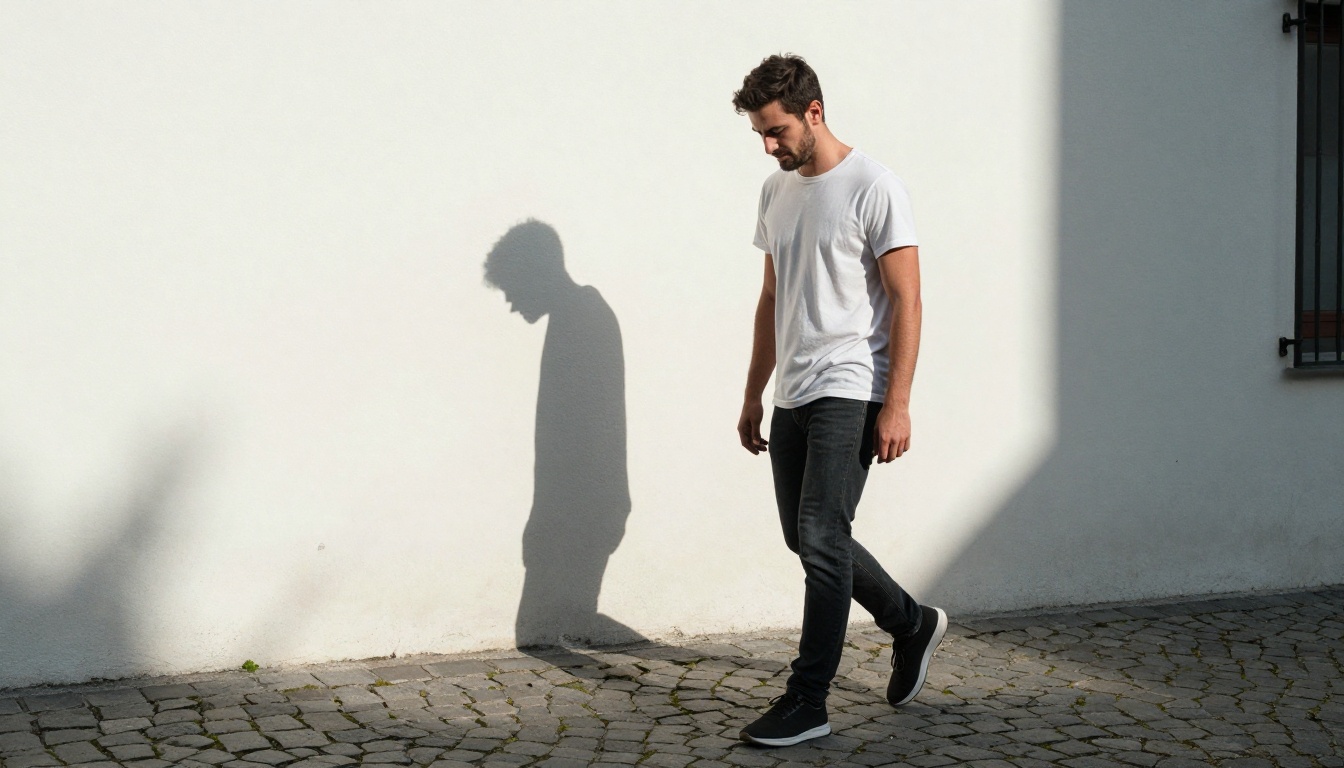
Flux Pro and Flux 1.1 Pro Ultra consistently produce images where the lighting feels physically coherent, not stylized. Shadows fall in the right direction. Bounce light from white walls fills shadow sides with cool neutral tones. This is what makes the difference between a photorealistic render and an AI image that "almost looks real."
Film Grain and Analog Texture
One area where Flux has no real competition is its ability to incorporate film grain authentically. When you specify Kodak Portra 400 or Fujifilm Velvia, Flux doesn't just add a grain overlay: it integrates grain structure into the shadows, the highlights, and the color transitions in a way that mimics analog photochemistry. The grain in the sky gradient behaves differently from the grain in the deep shadow of a jacket, exactly as it does in real film photography.
When Flux Struggles
Flux is not perfect. Its weaknesses are worth knowing:
- Text rendering: Flux has historically struggled with legible in-image text. Flux Kontext Pro improves this, but GPT Image 2.0 is stronger for any image requiring readable text.
- Complex multi-subject scenes: Ask Flux to place four distinct people in a specific spatial arrangement and it will often get the count wrong, merge figures, or misplace elements.
- Prompt literalism: Flux interprets prompts more freely than GPT Image 2.0. Specific instructions like "the red bag is on the LEFT side of the chair" may be interpreted loosely.
Where GPT Image 2.0 Pulls Ahead
Prompt Accuracy That Actually Holds Up
GPT Image 2 was built by a company that specializes in language understanding, and it shows. When you write a detailed, multi-clause prompt with specific spatial relationships, attribute assignments, and scene requirements, GPT Image 2.0 is more likely to honor every part of it.
The breakfast table image below illustrates this well:
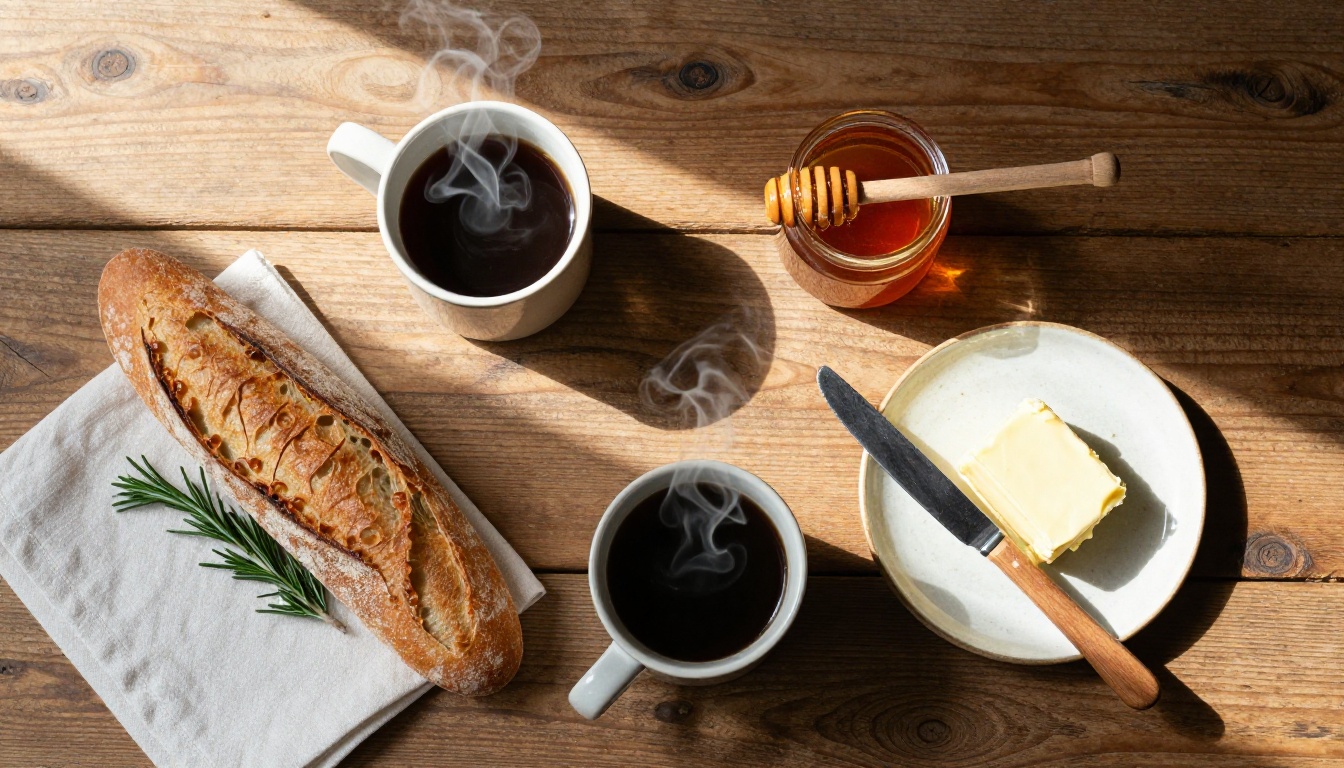
Ask both models to render "two ceramic mugs of black coffee, one on the left with a small chip on the rim, a torn baguette in the center-right, a honey jar with the dipper resting horizontally across its mouth" and GPT Image 2.0 will include the chip, position the baguette correctly, and orient the dipper. Flux will get the general scene right but may miss specific attributes.
💡 Tip: If your prompt reads more like a photography brief or a film director's scene description, GPT Image 2.0 will outperform Flux. The more specific your attribute list, the bigger the gap.
Building Scenes From Thin Air
Where GPT Image 2.0 truly separates itself is in environmental and narrative coherence. It doesn't just render objects; it builds scenes that feel like they exist in a real place, at a real time, with coherent light and atmosphere derived from the full context of the prompt rather than isolated words.
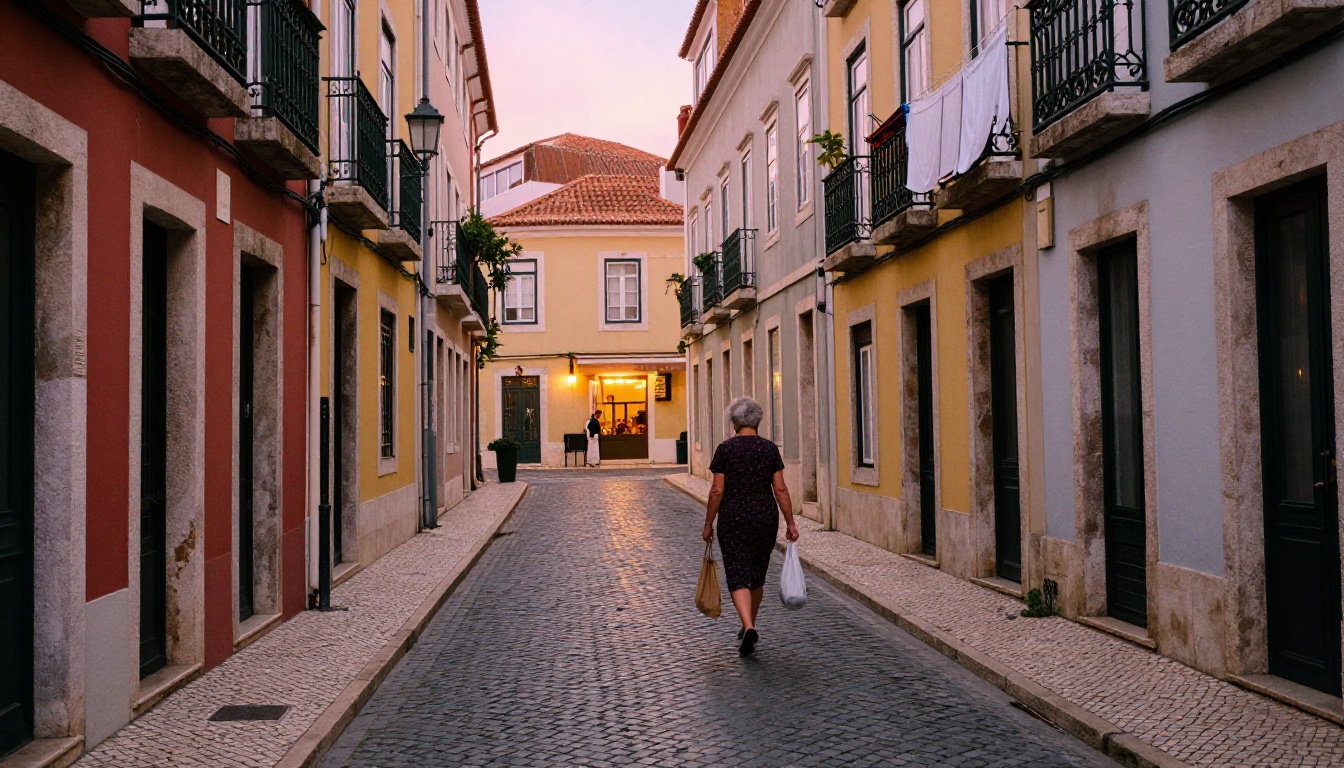
A narrow Lisbon alley at dusk where a woman walks toward a cafe with warm light: GPT Image 2.0 figures out what color the cobblestones should be at that time of day, what color the sky above the alley should be, and how tungsten cafe light mixes with the last ambient blue of dusk. It handles atmospheric perspective and time-of-day color science in a way that feels intelligent, not accidental.
Where GPT Image 2.0 Falls Short
GPT Image 2.0 has real limitations too:
- Micro-texture: At extreme close-up, it lacks the pore-level, hair-strand-level fidelity that Flux achieves. Skin in GPT Image 2.0 looks smooth and beautiful, but it looks treated, like high-end fashion retouching. Flux looks more like a raw file straight from a camera.
- Film analog feel: GPT Image 2.0's images have a polished, digital look. Getting authentic grain and analog color science from it requires heavy prompting and doesn't reach Flux's natural output.
- Speed: GPT Image 2.0 is slower than Flux Schnell and significantly slower than Flux Fast for quick iteration workflows.
The Same Prompt, Two Results
Portrait Test
Both models received the same prompt: "Studio portrait of a woman, curly auburn hair, charcoal blazer, seamless grey background, three-point lighting, confident expression, medium format camera."
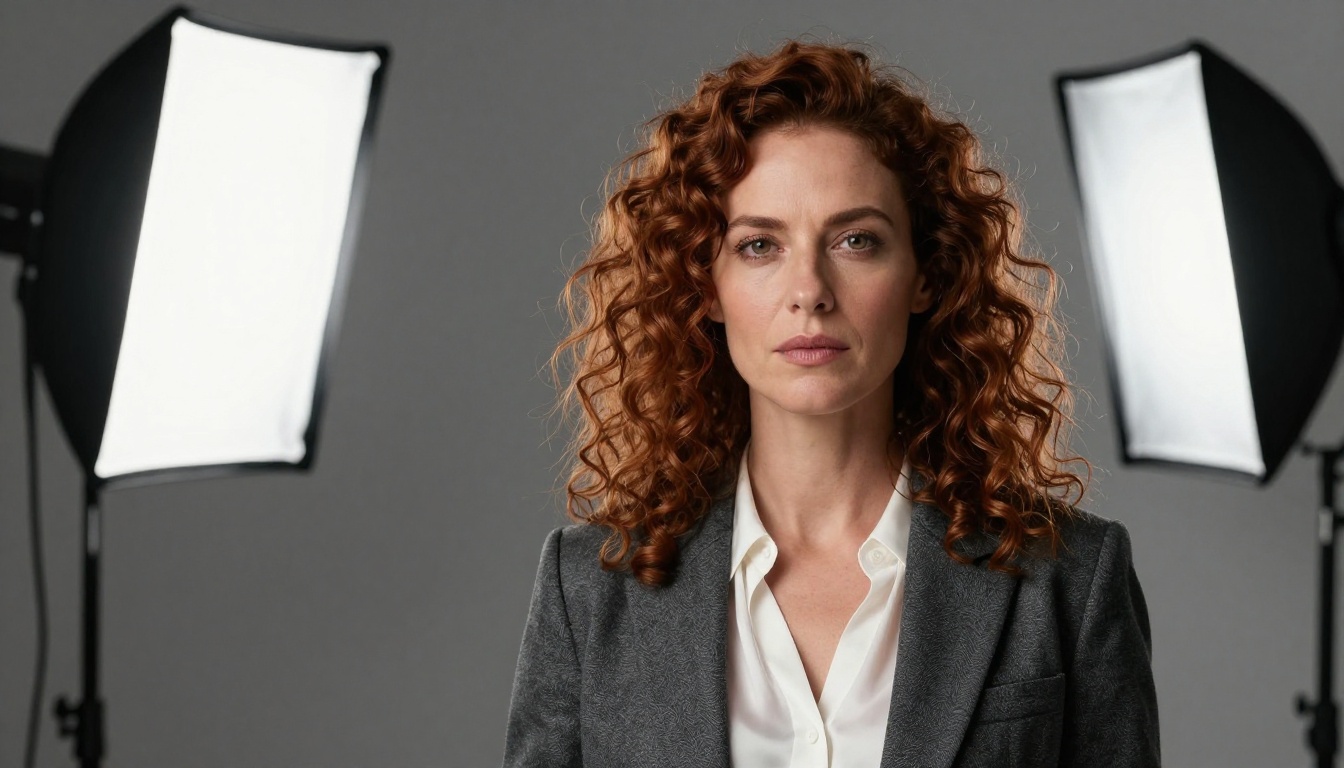
| Criteria | Flux 1.1 Pro | GPT Image 2.0 |
|---|
| Skin pore detail | Excellent | Good |
| Hair curl fidelity | Very Good | Excellent |
| Lighting accuracy | Very Good | Very Good |
| Blazer fabric texture | Excellent | Good |
| Overall realism feel | Film-like, raw | Polished, digital |
| Prompt adherence | 85% | 96% |
Facial Detail and Hair Rendering
In the portrait test, GPT Image 2.0 produced more convincing hair curls with correct spiral geometry and directional variation. Flux produced hair that looked more photographic but with slightly less structural accuracy on the curl pattern. For fashion or editorial portraits, GPT Image 2.0's hair rendering is a genuine strength. For fine-art or documentary-style portraiture, Flux's film-like output feels more authentic.
Environmental Scene Test
Both models received: "Coastal cliff, Atlantic Ocean, midday sun, couple sitting with backs to camera, limestone rock detail, cumulus clouds."
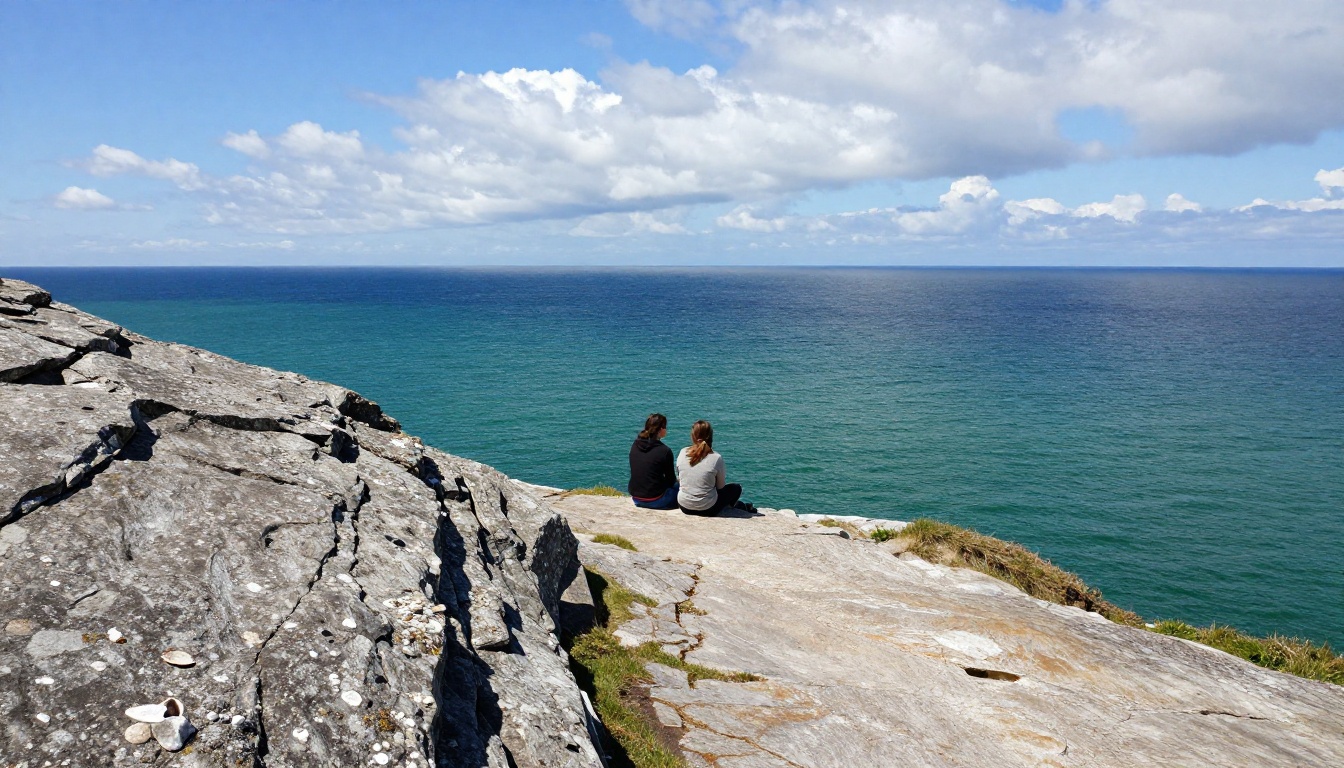
Flux rendered the limestone surface with extraordinary texture: individual shell fossils visible in the rock face, lichen variation across surfaces, physically accurate sun angle creating hard midday shadows. GPT Image 2.0 got the scene composition right, placed the couple at a believable distance, and handled the ocean color gradient from near-shore teal to deep-water cobalt correctly. Both produced usable results. Flux won on texture; GPT Image 2.0 won on scene composition.
Speed, Cost, and Real Workflow Fit
Speed matters if you generate images in volume. Here is how the models compare in real production conditions:

| Factor | Flux Schnell | Flux 1.1 Pro | GPT Image 2.0 |
|---|
| Avg. generation time | 3-6 seconds | 15-25 seconds | 25-45 seconds |
| Cost per image | Low | Medium | Higher |
| Iteration speed | Very fast | Moderate | Slower |
| Best for | Rapid prototyping | Final quality output | Complex scene briefs |
| Prompt sensitivity | Moderate | High | Very High |
For content workflows where you need 50-100 images per day, Flux Schnell and Flux Fast are substantially more cost-effective. For campaigns where you need one perfect image from a complex brief, GPT Image 2.0's higher prompt adherence can save the time you'd spend iterating with Flux.
💡 Pro workflow: Use Flux Schnell for concept iteration (10-15 variations in under 2 minutes), then switch to GPT Image 2 for the final approved composition. Best of both worlds.
Which Model Should You Use?
The honest answer is: it depends on what "realistic" means to you.
Choose Flux when:
- Skin texture, pores, and micro-detail matter
- You want analog film-look grain and color science
- You're working on portrait, street, product, or landscape photography styles
- You need fast iteration on multiple concepts
- You want raw, unretouched photographic authenticity
Choose GPT Image 2.0 when:
- You have a complex, multi-element scene brief
- Spatial accuracy and attribute assignment are critical
- You want polished, editorial-quality output
- Your prompt includes specific relational instructions ("X is to the LEFT of Y")
- Hair rendering and compositional coherence are priorities
Both models complement each other. The photographers and designers getting the best results in 2027 are not using one or the other; they are using both strategically within the same workflow.
For users who want a third option that bridges these strengths, RealVisXL is also available on the platform and offers a solid balance between photorealism and prompt adherence.
How to Use Both Models on PicassoIA
Both Flux and GPT Image 2 are available directly on the platform without any API setup, account management, or technical configuration.

Using Flux on PicassoIA
- Go to the Flux Dev or Flux 1.1 Pro model page.
- Write your prompt with specific lens, lighting, and texture details.
- Include "Kodak Portra 400, film grain, --style raw" at the end of your prompt for maximum photorealism.
- Set aspect ratio to 16:9 for landscape or cinematic shots, 3:4 for portrait orientation.
- Run 3-5 variations and select the best base, then refine with Flux Kontext Pro for targeted edits without losing the base composition.
Using GPT Image 2.0 on PicassoIA
- Open the GPT Image 2 model page.
- Write your prompt as a full scene brief: describe every element, its position, the lighting source, the time of day, and the emotional tone.
- For portraits, specify hair type, texture, lighting setup (primary, fill, rim), and background color.
- Use Flux Kontext Max afterward if you need to modify specific elements in the final output without regenerating the whole image.
How to Write Prompts That Work
Across both models, the single biggest difference between a mediocre output and a photorealistic one is specificity in the physical description:
- Weak: "A woman in a sunny field"
- Strong: "A woman in her mid-twenties in a wheat field at golden hour, volumetric backlight from upper left, Kodak Portra 400 film grain, 85mm f/1.4 shallow depth of field, olive skin with visible pore detail, loose dark hair catching backlight"
The more you describe light behavior, lens characteristics, film stock, and physical surface properties, the closer to real photography your output becomes. This applies to both Flux and GPT Image 2.0, though each responds to different types of detail as described above.
For users who want even more control over photorealistic portrait output, Flux 2 Pro and GPT Image 1.5 offer additional refinements worth testing for specific use cases.
Your Realistic Photos Are One Prompt Away
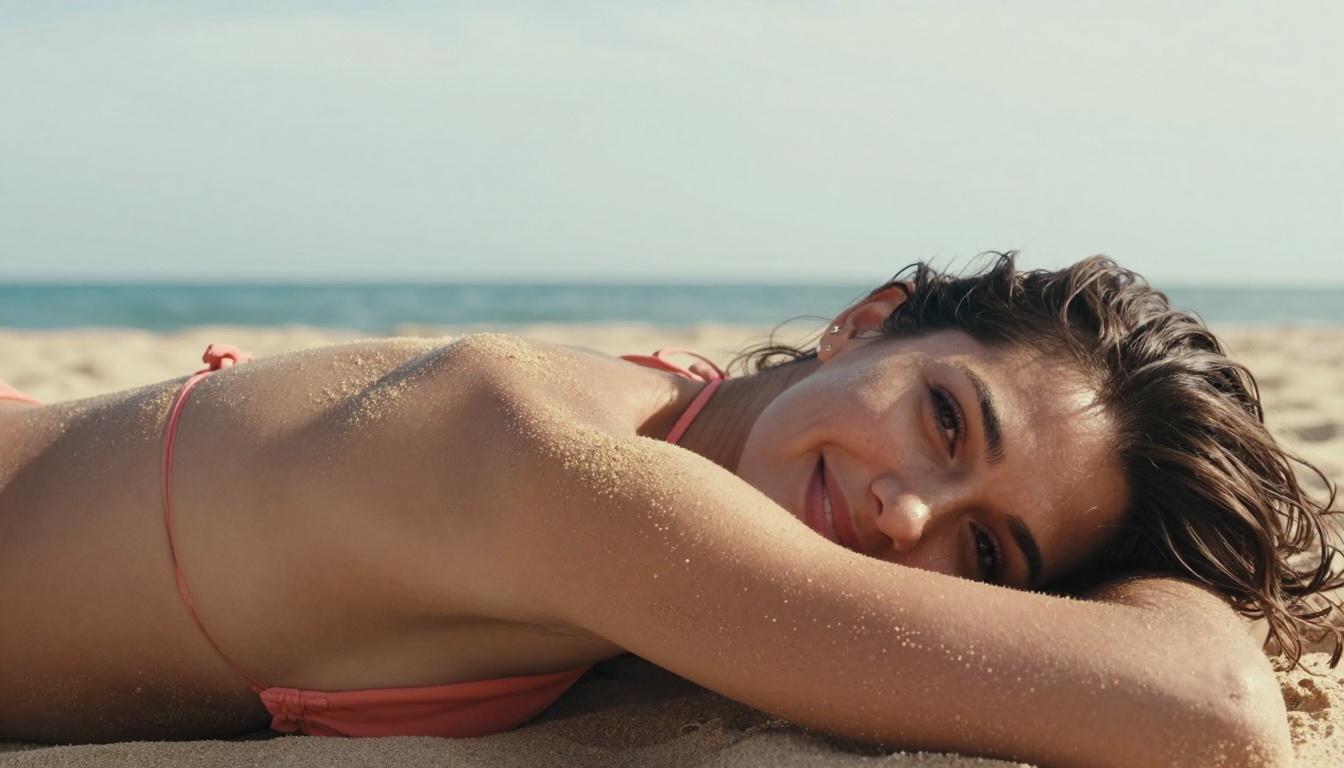
Every image in this article was generated in under 30 seconds using AI models available right now. The wheat field portrait. The Lisbon alley at dusk. The studio headshot with perfect three-point lighting. None of them required a camera, a studio, a model, or a location scout.
You have access to both Flux 1.1 Pro and GPT Image 2 directly from your browser, with no downloads, no API configuration, and no technical barrier. The platform has over 90 text-to-image models available, including Flux Kontext Max, Flux 2 Pro, GPT Image 1.5, and dozens of specialized models for portraits, landscapes, product shots, and editorial work.
Write a prompt. Test both models on the same concept. See which one fits your vision. The only real way to understand the difference between Flux and GPT Image 2.0 for realistic photos is to generate both and compare them yourself. Pick a subject you've always wanted to see rendered as a real photograph and start there.


