Picking between two powerful AI image models isn't about specs on a page. It's about what shows up when you type a prompt and hit generate. Flux and Nano Banana Pro have both earned serious attention in the photorealistic AI photography space, but they approach realism from fundamentally different angles. This article puts them head-to-head across the scenarios that matter most: portrait skin texture, ambient lighting, environmental detail, and how faithfully each model interprets a complex prompt. No hype, just outputs.
Two Different Philosophies
What Flux Was Built For
Flux, developed by Black Forest Labs, operates on a rectified flow transformer architecture. Unlike earlier diffusion models that iterate through noise, Flux moves in a more direct trajectory from noise to image, which translates to faster convergence and sharper detail retention. The flagship Flux 1.1 Pro is specifically tuned for photorealistic outputs, while Flux Dev offers the open-weights version for those who want more control. The architecture particularly shines in structured compositions where spatial reasoning matters, making it a reliable foundation for a wide range of photography styles.
What Nano Banana Pro Was Built For
Nano Banana Pro takes a different approach rooted in Google's vision-language research. It was designed with a specific emphasis on image fidelity for complex real-world scenarios, excelling at mixed lighting conditions, intricate textures, and realistic material rendering. The Pro tier distinguishes it from the base Nano Banana in that it applies higher-resolution processing and a refined understanding of photographic composition principles. It treats each element in the scene as physically grounded, not aesthetically approximated.
Portrait Realism
Skin Texture
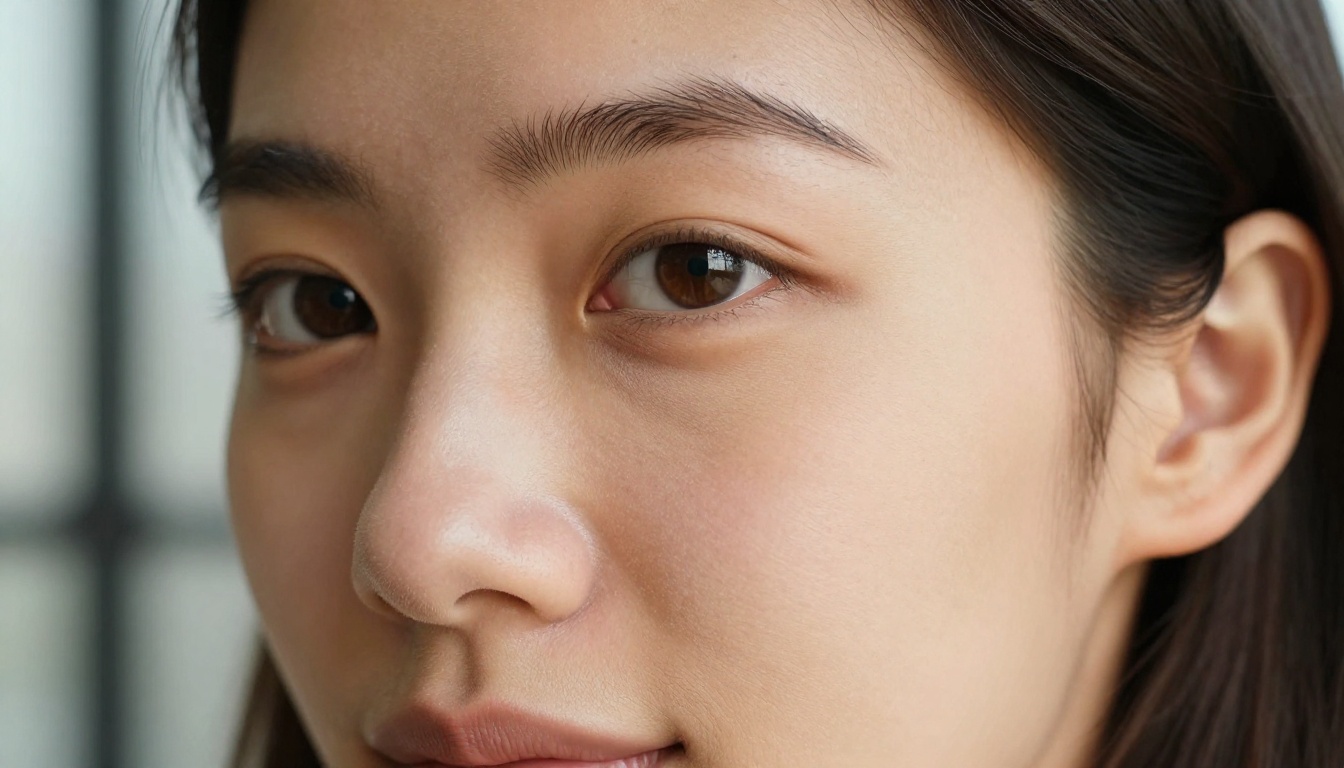
This is where the two models diverge most noticeably. Flux, particularly Flux Dev and Flux 1.1 Pro, renders skin with a tendency toward slight softening. It's beautiful, but in extreme close-ups you'll notice it sometimes resolves pores into a smooth, almost editorial sheen rather than authentic texture. Think magazine spread rather than documentary photograph.
Nano Banana Pro goes harder on micro-texture. Zoom in on a portrait generated at 4K resolution and you'll see individual follicles, subtle sebaceous variation, and the slight natural redness at the nose bridge. For photographers and creators who need images that could pass as real photographs, this specificity is a meaningful advantage.
💡 If your goal is beauty portraits or editorial work, Flux's polished rendering can actually be preferable. For documentary or journalistic-style AI imagery, Nano Banana Pro's raw texture fidelity wins.
Eyes and Catchlights
Eye rendering is the fastest way to spot an AI-generated image. A misplaced catchlight, an iris with wrong geometry, a pupil that doesn't react correctly to implied lighting: these are dead giveaways. Both models handle eyes well at their best, but with different failure modes. Flux occasionally flattens iris detail when the prompt doesn't explicitly specify eye color and lighting direction. Nano Banana Pro produces more geometrically consistent eyes but can sometimes over-sharpen the iris to the point of looking too precise, almost crystalline.
Hair Detail
| Model | Hair Rendering | Failure Mode |
|---|
| Flux Dev | Natural flow, good strand separation | Occasionally plastic in harsh light |
| Flux 1.1 Pro | Sharp individual strands, excellent | Can over-define in mid-range prompts |
| Nano Banana Pro | Hyperrealistic strand-by-strand | Heavy computational cost at max resolution |
Lighting: The Real Test
Natural Window Light
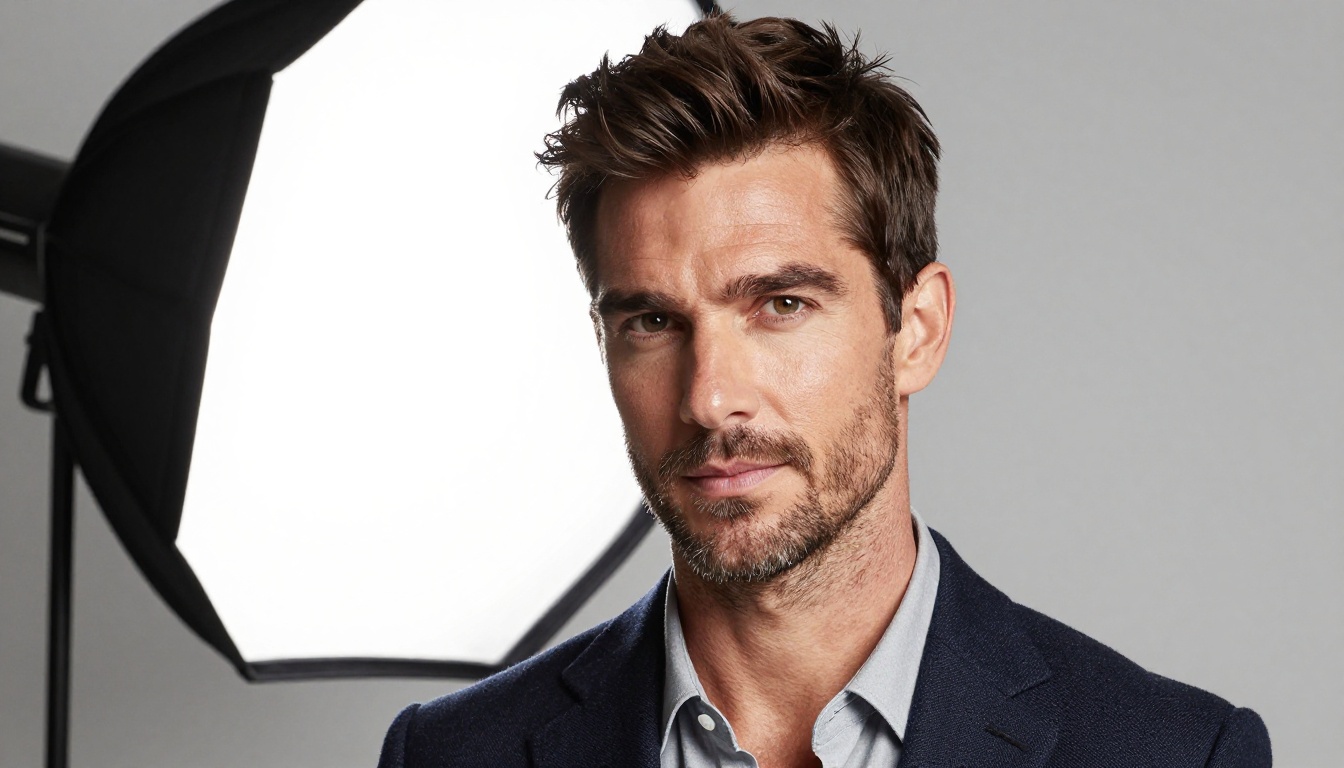
Both models handle diffuse soft-box or window-style lighting with confidence. This is the easiest scenario for any modern text-to-image model. Simple portrait setups with a single light source come out well from either, with good shadow directionality and believable skin tone variation. Where things get interesting is in mixed or dramatically complex lighting environments.
Mixed Ambient and Artificial
Specifying complex lighting in a prompt, like "warm incandescent from the left and cold blue daylight from the window on the right," is a real stress test. Flux tends to simplify this when the prompt is long and the lighting instruction is buried in the middle. The model prioritizes subject rendering and can underweight environmental lighting complexity as a result.
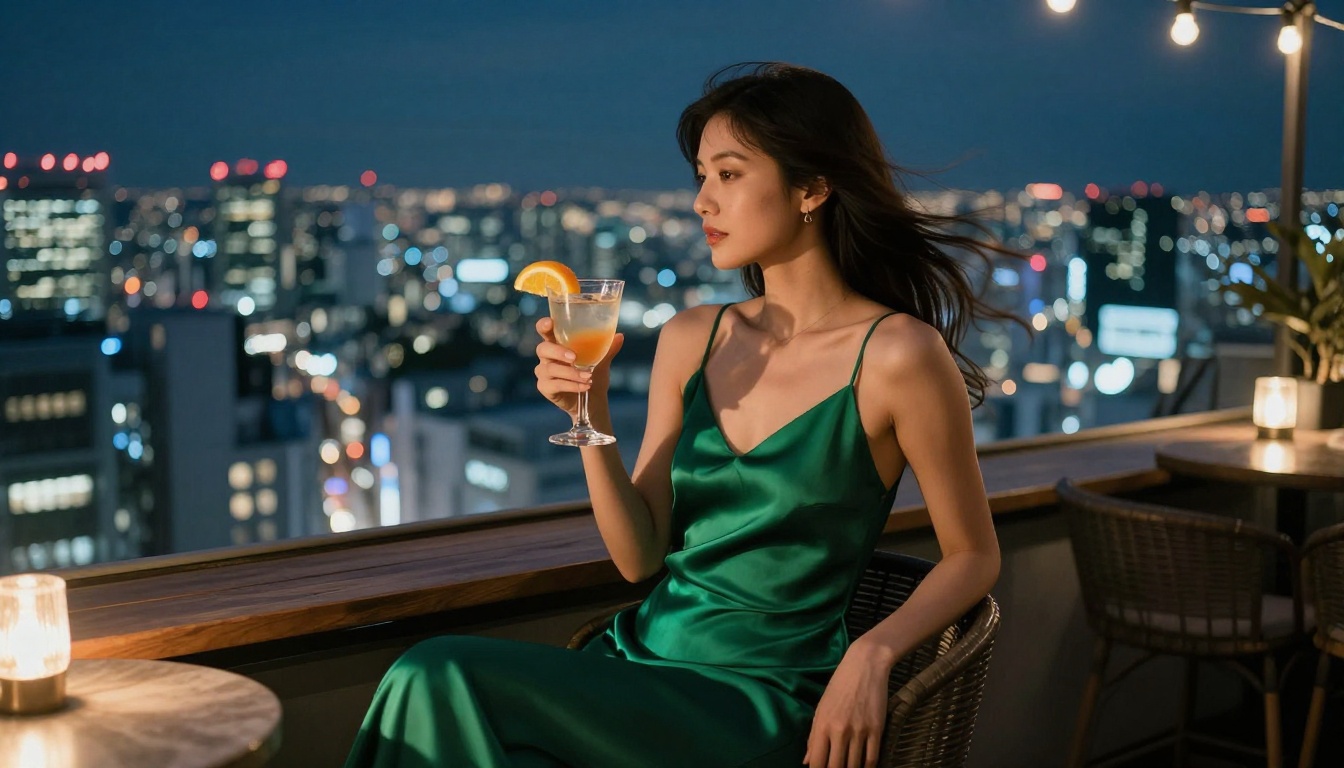
Nano Banana Pro shows stronger lighting coherence across the full frame. In nighttime city scenes with multiple light sources, it correctly calculates how warm tungsten from street lamps would interact with cold LED storefronts and create a visible temperature gradient across a subject's face and clothing. That cross-temperature rendering is not a trivial capability, and it's one of the clearest performance gaps between the two.
Golden Hour and Outdoors
For landscape and outdoor portrait work, Flux 1.1 Pro Ultra is genuinely excellent. The model handles atmospheric haze, volumetric light, and the warm directional quality of golden hour with a precision that's hard to beat. Nano Banana Pro performs similarly on landscapes but tends to slightly oversaturate sunset scenes. It's a small difference in isolation but noticeable when you run both models on the same prompt back to back.

Environmental Detail
Urban Scenes
Street photography is one of the most demanding tests for a text-to-image model. Wet cobblestones reflecting light, motion blur on moving subjects, the visual complexity of a city at dusk: all of this requires the model to understand physics and environment simultaneously, not just render a beautiful surface.
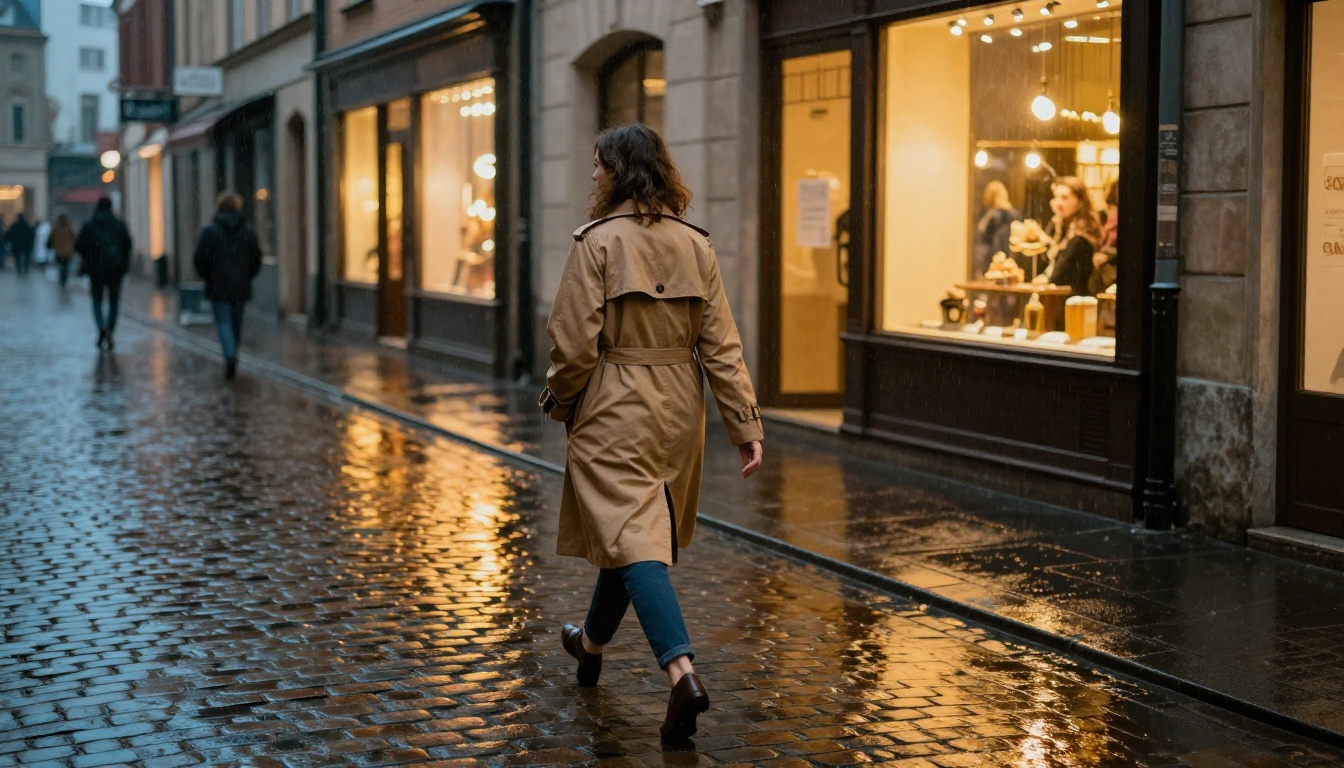
Flux handles motion blur inconsistently. Sometimes it renders it naturally; occasionally it appears painted on, with a directional smear that looks composited rather than captured. Nano Banana Pro produces more physically plausible motion artifacts, though it requires explicit prompt instruction ("slight motion blur on feet suggesting mid-stride movement") to activate the behavior reliably.
Architecture and Interiors
For interior photography, both models perform well on simple scenes. Complexity is where they diverge again. When a scene involves multiple reflective surfaces, transparent materials like glass or water, and mixed lighting, Nano Banana Pro's material rendering engine produces more convincing results. Glass in particular often challenges Flux at high complexity levels, producing a slightly milky or uniformly textured surface rather than genuinely transparent behavior.

Aerial and Wide Compositions
Flux Schnell trades some detail fidelity for speed but remains competitive on wide aerial shots where individual texture isn't the primary subject. For wide landscape work requiring maximum detail, Flux 1.1 Pro Ultra and Nano Banana Pro are neck and neck, though the latter has an edge on water surfaces and reflective terrain.

Prompt Adherence
Simple Prompts
Both models respond accurately to simple prompts. "A woman standing in a field at golden hour, 85mm lens, film grain" will produce reliable, high-quality outputs from either model with minimal iteration. At this level of complexity, the quality difference is mostly stylistic rather than technical.
Complex Multi-Clause Prompts
This is where a meaningful gap opens. Flux Kontext Pro specifically was designed with stronger contextual reasoning, making it better at maintaining prompt fidelity across long, complex instructions. But across the broader Flux family, you'll notice that the model sometimes interprets the dominant noun phrase and subordinates less important clauses. The subject comes through clearly; the background detail you specified can get lost.
Nano Banana Pro shows stronger instruction-following across the full prompt. It treats each descriptive element more equally, which matters when you're specifying exact clothing details, specific background elements, and a precise lighting scenario simultaneously. The tradeoff is that it can sometimes be too literal, rendering every item in a list with equal visual weight rather than creating natural compositional hierarchy.
💡 For Flux, front-load the most important elements in your prompt. For Nano Banana Pro, trust that the model reads the full prompt and structure it the way you want the image to look compositionally.
Speed vs Quality Tradeoffs
Flux's Speed Advantage
The Flux family has a clear internal hierarchy for balancing speed and quality:
- Flux Schnell: Fastest. Suitable for rapid iteration and concept exploration.
- Flux Dev: Balanced. Good for production work where time matters.
- Flux 1.1 Pro: High quality with reasonable speed.
- Flux 1.1 Pro Ultra: Maximum quality, 4MP output. Slower but visibly superior under close inspection.
This tiered structure is genuinely useful. You can rough out a composition with Flux Schnell, refine the prompt on Flux Dev, and then commit to Flux 1.1 Pro Ultra for the final output. That iteration workflow alone is a meaningful productivity advantage.
Nano Banana Pro's Resolution Ceiling
Nano Banana Pro generates at 4K resolution natively, which is its headline advantage. The model takes longer per generation but delivers more detail per pixel on complex scenes. If you need the highest-resolution output and are willing to wait, it's the stronger single-shot choice. The companion Nano Banana 2 offers the same core architecture with improved image editing and visual fusion capabilities, useful when you need to combine reference images with generated content.
| Criteria | Flux 1.1 Pro | Nano Banana Pro |
|---|
| Speed | Faster | Slower |
| Native Resolution | High | 4K |
| Skin Texture | Editorial | Hyperrealistic |
| Lighting Complexity | Good | Excellent |
| Prompt Adherence | Strong | Very Strong |
| Landscape Detail | Excellent | Excellent |
| Glass and Transparency | Moderate | Strong |
| Portrait Character | Polished | Documentary |
Use Flux When...
- You need fast iteration to lock in the right composition before committing to a final render.
- Your work is editorial, beauty, or fashion-adjacent where some flattering softness is a feature rather than a bug.
- You're generating wide landscape imagery where the aerial or environmental detail is the primary subject.
- Prompt-based image editing and refinement via Flux Kontext Dev are part of your creative workflow.
Use Nano Banana Pro When...
- Your final output needs to pass as a real photograph under close, critical inspection.
- You're generating portraits for documentary, journalistic, or commercial-realism contexts.
- Complex mixed lighting, transparent surfaces, or intricate material textures are central to the scene.
- You want 4K-native resolution without relying on a separate super-resolution pass afterward.
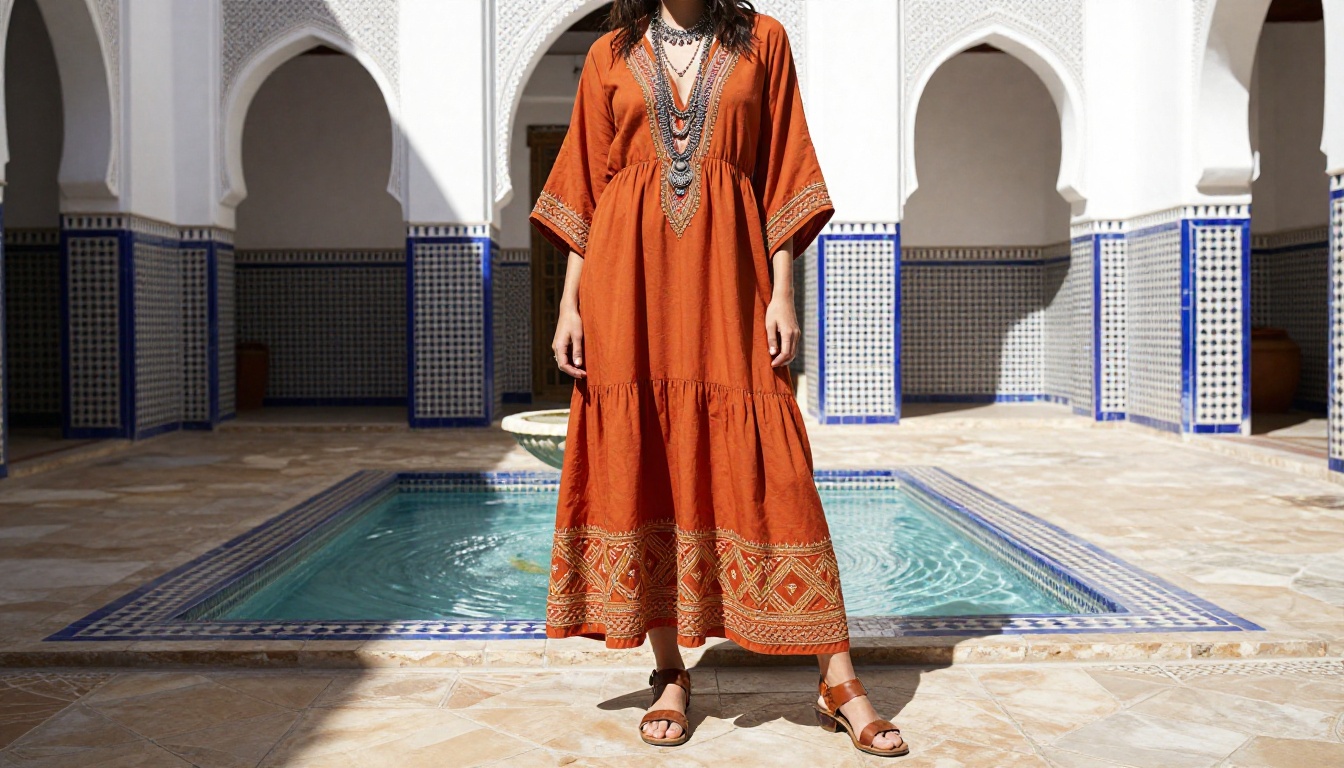
How to Use Nano Banana Pro on PicassoIA
Since Nano Banana Pro is available directly on PicassoIA, here's how to get the best photorealistic results from it:
Step-by-Step
- Open Nano Banana Pro from the text-to-image collection on PicassoIA.
- Write a detailed prompt and front-load the subject and lighting setup in the first sentence.
- Include specific camera and lens data in your prompt ("Sony A7R IV, 85mm f/1.4") to activate photography-style rendering behavior.
- Set output resolution to 4K to take full advantage of the model's native resolution capabilities.
- For portraits, add "Kodak Portra 400 film grain" to the end of your prompt to soften the occasionally clinical sharpness at maximum settings.
- If the result reads as too sharp or too precise on skin, add "natural editorial softness, slight diffusion" to your next iteration.
💡 For best results with Nano Banana Pro, include lighting direction explicitly. "Warm light from 45 degrees left, cool fill from right" consistently outperforms vague instructions like "good lighting" or "natural light."
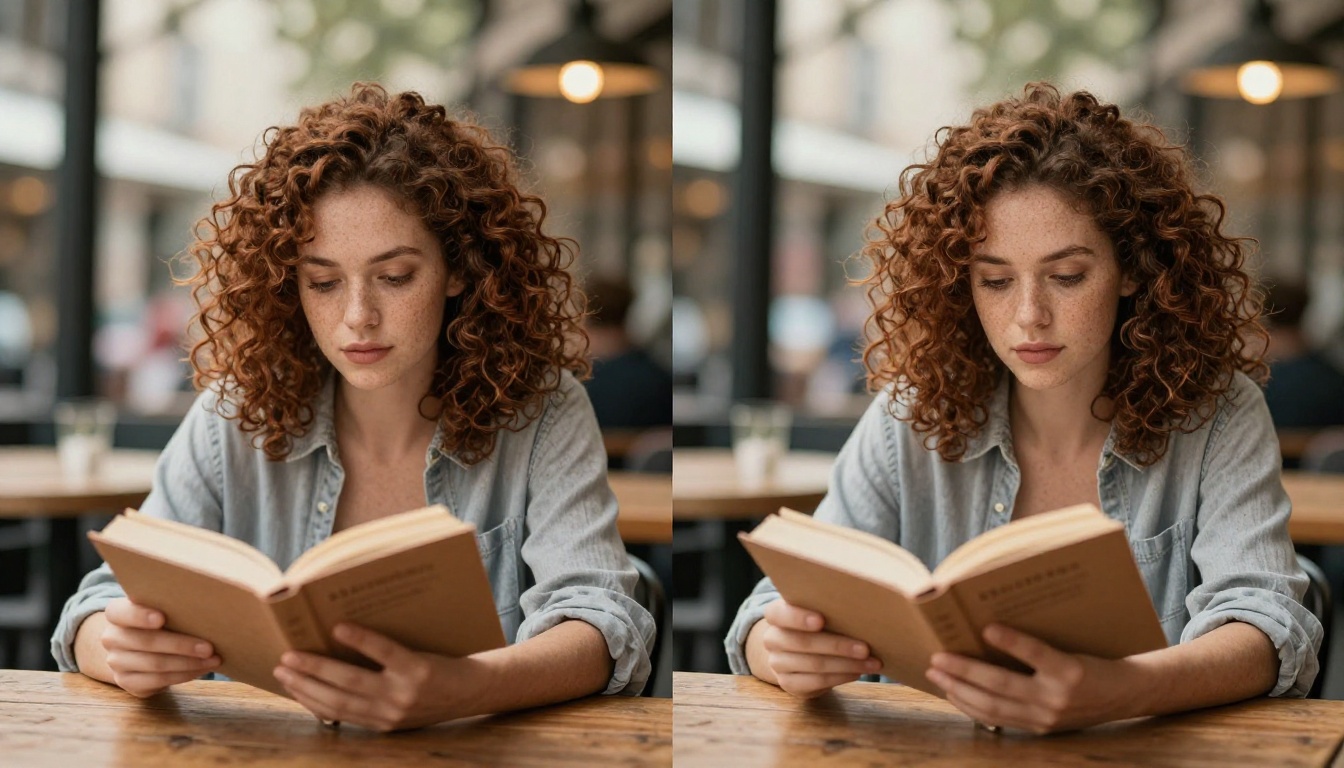
Pick a Model and Start Shooting
Both Flux and Nano Banana Pro are capable of producing images that hold up against real photographs when used correctly. The difference is in application, not raw ability. Flux gives you speed, workflow flexibility, and a clear upgrade path from Flux Schnell all the way to Flux 1.1 Pro Ultra. Nano Banana Pro gives you raw material fidelity, a 4K native resolution ceiling, and lighting coherence that serious creators will notice in the final output.
The most honest answer is to run the same prompt through both. PicassoIA hosts the full Flux family alongside Nano Banana Pro, so you can run side-by-side tests without switching platforms or managing API keys. Take a prompt that matters to your actual work, run it through both models, and let the outputs decide. Theory only takes you so far. The generation takes seconds.


