You type a prompt, press a button, and a sign-up wall appears. If you have ever closed a tab at that exact moment, you already know why so many people search for a free AI image generator website without login. They want a picture, not another password, another confirmation email and another newsletter. This article sorts the options that let you start right away, shows what each type costs you in quality and limits, and gives you a repeatable routine for getting photorealistic results in under a minute.
Here is the short version. A no-login site is perfect for quick drafts, mood boards and one-off needs. It gets weaker the moment you need volume, privacy, steady quality or clear commercial rights. The right pick depends less on a brand name and more on four things: the model behind the site, the daily limit, the watermark policy and what happens to your prompts.
What "No Login" Really Means
Marketing pages use the phrase loosely, so separate three situations before you compare anything. Some sites truly let you generate with no account at all. Others give you one or two images and then ask for an email address. A third group hides the sign-up inside the download button, so you only find out after your image is ready. That last pattern wastes the most time, and it is the first thing to test.
Three Kinds of No-Login Sites
Almost every site you will meet fits one of these groups:
- Open demo pages. A hosted version of an open-source model. Usually free and anonymous, but slow when traffic is high, and your image history disappears when you close the tab.
- Ad-supported generators. Fast enough for casual use and paid for by banners. Expect a small watermark or a reduced output size.
- Model hubs with a guest mode. A catalog with many models, where the first generations run without registration. You sign in later to save work, raise limits or use heavier models.
Each group trades something. Demo pages trade speed, ad-supported tools trade image size, and hubs trade the comfort of a permanent account for a limited guest session.
What You Give Up Without an Account
Skipping the login is a fair deal for a quick image, but it removes several things you may not miss until you need them:
- History. Close the tab and the image is gone unless you saved it.
- Repeatable settings. Seeds, saved prompts and presets rarely persist between visits.
- Higher resolution and upscaling. These extras are often tied to an account.
- Queue priority. Anonymous traffic usually waits behind signed-in users.
💡 Tip: Download every image the moment it appears and paste your prompt into a notes file. With no account, that file is the only history you will have.
How to Judge a Free Generator
A landing page gallery shows the best results out of thousands of attempts, so do not trust it. Run your own five-minute test instead: one fixed prompt, every site you are considering, results side by side.
Output Quality Comes First
Use the same prompt everywhere. A portrait lit by a window is a harsh but fair test, because it exposes the usual weak spots in seconds. Check these points:
- Hands and fingers. Count them. Fused or extra fingers point to a weak model.
- Eyes and teeth. Look for mismatched pupils, blurred irises or one solid strip of teeth.
- Skin texture. Real skin has pores, fine hair and uneven tone. Plastic smoothness suggests an older model.
- Background logic. Straight lines should stay straight, and objects should not melt into each other.
- Text. If your image needs a word or two, check that the letters are readable.
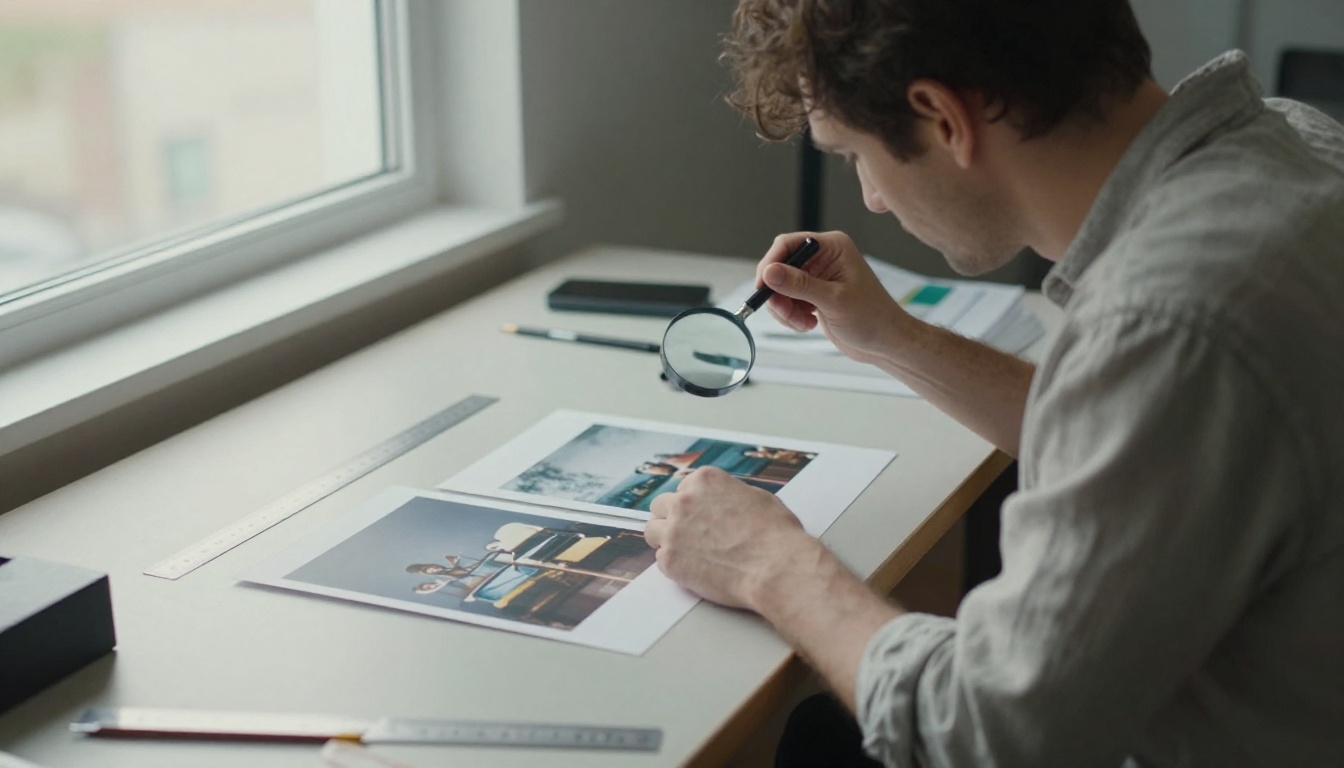
Score each site from 1 to 5 on every point. Anything under 15 out of 25 is a draft tool, not a delivery tool.
Limits, Queues and Wait Times
Quality means little if you wait ten minutes for each attempt. Time the first image from the moment you press the button, then time the third. Free tiers often slow down after the first few runs. Also note any daily cap, because it decides whether you can iterate. A good prompt usually takes three to six tries, so a limit of two images a day is a trial, not a workflow.
Watermarks and Usage Rights
A watermark in a corner is a cosmetic problem you can sometimes crop out. Unclear rights are a business problem. Before you publish an image on a client site, in an ad or on a product page, read the terms for three things:
- Whether commercial use is allowed.
- Whether the site keeps a license to your outputs.
- Whether your images can be shown or reused by other visitors.
If a site has no terms page at all, treat everything it makes as personal use only.
Best Options by Use Case
No single site wins every job, so match the tool to the task. The picks below are all models you can find on PicassoIA. The P-Image page states that you can start generating immediately without creating an account or entering payment details, which makes it the natural first stop for a no-login test. Other models in the catalog may ask you to sign in sooner, so check each model page before you plan a project around it.

Quick Drafts
When you only need to see whether an idea works, speed beats polish. P-Image returns results fast and follows detailed photographic prompts well, which suits mood boards and thumbnails. Flux Schnell is built to produce an image in very few steps, so it is a good partner for testing five or six variations of the same scene in a row.
Photorealistic Portraits
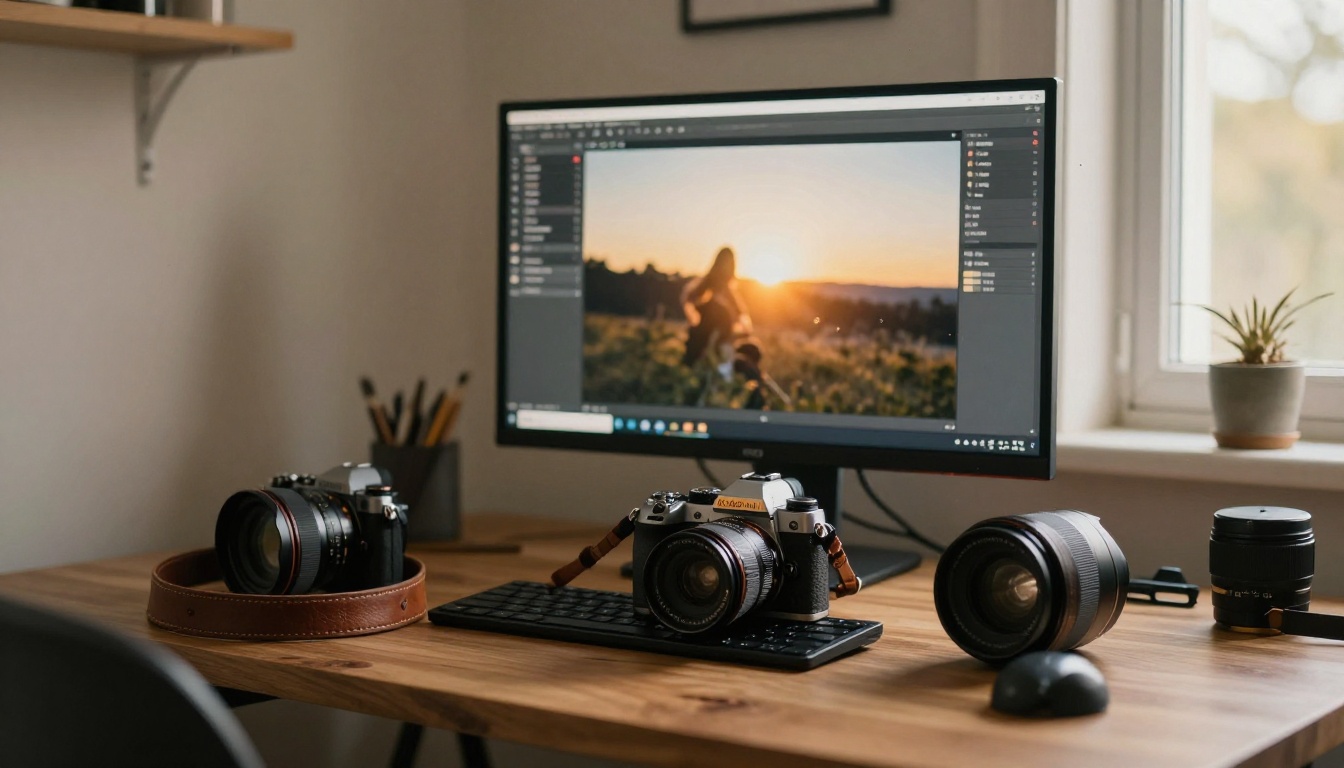
For people, skin and natural light, move to a stronger model. Seedream 4.5 and Imagen 4 both handle faces, fabric and soft window light convincingly. Flux 2 Pro is another solid choice when you want careful detail in textures. If you prefer an older open model with a loyal following, Realistic Vision v5.1 and SDXL still produce believable photographs with the right prompt.
Posters With Text
Lettering inside images is where many free generators fail. Ideogram v3 Turbo is known for readable typography, and GPT Image 2 follows long, detailed instructions closely. Keep any text short: one to three words gives the best odds.
Here is how the picks compare at a glance:
| Model | Best for | Typical pace | Prompt style it likes |
|---|
| P-Image | Quick drafts, photo scenes | Very fast | Long, camera-style descriptions |
| Flux Schnell | Rapid variations | Very fast | Short, clear subject and setting |
| Seedream 4.5 | Portraits, product shots | Medium | Natural language with lighting details |
| Imagen 4 | Realistic scenes | Medium | Plain sentences, concrete nouns |
| Ideogram v3 Turbo | Posters, short text | Fast | Quoted text plus layout notes |
| GPT Image 2 | Detailed instructions | Medium | Step-like, multi-part prompts |
How to Use P-Image on PicassoIA
Since the P-Image page says you can start without an account, it makes a good first test for everything above. The routine takes about a minute per image.

Step by Step
- Open the model page. Go to the P-Image page on PicassoIA and read the access note at the top.
- Write a photographic prompt. Name the subject, the setting, the light and the lens. Two or three sentences are enough.
- Pick the shape. Choose 16:9 for banners and blog headers, 1:1 for social posts and 9:16 for stories.
- Generate and look closely. Zoom in on hands, eyes and edges before you judge the result.
- Change one thing at a time. Adjust the light, or the lens, or the setting, never all three. This is how you find out which phrase actually mattered.
- Save the winner. Download the image and note the prompt next to it.
Settings Worth Changing
If the page shows a seed field, reuse the same number when you want to compare two prompts fairly. If it offers automatic prompt rewriting, switch it off for exact control and on when you only have a rough idea. For anything that will be printed or shown full screen, generate at the largest size available and check the edges at 100 percent zoom.
💡 Tip: Keep a short list of five prompts that work for you. Starting from a proven prompt and changing the subject is faster than writing from a blank box every time.
Prompts That Produce Real Photos
Free generators reward specific prompts more than long ones. A prompt that reads like a photographer's shot note beats a pile of buzzwords.

A Simple Prompt Formula
Build every prompt from five parts, in this order:
- Subject and action. "A baker pulling a tray of bread from an oven."
- Setting. "A small brick kitchen at dawn, flour on the counter."
- Light. "Soft window light from the left, warm bounce from the oven."
- Camera. "85mm lens at f/1.8, shallow depth of field, eye level."
- Texture. "Visible flour dust, steam, film grain, natural skin tones."
Put together, that gives you a prompt a model can follow without guessing. Swap the subject and keep the other four parts to get a consistent series.
Three Common Mistakes
- Stacking style words. Ten adjectives such as "ultra", "epic" and "perfect" pull the model in ten directions. Pick two.
- Asking for long text. Most free models fail on sentences. Request one short word, or add the text later in an editor.
- Changing everything between runs. If the second result is better, you will not know why. Change one variable, then compare.
Privacy and Safety Checks
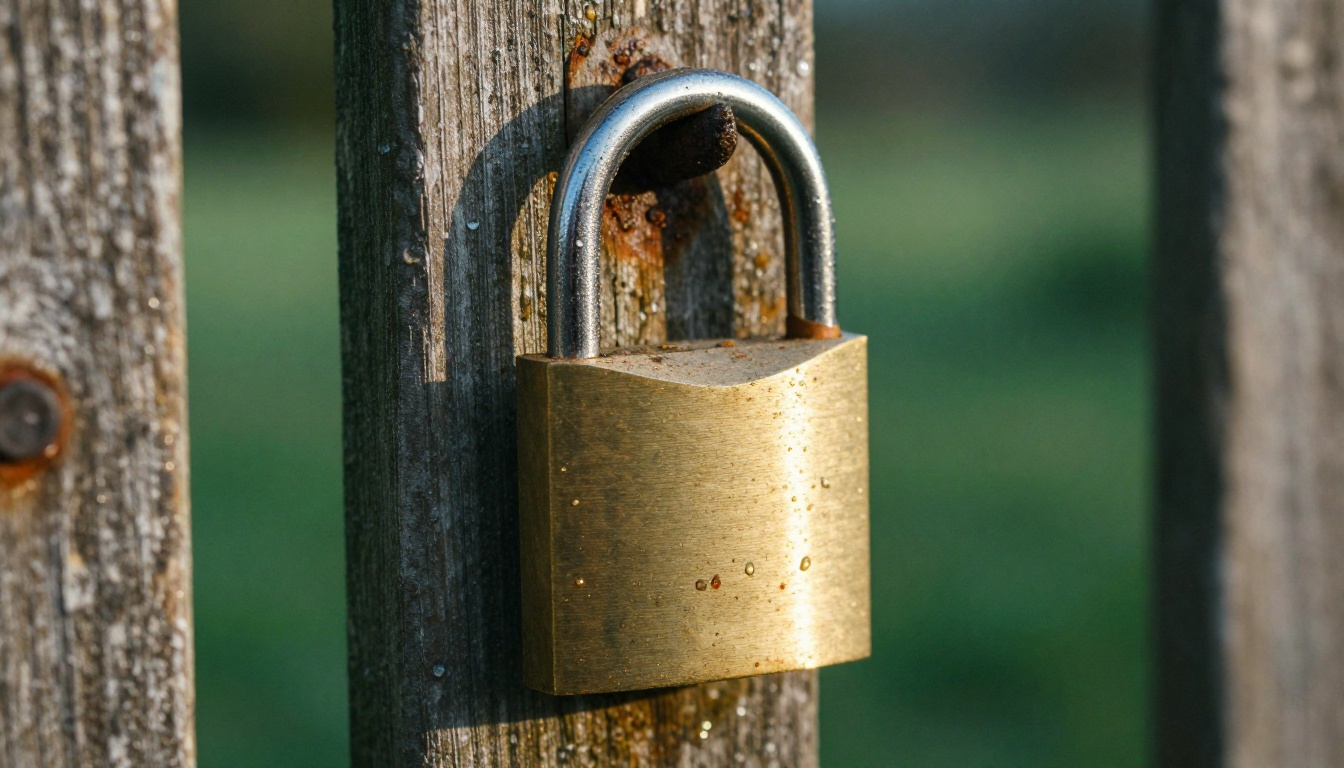
A site that asks for nothing still receives something: your prompt. Treat it like a message sent to a stranger.
What to Keep Out of Prompts
Do not paste names of clients, unreleased product details, addresses, phone numbers or private photos of other people. Anonymous does not mean unlogged, and many sites store prompts to improve their models. If an idea is sensitive, describe it in generic terms and rename details afterward in your own editor.
Rights and Disclosure
Check the terms page for commercial use before you publish. Avoid generating the likeness of real, identifiable people without their consent, and avoid brand logos you do not own. When you post AI images on a platform that asks for disclosure, label them. It costs nothing and protects your credibility.
Start Creating Your Own Images
The fastest way to settle the question is to run your own test. Pick one prompt from the formula above, open the P-Image page on Picasso IA, and generate a first image. Then run the same prompt through Flux Schnell and Seedream 4.5 and compare the three. Within ten minutes you will know which one gives you the look you want, how long each takes and where the limits start.
Experiment with your own subjects, change one detail at a time, and keep the prompts that work. With a handful of reliable prompts and the right model for each job, you will rarely need to hunt for another sign-up-free site again.


