Gemini 3 for Studying and Note-Taking: What Students Need to Know
Gemini 3 is changing how students take notes, process information, and prepare for exams. This article breaks down the most effective ways to use Gemini 3 Pro and Gemini 3 Flash for studying, from instant summarization to AI-generated flashcard decks and structured revision workflows. See how it compares to GPT-5 and Claude 4 Sonnet, and find out how to access it free on PicassoIA.
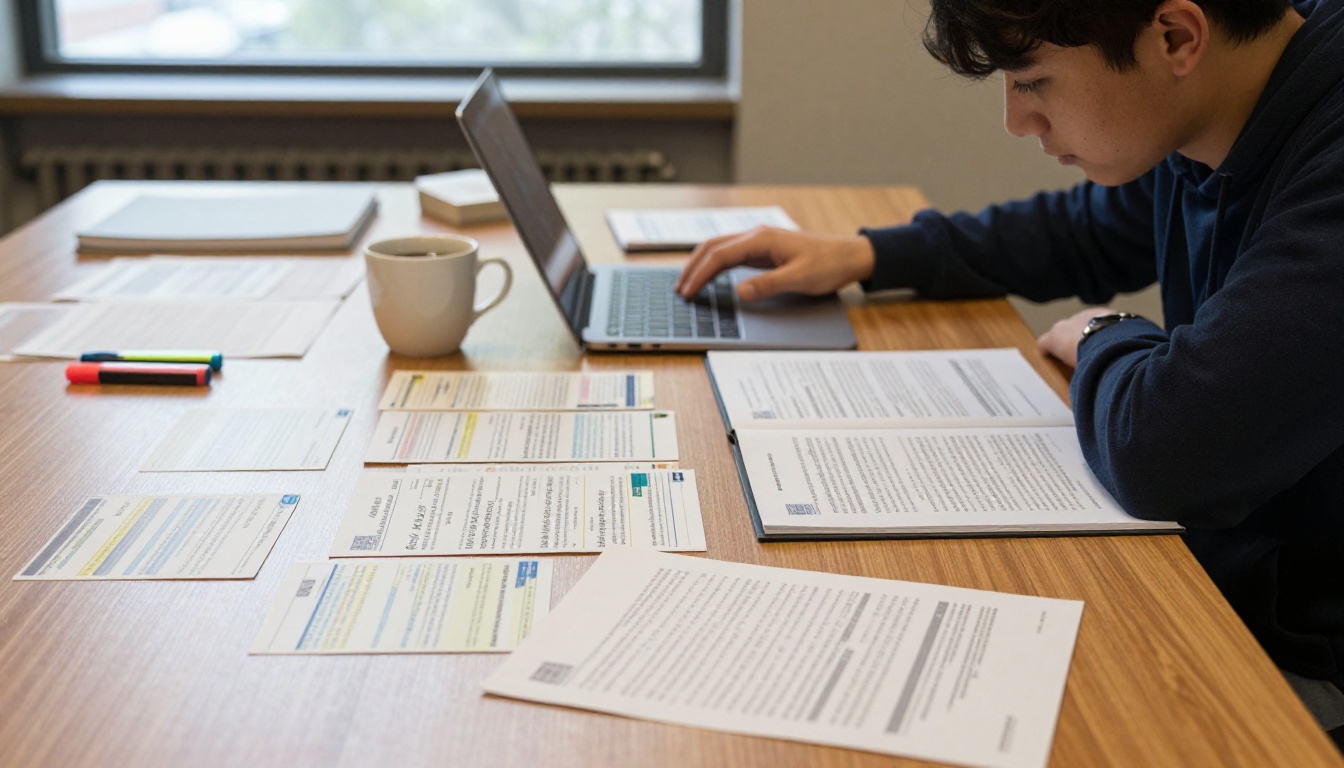
Gemini 3 has quietly become one of the most practical AI tools for students. Not because of hype, but because it handles the actual messy work of studying: long disorganized notes, dense textbook chapters, hours of lecture content you barely absorbed, and the panic of an exam two days away. This article walks through what Gemini 3 for Studying and Note-Taking actually looks like in practice, with real workflows, honest comparisons, and direct access to the models through PicassoIA.
What Gemini 3 Actually Does for Students
Most AI tools for studying are glorified chatbots. You paste text, they rewrite it. Gemini 3 works differently because it was built with multimodal reasoning at its core. It does not just read your words. It processes context, identifies relationships between concepts, and responds with structured, actionable output.
That gap matters more than it sounds. When you dump a 3,000-word lecture transcript into Gemini 3, it does not return a slightly shorter version of the same text. It returns a different artifact: organized sections, ranked importance, open questions, and definitions. That is the difference between a tool and a workflow.
Multimodal Input: Notes, Images, PDFs
One of the strongest features Gemini 3 brings to studying is document and image processing. You can feed it:
A photo of handwritten notes from class
A scanned chapter from a textbook
A screenshot of a complex diagram
A PDF of a research paper
It reads all of these and works with the content directly. Students who take notes by hand but want to process them digitally can photograph the pages and ask Gemini 3 to extract the main points, add structure, or generate questions from them. This removes one of the biggest friction points in the student-to-AI workflow.
Instant Summarization That Actually Works
Gemini 3's summarization is context-aware. Give it a 50-page chapter and specify: "I have two hours before an exam. What are the six things I must know?" It prioritizes based on conceptual weight, not just word frequency. Compare that to a highlighter-and-hope approach, and the difference is immediate.
💡 Pro tip: Always tell Gemini 3 what you already know before asking for a summary. Starting with "I already have a handle on X but I'm fuzzy on Y" produces more targeted output than a blank summarize request.
Three Ways to Use Gemini 3 for Note-Taking
Paste Raw Notes, Get Clean Structure
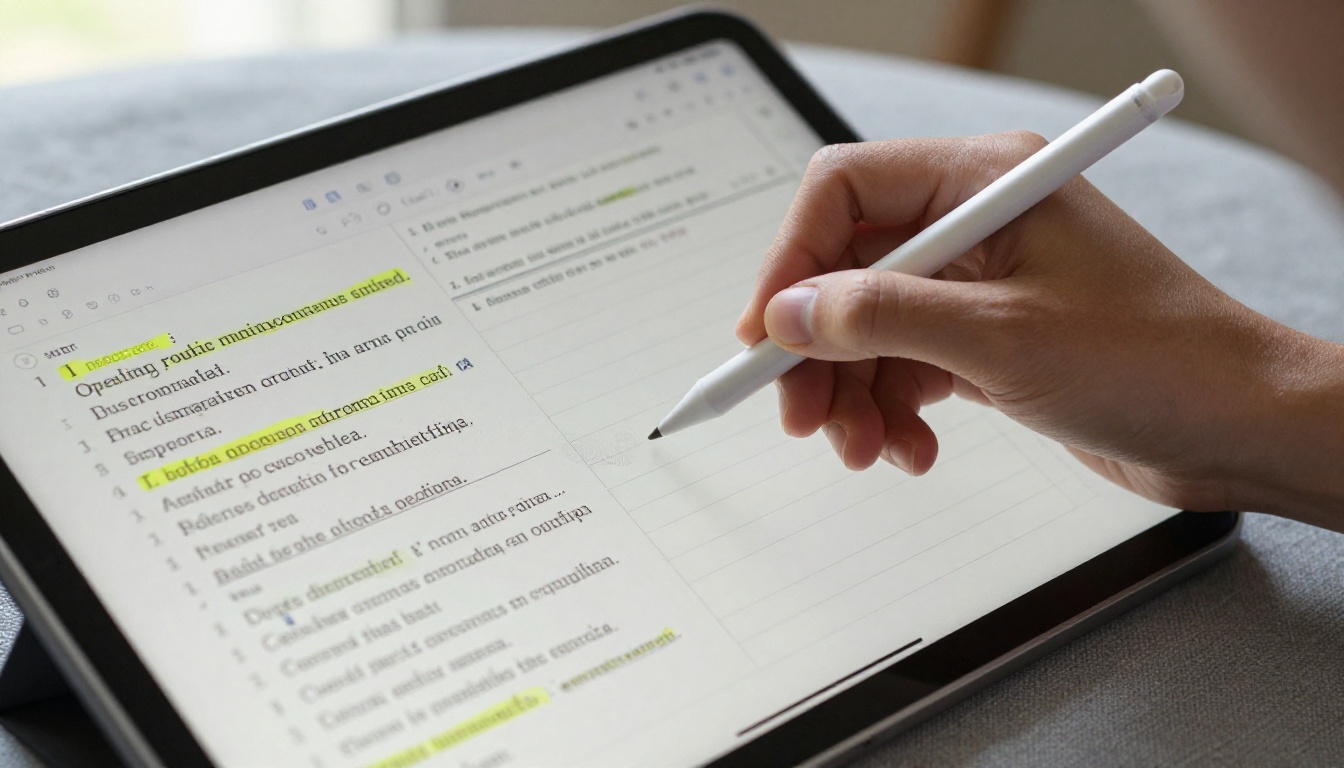
The most direct use: take your unedited, stream-of-consciousness lecture notes and paste them in. Ask Gemini 3 to reorganize them into a hierarchy. The output comes back as sections with bold headers, bullet points, definitions called out, and a short "what to remember" block at the end.
This takes about 30 seconds. It would take a student 20 to 30 minutes to do the same job manually, and the result would depend entirely on how tired they were during the lecture.
The prompt that works best:
Here are my raw notes from today's lecture on [topic].
Reorganize them into clear sections with headers.
Highlight any terms I should define.
Add three questions I should be able to answer after reading this.
The output from this prompt is a structured document you can drop straight into your note app, share with classmates, or use as a revision base.
Turn Any Concept Into a Flashcard Deck
Flashcard generation is one of Gemini 3's most reliable study features. Give it any chunk of content and ask for flashcard-format output. It will return question-answer pairs that are actually useful for active recall, not just definitions.
Ask it for twenty cards instead of ten. Gemini 3 will not run out of angles. It generates cards at different cognitive levels: definitional, application, comparison, and edge-case. That variety is what makes spaced repetition actually work.
Flashcard prompt:
Create 20 flashcard pairs from these notes.
Mix definition questions, "what's the difference between X and Y" questions,
and "what happens if" application questions.
Ask It to Fill the Gaps
Every set of notes has holes. You were distracted for five minutes, the professor moved too fast, or you simply did not follow something when you wrote it down. Gemini 3 can read your incomplete notes and infer what is missing based on context.
Ask it directly: "Based on these notes about [topic], what am I probably missing? What would a thorough set of notes on this topic include that I did not write down?"
This is not guessing. Gemini 3 has broad factual knowledge and can identify standard subtopics that belong in a given subject area. It will not hallucinate aggressively on well-established academic topics, and where it is uncertain, it tends to flag it.
Gemini 3 Pro vs Gemini 3 Flash for Students
PicassoIA gives you access to both Gemini 3 Pro and Gemini 3 Flash. They are not interchangeable. Knowing which one to use for which task saves time and produces better output.
Task
Gemini 3 Flash
Gemini 3 Pro
Quick flashcard generation
Ideal
Overkill
50-page document summarization
Adequate
Better depth
Complex reasoning chains
Struggles
Strong
Fast note cleanup
Ideal
Slower
Essay planning and argument building
Limited
Ideal
Vocabulary definitions
Ideal
Overkill
Multi-step problem solving
Limited
Ideal
Casual Q&A study sessions
Ideal
Overkill
When Flash Is Enough
Gemini 3 Flash handles the daily-driver tasks. It is faster and better suited to high-volume, lower-complexity operations. If you are generating flashcards, cleaning up notes, asking quick definitional questions, or running through multiple short tasks in a session, Flash gives you the throughput you need without latency slowing your workflow.
The speed advantage compounds over a full study session. Waiting two seconds for a response instead of eight seconds does not sound like much, but over 40 questions in an hour, that is real friction eliminated.
When Pro Is Worth It
Gemini 3 Pro is where you go when the task requires depth: analyzing a research paper's methodology, working through a multi-step proof, building the argument structure for an essay, or synthesizing information across three different source documents at once.
Pro handles long contexts without degrading. If you are feeding it a full semester's worth of notes for a full review session, Pro maintains coherence across the entire input in a way Flash does not.
Also worth noting: Gemini 3.1 Pro is available on PicassoIA and pushes the reasoning ceiling even higher for the most demanding academic tasks.
Real Study Workflows Built Around Gemini 3
The difference between students who use AI effectively and those who do not is usually not the tools. It is the workflow. Here are three concrete routines built around Gemini 3 for Studying and Note-Taking.
The Pre-Lecture Prep Routine
Before class:
Find the reading or topic for today's lecture from your syllabus or course portal
Paste the chapter titles and topic scope into Gemini 3 Pro
Ask: "What are the five hardest concepts in this topic and why do students typically struggle with them?"
Read that output before class
Walking into a lecture already knowing where the conceptual difficulty sits changes how you listen. You stop trying to transcribe everything and start listening for the explanations of the hard parts.
Post-Lecture Cleanup
Within 30 minutes of class:
Photograph or paste your raw lecture notes
Send to Gemini 3 Flash with the prompt: "Reorganize these notes into sections with headers. Flag anything that seems incomplete or unclear. Generate five review questions."
Review the output and add anything you remember that did not make it into the notes
This keeps your notes accurate while your memory of the lecture is still warm. The 30-minute window matters. After two hours, context that fills in the gaps in your notes is already fading.
Exam Week Sprint
Two days before the exam:
Collect all your notes from the entire unit
Feed them to Gemini 3 Pro: "These are my notes for [topic]. Identify the ten most important concepts. For each one, give me: a one-sentence definition, the most common way it is tested, and one mistake students usually make."
Print or copy the output. This becomes your exam sheet.
Day before the exam:
Use Gemini 3 Flash for rapid-fire Q&A. Ask it to quiz you. Answer out loud or in text. Ask it to tell you if your answer missed anything.
For anything you get wrong, ask: "Explain this differently. Give me an analogy."
This is active recall with an AI tutor available at any hour.
Gemini 3 vs Other AI Study Tools
Compared to GPT-5
GPT-5, also available on PicassoIA, is one of the strongest general-purpose models available. For creative writing, complex code, and nuanced prose, it has a clear edge. For pure study workflows, Gemini 3 holds its own in several important ways.
Gemini 3's context window handling is strong for very long documents. When you feed a full textbook chapter or multiple documents at once, Gemini 3 Pro maintains coherence through the entire input. GPT-5 is excellent but can lose thread in extremely long multi-document contexts.
Gemini 3 also tends to be more structured by default. Ask both models to summarize a chapter and Gemini 3 will often return headers and organized lists without being explicitly prompted, which is exactly what students need for actual study materials.
Compared to Claude 4 Sonnet
Claude 4 Sonnet on PicassoIA is the choice when you need long-form writing help. Essays, research paper drafts, structured arguments. Claude's writing is naturally fluid and follows academic register well.
For note-taking specifically, Gemini 3 has the advantage because it responds with more scannable output by default. Claude writes in flowing paragraphs. Gemini 3 writes in bullets and sections. When your goal is a set of notes you can actually study from, structure wins over prose.
Use Claude 4 Sonnet when you need to produce written output. Use Gemini 3 when you need to process and retain information.
No model is perfect, and knowing the limits prevents frustration.
Gemini 3 produces incorrect information. On well-established academic topics, hallucination is relatively rare. But on niche subtopics, recent events, or very specific numerical claims, it can generate plausible-sounding content that is wrong. Never cite Gemini 3 output directly in academic work without verifying facts from a primary source.
It does not replace reading. Gemini 3 can tell you what a chapter is about, but it cannot give you the intuition that comes from working through difficult material slowly. Summarization is a tool for efficiency, not a substitute for deep reading when the subject demands it.
Long multi-document tasks can degrade. Feed Gemini 3 Flash fifteen documents at once and the quality of synthesis drops. For large cross-document work, use Gemini 3 Pro and break it into focused sessions.
It cannot access your specific course materials. Unless you paste or upload the actual text, Gemini 3 does not know what your professor taught, what your syllabus says, or what your specific exam will cover. You have to bring the content to the model.
How to Use Gemini 3 on PicassoIA
PicassoIA gives you access to Gemini 3 without needing a Google account or a separate subscription. Here is how to run your first study session:
Step 2: In the chat input, paste your notes, document text, or question directly.
Step 3: Write a clear instruction before your content. Tell the model what output format you need. "Summarize in bullet points," "Generate 15 flashcard pairs," or "Explain this concept using an analogy" all work better than just pasting text with no context.
Step 4: Iterate. If the first output is not quite right, refine your instruction. Ask it to "make the bullets shorter" or "add more application-level questions" and it will adjust immediately.
💡 Session tip: Keep one chat session per subject. Mixing chemistry notes and history notes in the same conversation produces messier output due to context bleed between unrelated topics.
Step 5: Export the output. Copy it to your note app, Notion, Google Docs, or wherever you keep your study materials. PicassoIA is the generation step. Your note system is the storage layer.
You can also try Gemini 2.5 Flash on PicassoIA if you want a faster, lightweight option for quick day-to-day queries. It sits below Gemini 3 in capability but above most general-purpose chatbots for everyday academic tasks.
More AI Models for Studying on PicassoIA
Beyond Gemini 3, PicassoIA has a full range of models worth knowing about for different parts of your academic work:
DeepSeek R1: Outstanding for math, logic proofs, and step-by-step problem solving. Show your work and DeepSeek R1 will catch exactly where you went wrong.
Claude 4 Sonnet: The best option for drafting and editing academic writing. Clean, structured prose that reads at exactly the right register.
GPT-5: The all-rounder for complex reasoning tasks and creative academic projects where depth and nuance matter.
Kimi K2 Instruct: Strong for coding courses and technical subjects that require reading and writing code alongside theoretical explanation.
The advantage of having all of these in one place is that you can switch models mid-study session based on what the task demands. Start with Gemini 3 Flash for note cleanup. Move to DeepSeek R1 for the problem set. Use Claude 4 Sonnet to draft the essay. No tab-juggling, no separate accounts.
Build Your Own AI Study Routine
The students who benefit most from tools like Gemini 3 are not the ones who use it for everything. They are the ones who pick the right moments: the messy post-lecture note dump, the flashcard sprint before an exam, the concept they read three times and still did not absorb.
If you are ready to stop spending two hours on note cleanup and spend that time on actual retention, the tools are already there. Head to PicassoIA and run your next set of lecture notes through Gemini 3 Pro. The difference between what you put in and what comes back will show you what structured AI study assistance actually means.