Your GPU, your rules. That is the promise behind running adult image generation on your own computer: no upload queue, no monthly credit counter, no moderation filter deciding that a bikini photo is too much. It is also a promise that comes with fine print, because a local setup eats disk space, demands VRAM and rewards patience. This article walks through the free route, compares it with online generators, hands you prompts you can paste today and is honest about where a home PC runs out of road.
One boundary first. Everything here is about non-explicit adult glamour: swimwear, lingerie style fashion, boudoir lighting, suggestive but tasteful portraits of fictional adults. Nothing involving minors, nothing built on a real person's face without their consent, nothing pornographic.
Can You Really Run It Locally?
Yes. Open source image models run on consumer hardware, and the software that drives them is free. The catch is that "free" means you pay with a graphics card, electricity and an evening of setup instead of a subscription.
What "Local" Actually Means
A local setup has three layers:
- A front end, the program you click in. ComfyUI is the most flexible, while Automatic1111 style interfaces and Forge are simpler for beginners.
- A checkpoint, the model file that holds the image knowledge. These are several gigabytes each.
- Optional add-ons: LoRA files for a specific look, upscalers, ControlNet for pose control.
Your prompts never leave your machine. That is the real privacy benefit, and it is the main reason people go local.
Hardware You Need
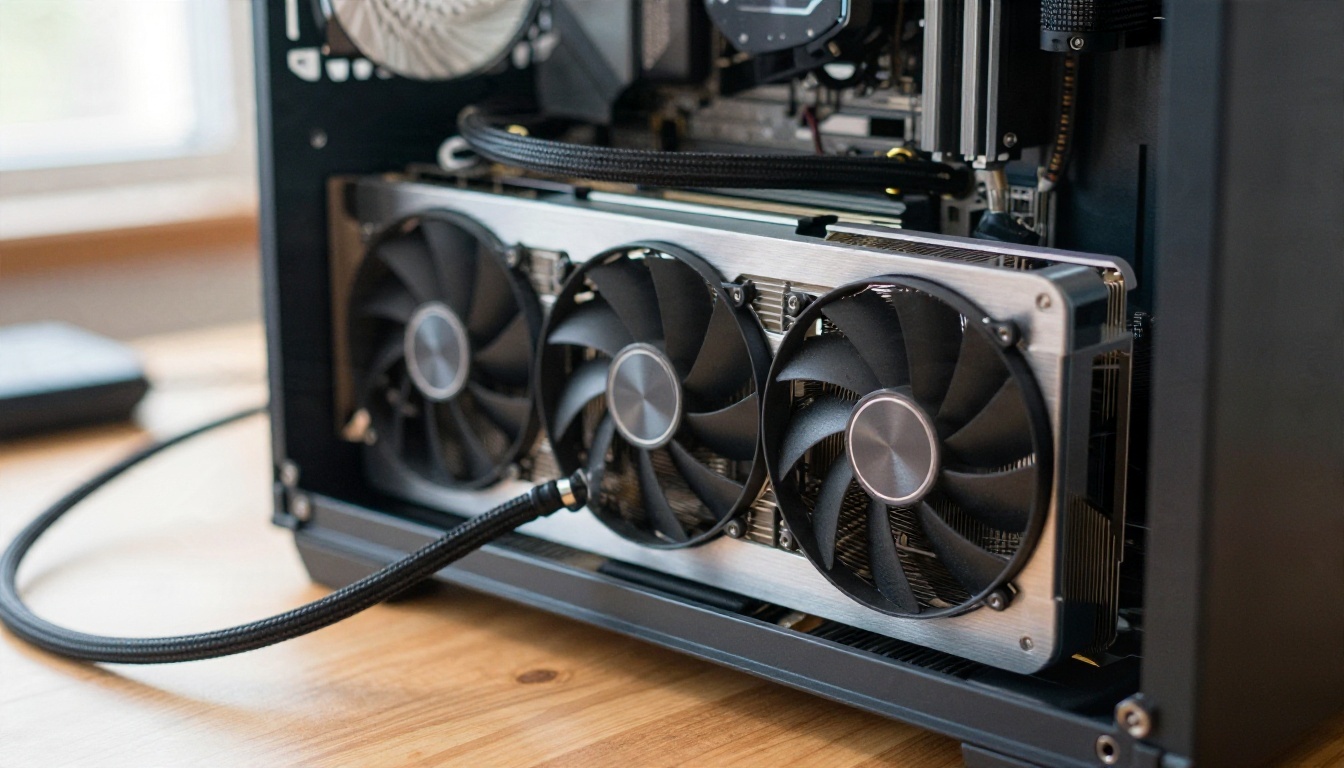
VRAM decides everything. Figures vary between sources and software versions, so treat these as ballpark numbers.
| Model class | Realistic VRAM | Speed on a mid-range card | Notes |
|---|
| Older Stable Diffusion style checkpoints | 4 to 6 GB | Fast | Lower resolution, more fixing needed |
| SDXL class checkpoints | 8 GB base, 12 GB comfortable | Medium | Best balance of quality and community support |
| Flux style models, full precision | 24 GB or more | Slow | Quantized versions cut the need by roughly 40 percent or more |
| Small recent models such as Flux 2 Klein 4B | About 8 GB | Fast | Newer and lighter |
A 12 GB card is the practical sweet spot today. Below 8 GB you can still generate, but you will fight out-of-memory errors and wait longer per image. Recent ComfyUI releases also manage memory offloading on their own, which helps older cards, though it does not turn a 6 GB GPU into a 24 GB one.
💡 Quick check: if your PC has no dedicated NVIDIA or recent AMD card, skip the local route for now. CPU-only generation works, but a single image can take many minutes.
The Free Local Setup, Step by Step
Here is the shortest path from a blank drive to a first image.
Install a Front End
- Make sure you have the latest GPU driver installed.
- Download ComfyUI (the portable Windows build needs no Python knowledge) or a simpler interface like Forge.
- Unzip it to a drive with at least 50 GB free. Checkpoints add up quickly.
- Launch it. A browser tab opens with the interface running on your own machine.
Do not run any random installer script from a forum post. Stick to the official project downloads and read what a script does before you run it.
Pick a Photorealistic Checkpoint
For glamour work you want a checkpoint trained for realistic skin and lighting. Community sites such as Civitai and Hugging Face host thousands. Look for these signs of a good one:
- Recent sample images with natural skin pores, not plastic smoothing
- Clear license terms, especially for commercial use
- A safetensors file, never an unknown executable or pickle file
- Reasonable downloads and recent comments from other users
Realistic checkpoints based on Stable Diffusion remain the most widely supported, with the largest library of LoRA add-ons. Put the file in the checkpoints folder, refresh the interface and select it.
Run Your First Batch
Start conservative so you learn what the settings do:
- Resolution: 1024 by 1024 for SDXL class models, 768 by 768 for older ones
- Steps: 25 to 30
- CFG scale: 5 to 7
- Sampler: DPM++ 2M or Euler, both reliable
- Batch size: 4, so you see variety without waiting forever
Generate, pick the best frame, then raise the resolution with an upscaler. Do not start at 2048 pixels. Models produce duplicated limbs and warped faces when pushed past their training size.
Local vs Online Alternatives
Local generation is not the only free-ish route, and for many people it is not the best one. Here is the honest comparison.
| Factor | Local PC | Online on PicassoIA |
|---|
| Upfront cost | A capable GPU | None |
| Setup time | Hours | Seconds |
| Speed per image | 10 to 90 seconds on mid cards | A few seconds |
| Quality ceiling | Limited by your VRAM | Latest large models |
| Privacy | Prompts stay on your disk | Handled by the platform |
| Maintenance | Updates, drivers, broken nodes | None |
| Adult glamour themes | Depends on the checkpoint you pick | Supported by the models below |
If you own a good GPU and enjoy tinkering, local is satisfying. If you want strong results tonight, an online model usually wins on time alone.
Where Seedream 4.5 Wins
Seedream 4.5 is the first model to try for adult glamour work online. It produces sharp, high resolution photographs with believable skin, natural fabric and clean lighting, which are the exact areas where small local checkpoints struggle. Swimwear, silk, lace trim and boudoir portraits all come out cleanly, with no VRAM budgeting on your side.
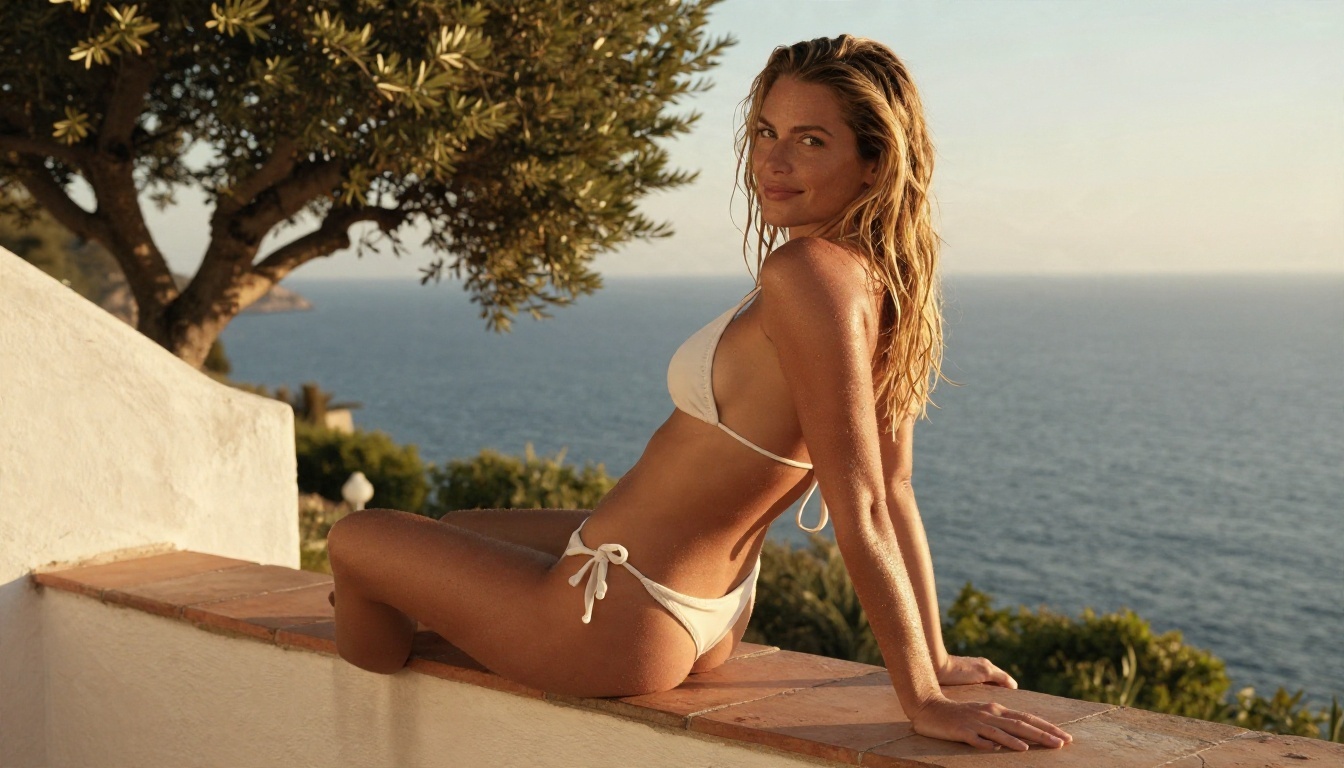
Hands, jewelry and background details hold up better than on most home setups, and the prompt understanding is strong enough that a single descriptive paragraph works without negative prompt tricks.
Image Editor Pro for Unlimited Runs
The biggest annoyance of online tools is the credit meter. PicassoIA Image Editor Pro removes it, with unlimited generations. That changes how you work: you can iterate twenty times on a pose, a wardrobe change or a lighting setup without watching a counter. It also edits existing images, so you can change an outfit, adjust a background or fix a detail without starting over.
Speed is the other advantage. Results arrive in seconds, so you can run several variations back to back while a local card would still be loading the model into memory.
Other Models Worth a Try
Once you have tested the two above, these are worth keeping in your rotation:
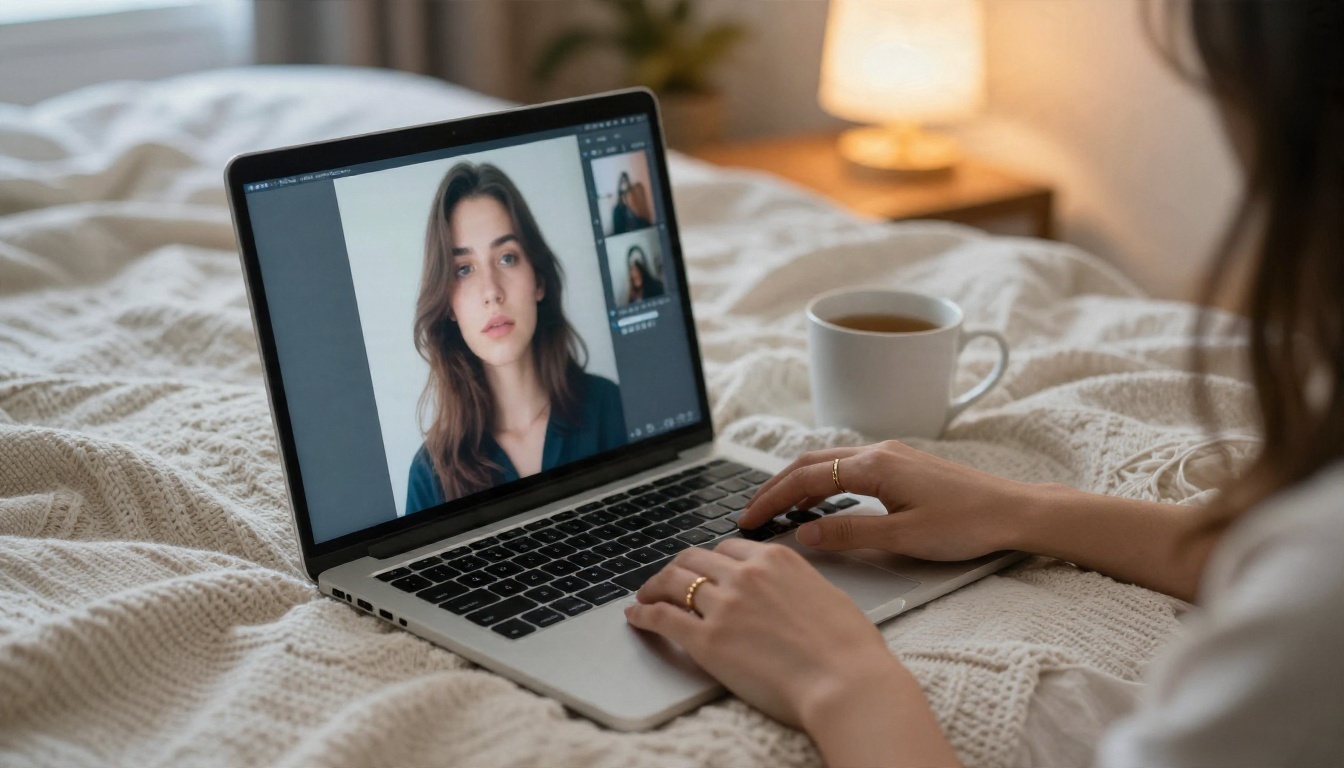
💡 Tip: a good workflow is hybrid. Draft ideas fast online, then decide whether a local LoRA is worth the effort for a look you want to repeat constantly.
Prompts That Actually Work
Models respond to structure far better than to piles of adjectives. The same formula works locally and online.
The Glamour Prompt Formula
Build every prompt in this order:
Subject and wardrobe + pose + setting + light direction + camera and lens + texture words + film look
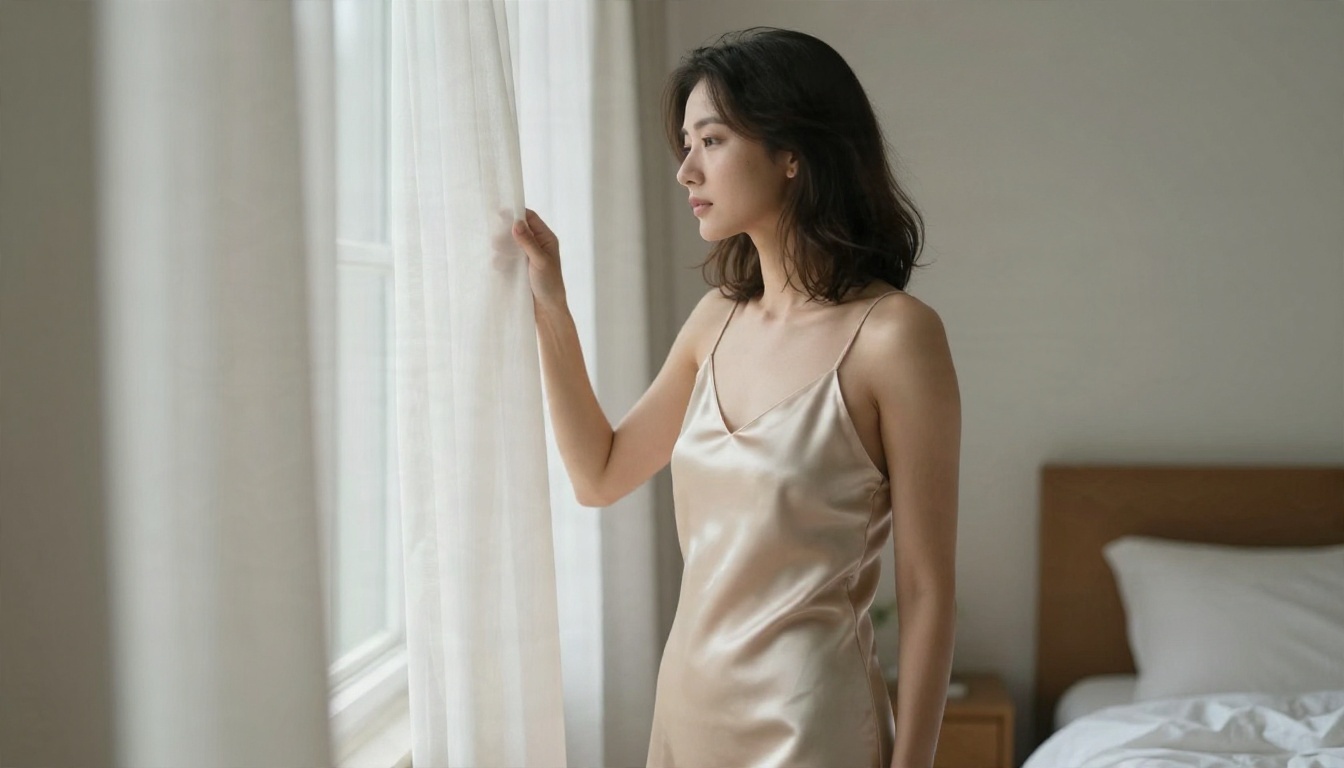
Example: adult woman with dark brown hair in a champagne silk slip dress beside a tall window, one hand on the curtain, soft morning light from the left, 50mm lens at f/1.8, visible fabric sheen and natural skin texture, Kodak Portra 400 film grain.
Why it works: light direction and lens words push the model toward photography instead of illustration, and texture words fight the smooth plastic skin that weak checkpoints produce.
Three Prompts to Copy
Paste these as they are, then change one variable at a time.
Poolside glamour
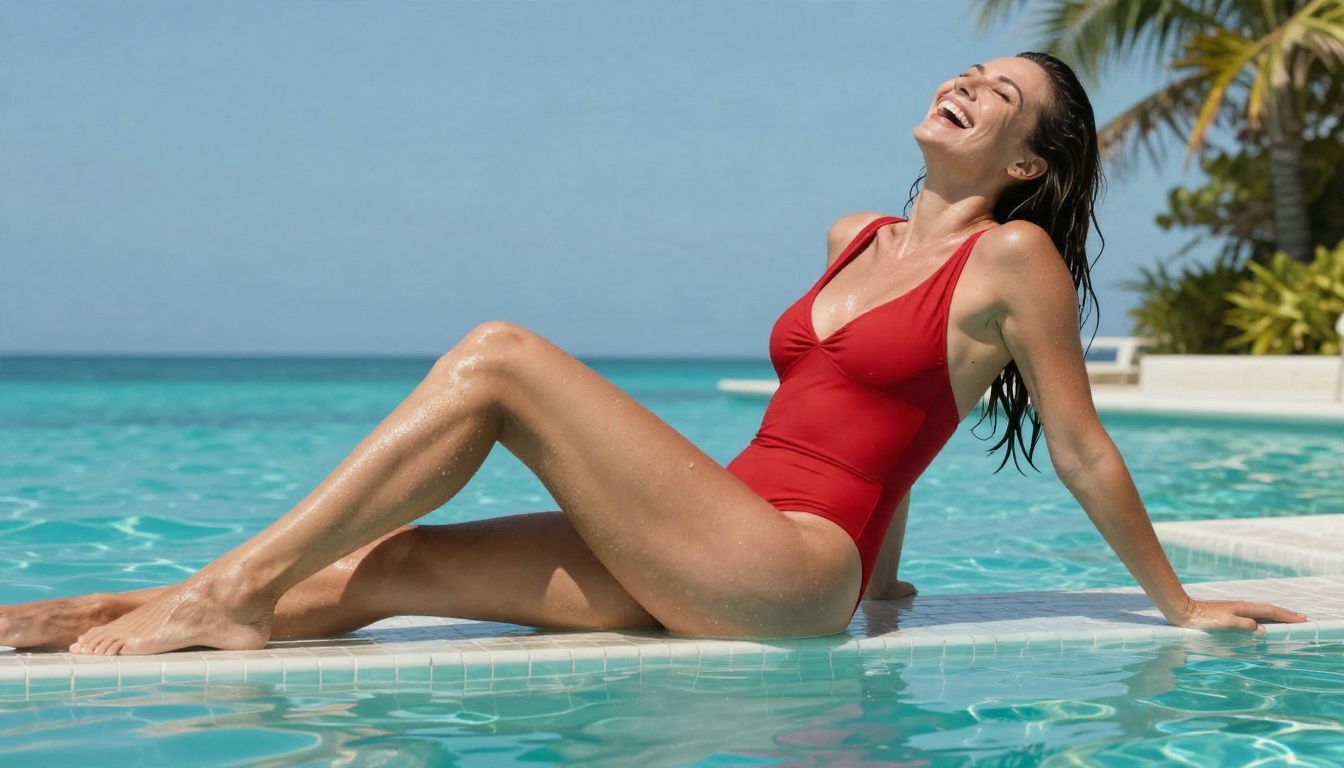
Adult woman in a classic red one piece swimsuit sitting on the edge of a resort pool, legs in the water, laughing, turquoise water, bright midday sun from above right, 24mm lens from water level, water droplets on tanned skin, Kodak Portra 400 grain.
Golden hour terrace
Adult woman in a white string bikini leaning on a stone terrace railing above the sea, glancing over her shoulder, warm low sun with rim light on her hair, 85mm f/1.8, visible skin pores, film grain.
Studio fashion portrait
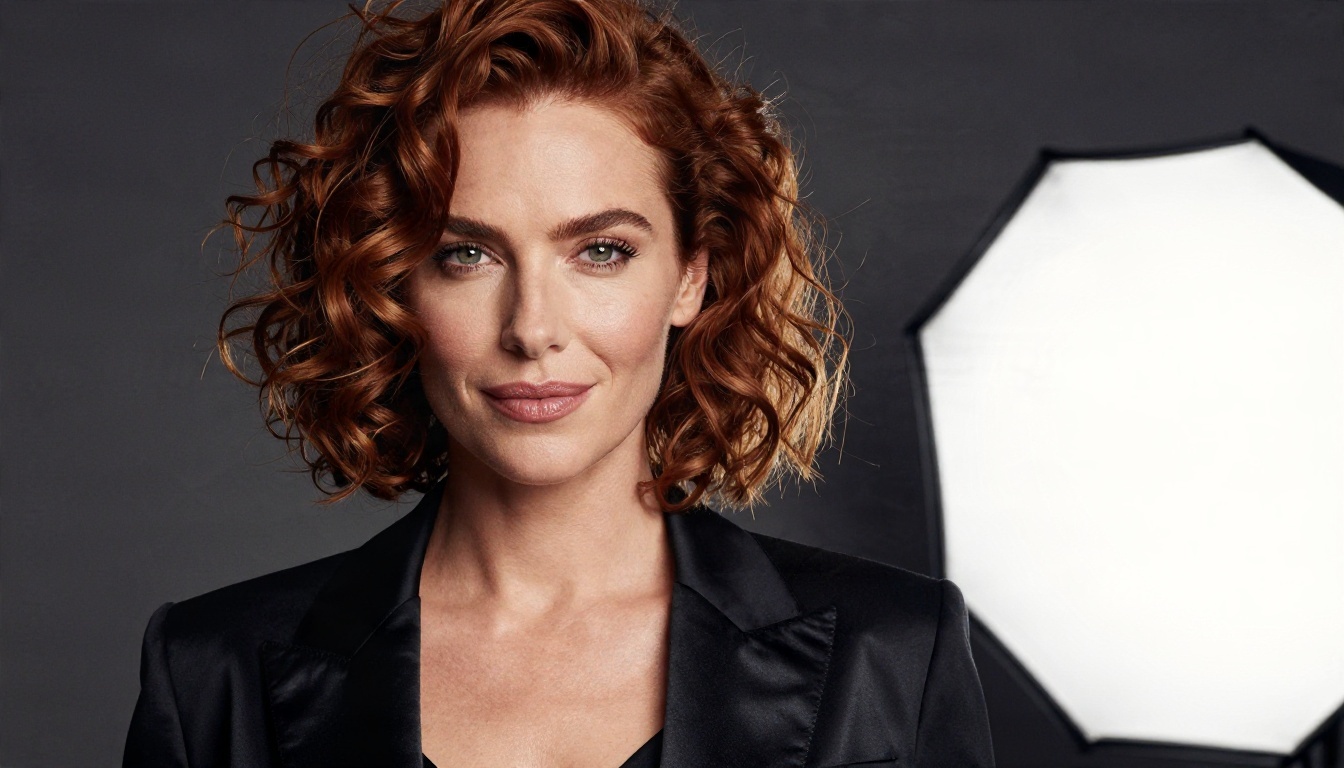
Adult woman with auburn curls in a black satin camisole under a tailored blazer, large softbox from the left, charcoal backdrop, 105mm f/2, close head and shoulders framing, fine satin sheen.
Negative Prompts and Settings
On local checkpoints, a negative prompt matters. A short, sensible one beats a wall of text:
- blurry, extra fingers, deformed hands, plastic skin, oversaturated, watermark, text, cartoon, illustration
Online models like Seedream 4.5 rarely need one. Describe what you want clearly and leave it there.
The Real Limits
This is the part most tutorials skip.
Hardware and Speed
A mid-range card turns out one 1024 pixel image every 15 to 40 seconds on an SDXL class model. A big Flux style model at full precision can take well over a minute, or simply refuse to load on 12 GB. Your PC will run hot and loud during long batches, and your power bill notices.
Quality Limits
Local quality depends entirely on your checkpoint and your patience. Expect to deal with:
- Hands and feet that need regeneration or inpainting
- Faces that drift between images, which makes consistent characters hard
- Skin that looks waxy unless you pick the right checkpoint and settings
- Fabric folds and jewelry that break at small sizes
Large online models solve most of these by default because they are far bigger than anything that fits on a home GPU.
Legal and Consent Limits
Local does not mean lawless. Keep these rules fixed, whatever tool you use:
- Adults only. Every character must be clearly an adult. No exceptions, no gray areas.
- No real people without consent. Using a real person's face for suggestive images can be illegal and harms them. Many countries now have specific laws about it.
- No deceptive use. Do not present generated images as real photographs of a real individual.
- Respect licenses. Some checkpoints forbid commercial use or specific content types.
- Platform rules. Where you post the results matters. Most social sites restrict suggestive content.
💡 Rule of thumb: if you would be uncomfortable explaining an image to the person it resembles, do not make it.
Common Mistakes to Avoid
1. Downloading checkpoints from unknown sources. Stick to safetensors files from reputable pages with real sample images.
2. Chasing 4K on the first run. Generate at the native size, then upscale. It saves hours.
3. Writing prompts like keyword soup. A clear sentence with lens, light and texture beats fifty tags.
4. Ignoring VRAM warnings. An out-of-memory error means lower the resolution or use a quantized model. Do not just click retry.
5. Using local when online fits better. If you only need a handful of images, an hour of setup costs more than it saves.
Try It Yourself
Local generation is a rewarding hobby if you already own the hardware, and you now have the full setup, prompts and limits. If you would rather skip the install and see results in seconds, open Seedream 4.5 first, then move to PicassoIA Image Editor Pro for unlimited iterations and edits. Paste one of the prompts above, change the wardrobe or the light, and compare the output against your local results.
Want more options? Browse the whole catalog at picassoia.com/en/all-models and test a few side by side. The best setup is the one that gets you the image you pictured, so run a few experiments and keep what works.


