Getting Around AI Image Restrictions: What Actually Works in 2027
AI platforms reject images that artists and creators need every single day. This breaks down why filters trigger, how to craft prompts that pass them, which models give you real creative freedom, and where to go when standard tools fall short.
Every prompt you write gets run through a filter before it's even sent to the model. That filter doesn't care about your artistic intent, your project brief, or your experience level. It reads a few trigger words and drops a generic error that tells you nothing about what went wrong or how to fix it. This article exists because that experience is frustrating, and because there are real, legitimate ways to work around it without breaking any rules.
How AI Image Filters Actually Work
Content filters in AI image platforms operate at two layers: a pre-generation text classifier that scores your prompt, and a post-generation image classifier that checks the output. Most platforms only tell you about the first one. The second one is what causes those mysterious failures where an innocuous prompt produces a blocked image with no explanation.
The Text Classifier Problem
Text classifiers are trained on lists of flagged words and phrases. They scan your prompt, assign risk scores to individual terms, and block generation if the combined score crosses a threshold. The problem is these lists are blunt. Words like "nude", "bare", "undressed", or even "sheer fabric" can trigger a block even in clearly artistic or fashion contexts.
💡 Insight: The classifier doesn't read your sentence. It reads your words. Context between words is partially understood but not reliably so. This is why reframing the same concept differently often passes where a direct term fails.
What Actually Gets Flagged
Most mainstream platforms have tiers of restriction. Common triggers include:
Trigger Category
Examples
Block Level
Direct adult terms
explicit anatomical words
Hard block
Suggestive descriptors
"revealing", "topless", "nude"
Soft block
Style descriptors
"glamour photography", "lingerie"
Platform-dependent
Composition terms
"closeup of body", "low angle"
Context-dependent
Violence or weapons
any weapon combined with a person
Hard block
Knowing which tier a term sits in tells you how much reframing is needed. Hard blocks need full concept replacement. Soft blocks often yield with different phrasing.
Writing Prompts That Pass Filters
The single most effective approach to getting around AI image restrictions isn't finding a loophole. It's writing more precise prompts that communicate intent clearly while avoiding the blunt trigger vocabulary that classifiers look for.
Descriptive Language vs. Direct Language
Direct language names a thing. Descriptive language shows a thing. Filters train on names, not descriptions. This is the fundamental gap to work with.
Instead of: "topless woman on beach"
Write: "woman in a minimal two-piece swimsuit sunbathing, fine sand, turquoise water, aerial view, photorealistic"
Instead of: "nude portrait"
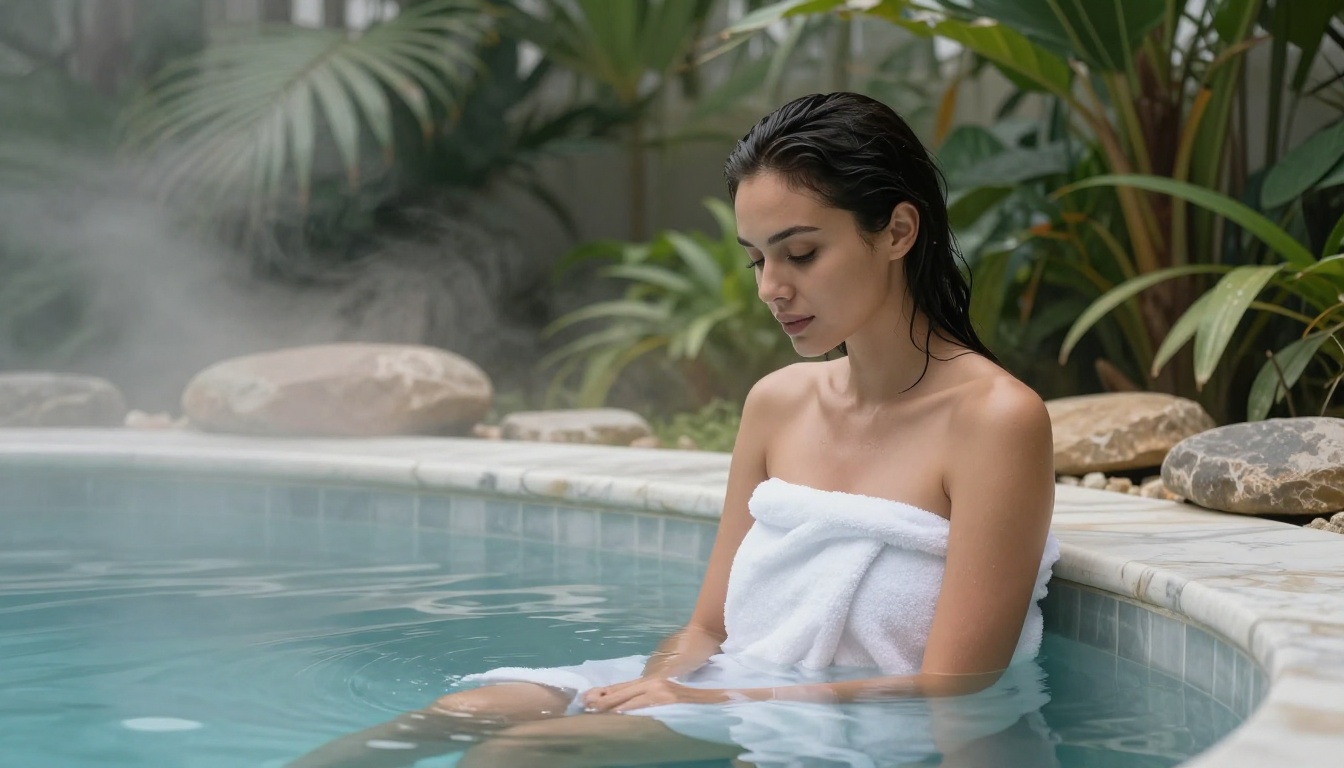
Write: "woman wrapped in white linen fabric, bare shoulders visible, artistic portrait, soft studio lighting, natural skin texture"
The meaning is substantially the same. The risk score is dramatically lower because none of the individual flagged terms appear.
Context Framing That Changes Risk Scores
Adding professional context to a prompt lowers its risk score even when the visual content is identical. Classifiers give significant weight to framing language.
These context anchors reliably reduce filter sensitivity:
"professional photography" or "editorial photography": implies a commercial rather than exploitative context
"fashion editorial" or "lookbook shoot": positions the image as industry-standard creative content
"fine art" or "artistic portrait": signals aesthetic rather than prurient intent
"museum quality" or "gallery submission": highbrow framing lowers risk assessment
Camera and lens specifics ("85mm f/1.4", "Leica M6"): signals technical photography, not casual NSFW creation
💡 Ending your prompt with "photorealistic, Kodak Portra 400, RAW photography, 8K" does two things: it pushes the model toward authentic photographic output, and it tells the classifier this is a photography context rather than an adult content context.
Style Shifts That Bypass Specific Filters
Some platforms block certain photographic contexts but permit the same content under different medium labels. If photorealistic fails, try:
The content policy in many cases is the same, but the classifier is calibrated on photorealistic and explicit combinations. Shifting the medium label changes how the classifier evaluates the request.
Seedream 4.5: The Starting Point for Creative Freedom
When it comes to generating images that mainstream platforms block, Seedream 4.5 is the model to start with on PicassoIA. Built by ByteDance, it operates with a substantially more permissive content threshold than most alternatives while delivering genuinely high-quality 4K output.
What Makes Seedream 4.5 Different
Most image models inherit the content policy of the API provider wrapping them, which adds restrictions on top of what the model itself can do. Seedream 4.5 on PicassoIA connects to the model without those additional layers, which means the model's actual capability is what you get rather than a filtered version of it.
Seedream 4.5 strengths:
4K native output with exceptional skin and fabric texture detail
Strong photorealistic rendering without artificial over-smoothing
Consistent adherence to complex prompt descriptions
Reliable composition control from detailed prompts
Write a detailed prompt using descriptive language rather than direct trigger terms
Set aspect ratio to 16:9 for landscape or 9:16 for portrait
Leave the seed blank for variety, or pin a seed to iterate on a specific composition
Run the first generation and assess the output
Refine the prompt based on what you see, adding more specificity on elements that need adjustment
💡 Seedream 4.5 responds exceptionally well to photographic language. Include camera specs, lighting direction, film stock, and subject positioning for maximum control over the output.
PicassoIA Image Editor Pro: Unlimited and Unrestricted
For workflows that require high-volume iteration, PicassoIA Image Editor Pro solves a problem that single-generation tools can't: unlimited generations without per-image credit costs.
Why Unlimited Matters for Breaking Through Filters
Getting around AI image restrictions is inherently an iterative process. You write a prompt, see what the filter accepts, adjust, regenerate. If every attempt costs a credit, the iteration cost becomes a genuine barrier. Unlimited generations remove that barrier entirely.
Run 50 prompt variations in a single session without counting costs
Test different framing approaches back-to-back without slowing down
Use inpainting to fix specific elements that trigger post-generation filters
Apply outpainting to extend compositions without regenerating the full image
Editing Around Blocked Content
Sometimes the issue isn't your initial prompt. It's a specific region of the generated image that triggers the post-generation image classifier. Inpainting solves this directly.
The inpainting workflow:
Generate the base image with a cleared prompt
Identify the region causing the block (usually determined by trial and error with masked regenerations)
Use the inpainting brush to select only that region
Write a replacement prompt for just that masked area
Regenerate only the masked region, preserving everything else
This works because the image classifier evaluates the whole image. Replacing a flagged region with a compliant one changes the overall classifier score without restarting the generation from scratch.
The Right Models for the Right Content
Different content goals need different models. Here's how to pick the right one based on what you're trying to generate.
Flux Models for Detail Control
The Flux Redux Dev model from Black Forest Labs gives you image variation control that most text-to-image models don't offer. When you have a passing image and want variations that preserve the composition and mood while changing specific elements, Flux Redux is the right tool.
Qwen Image Edit Plus is uniquely strong at instruction-following for image editing tasks. When you have an image that's close to what you want but needs specific changes, the Qwen edit models can make targeted adjustments using natural language instructions.
The editing variants available on PicassoIA include:
Stable Diffusion 3 remains a strong option for style-specific requests. Where Seedream excels at photorealism, SD3 gives you cleaner control over artistic styles and interpretive aesthetics. For fashion illustration, semi-realistic portraits, and hybrid photo-art styles, it often outperforms strictly photorealistic models.
Prompt Strategies That Sharpen Results
Once you understand the basics, these approaches give you finer control over filter avoidance and output quality.
Negative Prompts That Actually Help
Most platforms support negative prompts. Most users ignore them. Negative prompts aren't just for improving image quality. They signal to the model what kind of output you're not creating, which changes how the safety layer interprets the request.
Effective negative prompts for restricted creative content:
cartoon, illustration, anime, 3D render, CGI, painted, digital art, graphic novel, explicit, pornographic, low quality, blurry, watermark, text overlay
The explicit and pornographic negative terms here do something counterintuitive: they tell the classifier you're specifically not trying to make that kind of content, which can lower the risk score on borderline prompts.
Seed and Variation Strategies
When a prompt passes the filter but the output isn't quite right, varying the seed gives you different compositions without rewriting the prompt. This is an underused approach:
Generate with a random seed and assess the result
If the composition is right but details are off, note the seed number
Make minor prompt adjustments while keeping the same seed
The model will produce a similar composition with your prompt changes applied
This is particularly useful for body positioning and lighting, where you want to preserve what's working while changing what isn't.
💡 PicassoIA shows the seed used for every generation. Screenshot or copy it before moving on. You can't reproduce a result you liked without the original seed unless you happened to write it down.
Using LoRA Models for Style Consistency
LoRA (Low-Rank Adaptation) models let you apply a consistent style or subject across generations. If you're creating a series of images where a specific aesthetic needs to remain constant while content varies, a LoRA model trained on that aesthetic will hold it more reliably than prompt engineering alone.
Getting around AI image restrictions doesn't mean ignoring them entirely. Every platform draws a line somewhere, and knowing where that line sits on PicassoIA matters for planning your creative work.
PicassoIA's Content Position
PicassoIA allows non-explicit adult content: suggestive, glamorous, and artistic imagery that's beautiful and sensual without crossing into explicit or pornographic territory. This is a meaningful distinction from platforms that block anything beyond fully clothed subjects.
What this means in practice:
Bikinis, lingerie, and minimal clothing: allowed
Artistic nudity with implied or partial exposure: allowed
Explicit sexual content: not allowed
Violence or harm: not allowed
This position gives creative professionals, fashion photographers, and adult content creators a realistic working environment without forcing them onto platforms with no guardrails at all.
3 Mistakes That Get Prompts Blocked
Most blocked prompts fail for one of three reasons:
Direct naming: Using the exact term the classifier is trained to flag rather than describing the concept differently
Stacking triggers: Multiple borderline terms in the same prompt push the combined score over the threshold even if each individual term is marginal
Missing context: No professional framing, no artistic context, no medium specification. A raw description with no anchors looks like casual NSFW generation to a classifier
Fixing these three things solves the majority of filter problems without needing to find a platform with lower restrictions.
Using Super Resolution After Generation
When a generation passes the filter but the resolution isn't high enough for your use case, PicassoIA's super-resolution models can upscale 2x to 4x without re-triggering generation-phase filters. You're processing an already-generated image rather than generating from scratch, so the content policy check is different.
This matters when you're using fast lower-resolution models to test compositions and then need to deliver high-resolution final files.
Start Generating on PicassoIA
The methods in this article work because they're based on how AI content filters actually operate rather than guesses about what might slip through. Knowing how the two-layer filter system works, writing descriptive rather than direct language, choosing the right model for your content goals, and iterating efficiently with unlimited generations on PicassoIA Image Editor Pro gives you a full workflow for getting the images you actually want.
Start with Seedream 4.5 for your first attempts. It has the best combination of permissive thresholds and high output quality for creative and adult-adjacent content. When you need unlimited iteration, switch to PicassoIA Image Editor Pro. When you need style consistency across a series, the LoRA models and editing tools on PicassoIA give you that control without starting from scratch every time.