The debate between GPT Image 1.5 and Nano Banana Pro has been heating up in creator communities, Discord servers, and AI art forums for months. Both models claim photorealism. Both promise prompt accuracy. But they are built on fundamentally different philosophies, and the gap shows up the moment you start testing edge cases. This breakdown covers quality, speed, pricing, prompt adherence, and content freedom so you can make the call based on your actual workflow.
What These Two Models Actually Are
Before picking a winner, you need to know what you are actually comparing. These are not the same type of tool dressed up in different branding.
GPT Image 1.5 in Plain Terms
GPT Image 1.5 is OpenAI's text-to-image model, the version that preceded GPT Image 2. It runs on a hybrid architecture combining diffusion processes with transformer-based conditioning, which means it takes your text prompt seriously at every step of the generation process. The model was trained on a massive, diverse dataset and places a premium on photorealism and prompt fidelity over raw generation speed.
What made GPT Image 1.5 stand out at release was its handling of complex, multi-subject prompts. It could juggle compositions like "a woman in a red dress standing next to a white car on a rainy street at night" without collapsing one element into another. That compositional reasoning is the model's strongest suit and it remains among the best in class for prompt fidelity even as newer models arrive.
You can access GPT Image 1.5-class quality through platforms like PicassoIA Image, which uses the model as part of its core image generation stack, giving you browser-based access without API setup or credit card on file for initial testing.
Nano Banana Pro in Plain Terms
Nano Banana Pro takes the opposite philosophy. It is optimized for speed and throughput, generating images in a fraction of the time GPT Image 1.5 takes. The "Nano" in the name is not marketing, it genuinely refers to a lightweight architecture designed to run fast on consumer hardware and produce acceptable-to-good results in seconds rather than tens of seconds.
The "Pro" tier adds NSFW capability and slightly higher resolution output compared to the base Nano Banana model. It is popular among rapid prototyping workflows, storyboarders who need dozens of rough comps quickly, and creators who prioritize iteration speed over absolute quality. At its price point and with its generation speed, it occupies a distinct niche that GPT Image 1.5 was never designed to serve.
💡 Quick Take: If speed-to-first-image is your bottleneck, Nano Banana Pro is built exactly for that use case. If final output quality is what ships to clients, GPT Image 1.5 is the model to beat.
Quality Head-to-Head
This is where things get interesting. Raw benchmark numbers mean little without context, so here is a breakdown by image category.
Portrait and Skin Realism
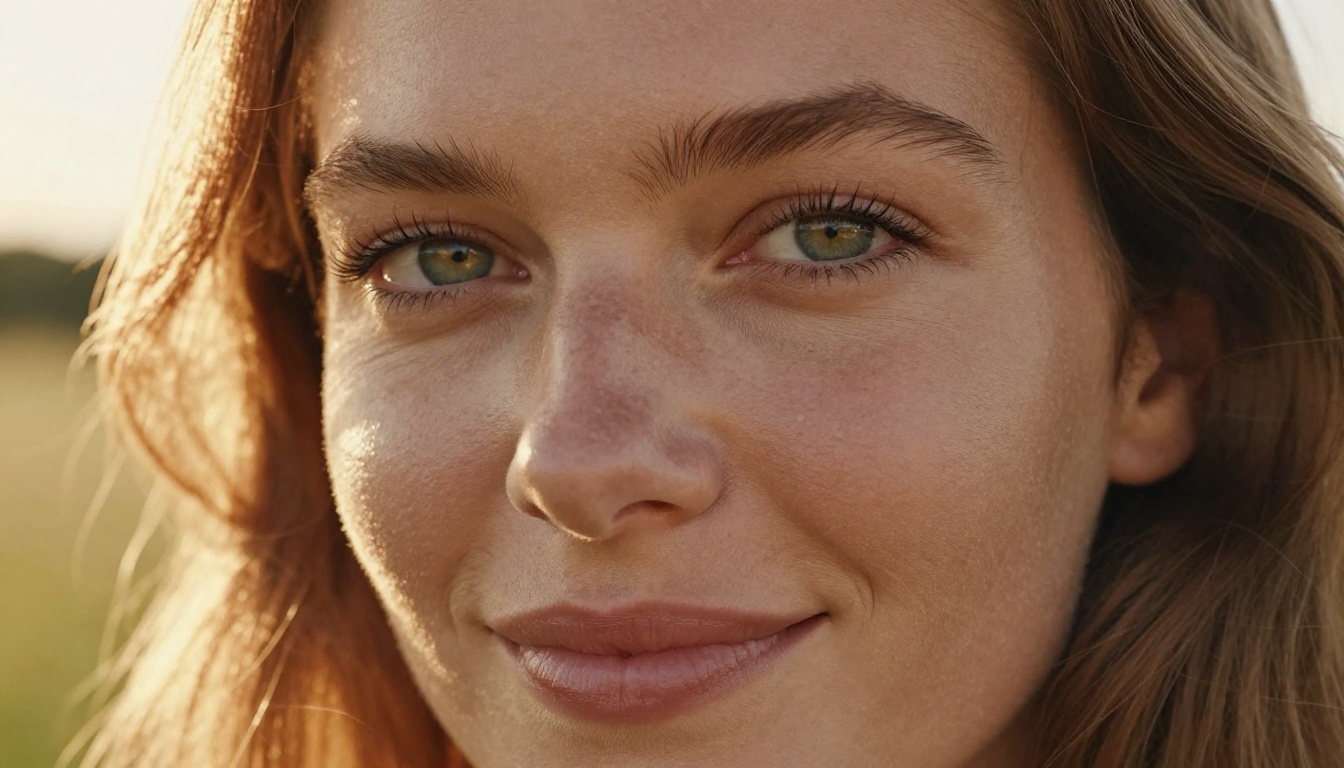
GPT Image 1.5 wins this category clearly. When prompted for close-up portraits with natural lighting, it consistently produces accurate skin texture, realistic catch-lights in eyes, and natural hair rendering. Nano Banana Pro, while capable of plausible portraits, tends toward a slightly over-smoothed look that feels less photographic and more "filtered."
The difference becomes even more pronounced with complex lighting conditions. Golden-hour rim lighting, mixed artificial and natural light, and low-key studio setups all favor GPT Image 1.5's more sophisticated shading model. Side-by-side, a non-technical viewer will consistently identify the GPT Image 1.5 portrait as more real.
| Feature | GPT Image 1.5 | Nano Banana Pro |
|---|
| Skin texture accuracy | Excellent | Good |
| Eye detail and catch-lights | Excellent | Moderate |
| Hair rendering | Very Good | Good |
| Complex lighting | Excellent | Moderate |
| Smooth skin tone consistency | Very Good | Excellent |
Landscapes and Architecture
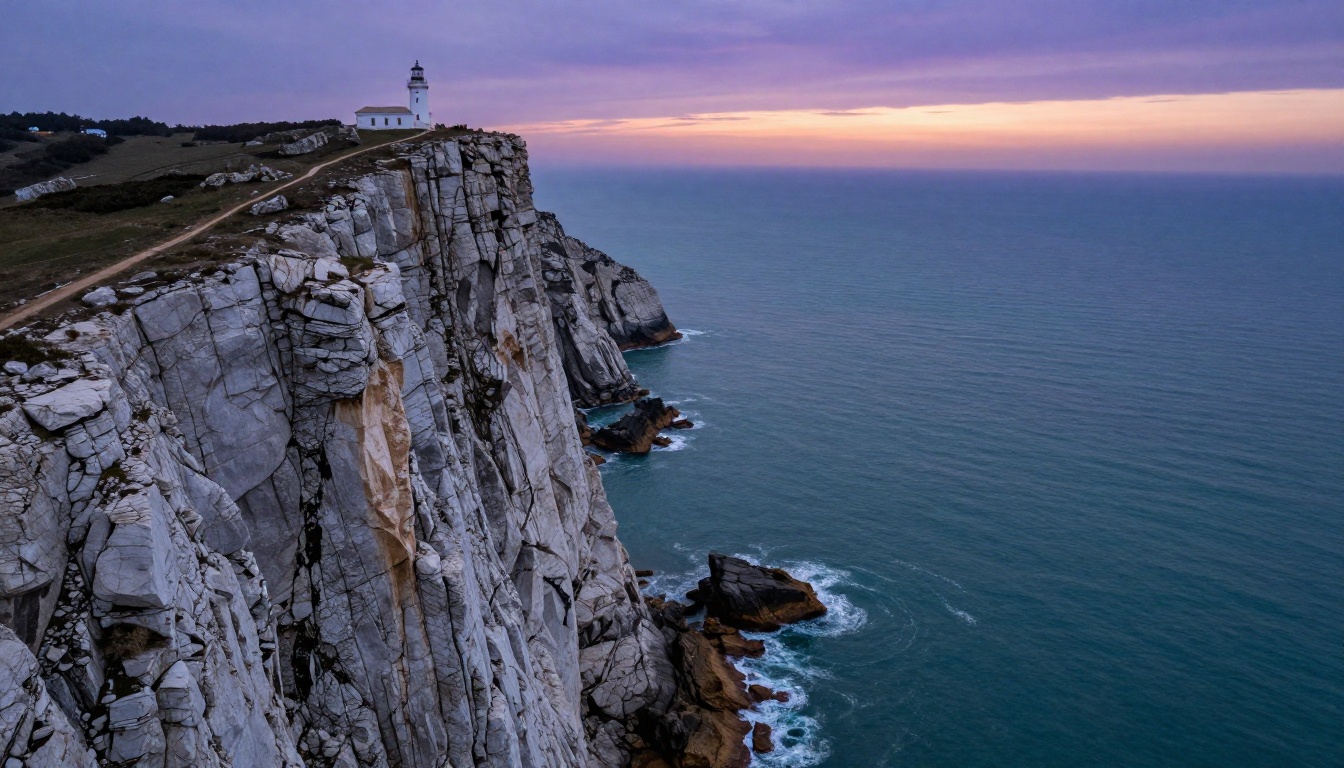
Here the gap narrows considerably. Nano Banana Pro produces genuinely impressive landscape images, often with strong color saturation and broad compositional sense. Where it stumbles is fine architectural detail: windows, brick patterns, structural symmetry, and exact proportions. GPT Image 1.5 handles these with more precision, particularly when the prompt specifies exact elements like cornices, arch shapes, or specific window configurations.
For sweeping aerial shots and abstract natural landscapes, Nano Banana Pro's speed-quality tradeoff starts looking more attractive. You can iterate through six landscape variations in the time GPT Image 1.5 takes to generate one, and for exploratory work that ratio matters.
Stylized and Creative Shots
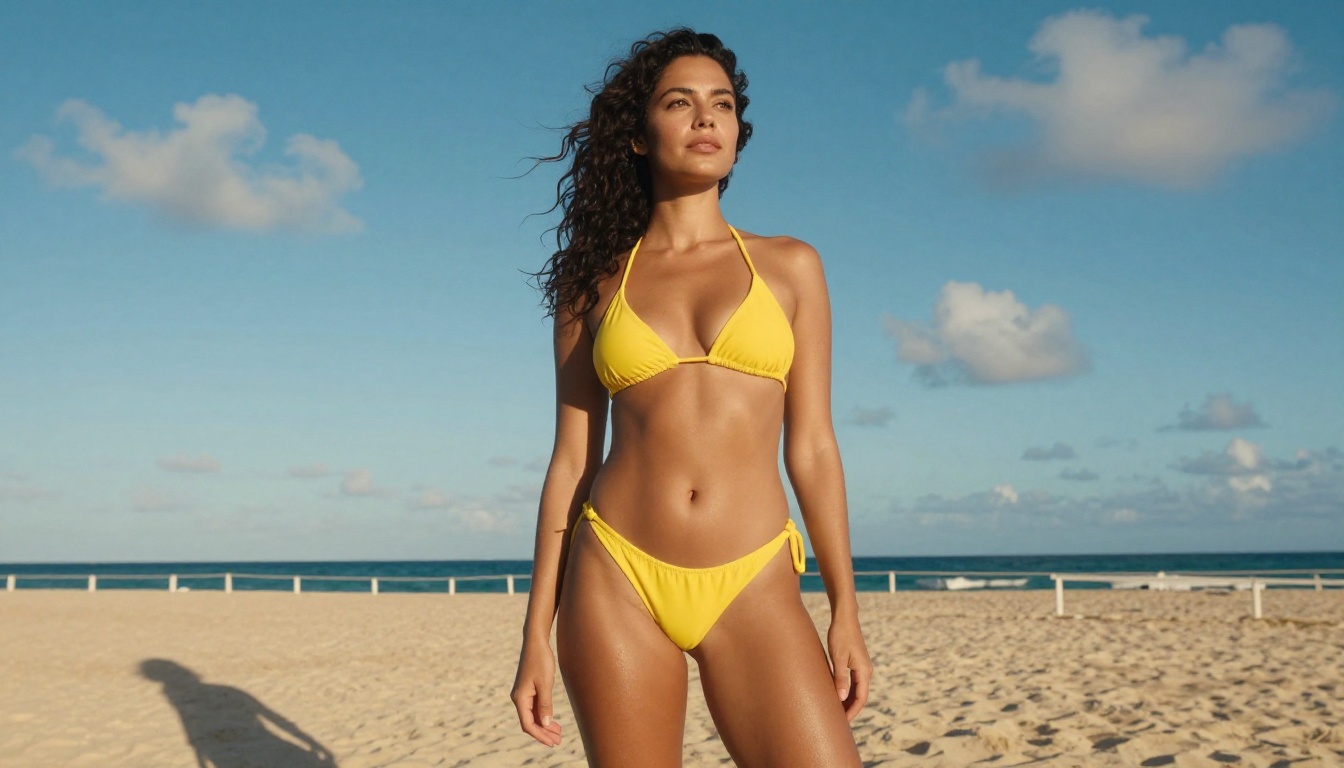
When the prompt calls for lifestyle photography, fashion editorial looks, or glamour shots, GPT Image 1.5 maintains its edge on natural-looking skin and realistic environmental integration. Nano Banana Pro produces striking stylized images but they carry a visual signature on close inspection, a certain softness and saturation that reads as AI-generated to a trained eye.
That said, for purely creative or conceptual work where photorealism is not the primary goal, Nano Banana Pro's aesthetic tendencies can actually be an asset. Some creators actively prefer its distinctive look for social content precisely because it reads as intentionally stylized rather than aiming for photography.
Speed and Latency Test
This is where Nano Banana Pro earns its reputation in the market.
Generation Time Per Image
Under standard conditions with equivalent prompts at comparable resolution settings:
| Model | Average Generation Time | Batch of 10 Images |
|---|
| GPT Image 1.5 | 18-28 seconds | 3-5 minutes |
| Nano Banana Pro | 4-8 seconds | 45-90 seconds |
These are approximate figures and vary based on server load, prompt complexity, and output resolution. But the ratio holds consistently: Nano Banana Pro is roughly 3-5x faster in real-world use. For workflows where you need to present multiple concepts in a short meeting, that difference is the difference between feasible and impractical.

Batch Processing Behavior
GPT Image 1.5 maintains quality consistency across batches remarkably well. If you generate ten images from the same prompt, the outputs are coherent and of comparable quality. Nano Banana Pro shows more variation in a batch of ten, with some images noticeably stronger or weaker than others depending on how the model's sampling process resolves ambiguities in the prompt.
If consistency across a large batch matters for your workflow, this variance is worth factoring into your model choice.
💡 Pro Tip: For client presentations where you need 20+ concept images, run Nano Banana Pro for the first draft round, then use GPT Image 1.5 to generate the 3-5 final hero images that will actually ship. You get speed for exploration and quality for delivery.
Prompt Accuracy: Who Listens Better
Prompt adherence is arguably the most important factor for professional use cases, and the two models differ significantly here.
Complex Multi-Element Scenes

GPT Image 1.5 consistently handles prompts with multiple specific elements better. A test prompt like "a woman in a blue halter top holding a yellow umbrella in a Tokyo crosswalk at night with neon signs reflected in wet pavement" produced coherent, accurate results from GPT Image 1.5. Nano Banana Pro tended to drop one or two elements, often the smaller atmospheric details like reflections or specific environmental context.
The model's transformer-based conditioning allows it to parse and weight prompt elements more granularly, whereas Nano Banana Pro's lighter architecture sometimes treats the whole prompt as a single semantic block and resolves conflicts between elements in unpredictable ways.
This gap narrows for simpler prompts. If your prompts are typically one or two elements with a style directive, both models perform well. The divergence becomes significant only as prompt complexity increases beyond two or three specific requirements.
Text Rendering in Images
Neither model excels at rendering readable text within images, though GPT Image 1.5 gets measurably closer. For single short words in large display settings, GPT Image 1.5 can produce legible results with careful prompting. Both models produce garbled or distorted letterforms on longer strings, which is standard behavior for current-generation image models.
If text in images is a hard requirement for your project, neither model replaces a dedicated graphic design tool. Use AI-generated images as compositional backgrounds and layer text separately in post-production.
Pricing: What You Actually Pay
Pricing structures differ significantly between the two models and the platform you use to access them.
| Pricing Factor | GPT Image 1.5 | Nano Banana Pro |
|---|
| Per image (API) | $0.016-$0.020 | $0.004-$0.008 |
| Platform subscription access | Via subscription tiers | Pay-per-use or subscription |
| Free tier availability | Limited on some platforms | Available on some platforms |
| Cost for 1,000 images | ~$16-20 | ~$4-8 |
Nano Banana Pro's cost advantage is substantial at scale. For teams generating thousands of images per month, the difference adds up to hundreds of dollars in monthly savings. GPT Image 1.5's higher cost reflects its more compute-intensive architecture and the quality premium it delivers.
Platforms like PicassoIA Image and GPT Image 2 offer subscription-based access that can significantly reduce per-image costs compared to raw API pricing, making quality-tier models more accessible for individuals and small studios.
Artistic Freedom and Safe Content
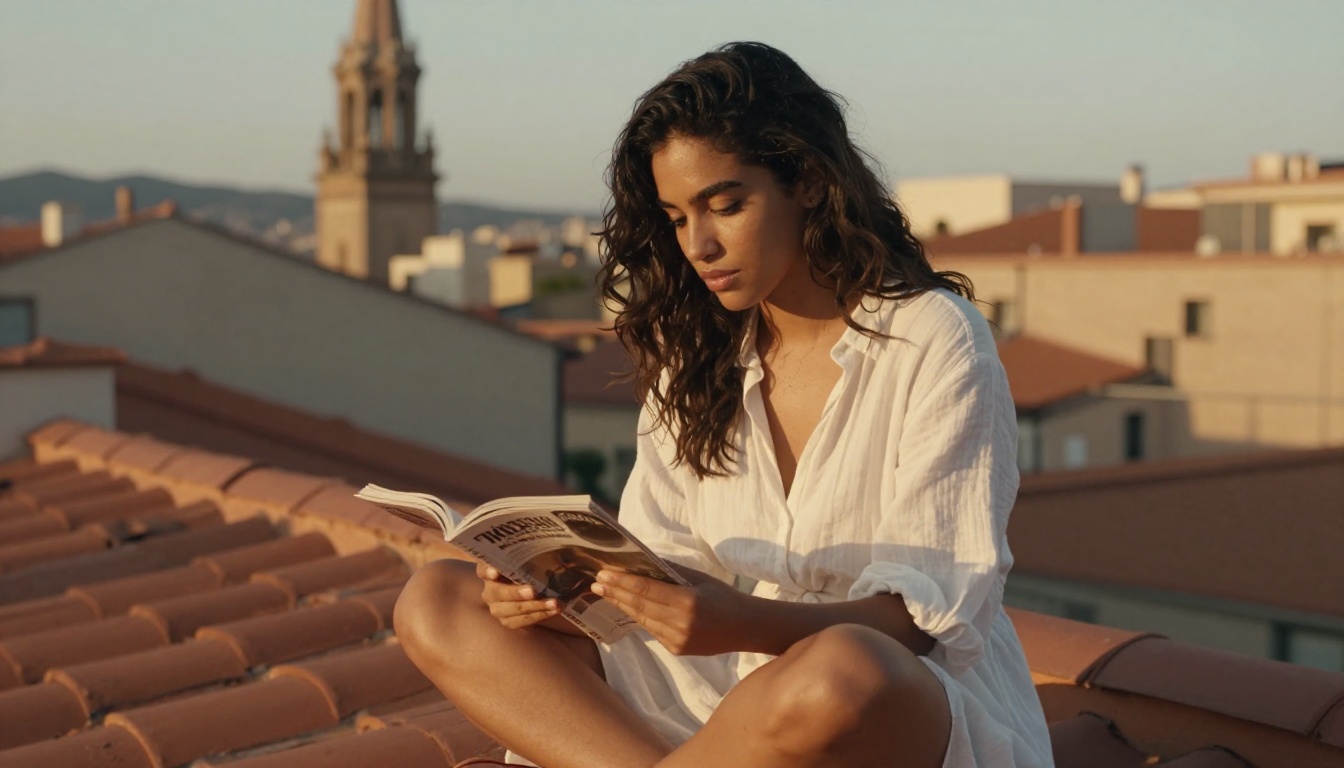
Content policy differences between these two models are meaningful for creators who work in fashion, beauty, or content categories that sit near platform policy boundaries.
Where Each Model Draws the Line
GPT Image 1.5 maintains OpenAI's content policies, which means it generates tasteful fashion imagery, swimwear photography, and artistic portraits without issue, but declines explicit content. The guardrails are consistent and predictable, which is actually useful for brand-safe commercial workflows where you need to be certain outputs stay within specific limits.
Nano Banana Pro's "Pro" tier was specifically designed to allow a wider range of content, including suggestive and non-explicit NSFW imagery. This makes it more practical for adult content platforms, fashion photographers working with less restrictive creative briefs, and creators working in glamour photography contexts.
Glamour and Suggestive Content
For glamour photography, lingerie campaigns, bikini lifestyle content, and similar material that is suggestive but not explicit, Nano Banana Pro holds a clear practical advantage. GPT Image 1.5 handles tasteful swimwear and fashion photography well but applies more conservative defaults on prompts that sit in ambiguous territory, often requiring significant prompt rewording to achieve results that Nano Banana Pro produces directly.
💡 Note: Both models produce beautiful, tasteful content across a wide range of creative subjects. The difference is how much prompt engineering you need to invest when working at the edges of each model's content policy.
Who Each Model Is Built For
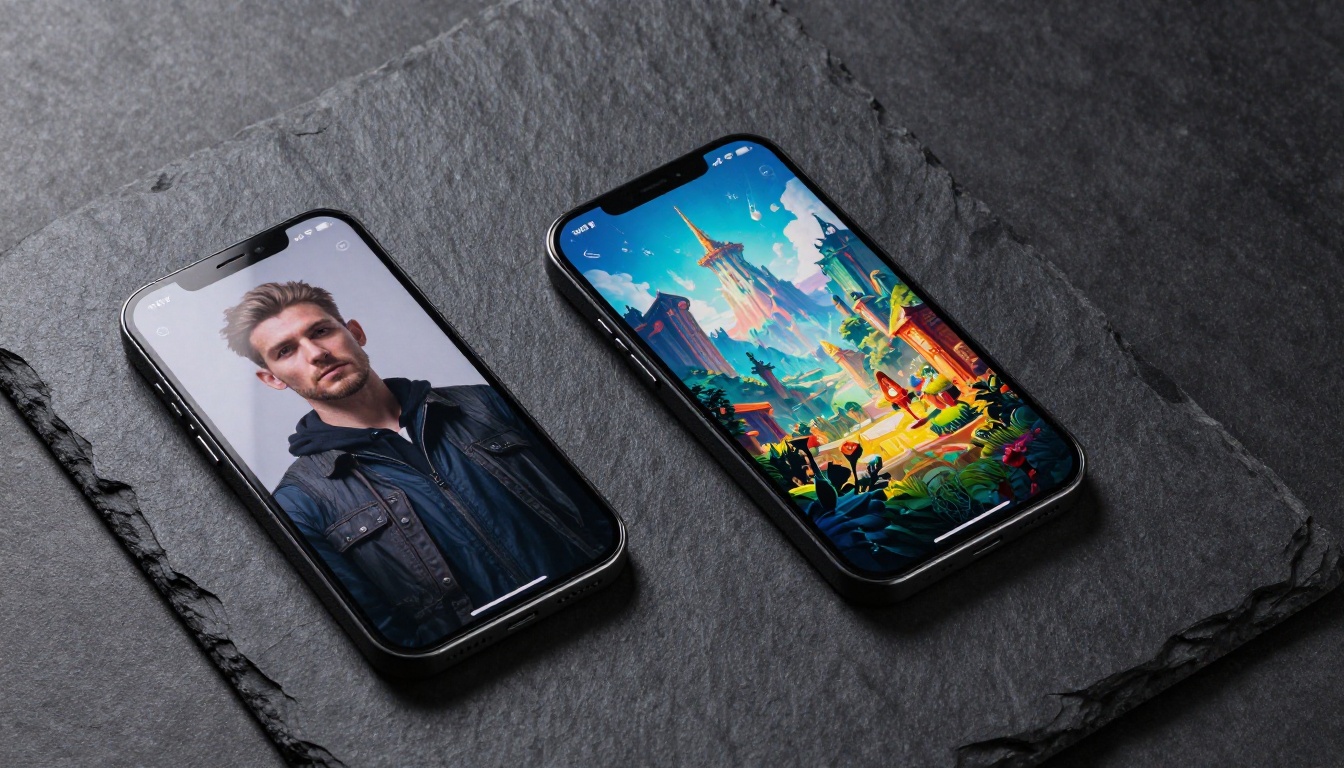
The winner of this comparison is entirely dependent on what you are building and what you need from your outputs.
For Creative Professionals
If you are delivering final images to clients, creating editorial content for publication, or working on projects where photorealistic quality is non-negotiable, GPT Image 1.5 is the better choice. Its superior prompt adherence, realistic skin texture handling, and compositional accuracy make it the professional-grade option in this head-to-head.
Architects and interior designers generating photorealistic concept visualizations, fashion photographers creating detailed mood boards, and marketing teams producing campaign imagery all benefit from GPT Image 1.5's output quality. The additional cost per image is justified when the image is going in front of a client or into a publication.
The PicassoIA Image model, along with newer options like Seedream 4.5 and Wan 2.7 Image Pro, give you access to comparable quality-tier generation with additional features worth exploring for professional work.
For Casual and Hobbyist Users
For personal projects, rapid concept exploration, social media content, or any workflow where speed and volume matter more than output quality, Nano Banana Pro is the rational choice. You generate more images, iterate faster, spend significantly less money, and for most casual use cases the quality difference is invisible at social media resolutions.
Game developers building asset libraries for internal reference, content creators who need dozens of social thumbnails per week, and anyone learning AI image generation for the first time will find Nano Banana Pro's accessibility and generation speed genuinely valuable without feeling limited.
Key differentiators at a glance:
- Speed-first workflows: Nano Banana Pro by a wide margin
- Maximum photorealism: GPT Image 1.5 consistently
- Budget-conscious teams at scale: Nano Banana Pro at roughly one-quarter of the cost
- Complex multi-element prompt execution: GPT Image 1.5 with more reliable adherence
- Content freedom for glamour work: Nano Banana Pro with broader built-in allowances
- Brand-safe commercial outputs: GPT Image 1.5 with predictable policy guardrails
Start Creating Without the Setup Headache
You do not need to choose one model forever or wrestle with API keys to find out which workflow actually fits you. Picasso IA gives you browser-based access to GPT Image-class models and fast lightweight alternatives without any configuration required to get started.
The PicassoIA Image model lets you work with GPT Image 1.5-tier quality directly in your browser. If you want to see what higher-resolution output looks like at the next generation level, GPT Image 2 is available on the platform. For an alternative speed-quality balance worth including in your comparison, Hunyuan Image 2.1 delivers strong results at a competitive generation rate that sits between the two models we tested here.
The most useful thing you can do right now is run the same prompt through both model types and compare the outputs side by side. The difference will be immediately visible in portrait shots and complex multi-element scenes. For landscapes and broad concept images, you may find Nano Banana Pro's results indistinguishable enough at your target resolution to justify the speed and cost savings.
Pick your model based on what your outputs need to do, not on which name has more buzz. Both tools are genuinely capable. The real question is whether three seconds or twenty-five seconds per image matters for the specific work you are actually delivering.


