Product photography has always been expensive, slow, and logistically painful. Booking a studio, sourcing props, hiring a photographer, retouching every shot, then doing it all again for a new colorway. The cost adds up fast. GPT Image 2.0 changes the math significantly. Not by replacing every aspect of a real shoot, but by making high-quality, photorealistic product imagery accessible in seconds, without any physical setup at all.
This is what it actually does, where it excels, and how to build a production-ready workflow around it.
What GPT Image 2.0 Actually Is
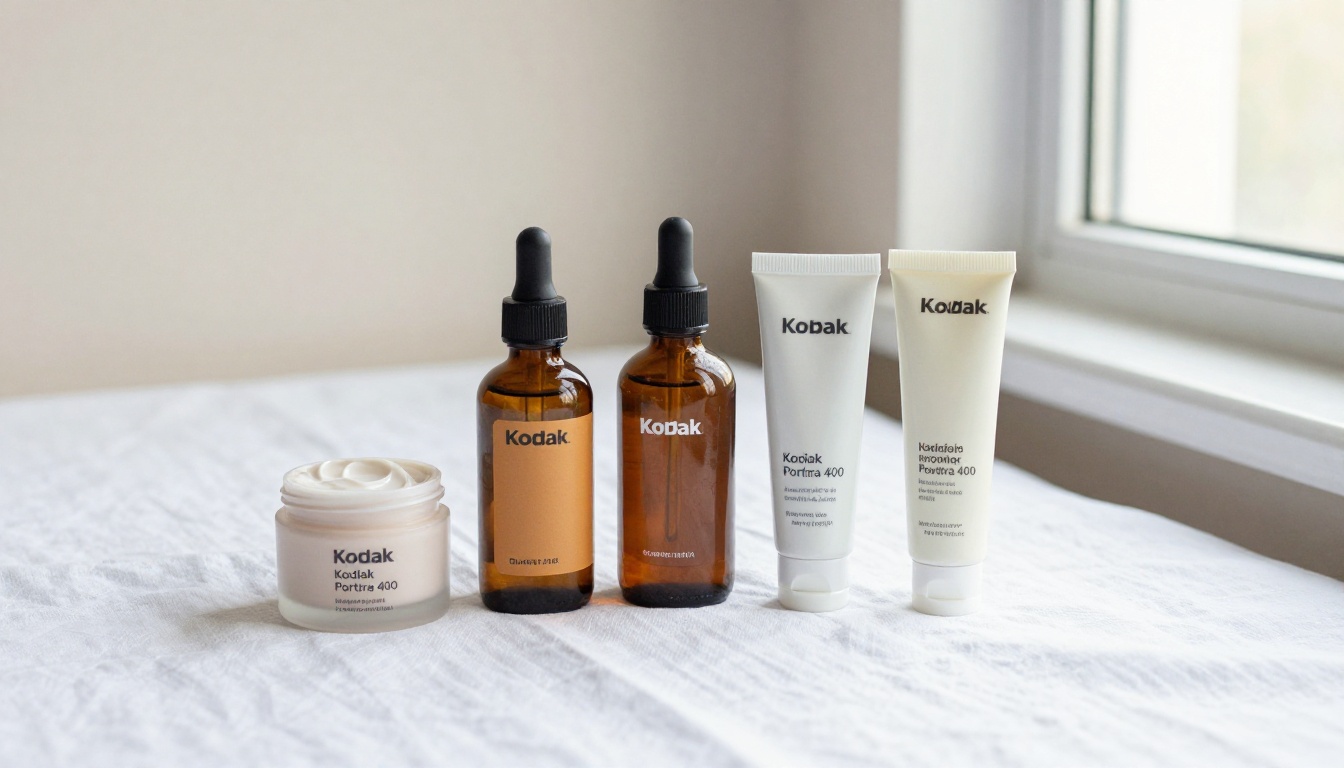
GPT Image 2.0 is OpenAI's second-generation image synthesis model, released in 2025. It follows the original GPT Image release with substantially better spatial reasoning, improved texture rendering, and a major leap forward in following multi-element scene descriptions. Where its predecessor would sometimes blur labels, ignore placement instructions, or flatten material textures, 2.0 handles these with noticeably higher fidelity.
For product photography specifically, these improvements are not incremental. They are the difference between a result that looks like AI and one that looks like it came out of a commercial studio.
The Jump from 1.0 to 2.0
The first GPT Image model was impressive for general imagery, but product photography exposed its weaknesses quickly. Reflective packaging would smear. Glass bottles would lose their transparency. Labels would distort at edges. Shadows rarely matched the described light source.
GPT Image 2.0 addresses all of these. It has better understanding of material properties, whether matte, glossy, or transparent, more reliable text rendering on product labels, and improved shadow and highlight behavior when you specify a light source direction in the prompt. The model also handles complex scenes with multiple objects more reliably. Previous versions would sometimes drop items, merge shapes, or lose spatial separation between products. Version 2.0 holds these relationships together with much greater consistency.
Why Product Photography Is Where It Shines
The reason GPT Image 2.0 performs so well for product photography is structural. Product photos have a clear, repeatable brief: one or a few objects, a controlled environment, specific lighting, and a clean background. This is exactly the kind of constrained scene description that large vision models handle best.
Compared to lifestyle photography or complex human narratives, product photography is almost entirely about material representation and lighting control, two things GPT Image 2.0 handles better than any previous publicly available model. There is no ambiguity about what the image should contain. The creative scope is narrow enough that the model can put its entire capacity into getting the details right, and the details are where product photography lives or dies.
5 Things It Does Better Than a Studio Shoot
Product photography studios offer control. GPT Image 2.0 offers the same control, plus scale. Here is where the model genuinely outperforms the traditional workflow.
Background Control at Scale
Swapping a background in a traditional workflow means a reshoot or hours in post-production with precise masking. With GPT Image 2.0, you describe the background in your prompt and it generates the product within it. White marble, dark velvet, outdoor lifestyle scenes, minimalist gradients: all at the same level of quality, all without any post-processing.
For brands running seasonal campaigns or A/B testing different visual aesthetics, this is a significant operational shift. A single product can appear in 20 different scene contexts in the time it used to take to set up one.
Consistent Lighting on Demand
Specifying "single softbox from the left at 45 degrees" or "backlit with rim lighting" actually produces that lighting in the output. The model's improved spatial reasoning means light behaves more physically correctly. It wraps around curved surfaces, reflects on glass, and casts soft shadows in the right direction.
This is critical for brand consistency. Traditional shoots require a detailed technical sheet to recreate lighting setups across sessions and photographers. GPT Image 2.0 takes a text description and reproduces the same atmosphere across a whole product line without any calibration overhead.
No Props, No Setup Time
Sourcing props, the marble tile, the linen fabric, the decorative flowers, the matching ceramics, costs time and money. GPT Image 2.0 generates these as part of the scene. The props are pixel-perfect, they never need replacing, and they cost nothing beyond compute time.
For brands with large catalogs, this is where the economics shift most dramatically. A 200-SKU catalog that would require multiple studio days and significant prop budgets can be handled in a single generation session.
Photorealistic Material Fidelity
This is the most underrated improvement in 2.0. Leather grain, ceramic glaze, glass transparency, metallic reflections, fabric weave patterns: all of these render with a level of realism that previous models consistently failed to achieve. When customers are evaluating a product they cannot physically touch, material fidelity is a conversion driver. Images that communicate texture and quality at a glance perform better on product pages.
Prompt-Driven Iterations
Creative direction in a traditional shoot happens in real-time: the photographer adjusts the light, the stylist repositions the props. With GPT Image 2.0, that process is a text edit. Changing the background from white marble to warm oak, or shifting the lighting from cool studio white to warm golden hour, takes seconds. The iteration cycle that used to span days now spans minutes.
Where It Struggles (and What to Do About It)
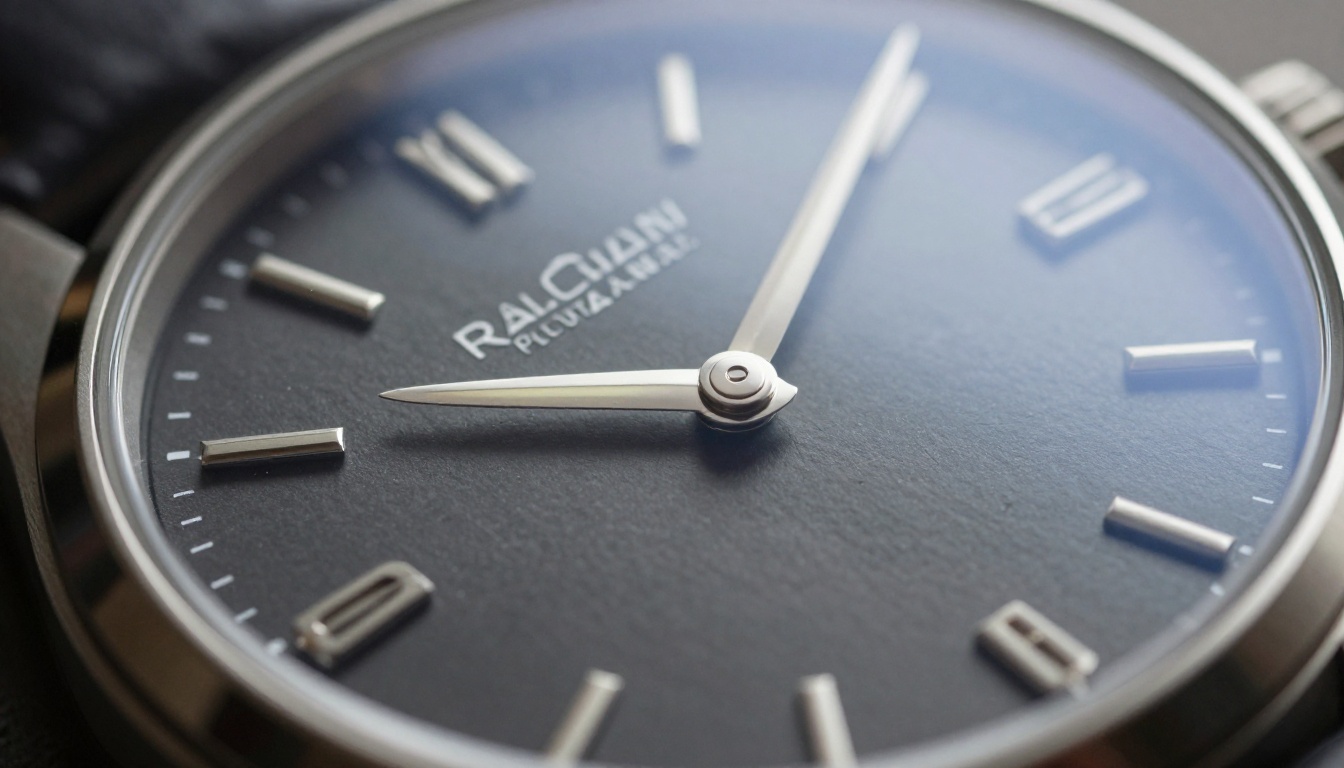
No model is perfect for every use case. Here is where GPT Image 2.0 still has real limitations, and how to work around them in a production context.
Text on Labels Is Still Tricky
GPT Image 2.0 is far better at text rendering than its predecessor, but it still struggles with long strings of text on product labels, especially at angles or with complex custom typography. If your product label contains detailed ingredient lists or small-print legal disclaimers, the model will often generate plausible-looking but inaccurate characters.
The fix: Use GPT Image 2.0 to generate the scene, background, and product shape, then composite your actual product label on top using standard editing tools. This hybrid approach gives you AI-quality lighting and scene composition with real, accurate label content.
Reflective Surfaces Need Extra Prompting
Highly reflective materials like chrome, polished silver, or mirror-finish packaging require explicit instructions to render correctly. Without precise guidance, the model sometimes oversimplifies reflections or generates physically implausible mirror effects that read as artificial at a glance.
The fix: Describe reflections explicitly. Instead of "shiny bottle," write "glass bottle with soft studio softbox reflection visible in surface, partial blurred environment reflection, specular highlight on neck and shoulder." The more specific your material description, the more physically accurate the output.
Consistency Across a Full Catalog
Generating 50 product images and maintaining consistent lighting angle, background texture, camera distance, and color temperature across all of them requires careful prompt engineering. Without a standardized prompt template, variation creeps in.
The fix: Build a base prompt template for each product category and treat it as a house style guide. Paste the same environment and lighting block into every prompt, only swapping the product description. This produces the visual consistency that makes a catalog feel cohesive rather than assembled from random generations.
GPT Image 2.0 in a Real Product Shoot Workflow
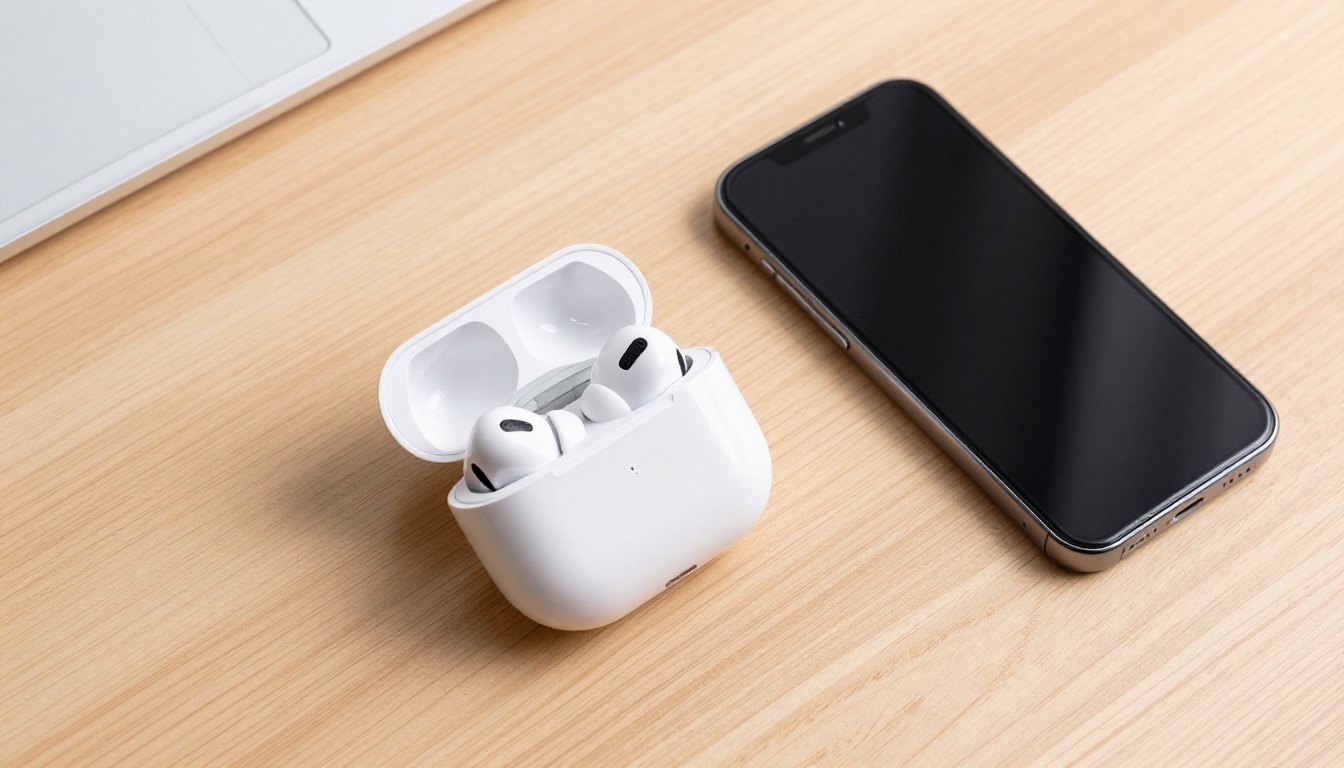
Using GPT Image 2.0 effectively is less about clicking a button and more about building a repeatable, documented process. Here is a three-step workflow that produces consistent, e-commerce-ready results.
Step 1: Writing a Tight Prompt
The prompt is where most users leave value on the table. Vague prompts produce average results. Specific prompts produce commercial-quality images.
A strong product photography prompt includes all of the following elements:
- Subject: exact product type, color, material, finish, and any distinctive features
- Environment: surface, background color or texture, any context props
- Lighting: source direction, quality (hard or soft), color temperature, secondary fill
- Camera: lens focal length, aperture and depth of field relationship
- Style: photorealistic RAW, film stock reference, explicit instruction against CGI
A real example: "A matte black metal water bottle standing on a brushed concrete surface, single softbox from upper left casting soft shadow right, 85mm f/2.0 lens, shallow depth of field with bottle logo in sharp focus, photorealistic RAW 8K, Kodak Portra 400 grain, no CGI, no digital art."
That level of specificity is what separates an average output from one that looks like it belongs in a brand catalog.
💡 Tip: Always end your product photography prompts with a negative instruction: "no CGI, no digital art, no illustration." This biases the model toward photographic realism and away from the illustrative tendencies that make some AI images look artificial.
Step 2: Removing and Replacing Backgrounds
Even when GPT Image 2.0 generates a compelling background, many production workflows require a clean cutout. Amazon mandates white backgrounds for main product images. Shopify themes often need the product isolated for placement flexibility. Catalog layouts require consistent cutout quality across hundreds of images.
This is where a dedicated background removal tool matters. Remove Background by Bria produces clean, edge-accurate cutouts on product photography with minimal manual cleanup. It handles glass edges, complex silhouettes, and detailed product surfaces without the fringing that weaker tools leave behind. The result drops cleanly into any layout without further editing.
Step 3: Upscaling for Print-Ready Resolution
GPT Image 2.0 outputs are excellent for web and social media at native resolution. Print and large-format display require higher resolution than most AI image models natively produce. Running your output through a dedicated upscaler solves this immediately.
Several strong options exist depending on your specific quality requirement:
For most e-commerce product photography, running through Clarity Pro Upscaler at 4x gives you a file that meets print catalog requirements without any visible upscaling artifacts.
3 Product Categories That Benefit Most
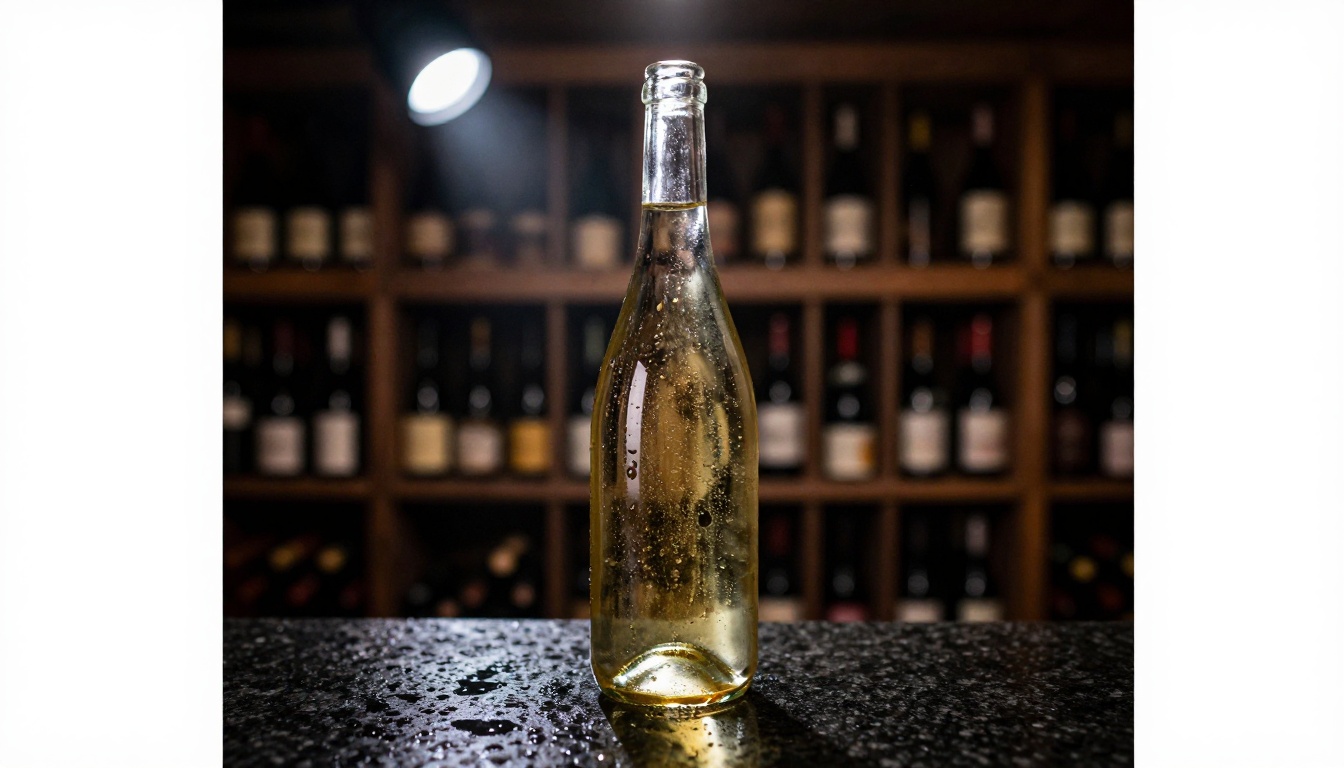
GPT Image 2.0 is broadly capable, but three product categories see especially strong returns from this workflow because their visual requirements align perfectly with what the model does best.
Beauty and Skincare
Beauty photography depends entirely on texture communication. Cream consistency, serum viscosity, matte versus dewy finishes, the way packaging reflects light under different conditions. These are the visual signals customers use when they cannot physically touch the product. GPT Image 2.0's improved material rendering makes it particularly strong in this category.
A well-prompted skincare flat lay from GPT Image 2.0 can match the quality of a high-budget studio session. The real advantage is lighting consistency across a product line, without the logistical overhead of shooting every SKU individually in a physical space.
Fashion and Accessories
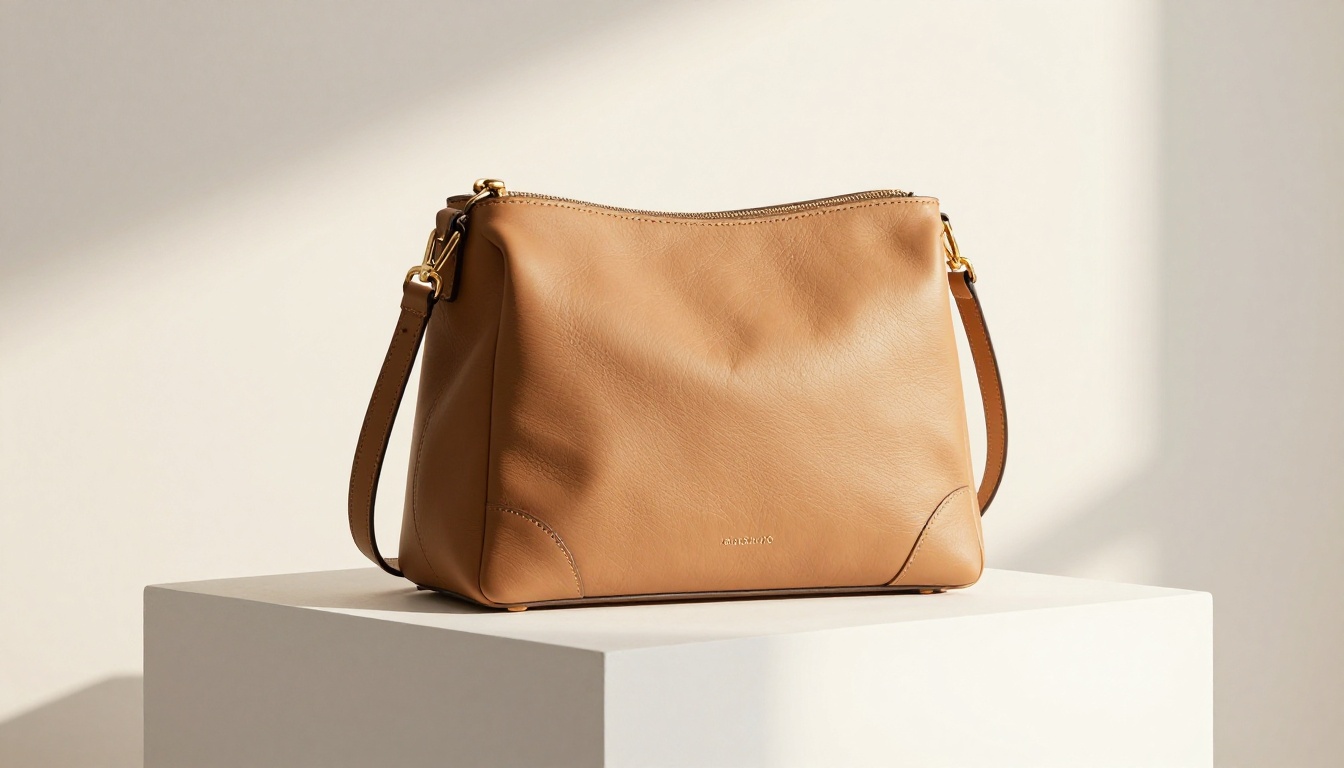
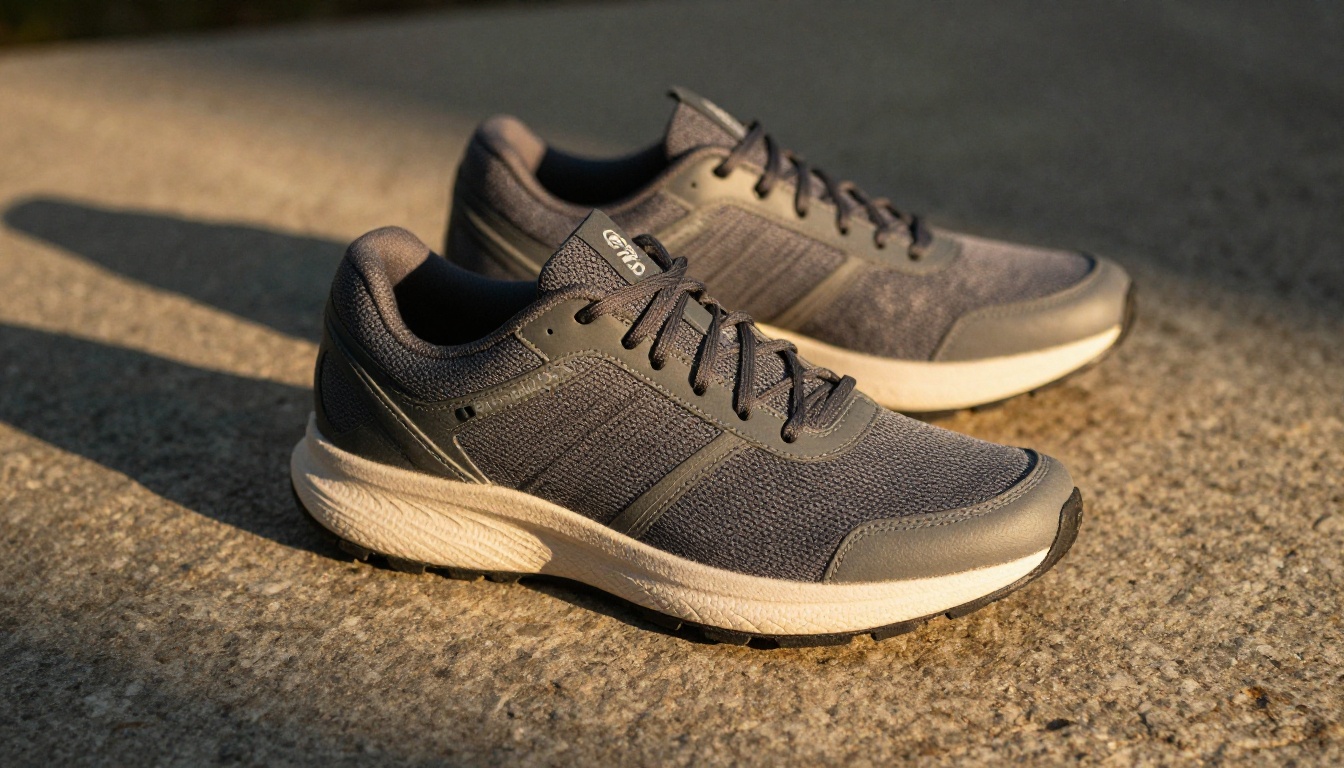
Texture is the whole game in fashion photography. Leather grain, woven fabric patterns, metal hardware reflections, stitching detail. Customers buying online use these cues to assess quality before they commit to a purchase. GPT Image 2.0 handles textile and material textures significantly better than its predecessor, making it viable for handbags, footwear, jewelry, and accessories.
The background flexibility is especially valuable in fashion. The same handbag photographed against a marble surface, an outdoor cobblestone context, and a minimal white studio background tells three different brand stories without three different shoots. That kind of visual range, at negligible cost per image, changes how brands can approach seasonal campaigns.
Food and Beverage
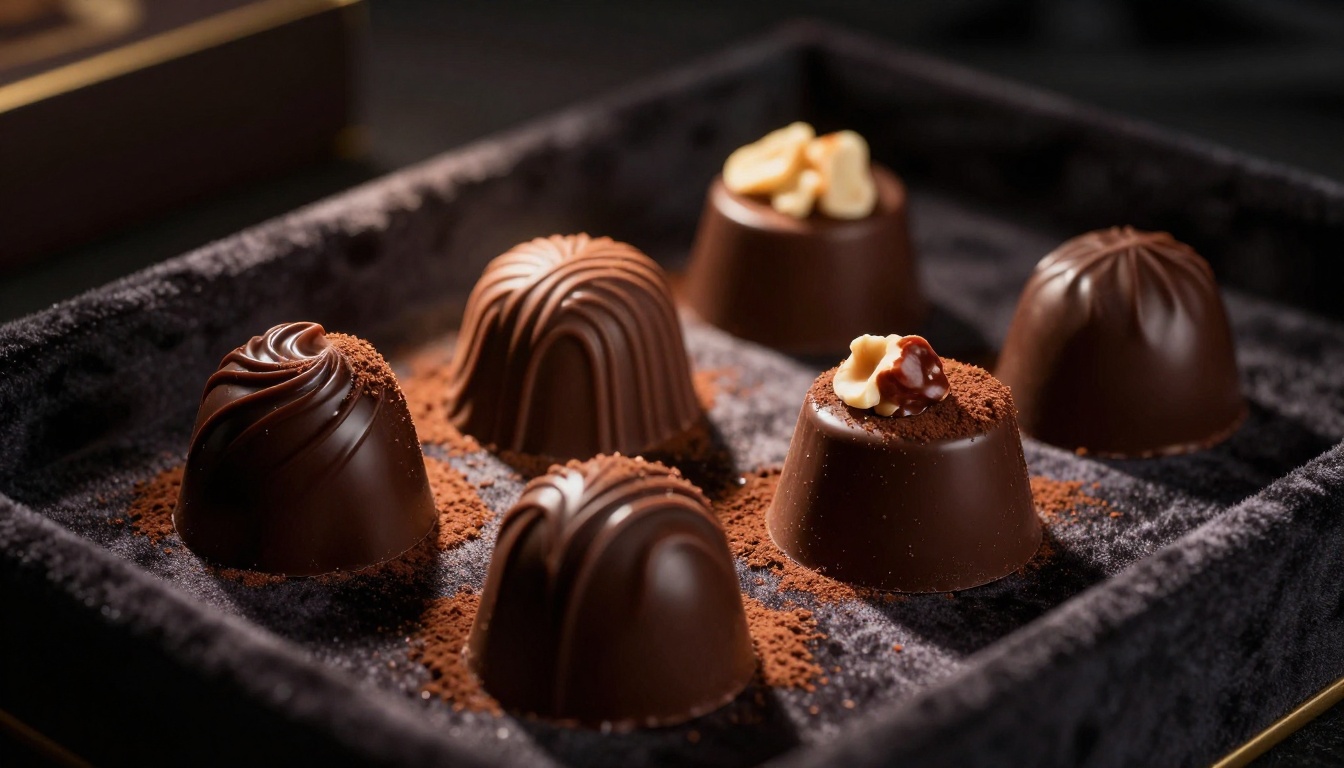
Food photography is notoriously difficult because appetite appeal depends on subtle cues: condensation on cold glass, the exact sheen on a chocolate ganache, steam rising from a hot drink, the crumb texture of a cut cake. GPT Image 2.0's understanding of how light interacts with organic and liquid materials makes it stronger in this category than most competing models.
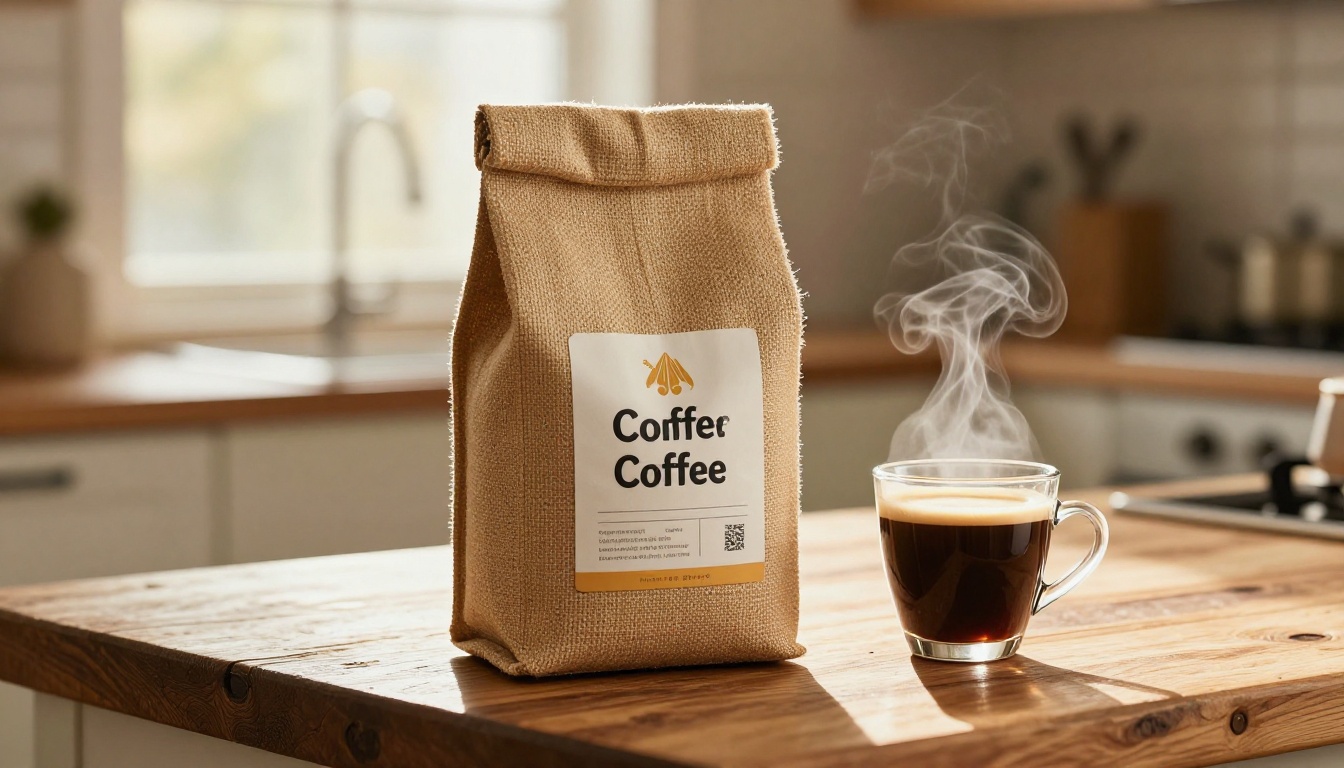
For packaged food and beverage, where the product packaging is the primary subject, the model performs at a level that is genuinely competitive with real photography for most use cases outside of hero campaign work.
How to Run This on Picasso IA
Picasso IA gives you access to GPT Image 2.0-class image generation and a full toolkit of post-processing tools in one place. No juggling multiple API subscriptions, no stitching together separate services, no separate billing for generation versus upscaling.
Using the Image Generation Tools
The image generation workflow on Picasso IA is direct: write your prompt, specify the aspect ratio (16:9 for hero images, 1:1 for product listing squares, 4:3 for catalog layouts), and run it. For product photography specifically, the prompt upsampling option adds descriptive detail automatically, which often improves texture and lighting quality in the output without requiring you to manually expand the prompt yourself.
For catalog-scale work, the platform supports sequential batch generation, meaning a 30-SKU product catalog can be produced in a single session rather than requiring individual manual runs for each product.
💡 Tip: For product lines with multiple colorways, generate the hero image for the primary color first, then use it as a reference when writing prompts for variants. This keeps lighting, angle, and composition consistent across all colorways.
Finishing with Background Removal and Upscale
The full production workflow on Picasso IA looks like this:
- Generate the product image using a detailed, category-specific prompt
- Run through Remove Background if your platform requires a clean cutout
- Apply P Image Upscale or Clarity Pro Upscaler to bring the file to high-res display or print quality
- Export and drop directly into your Shopify, Amazon, or catalog production pipeline
The total time per image in this workflow: typically 60 to 90 seconds. The equivalent studio process: hours to days.
What This Means for E-Commerce in 2027
GPT Image 2.0 is not a toy. For e-commerce brands at any scale, it is a production tool that changes the economics of visual content creation in a way that is hard to ignore once you have seen it work.
Cost vs. Quality Comparison
Traditional product photography at a professional level costs roughly $150 to $500 per final image after factoring in photographer fees, studio rental, prop sourcing, retouching, and coordination time. A GPT Image 2.0 workflow costs a fraction of that per image, scales to any volume without incremental overhead, and produces consistent output across a whole product line without the variance that comes from human-run shoots.
The quality gap that existed 18 months ago, where you could identify AI-generated product images at a glance, has largely closed for controlled product photography. At 4x upscaled resolution with proper prompting and a clean background, the difference between a GPT Image 2.0 product shot and a professionally retouched studio shot is minimal for most e-commerce use cases.
Where Human Photographers Still Win
Be honest about the limits. Human photographers bring creative direction, on-the-spot problem solving, and brand intuition that text prompts cannot fully replicate. For hero campaigns, editorial content, and brand launches where the imagery needs to carry a distinct visual identity that cannot be described in text, the human creative element adds value that AI has not yet matched.
But for catalog photography, product variant images, seasonal background updates, and A/B testing visual concepts across dozens of options? GPT Image 2.0 is the more practical tool for most teams, most of the time.
Try It on Your Products
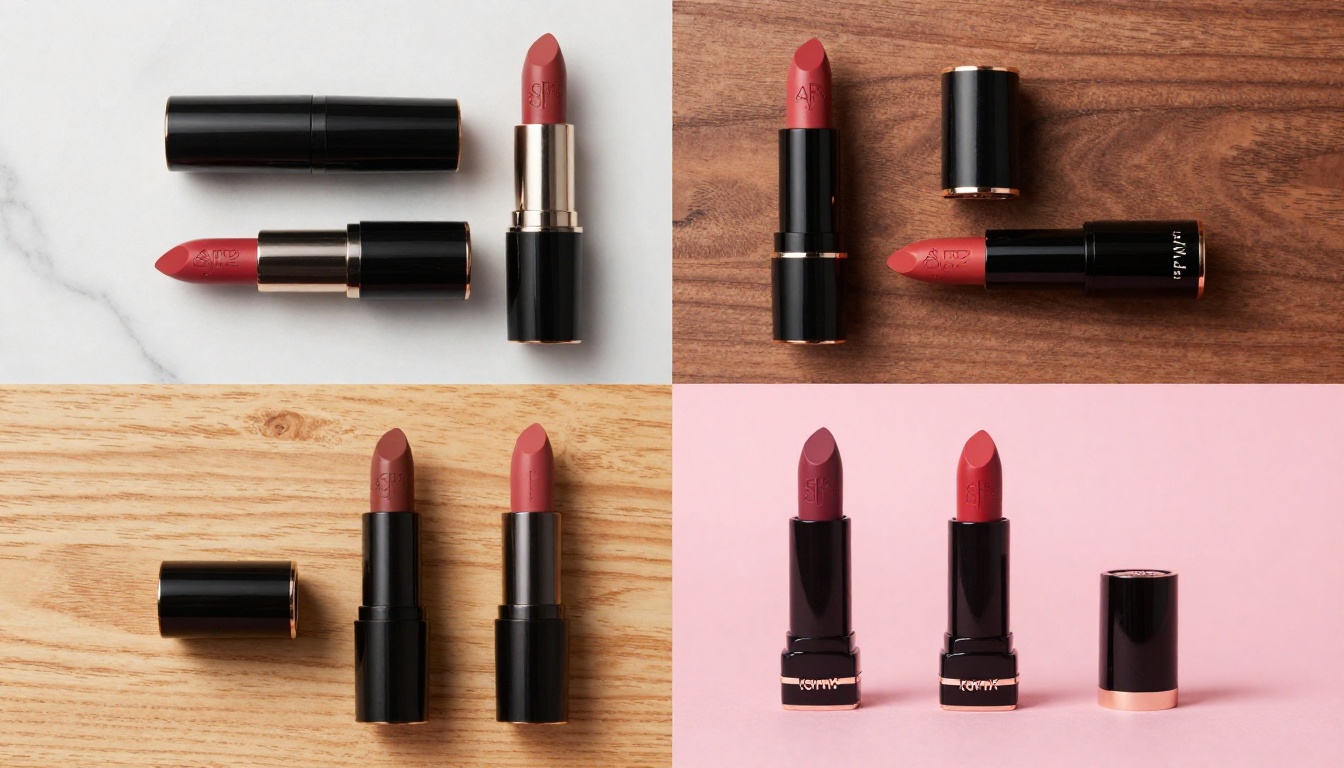
If you sell products online and have not yet run a GPT Image 2.0 product photography workflow, the barrier to entry is lower than you think. Pick one SKU. Write a tight prompt following the structure in this article. Run it on Picasso IA. Upscale the result with Clarity Pro Upscaler and compare it side by side with your current product images.
Most brands who go through this process once do not return to traditional photography for standard catalog work. The speed, cost, and flexibility of an AI product photography workflow simply make more sense for the volume of visual content that modern e-commerce requires.
Picasso IA puts the full workflow in one place: image generation at GPT Image 2.0 quality, precise background removal with Bria's Remove Background, and high-fidelity upscaling with Clarity Pro Upscaler or Topaz Image Upscale. Pick a product, write the prompt, and see what a real AI product photography workflow produces for your brand.


