OpenAI's image generation has taken a significant step forward. GPT Image 2.0 builds on everything that made its predecessor compelling and addresses the gaps that left creators wanting more. Whether you're a developer integrating it into apps, a designer using it for mockups, or just curious about where AI visuals stand today, this first look covers what actually matters.
What GPT Image 2.0 Is
Not Just Another Incremental Update
GPT Image 2.0 is OpenAI's second-generation dedicated image synthesis model, running natively inside the same infrastructure as the broader GPT-4o family. Unlike the DALL-E models that preceded it, GPT Image 2.0 is built to be multimodal from the ground up. It reads images as input, generates them as output, and handles editing requests as part of a single unified conversation rather than as separate discrete tasks.
The first generation was already a notable improvement over DALL-E 3 in terms of prompt accuracy and photorealism. GPT Image 2.0 sharpens those gains considerably, with particular improvements in text rendering, compositional fidelity, and native editing support.
Where It Sits in OpenAI's Lineup
| Model | Best For | Key Limitation |
|---|
| DALL-E 2 | Basic concept art | Low photorealism |
| DALL-E 3 | Styled illustrations | Weak text in images |
| GPT Image 1.0 | Photorealistic prompts | Limited editing |
| GPT Image 2.0 | High-fidelity, editable images | Higher per-image cost |
GPT Image 2.0 is now positioned as the default option for anyone building image workflows into production applications via the OpenAI API, replacing DALL-E 3 in most serious pipelines. The jump in output quality from DALL-E 3 to GPT Image 2.0 is the biggest single-generation improvement OpenAI has shipped in the image space.
The Quality Difference Is Visible
Photorealism Without the Artificiality
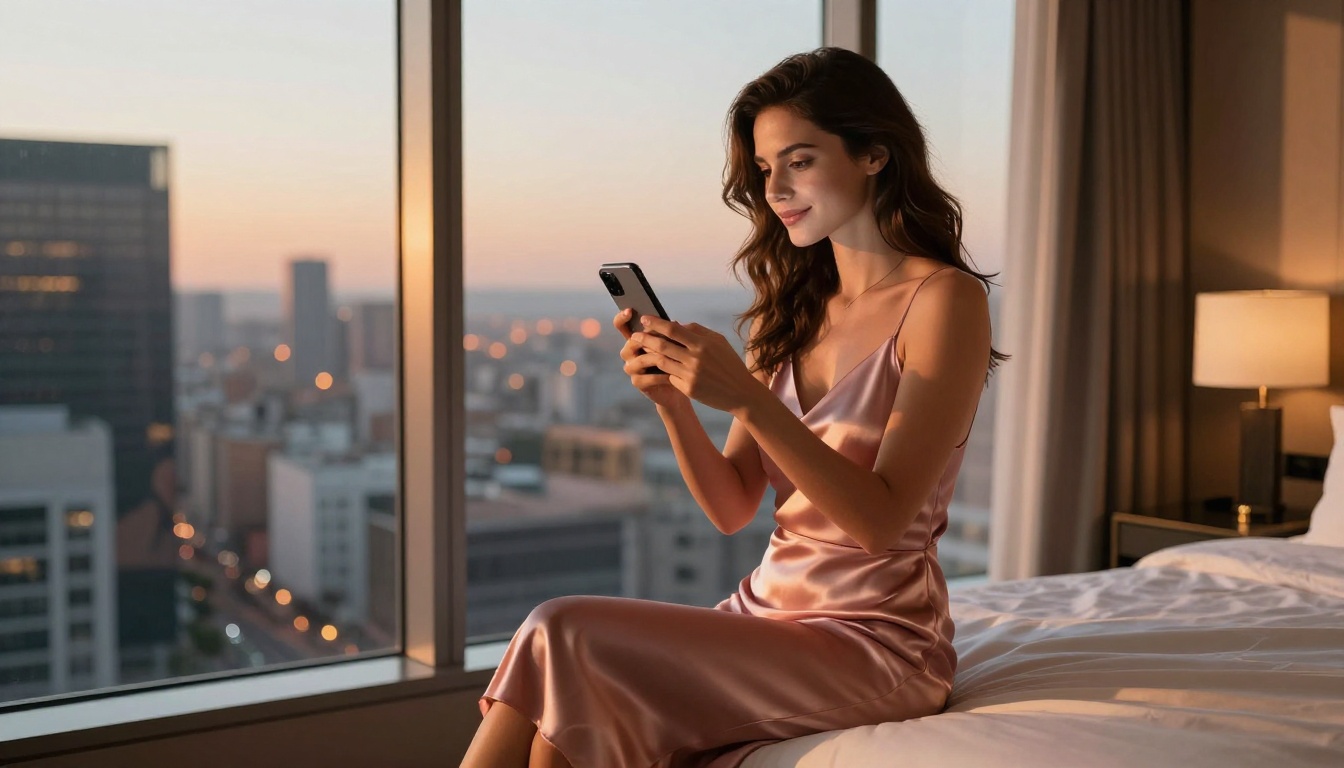
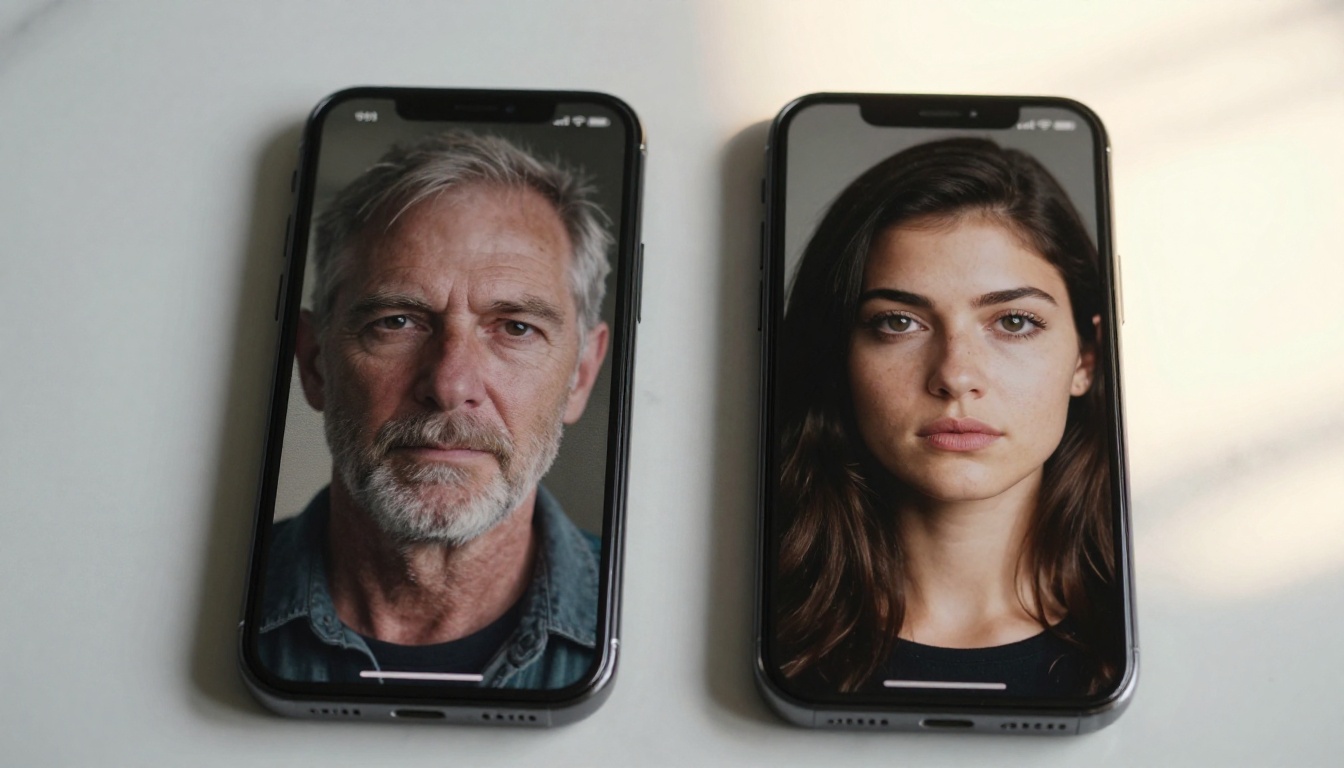
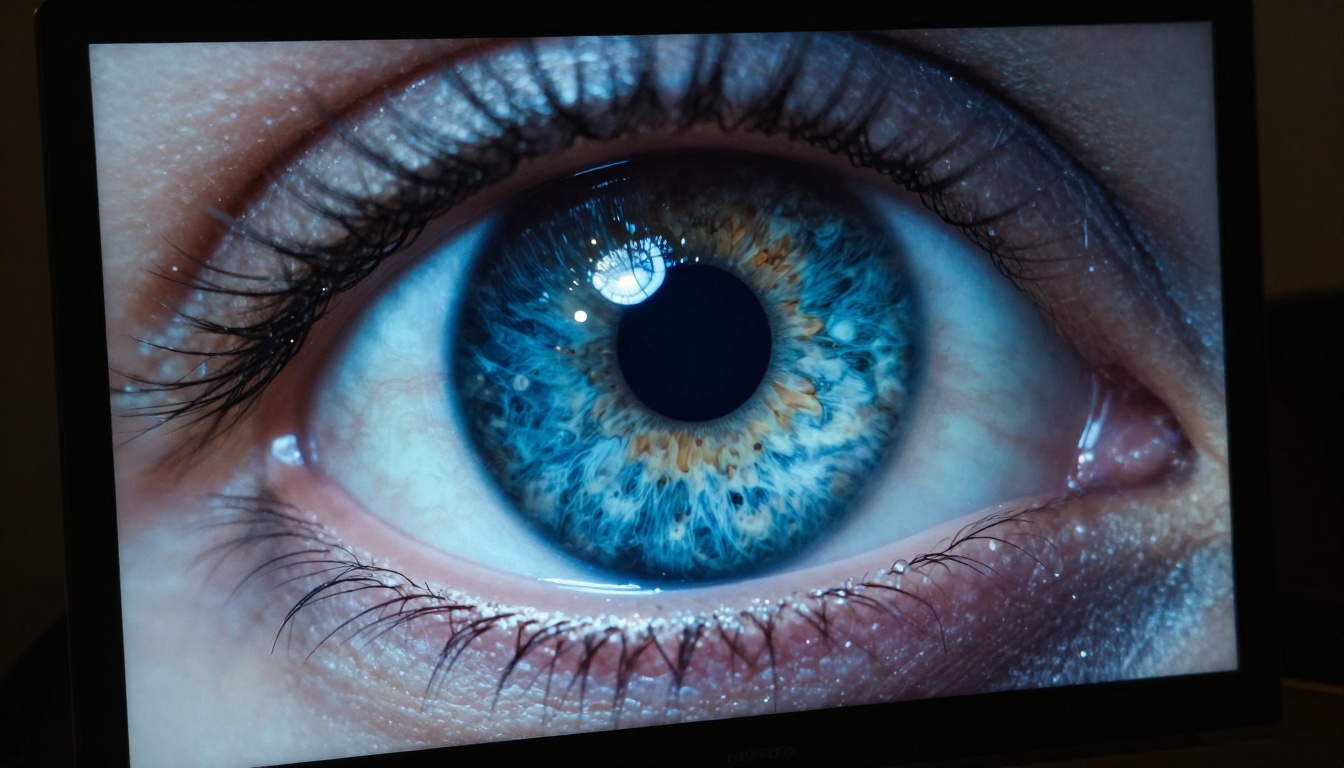
The most immediately obvious improvement is photorealism. GPT Image 2.0 outputs look like photographs rather than AI art. Skin tones render with subsurface scattering. Hair strands don't merge into clumps at the temples. Background depth falls off naturally with a convincing sense of optical blur that mimics real lens behavior. Fabric textures show weave patterns rather than smooth gradients.
Previous models, including DALL-E 3, had consistent failure points that made AI generation easy to identify at a glance:
- Hands: Extra fingers, fused knuckles, wrong proportions
- Text in images: Garbled characters, incorrect spelling, inconsistent fonts
- Faces at angles: Profile views that distorted facial structure or added artifacts
- Reflections: Mirror and glass surfaces that didn't reflect the scene logically
- Crowds: Background figures that degraded into blobs with distance
GPT Image 2.0 has materially improved all five of these failure modes. It's not perfect, and with sufficiently complex scenes you will still see artifacts. But the frequency of these failures is substantially lower, which means fewer wasted generations and less manual correction work.
💡 Tip: When prompting for photorealistic faces, specify the lighting setup precisely (e.g., "Rembrandt lighting from the left, 85mm portrait lens, f/1.8") rather than vaguely requesting "a realistic photo." Specificity still matters, and the model rewards detailed prompts with noticeably better outputs.
Prompt Accuracy Under Pressure
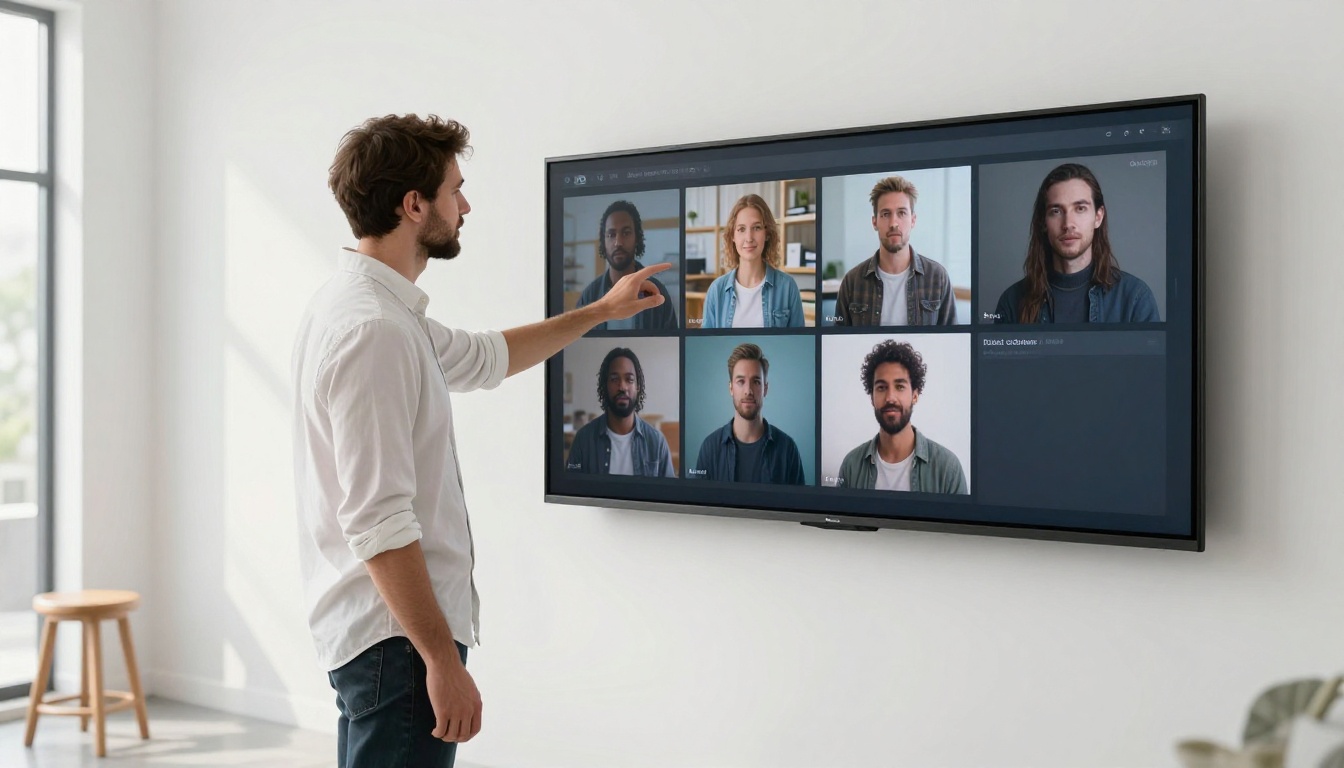
One of the core complaints about earlier models was prompt drift, where a complex scene description would result in the model simply omitting or substituting elements. Ask for "a woman in a red dress standing beside a yellow bicycle in front of a blue door" and you'd frequently get a woman, maybe a bicycle, but the colors drift and the door disappears or transforms into something else.
GPT Image 2.0 holds more specified elements simultaneously. This comes from the model's tighter coupling with the language understanding layer, treating image generation as a reasoning task where every element of the prompt has to be accounted for, rather than as a pattern matching lookup that tries to find the closest training image.
The practical effect is that your first generation attempt is more likely to match your intent, which shortens iteration cycles. For workflows where you're generating at volume, this is a meaningful reduction in cost per usable output.

What's New in GPT Image 2.0
Text in Images Finally Works
This is the feature that creative professionals have waited years for. GPT Image 2.0 can render legible, stylistically consistent text inside generated images. Logos, signs, posters, interface mockups, product packaging, book covers — all of these now come out with correct spelling and readable typography that holds up at full resolution.
The model supports:
- Bold, italic, and serif typeface rendering
- Color-matched text on complex backgrounds
- Multiple distinct text elements in a single image
- Simulated hand-lettering and chalk board styles when specified
- Text following curves or perspective planes in the scene
💡 Tip: Wrap any text you want rendered in the image in double quotes in your prompt. Describe the font style alongside it ("bold condensed sans-serif in white", "handwritten chalk lettering on a dark board") for best results. The model responds well to typographic direction.
Native Image Editing Built In
GPT Image 2.0 supports instruction-based editing without external tools or plugins. You pass an existing image alongside a text instruction, and the model modifies the specified area while preserving the rest. This covers four distinct editing operations:
- Inpainting: Fill a masked region with new content that blends naturally with the existing scene
- Outpainting: Extend the canvas of an image beyond its original borders in any direction
- Object replacement: Swap one element for another while preserving lighting, shadow, and surrounding context
- Relighting: Shift the apparent light source, time of day, or color temperature of an existing photograph
This brings GPT Image 2.0 closer to a full end-to-end image editing workflow. Instead of generating, exporting to an external editor, making adjustments, and reimporting, you can work in a single conversation thread with progressive refinements. For content teams with high throughput needs, this is a significant workflow simplification.
Multi-Image Input for Reference Synthesis
A structural upgrade that separates GPT Image 2.0 from most competitors: it now accepts multiple images as input references and synthesizes them into a single coherent output. Pass three product photos from different angles and the model can generate a new angle or a composite lifestyle shot. Pass a style reference image alongside a written description and the model will apply the visual aesthetic of the reference to new content.
This is particularly useful for brand consistency, where you have an existing visual identity and want generated content to match it rather than starting from a text description alone.
GPT Image 2.0 vs. the Competition
The Honest Comparison
The text-to-image AI space has real competition now. Here's a straightforward breakdown across the features that matter most for practical use:
| Capability | GPT Image 2.0 | Flux Redux Dev | Stable Diffusion XL |
|---|
| Photorealism | Excellent | Very Good | Good |
| Text in Images | Excellent | Good | Fair |
| Prompt Accuracy | Excellent | Very Good | Good |
| Native Editing | Yes | Limited | Via plugins |
| Multi-Image Input | Yes | No | No |
| API Access | Yes | Yes | Self-hosted |
| Cost Per Image | Medium | Low | Very Low |
| Generation Speed | Fast | Very Fast | Fast |
| Fine-Tuning | No | Limited | Full LoRA support |
Flux is the closest competitor on raw image quality. Its outputs are sometimes more stylistically flexible and generation speed is faster, making it a strong choice for iterative creative work. Where GPT Image 2.0 wins clearly is text rendering and multi-element prompt accuracy.
Stable Diffusion XL remains the best option for teams who need local deployment, full fine-tuning control, or the lowest possible per-image cost. But it requires infrastructure and technical setup that GPT Image 2.0 simply doesn't demand, which matters for smaller teams or projects with tight timelines.
Where GPT Image 2.0 Struggles
Being honest about the limitations is important:
- Character consistency: The same prompt won't produce the same face or person twice, which creates problems for serialized or ongoing content
- Very long prompts: Prompts exceeding 300 words sometimes cause element conflicts or drop specific details
- Cost at scale: For high-volume applications, the per-image pricing adds up quickly compared to self-hosted or batch-optimized alternatives
- No fine-tuning: You can't train GPT Image 2.0 on your own dataset the way you can with Stable Diffusion LoRA workflows
If character consistency or budget control at volume are your primary constraints, the alternatives still hold real advantages.
For Developers: What Matters Here
API Structure and Configuration
GPT Image 2.0 is accessible via the OpenAI API. The endpoint accepts text-only prompts for standard generation, text plus image input for editing and reference generation, and text plus multiple images for multi-reference synthesis.
Response formats include direct URL and base64 encoding. Generation typically completes in 10 to 25 seconds depending on output resolution. The API supports three output sizes:
- 1024x1024: Square, ideal for product shots and profile images
- 1792x1024: Landscape, best for blog covers and social headers
- 1024x1792: Portrait, suited for mobile-first formats and vertical ads
💡 Tip: For most content marketing workflows, request 1792x1024 as your default. The wider aspect ratio gives the model more compositional room, and the outputs tend to have better scene depth than square crops.

Use Cases That Perform Well
Based on first-hand testing, GPT Image 2.0 performs reliably for:
- Product mockups: Placing product images in lifestyle or environmental contexts without a full studio shoot
- Content marketing visuals: Blog cover images, social media posts, email newsletter headers
- UI and UX mockup assets: App screenshots, interface content, store graphic assets
- Brand identity exploration: Logo concepts, color palette visualization, visual direction boards
- Editorial illustration: News article visuals, data explainer graphics, opinion piece imagery
- Packaging design concepts: Label layouts, box designs with real readable text
- Real estate and interior visuals: Staging images, renovation concepts, architectural previews
The combination of reliable text rendering and strong instruction following makes it particularly effective for anything involving text-over-image design, which covers a large share of marketing and publishing work.
Using GPT Image 2.0 on PicassoIA
Step-by-Step with the Platform
PicassoIA's PicassoIA Image model is powered by GPT Image technology, giving you direct access to its generation capabilities without any API setup, billing configuration, or developer work. Here's how to put it to use:
Step 1: Open the Model
Go to PicassoIA Image from the text-to-image collection. The interface loads with a clean prompt field and configuration options.
Step 2: Write a Specific Prompt
Be precise about what you want. Include:
- Subject description (who or what, physical details)
- Setting and environment (location, time of day, season)
- Lighting conditions (direction, quality, color temperature)
- Camera perspective and lens characteristics
- Any text that should appear in the image (wrap in double quotes)
Step 3: Choose Your Aspect Ratio
For horizontal blog and social content, 16:9 is the right choice. Square works well for profile images and thumbnails.
Step 4: Generate and Iterate
Your first output will often be close to what you want. When refining, change one variable at a time rather than rewriting the whole prompt. Isolating the variable makes it easier to see what the model is responding to.
Step 5: Edit with PicassoIA Image Editor Pro
Once you have a strong base image, move to Image Editor Pro for targeted adjustments, inpainting specific areas, or canvas expansion. This mirrors how GPT Image 2.0's native editing works and gives you a full non-destructive workflow without leaving the platform.
💡 Tip: For lifestyle images featuring people, describe the clothing and skin texture explicitly. Generic subject descriptions produce generic outputs. Specificity at the character description level is the single biggest lever on output quality.
Other Models Worth Testing
PicassoIA hosts a broad range of text-to-image models. If you need stylistic variety beyond what GPT Image produces, Flux Redux Dev offers fast generation with strong creative range. For teams that want to train on their own reference images and build a consistent house style, the P Image Trainer handles custom LoRA-style training through the platform interface.
For a combined generation and editing workflow in a single tool, PicassoIA Image Editor Pro is particularly useful when iteration speed matters. You generate, adjust, regenerate, and refine without switching between separate tools or exporting files at each stage.
The Verdict After First Use
GPT Image 2.0 is the most production-ready image generation model OpenAI has shipped. The text rendering improvement alone makes it worth evaluating for any workflow that involves images with words in them — which is most of content marketing, product design, and publishing. The instruction-following upgrades mean fewer wasted generations. The native editing integration means fewer round-trips through external software.
It is not the cheapest option. It won't replace fine-tuned Stable Diffusion workflows for teams that need persistent character identity across a series. But for broad-use content creation at scale, the output quality per dollar of effort, including the effort spent correcting bad generations, favors GPT Image 2.0 in most scenarios.
The fastest way to form your own assessment is to run a prompt you've used before with DALL-E 3 or an earlier generation tool. The output quality difference from a well-constructed prompt will be immediately visible.
Start experimenting with PicassoIA Image and bring the same prompt precision you'd use for any professional creative brief. The model rewards specificity, and the results will show it.