OpenAI's GPT Image 2.0 landed with photorealistic screenshots flooding social feeds. Creators everywhere started testing it, and the question came up almost immediately: what happens when you push the prompts toward adult territory? The short answer is that GPT Image 2.0 has built walls that most NSFW creators will hit fast. The longer answer reveals exactly where those walls are, why they exist, and more importantly, which tools actually give you the creative freedom you're looking for.
What GPT Image 2.0 Actually Is
GPT Image 2.0 is OpenAI's native image generation model that shipped as part of ChatGPT's multimodal capabilities. Unlike earlier integrations with DALL-E, this version runs natively inside the GPT architecture, meaning the same model generating your text is making decisions about your images.
The practical effect: there's no separate content filter sitting between you and the model. The model itself has been trained with safety behaviors baked directly into its weights, which makes it significantly harder to work around than a surface-level filter.
On GPT-5 and GPT-4o, image generation integrates seamlessly with conversation context. That context-awareness is actually part of what makes the safety system so tight.
Where It Lives
GPT Image 2.0 runs inside ChatGPT's web interface, the mobile app, and the API. At the API level, operators building products on top of GPT can apply for elevated content permissions through OpenAI's operator tier. Individual users on standard accounts have no such option. The consumer product has one content tier, and it is the restrictive one.
For GPT-4.1 users, the same restrictions apply. The model version does not change the content policy. Whether you are on the free tier or a premium account, the NSFW limits are identical.
How the Safety System Works
The model was trained using Reinforcement Learning from Human Feedback (RLHF), where human raters scored outputs that included sexual content as low quality or harmful. Over millions of feedback cycles, this trained the model to simply not generate those outputs, treating adult content requests as something outside its capabilities rather than something blocked by a filter.
The distinction matters because it means clever prompt engineering has limited effect. You are not bypassing a filter. You are asking a model that genuinely was not trained to produce what you are asking for. Describing it more clearly or creatively does not help when the capability was never built in.
The NSFW Lines GPT Image 2.0 Draws
Knowing exactly where GPT Image 2.0 draws lines helps clarify both what it can do for you and where it definitively fails.
What It Sometimes Allows
GPT Image 2.0 handles suggestive content inconsistently. In some sessions, it will generate:
- Women in bikinis or swimwear in beach and pool settings
- Lingerie or underwear in a fashion or editorial context
- Artistic or classical references to the human form
- Couples in romantic embraces with no explicit elements
- Glamour photography styles that are suggestive but fully clothed
The word inconsistently is doing real work in that sentence. The same prompt can succeed on Monday and fail on Thursday. The model's safety behaviors include stochasticity, meaning identical prompts do not always produce identical safety decisions. This makes it unreliable for professional workflows even in the marginal zones.
💡 What actually works: Framing matters enormously. "A fashion model in a swimsuit on a beach, editorial travel photography" performs far better than "sexy woman in bikini." The model responds to editorial framing and treats it as legitimate commercial photography.
What Triggers Instant Refusal
These categories hit the wall every time, with no workaround:
- Explicit sexual content of any kind: No partial nudity, no implied scenes, no sexual acts described or implied
- Nudity with any sexual framing: Even artistic nudity in a romantic context gets blocked
- Suggestive poses with minimal clothing: Anything pushing toward explicit territory in pose or context
- Real-person sexual content: Any attempt to place a named real person in a suggestive scenario
- Fetish-adjacent content: Even non-explicit scenarios with fetish framing get flagged consistently
The refusal message is typically polite and non-specific: "I'm unable to create that image" with a suggestion to modify the request. No explanation of what specifically triggered the refusal, which makes iterating through variations frustrating and unproductive.
5 Real Tests (Documented Results)
Here is what actually happens when you run specific content categories through GPT Image 2.0.
Bikinis and Swimwear
Result: Works with caveats. Standard beach or pool photography with swimwear typically generates without issues. The model produces genuinely good results here, with photorealistic lighting and convincing environments. Where it starts to fail is when poses become more suggestive or when the prompt leans toward "sexy" rather than "editorial."
A prompt like "woman in red bikini lying on beach in afternoon sun, editorial travel photography" produces a result. "Sexy woman in barely-there bikini posing for the camera" does not. The difference is framing, not the swimwear itself.
Artistic Nudity Requests
Result: Blocked. References to classical art traditions, artistic nudity, figure drawing references, life drawing studies, or "tasteful" nudity with any degree of skin visible all get refused. The model does not have a classical art exception despite what some online posts claim. Mentioning Rodin or Renaissance painters in your prompt changes nothing about the outcome.
Suggestive Scenarios
Result: Heavily filtered. Implied scenes, suggestive environments, or romantic content beyond a kiss typically get modified or refused. The model will sometimes generate something far more tame than requested, a kind of creative compromise that serves no one. You asked for lingerie and got a blazer. That is the GPT Image 2.0 experience in the gray zone.
Direct Explicit Attempts
Result: Refused every time, without exception. This is not a gray area. Any direct attempt to generate explicit content through any prompt variation fails. Every framing style, language approach, indirection, roleplay setup, and fictional wrapper fails here. There is no sequence of words that produces a different outcome.
Character-Based Prompting
Result: Marginal. Using fictional characters or original character descriptions sometimes gets marginally more latitude in suggestive content, but explicit content still fails. Animated style requests run into the same walls as photorealistic ones.
Why OpenAI Built These Walls
The restrictions are not arbitrary. OpenAI operates consumer products used by minors, professionals, and corporate teams. The same GPT-4o model used to write code at work and summarize documents in schools cannot have an adult content mode sitting one prompt away from the standard interface.
Platform-Level Policy
OpenAI's usage policies explicitly prohibit adult-only content on standard commercial endpoints. Platforms building on the API can apply for elevated operator permissions, but individual end users have no such option. The restriction lives at the account and deployment level, not at the model level in isolation.
This matters because it means the restriction is not a technical limitation of what the model could generate. GPT Image 2.0 could theoretically be deployed with different content permissions in an operator context. It isn't for consumers because OpenAI made a deliberate business decision to keep their consumer products safe for work, and they have embedded that decision in the model training to make it durable.
What Creators Lose
For photographers, digital artists, adult content platforms, and independent creators in the adult creative space, GPT Image 2.0's limits represent a real obstacle. The photorealistic output quality is genuinely impressive on non-NSFW work. The safety training makes it unusable for the exact content category where photorealism would be most valuable to these creators.
Creators in this space need tools that do not fight them. That is a reasonable requirement, and GPT Image 2.0 does not meet it.
The Real NSFW AI Image Alternatives
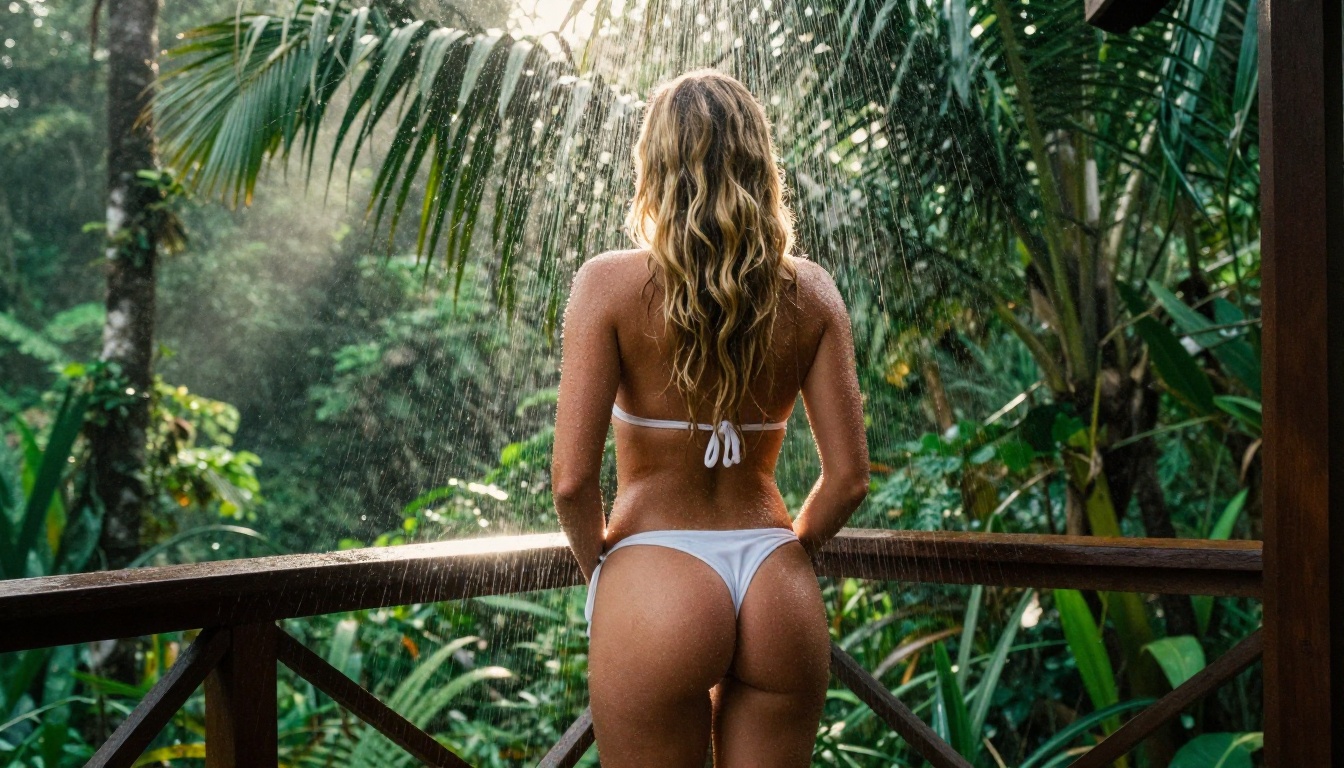
For creators who need actual NSFW capability, several models on PicassoIA deliver what GPT Image 2.0 cannot. The list below is ordered by overall recommendation for adult content work.
Seedream 4.5: Start Here
Seedream 4.5 is the current benchmark for NSFW image generation. Developed by ByteDance, it combines photorealistic output quality with genuinely uncensored content policies, making it the first model to try when moving away from GPT Image 2.0.
What Seedream 4.5 does differently:
- No content blocks on adult content within platform limits
- Photorealistic output that matches or exceeds GPT Image 2.0 quality on comparable subjects
- Consistent generation without stochastic safety filtering interrupting your workflow
- Fast speeds with results in seconds per generation
Seedream 4 and Seedream 3 are also available if you want to compare generations across model versions, but 4.5 is the current production-ready option.
💡 Critical note: Seedream 5 Lite applies content restrictions that block adult content. It is not suitable for NSFW work. Use Seedream 4.5 specifically.
PicassoIA Image Editor Pro
For creators doing volume NSFW work, PicassoIA's Image Editor Pro provides unlimited generations per subscription. Individual generations add up fast in production workflows. Unlimited access changes the economics entirely, making high-volume iteration practical without credit anxiety.
The editor supports inpainting for fixing specific areas of an image, outpainting to extend images beyond their original boundaries, and object replacement for selective changes without regenerating everything from scratch.
Flux Dev and Flux Pro
Flux Dev from Black Forest Labs delivers strong NSFW results with high prompt adherence. Flux models follow complex, detailed prompt instructions more precisely than most alternatives, which matters when describing specific scenarios, environments, and moods.
Flux Pro increases output quality significantly over Dev. Flux 1.1 Pro Ultra represents the quality ceiling of the current Flux family. For professional-grade outputs that need to hold up under close inspection at large sizes, these are the right models to reach for.
Flux 2 Pro adds improved generation speed while retaining the prompt adherence that makes Flux models reliable for production workflows.
RealVisXL Models
RealVisXL v3.0 Turbo and RealVisXL v3 Multi ControlNet were fine-tuned specifically for photorealistic human figure generation. Skin texture, lighting on skin surfaces, and anatomical accuracy are where these models were trained to excel above general-purpose models.
The ControlNet variant adds pose and structural control, which becomes important when you need specific body positions or compositional arrangements.
Side-by-Side Model Comparison
| Model | NSFW Support | Output Quality | Speed | Best For |
|---|
| Seedream 4.5 | Full | Photorealistic | Fast | All-around NSFW work |
| Flux Pro | Full | Very High | Medium | Prompt precision |
| Flux Dev | Full | High | Fast | Volume generation |
| RealVisXL Turbo | Full | High | Very Fast | Figure and skin detail |
| Flux 1.1 Pro Ultra | Full | Maximum | Slow | Highest fidelity outputs |
| GPT Image 2.0 | Blocked | Photorealistic | Fast | Non-NSFW content only |
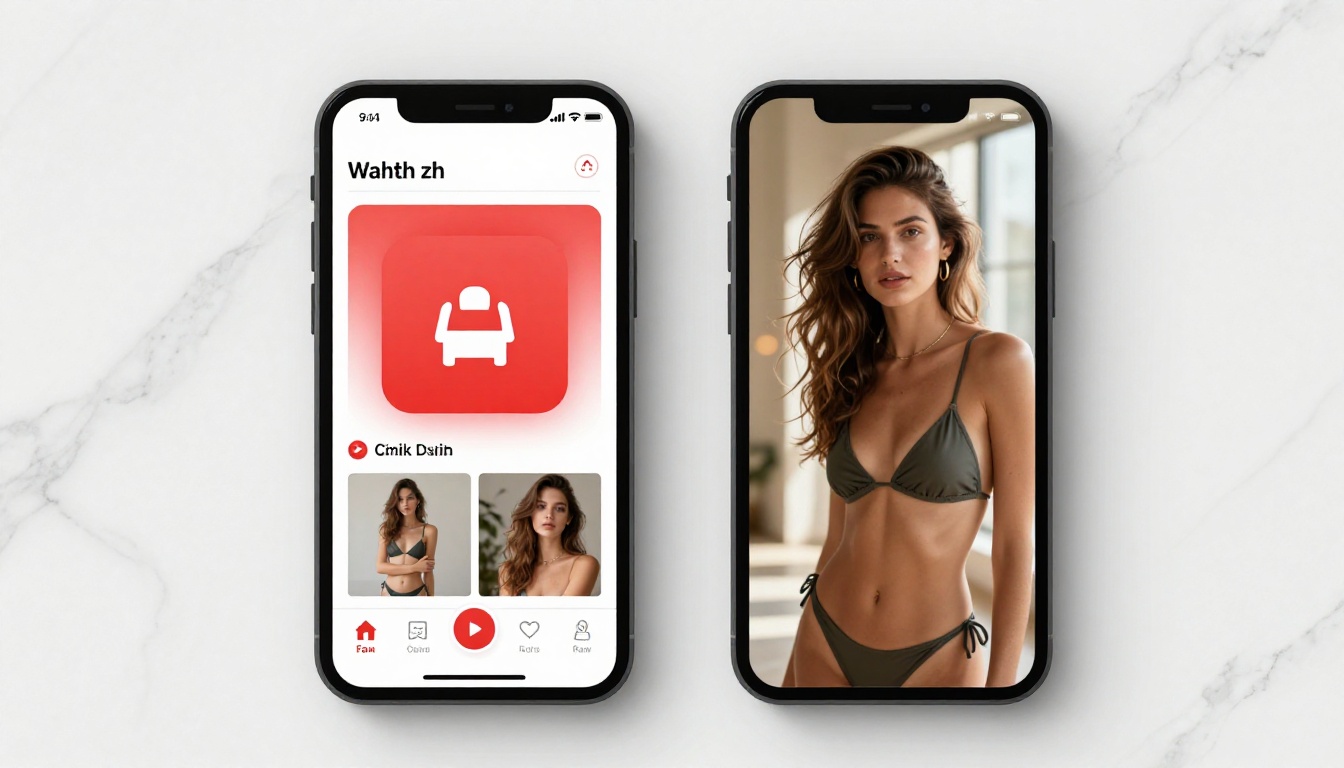
Using Seedream 4.5 on PicassoIA
Here is the step-by-step process to start generating with Seedream 4.5 right now.
Step 1: Open the model
Go directly to Seedream 4.5 on PicassoIA. The interface loads with a prompt field and generation settings visible immediately. No setup or configuration needed to start generating.
Step 2: Write detailed prompts
Seedream 4.5 responds to detailed, descriptive prompts. Short phrases produce generic results. Full descriptions of setting, lighting, clothing, pose, and camera angle produce outputs that match your vision precisely. A 50-word prompt consistently outperforms a 5-word prompt.
Structure your prompts like this: [Subject and appearance] + [what they're wearing] + [environment and setting] + [lighting direction and quality] + [camera angle and lens] + [film stock or quality modifiers]
Step 3: Select your aspect ratio
16:9 works for wide environmental scenes. 9:16 suits portrait orientation content. 2:3 and 3:4 give mid-range portrait framing that works well for fashion and boudoir styles. The aspect ratio selector appears below the prompt field.
Step 4: Generate and refine
Generate. If the result needs adjustment, modify the prompt rather than regenerating identically. Change one element at a time to isolate what is driving each output characteristic. Adding "Kodak Portra 400 film grain, natural lighting, photorealistic, 8K" at the end of a prompt consistently improves skin rendering and realism.
Step 5: Refine with the editor
When a generation is 80% of what you want, use PicassoIA's inpainting tools to correct the remaining 20% without starting over. Select the area that needs adjustment, describe what should replace it, and regenerate just that portion while keeping the rest intact.
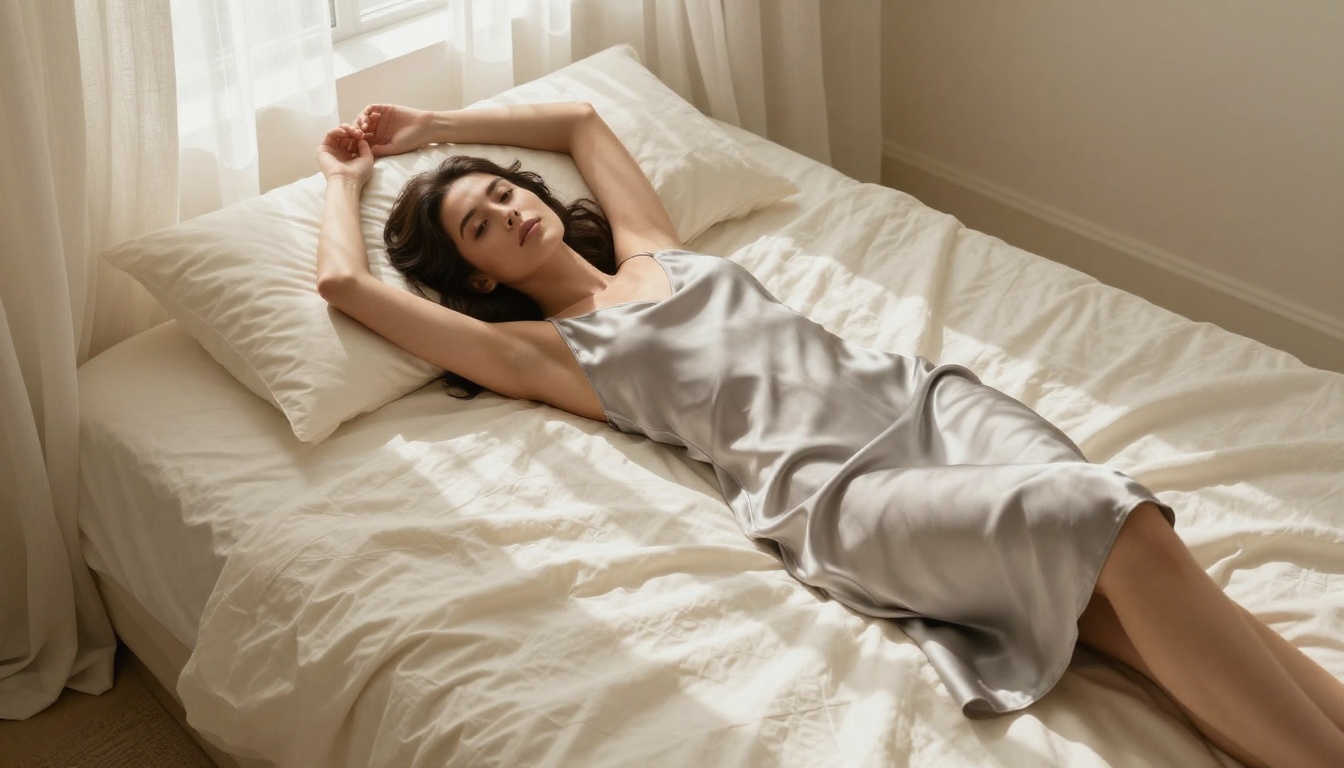
💡 Prompt tip: Frame content in context rather than listing physical descriptors in isolation. "Woman relaxing on a hotel terrace at sunset, wearing a silk robe, natural golden hour light from the left" outperforms isolated physical descriptions every time.
The framing is not "GPT Image 2.0 vs. Seedream 4.5" as a single forced choice. They serve genuinely different needs, and many creators use both within the same project.
Use GPT Image 2.0 when:
- Creating editorial imagery with no adult content involved
- Generating product photography, architecture, or marketing assets
- Working in professional or corporate contexts
- You want the conversational refinement loop that ChatGPT's interface provides
Use Seedream 4.5 when:
- Creating adult content for platforms that support it
- You need consistent, predictable outputs without safety interruptions mid-workflow
- Volume production matters and you cannot absorb constant refusals and retries
- Photorealism is required alongside content freedom
Some workflows use GPT Image 2.0 to generate backgrounds, environments, and non-figure elements, then bring those into PicassoIA's editor to add figure elements generated with Seedream 4.5. The tools are not mutually exclusive.
Every NSFW AI Model in One Place
PicassoIA aggregates over 90 text-to-image models in one platform, including the full Seedream family, all Flux variants, RealVisXL, and dozens of specialized models for specific visual styles and subjects. Instead of managing separate accounts and API credits across five different services, you access everything through one interface with one subscription.
The full catalog is at picassoia.com/en/all-models. Beyond image generation, the platform includes text-to-video with over 87 models, image editing with inpainting and outpainting, face swap, super resolution for upscaling, background removal, AI video effects, and audio generation. For creators working across multiple content types, having everything centralized matters practically.
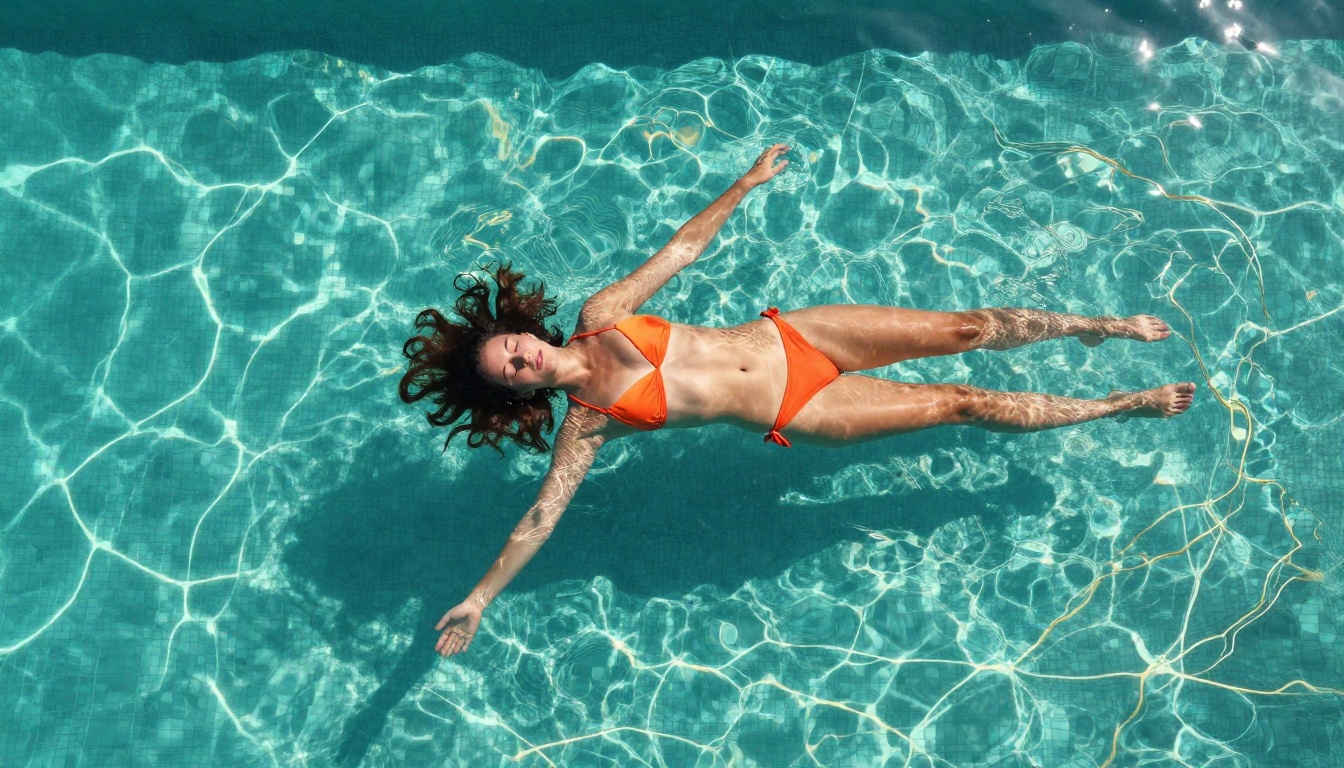
Start Generating Without the Walls
GPT Image 2.0's NSFW limits are structural, not superficial. They are baked into model weights through training, not applied as a surface filter, which means no amount of creative prompting changes what is possible on standard consumer endpoints. OpenAI made deliberate choices about their consumer product, and those choices hold for individual users.
For creators who need adult content generation, Seedream 4.5 is the place to start. Load the model, write a detailed prompt, and generate. The photorealism is there. The content freedom is there. The only thing missing is the wall.
Every NSFW model listed in this article is available right now at picassoia.com/en/all-models. Pick a model, write a prompt, and see what AI image generation actually looks like when the tool is working with you instead of against you.


