The moment OpenAI released GPT Image 2.0, every creative professional who had been quietly testing AI image tools started paying closer attention. Not because of the noise around it, but because of something more concrete: the gap between what you describe and what you actually receive narrowed in ways that matter in production. Lighting behaves more naturally. Fabric reads as fabric. Faces hold together across iterations.
This is a breakdown of how GPT Image 2.0 performs across real professional use cases, from product photography and editorial portraits to architectural visualization and social content. No synthetic benchmarks, just what actually happens when you fold it into a daily creative workflow where client deadlines are real and revisions cost time.
What GPT Image 2.0 Does Differently
The jump from earlier models is not just resolution or speed. It is about semantic precision. GPT Image 2.0 reads complex, layered prompts with a fidelity that previous models often stumbled on.
Prompt Fidelity Has a New Baseline
Earlier in the AI image generation timeline, prompt engineering was essentially a workaround for model limitations. You would specify "warm afternoon light from the left" and receive flat overhead lighting. You would describe "85mm shallow depth of field" and receive a uniformly sharp image with zero depth. GPT Image 2.0 interprets photographic directives more faithfully. It does not just pattern-match on keywords; it builds images where the lighting, angle, and lens characteristics cohere as a system.
For a creative workflow, this is significant. It reduces the iteration loop from "generate until something passable appears" to "generate and refine with specificity."
Multi-Turn Refinement Changes the Process
One of GPT Image 2.0's core advantages in production use is its native support for multi-turn image editing. You can describe a base image, generate it, then issue follow-up instructions without starting from scratch. Change the color of a surface. Shift the model's expression. Reframe the composition to a tighter crop.
This is closer to working with a human retoucher via brief than to operating a render farm. For editorial workflows where art direction evolves over a session, that conversational quality is a genuine time saver.

Product Photography: Where It Earns Its Place
Product photography is one of the clearest tests for any AI image model. The requirements are specific: accurate geometry, consistent lighting, clean surfaces, and no hallucinated artifacts in the product form. Clients notice when a bottle is warped, when reflections behave incorrectly, or when shadows contradict the light source.
Clean Background Product Shots
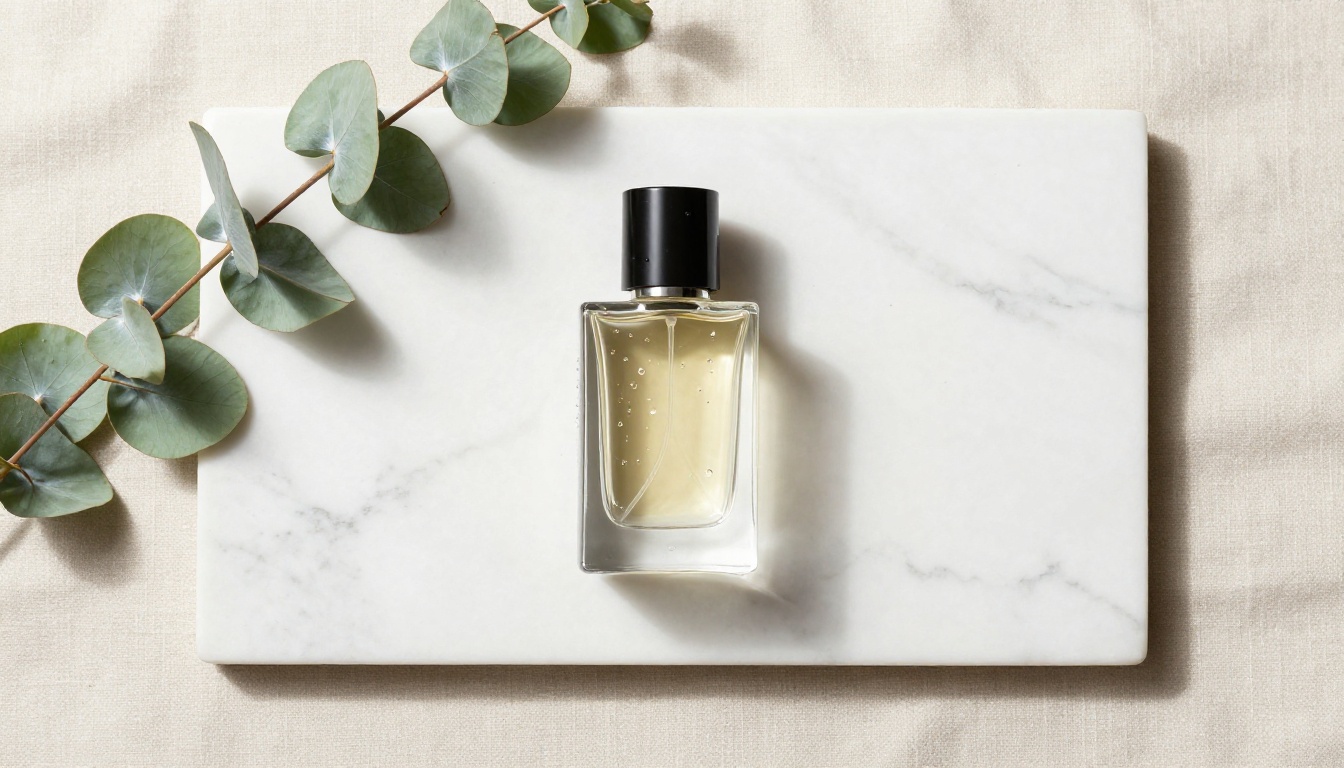
For isolated product shots on white or neutral backgrounds, GPT Image 2.0 performs at a professional level. The model handles specular highlights on glass, the translucency of liquids, and fine surface detail on packaging with enough accuracy to serve as a rapid prototyping tool for creative reviews.
💡 Use GPT Image 2.0 for first-round client presentations and early-stage concept approvals. It reduces the cost of exploratory shoots before committing to a studio setup.
Once you have the output you want, tools like Clarity Pro Upscaler and Topaz Image Upscale on PicassoIA can push the resolution to print-ready quality in a single step, with up to 6x enlargement and minimal artifact introduction.
Lifestyle and Context Shots
Placing a product in a lifestyle context requires the model to balance two priorities: the product must look accurate, and the surrounding environment must feel authentic. GPT Image 2.0 handles this better than previous models, but it still requires precise prompting. Vague descriptions produce generic results. Specific art direction produces usable content.
A prompt like "a luxury skincare bottle on a wet black granite countertop, morning bathroom light from a frosted window at a 45-degree angle, 60mm lens, shallow focus" produces a noticeably more controlled output than "skincare product in bathroom." The specificity is the instruction.
Editorial and Portrait Work
Portraits with Plausible Texture
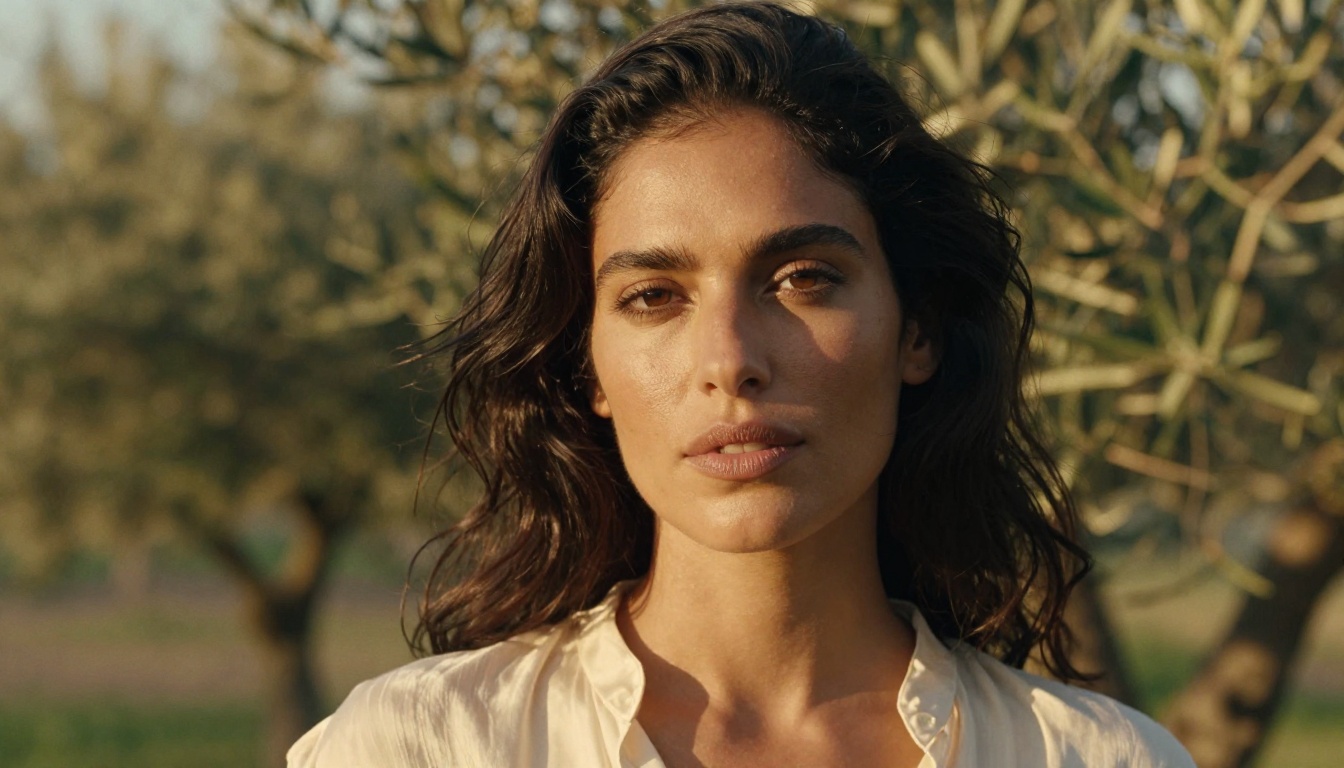
Portrait work in AI image generation has historically produced skin that reads as artificial: too smooth, too symmetrical, too uniform. GPT Image 2.0 introduces enough micro-variation in skin texture, lighting fall-off across facial planes, and natural asymmetry to produce portraits that hold up at editorial scale.
The model still struggles with extreme close-ups where fine skin pore structure is the primary subject. At typical editorial distances, however, the output is convincing enough for mood boards, social content, and campaign concept presentations.
Consistency Across a Shoot
One limitation that becomes apparent quickly in editorial workflows is subject consistency. GPT Image 2.0 does not maintain strict identity across separate generation calls. If you generate a "model with dark wavy hair and Mediterranean features" in one prompt, the next generation in the same session may produce a subtly different person.
For campaigns requiring a consistent face across a series of images, this is a real workflow constraint. The practical solution is to generate multiple variations in a single session, review them together, select the best outputs, and then use multi-turn editing to refine those specific results rather than generating new ones from scratch.
💡 For editorial series, generate 8 to 12 variations in one session. Select the best two as your reference and refine from there. Starting fresh each time breaks consistency.
Architecture and Interior Visualization
Concept Boards for Spatial Design
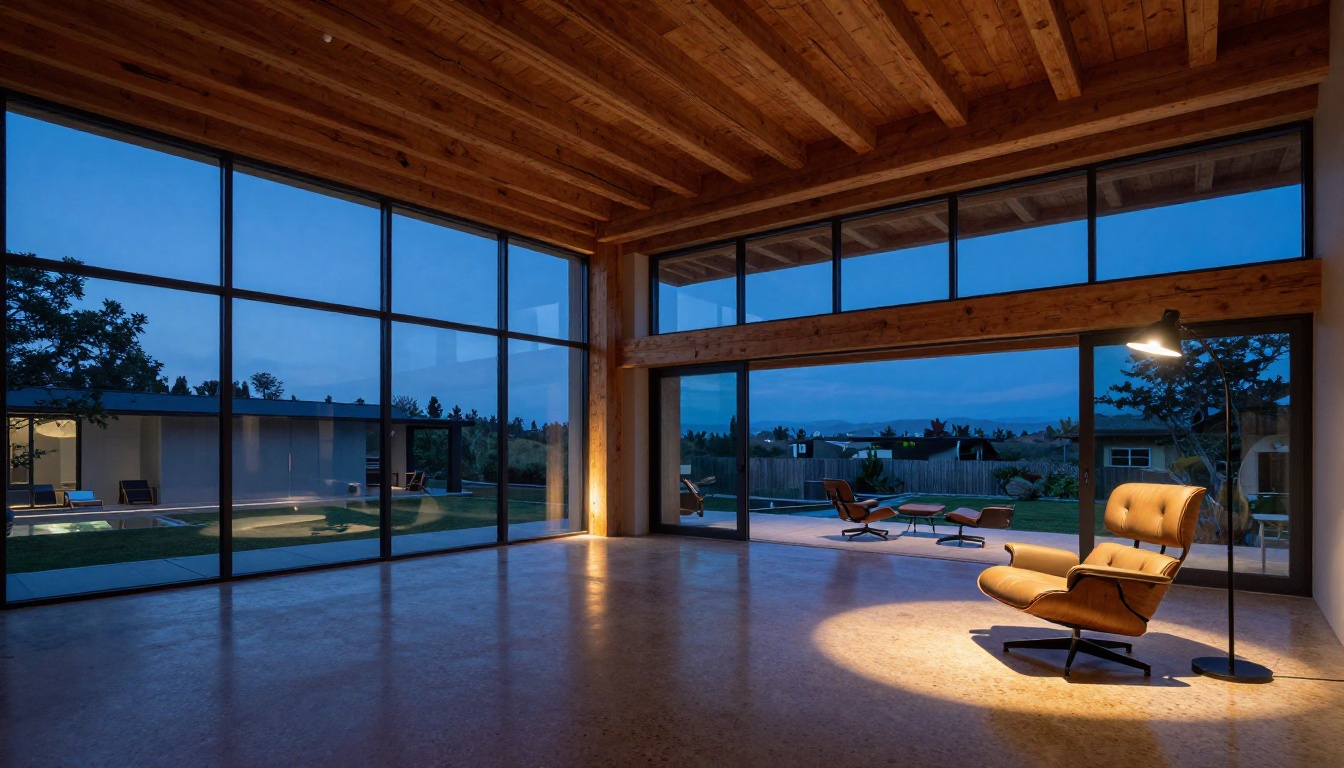
Architects and interior designers have an immediate use case for GPT Image 2.0: rapid concept visualization. Describing a space, its material palette, and lighting conditions produces results that communicate spatial intent to clients without requiring a 3D rendering pipeline.
The model handles material representation well for common interior materials: poured concrete, polished wood, terrazzo, glass, and linen. It interprets natural lighting conditions, including the quality of light through different window configurations, with accuracy that genuinely surprises skeptical design professionals.
Where Spatial Precision Breaks Down
GPT Image 2.0 does not guarantee architectural accuracy. It does not know that a window at a specific orientation produces a specific shadow angle at a specific latitude and time of year. It produces what looks plausible, not what is technically correct. For schematic-level visualization, this matters. For mood board presentations and client communication, it is usually more than sufficient.
| Use Case | GPT Image 2.0 Fit | Notes |
|---|
| Mood board and concept | Excellent | Speed and variety are major advantages |
| Client presentation | Very good | Requires prompt precision for material accuracy |
| Schematic accuracy | Limited | Not a substitute for technical rendering software |
| Material library reference | Good | Common materials render convincingly |
Food and Lifestyle Content
Commercial Food Photography
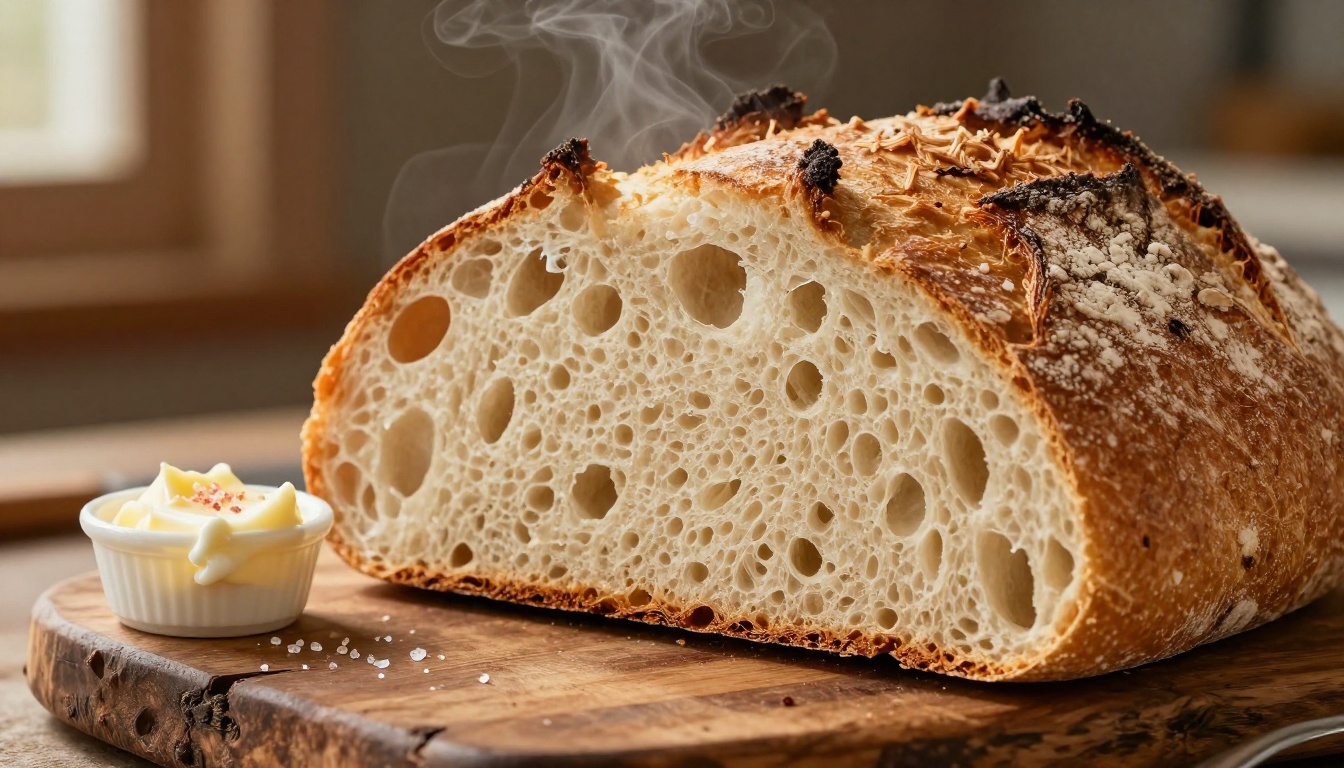
Food photography is a demanding test because appetite appeal depends on fine details: steam, condensation, caramelization, sauce consistency. GPT Image 2.0 handles food imagery at a quality level that is genuinely useful for social media content and initial campaign concepts.
Bread crust reads as textured and real. Sauces have appropriate gloss. Steam is rendered as a soft, naturalistic element rather than a cartoon effect. When lighting is specified correctly, it behaves as studio food photography lighting should.
Travel and Location Content
For brands that need location-based lifestyle imagery, GPT Image 2.0 can produce culturally specific environments with surprising accuracy when given detailed prompts. The texture of weathered plaster, the quality of light in specific climates, and the depth of background environments all render with authenticity.

This does not replace location shoots, but it provides a cost-effective first round for content planning, visual strategy presentations, and social media content where production budgets are constrained.
GPT Image 2.0 in Your Production Pipeline
The Role It Actually Plays
The most common mistake creative teams make when adopting AI image generation is treating it as binary: either it replaces photography or it does not. The more accurate framing is that GPT Image 2.0 changes the cost structure of specific stages in a production pipeline.
- Pre-production: Concept visualization, mood boards, art direction references
- Production support: Fill content, social variants, campaign extensions
- Post-production: Composite elements, background generation, prop placement
It works best when the output does not need to match a specific real person or product exactly. It is less suited to situations where exact product fidelity is legally or contractually required.
Upscaling and Finishing
GPT Image 2.0 outputs typically land at moderate resolution. For print or large-format digital applications, you will need to upscale. AI upscaling has reached a quality level that pairs well with these outputs.
On PicassoIA, Real ESRGAN offers reliable 4x upscaling for photorealistic content. For portrait-heavy work, Crystal Upscaler is tuned specifically for facial detail preservation. For maximum output quality, Topaz Image Upscale supports up to 6x enlargement with minimal artifact introduction. For a faster alternative, P Image Upscale delivers sharp results in under a second.
💡 Generate with GPT Image 2.0, then upscale for final output. This two-step approach consistently outperforms trying to generate at maximum resolution in a single step.
Background Removal for Compositing
When GPT Image 2.0-generated elements need to be composited into real photography or existing layouts, clean background removal becomes essential. PicassoIA's Background Removal tool handles AI-generated imagery with the same accuracy it applies to photographs, preserving fine edge detail on hair and complex product forms.

Real Limitations You Will Hit
Prompt Length Does Not Scale Linearly
There is a common assumption that longer, more detailed prompts always produce better results. In practice, GPT Image 2.0 has a point of diminishing returns on prompt complexity. Beyond a certain level of detail, the model begins to weight elements inconsistently: some specified details appear, others are ignored, and the overall image can become less coherent rather than more precise.
The effective zone is a focused, structured prompt that specifies the subject, environment, lighting direction, camera characteristics, and one or two material details. Beyond that, selectivity matters more than comprehensiveness.
Text Rendering Is Still Unreliable
Text in images remains one of the weaker points. GPT Image 2.0 is significantly better than earlier models at rendering legible text, but for anything beyond a short word or phrase, errors are frequent. For signage, packaging, or any image where specific text is required, the output needs to be treated as a base for post-production correction.
💡 Generate the image without text, then add it in post using design software. This produces cleaner results than fighting the model on text rendering.
Hands and Extremities
Hand and finger rendering is still inconsistent. Most outputs are acceptable, but complex hand positions or close-up shots of hands engaged in detailed tasks produce artifacts with some regularity. For hand-forward compositions, build iteration time into your workflow.
Prompt Structures That Actually Work
The most reliable prompt structure for production-quality outputs follows a consistent pattern.
Subject and position: Be specific about what is in the frame and what is happening.
Environment: Describe the immediate setting with material and spatial specifics.
Lighting: Direction, quality (soft or hard), color temperature, and source type.
Camera: Focal length, aperture, distance to subject.
Texture and atmosphere: One or two specific material or atmospheric details.
| Prompt Element | Weak Version | Strong Version |
|---|
| Lighting | "Natural lighting" | "Diffused morning light from north-facing window" |
| Camera | "Close up" | "100mm macro lens f/4, subject filling 60% of frame" |
| Environment | "Studio setting" | "White marble surface with subtle veining, linen backdrop" |
| Texture | "Realistic" | "Visible fabric weave, fine grain leather, matte ceramic gloss" |
Following this structure does not guarantee perfect outputs, but it dramatically reduces the variance between what you intend and what the model produces.
Fashion and Campaign Work
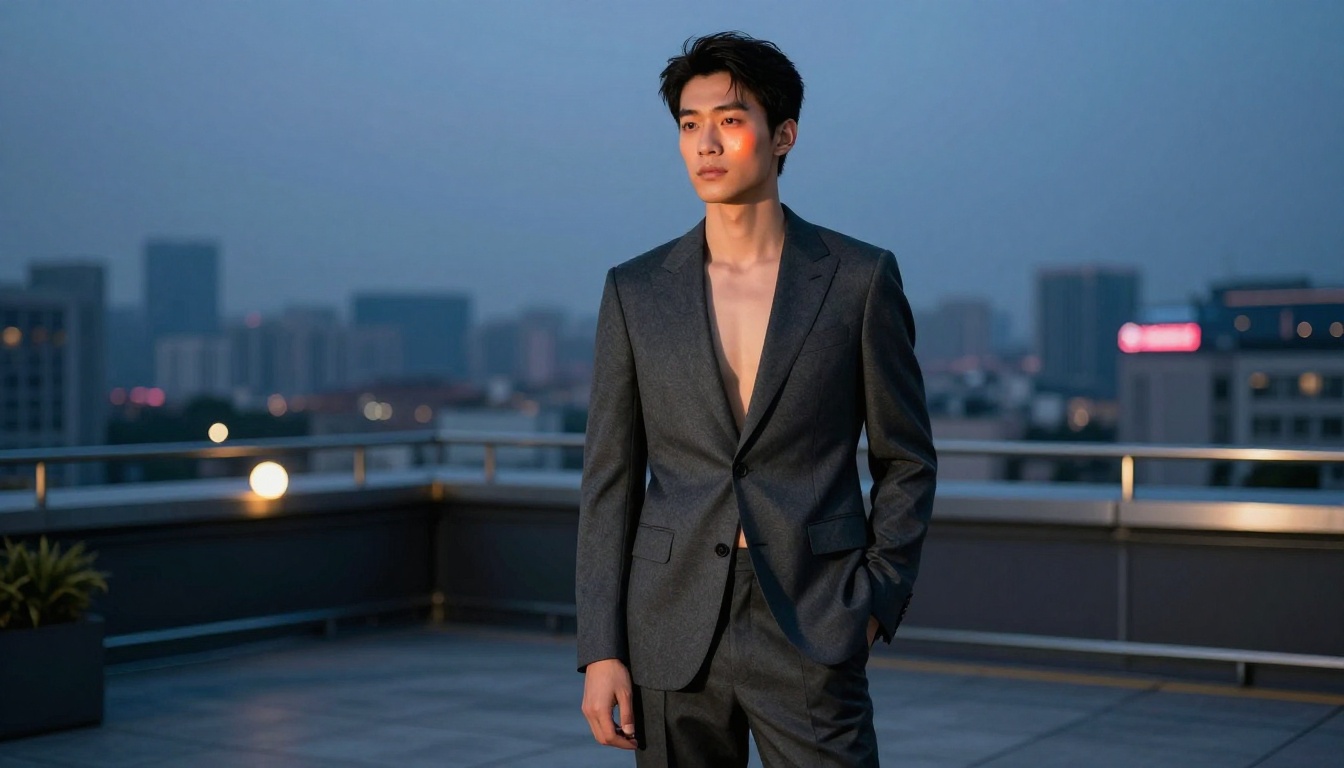
Fashion content requires the model to handle clothing texture, drape, and movement convincingly while rendering the subject in a way that reads as editorial rather than generic. GPT Image 2.0 handles fabric with more nuance than earlier models: wool has visual weight, silk reads as silk, and layered garments behave with appropriate physical logic.
For campaign work, the limitation remains subject consistency across shots. Build your workflow around this constraint rather than against it. Generate wide, select deliberately, and refine rather than regenerating from scratch.
Start Creating with Your Own Briefs
The real test for any tool is not what it can do in ideal conditions; it is what it does when you give it your specific brief, your art direction, and your aesthetic requirements. GPT Image 2.0 is not a replacement for a creative vision. It is a fast, capable execution layer that responds to good direction.
PicassoIA puts a full library of AI image tools in one place, from text-to-image models with over 91 options, to dedicated upscalers like Clarity Pro Upscaler and post-production tools including Background Removal, all accessible without managing API keys or local compute.
Start with one of your existing briefs. Give it your standard product prompt or editorial brief and see where the output lands. The iteration cost is low, the learning curve is real but short, and for most creative professionals who spend time in production, the first time it saves you three hours on a concept round, the question shifts from "should I use this?" to "where else does this fit?"


