Two AI image generators have been making noise lately, and for very different reasons. GPT Image 2.0 arrives with the full weight of OpenAI's research machine behind it, promising unmatched prompt fidelity and photorealism. Nano Banana Pro takes a lighter approach: fast generation, browser-first access, and a surprisingly capable style engine for casual users. The question isn't which one is more impressive on paper. The real question is which one actually serves your creative workflow day to day.
This breakdown details image quality, speed, prompt accuracy, pricing, and practical use cases, so you can stop guessing and start creating.
What GPT Image 2.0 Actually Does
GPT Image 2 is OpenAI's second-generation text-to-image model, building directly on the foundation laid by GPT Image 1. The upgrade isn't just incremental. The model shows a measurably stronger grasp of spatial relationships, text rendering inside images, and scene coherence across complex prompts.
The Architecture Behind the Results
GPT Image 2.0 uses a diffusion-based backbone trained on a curated, safety-filtered dataset with specific attention to photorealistic detail. Its core strength is instruction following. When you write a prompt with multiple objects, lighting conditions, and compositional instructions, the model parses each element and places them accurately. Competing models often drop or merge elements when prompts get longer.
This architectural difference matters most in commercial photography contexts where you need predictable, repeatable results across a batch of images.
What GPT Image 2.0 Does Well
- Complex scene construction: Multiple subjects, environments, and props rendered accurately
- Photorealism: Skin texture, fabric folds, and surface materials approach reference photograph quality
- Text-in-image: Renders readable words and numbers inside the image, a persistent weakness for most generators
- Consistency: Repeated prompts produce structurally similar results, useful for branding workflows
- Lighting simulation: Natural volumetric lighting, directional shadows, and subsurface scattering on skin
💡 GPT Image 2.0 is particularly strong for e-commerce product photography, editorial portraits, and any use case requiring text inside the generated image.
Nano Banana Pro at a Glance
Nano Banana Pro operates at the opposite end of the spectrum. Built for speed and accessibility, it prioritizes generation time and a low barrier to entry over pushing the ceiling of photorealism. For users who generate 50 to 100 images per session, iterating rapidly through ideas, that speed advantage matters more than the marginal quality gap.
Speed and Accessibility
Nano Banana Pro typically delivers a generated image in under 10 seconds on standard resolution settings. Compare that to GPT Image 2.0's average of 20 to 35 seconds per image at full quality. For creative brainstorming and mood board generation, that difference is meaningful.
The platform runs entirely in-browser with no API setup required, making it accessible to non-technical users who want quick results without infrastructure overhead.
Where It Falls Short
Nano Banana Pro's weaknesses show up fast when you push it:
- Anatomy consistency: Hands and feet remain error-prone, especially in dynamic poses
- Long prompt adherence: Drops minor details with prompts over 60 words
- Text rendering: Characters frequently distort or merge
- Fine texture fidelity: Fabric, hair, and skin lack the micro-detail that GPT Image 2.0 handles well
- Lighting complexity: Struggles with multi-source lighting setups or hard directional shadows
For quick visual references these limitations are acceptable. For anything client-facing, they become real obstacles.
Side-by-Side Feature Breakdown
Here's how both models stack up across the criteria that matter most for professional creative work:
| Feature | GPT Image 2.0 | Nano Banana Pro |
|---|
| Photorealism | Excellent | Moderate |
| Prompt Adherence | Very High | Moderate |
| Speed | 20-35 seconds | 6-10 seconds |
| Text in Images | Yes | Unreliable |
| Max Resolution | Up to 4K | 1024x1024 standard |
| API Access | Yes (via OpenAI) | Limited |
| Style Range | Broad | Moderate |
| Commercial License | Yes | Check terms |
| Anatomy Accuracy | High | Moderate |
| Ease of Use | Moderate | High |
💡 If your workflow involves client deliverables, GPT Image 2.0's quality ceiling justifies the slower generation speed. For rapid ideation, Nano Banana Pro's speed advantage is real.
Prompt Adherence Test Results
Prompt adherence separates professional-grade models from consumer-grade tools. Both were tested with identical prompts across three categories: complex scenes, portrait rendering, and product photography.

Complex Scene Prompts
Using a prompt describing a woman in a red dress at a rainy evening market with specific lighting conditions, both models were tested five times each.
GPT Image 2.0 results:
- Placed all elements correctly in 4 of 5 attempts
- Rendered rain texture on surfaces with convincing optical distortion
- Maintained red dress color accurately across all attempts
- Lighting matched the described evening atmosphere
Nano Banana Pro results:
- Dropped the rain element in 3 of 5 attempts
- Dress color shifted toward orange in two attempts
- Background market stalls appeared in only 2 of 5 attempts
- Lighting remained generic flat illumination in most outputs
Portrait and Face Rendering
Portrait work is where the quality gap narrows slightly, but GPT Image 2.0 still holds a clear advantage in skin texture detail, catchlight placement in eyes, and hair strand separation.
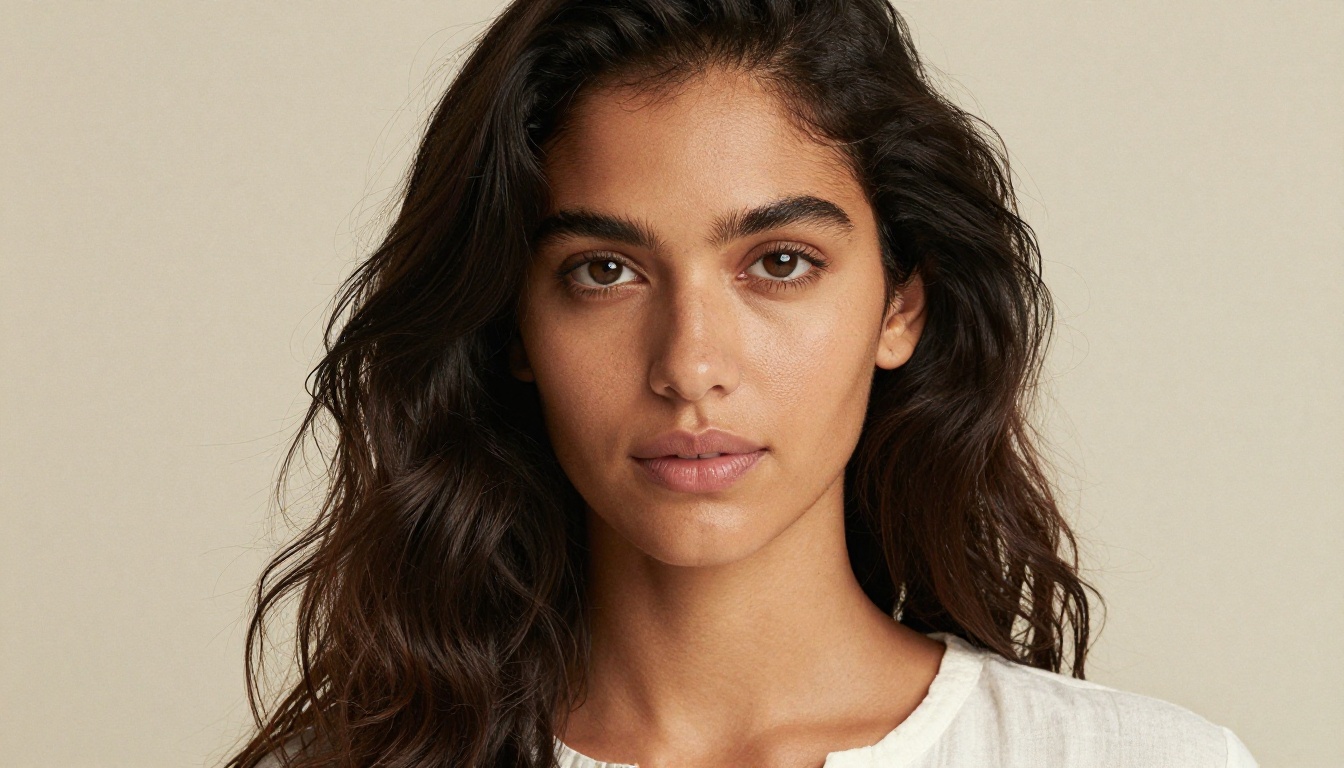
Nano Banana Pro produces portraits that read as attractive and competent at small sizes. Zoom in to 100 percent and the skin becomes a smooth texture layer without the micro-variation that makes photographs feel real. GPT Image 2.0's portraits hold up at full resolution.
For headshots, beauty photography, and fashion editorial work, this distinction determines whether your output is usable or not.
Image Quality and Realism
Resolution and Detail
At the pixel level, GPT Image 2.0 generates with a level of detail that allows cropping and reprinting without obvious degradation. The model appears to have internalized how surfaces actually behave under light: specular highlights on fabric weave, subsurface scattering on skin in backlight, and micro-texture variation on matte walls.
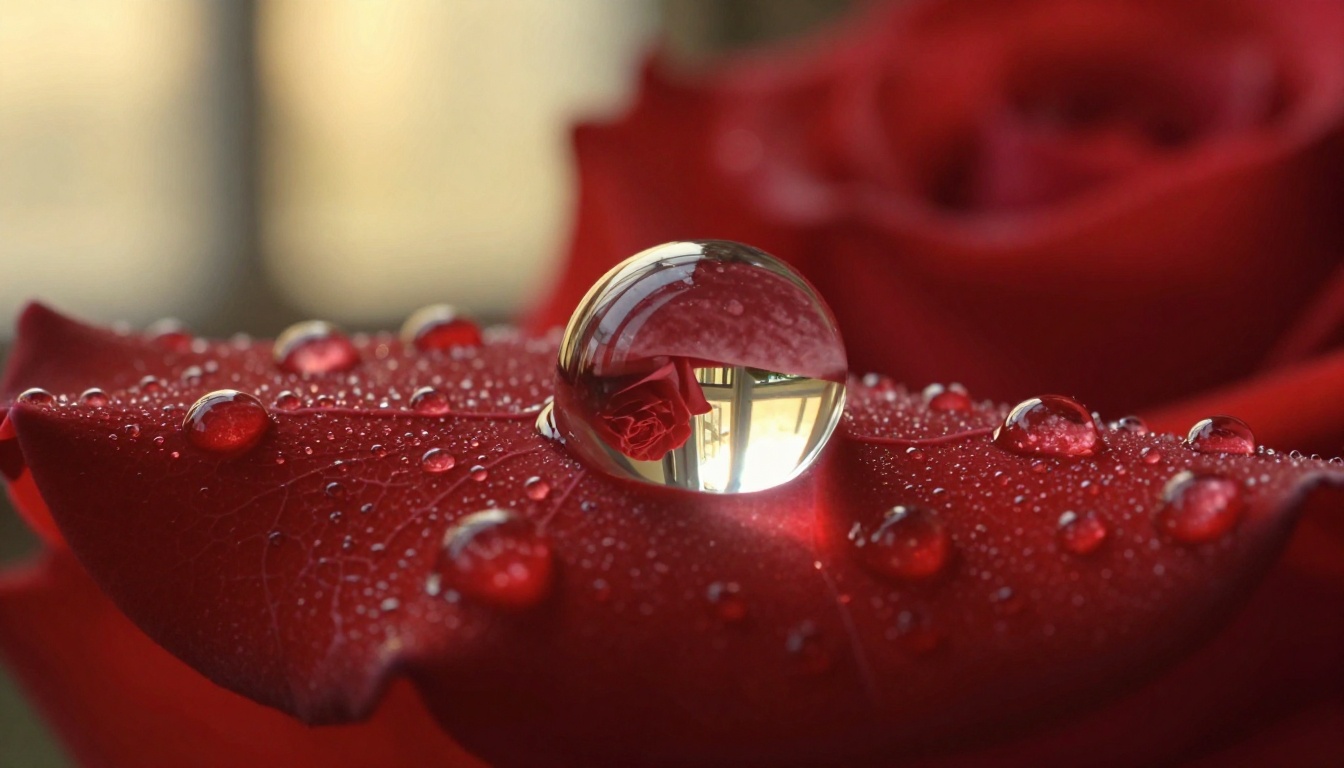
Nano Banana Pro at its standard 1024-pixel output produces images that work well for social media at native size. For print or large-format digital display, you'll want to run the output through a super-resolution tool before use. PicassoIA's Super Resolution models handle this step without leaving the platform.
Style Range and Versatility
Both models handle a range of visual styles beyond strict photorealism. GPT Image 2.0 applies stylistic instructions faithfully while preserving underlying quality. Ask for a 1970s film photography aesthetic and it adds grain, color shift, and appropriate lens character without degrading composition.
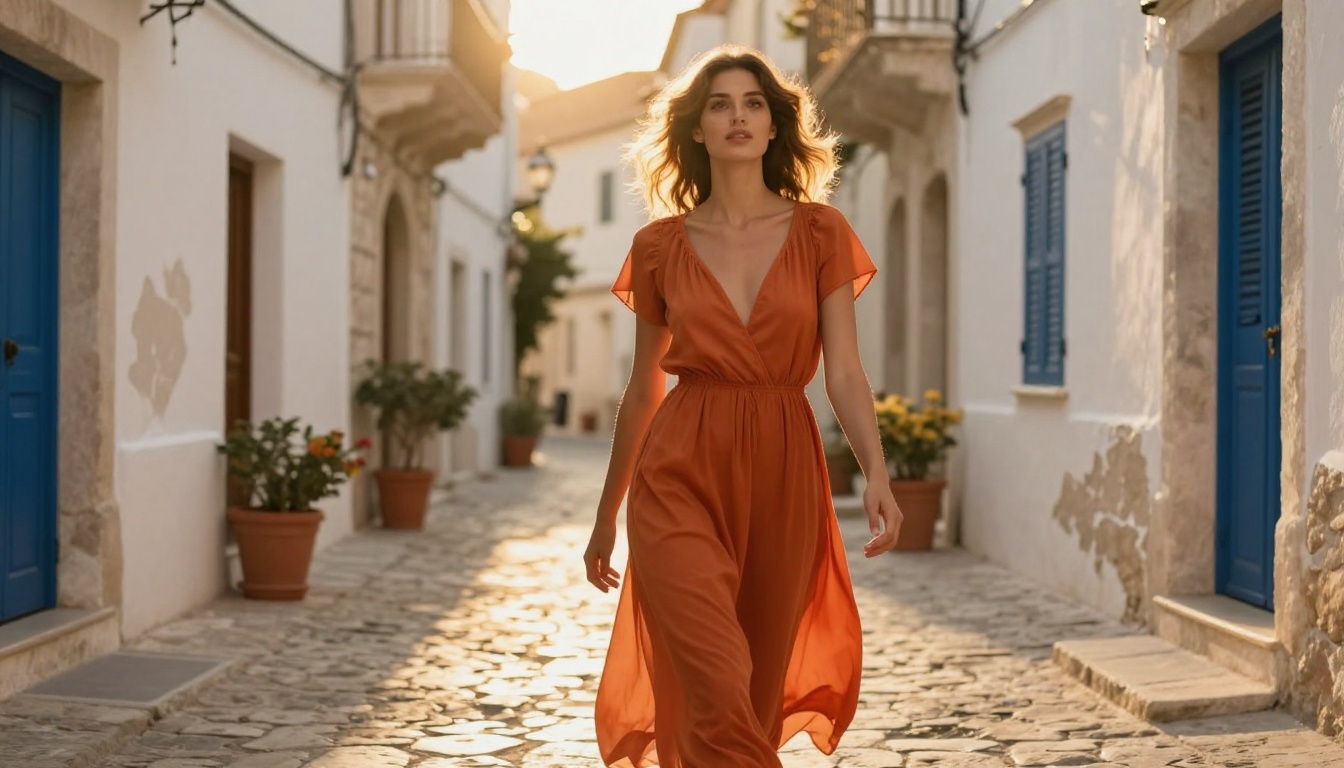
Nano Banana Pro's style application is broader but less controlled. Aesthetic shifts work, but they sometimes affect elements you didn't intend to change. The model treats style as a global filter rather than a targeted parameter.
For users who want precise style control, GPT Image 2.0 pairs well with PicassoIA's other text-to-image models like Seedream 4.5 and Wan 2.7 Image Pro when you want to try different generation approaches within a single platform.
Pricing and Access
Who Pays Less in the Long Run
This is where context matters more than raw numbers.
GPT Image 2.0 is available through the OpenAI API on a per-image pricing model. At standard quality, the cost per image runs from roughly $0.04 to $0.12 depending on resolution and quality settings. For high-volume users generating thousands of images monthly, this adds up. The model is also accessible through PicassoIA at GPT Image 2 on PicassoIA, which provides a more accessible entry point without API configuration.
Nano Banana Pro typically operates on a subscription or credit model with a generous free tier for casual users. For creators generating fewer than 200 images monthly, it's often the more cost-effective option. Power users generating professional volumes will find the credit limits restrictive.
| Volume | Better Pick | Reason |
|---|
| Under 100 images/month | Nano Banana Pro | Free tier covers most needs |
| 100-500 images/month | Depends on quality need | Budget vs. output trade-off |
| 500+ images/month | GPT Image 2.0 via API | Predictable per-image cost |
| Commercial client work | GPT Image 2.0 | Quality justifies cost |
💡 Accessing GPT Image 2.0 directly through PicassoIA removes the API setup complexity while keeping the model's full output quality intact.
Using GPT Image 2 on PicassoIA
Since GPT Image 2 is available on PicassoIA, you can use it without managing API configurations or separate billing accounts. Here's how the workflow runs:
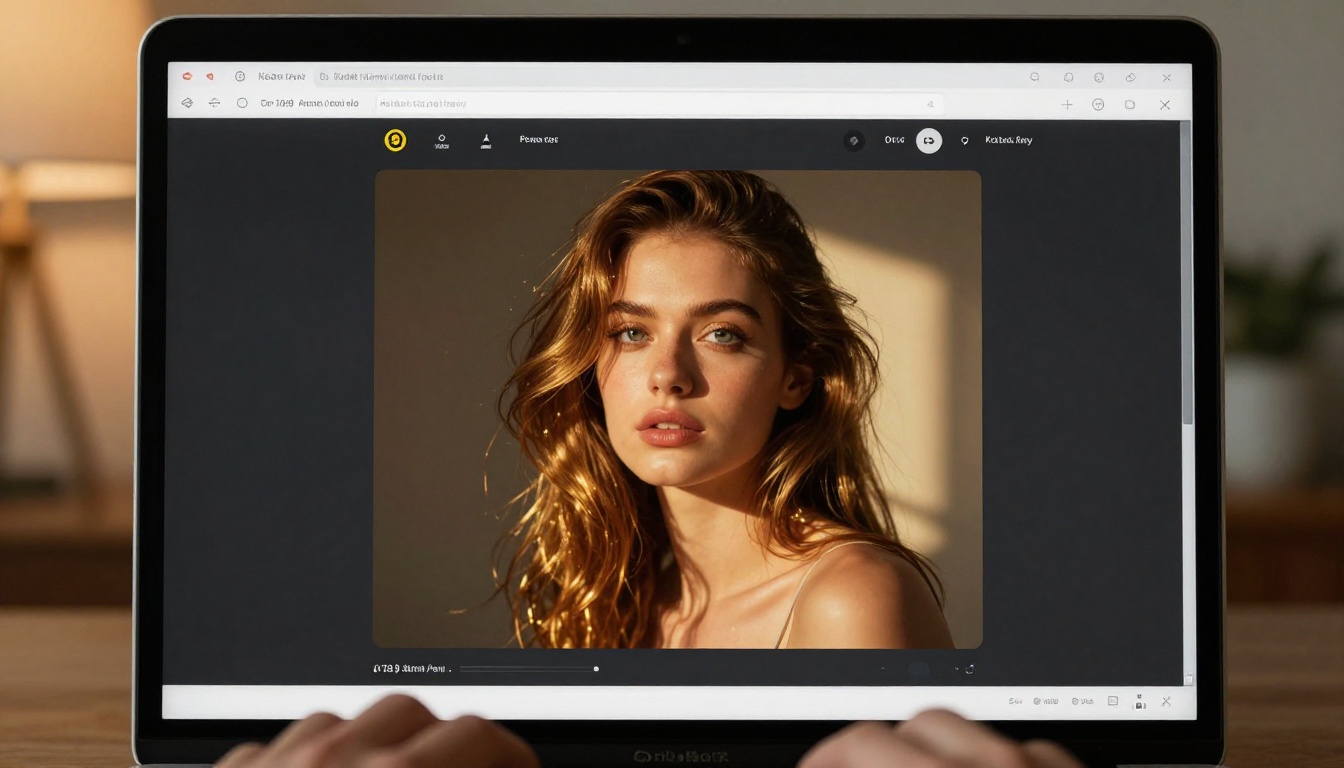
Step 1: Access the Model
Go to GPT Image 2 on PicassoIA. You'll land directly on the model's generation interface with no configuration required.
Step 2: Write a Detailed Prompt
GPT Image 2.0 rewards detailed prompts. Structure yours as:
Subject + Action or Pose + Environment + Lighting + Camera and Style Parameters
Example: "A young woman with olive skin and dark wavy hair standing in a sunlit wheat field, arms slightly open, looking toward the horizon, warm golden hour backlight creating a natural hair halo, 85mm portrait lens, shallow depth of field, Kodak Portra film grain"
Step 3: Select Resolution and Quality
PicassoIA exposes the model's resolution options directly in the interface. For commercial work, select the highest available quality setting. For iteration and testing, standard quality generates faster and costs less per image.
Step 4: Generate and Iterate
Run the first generation, review the output, then refine your prompt based on what the model interpreted correctly and what needs adjustment. GPT Image 2.0 responds well to specific corrections: "Add more shadow under the left cheekbone" or "Make the background slightly more out of focus."
Step 5: Build on Your Output
After generating your base image, PicassoIA's other tools let you build on it further. Use Flux Kontext Fast for quick targeted edits, Gemini 2.5 Flash Image for alternative interpretations, or Dreamina 3.1 for cinematic 4MP outputs when you need high-resolution final assets.
Which One Should You Pick
The right answer depends on what you're actually building.
Pick GPT Image 2.0 If You...
- Produce images for clients or commercial use where quality is non-negotiable
- Need text rendered accurately inside images (logos, signs, labels)
- Write detailed prompts and expect the model to follow every element
- Need output that holds up at full resolution for print or large digital display
- Want consistent, repeatable results across a production batch
Pick Nano Banana Pro If You...
- Need fast outputs for brainstorming, mood boards, or internal references
- Generate images casually with shorter, simpler prompts
- Are working within a tight budget and don't need professional-grade output
- Prioritize browser-based ease of use over maximum quality
For most serious creators, the workflow that makes most sense is using Nano Banana Pro for fast ideation and concept testing, then switching to GPT Image 2 when you're ready to produce final assets.
Start Creating on PicassoIA
The best way to form an opinion on either model is to generate something you'd actually use. PicassoIA gives you direct access to GPT Image 2 alongside more than 185 other text-to-image models, including Stable Diffusion 3, Recraft 20B, and Hunyuan Image 2.1, all from a single interface.
Take a prompt you actually care about. Run it through GPT Image 2 on PicassoIA. Compare the output to what Nano Banana Pro produces from the same prompt. The quality gap will either matter to your workflow or it won't. Either way, you'll know within the first generation.
Start creating at PicassoIA's text-to-image collection and put both models to the test with your own creative brief.


