The debate isn't just about which AI generates prettier pictures. When you're working on client deliverables, brand assets, or editorial visuals, the difference between GPT Image 2.0 and Seedream 5 Lite matters in very specific, practical ways. Speed, resolution, prompt fidelity, text rendering, reference image handling: these aren't abstract benchmarks. They determine whether a model slots into your workflow or fights it.
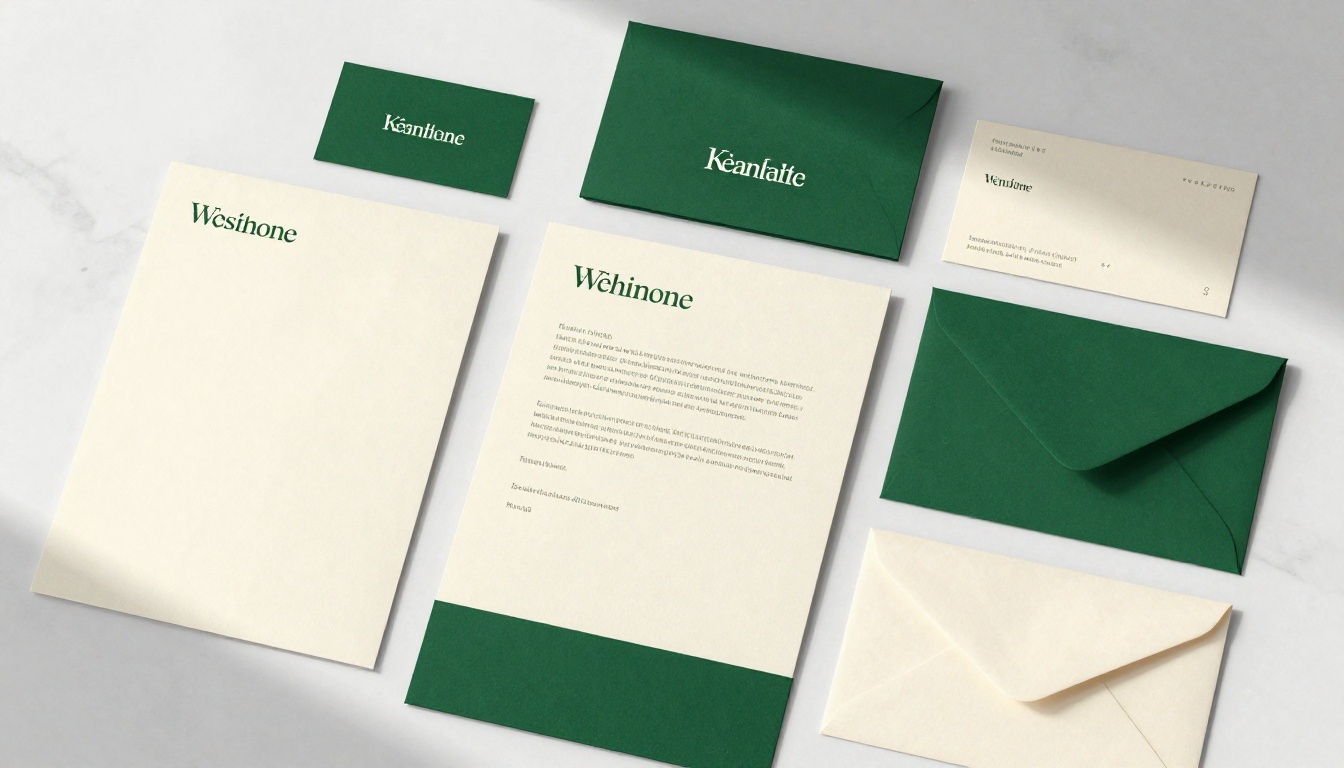
This article puts both models through real design scenarios. No theoretical comparisons. Just what actually happens when you push each one through product photography briefs, fashion editorial prompts, architectural visuals, and brand identity work.
Two Different Bets on What AI Should Do
Before diving into output comparisons, it helps to understand what each model was optimized for, because the philosophy behind the training shapes everything.
GPT Image 2.0 in Plain Terms
GPT Image 2.0 is built around instruction-following. It doesn't just generate images from prompts; it interprets them with a language model's understanding of context. That means it handles complex, multi-clause prompts with unusual accuracy, renders legible text inside images (a persistent weakness for most generative models), and responds precisely to compositional directives like "place the product in the lower-left third" or "warm side-light from the upper right."
Its output defaults to clean, polished, slightly editorial aesthetics. Colors are accurate and neutral rather than punchy. Skin tones read naturally. It tends to produce images that look like they came from a competent photographer, not from an AI trying to impress.
Specs worth noting:
- Output formats: PNG, JPEG, WebP
- Aspect ratios: 1:1, 3:2, 2:3
- Quality settings: low, medium, high, auto
- Background control: transparent, opaque, or auto
- Batch generation: up to 10 images per request
- Reference image input support
Seedream 5 Lite in Plain Terms
Seedream 5 Lite is built around resolution and prompt complexity handling through built-in reasoning. ByteDance's model outputs at 2K (2048px) natively, with 3K (3072px) available, which immediately separates it from most competitors in terms of print-readiness. The reasoning layer means it can parse layered, conditional, or contradictory instructions better than most diffusion-only models.
It also introduces sequential generation: up to 15 related images per session that maintain visual consistency. For designers building out a product line, a lookbook, or a brand imagery set, that coherence is significant.
Specs worth noting:
- Native resolution: 2K to 3K output
- Aspect ratios: 1:1, 4:3, 3:4, 16:9, 9:16, 3:2, 2:3, 21:9, match_input_image
- Reference image support: 1 to 14 input images per generation
- Sequential generation: up to 15 coherent images per session
- No watermarks
- Output formats: PNG, JPEG
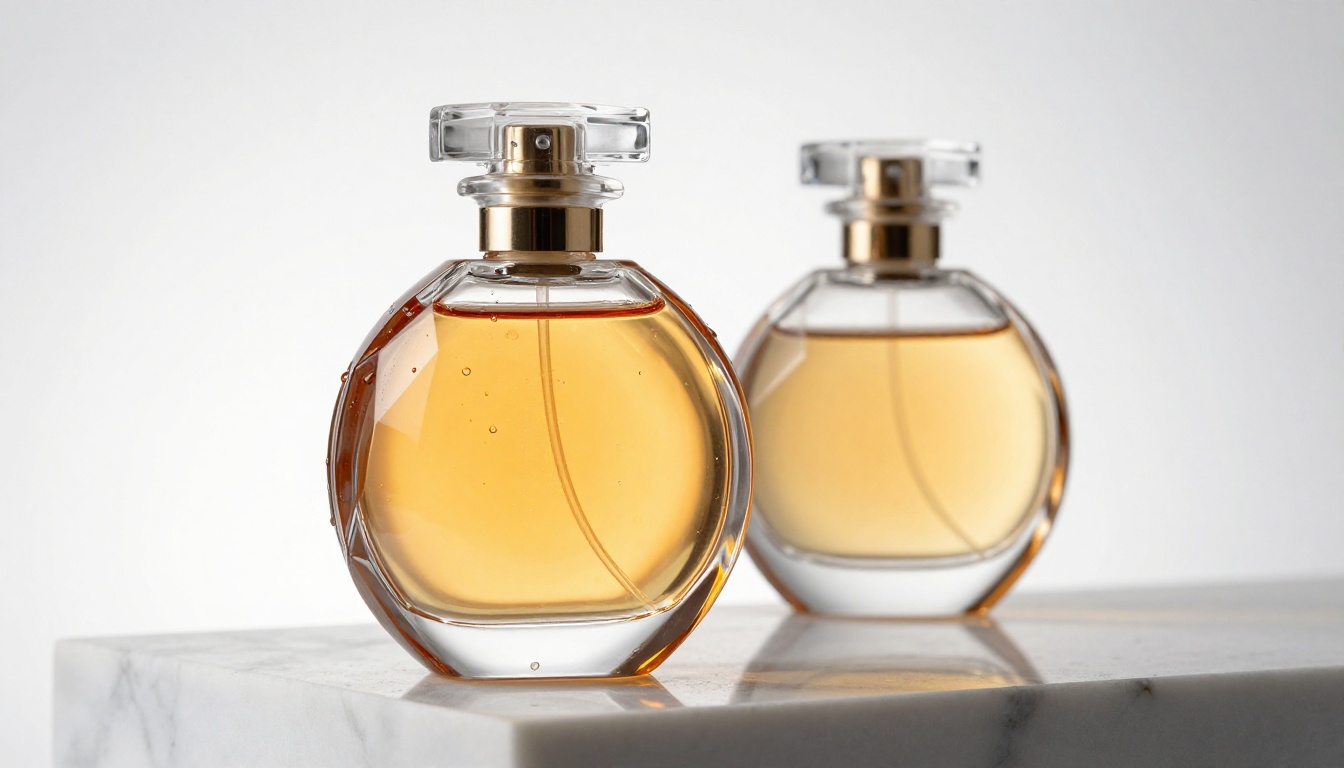
Image Quality, Head to Head
Where Photorealism Lives
Both models produce photorealistic output, but they do it differently.
GPT Image 2.0 leans into controlled realism. Its outputs feel grounded, with accurate perspective, consistent light source behavior, and material rendering that reads as genuinely photographic rather than "AI photographic." You don't get the occasional blown-out specular or the slightly too-perfect skin often seen in diffusion models. The grain and imperfections read as authentic.
Seedream 5 Lite prioritizes resolution density. At 2K output, fine textures, fabric weaves, pore structures, and architectural material details come through at a level of fidelity that competing models at lower resolutions simply can't match. When you zoom into a Seedream 5 Lite output, the information is there. When you zoom into most competitor outputs at standard resolution, you find smooth interpolation where detail should be.
💡 For print work specifically, Seedream 5 Lite's native 2K resolution means you can work at actual print dimensions without upscaling artifacts becoming an issue.
Text Rendering
This is one of GPT Image 2.0's clearest advantages. Putting legible, correctly spelled text inside an AI-generated image has historically been a hard problem. Most diffusion models garble letters, especially in stylized or non-horizontal orientations.
GPT Image 2.0 renders text reliably. Product labels, short headlines, UI mockup copy: if you need words inside an image that are actually readable, GPT Image 2.0 is the practical choice. Seedream 5 Lite handles simple text reasonably well but degrades on longer strings and stylized letterforms.
For logo mock-ups, packaging visualization, or any design category where text legibility inside the image matters, this gap is significant.
What Designers Actually Need
Product Photography
Product photography is a primary use case for both models. The brief is usually the same: place the product in a controlled environment, light it correctly, and make it look like something that belongs in an e-commerce catalog or brand campaign.
GPT Image 2.0 handles this category with precision. Prompt directives about lighting angles, surface materials, and compositional placement land accurately. The model doesn't over-stylize. A crystal perfume bottle on white Carrara marble reads as a real studio photograph, not a 3D render approximating one.
Seedream 5 Lite adds resolution as its differentiator here. The material texture in a Seedream 5 Lite product shot, especially for glass, metal, and fabric surfaces, has a density that benefits from the 2K output. If the final use is a large-format print or a high-resolution catalog, that extra pixel density matters.
💡 For product shots destined for web: GPT Image 2.0. For large-format print catalogs or billboards: Seedream 5 Lite.
Fashion and Editorial
Editorial fashion is where both models show their strengths most visibly.
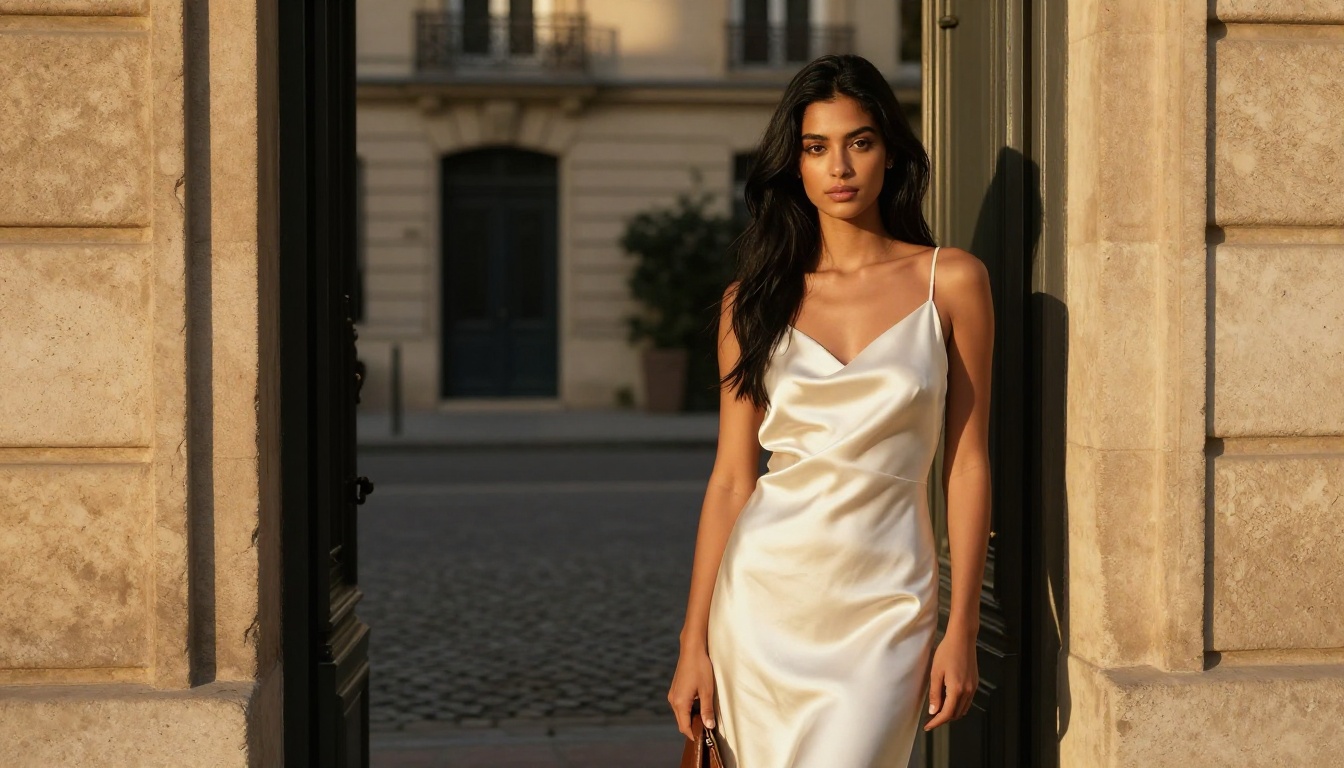
GPT Image 2.0 produces editorial fashion images with accurate garment structure, natural drape physics, and skin tones that read as genuinely photographic. The model understands garment vocabulary. "Bias-cut silk with spaghetti straps" produces a result that actually reflects what those words mean in tailoring terms.
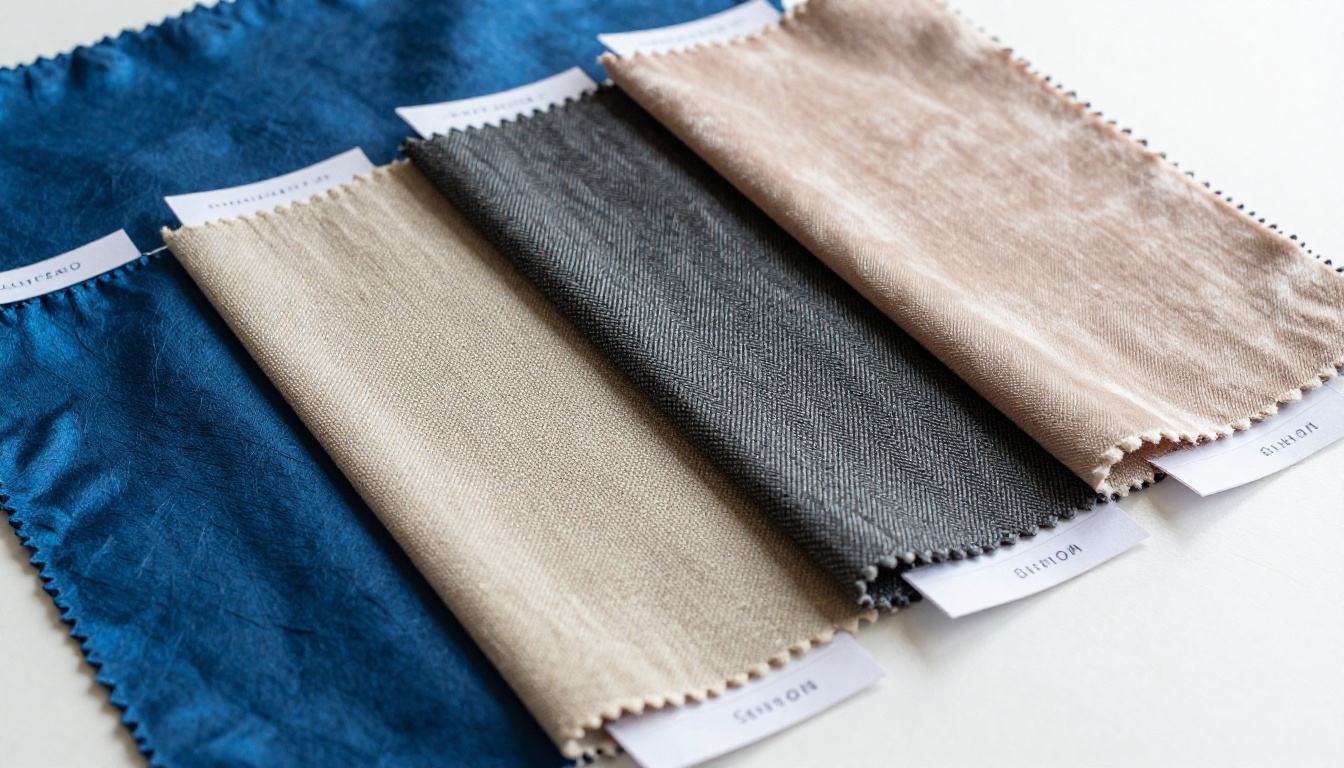
Seedream 5 Lite brings the resolution advantage into play here too, particularly for fabric texture detail. The weave structure of a bouclé jacket, the nap direction on velvet, the thread irregularities in raw silk: at 2K, these details are present with the kind of fidelity that matters for editorial publication or fabric supplier catalogs.
Both models handle the fashion brief well. The choice depends on whether your output format demands resolution depth or whether prompt accuracy and text rendering are more critical.
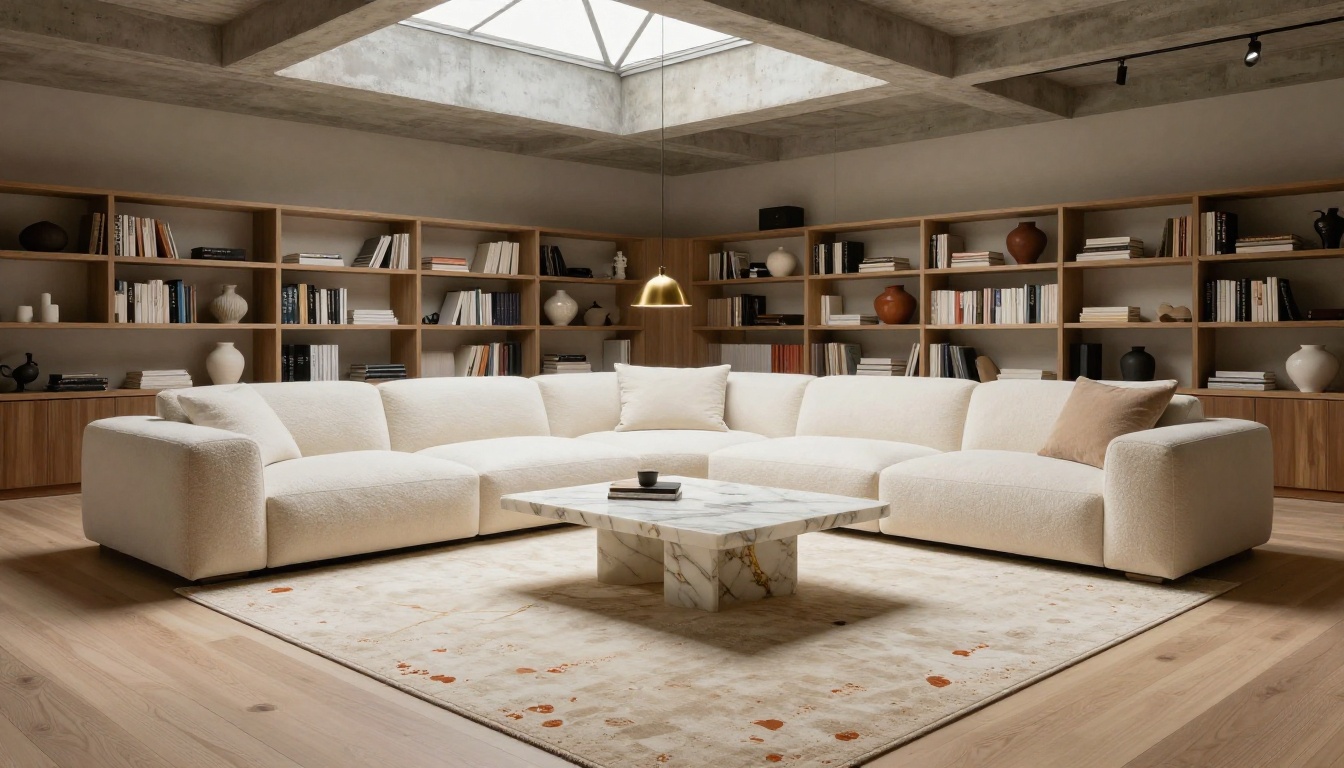
Architecture and Interior Design
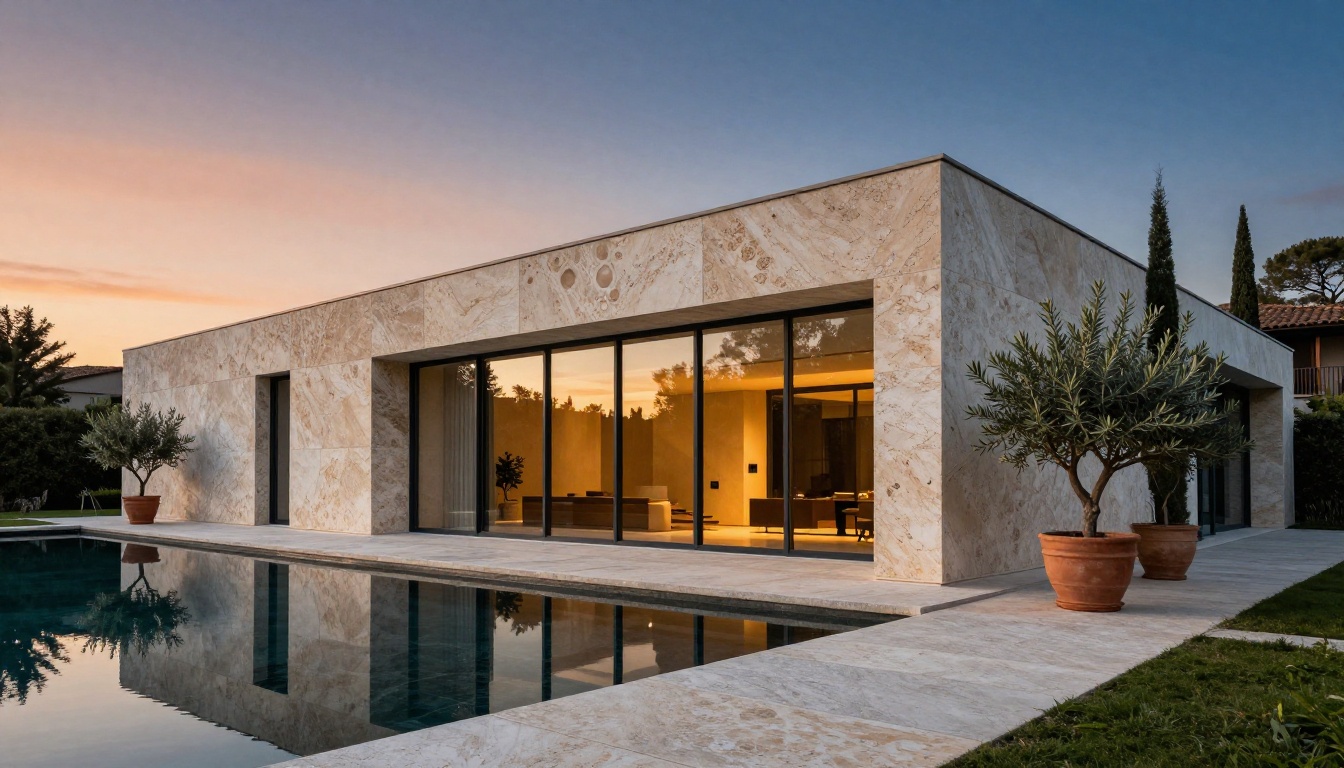
Architecture is a category where reference image support becomes critical, and both models offer it, though differently.
GPT Image 2.0 accepts a reference image for compositional and stylistic grounding. Providing a rough sketch or a reference photograph lets the model use it as a baseline while following the text prompt for specifics. Architectural details like material specifications, lighting conditions, and landscaping elements respond well to prompt direction.
Seedream 5 Lite's ability to accept up to 14 reference images per generation is a real workflow differentiator for architecture. If you're generating a series of a building from multiple angles or across different lighting conditions, feeding multiple references ensures visual consistency across outputs. The sequential generation feature (up to 15 related images per session) makes it practical to generate a complete architectural photo essay from a single session.
Speed, Resolution, and Cost
Here's how the models compare on the practical metrics that affect workflow:
| Feature | GPT Image 2.0 | Seedream 5 Lite |
|---|
| Native Resolution | Standard (quality-dependent) | 2K to 3K |
| Output Formats | PNG, JPEG, WebP | PNG, JPEG |
| Aspect Ratios | 1:1, 3:2, 2:3 | 1:1, 4:3, 3:4, 16:9, 9:16, 3:2, 2:3, 21:9 |
| Text Rendering | Excellent | Moderate |
| Reference Images | Yes (1 input) | Yes (1 to 14 inputs) |
| Sequential Coherence | Not available | Up to 15 images per session |
| Batch Generation | Up to 10 per request | Single (sequential mode) |
| Watermark | None | None |
| Background Control | Transparent/Opaque/Auto | Standard |
The aspect ratio spread favors Seedream 5 Lite for designers working across multiple format requirements. The 21:9 cinematic ratio and the match_input_image option add flexibility that GPT Image 2.0 doesn't offer natively.
Prompt Handling and Control
Following Complex Instructions
GPT Image 2.0's language model foundation gives it a distinct edge on complex, multi-part prompts. When a prompt includes compositional directives, lighting specifications, and subject behavior simultaneously, GPT Image 2.0 tends to honor all three parts rather than prioritizing one and approximating the others.
Seedream 5 Lite's built-in reasoning layer addresses this same problem differently. The model internally processes the prompt through a reasoning pass before generation, which means it tends to produce more literal interpretations of unusual or paradoxical prompt requirements. For complex scenes with specific spatial relationships, this reasoning approach produces reliable results.
💡 Both models handle complex prompts well. GPT Image 2.0 feels more natural and creative in its interpretation; Seedream 5 Lite feels more literal and precise.
Reference Image Support
This is where the models diverge most sharply in workflow terms.
GPT Image 2.0 accepts a single reference image for grounding a generation. That's enough for most cases: provide a mood board image, a rough sketch, or a product shot and the model uses it as context.
Seedream 5 Lite accepts 1 to 14 reference images. For designers who work with multi-angle product references, brand guideline documents, or a set of inspiration images that together define a visual direction, being able to feed all of them simultaneously produces substantially more consistent output. It's not just a quantity difference; it changes what kinds of visual briefs are achievable.

How to Use Both on PicassoIA
Both GPT Image 2.0 and Seedream 5 Lite are available directly on PicassoIA's text-to-image collection, no local installation, no API setup required.
Using GPT Image 2.0 on PicassoIA
- Open GPT Image 2.0 from the text-to-image collection.
- Choose your quality setting. For final client deliverables, select high. For iteration and drafting, low or medium speeds up the loop.
- Set your aspect ratio. For product and editorial work, 3:2 is the most versatile.
- If you need transparency, toggle background: transparent for cut-out ready output.
- Upload a reference image to anchor style or composition.
- Write prompts that specify: subject, lighting direction, material textures, camera angle, and color temperature. GPT Image 2.0 follows all of these simultaneously.
Text in image tip: Enclose text that should appear in the image in quotes inside your prompt. For example: "A product label with the text "BOTANICA" in condensed sans-serif caps, white on dark green background."
Using Seedream 5 Lite on PicassoIA
- Open Seedream 5 Lite from the text-to-image collection.
- Select 2K for most work. Use 3K only for billboard or large-format print dimensions where the extra resolution is actually needed.
- Choose your aspect ratio. Seedream 5 Lite's wide ratio support, including 21:9, makes it better suited for cinematic or widescreen design formats.
- Upload up to 14 reference images when you need visual consistency across a series.
- Use sequential generation to create coherent image sets. Define your subject clearly in the first prompt and subsequent generations will maintain visual consistency.
- Write dense, specific prompts. The built-in reasoning layer responds well to detail-heavy instructions.
Material texture tip: Specify textures explicitly. "Raw silk with visible thread irregularities" produces fundamentally different, better output than just "silk." The model's resolution advantage is most visible when prompts demand fine surface detail.
Which One Fits Your Work
The answer depends on your design category, output format, and how much your workflow depends on prompt precision versus resolution fidelity.
Pick GPT Image 2.0 if:
- Text rendering matters: Labels, UI mockups, packaging, signage visualization where words inside the image must be legible.
- Batch generation speeds up iteration: Getting 10 variations in a single request is a real workflow accelerator for concept exploration.
- Prompt precision is the priority: Complex, multi-clause prompts with specific compositional and lighting directives land more reliably.
- Background control matters: Transparent background output is native and clean, ideal for e-commerce cut-outs.
- Your output is digital-first: Web, social, digital advertising, and e-commerce don't require 2K+ resolution, making GPT Image 2.0's quality-to-speed balance optimal.
Pick Seedream 5 Lite if:
- Print resolution is non-negotiable: 2K and 3K native output means no upscaling artifacts for large-format work.
- You're generating a coherent series: Sequential generation across up to 15 images with visual consistency is a capability unique to this model.
- Multiple reference images define your brief: Feeding up to 14 references simultaneously produces output that accurately reflects a complex visual direction.
- Cinematic and widescreen formats are your standard: The 21:9 and match_input_image aspect ratios open format possibilities GPT Image 2.0 doesn't cover.
- Material and texture fidelity is the brief: Fabric, stone, glass, and skin texture detail benefit directly from the resolution headroom.
The real advantage isn't choosing one and ignoring the other. Both GPT Image 2.0 and Seedream 5 Lite are available on PicassoIA without any setup friction. That means you can run the same brief through both models in minutes, compare outputs side by side, and build a personal reference for which model handles each category in your specific workflow.
The designers who get the most out of AI image generation are the ones who stop treating it as a single-model workflow. Use GPT Image 2.0 for text-heavy product work and rapid iteration batches. Use Seedream 5 Lite for high-resolution editorial and coherent series generation. Between the two, you have coverage for almost every commercial design brief.
💡 Start with a prompt you know well, something you've briefed to a photographer or illustrator before. Run it through both models at their highest quality settings. The difference in output will tell you more than any benchmark comparison.
PicassoIA's text-to-image collection includes both models alongside over 91 other models spanning product photography, portrait work, and architectural visualization. Whether you're building out a product catalog or producing editorial content at scale, the tools are already there. The only question is how quickly you build the instinct for which one to reach for first.