GPT Image 2.0 Tips for Realistic Art That Actually Work
Getting photorealistic results from GPT Image 2.0 requires more than a basic prompt. This article breaks down the specific lighting cues, skin texture details, camera lens parameters, and compositional tricks that separate flat AI outputs from images that look like genuine photography.
GPT Image 2.0 changed the conversation around AI-generated art. Outputs are crisper, prompt comprehension is tighter, and the gap between "obviously AI" and "genuinely photographic" has narrowed. But that gap has not disappeared. If you are using GPT Image 2.0 to produce realistic portraits, environments, or product shots and your results still look slightly off, the problem is almost never the model itself. It is almost always the prompt.
This article breaks down the specific techniques that consistently push AI image output from decent to photorealistic. These are not general suggestions. They are the exact prompt structures, parameter choices, and compositional cues that activate the realism capabilities already built into state-of-the-art models.
Why Most AI Images Look Fake
The human visual system is extraordinarily good at detecting wrong. Not obviously wrong like a six-fingered hand, but subtly wrong: light coming from two directions at once, skin that has no pores, shadows that do not match any visible source. AI models trained on billions of images can reproduce visual patterns statistically, but they do not understand physics. That means the burden of physically accurate light, texture, and depth falls entirely on your prompt.
The Uncanny Valley in Still Images
The uncanny valley is usually discussed in the context of 3D animation, but it applies just as sharply to still images. An AI portrait that is almost right triggers more unease than one that is clearly stylized, because the brain keeps trying to resolve the inconsistency. Common failure points include:
Skin with zero subsurface scattering that reads as plastic
Eyes with no catchlight or wet surface reflection
Hair that reads as a solid shape instead of individual strands
Clothing fabric with no weave, drape, or weight
Backgrounds with no atmospheric haze or depth blur
Solving these is not complicated. It requires knowing what signals "real" and including those signals explicitly in the prompt.
What Separates Flat Prompts from Powerful Ones
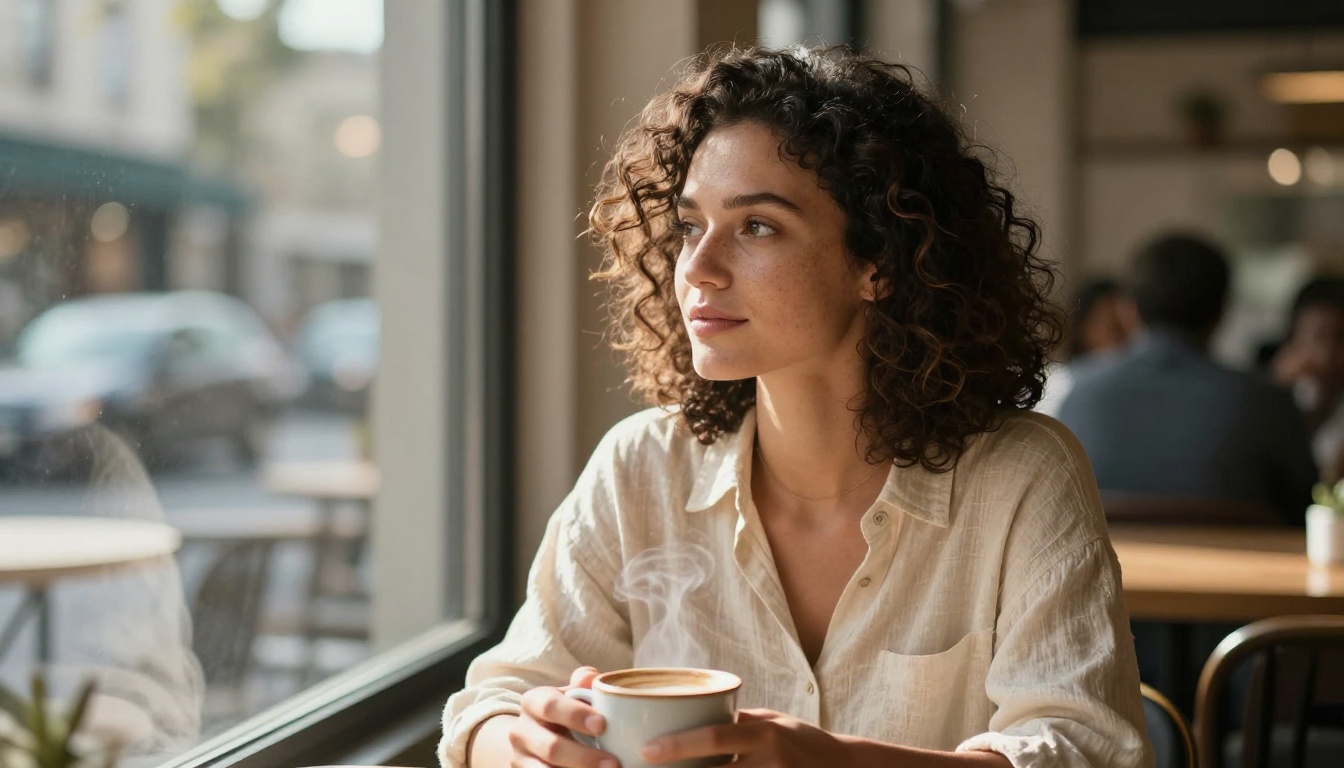
A flat prompt describes the subject. A powerful prompt describes the photograph. There is a meaningful difference between "a woman drinking coffee" and "candid medium shot of a woman with dark curly hair cradling a ceramic coffee mug, soft diffused morning light from a frosted window on her left, visible steam rising from the cup, natural freckles on her cheeks, 85mm lens f/1.8 shallow depth of field, Kodak Portra 400 film grain." The second version tells the model what kind of camera captured this moment, where the light is, and what surface qualities the subject carries. Those details build realism layer by layer.
Lighting Makes or Breaks Every Shot
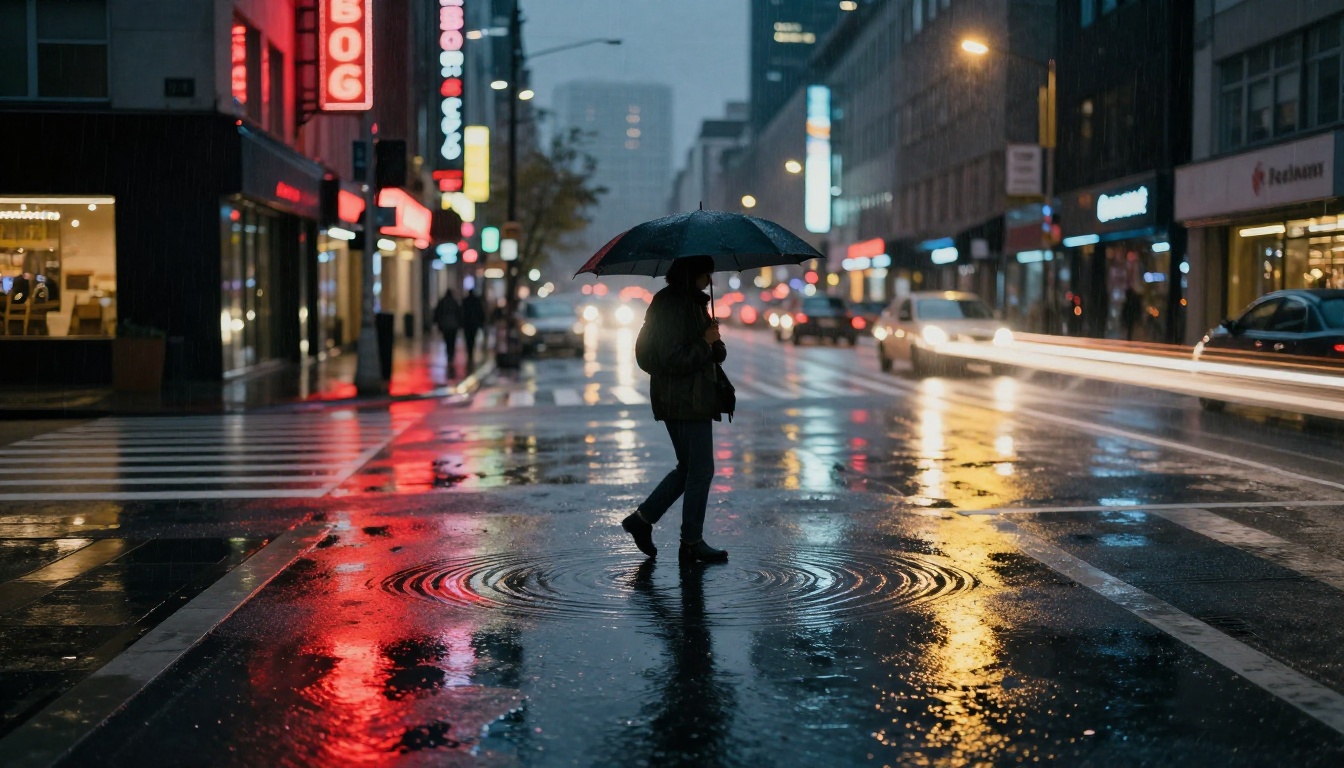
If you could only improve one thing in your prompts, make it lighting. More than any other element, light determines whether an image reads as a photograph or a render. Real photographs are products of a single dominant light source modified by the environment. AI images without specified lighting default to something generic and direction-less.
Name the Light Source Every Time
Do not write "good lighting" or "well lit." Describe the source precisely:
Vague Description
Specific Description
"good lighting"
"warm afternoon sun from the upper left"
"dramatic lighting"
"single tungsten key light at 45 degrees, hard shadow on right cheek"
"natural light"
"soft diffused window light from the right, overcast sky"
"studio lighting"
"Rembrandt triangle, fill light at 30% power from opposite side"
The more your prompt reads like a cinematographer's lighting diagram, the more the output looks like a photograph taken from that diagram.
Shadow Direction and Quality
Hard shadows with sharp edges come from small or distant light sources like direct sunlight or a bare bulb. Soft shadows with gradual falloff come from large light sources like an overcast sky or a studio softbox. Naming both the direction and the quality locks in physical realism.
💡 Try: "volumetric late afternoon light from the left, casting a long soft shadow toward the lower right, visible light rays in dusty atmosphere"
Shadow quality is one of the fastest ways to signal whether an image was created or captured.
Skin Texture and Human Details
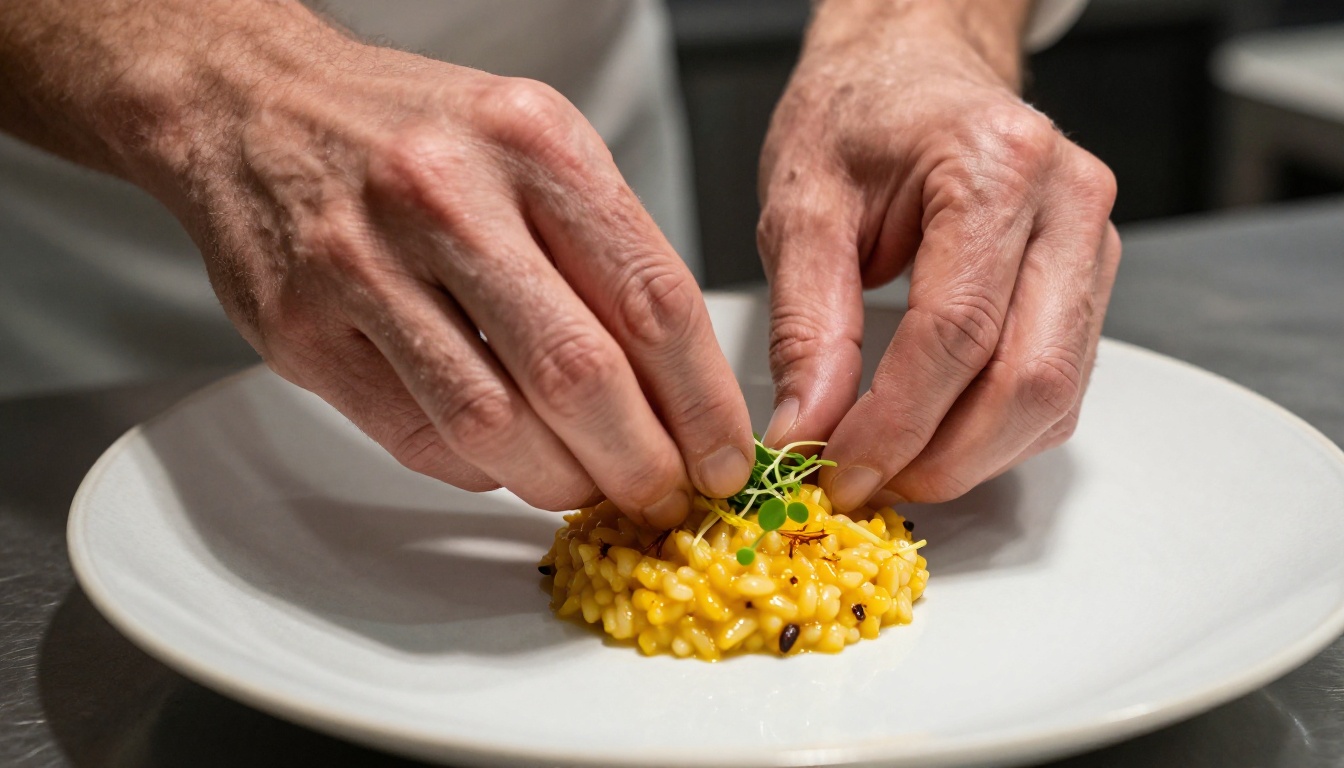
Human subjects are the hardest part of photorealistic AI art. People look at faces more than any other subject, and the tolerance for error is essentially zero. Getting skin right requires naming the imperfections, not erasing them.
Pores, Wrinkles, and the Value of Flaws
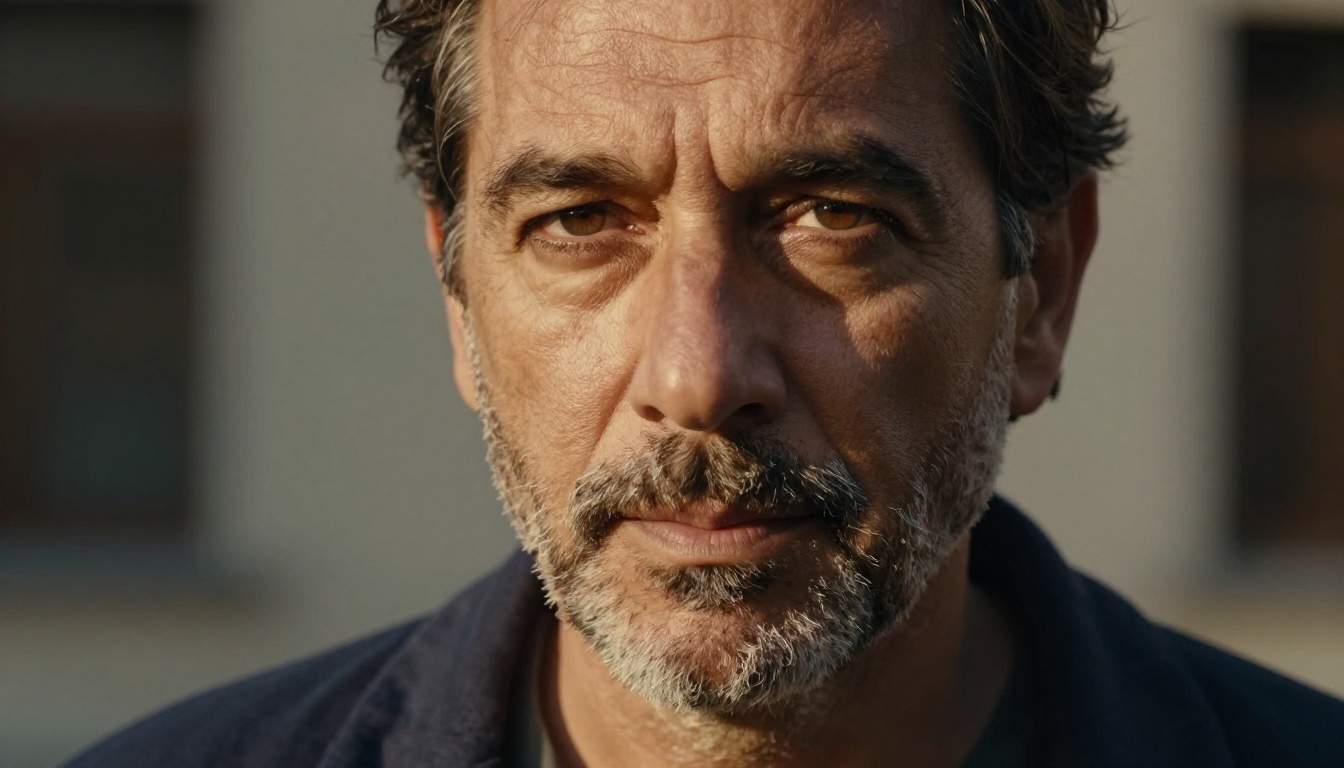
Perfect skin is one of the most reliable indicators that an image is AI-generated. Real skin has pores visible near the nose and cheeks, fine surface texture that catches light at different angles, subtle discoloration like light freckling and redness around the nose, and microlines around the eyes and mouth even on younger subjects. Writing "photorealistic skin with visible pores, natural undertone variation, subtle redness around nose, fine surface texture catching the side light" does more for realism than any style keyword.
Eyes as the Realism Anchor
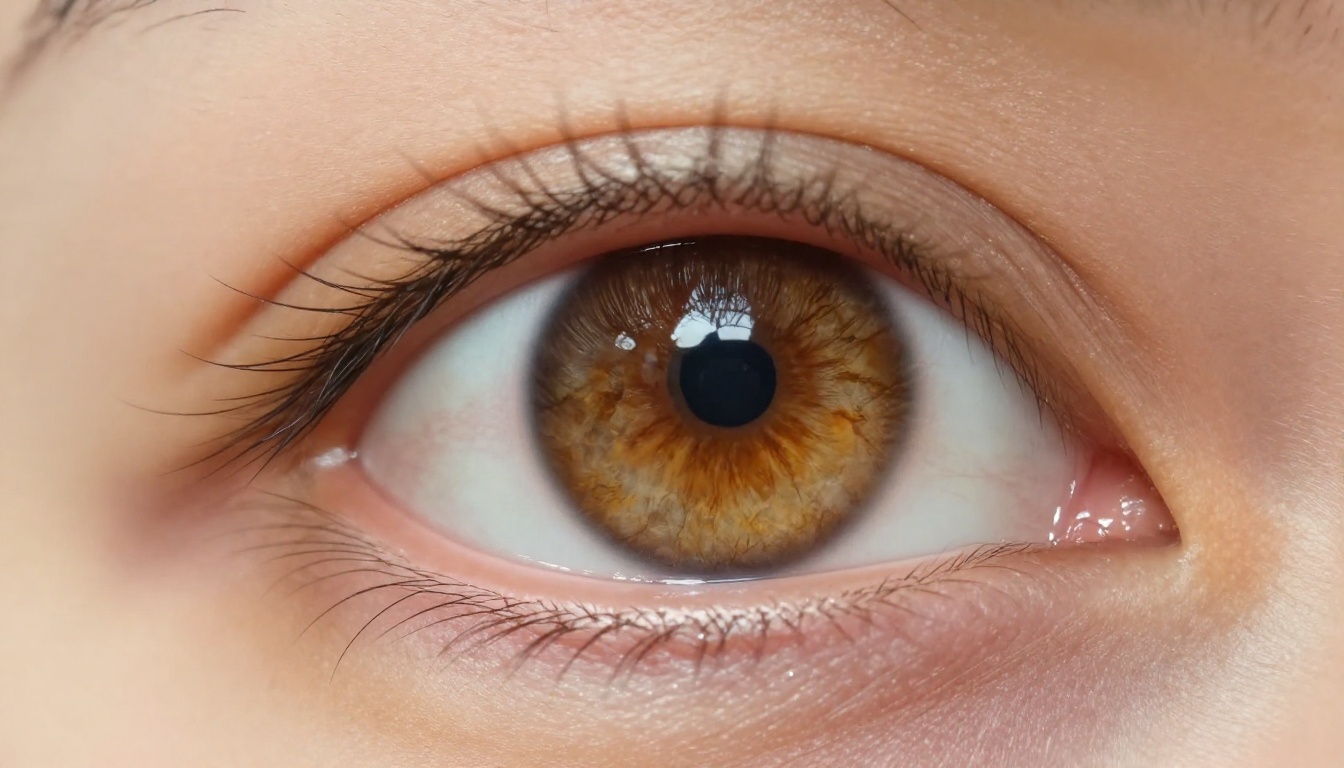
Eyes make or break a portrait. The elements that signal real eyes are specific: a catchlight (a small reflection of the dominant light source), iris detail with fiber-like radial patterns in the colored area, wet-glass gloss on the white sclera, eyelashes as individual strands rather than a solid mass, and a slight shadow cast from the upper eyelid onto the iris. Prompt those explicitly. "Golden-brown iris with radial fiber patterns, wet-glass specular on sclera, individual eyelash strands, catchlight at 10 o'clock position" produces a completely different result than "detailed eyes."
Camera Parameters That Feel Real
AI image models have seen enough photography to understand camera metadata language. When you write camera parameters into your prompt, you are not just describing aesthetics. You are triggering knowledge the model has about how specific lenses render space, subject separation, and light falloff.
Focal Length Changes the Entire Perspective
Different focal lengths produce distinct perceptual effects:
Writing "85mm f/1.4 portrait lens" immediately implies a specific look: subject separation from background, slight feature compression, smooth bokeh with circular out-of-focus highlights. The model understands what that lens does because it has seen thousands of images labeled with exactly that focal length.
Depth of Field and Film Grain
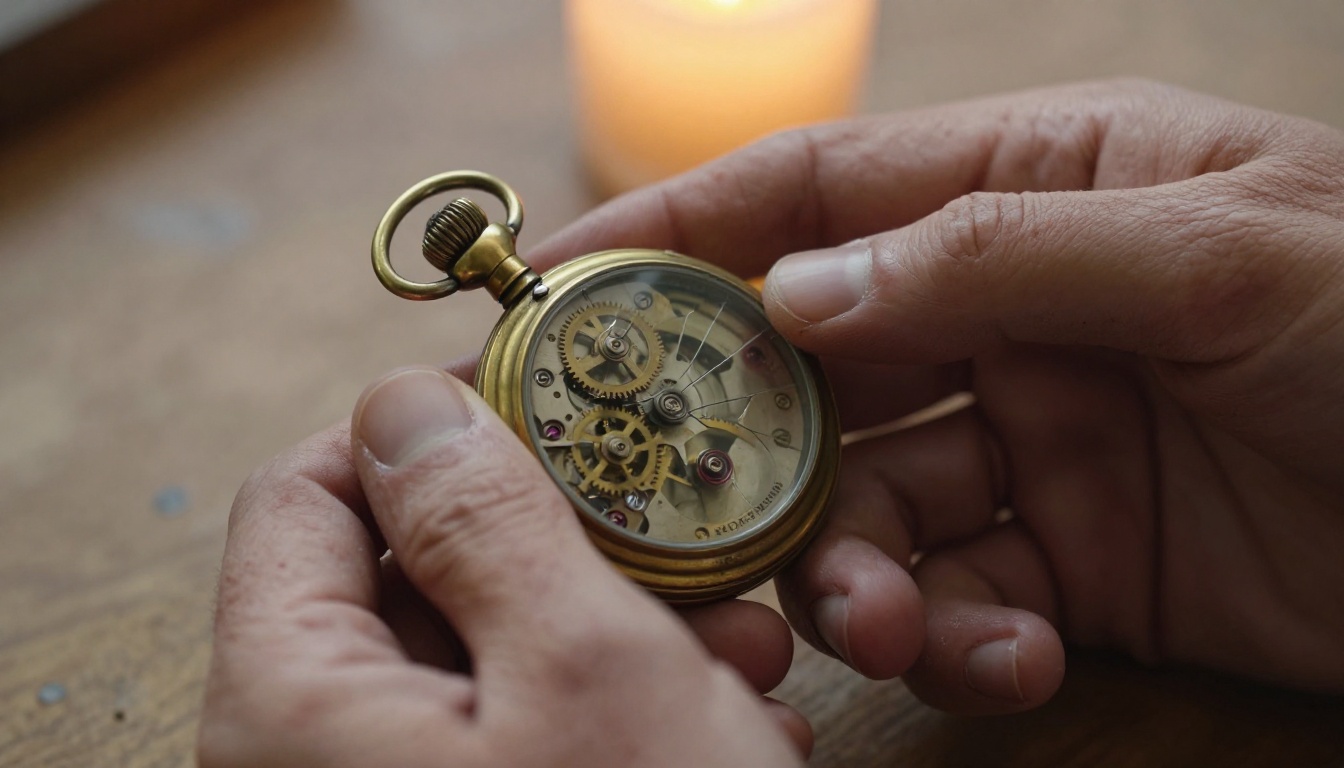
Shallow depth of field is one of the strongest realism signals in a prompt. It tells the model that a real optical system made this image. Specify the aperture: "f/1.8 shallow depth of field, foreground elements soft, background bokeh."
Film grain completes the optical effect. Modern digital cameras produce grain at high ISO settings. Film cameras produce characteristic grain patterns from the emulsion chemistry. Both patterns appear throughout AI training data. Specifying a film stock like "Kodak Portra 400 film grain" or "ISO 3200 digital noise" places the image inside a known photographic tradition.
💡 Named focal length plus aperture plus film stock is the fastest three-element shortcut to photorealistic output in most text-to-image models.
Scene Composition and Environment
Strong prompts do not just describe the subject. They describe the world the subject occupies. An environment with physical depth, atmospheric conditions, and surface detail grounds the subject in space and makes the light on them feel earned rather than placed.
Background Specificity
Generic backgrounds produce generic images. Compare:
Weak: "blurred background"
Strong: "blurred background showing a sun-lit café interior with wooden chairs and warm-toned walls, bokeh point light highlights from hanging Edison bulbs, atmospheric haze suggesting depth"
The second version gives the model information about the space, the light sources within it, and the atmospheric conditions. That information bleeds into how the subject is lit, because in a real photograph, the background and subject share the same environment.
Atmospheric Depth
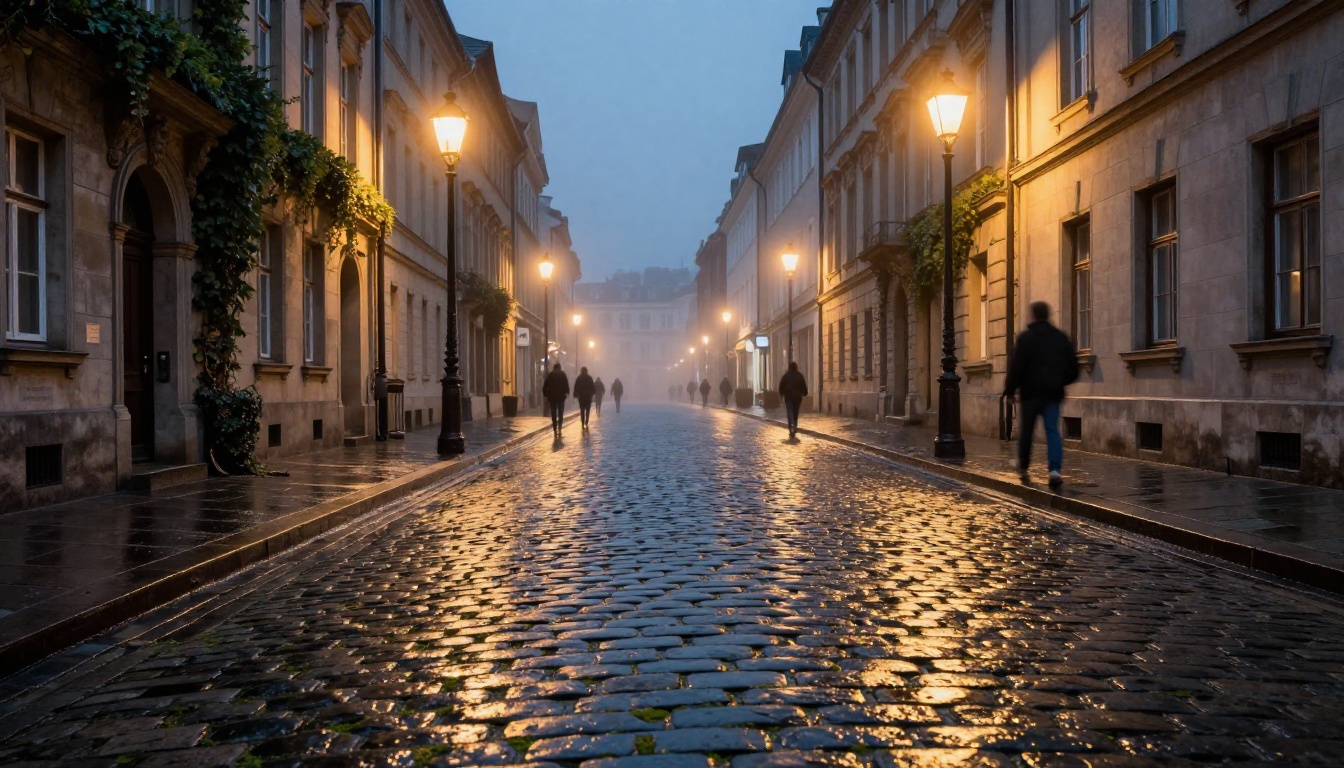
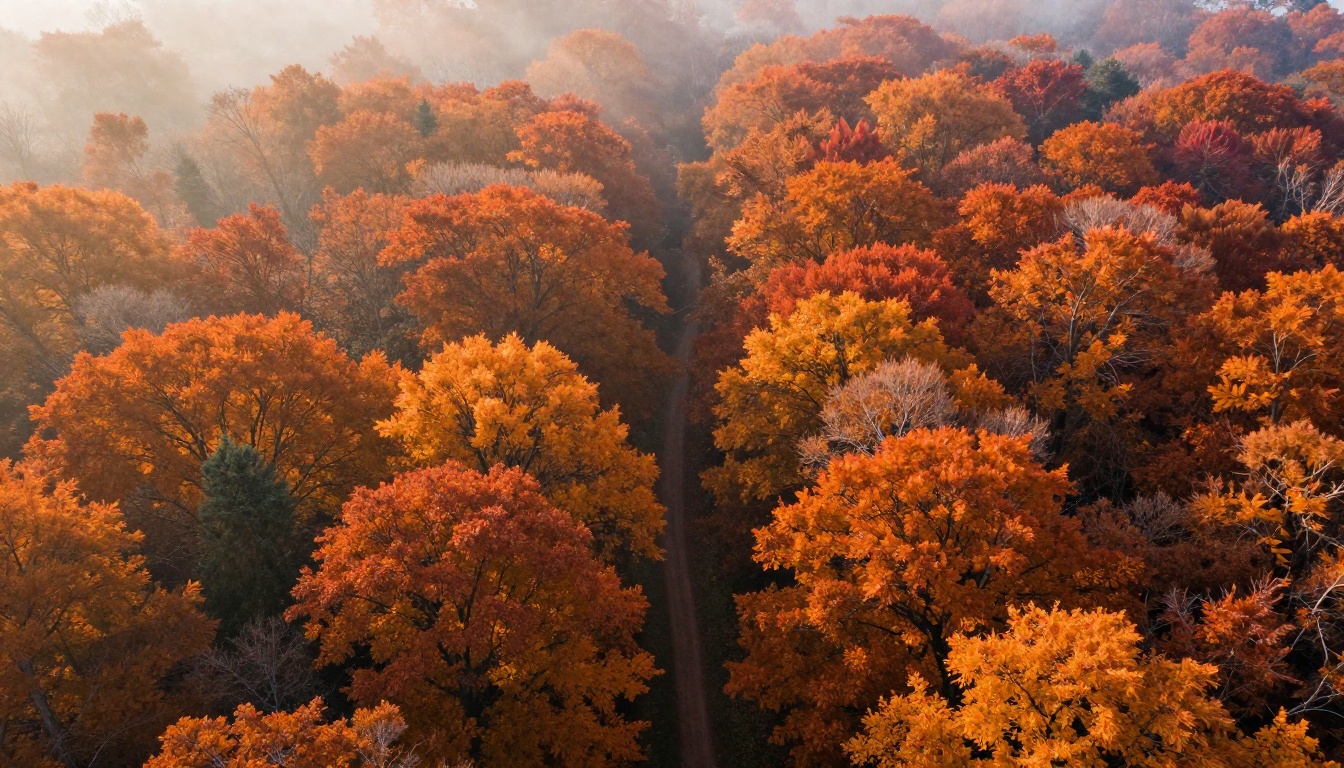
Real environments have air in them. Haze, mist, dust, and humidity reduce contrast and saturation with distance. This effect is called atmospheric perspective, and it is a powerful realism signal in any prompt:
"morning mist sitting between tree lines at mid-ground"
"volumetric dusty light rays from an upper window"
"atmospheric haze reducing contrast in the far distance"
"ambient smoke softening the background midtones"
These cues tell the model to render depth the way a real environment has it, not the way a 3D render falsely evens it out.
How to Use Flux Dev on PicassoIA
Flux Dev is one of the strongest models for photorealistic output currently on PicassoIA. Its 12-billion parameter architecture handles fine texture, complex lighting setups, and human subjects with a level of fidelity that makes it the natural choice when the end goal is convincing photography.
Step-by-Step Workflow for Realistic Results
Follow this sequence for consistently strong output with Flux Dev:
Open Flux Dev on PicassoIA and set aspect ratio to 16:9 for landscape or 4:5 for portraits
Write your subject block: describe who or what is in the frame, what they are doing, and what their surface qualities are
Add the lighting block: single named source, direction, quality (hard or soft), color temperature
Add the camera block: focal length, aperture, film stock or ISO
Add the environment block: background description, atmospheric conditions, depth cues
Set inference steps to 50 for maximum detail on complex scenes
Fix a seed once you get a result close to your vision, then iterate on the prompt from that anchor
Parameter Settings for Realism
Parameter
Recommended Value
Why
Aspect ratio
16:9 or 3:2
Matches standard photographic formats
Inference steps
40-50
More denoising passes produce finer surface texture
Guidance scale
3.5
Balances prompt adherence without over-sharpening
Output format
PNG
Lossless for any post-processing
Go Fast
Off
Standard bf16 mode preserves seed reproducibility
💡 For rapid concept iteration, Flux Schnell is significantly faster. Once you lock in your prompt direction, switch to Flux Dev for the final high-quality render. Both are on PicassoIA with no credit limits.
Upscaling for Print-Ready Results
Generating at standard resolution and upscaling afterward is often better than generating directly at maximum size. The model has more control over composition and fine detail at standard dimensions. The critical requirement is using an AI upscaler that reconstructs texture rather than simply resizing pixels.
Seedream 3 for Native 2K Output
Seedream 3 generates natively at up to 2048 pixels on the longest side. For content going into print layouts, large-format displays, or high-resolution social posts, this removes the upscaling step entirely. The guidance scale control lets you dial between strict prompt adherence and compositional freedom, and the model handles 16:9 and 9:16 natively for all standard output formats.
Real ESRGAN for Detail Recovery
Real ESRGAN on PicassoIA handles the upscaling step for images generated at standard resolution. At the default 4x scale, a 512-pixel output becomes a 2048-pixel file. The face restoration option is particularly valuable for portrait work, where eyes and skin texture are often the first casualties of JPEG compression. Toggle it on whenever the subject has visible facial features.
After working through all the elements above, here is the structure that consistently produces photorealistic output across subjects and lighting conditions:
[Camera angle] shot of [subject with surface texture details],
[environment/background with specific physical elements],
[named light source + direction + quality + color temperature],
[focal length] [aperture] [lens type],
[film stock or digital grain specification],
[atmospheric detail if applicable],
RAW 8K photography --ar 16:9 --style raw
Example applying the template:
Low-angle shot of a young woman with braided auburn hair and visible freckles on her cheekbones, sitting in a narrow alley doorway with peeling painted brick and climbing ivy behind her, warm late-afternoon sun from the upper right creating a hard-edged shadow across the left side of her face, 85mm f/1.4 prime lens with smooth background bokeh, Kodak Portra 400 film grain, slight atmospheric haze softening the far alley background, RAW 8K photography --ar 16:9 --style raw
That single prompt covers camera angle, subject description, environment, lighting direction and quality, focal length, aperture, film stock, and atmospheric depth. Each element adds a layer of physical accuracy that stacks into a convincing result.
Mistakes Worth Fixing Before Your Next Generation
Most realism failures come from a short list of repeatable errors:
Over-relying on style words: "photorealistic" and "8K" signal intent, but they are not substitutes for specific physics descriptions
Skipping the light source: Without a named light source, the model invents one, and that invented light often lacks the directional consistency of a real photograph
Generic backgrounds: Unspecified backgrounds produce environments with no physical logic, and the light on the background will not match the light on the subject
Forgetting surface specificity: Fabric, skin, wood, metal, and stone all have distinct surface properties; naming the material and its condition (weathered, polished, worn, wet) tells the model how light should behave on it
Ignoring atmospheric depth: Flat images often look artificial because every plane from foreground to background carries identical contrast and saturation, which real environments never do
Describing multiple conflicting light sources: Real photographs almost always have one dominant light; three or four competing sources create a physically impossible scene the model cannot resolve
Start Creating Your Own Realistic Images
Everything in this article points toward one conclusion: realism in AI art is a description problem, not a model problem. The tools on PicassoIA, particularly Flux Dev, Flux Schnell, and Seedream 3, have the capability to produce output that holds up against actual photography. What determines whether they do is how precisely you describe the physical world in your prompt.
Pick one element from this article and apply it to your next generation. Start with lighting. Name a specific source, give it a direction, and describe its quality as hard or soft. That single change will do more for your output than any style word or model swap.
When you are ready to scale results to print resolution or recover facial detail from a compressed export, Real ESRGAN is waiting on PicassoIA with no credit limits. Generate, upscale, iterate, and keep only the images that actually look like photographs.