If you've been comparing AI image tools lately, you've probably run into two names that keep coming up: Grok Imagine Image and Nano Banana Pro. Both promise fast, high-quality visuals from simple text prompts. Both have real users and genuine results. But they work differently, and the gap between them becomes clear the moment you push past the basics.
This breakdown looks at what each tool actually delivers on output quality, resolution, prompt interpretation, speed, creative control, and pricing. No vague impressions. Just a direct look at what you're working with.
Before comparing outputs, it helps to be precise about what each product is and who built it.
Grok Imagine Image
Grok Imagine Image is the visual generation layer built into xAI's Grok assistant. You type a prompt inside the Grok chat interface and it returns an image. The underlying model is Aurora, xAI's proprietary image model. It's built for accessibility and integration: if you're already in the Grok chat environment, you're one sentence away from an image.
The convenience factor is real. There's no separate app, no separate account, and no configuration required. Grok reads your natural language, passes it to Aurora, and gives you a result.
The downside is that the model wasn't designed to be a dedicated image tool. It's a feature layered into a chat product, and that shows in the limits of what you can configure.
Nano Banana Pro
Nano Banana Pro is a standalone AI image generation product built specifically for visual creation. It uses a diffusion-based architecture tuned for photorealism and stylistic range. Unlike Grok's integrated approach, Nano Banana Pro is purpose-built for images, which shows in its support for negative prompts, resolution options, and model-level controls.
Its audience is creatives who want more control than a chat-embedded tool provides but don't want to run models locally or manage complex infrastructure.
Image Quality and Detail
This is where most people start their comparison, and the differences are meaningful.
Photorealism and Texture Fidelity
Grok Imagine Image produces visually clean, polished results for most prompts. Faces come out well-structured, backgrounds read as coherent, and compositions feel intentional. On straightforward requests, the output looks professional.
Where it falls short is micro-detail. Fabric weave, skin pores, material reflections, and surface textures often look smooth in a way that reads slightly artificial at close inspection. The images are pleasing but not quite convincing as photographs.
Nano Banana Pro holds up better on fine detail. Textures carry more grain and physical depth at equivalent resolutions. Skin reads as skin rather than a render. Fabric creases look like they have weight. For any use case that depends on photorealistic conviction, the difference is noticeable.
Color Accuracy and Tonal Range
Grok tends toward punchy, slightly saturated color. This works well for social content and attention-grabbing visuals, but oversaturates when you need naturalistic or muted tones. Skin tones in particular can drift warm.
Nano Banana Pro leans toward balanced color science. Shadows retain detail, highlights don't clip easily, and the overall palette reads closer to a calibrated camera. If you're producing content that will sit alongside real photography, this matters.
| Feature | Grok Imagine Image | Nano Banana Pro |
|---|
| Skin texture realism | Medium | High |
| Color accuracy | Warm, vivid | Balanced, natural |
| Background coherence | Good | Very good |
| Fine detail rendering | Moderate | Strong |
| Consistency across sessions | Variable | More consistent |
Prompt Handling and Control
How well a tool reads what you actually want is often more important than raw output quality.
How Grok Reads Your Prompts
Grok's language model background is a genuine asset for prompt interpretation. It tends to parse complex, multi-clause prompts better than many dedicated image tools. You can write conversationally, describe mood and scene together, and Grok usually captures the intent.
The gap is execution. Grok understands what you want at the concept level but doesn't always translate it faithfully at the pixel level. You might get the right atmosphere but the wrong composition, or the right subject in the wrong environment. The understanding is there; the precision sometimes isn't.
How Nano Banana Pro Reads Prompts
Nano Banana Pro behaves more like a traditional diffusion system. It responds well to structured, specific prompts and rewards the kind of explicit description that covers subject, environment, lighting, and camera style. Vague prompts produce mediocre output. Detailed prompts that layer in specifics tend to pay off clearly.
💡 Tip for Nano Banana Pro users: Lead your prompt with the most important visual element, then layer in environment, lighting, and camera style. This mirrors how the model was trained and produces stronger adherence to your intent.
Negative Prompts: A Real Difference
Grok does not expose a negative prompt field. You cannot tell it to avoid specific artifacts, styles, or visual elements. If you don't like what it produces, your only option is to rephrase and regenerate.
Nano Banana Pro supports negative prompts natively. Being able to exclude "blurry backgrounds," "cartoonish rendering," "overexposed highlights," or any other unwanted visual pattern gives you directional control that reprompting alone can't replicate.

Speed, Volume, and Pricing
Generation Speed
Grok generates images in roughly 10 to 20 seconds under normal server load. During peak usage this stretches. You're at the mercy of xAI's capacity, with no visible queue system and no priority option. One image at a time, wait, generate again.
Nano Banana Pro typically delivers in 8 to 15 seconds per image on standard tiers. Paid plans support parallel generation, which is a real advantage when you need multiple variations or are working through a content pipeline. The queue system is transparent, and priority slots are available on premium subscriptions.
Credit Systems and Volume
Grok Imagine Image is available within the Grok subscription with daily limits on free tiers. Grok Premium subscribers get more volume, but image generation remains capped. As a standalone image tool, the value is weak compared to dedicated platforms.
Nano Banana Pro runs on a credit model. Free tier is effectively a demo with limited generations. Paid tiers scale with credit packs or subscriptions. For heavy creative volume, the per-generation cost adds up and deserves a realistic calculation before committing.
| Metric | Grok Imagine Image | Nano Banana Pro |
|---|
| Average generation time | 10-20 seconds | 8-15 seconds |
| Parallel generation | No | Yes (paid) |
| Negative prompts | No | Yes |
| Model selection | No | Yes (higher tiers) |
| Priority queue | No | Yes (paid) |
| Free tier viability | Casual | Demo only |
Resolution and Upscaling Support
Native Output Resolution
Grok Imagine Image defaults to 1024x1024 pixels with limited aspect ratio flexibility. For web thumbnails and social posts, this is functional. For print, large-format display, or any context requiring enlargement without quality loss, 1024px runs out fast.
Nano Banana Pro offers output up to 2048x2048 on standard paid tiers. This is a meaningful practical difference for anyone delivering assets to clients or producing content that will appear in more than one context.
Upscaling Your Output
Neither tool includes built-in upscaling, so a dedicated post-processing step is part of any professional workflow. Several strong options exist for taking generated images to print-ready resolution:
💡 For AI-generated portraits, Crystal Upscaler preserves facial detail better than general-purpose upscalers that can soften fine features.
Creative Flexibility and Visual Effects
Style Controls and Model Selection
Grok Imagine Image has a conservative content policy and minimal style controls. You cannot switch models, adjust sampling parameters, or apply style presets. What the model produces is what you get, with reprompting as your primary adjustment tool.
This is fine for casual use. For anyone with a specific visual identity, a client brief, or a defined style requirement, it becomes a real constraint.
Nano Banana Pro allows style presets, guidance scale adjustment, and model-level selection on higher tiers. You can request "film grain," "editorial photography," or "matte finish" and see those attributes reflected in the output rather than ignored. The difference in creative controllability between the two tools is substantial.
Visual Effects and Post-Processing
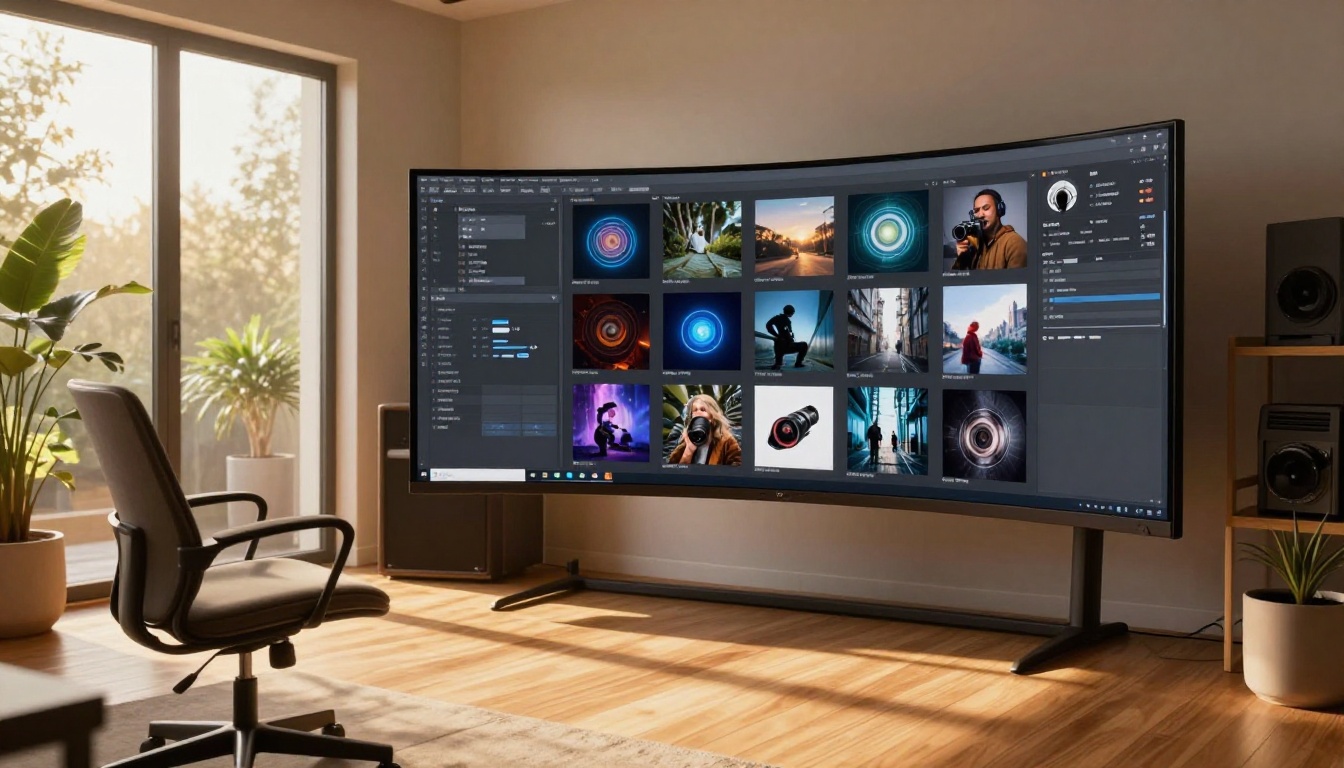
Neither tool natively supports post-generation editing. Both are generation-only: prompt in, image out. For anyone who needs to apply visual effects, replace objects, expand a canvas, or fix specific regions of a generated image, you need a separate tool.
For targeted editing and visual effects work, PicassoIA Image Editor Pro provides unlimited AI photo editing with inpainting, outpainting, and object replacement in one interface. This is the kind of layered workflow capability that dedicated creative work actually requires.
Both Grok Imagine Image and Nano Banana Pro are point tools. They handle one step and handle it adequately. But serious creative work rarely stays inside a single step.
You generate an image, then need to upscale it. Or you want to iterate on a style. Or you need consistent results across aspect ratios for a full campaign. Or you want the same prompt to produce photorealistic output in one model and painterly output in another.
Platform depth is the real differentiator at that point. A tool with model selection, editing layers, upscaling, and style controls in one place is faster to work in than stitching three separate tools together.
What a capable AI image platform should offer:
- 50 or more text-to-image models to match style and subject precisely
- Native upscaling from 2x to 6x without leaving the session
- Inpainting and outpainting for targeted regional edits
- ControlNet for pose and structural control
- Face restoration for portrait refinement
- API access for workflow automation at scale
The strongest models for text-to-image generation currently available on PicassoIA include:
Who Gets the Better Result
Use Grok Imagine Image If
- You're already using Grok for writing or research and want images as a quick, low-friction feature
- You need casual one-off images without configuration overhead
- You're not working to a specific visual standard or delivering to clients
Nano Banana Pro Works Better If
- You need photorealistic output with consistent quality across sessions
- You want negative prompt control and style parameter adjustment
- You're running volume work that benefits from parallel generation
When Neither Is the Right Tool
If you're doing serious creative or professional work that requires model variety, upscaling, editing, and consistent output in one environment, both Grok Imagine Image and Nano Banana Pro will slow you down. They're single-step tools in a multi-step workflow, and the workarounds accumulate.
A dedicated AI image platform with depth across generation, editing, and post-processing is a more efficient choice than building a pipeline from point tools.
Run Your Own Comparison on PicassoIA
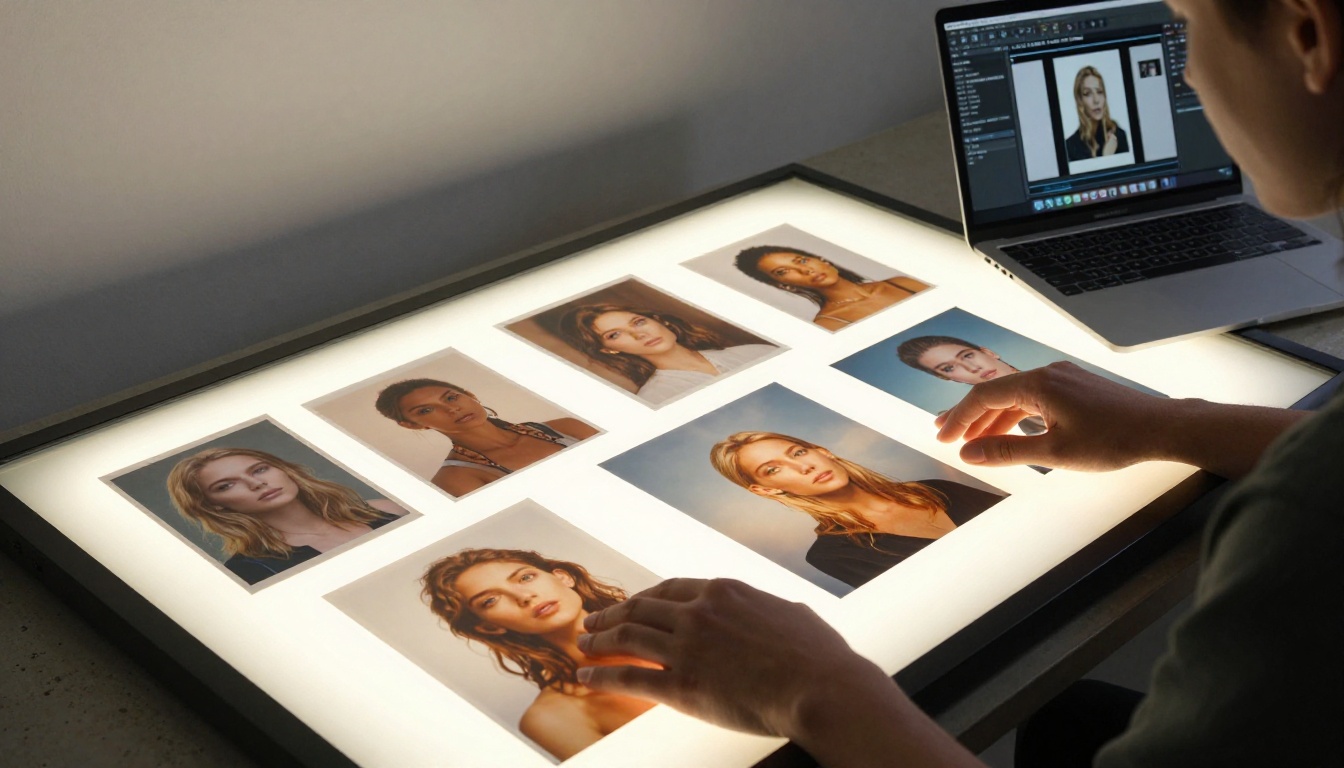
The most effective way to find what actually works for your projects is to run your own prompts through capable models and see the difference directly.
PicassoIA gives you access to over 91 text-to-image models, including Seedream 4.5, Wan 2.7 Image Pro, and GPT Image 2, all in one place. You can generate, upscale with P Image Upscale or Clarity Pro Upscaler, edit specific regions with PicassoIA Image Editor Pro, and export in a single session without switching accounts or tools.
Instead of being limited by what Grok Imagine Image or Nano Banana Pro allow on a given day, you choose the exact model that fits your visual, adjust parameters to your needs, and produce at the volume your project requires.
See the full model catalog at picassoia.com/en/all-models and run your own prompts across the options that matter to your work.


