Every game developer knows the feeling: you have a brilliant mechanic in your head, but before you can test whether it's actually fun, you need assets. Characters, environments, props, textures. In a traditional workflow, that means days or weeks of work before you touch the gameplay at all. AI-powered 3D model generation is changing that equation completely, collapsing the asset creation pipeline from weeks into hours.
The Prototyping Bottleneck Nobody Talks About
In game development circles, there's a persistent myth that prototyping is cheap and fast. The truth is more complicated. Testing a new mechanic doesn't require polished assets, but it does require some assets: enough to feel real, enough to be playable, enough to communicate the intended experience to stakeholders or playtesters.
That threshold is higher than most people admit.
Hours Lost on Assets That Get Scrapped
A typical rapid prototype cycle in a small studio looks something like this: a designer pitches an idea on Monday. The team agrees it's worth exploring. The one 3D artist on the team starts blocking out environments and characters. By Thursday, they have rough placeholder assets. By the following Tuesday, gameplay testing begins.
That's one full sprint on assets, before a single player has touched the game.
Now multiply that by the number of prototypes that get scrapped. In most studios, the majority of prototypes never ship. The game industry runs on iteration, which means a huge percentage of all 3D modeling work is effectively disposable. Artists spend real hours on polygon mesh generation and UV mapping for assets that get cut in week three.
Why Speed Matters in Early Development
The earlier you can test, the cheaper it is to change. This is fundamental to any agile development process, and it applies directly to game design. A mechanic that fails in week one costs almost nothing to cut. The same mechanic, built out with full assets and a team of twelve, can sink a project.
Speed at the prototype stage isn't just about efficiency. It's about creative freedom. When generating a new character or environment takes minutes instead of days, teams can afford to try wild ideas. They can test five variations of an enemy design instead of one. They can validate a world aesthetic before committing to it. AI-powered art pipeline tools make this kind of sprint iteration speed possible for studios of any size.
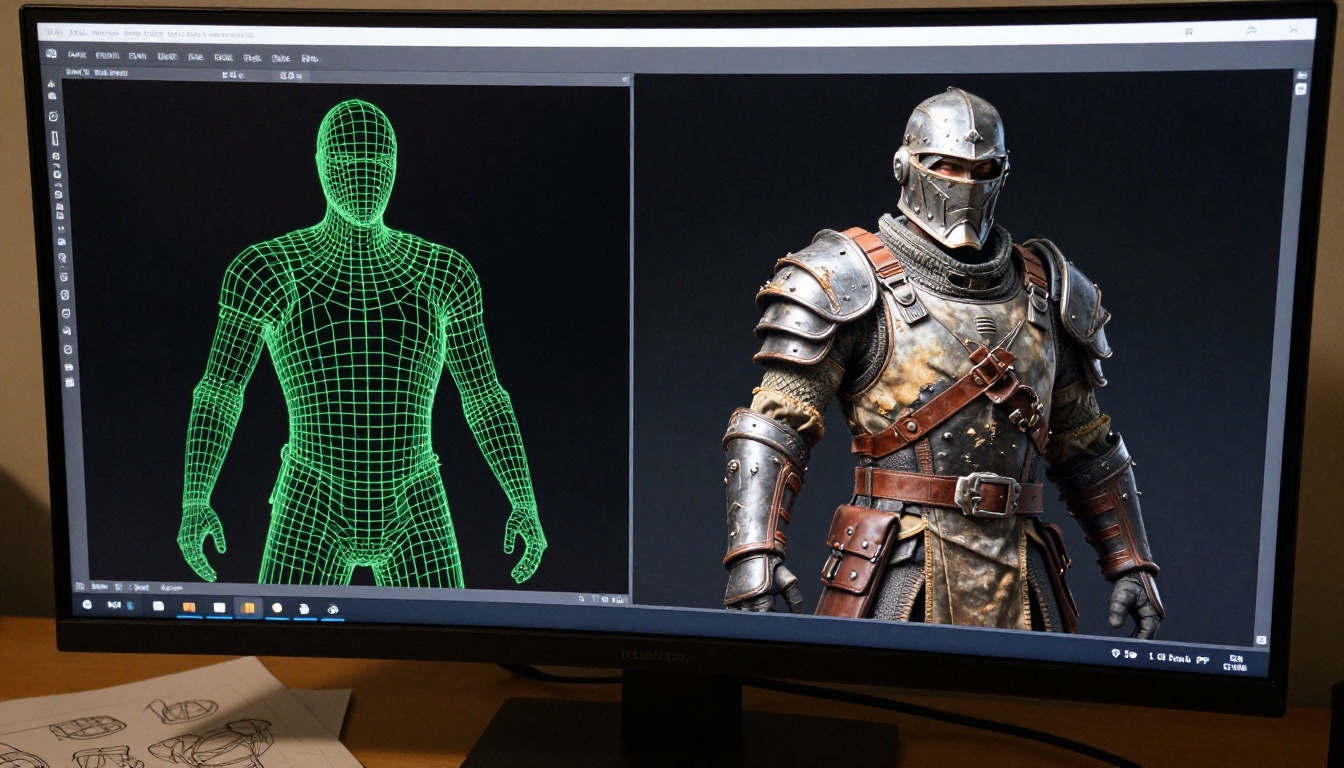
What AI 3D Generation Actually Does
The phrase "AI 3D models" covers a wide range of tools and methods. It helps to be specific about what these systems actually do, because the practical applications for game prototyping are different depending on the type of generation involved.
From Text Prompt to Game Asset
The most accessible form of AI-assisted asset creation right now works through text-to-image generation. You describe a character, environment, or prop in natural language, and the model returns a detailed visual reference or concept image. That image then feeds into a 3D modeling workflow, either manually or through an AI-assisted mesh generation step.
The speed advantage at this stage is enormous. Writing a text prompt takes thirty seconds. Getting a high-quality concept image takes another thirty. In under a minute, you have a visual direction for an asset that previously required a concept artist and a day of work.
💡 Practical note: Text-to-image doesn't replace 3D modeling entirely in most pipelines, but it dramatically compresses the concept phase. When concept art is fast, 3D production can begin much earlier.
Character concept generation that previously took a concept artist a full day now takes thirty minutes of prompt iteration. That's not an exaggeration. It's a real shift in how quickly an AI-powered art pipeline can produce usable references.
Texture and Surface Generation
One of the most time-intensive parts of 3D asset creation has always been texturing. UV mapping, creating PBR material sets (albedo, roughness, metallic, normal maps), hand-painting details: this work takes skilled artists hours per asset.
AI texture generation tools can produce ready-to-use material sets from a text description or a reference image. A dungeon stone wall, a weather-worn wooden surface, a rusted iron gate: all describable in words, all generatable in under a minute.
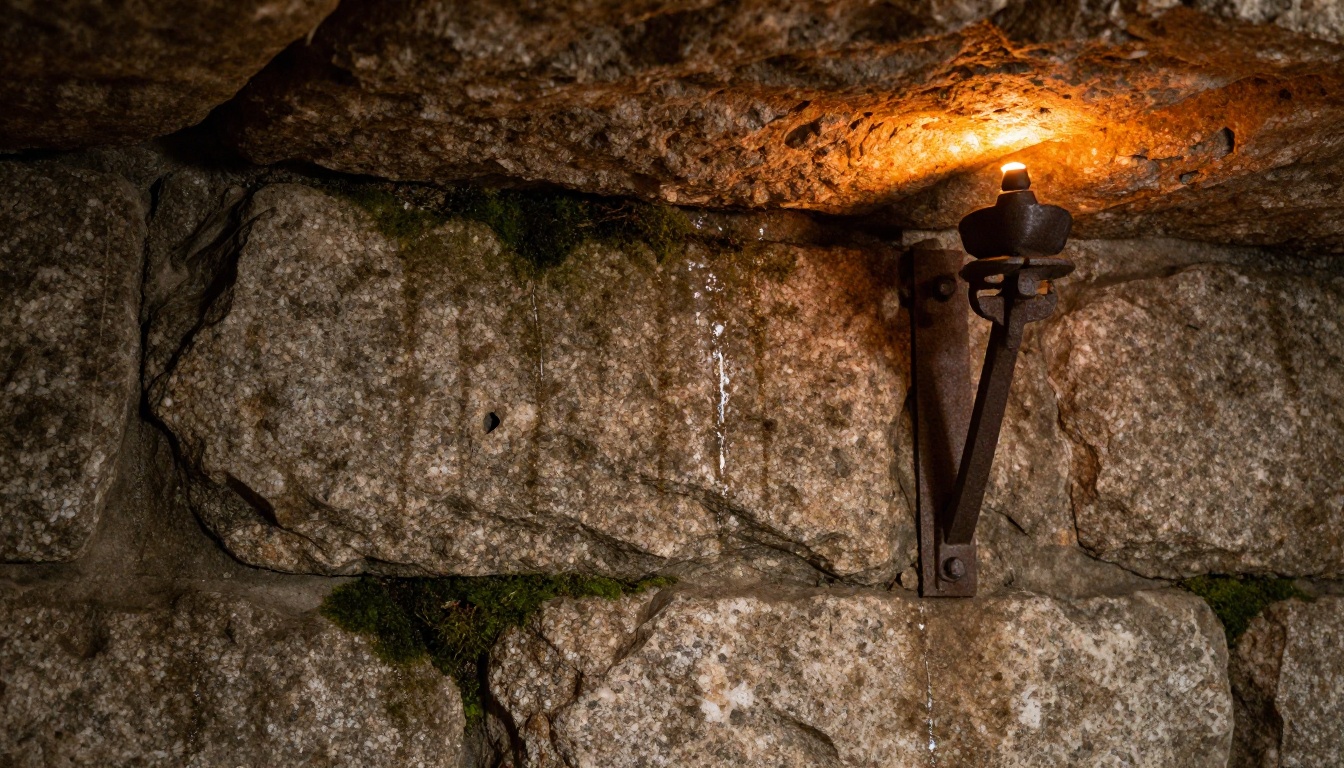
For game prototyping specifically, this means you can populate a scene with visually coherent assets at a fraction of the traditional cost. The textures aren't final art, but they communicate intent clearly enough to test whether the game world feels right. AI texture generation tools handle this stage with a speed that changes the economics of low-poly prototyping entirely.
Concept Art at the Speed of Thought
Before any 3D work begins, most games go through a visual development phase: mood boards, character sheets, environment concepts, color scripts. This is the stage where the visual identity of a game gets defined.
AI image generation compresses this phase dramatically. A creative director can generate fifty character variations in an afternoon. An environment artist can work through a dozen different biome aesthetics before the team has decided on the game's setting. Concept art automation has reached the point where iteration that previously took weeks of back-and-forth with a concept team can happen in real time, in the same meeting.
The practical result is that game engine integration of final assets starts sooner, because the visual direction is locked earlier. Fewer revisions. Fewer surprises late in production.
How Indie Studios Are Using AI Right Now
The impact of AI-powered 3D model generation isn't happening primarily at large studios. It's happening in small teams and solo projects, where budget constraints make traditional pipelines impossible.
Solo Devs Building Entire Worlds
A solo developer building a role-playing game faces a brutal math problem. A AAA RPG might have a team of 200 artists. A solo dev has, at most, themselves. Historically, solo developers solved this by using generic asset packs from marketplaces, keeping everything visually simple with pixel art or minimalist aesthetics, or spending years on art alone.
AI tools open a third path: generated assets tailored to the specific game. A solo developer can now describe their game world in text, generate concept art, build rough 3D assets from those references, and iterate on the visual direction in weeks rather than years. Real-time 3D assets that once required a full team are now within reach for a single person with the right AI workflow.
💡 Real-world impact: Several indie games released in 2024 and 2025 credited AI image generation tools in their development documentation, specifically for concept art and texture reference generation. The bottleneck is shifting from asset creation to game design, and that's exactly where it should be.
Small Teams Shipping Faster
A three-person indie team typically can't afford a dedicated concept artist. Before AI tools, this meant one of the programmers or designers had to handle visual direction, often resulting in a visual identity that didn't match the ambition of the game design.
AI image generation lets small teams produce work that competes visually with better-resourced studios. A non-artist on the team can generate compelling concept art, iterate quickly based on team feedback, and feed those references to the single artist on the team who handles final 3D production.
The result is faster alignment on visual direction and less rework when assets don't match the intended tone. Environment design automation handles the early blocking stages; the human artist focuses on the final pass that ships.
AI vs. Traditional Workflow
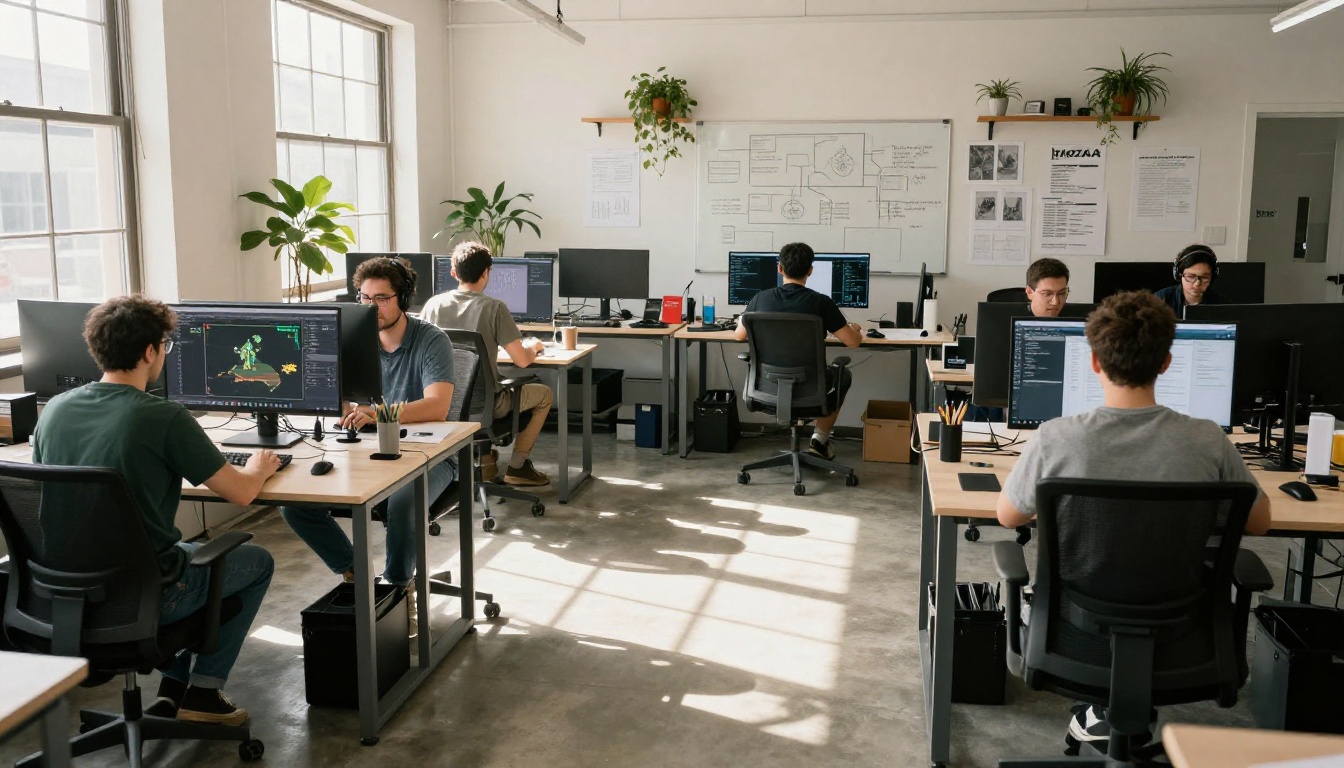
Here's a direct comparison of asset production timelines in a typical prototype sprint:
| Stage | Traditional Workflow | AI-Assisted Workflow |
|---|
| Character Concept | 1-2 days (concept artist) | 30 minutes (text-to-image) |
| Environment Concept | 1-3 days | 1-2 hours |
| Texture Creation | 2-4 hours per asset | 5-15 minutes per asset |
| Prop Design | 4-8 hours | 1-2 hours |
| Iteration Cycle | 1-2 days per revision | Same-day revisions |
| Full Prototype Assets | 2-4 weeks | 3-7 days |
The numbers above are conservative estimates for small teams. In practice, the time savings compound: when concept art is fast, 3D artists can start earlier. When textures are fast, artists can spend more time on polish. When iteration is fast, more iterations happen.
💡 The real multiplier: AI doesn't just save time on individual tasks. It saves time on the coordination between tasks. When a concept artist isn't blocked for two days, the 3D artist doesn't wait. The whole pipeline accelerates.
What this looks like in a real sprint:
- Monday: Prompt-generate 20 environment concepts. Team selects direction in an afternoon meeting.
- Tuesday: Generate character concepts based on selected world aesthetic. Prompt iteration to refine.
- Wednesday: 3D artist starts blocking primary character using AI references. Texture generation begins for environment props.
- Thursday: Placeholder scene assembled in-engine. First playtest run.
- Friday: Iteration based on playtest feedback. New asset concepts generated and reviewed.
That's a full prototype loop in one week. With traditional concept art timelines, the same team wouldn't start playtesting until week three.
Generating Game Assets on PicassoIA
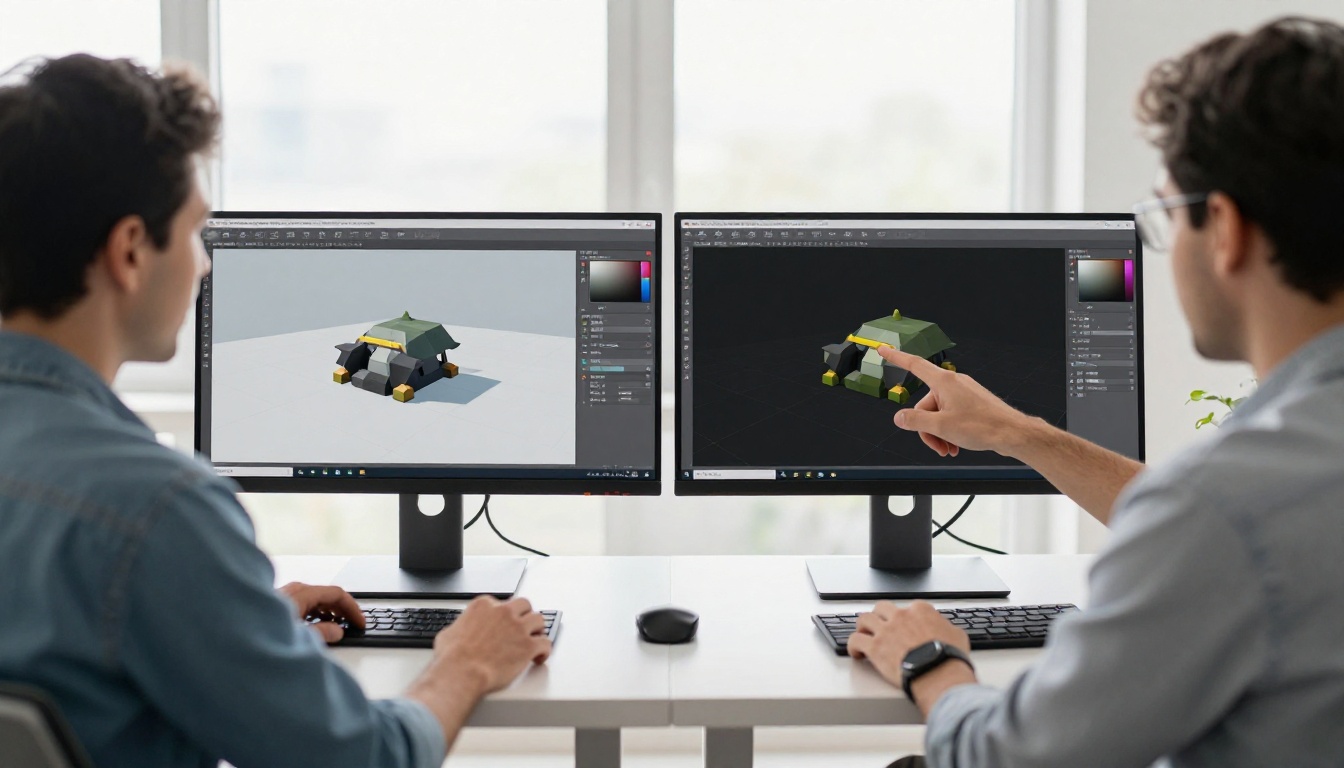
PicassoIA gives developers direct access to the same image generation models used by professional studios, without requiring API keys, local GPU setup, or technical configuration. For game prototyping specifically, the platform is useful at multiple stages of the pipeline.
Models Worth Using for Game Art
The platform hosts several models particularly well-suited to game asset concept generation:
For character and environment concepts:
- PicassoIA Image: The platform's core unlimited text-to-image generator. Fast, reliable, and capable of detailed character and environment renders. Works well with descriptive prompts that specify genre, art style, and lighting conditions. No generation limits, which matters when you're iterating through twenty character variations in a session.
- Seedream 4.5: Excellent for high-resolution 4K concept art. Handles complex fantasy and sci-fi environments with strong detail fidelity. Well-suited for generating hero character sheets where material and surface detail needs to be clearly readable for the 3D artist.
- Wan 2.7 Image Pro: Produces 4K images with strong compositional control. Particularly good for environment and landscape concepts where spatial depth and scale need to read clearly.
- Hunyuan Image 2.1: Strong performer for 2K concept generation. Handles stylized realism well, making it useful for game worlds that blend realistic and stylized aesthetics.
- Flux Redux Dev: Ideal for generating variations on existing asset concepts. If you have a character design you like but want to work through different poses, color schemes, or equipment loadouts, this model creates controlled variations from an existing image source.
For refining and upscaling:
- Clarity Pro Upscaler: Takes rough concept images and upscales them with photorealistic detail. Useful when a generated concept is directionally right but needs higher resolution for reference use in 3D production.
- P Image Upscale: Fast upscaling for boosting resolution on generated references before sharing with the team or using as 3D modeling references. Results in one second.
For editing existing references:
- PicassoIA Image Editor Pro: Unlimited AI photo editing that lets you modify specific parts of a generated concept. Swap a weapon, change armor color, adjust an environment element without regenerating the entire image.
How to Use PicassoIA for Game Prototyping
Using PicassoIA for game asset concepts follows a four-step process that fits naturally into any sprint workflow:
Step 1: Generate the initial concept. Open PicassoIA Image and write a detailed prompt describing your character or environment. Include genre (fantasy, sci-fi, horror), visual style (realistic, stylized, painterly), lighting conditions, and specific visual elements. The more specific you are, the more useful the output.
Step 2: Generate variations. Copy the URL of your best result and use it with Flux Redux Dev to create controlled variations. This gives you multiple options to review with your team without starting from scratch on every iteration.
Step 3: Refine with the editor. Use PicassoIA Image Editor Pro to make targeted changes to your best concepts. This is faster than regenerating from scratch when only one element needs changing: armor color, weapon type, background lighting.
Step 4: Upscale for reference. Once you've settled on a concept direction, run it through Clarity Pro Upscaler to produce a high-resolution reference image suitable for use in 3D production.
Common Pitfalls in AI-Assisted Prototyping
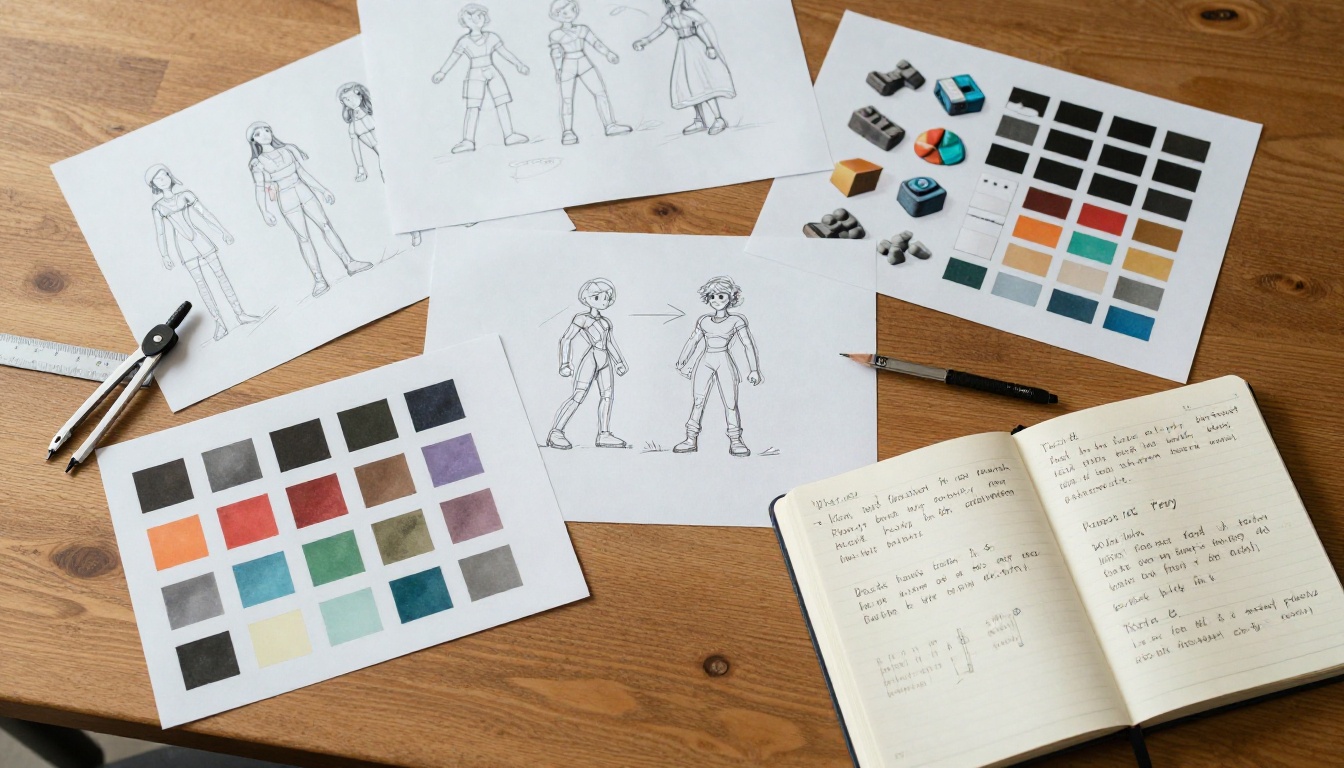
AI tools speed up asset creation, but they introduce new failure modes that teams often don't anticipate.
Don't Skip the Iteration Step
The speed of AI generation can create a false sense of completion. A developer generates a concept image in thirty seconds, thinks it looks great, and passes it straight to production. Weeks later, the 3D model is finished but doesn't match the game's visual direction at all, because that direction was never actually validated. It was just assumed.
The iteration step matters as much as ever. Generate fast, but still review deliberately. Still get team feedback. Still compare against your reference material. AI removes the time cost of creating options. It doesn't remove the need to make good choices between them.
AI Assets Need Human Polish
Generated images are starting points, not finished products. A game character concept from an AI model will have inconsistencies in anatomy, proportion, or equipment that become obvious problems when converted to 3D geometry.
Treat AI-generated references the way you'd treat any reference image: as input for skilled human work, not a replacement for it. The speed gain is in the early stages. The final 3D work still requires a skilled artist who understands topology, rigging requirements, and game engine optimization.
Prompt Quality Matters More Than You Think
Developers who get poor results from AI image generation usually have a prompt quality problem, not a tool problem. Vague prompts produce vague results. Detailed prompts, including specifics about lighting, perspective, genre, materials, and mood, produce consistently useful concept art.
Spending an extra five minutes on a strong prompt is always worth it. The quality difference between "warrior character" and a detailed 75-word prompt describing armor type, damage wear, lighting angle, environment context, and camera perspective is dramatic. Building a prompt library for your game's specific aesthetic pays dividends across every sprint.
The Real Numbers Behind Faster Iteration
Let's talk about what faster prototyping actually means for a development timeline.
A typical indie game with six months of development time might allocate eight weeks to initial prototyping: testing core mechanics, building placeholder assets, validating the core loop. With AI-assisted asset generation, that same prototyping work often wraps in three to four weeks.
That's not four weeks saved. That's four weeks redirected: more playtesting, more mechanic iteration, more time spent on the parts of game development that actually require human creativity and judgment.
The teams hitting this kind of efficiency aren't using AI to cut headcount. They're using it to give their existing team more time on high-value work. A concept artist freed from generating twenty-iteration character sheets can spend that time on the final, polished character model that ships with the game.
💡 The real shift: AI doesn't eliminate jobs in game development. It eliminates the least-interesting, most-repetitive parts of those jobs, and lets the same team do more interesting work in the same hours.
Where time gets reallocated when AI handles concept art:
- More playtesting sessions per sprint
- More mechanic variations tested before committing
- More visual polish on final shipped assets
- Faster stakeholder reviews with more options to choose from
- Earlier identification of design problems before expensive production work begins
The compounding effect is what makes AI-assisted rapid prototyping so significant for indie game development. Each time saved feeds into the next stage. The whole timeline compresses.
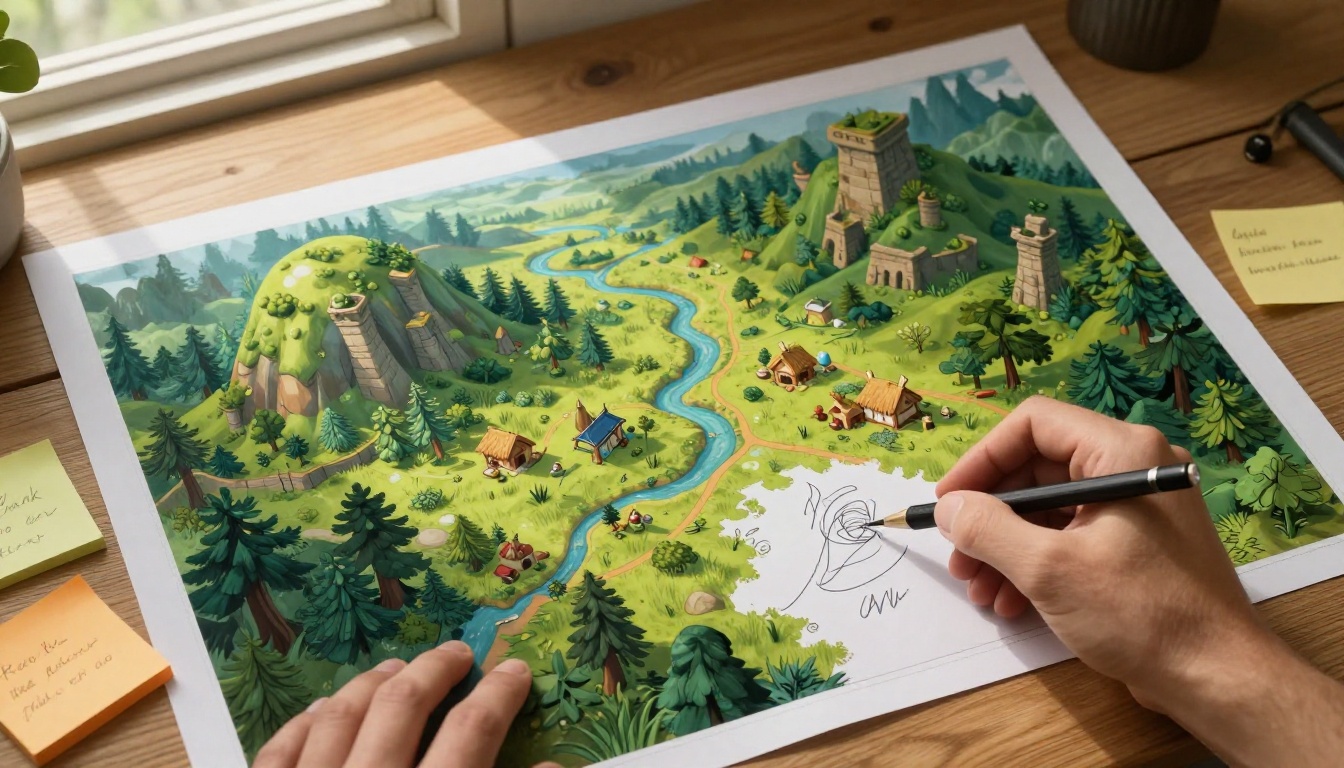
If you've been reading this and thinking about applying it to your own project, here's where to start.
Pick one asset category. Don't try to replace your entire pipeline at once. Choose the stage that's slowing you down most right now: character concepts, environment references, or texture generation. Run your next prototype sprint with AI tools supporting just that stage.
Measure the time difference. Track how long your team spends on concept generation in one sprint with AI versus one without. The numbers will tell you where the actual bottleneck is and whether you're solving the right problem.
Iterate on your prompting process. The first few sessions with AI image generation feel slow because you're building fluency in what prompts work for your specific game aesthetic. By the third or fourth prototype sprint, your team will have a library of proven prompt patterns that consistently produce usable output.
Then push further. Once you're confident in the concept art stage, add AI texture generation. Work through variation generation for props and environment elements. Build toward a full AI-assisted pipeline one stage at a time.
PicassoIA makes this accessible without technical barriers: no local GPU setup, no API key management, no training your own models. Open PicassoIA Image and write your first game concept prompt. Run it through Seedream 4.5 for a high-resolution alternative. Upscale the best result with Clarity Pro Upscaler and put it in front of your team this afternoon.
The fastest way to see how AI changes your prototyping workflow is to use it on a real project, with real stakes, in a real sprint. Your next prototype could be in playtest by Friday.


