Running a creative business alone is genuinely hard. Not in a romantic, "lone wolf hustler" kind of way, but in the concrete, exhausting way where you spend Tuesday morning writing a script, Tuesday afternoon hunting for a royalty-free track that doesn't sound like elevator music, and Tuesday night trying to figure out how to remove a background from a product photo without paying $50 for a monthly subscription to software you'll use once. That cycle used to be the price of independence. AI has started to change it.
This is not about replacing creativity. It is about removing the parts of a solo creator's day that have nothing to do with creativity: the tedious image resizing, the three-take voiceover you still aren't happy with, the show notes you keep putting off because transcribing is boring. AI tools now handle those tasks well enough that the time savings are real and measurable, not theoretical.
What Solo Creators Are Actually Up Against
The Time Problem Nobody Talks About
Most content about "creator productivity" focuses on output: post more, batch more, repurpose more. What it misses is that the bottleneck for most solo creators is not ideas or even writing. It is production. Making one polished YouTube video involves scripting, filming, editing, thumbnail design, caption writing, and a voiceover or background music choice. A podcast episode needs recording, editing, show notes, a transcription for SEO, and social clips. A newsletter needs a header image, the writing itself, and often an illustration or two.
When you are one person, those tasks stack. You are not just the creative director. You are also the audio engineer, the graphic designer, the photo editor, and the marketing department.
💡 The real cost of being solo is not money. It is context-switching. Every time you stop writing to go find a stock photo, you break creative momentum that takes 20 minutes to rebuild.
Hiring Help Is Not Always an Option
Freelancers cost money. A decent graphic designer charges $50 to $150 per image. A voiceover artist charges by the word. A music licensing deal costs $20 to $200 per track per video. For a creator making $1,500 a month from their work, those numbers do not add up.
AI does not replace a world-class designer. But it closes the gap dramatically for creators who need professional-looking output at a fraction of the cost, delivered in minutes rather than days.
| Task | Traditional Cost | Time to Receive | With AI |
|---|
| Custom article header image | $50–$150 | 2–5 days | $0 / ~30 seconds |
| 60-second voiceover | $30–$80 | 1–3 days | $0 / ~10 seconds |
| Background removal | $10–$30 | hours | $0 / ~5 seconds |
| Background music track | $20–$200/license | immediate but costly | $0 / ~20 seconds |
| Podcast transcription | $1–$1.50/minute | 1–24 hours | $0 / ~60 seconds |
AI for Visuals That Actually Look Professional
Generating Images From a Text Description
The most immediate win for visual creators is text-to-image generation. You type a description of the image you want, and within 10 to 30 seconds you have something usable. The gap between what you describe and what you get has narrowed sharply over the past two years.
For a solo creator, this replaces stock photos for article headers, generates custom thumbnails faster than Canva templates, and produces product mockups without a photography setup.
PicassoIA has more than 91 text-to-image models available in one place, ranging from photorealistic portrait generators to creative illustration styles. The P-Image model by PrunaAI generates clean photorealistic outputs in seconds and is a strong default starting point for creators who want professional-looking images without fine-tuning prompts for an hour.
What makes this practical for solo creators specifically:
- No design skills required. You describe what you need in plain English.
- No licensing headaches. You own the output.
- Instant iteration. If the first result is off, you adjust the prompt and try again in 20 seconds.
- Consistent style. Once you find a prompt formula that matches your brand, you can reuse it across dozens of images.
💡 For thumbnails specifically: generate 3 to 4 variations with slightly different lighting or framing, then pick the one that pops. This takes about 2 minutes and costs nothing.
Removing Backgrounds Without Photoshop
Product creators, coaches selling courses, and anyone who puts their face on content knows the pain of background removal. Doing it properly in Photoshop requires skill and time. AI-powered background removal is now instant and accurate enough for professional use.
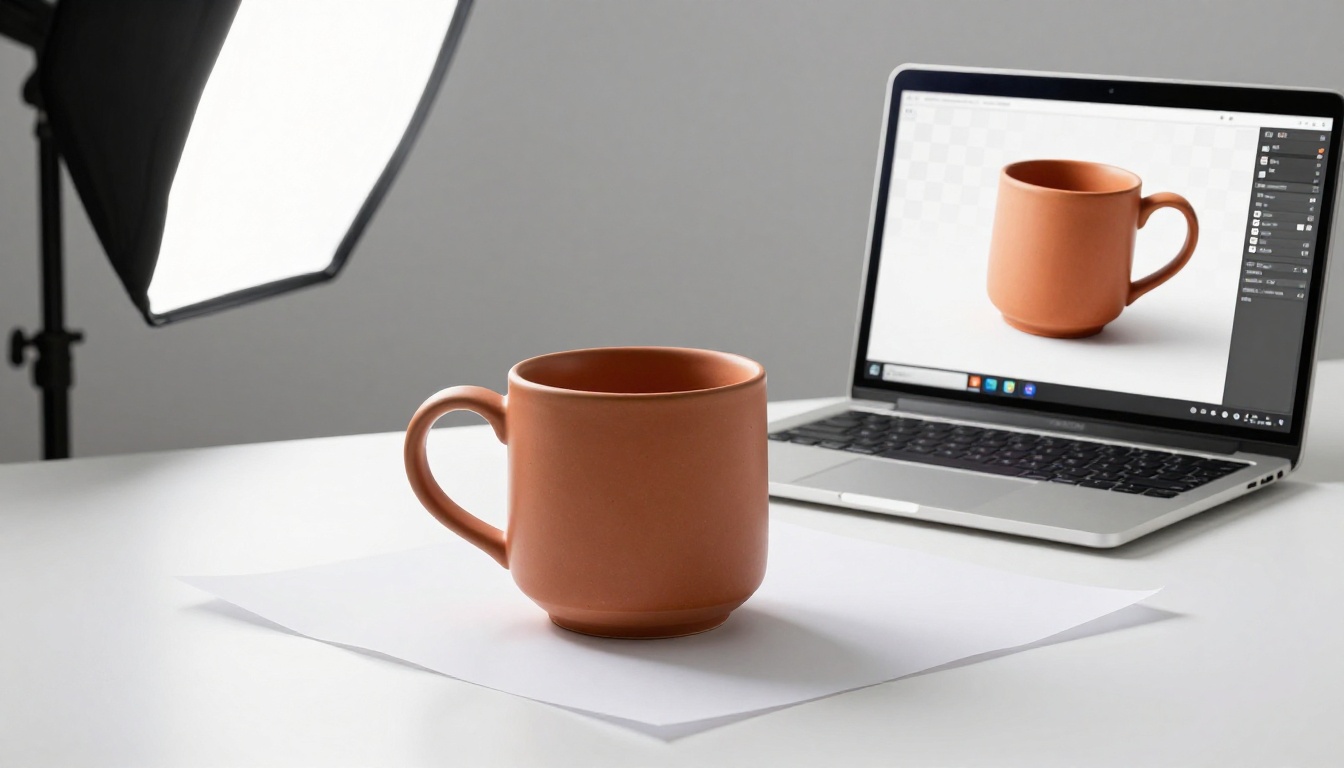
The Remove Background tool by Bria on PicassoIA handles this in seconds. Upload an image, get back a clean cutout with no stray pixels around hair or complex edges. For an e-commerce creator who photographs their own products on a phone and needs clean product images for their store, this is hours saved every week.
Use cases where this pays off immediately:
- Podcast cover art where you need your headshot on a custom background
- Product listings where each item needs a white or transparent background
- Social media posts where you want to place yourself or a subject on a branded backdrop
- Presentation slides with professional-looking cutout portraits
Upscaling Images to Print Quality
Older photos, screenshots, or images generated at lower resolution are a common problem. Printing a banner, creating a high-resolution thumbnail, or just making a blurry image presentable all used to require a reshoot or a designer.
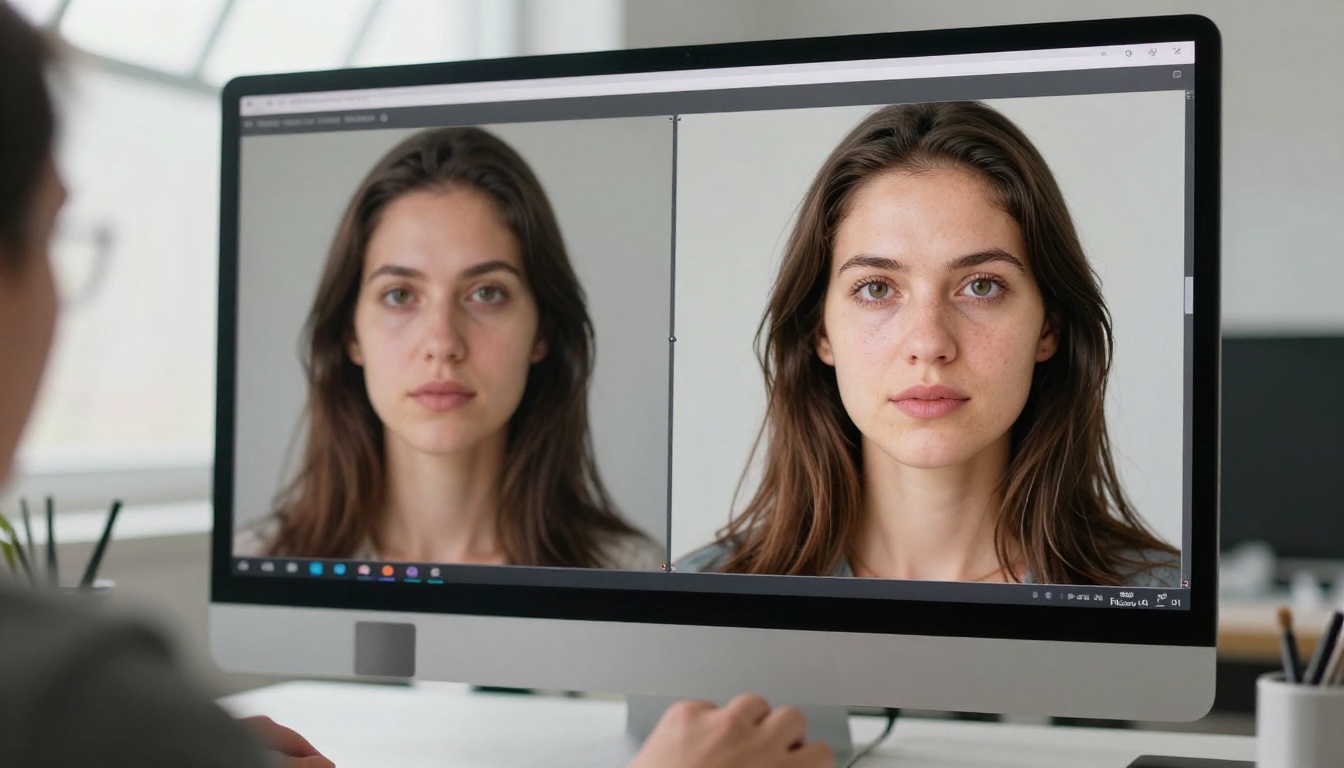
AI upscaling models reconstruct detail rather than just stretching pixels. The results are not magic, but they are genuinely good enough for most real-world uses.
Top options on PicassoIA for image upscaling:
AI for Audio Without a Recording Budget

Voiceovers That Sound Like a Real Person
AI text-to-speech has crossed a quality threshold that matters. For short-form content, explainer videos, course narration, or social reels, AI voice now sounds natural enough that most viewers will not notice, especially at normal playback speeds.
For a solo creator, this means:
- No re-recording when you change a script
- No microphone setup required for quick content
- Voiceovers in languages you don't speak, for international audiences
- Consistent vocal tone across a large content library
Recommended voice models on PicassoIA:
💡 Voice cloning tip: if you want the AI to sound like you, models like Minimax Voice Cloning let you upload a sample of your voice and replicate it for future voiceovers. Record one clean 30-second sample once, use it indefinitely.
Original Music From a Single Sentence
Background music for video content has always been a pain point. Royalty-free libraries are full of tracks that sound generic or get flagged on YouTube anyway. Hiring a composer is expensive and slow. AI music generation solves this in a way that was not credibly possible two years ago.
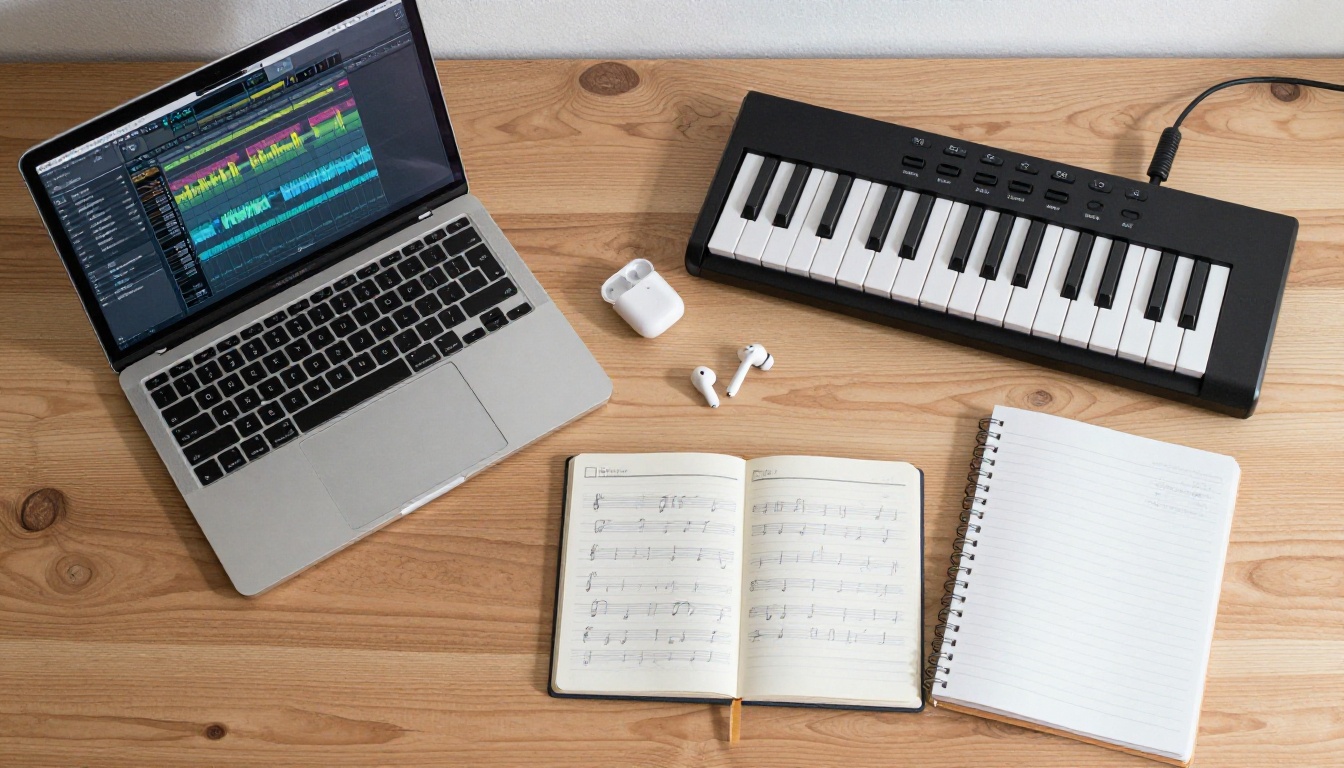
You type something like "upbeat acoustic guitar, positive morning energy, no lyrics, 2 minutes" and get a full track. It is original, you own it, and it is ready in under 30 seconds.
Music generation models on PicassoIA:
Use cases that pay off most for creators:
- YouTube video intros and outro music (owned, no strikes)
- Podcast episode intro music matched to episode tone
- Reel and short-form video background audio
- Course module music to separate sections
Turning Recordings Into Readable Text
Transcription is the tax that podcasters and video creators pay every week. Show notes, blog posts repurposed from video, captions, searchable archives: all of them require text versions of audio content. Doing it manually takes roughly 4 to 6 hours per hour of audio.
Speech-to-text options on PicassoIA:
A 45-minute podcast episode transcribes in under 90 seconds. From that transcript, you can pull quotes for social posts, write show notes in five minutes, and generate an SEO article with minimal extra effort.
The real power is not in any single tool. It is in combining them into a production system that one person can actually run.
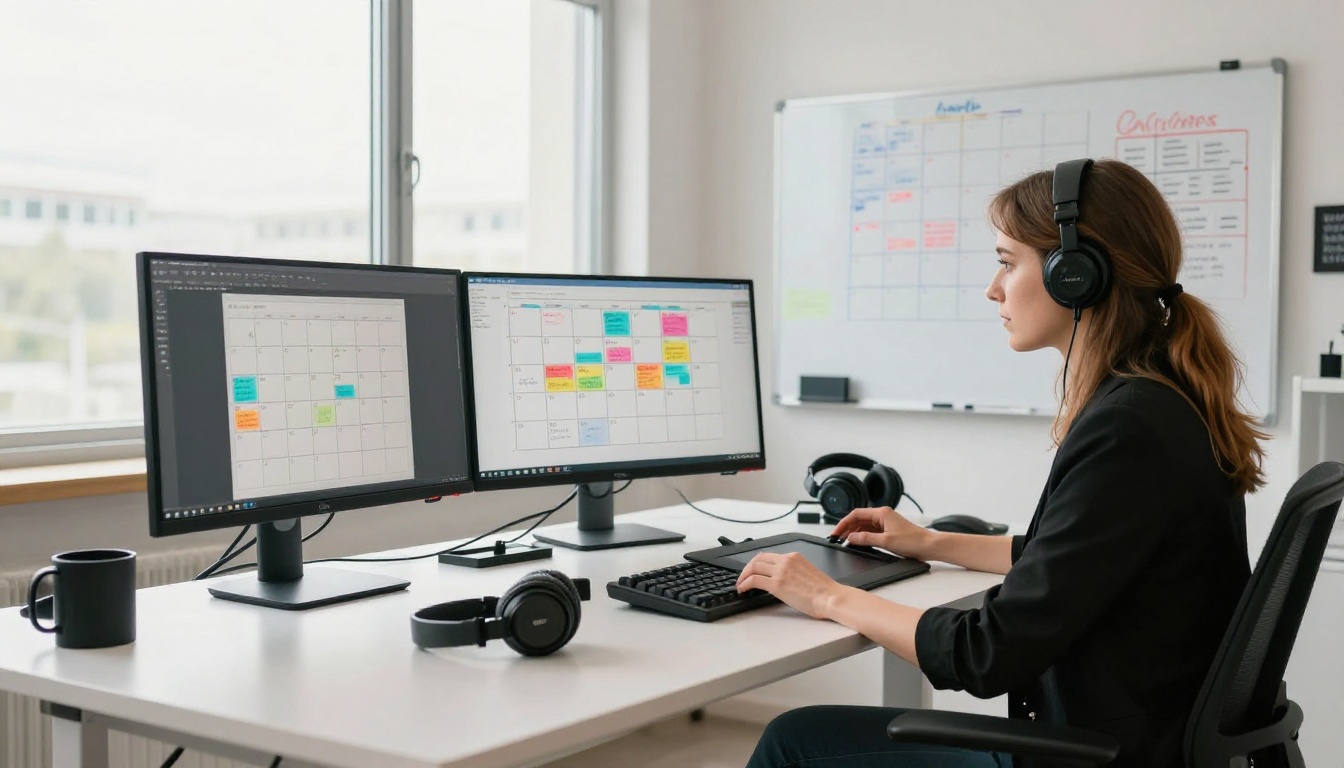
The YouTube Channel Run by One Person
A creator making weekly tutorials used to spend 12 to 15 hours per video. Their new workflow:
- Record the raw video (1.5 hours)
- Transcribe the recording automatically with GPT-4o Transcribe (90 seconds)
- Edit the transcript into show notes and a blog post (30 minutes)
- Generate a custom thumbnail with a text-to-image model (5 minutes)
- Generate background music for the intro with Lyria 3 Pro (2 minutes)
- Export and upload
Total: about 8 hours, down from 14. The difference is six hours per video, or roughly 25 hours per month reclaimed.
The Freelancer Who Ships Faster
A freelance graphic designer taking client work on the side uses PicassoIA to:
- Generate first-draft concepts to show clients before doing full production work
- Upscale reference images the client sends over in poor resolution
- Remove backgrounds from product photos automatically instead of hand-masking
- Generate custom header images for client blog posts at no extra cost
This cuts the non-billable hours spent on setup tasks and lets her quote faster turnaround times than competitors without a team.
The Podcaster Who Never Types Show Notes
A podcaster records two episodes a week and was spending four hours on show notes alone. Now:
- Upload the edited audio
- Get a full transcript in 90 seconds
- Use the transcript as a base to write show notes in 15 minutes
- Pull 5 to 8 key quotes for social posts
- Generate a custom episode cover image
What used to take four hours takes 45 minutes. The transcript also feeds into SEO blog posts that drive new listeners through search.
💡 Cross-format tip: a single podcast episode, when transcribed and repurposed, becomes show notes, a 600-word blog post, 6 social captions, a YouTube description, and a newsletter section. That is seven pieces of content from one recording session.
What You Can Build Starting Today
The tools described in this article are all available through PicassoIA without switching between a dozen different services. Image generation, background removal, upscaling, voiceovers, music creation, and transcription are all in one place.
If you are a solo creator, the right starting point is not trying to automate everything at once. Pick one painful part of your weekly workflow. The part you dread, the part that eats the most time, the part that has nothing to do with your actual creative work.
Three good places to start:
- If you make video content: try generating your next thumbnail with a text-to-image model instead of spending an hour in Canva.
- If you record audio: upload your next episode to a speech-to-text model and see how much faster your show notes become.
- If you sell products or services: try the background removal tool on your next product photo before you hire anyone to edit it.
The point is not to become dependent on AI. The point is to stop spending creative hours on production tasks that machines now handle well enough to free you for the work that actually requires you.
Solo does not have to mean slow. It does not have to mean underpowered. With the right set of AI tools, one person with a laptop can produce content that looks and sounds like it came from a team, because in practice, it kind of did.
Start with one tool. Ship something. See what 30 seconds of AI image generation does to your thumbnail quality. See what a transcript does to your content repurposing speed. Then build from there.
See all available models on PicassoIA and pick the one that solves your biggest weekly bottleneck first.


