Something unusual happens when you type "a red fox sitting in autumn leaves" into an AI image generator and, 10 seconds later, a photograph-quality image appears that looks like it was shot with a Canon R5. No actual camera was involved. No photographer composed the shot. A machine built that image from numbers.
That process is not magic. It's a surprisingly elegant chain of mathematics, probability, and pattern recognition that took decades of research to make practical. Here's exactly how it works, layer by layer.
What Happens the Moment You Type a Prompt
Your Words Become Numbers
Before any image is generated, the model needs to do something it was trained to do extremely well: interpret what your words mean, not as language, but as a position in a mathematical space.
When you type "a red fox in autumn leaves," your text gets fed into a component called a text encoder. The most common one is called CLIP (Contrastive Language-Image Pretraining), developed by OpenAI. CLIP was trained on hundreds of millions of image-text pairs from the internet, learning to associate the meaning of sentences with the visual content of photos.
The output is a text embedding: a list of hundreds or thousands of numbers that encode the semantic meaning of your prompt. Think of it as GPS coordinates, but instead of latitude and longitude, you're locating a concept inside a 768-dimensional or 1024-dimensional space.
💡 This is why prompt wording matters. "A fox" and "a cunning fox with amber eyes" land in different positions in that space, and that difference changes what the generator builds.
Those Numbers Navigate Latent Space
The model doesn't work with images the way you see them. It works in what's called latent space: a compressed mathematical representation of images where similar visuals cluster together.
In latent space, "a forest at dawn" and "a forest at dusk" are close neighbors. "A beach" and "a mountain" are far apart. The text embedding you generated becomes a target: a location in this space that the model will try to reach.
This compression is what makes modern image generators fast. Working in full pixel space would require operating on millions of values at once. Working in latent space means operating on thousands of compressed values, then decoding the result back to full resolution at the end. That decoding step is handled by a component called the VAE (Variational Autoencoder).
Diffusion Models: The Real Engine
Starting With Pure Noise
Here's the counterintuitive part. The generation process doesn't start with your prompt and build an image from scratch. It starts with random noise, the visual equivalent of static on an old TV, and works backwards from there.
During training, the model saw millions of real images. For each one, it watched the researchers progressively add noise to that image, step by step, until the image was completely unrecognizable static. Then the model learned to do the reverse: given a noisy image and the original text description, can you predict what the less-noisy version looked like?
After training on billions of such examples, the model becomes extraordinarily good at this reversal. It doesn't memorize specific images. It absorbs the statistical patterns of how objects, textures, light, and surfaces relate to each other.
Denoising Step by Step
When you hit "generate," here's the sequence:
- The model starts with a completely random noise tensor (a grid of random numbers)
- It runs the noise through the denoising network, which predicts what a slightly less noisy version should look like
- It applies that prediction to get the slightly cleaner version
- It repeats this process 20 to 50 times (these are your sampling steps)
- Finally, it decodes the result from latent space back into pixel space
Each pass, the image gets clearer and more coherent. Structure emerges first (rough shapes, composition), then detail (textures, faces, fine edges) arrives in later steps.
💡 More steps generally means higher quality, but with diminishing returns. Going from 20 to 40 steps often makes a visible difference. Going from 40 to 80 rarely does, but takes twice as long.
Why This Beats Older Approaches
Before diffusion models became dominant around 2022, the leading approach was GANs (Generative Adversarial Networks). GANs pit two networks against each other: a generator that tries to create convincing images, and a discriminator that tries to spot fakes. The feedback loop between them gradually improves output quality.
GANs are fast and impressive, but notoriously unstable to train, prone to "mode collapse" (where the generator gets stuck producing very similar outputs), and difficult to scale to high resolution and diverse subjects.
Diffusion models are slower per image but more stable to train, produce far more diverse outputs, and respond much better to text conditioning. The tradeoff is worth it: that's why every major image generator today uses diffusion as its core mechanism.
How the Model Learned to See

Billions of Image-Text Pairs
The most important factor in what a model can generate is its training data. Models like PicassoIA Image and GPT Image 2 are trained on datasets containing hundreds of millions to billions of image-text pairs scraped from the web, licensed stock photo libraries, and curated collections.
For each image, the training data includes a caption describing what's in it. "Woman walking a golden retriever in a park on a sunny day." "Close-up of a coffee cup with latte art." "Aerial view of Manhattan at night."
The model never memorizes these images. Instead, it extracts statistical relationships: which visual patterns tend to appear together, how light behaves across different surfaces, what human faces typically look like from different angles, how fur texture differs from fabric texture.
| Training Dataset Scale | Approximate Image Count | Example Models |
|---|
| Small curated | 100K to 1M | Early Stable Diffusion LoRAs |
| Medium web-scraped | 100M to 500M | SDXL, earlier Flux variants |
| Large proprietary | 1B+ | GPT Image 2, Seedream 4.5 |
CLIP: The Bridge Between Words and Pixels
CLIP deserves its own explanation because it's the component that connects language to visual patterns. CLIP was trained with a specific objective: given a batch of images and a batch of captions, match each image to its correct caption. Do this for hundreds of millions of examples and you end up with a model that deeply grasps the relationship between visual content and the language used to describe it.
This is why you can write "impressionist painting of a harbor at sunset" and the model handles not just "harbor" and "sunset" but the stylistic and emotional context of "impressionist." It has seen thousands of Monet paintings with captions mentioning impressionism.
💡 CLIP is also why negative prompts work. Telling the model "no blurry backgrounds" shifts the target embedding away from zones in latent space associated with blur.
What the Neural Network Actually Stores
The model doesn't store a catalog of images. It stores weights: billions of floating-point numbers that encode learned statistical patterns from training. These weights live in the U-Net architecture, a neural network shaped like the letter U, with an encoder path that compresses information and a decoder path that expands it back out, with skip connections linking the two sides.
The number of parameters (weights) in modern models tells a story:
- Stable Diffusion 1.x: ~860 million parameters
- SDXL: ~6.6 billion parameters
- Flux dev: ~12 billion parameters
More parameters generally means more capacity to represent complex visual relationships, better coherence, and stronger instruction following.
The Architecture Inside the Black Box
U-Net and the Attention Mechanism
The U-Net at the heart of a diffusion model does the actual denoising. It takes a noisy latent, examines it, and predicts the noise that was added, so the system can subtract it.
Inside the U-Net are attention layers: mathematical operations that allow every part of the image to look at every other part and at the text embedding simultaneously. This is how the model ensures coherence, making sure the fox's tail connects to its body, the light source is consistent across the whole image, and the autumn leaves genuinely surround the fox rather than floating in random positions.
Newer architectures like the Diffusion Transformer (DiT), used in models like Flux 2 Klein 9B and Seedream 4.5, replace the traditional U-Net with transformer blocks throughout, improving long-range coherence and prompt adherence significantly.
How Conditioning Makes Images Match Prompts
The denoising network doesn't work in isolation. At every step, it's conditioned on two things:
- The text embedding from your prompt (the CLIP or T5 output)
- The current noise level (which step of the process you're on)
This conditioning is applied via cross-attention, where the noise prediction network's attention layers look at the text embedding alongside the image features at each layer. The result is that every denoising step is guided by what you asked for.
This is also how negative prompts function. Most implementations run two parallel passes through the network: one conditioned on your positive prompt and one on the negative prompt. The final prediction moves toward the positive and away from the negative.
CFG Scale: The Creativity Dial
CFG (Classifier-Free Guidance) scale is the slider you've probably seen in generation interfaces. It controls how strongly the model adheres to your prompt versus generating freely.
- Low CFG (1 to 3): The model generates freely, often producing vivid and surprising results but skipping parts of your prompt
- Mid CFG (5 to 9): The sweet spot for most generations, prompt-following with natural variety
- High CFG (12+): Very literal prompt adherence, often producing oversaturated, artifact-heavy results
The math: at each step, the model calculates the final prediction as the unconditional prediction plus CFG scale multiplied by the difference between conditional and unconditional predictions. A CFG of 1 means no guidance amplification. A CFG of 7 means the prompt's influence is amplified sevenfold relative to the baseline.
Why Image Quality Varies So Much
Sampling Steps and Speed vs. Quality
The denoiser runs in a loop, each pass called a sampling step. Different samplers (also called schedulers) determine how noise is removed at each step. Common ones include:
| Sampler | Speed | Best For |
|---|
| Euler | Fast | Quick drafts, consistent results |
| DPM++ 2M | Fast | High-quality output, fewer steps needed |
| DDIM | Moderate | Reproducible results, animation workflows |
| Heun | Slower | Higher accuracy per step |
Modern samplers like DPM++ can produce excellent results in 20 steps. Some models like Wan 2.7 Image Pro are trained to work in 4 to 8 steps, achieving dramatic speed gains without sacrificing photorealism.
Seed Numbers and Reproducibility
Every generation starts from a specific random noise tensor. The seed is the number used to generate that tensor. Two generations with identical prompts, identical settings, and identical seeds will produce identical images.
This is how you lock in a composition you like and iterate on it. Changing the prompt while keeping the seed often produces variations that maintain the same basic layout and lighting, with different content filling the scene. It's one of the most powerful, and least used, tools in a prompt writer's toolkit.
Resolution, Aspect Ratio, and Memory
Most diffusion models were trained at a specific resolution (typically 512x512 or 1024x1024). Generating at different resolutions or aspect ratios requires either fine-tuning on multi-resolution data or using tiling and upscaling approaches.
Models like Hunyuan Image 2.1 and Seedream 4.5 natively support 2K and 4K resolutions, having been trained on high-resolution data from the start. Generating at 4K requires significantly more GPU memory (VRAM) because the latent representation scales with output resolution.
Popular Models and What Makes Each Different
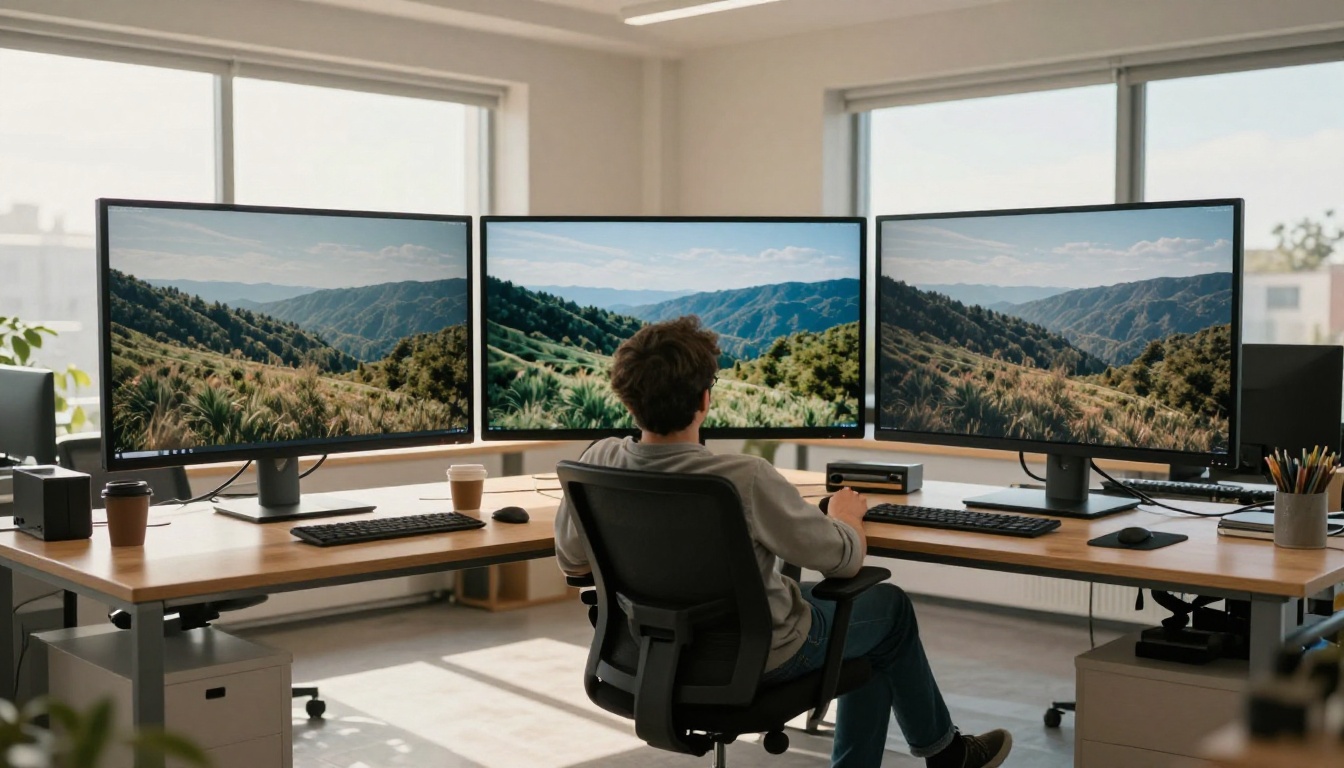
Not all image generators use the same weights or architecture. Here's how the major ones differ and when to reach for each:
Flux: The Open-Source Giant
Flux Redux Dev and Flux 2 Klein 9B are built on Black Forest Labs' Flux architecture, which replaced the traditional U-Net with a full Diffusion Transformer. The result is significantly better text rendering in images, more accurate anatomy, and stronger prompt adherence than earlier diffusion models. Flux excels at photorealism and complex multi-subject scenes.
GPT Image 2: The Instruction Follower
GPT Image 2 integrates OpenAI's language model directly into image generation, giving it unusually strong instruction-following ability. You can describe complex scenarios with multiple spatial relationships ("put the coffee cup to the left of the laptop and show the spreadsheet on screen") and it typically gets them right. It's the current leader for prompt precision.
Seedream and Hunyuan: The New Contenders
Seedream 4.5, from ByteDance, and Hunyuan Image 2.1, from Tencent, represent the new generation of high-resolution diffusion transformers. Both produce 2K to 4K output natively, with excellent skin texture, fine detail, and photorealistic lighting. Seedream has particularly strong performance on portrait photography and fashion imagery.
ControlNet: When You Need Precise Control
Pose, Depth, and Edge Maps
Standard text-to-image generation is probabilistic: you describe what you want but you don't control the composition precisely. ControlNet changes that by adding structural conditioning on top of the text prompt.
ControlNet takes a reference image and extracts specific structural information:
- Pose maps: Skeleton joint positions from a human body, so you can dictate exactly how a person is standing or sitting
- Depth maps: The spatial distance of each part of the scene, preserving the 3D structure of the original
- Edge maps (Canny): The outlines and contours of objects, so you can reuse a composition with different content
- Segmentation maps: Pixel-level region labels showing what's in each area of the image
Style vs. Structure
You feed the structural map alongside your text prompt, and the model generates an image respecting both. This is how professional creators maintain consistent character poses across a series, or reuse a background composition with completely different lighting and subject matter.
The combination of ControlNet with models like PicassoIA Image Editor Pro gives you structural precision and high-fidelity photorealistic output at the same time, a combination that used to require a professional photographer and a booked studio.
Start Creating Your Own Images

All of this technology is accessible without a single line of code. On PicassoIA, you can experiment with every model discussed in this article, including GPT Image 2 for precision prompting, Flux Redux Dev for photorealistic outputs, and Seedream 4.5 for 4K portrait photography. All from a browser tab, with no setup required.
The best way to internalize how these models work is to stress-test them yourself. Try the same prompt on Flux and GPT Image 2 and compare how each handles a complex spatial description. Try CFG scales of 3 vs. 12 on the same seed. Try 10 sampling steps vs. 40 and see at what point you stop noticing a difference.
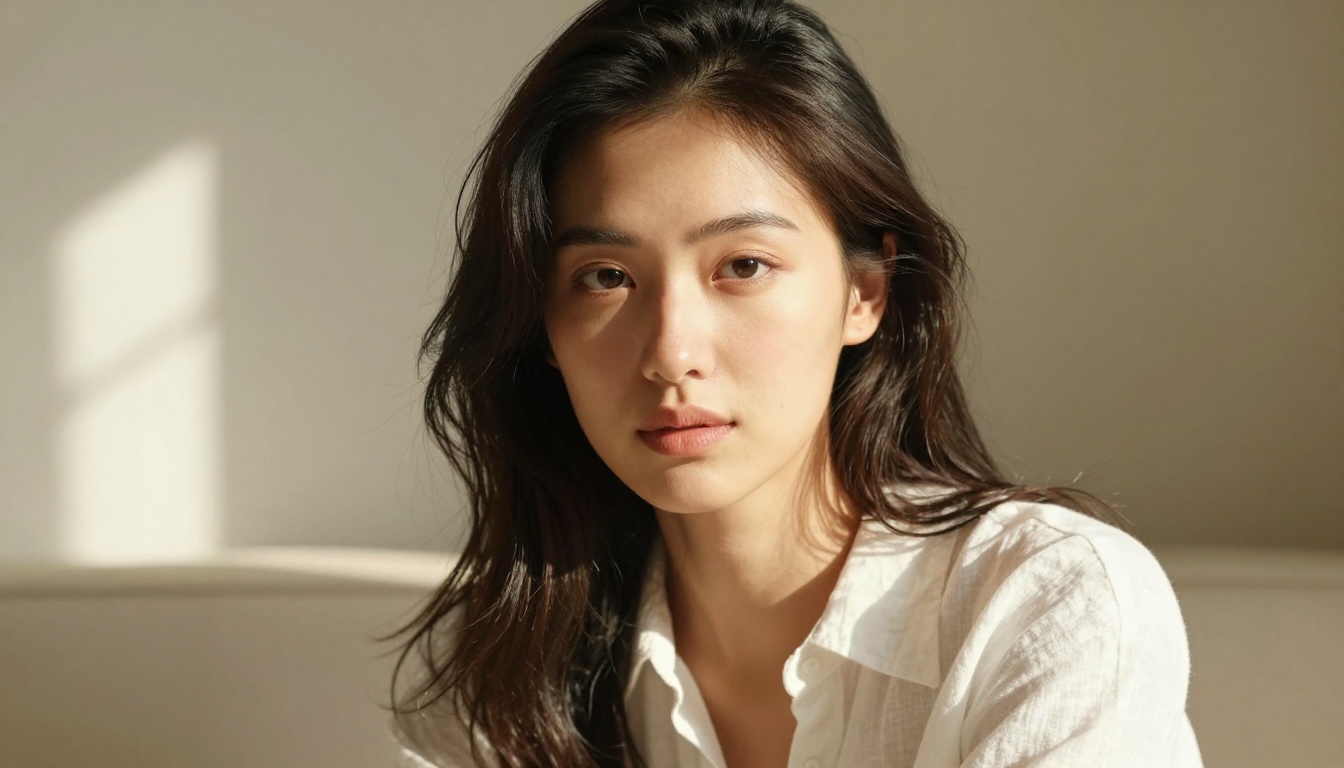
The output you get isn't random luck. It's the result of billions of learned statistical patterns, guided by your words, converging through dozens of denoising steps into something that looks like it was captured by a camera. Now that you know the mechanism, you can start using it with intention.


