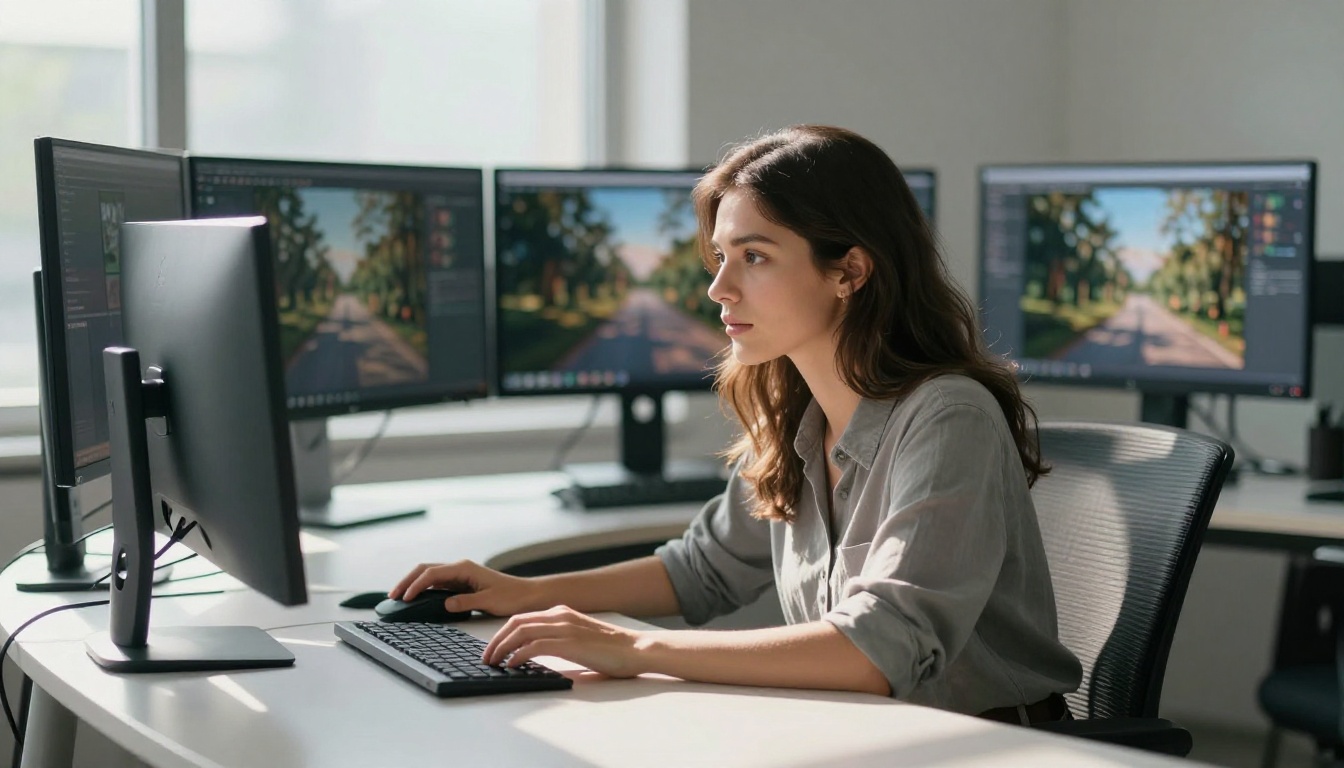
Two years ago, generating a photorealistic image with AI meant accepting certain trade-offs. Skin looked plastic. Text inside images was illegible. Multi-person scenes produced merged faces and extra fingers. Resolution hovered around one megapixel if you were lucky. In 2026, that baseline has been completely redrawn.
The shift did not happen in a single release. It accumulated across dozens of model versions, architecture experiments, and training-data breakthroughs. The result is a landscape where the old limitations no longer define what generative AI images can do. The models available today would have been considered specialist research tools just a couple of years back. Now they run in seconds.
Here is a precise look at what actually changed, and why it matters.

The gap between 2024 and 2026 is bigger than it looks
Most people tracking AI image generation tend to compare individual releases. They notice one model beat another on a benchmark, or that a specific LoRA produces sharper faces. The cumulative picture is more striking. Taken as a whole, the jump in capability over 24 months is not iterative; it is categorical.
Resolution, detail, and speed all shifted simultaneously. In most technology cycles, you trade one for another. The fact that all three improved together is what makes this period unusual. It is also what makes it hard to appreciate in real time, because no single model caused it.
Resolution and detail went from impressive to unsettling
In mid-2024, a one-megapixel output with minor artifacts was considered good. Today, models like Flux 1.1 Pro Ultra generate images at four megapixels with detail levels that hold up to tight crops. Individual hair strands, fabric weaves, the texture of concrete, the micro-glare on a glass surface — these no longer require cherry-picking from dozens of outputs. They appear consistently.
RealVisXL v3.0 Turbo pushed photorealistic rendering quality further than SDXL-based models were expected to reach, producing skin tones and environmental lighting accuracy that hold up to scrutiny. The improvement is not just in final output; it shows up in consistency across seeds.
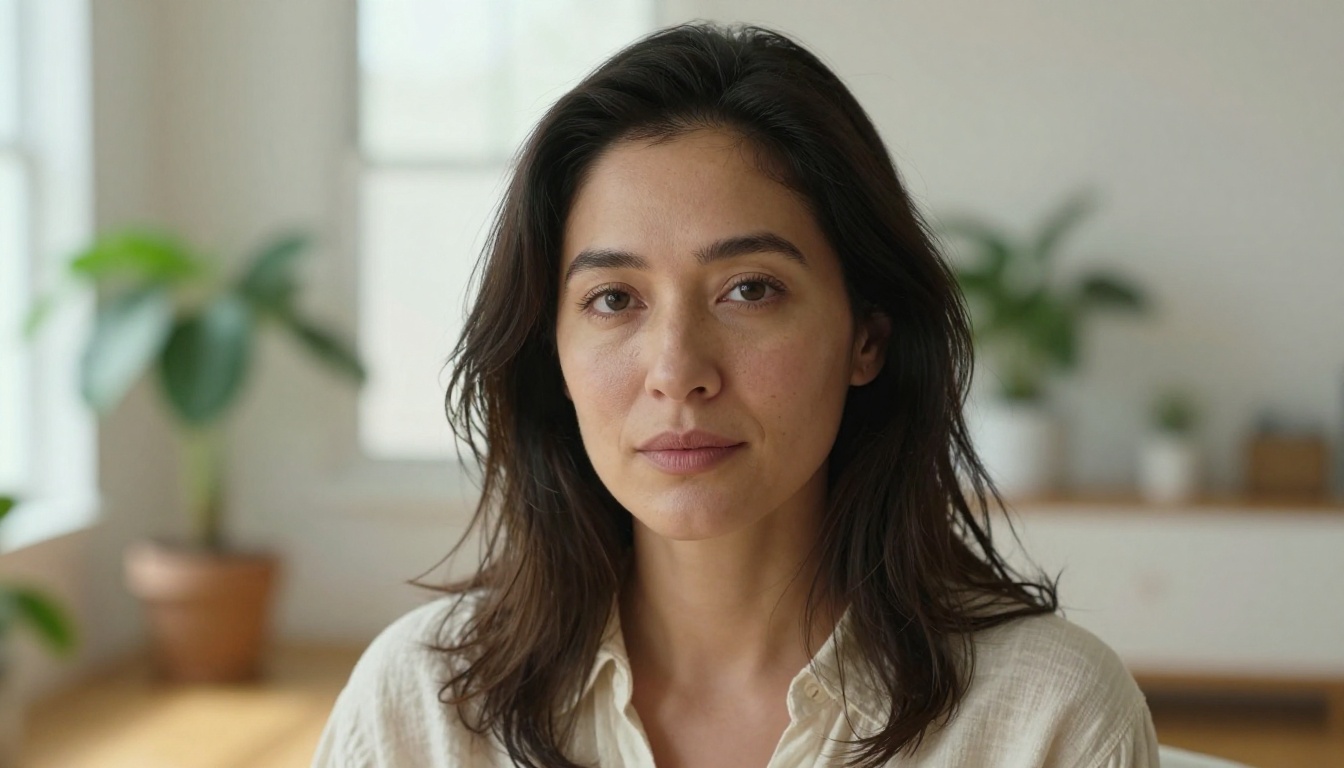
💡 Worth noting: The detail improvements are most visible in portraits and macro shots. At 4MP, images from current top-tier models require genuine effort to distinguish from professional photography at normal viewing sizes.
Text rendering inside images finally works
This was the stubborn problem that defined the "AI look" for years. Every generated image with text in it produced garbled letterforms, phantom characters, and typographic nonsense. Seeing "COFFEE SHOP" become "COFFFE SHQP" in a generated scene was a reliable signal that AI made the image.
Ideogram v3 Quality changed the expectation for this category. Readable, correctly spelled text inside photorealistic environments is now its default output, not a special case. Ideogram v3 Turbo delivers similar accuracy at a fraction of the generation time. Recraft v4 Pro takes it further, producing print-ready images with professional typographic control.
For anyone creating content with signs, labels, product mockups, or UI screenshots, this is not a minor improvement. It removes an entire category of post-processing work.

The models rewriting the rules right now
Not all AI image models in 2026 are equal. A handful have genuinely redefined what the category can do. Here is where the real capability gaps now sit.
Flux 2 sets a new speed benchmark
The Flux 2 family from Black Forest Labs is the most direct evidence of how much has changed. Flux 2 Pro produces detailed, photorealistic images with strong prompt adherence in seconds. Flux 2 Max pushes output to 4MP. Flux 2 Dev gives researchers and advanced users more direct control over the generation process.
What separates these from earlier versions is the relationship between speed and quality. The original Flux models made the trade explicit: use Flux Schnell for speed, use Flux Dev for quality. In the Flux 2 generation, the gap between them is narrow enough that most use cases land in the fast tier without any visible sacrifice.
Seedream 4.5 brings 4K to everyone
ByteDance's Seedream lineup represents the other major architecture shift in the 2025-2026 window. Seedream 4.5 generates images at 4K resolution as a standard output, not a special high-res mode. Seedream 4 established the format; version 4.5 tightened color science and improved compositional accuracy. Seedream 3 is still worth knowing as the baseline that proved the approach worked.
The practical effect is that you no longer need a separate upscaling step to get print-quality output. What leaves the model is already dense with detail.
Ideogram v3 makes readable text a default
Ideogram v3 Balanced and its siblings are not just "better" at text than previous models. They represent a different class of capability. The model was trained to handle text rendering as a first-class task rather than a side effect of general image generation. The result is a model where you specify what text should appear and it appears, correctly, in the right place, in a style that fits the scene.
For brand work, signage, packaging mockups, or editorial illustrations with specific copy requirements, this changes what is possible at the prompt level alone.
Recraft v4 Pro closes the gap with design tools
Recraft v4 Pro approaches what graphic designers have traditionally done with vector and raster tools. It handles typographic control, consistent brand-style output, and scalable vector export through Recraft v4 Pro SVG. It also holds consistent visual style across a batch of images without requiring a LoRA or style reference, which matters significantly for production workflows.
Prompt accuracy reached a tipping point
There is a specific threshold at which prompt adherence changes character. Below it, you are negotiating with the model, retrying prompts, and accepting approximations. Above it, you describe what you want and the model produces it. In 2026, the leading models crossed that threshold for most practical use cases.
What changed in how models read prompts
Earlier diffusion models weighted prompt tokens inconsistently. Long, detailed prompts often produced worse results than shorter ones because distant tokens in the sequence had weak influence on the final output. Modern architectures handle this differently, with attention mechanisms that maintain consistent weighting across longer prompt strings.
The practical result: a 150-word prompt describing a specific scene, lighting condition, subject, and background now produces an image that reflects all of those details simultaneously. This was not reliably true in 2024. You would often get the lighting or the subject but not both, the scene or the mood but not the specific angle you specified.
💡 For photographers turning to AI: The shift feels like the difference between giving a direction and giving a brief. You can now describe the emotional tone of an image, the character of the light, and the atmospheric conditions alongside technical specs, and the model handles all of them in a single pass.
Multi-subject compositions without workarounds
This was the hardest problem to crack in the 2023-2024 window. Generating an image with two distinct people, separate from each other, with different faces, clothing, and body positions, used to require ControlNet, reference images, and inpainting on top of inpainting — and still produced inconsistent results.
Current top models handle two and three distinct subjects reliably in a single pass. Ideogram v2 and its successors handle complex multi-figure scenes with accurate spatial relationships. Flux 2 Pro manages multi-subject scenes while holding prompt-specified details for each subject separately, without blending features between figures.
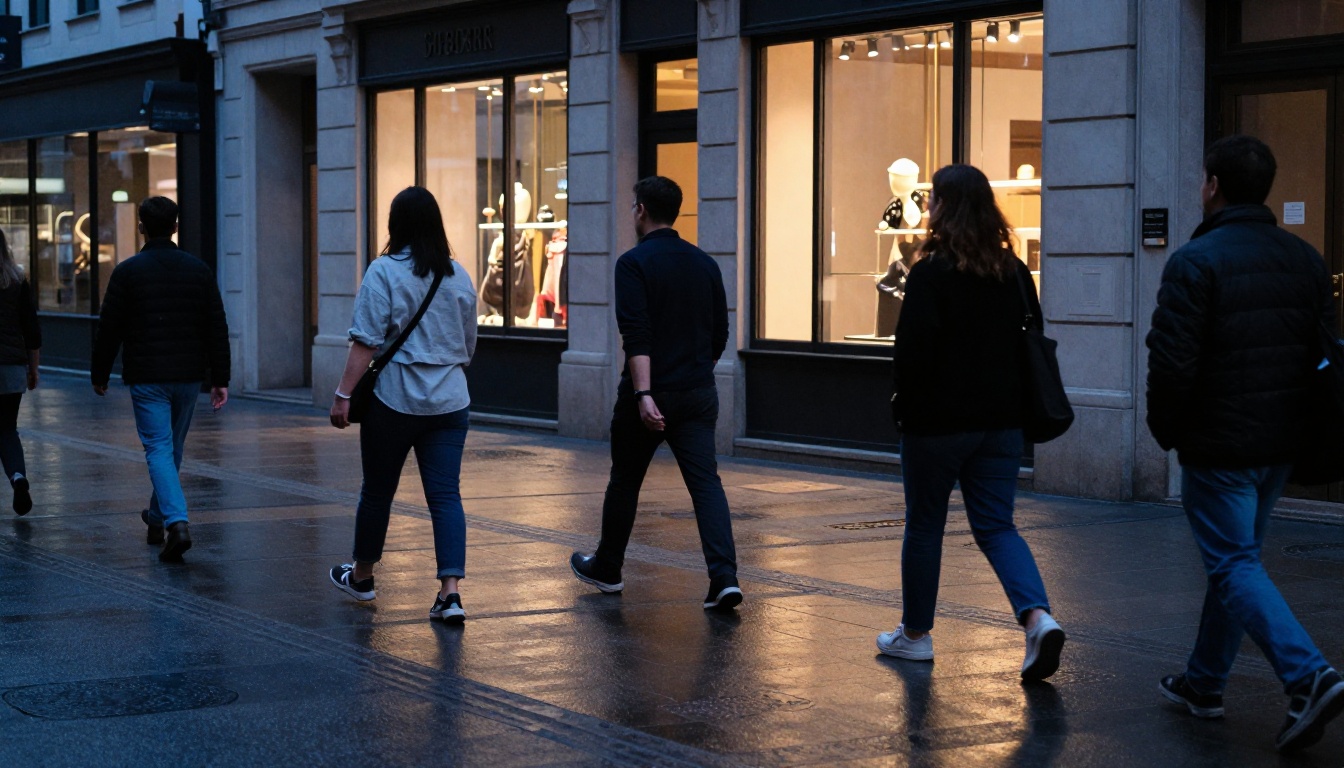
The workaround era for multi-person scenes is largely over for standard compositions. Edge cases involving highly specific poses or detailed character designs still benefit from ControlNet or character reference tools like Ideogram Character, but the baseline has moved significantly.
Speed is no longer a trade-off
In 2023 and 2024, fast generation meant accepting lower quality. The fast models were useful for iteration, not for final outputs. That constraint no longer holds the same way, and the reason has as much to do with training methodology as it does with hardware.
Schnell-class models in 2026
Flux Schnell remains a reference point for how fast generation has gotten: images in under two seconds at quality levels that would have been considered good from a slow model two years ago. The Flux Kontext Fast variant extends this speed to context-aware editing tasks. Ideogram v3 Turbo and Ideogram v2 Turbo apply the same logic to text-accurate image generation.
The effect on creative workflow is real. Iteration cycles that took minutes now take seconds. You can run ten variations in the time it used to take to generate one, which fundamentally changes how you use generation as a creative tool.
The inference leap that made it possible
The speed gains are not purely hardware improvements. They come from changes to the diffusion process itself: fewer steps needed per image, better noise schedulers, and quantization techniques that preserve quality at lower precision. Models trained on distilled datasets can produce equivalent or better outputs with 4-8 diffusion steps instead of 30-50.
SDXL Lightning 4Step was an early signal of where things were heading. It ran at the quality ceiling of SDXL in 4 steps instead of 30. The models released in 2025-2026 have internalized that approach across the board, so fast generation is no longer a specialized variant; it is the default expectation.
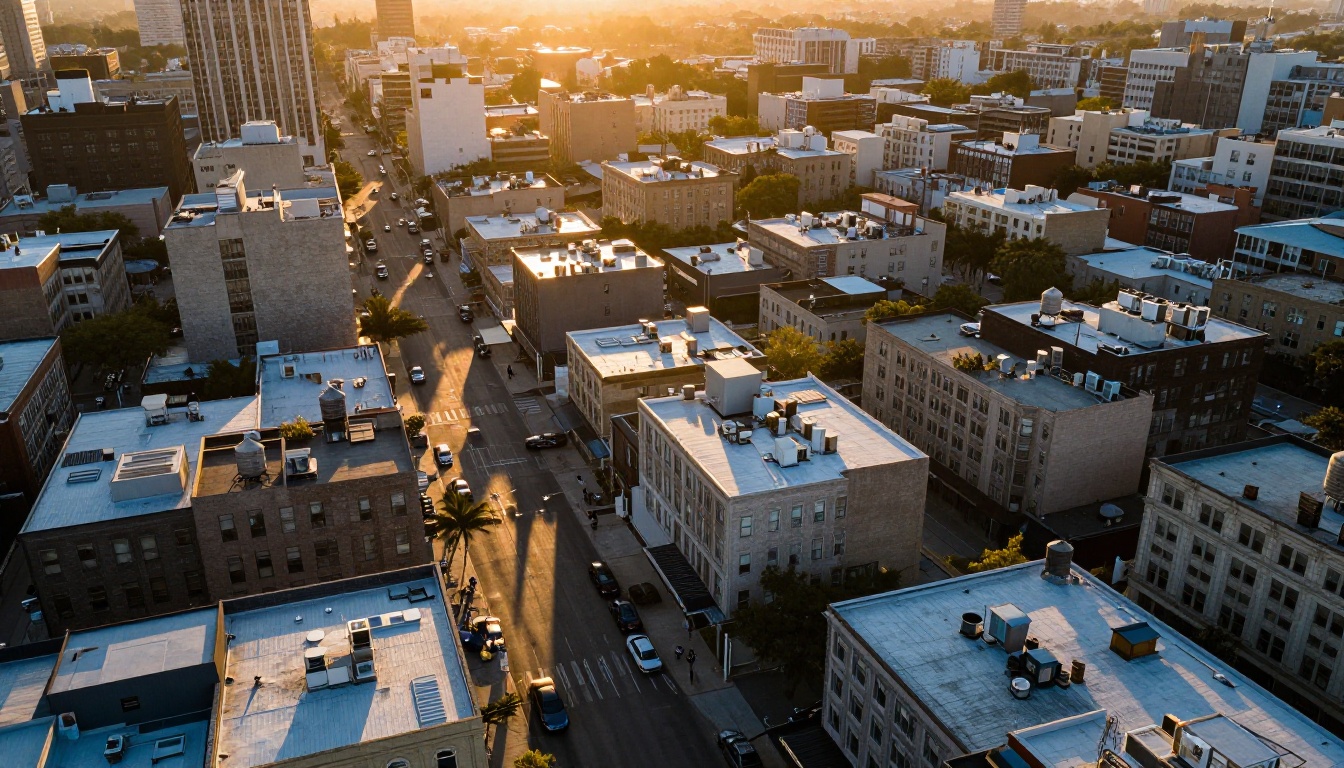
Image editing got absorbed into generation
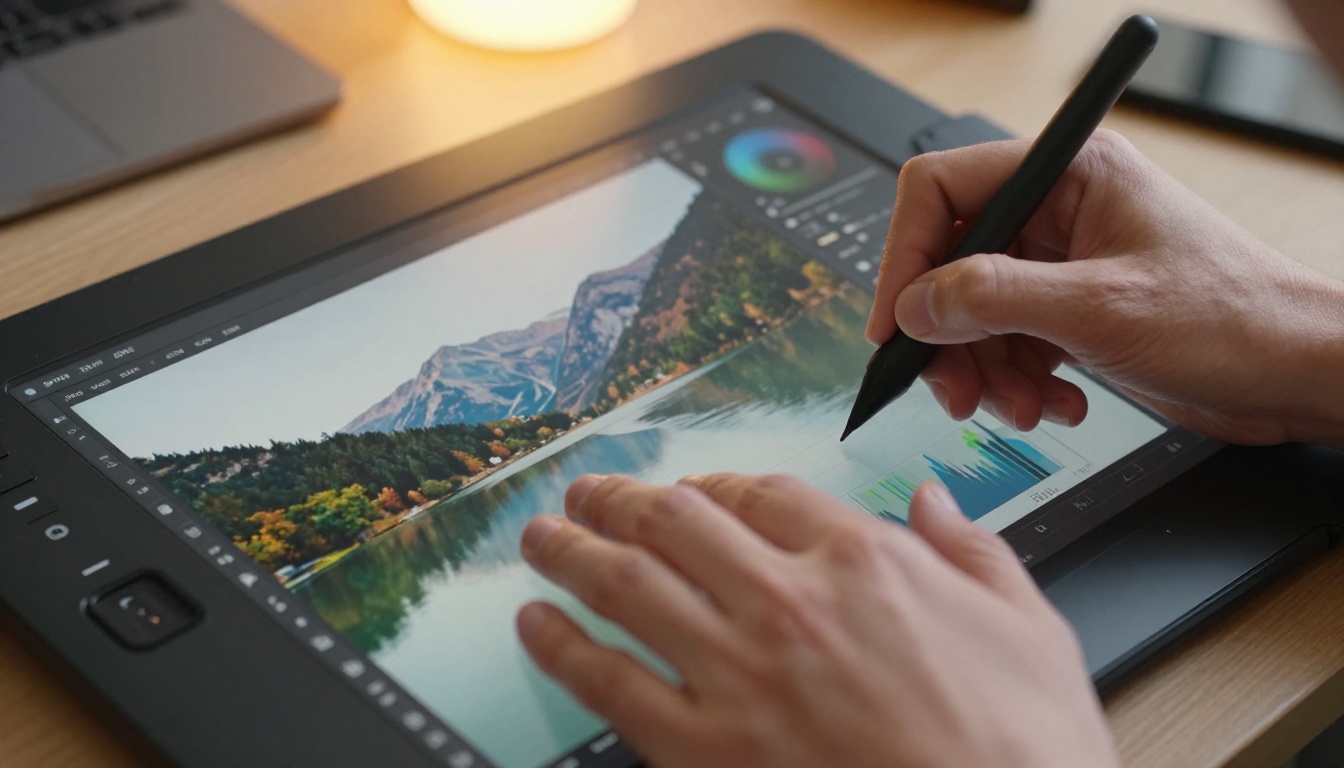
One of the less-discussed shifts in 2026 is that the line between generation and editing has blurred to the point of near-disappearing. The editing tools that used to require separate pipelines now live inside the generation step itself.
Flux Kontext and the inpainting shift
Flux Kontext Pro and Flux Kontext Max represent a specific category shift. These are not generation models with editing features bolted on. They are context-aware models that can modify any part of an existing image based on a text prompt, while holding the rest of the image intact with no visible seams.
Earlier inpainting pipelines required careful masking, multiple iterations to match the surrounding image, and usually left visible boundary artifacts. Kontext-class models understand the context of what they are editing and produce seamless results in a single pass. The practical applications include:
- Object removal or replacement without masking artifacts
- Clothing and background changes while keeping faces and structures intact
- Accurate text additions to existing images (combined with Ideogram-style text accuracy)
- Extended canvas fill with coherent, context-matched content
Context-aware edits that hold structure
Flux Depth Pro and Flux Canny Pro add structural control to the generation process. Depth-aware editing means you can apply style or content prompts that respect the three-dimensional layout of a scene, so surfaces, shadows, and spatial relationships remain correct after editing. Canny-based control locks the edge structure while restyling the surface content entirely.
For product photography, architectural visualization, and commercial work that requires specific spatial layouts, this is a qualitative improvement over what was possible with ControlNet approaches in 2024. The Flux Dev LoRA and Flux Kontext Dev LoRA further extend these capabilities for custom fine-tuning scenarios.
How these models compare at a glance
| Capability | Top Model (2024) | Top Model (2026) |
|---|
| Max resolution | ~1MP | 4MP |
| Text in images | Mostly illegible | Accurate and styled |
| Faces in multi-person scenes | One subject reliable | 2-3 subjects standard |
| Fast generation quality | Visibly lower | Near-identical to slow |
| Editing integration | Separate pipeline | Built into generation |
| Style consistency across a batch | Requires LoRA | Native in some models |
💡 The most important shift is not any single capability. It is the combination. A model that is fast, high-resolution, text-accurate, and capable of multi-subject scenes simultaneously did not exist two years ago. That combination is now the standard expectation for a top-tier model, not a list of separate specialized tools.
The Playground v2.5 Aesthetic and SDXL models that defined quality in 2024 are still available and still produce strong results for specific use cases, particularly artistic and stylized outputs. But they no longer represent the capability ceiling.
Try the 2026 generation of models on PicassoIA
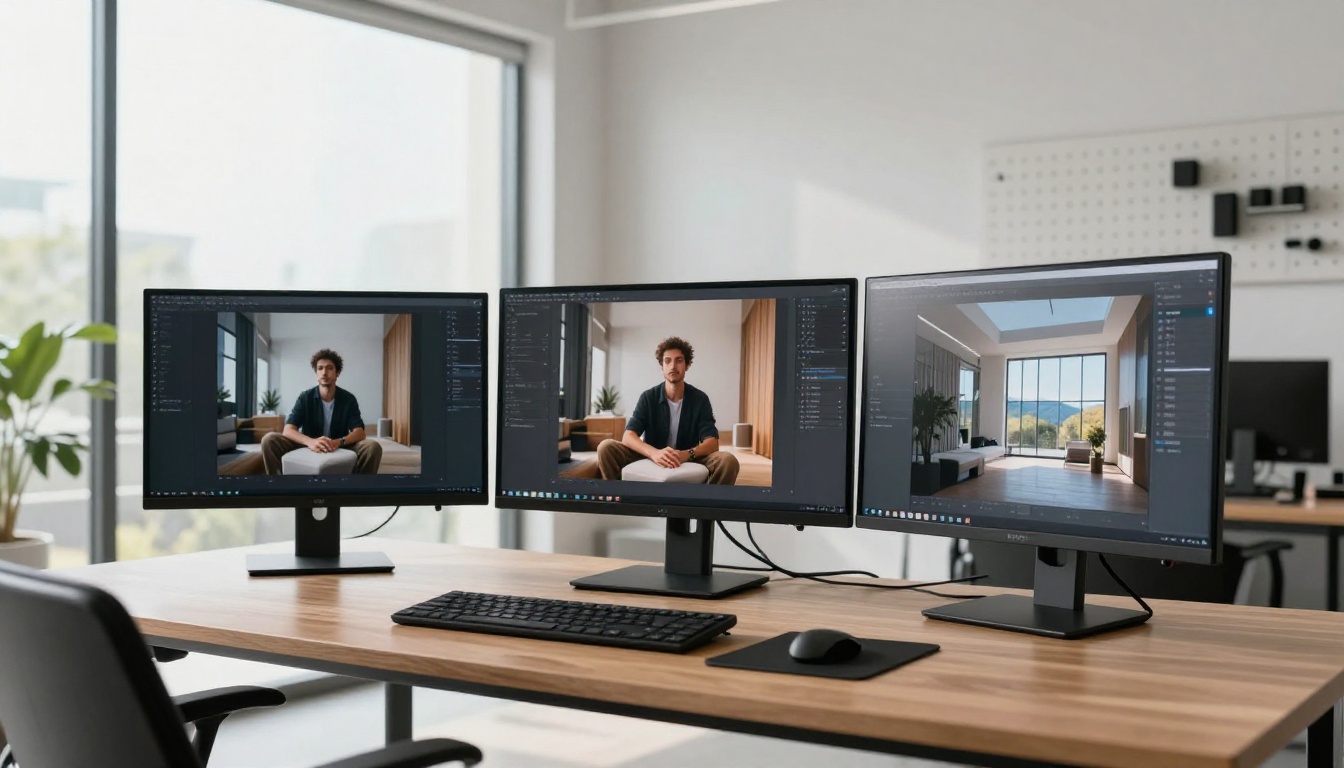
If you want to see all of this in practice without managing APIs, local compute, or model weights, PicassoIA hosts the full lineup of models discussed in this article. You type a prompt, pick a model, and generate.
For photorealistic portraits and scenes with accurate lighting, start with Flux 2 Pro or RealVisXL v3.0 Turbo. For images with readable, correctly styled text, Ideogram v3 Quality is the direct path. For 4K output without a separate upscaling step, Seedream 4.5 produces dense detail natively. For editing an existing photo with a text instruction, Flux Kontext Pro handles it in a single pass without separate masking tools.
The best way to understand how much has changed is to run the same prompt through a 2024-era model and a current one side by side. The gap is not subtle. PicassoIA's collection of 91 text-to-image models makes that comparison immediate, with no setup required. Whatever kind of images you create, the ceiling moved significantly in 2026, and the tools to reach it are already there.