Dubbed video has had a synchronization problem for decades. The mouth moves, the words come out, and somehow the two never quite match. You see it in foreign films, in corporate training videos, in social media content where the audio was swapped out after filming. The lips tell one story, the voice tells another, and your brain registers the gap immediately, even if you cannot name the exact flaw.
AI lipsync fixes that at the pixel level, not through post-production guesswork. This is not about cutting clips to hide a mismatch or nudging audio offsets by 200 milliseconds. It is about understanding every sound a person makes, predicting the exact mouth shape that sound requires, and rendering a new version of the mouth that tracks the audio frame by frame with no visible seam.
Here is exactly how it works.
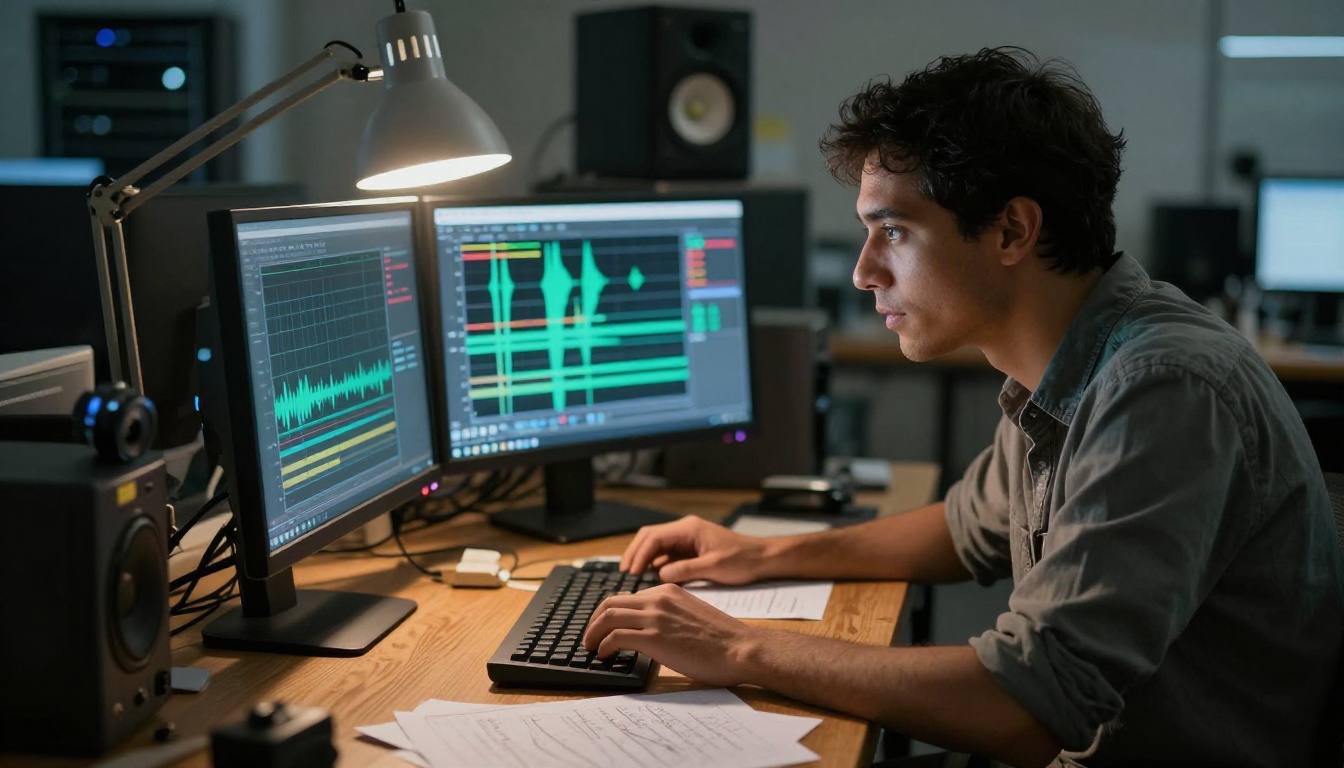
Why Dubbed Videos Look Wrong
The human brain evolved to detect vocal-facial mismatches with precision. Research in audiovisual speech perception, building on work related to the McGurk Effect, shows that we process sound and lip movement together, not as separate streams. When they diverge by even 80 to 100 milliseconds, the mismatch registers as "off" even without conscious attention.
Classic dubbing workflows translate dialogue, re-record audio with actors, and then try to match the new audio to existing mouth movement through creative editing. The results depend entirely on what the original actor's mouth happened to be doing. There is no way to change the source footage, so every syllable that does not fit gets papered over with a cut or a reaction shot.
AI lipsync does the opposite. It starts with the audio as the ground truth and generates new mouth movement to match it, regardless of what the original speaker was doing. The video identity stays intact. The context stays intact. Only the mouth changes.
💡 The difference between poorly dubbed content and professionally synced content is narrowing fast. What took a full studio post-production team a week now takes minutes with the right tools.
How the AI Reads Your Voice
Waveform to Phoneme: The First Step
Before any mouth moves, the AI has to understand what sounds are being produced. The raw audio arrives as a waveform: a time-series representation of air pressure changes captured at 44,100 samples per second in standard audio. This waveform is not directly useful for lipsync. A single amplitude peak could represent any sound.
The system runs the waveform through a speech recognition pipeline that identifies phonemes: the smallest distinct units of sound in a language. English has roughly 44 phonemes. Every word breaks down into a sequence of them. The word "mouth" contains four distinct phonemes: /m/, /aʊ/, /θ/. Each phoneme has a physical correlate in the face, a shape the lips, tongue, teeth, and jaw take together to produce that specific sound.
Mapping audio to phonemes is called forced alignment. Modern systems use transformer-based acoustic models trained on thousands of hours of transcribed speech to perform this with frame-level precision, often accurate to within 10 to 15 milliseconds.
Mel Spectrograms and Audio Fingerprints
Most lipsync models work not with raw waveforms but with mel spectrograms: 2D representations of audio where the horizontal axis is time, the vertical axis is frequency in the mel scale (which approximates human hearing), and pixel brightness represents energy intensity at each time-frequency point.
Mel spectrograms give the neural network a richer, more spatially coherent view of the audio signal. The network sees not just when sounds occur but how they transition between one another, how the formants shift as one phoneme slides into the next, and what the overall prosody and rhythm of the speech looks like across the full clip. This acoustic representation feeds into the core of the lipsync model as its primary conditioning signal throughout synthesis.
Detecting the Mouth, Frame by Frame
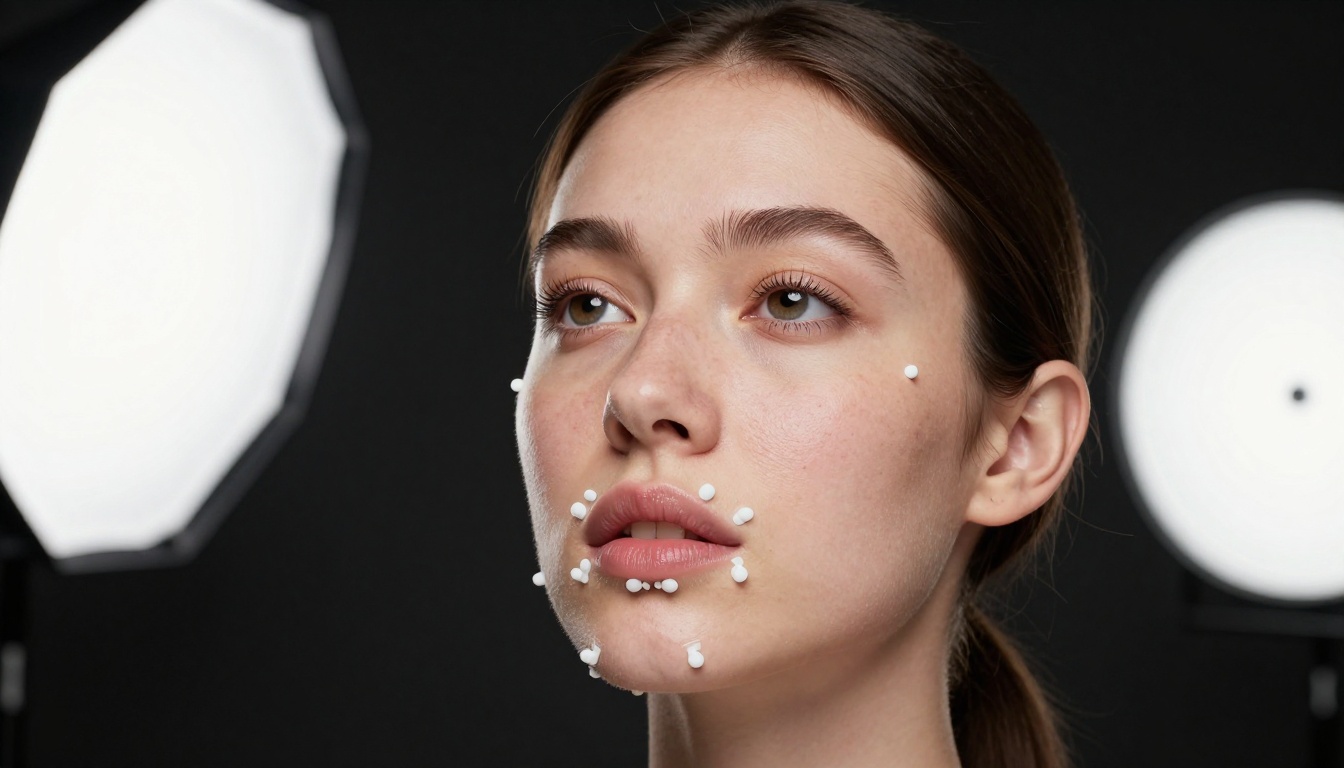
Before the AI can change a mouth, it has to know exactly where the mouth is in every frame and what it is currently doing. This goes far beyond drawing a bounding box around the lip region.
Facial Landmark Grids
State-of-the-art lipsync systems use facial landmark detectors that identify 68 to 478 precise points across the face, depending on the model architecture. The points cluster densely around the mouth region: the corners of the lips, the vermilion border, the cupid's bow, the philtrum, the spaces between teeth, and the chin line all receive individual coordinate tracking at each frame.
These landmarks are predicted per-frame using convolutional neural networks trained on large annotated face datasets. The result is a per-frame 3D mesh overlay that maps face geometry with high accuracy even as the person turns slightly, changes expression, or moves through the frame. This mesh becomes the spatial anchor that tells the synthesis stage exactly where the new mouth must sit within the face at every moment.
Jaw, Lip Corner, and Teeth Tracking
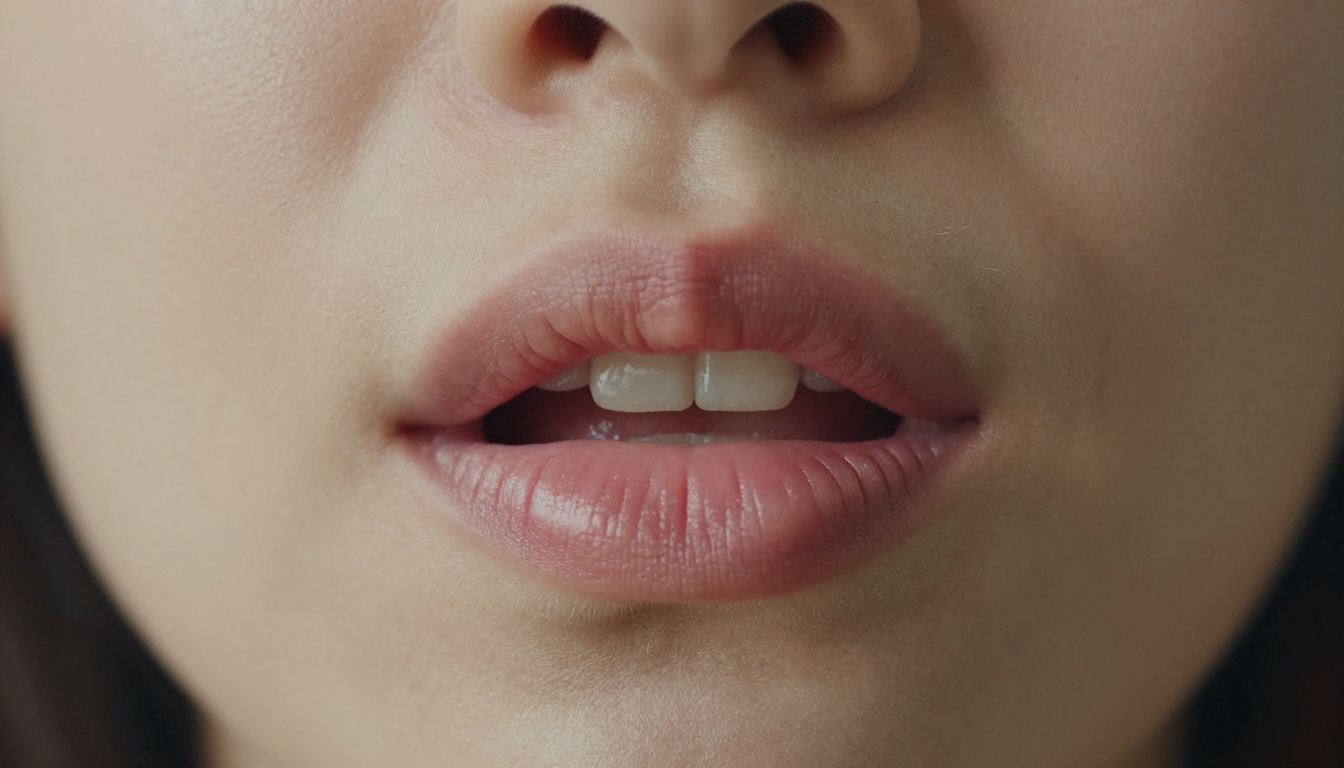
Lipsync specifically needs precise tracking of several distinct mouth components that move independently:
- Lip aperture: how open or closed the mouth is vertically at each individual frame
- Lip corner position: whether the mouth is stretched laterally or relaxed inward
- Visibility of upper and lower teeth: critical for fricatives and sibilants like /s/ and /f/
- Jaw displacement: the vertical travel of the lower jaw independent of lip shape
- Tongue position: less commonly modeled but increasingly incorporated in newer generation systems
This per-frame motion data creates a geometric reference that the synthesis stage uses as the starting structure for rendering the new mouth. Without this tracking layer, synthesized mouths drift off-face within seconds.
Synthesizing New Mouth Movement
Once the system knows the target sounds and the current face geometry, it has to generate a new mouth region that shows the correct articulation for each phoneme at each frame, rendered to match the original person's appearance.
Viseme Mapping
Visemes are the visual counterparts to phonemes. While English has 44 phonemes, the visible mouth shapes they produce cluster into roughly 14 to 21 distinct viseme categories. Many phonemes that are acoustically different look identical on the lips from a front-facing angle. The phonemes /p/, /b/, and /m/ all produce a closed-lips viseme, which is why they are famously confusable when lip-reading without audio.
The first generation of lipsync AI worked from explicit viseme lookup tables: identify the phoneme, retrieve the corresponding stored mouth image, blend it into the frame. The results were robotic, with unnatural transitions and no adaptation to speaker identity or context.
Modern systems replace that table with a learned mapping: a neural network trained on millions of synchronized audio-video pairs that has internalized the full statistical distribution of how mouths move for every sound in every context, accent, and speaker profile.
Neural Rendering and Texture Matching
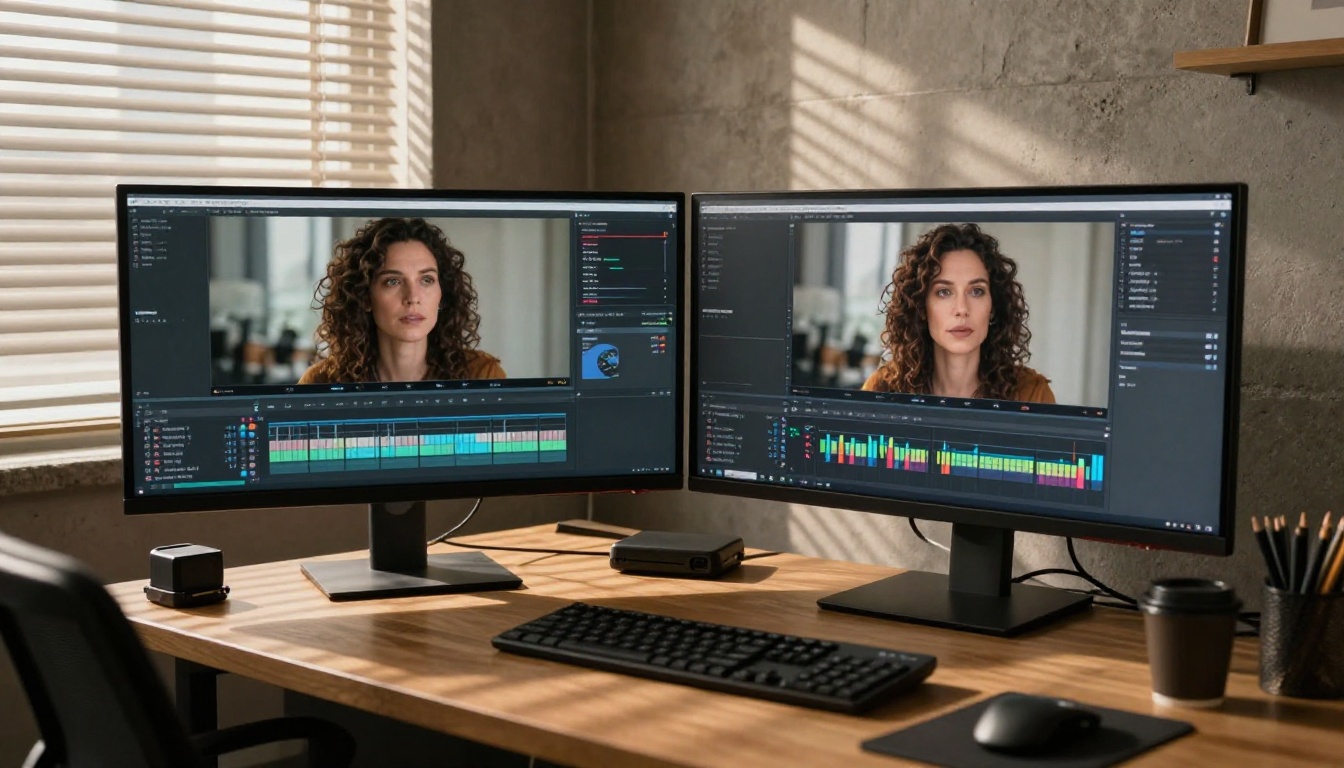
The synthesis step uses a generative model (typically a GAN or diffusion-based architecture) that takes three inputs simultaneously:
- The target audio features, encoded from the mel spectrogram slice corresponding to this moment in time
- The reference face identity, extracted as a feature embedding from the input video
- The current frame's face geometry, provided by the landmark tracker
The output is a new mouth region: a synthesized patch of video showing the correct mouth movement for that audio slice, rendered in the visual style and texture of the original person's skin under the original lighting conditions of the source footage.
The central challenge is texture consistency. The synthesized mouth patch must match the surrounding skin tone, the direction and quality of the existing lighting, the grain and pore structure of the skin, and any motion blur present in the original frame. The best models handle this using identity encoders that extract a high-dimensional feature embedding from the source face and condition the renderer on it throughout the entire synthesis pass.
| Component | Function | Why It Matters |
|---|
| Acoustic Encoder | Converts audio slice to feature vectors | Determines the correct mouth shape per frame |
| Identity Encoder | Captures the speaker's visual appearance | Preserves who the person looks like |
| Landmark Tracker | Maps face geometry at each frame | Anchors the synthesized mouth in the correct position |
| Neural Renderer | Synthesizes the new mouth region | Produces photorealistic output |
| Temporal Smoother | Removes frame-to-frame jitter | Prevents flickering and motion artifacts |
Temporal Alignment: The Hardest Part
Getting a single frame to look right is a tractable problem. Getting 30 frames per second to look right, in smooth motion, with no flickering or identity drift across the full length of a clip, is where most lipsync systems reveal their actual limitations.
Frame Rate Mismatches
Audio exists in continuous time. Video exists in discrete frames. When the audio says the mouth should be at a specific aperture position at 1.033 seconds, the nearest video frame might be at 1.033 seconds (30fps) or at 1.025 seconds (40fps). This small discrepancy compounds across long clips, producing subtle but visible timing drift.
Advanced systems handle this with sub-frame interpolation: generating intermediate mouth states between rendered frames and compositing them with appropriate motion blur to create the appearance of smooth, physically continuous movement that does not stutter at frame boundaries.
Keeping Identity Intact
Identity drift is a subtle but significant failure mode that shows up in longer clips. After several seconds of neural-rendered mouth patches, the face can begin to look marginally different from the original: the skin slightly warmer in tone, the teeth a fraction whiter, the lip contour minimally reshaped. Small per-frame errors accumulate into visible divergence over time.
The best current models apply a perceptual identity loss function during training that penalizes any deviation from the source identity across a batch of frames. At inference time, they also apply periodic realignment that compares each rendered patch against the source identity embedding and nudges it back toward the original appearance.
💡 Temporal consistency is what separates consumer-grade lipsync from professional results. The difference is often invisible in a single still frame and immediately obvious the moment the video plays at full speed.
Real-Time vs. Post-Production Lipsync
There are two distinct deployment contexts for AI lipsync, and they involve fundamentally different technical tradeoffs between quality and speed.
Real-time lipsync runs during live streams, video calls, or interactive sessions. It must process audio and render modified video output with less than 100 milliseconds of end-to-end latency, often on consumer-grade hardware without dedicated GPU resources. To meet this constraint, real-time systems use smaller model architectures, lower resolution mouth regions, and aggressive temporal smoothing that accepts some accuracy loss in exchange for speed. Primary applications include live virtual avatars, interactive game characters, and virtual presenter pipelines.
Post-production lipsync runs offline on pre-recorded content. Latency has no relevance. The system can use much larger models, run multiple passes over any segment that shows artifacts, apply iterative refinement at full resolution, and take as long as necessary to produce the best output. This is the mode used for professional film dubbing, corporate video localization, and high-quality social content creation.
Most of the models available on PicassoIA operate in post-production mode, which means the quality ceiling is substantially higher than what you encounter in consumer live avatar applications.
The Best Lipsync Models on PicassoIA

PicassoIA hosts 12 lipsync models covering different providers, quality tiers, and specific use cases. Here are the standouts worth knowing for each scenario.
Sync Lipsync 2 Pro
Sync Lipsync 2 Pro is the premium offering from Sync, one of the most technically focused lipsync providers in the market. It handles difficult articulation cases including teeth visibility on wide-open vowels, lateral consonants, and rapid phoneme transitions that trip up less sophisticated models. Output quality at full resolution is broadcast-ready and holds up well on tight close-up face footage where any artifact is immediately visible.
HeyGen Lipsync Precision
HeyGen Lipsync Precision runs deep phoneme analysis on the input audio before synthesis begins, making temporal alignment unusually tight across the full clip. It is particularly strong for voiceover-to-face sync where the replacement audio was recorded independently and has no inherent timing relationship with the original video.
Kling Lip Sync
Kling Lip Sync from Kwaivgi applies lipsync as part of a broader video understanding pipeline that models the full body context. It handles head motion and environment better than pure mouth-region systems, making it the right choice for footage where the speaker is actively moving during delivery rather than speaking directly to camera.
ByteDance Omni Human 1.5
ByteDance Omni Human 1.5 animates a static photograph into a full talking video using only an audio input. This is a harder problem than syncing existing footage because the model must also generate natural head movement, eye blinking, and micro-expressions entirely from scratch with no motion reference. The results are unusually natural for a photo-to-video pipeline and work well for avatar and presenter creation workflows.
Other strong options available on the platform include Sync Lipsync 2 for high-quality sync at a step below Pro tier, HeyGen Lipsync Speed when processing time is a priority, Pixverse Lipsync for instant audio-to-video sync, VEED Fabric 1.0 for making photos talk, Sync React 1 for realistic additions to existing footage, and HeyGen Video Translate when the goal is multilingual dubbing across 150 or more languages. For fully animated talking avatars starting from a still image, P Video Avatar and ByteDance Omni Human complete the collection.
How to Use Lipsync 2 Pro on PicassoIA

Sync Lipsync 2 Pro is the recommended starting point for professional results on existing footage. Here is exactly how to run it from start to finish.
Step 1: Prepare your assets. You need two files: a video of the person whose mouth you want to sync, and an audio file containing the target speech. The video should be at least 720p with a clear front-facing view of the speaker. The audio should be clean with minimal background noise, reverb, or heavy dynamic compression.
Step 2: Open the model. Go to Sync Lipsync 2 Pro on PicassoIA and click "Try Now" to open the interface.
Step 3: Upload the video. Use the video upload field to provide your source footage. The model accepts MP4, MOV, and WebM formats. Clips under 3 minutes process fastest and most reliably on a first pass.
Step 4: Upload the audio. In the audio input field, provide your target speech file. MP3, WAV, and M4A all work. Audio duration should approximately match the video length for the cleanest composite output.
Step 5: Set the sync strength. Most interfaces expose a sync strength or intensity parameter. Start at 0.8 as your baseline. Higher values produce tighter sync but can introduce occasional texture artifacts at extreme mouth apertures. Lower values blend more of the original mouth movement into the result, which helps when the replacement audio is closely related to the original.
Step 6: Generate and review. Processing typically takes 30 to 90 seconds depending on clip length. When reviewing the output, focus first on stop consonants (/b/, /p/, /m/) and sibilants (/s/, /z/), since these are the most visually distinct phoneme categories and the places where misalignment becomes most visible to a viewer.
Step 7: Iterate if needed. If specific sections look off, note the exact timestamps and re-run with slightly adjusted sync strength. For professional projects, a second pass over flagged segments at maximum quality settings is standard practice and adds only a small amount of additional processing time.
💡 Clean audio is the single biggest factor in final output quality. Noise, reverb, and heavy compression artifacts all degrade phoneme detection accuracy before the synthesis stage even begins. Pre-process your audio with a noise reduction pass if the recording environment was less than ideal.
Where the Tech Still Struggles
AI lipsync has improved dramatically over the past two years, but specific scenarios still expose real limitations worth knowing before you commit to a workflow.
Extreme head angles remain problematic for nearly all current models. When a speaker turns more than 40 to 45 degrees away from a camera-facing position, facial landmark detection degrades and the synthesized mouth patch no longer aligns cleanly with the cheek and jaw geometry at the edges of the face. Most professional content avoids this through shot selection.
High-speed speech presents timing challenges because rapid speakers produce phoneme transitions in under 50 milliseconds, which can fall between video frames at 24fps. Some phonemes get skipped or temporally smeared in the output, producing subtle articulation errors on the fastest syllables.
Unusual accents and vocal textures expose gaps in training data. Models trained predominantly on standard American or British English still show quality degradation on the specific phoneme distributions of other languages and regional dialects. This is narrowing as training datasets expand globally, but it remains a visible quality gap for non-standard speech.
Wide-open vowels and teeth visibility remain a common artifact source. When a mouth opens at full aperture, the AI must synthesize a convincing view of upper and lower teeth simultaneously, tongue position, and the oral cavity at depth. This is a high-variation area that generative models still occasionally misrender, producing slightly off teeth shapes or unnatural tongue positions.
Ready to Sync Your First Video?

The mechanics of AI lipsync are complex, but using the tools built on top of them does not have to be. Every model on PicassoIA abstracts the acoustic analysis, landmark tracking, and neural rendering pipeline into a simple two-upload interface: your video, your audio, and a button.
If you have footage that needs dubbing into another language, an avatar that needs to deliver a script, a presentation where audio was recorded separately from the video, or a social media clip that needs retranslation for a new audience, there is a model on PicassoIA built for that exact case.
Start with Sync Lipsync 2 Pro for the highest quality results on existing footage with a separate audio track. Try ByteDance Omni Human 1.5 if you want to animate a single photograph into a full talking video without any source footage at all. Use HeyGen Video Translate when the goal is dubbing into a new language with precisely matched mouth movement across 150 or more target languages.
The voice-to-mouth gap that made dubbed content frustrating for decades is now a solvable problem with the right tools. Upload your files and see how precisely the two can align.


