There's a moment every photo editor knows well: you've selected the background, hit delete, and where once you expected a clean cutout, you find a fringe of wrong-colored pixels clinging to every strand of hair. That problem, which once cost hours of manual work with a Wacom tablet, now takes an AI model less than a second to solve. The real question is how. What is actually happening inside these models to produce a cut so clean it looks professionally retouched?
This article breaks down the science, the architecture, and the practical reality of modern AI background removal. Not in abstract terms, but in the actual mechanics that make precision possible at a level most photographers assumed required human hands.
What Makes AI Background Removal Different
The Old Way vs. The AI Way
Before neural networks entered photo editing, background removal relied on one of three approaches: color-based selection (magic wand tools that detected color ranges), path-based selection (manually drawing a vector path around the subject), or green-screen matting (shooting against a uniform color specifically to separate it later).
Each method had a fundamental flaw. Color selection failed the moment subject and background shared similar tones. Path-based work was accurate but brutally slow. Green-screen required controlled shooting conditions most photographers simply don't have.
AI background removal sidesteps all three constraints. It doesn't look for a background color. It doesn't trace edges manually. It doesn't need special shooting conditions. Instead, it analyzes the content of the image and decides what's subject and what's background, the same way a human eye does, but with mathematical certainty applied at the pixel level.
| Method | Speed | Edge Quality | Setup Required |
|---|
| Magic Wand | Fast | Poor | None |
| Manual Path | Slow | Excellent | None |
| Green Screen | Medium | Good | Yes |
| AI Model | Instant | Excellent | None |
Why Edges Were Always the Hard Part
The difficulty with background removal has never been the center of the subject. Nobody struggles to erase the sky behind a mountain. The problem is always the edges: the place where subject and background meet, overlap, and blend at a sub-pixel level.
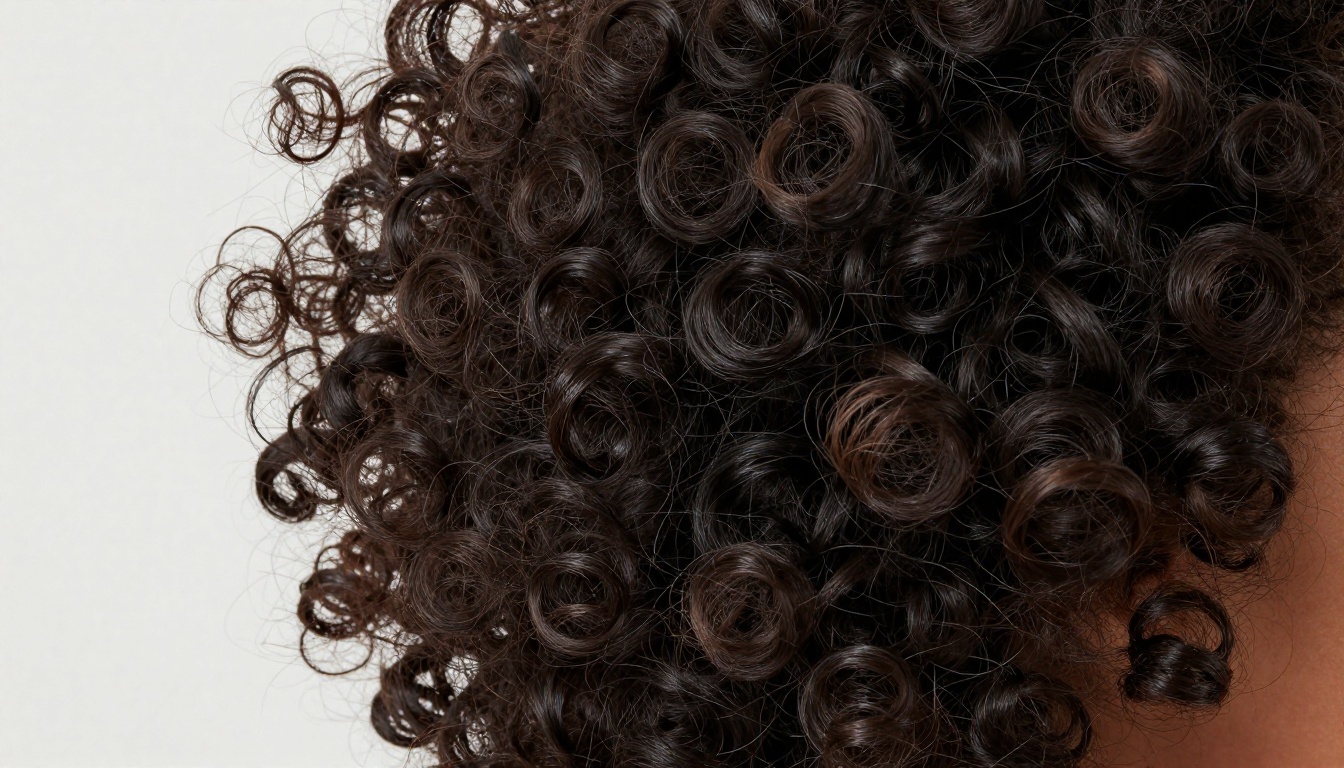
Hair is the most extreme example. A single strand can be one pixel wide, semi-transparent at its tip, and surrounded by bokeh from a completely different background color. No color-selection algorithm handles this cleanly because the hair pixel is often a mathematical blend of both subject and background values. That ambiguity is precisely what AI models were built to resolve.
The Core Tech Inside Every AI Cutout
Semantic Segmentation, Simply Put
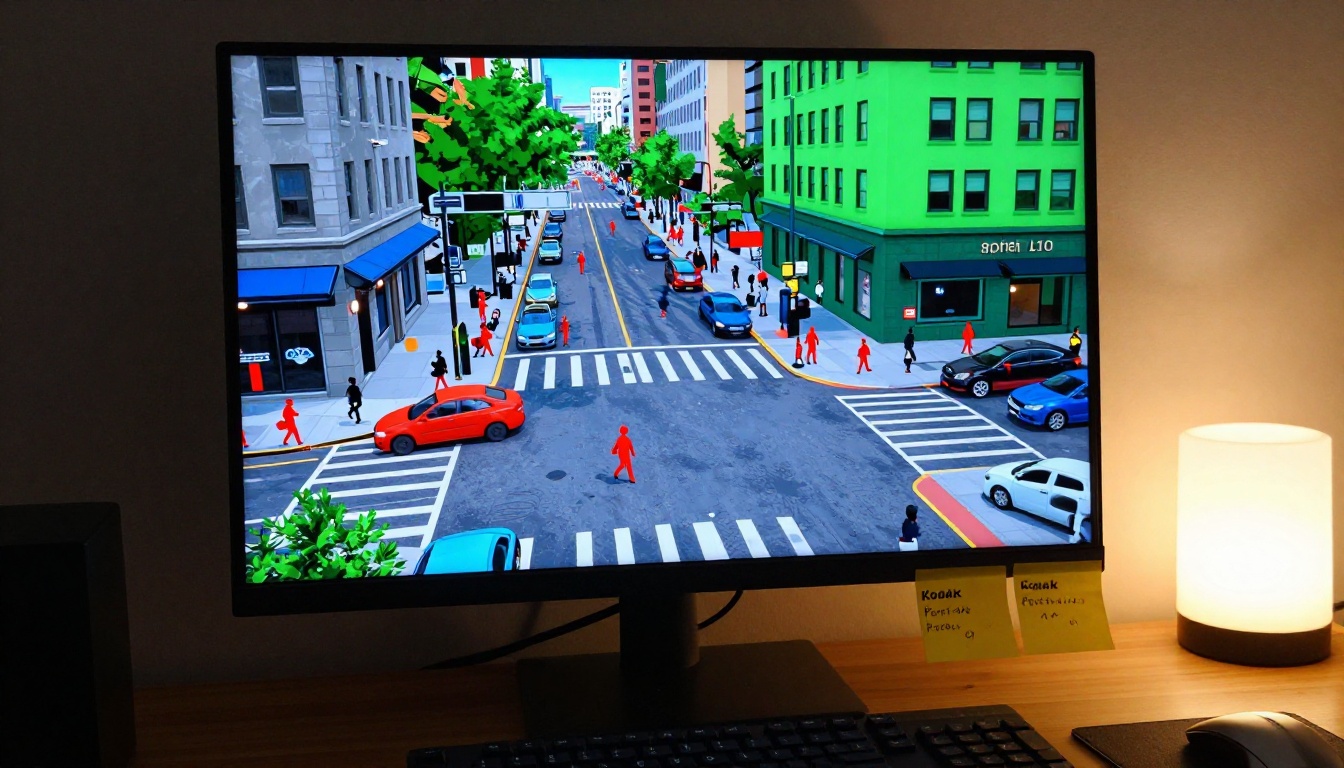
The foundational task powering AI background removal is called semantic segmentation. Rather than treating a photo as a grid of colors, the model treats it as a grid of meaning. Every pixel gets classified: is this pixel part of a person? A sky? A car? A dog?
Segmentation models are trained on millions of images where humans have manually labeled every pixel by category. After processing enough labeled examples, the neural network builds statistical patterns that allow it to assign labels for pixels it has never encountered before.
The output is a mask: a binary or greyscale image the same size as the input, where white means "foreground" and black means "background." That mask is then applied to your photo to produce the transparent cutout.
Neural Networks and Pixel Classification
The specific architecture most background removal models use is called a fully convolutional network (FCN) or one of its descendants, like U-Net or SegFormer. What makes these architectures special is that they process images at multiple scales simultaneously.
Early layers detect low-level features: edges, gradients, color transitions. Deeper layers combine those features into higher-level representations: this cluster of edges and skin tones is probably a face; this collection of thin curved gradients is probably hair. The network then works backwards from that high-level interpretation, passing information back to the pixel level to finalize each pixel's classification.
This encoder-decoder structure is what allows the model to be correct at the macro level (it knows a person is present) while simultaneously being precise at the micro level (it knows exactly which pixel is the last one that belongs to that person).
💡 Skip connections in U-Net preserve high-resolution detail from early network layers and bring it back to the output stage. Without them, fine detail like individual hair tips would be smoothed out by the depth of processing.
Alpha Matting: The Edge Secret
Binary segmentation (hard white/black masks) produces clean results in the center of a subject but creates jagged, artificial-looking edges. The technique that solves this is called alpha matting.
Instead of assigning each pixel a value of 0 or 1, alpha matting assigns values between 0 and 1. A pixel that is 40% subject and 60% background gets an alpha value of 0.4. When this semi-transparent mask is applied to the image, the result respects the natural blending that exists at every real-world edge.
This is why AI-removed hair looks real rather than cut with scissors. Individual strands are assigned fractional alpha values that preserve their natural transparency and color blending with whatever new background they're placed against. Modern models combine segmentation with a learned matting refinement step: the segmentation pass identifies the general subject area, and the matting pass zooms in on uncertain edge regions to refine each pixel's alpha value with high precision.
How AI Models Train on Millions of Photos
What Training Data Looks Like
A background removal model develops its abilities from examples. Those examples are images paired with manually created alpha mattes: pixel-perfect masks made by professional retouchers, sometimes requiring hours per image to produce correctly.
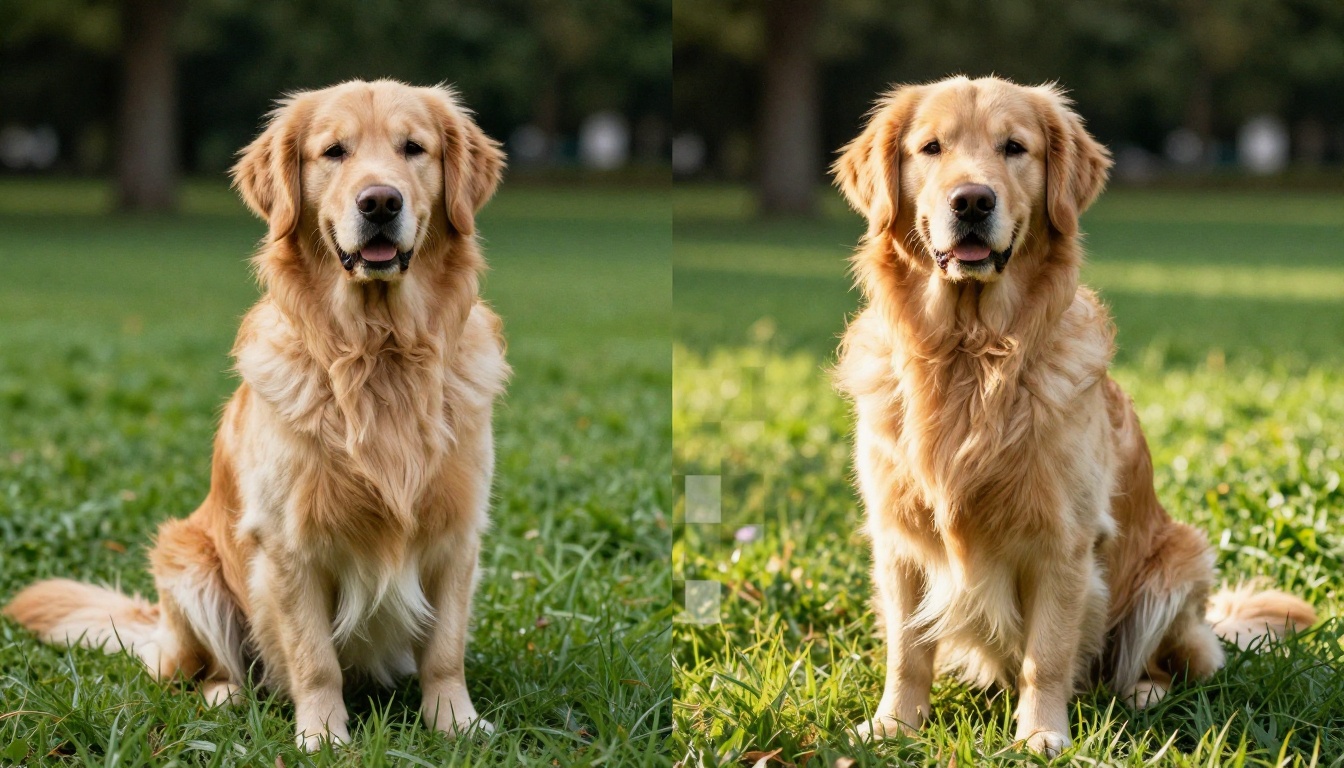
Datasets like DUTS, Human Matting, and PhotoMatte contain tens of thousands of such image-mask pairs. The model trains by comparing its predicted mask to the ground-truth mask and adjusting its internal weights to reduce the difference between them.
After enough training steps, the model generalizes. It no longer needs to have seen a specific person, animal, or product before. It has built an internal representation of what "foreground" looks like in visual terms, and it applies that representation to any new image.
Data augmentation is also critical during training. The same image gets presented to the model with different crops, flips, brightness levels, and contrast variations. This forces the model to focus on structural and semantic features rather than memorizing specific pixel patterns, which is what makes it work reliably on photos it has never seen before.
Hair and Fur: The Real Benchmark
In background removal research, performance on hair is the standard test for whether a model is genuinely capable. Anyone can cut out a car or a building. The real benchmark is a woman with flyaway hair against a bright window, or a cat with translucent fur tips against a patterned rug.
Models that handle hair well have been trained on targeted datasets that oversample these difficult cases. They've also been trained with loss functions that penalize mistakes at hair edges more severely than mistakes in the middle of large, uniform regions.
The result is a model that has developed specific sensitivity to the visual patterns of hair: thin parallel structures, gradual opacity changes, high-frequency texture contrasts at the tips. This sensitivity is what produces the clean cutouts that look professionally retouched.
Where Background Removal Gets Used
E-Commerce Product Photos
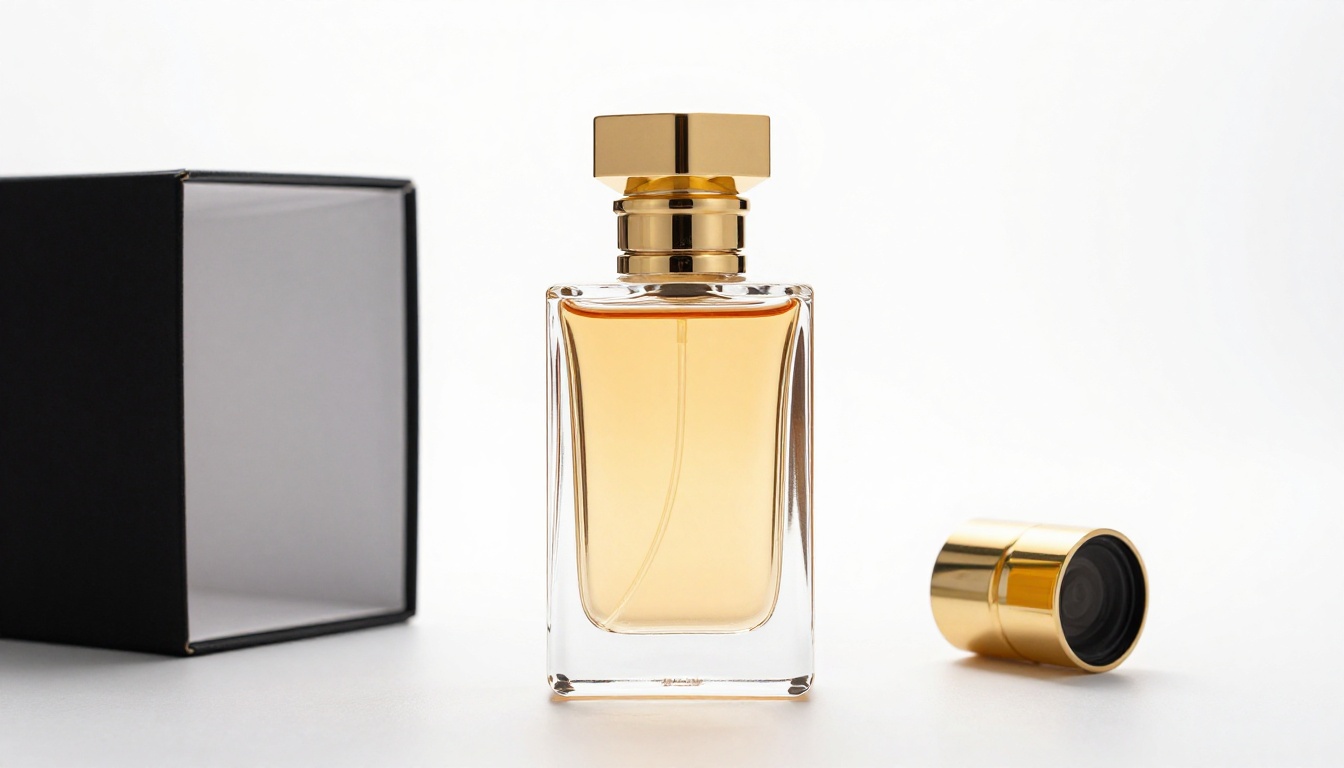
The biggest commercial application of background removal is product photography. Every online retailer needs product images on white or transparent backgrounds. Traditionally, this meant hiring retouchers to manually cut out every SKU, with large catalogs costing thousands of dollars and weeks of processing time.
AI background removal has reduced that workflow to minutes. A batch of 500 product images can be processed automatically in the time it once took to manually cut out a single complex item. The quality is consistent, the cost is a fraction of manual work, and the transparent PNG output drops directly into any website layout without additional processing.
Portrait and Headshot Photography
Professional headshots and LinkedIn portraits often need a clean background replacement. Whether a corporate client wants a white background or a custom branded color, the subject needs to be cleanly isolated first.
AI background removal handles portraits with high reliability because human faces and bodies are the most heavily represented category in training data. The model has processed millions of people in millions of lighting conditions and has built robust representations of human anatomy that make foreground extraction reliable even on complex hair, beards, or fine fabric details at the clothing edge.

Creative Photo Compositing
Beyond functional use cases, background removal is a powerful creative tool. Photographers composite subjects onto entirely different backgrounds, dropping a studio portrait into a dramatic landscape, or placing a product shot against a lifestyle context it was never photographed in.
The cleaner the initial cutout, the more convincing the composite. When the alpha matte accurately preserves semi-transparent edges like hair or delicate fabric, the composited result respects natural lighting blending and looks photographic rather than pasted together.
How to Remove Backgrounds on PicassoIA
PicassoIA offers Bria Remove Background as its dedicated background removal model. Built on a high-performance segmentation architecture fine-tuned for commercial applications, it produces clean alpha mattes suitable for professional e-commerce, portrait, and creative work.
Step by Step with Bria Remove Background
Using Bria Remove Background takes seconds:
- Open the model page: Go to the Remove Background collection on PicassoIA.
- Upload your image: Drop your photo directly from your device. JPEG and PNG are both accepted.
- Run the model: Click generate. Processing completes in seconds and returns a PNG with a transparent background.
- Download the result: Save the transparent PNG for immediate use in any design tool, e-commerce platform, or compositing workflow.
No settings to configure, no parameters to adjust for standard cases. The model handles the complexity internally.
Tips for the Best Results
- Shoot with tonal contrast: The cleaner the tonal difference between subject and background in the original photo, the better the AI performs. Flat grey-on-grey images are harder than a subject placed against a clearly lighter or darker backdrop.
- Use high-resolution inputs: Feed the model the highest resolution version of your image. More pixels at the edge give the matting refinement step more data to work with.
- Check edges at 100% zoom: Always inspect hair and fabric edges after processing. For most images the result is perfect; for very complex shots you may want brief touch-up in a photo editor.
- Even lighting helps: Subjects lit with flat, diffused light produce cleaner edges than dramatic rim-lit or backlit subjects where the edge of the subject approaches the brightness of the background.

What Still Trips AI Up
Challenging Scenarios
Despite how far background removal has come, certain image types still push models to their limits:
- Glass and transparent objects: A wine glass is partially transparent, so there is no clear foreground boundary. Models often clip part of the glass or leave background artifacts showing through the transparent material.
- Similar-tone subject and background: Dark hair against a dark background (a brunette in front of wood-paneled walls) lacks the tonal contrast that helps the matting step work precisely.
- Motion blur: A photo taken with a slow shutter and a moving subject creates intentionally blurred edges. Those pixels are genuinely ambiguous, and even human retouchers struggle with them.
- Camouflage-like clothing patterns: Clothing that blends with the background (a floral dress in a garden) creates regions where the model cannot determine where subject ends and background begins.
- Semi-transparent fabrics: Sheer, lace, or mesh fabrics where the background shows through require fractional alpha values across large subject areas, which strains models trained primarily on opaque objects.
How to Work Around Them
Most of these edge cases respond to simple shooting adjustments rather than post-processing tricks. Shoot glass against a clean backdrop with strong tonal separation. Use a reflector to add contrast to dark-on-dark situations. Freeze motion with a faster shutter speed. These are the same principles photographers already apply to controlled studio work, just applied to any natural background.
When the original shot cannot be adjusted, running AI output through brief manual refinement takes far less time than starting from scratch. The AI gets you 95% of the way there; a minute of edge brushwork handles the rest.

See It Work on Your Own Photos
The fastest way to genuinely appreciate what AI background removal can do is to run it on a photo you've personally tried to cut out by hand. Pull up an image with complex hair or detailed fabric edges, the kind that would have taken 30 minutes in Photoshop, and drop it into Bria Remove Background on PicassoIA.
The gap between what you expected and what you get back is the clearest illustration of everything described in this article. Every clean edge, every preserved hair strand, every accurate alpha value is the product of millions of training images and years of architecture refinement, compressed into a result that appears in seconds.
Beyond background removal, PicassoIA offers a full set of image editing capabilities. The super resolution category upscales images to higher quality without artifacts. The text-to-image collection gives you 91 models for creating new visuals from written descriptions. Background removal is one tool in a larger creative workflow, and the rest of the platform is built to the same standard of precision.
Start with one photo, one background, and one click.