You have seen it before: a still portrait that suddenly blinks, hair that begins to sway, a frozen ocean sunset that ripples into motion. AI-powered photo animation has crossed from novelty into genuinely useful territory, and the results are getting harder to distinguish from real footage. Understanding exactly what happens when software takes a single flat image and produces seconds of believable movement gives you a real edge in using these tools effectively.
This article breaks it all down completely, from the physics of depth estimation to the specific steps that produce great results with image-to-video models available right now.
What's Actually Happening Inside the Model
Photo-to-video AI is not playing back footage that was recorded. It is synthesizing entirely new frames based on what the model has learned about how the physical world moves. Every frame after the first is a prediction, not a recording. This distinction matters because it explains both the power and the current limits of the technology.
Reading Depth from a Flat Image
The first challenge any image-to-video model faces is that a photograph is two-dimensional. To animate it convincingly, the model needs to infer a third dimension: which parts of the scene are closer, which are farther away, and how they would move relative to each other.
Modern models accomplish this through a process called monocular depth estimation. By analyzing shadows, edge sharpness, color temperature shifts, and learned priors from millions of real photographs, the AI constructs an implicit depth map of the scene without ever receiving explicit 3D data. This is why a portrait shot with a shallow depth of field animates far more convincingly than a flat, evenly-sharp photograph: the existing blur gives the model strong, reliable depth cues to work with.
💡 Tip: Photos taken with a telephoto lens (85mm or longer) at f/2.8 or wider almost always animate better because the natural background separation gives the model richer depth information to reason from.
Predicting Motion, Not Recording It
Once the model has a rough sense of depth, it begins the actual generation process: predicting how each region of the image would plausibly move over time. This is not rule-based physics simulation. It is a learned probabilistic process.
Video diffusion models are trained on enormous datasets of real video footage. Through this training, they internalize patterns: hair moves in smooth arcs when there is wind, water surfaces ripple outward from disturbances, fabric folds shift when a body moves beneath them. When the model sees a still image of a woman standing near the ocean, it does not "calculate" wave motion; it recalls the statistical distribution of how ocean surfaces have moved in every video it has ever processed, and it samples from that distribution to generate new frames.
The result is temporal consistency: a video where frames feel connected to each other rather than randomly flickering. Getting this right was the hardest engineering problem in image-to-video AI, and the models available today have made remarkable progress on it.
The 3 Core Approaches to Photo-to-Video AI
Not all photo-to-video models work the same way. There are three dominant technical approaches, each with distinct strengths.
Diffusion-Based Animation
This is the most common architecture. A diffusion model trained on video data receives the source image as a conditioning signal and generates frames by iteratively "denoising" random noise into coherent video output. Models like Wan 2.7 I2V, Wan 2.6 I2V, and Wan 2.5 I2V Fast use this approach.
The main advantage is quality: diffusion models produce rich detail and naturalistic motion. The trade-off is inference time, which can range from 30 seconds to a few minutes depending on the model size and the platform running it.
Flow Matching and Temporal Coherence
Newer models are increasingly adopting flow matching, a training objective that makes the generation process more efficient without sacrificing quality. Models like Kling v2.6 and Kling v2.1 benefit from this kind of optimization, which means they can produce high-fidelity 1080p video from a single photo with fewer generation steps and faster overall output.
Flow matching models tend to have stronger temporal consistency because the training signal more directly penalizes frame-to-frame inconsistency, leading to smoother, more believable motion across the entire clip.
Reference-Guided Generation
Some models take a different angle: rather than purely conditioning on the source image, they use it as a reference frame and generate motion that wraps around the original content. Wan 2.7 R2V and Kling v2.6 Motion Control fall into this category.
These models give you finer control over what moves and how much. They are especially useful when you want specific parts of the image to animate while others stay stable: think a portrait where only the hair and eyes move, or a landscape where only the water surface animates while the sky stays completely still.
Why Some Photos Animate Better Than Others
The model does the heavy lifting, but the source image quality has an enormous impact on the output. Here is what actually matters.
Lighting and Depth Cues
Images shot in flat, even lighting with no directional shadows are harder to animate convincingly. The model struggles to infer depth because there are no visual anchors to work from. By contrast, images with strong directional lighting, visible shadows, and natural bokeh give the model rich spatial information that translates directly into more coherent motion.
What animates well:
- Golden hour portraits with warm, directional side lighting
- Outdoor shots with natural, subject-isolating depth of field
- Images with a clear foreground, midground, and background separation
- Subjects with organic textures: hair, fabric, water, foliage
What animates poorly:
- Flash photography with flat frontal lighting and harsh shadows
- Uniformly sharp images where near and far elements look equally in-focus
- Images with complex, cluttered backgrounds at the same focal plane as the subject
- Photos with significant compression artifacts or heavy JPEG quality degradation
Resolution and Subject Matter
The model needs enough detail to work with. Images below 512px on the short side often produce soft, inconsistent results. The sweet spot for most image-to-video models is 1024x576 for 16:9 content or 768x768 for square output.
Subject matter plays a significant role as well. Organic subjects like people, hair, water, fabric, and foliage animate exceptionally well because the training data contains abundant examples of how these things move in real life. Hard geometric objects like buildings, text, or rigid machinery can be harder, since the model may introduce subtle warping artifacts when it attempts to generate motion for objects it has rarely seen animated in training.
💡 Tip: Portraits and nature shots are your best starting point when you are new to photo animation. They consistently produce the most natural-looking results with the least parameter tuning required.
How to Use Wan 2.7 I2V on PicassoIA
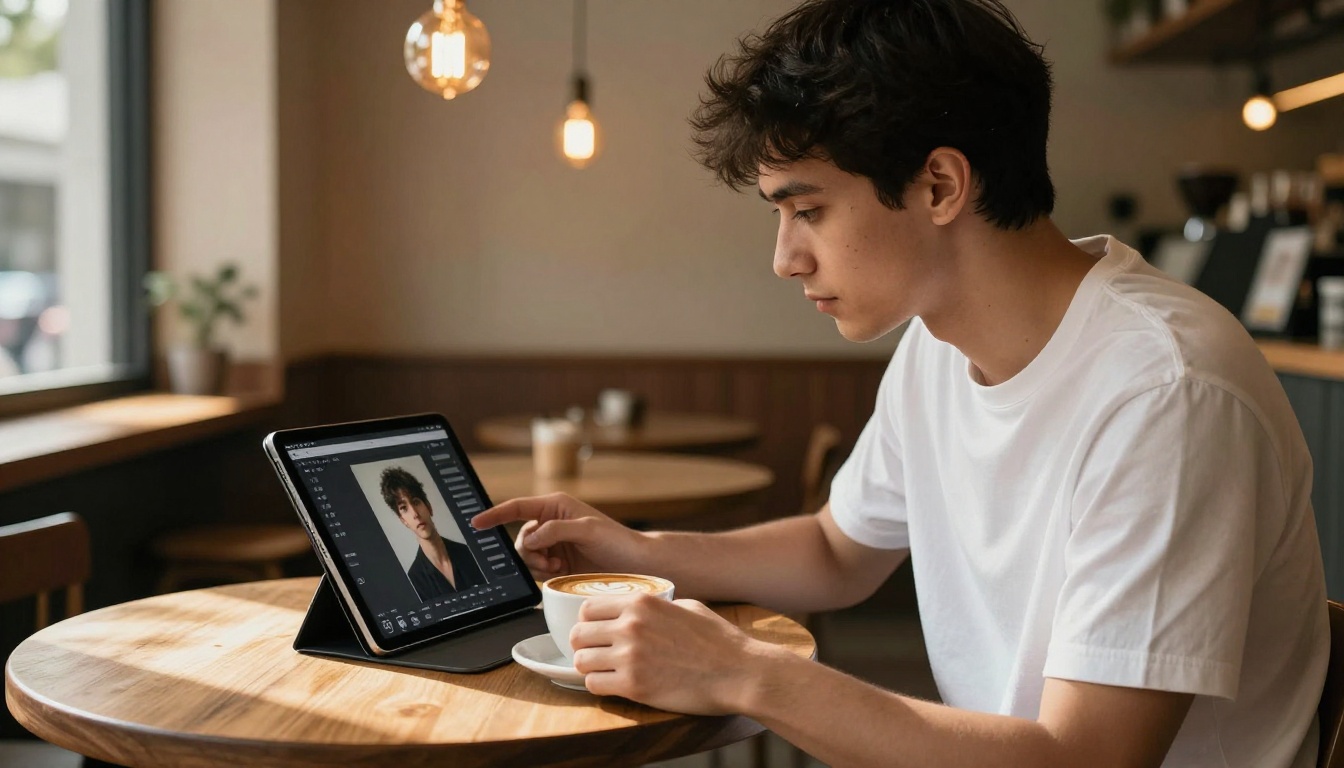
Wan 2.7 I2V is one of the most capable image-to-video models available, producing high-resolution animated video from a single still image with strong temporal consistency and natural motion. Here is how to get the best results with it on PicassoIA.
Step 1: Pick the Right Photo
Start with a high-resolution image (at least 1024px wide) with clear subject matter and natural depth of field. Portraits work exceptionally well. Make sure the image features directional light rather than flat flash photography. The more depth information visible in the composition, the more the model has to work with during frame synthesis.
Avoid images with heavy text overlays, cluttered backgrounds at the same focal depth as your subject, or extreme close-ups that show only a partial face without any environmental context for the model to animate.
Step 2: Write a Motion Prompt That Works
This is where most people make their biggest error. A motion prompt for an image-to-video model is not a description of the scene. It is a description of the movement you want to see. The model already knows what is in the image. Tell it what should move and in which direction.
| Weak Prompt | Strong Prompt |
|---|
| "A beautiful woman at the beach" | "Hair gently blowing in a sea breeze, waves rolling softly in the background" |
| "A portrait photo" | "Subtle eye blinks, slight head tilt right, soft natural breathing motion" |
| "Outdoor scene with trees" | "Leaves rustling in wind, dappled sunlight shifting slowly across the ground" |
| "Coffee cup on a table" | "Steam rising gently from the cup, subtle condensation on the ceramic surface" |
The more specific you are about the physics of the movement, the better the output will match your expectations.
Step 3: Dial In the Settings
Wan 2.7 I2V on PicassoIA offers several parameters worth paying attention to:
- Duration: Start with 4-5 seconds. Longer clips are more prone to temporal drift, where the model gradually deviates from the source composition.
- Motion intensity: A lower setting keeps the scene stable with subtle movement. Higher settings produce more dramatic motion but risk introducing artifacts over time.
- Resolution: The 720p setting is faster and often sufficient for social content. Use the full resolution output for professional or commercial work.
Step 4: Review and Iterate
Your first generation is rarely your best. If the motion feels wrong, adjust the prompt before changing model settings. Prompt changes have a larger impact on output behavior than parameter tweaks in most cases. If you see unwanted camera movement, add specific exclusions: "camera shake, panning, zooming" in the negative prompt will stabilize most drifting outputs immediately.
The Best Photo-to-Video Models Right Now
There are over 100 video generation models available on PicassoIA. Here is how to think about which one to reach for first, depending on what you actually need.
For Photorealism
Wan 2.7 I2V and Kling v2.1 are the strongest choices when output quality is the priority. Both produce 720p-1080p video with natural motion and minimal artifacts on portrait and lifestyle photography. Kling v2.6 Motion Control is worth trying when you need precise spatial control over which elements in the frame animate and which stay completely still.
Ovi I2V stands out specifically for portrait animation with synchronized audio, producing a short animated video clip with generated ambient sound from a single photograph, which is particularly useful for social and memorial content.
For Speed
When turnaround time matters more than absolute quality, Hailuo 2.3 Fast, Wan 2.2 I2V Fast, and P Video return usable results in a fraction of the time. These are ideal for rapid iteration, testing different motion prompts on the same image, or generating multiple output versions to compare before committing to a higher-quality generation run.
For Creative Control
Video 01 Live and Gen4 Turbo offer strong prompt adherence, meaning the output follows your motion description more literally than models that take creative liberties. If you have a specific animation in mind and need predictable, repeatable results, these are the better starting point.
I2VGen XL is a strong free option for experimenting with different photo subjects when you want to test the technology across a wide range of inputs without committing to a generation budget.
3 Real Uses Nobody Talks About
Beyond the obvious "make a portrait move" use case, image-to-video AI has some genuinely practical applications that professionals are already building into their workflows.
Product Photography Brought to Life
Static product shots are a requirement for e-commerce listings. But video converts better on almost every platform. Brands are now animating their existing product photographs: adding subtle motion such as fabric swaying, liquid pouring, or steam rising from a coffee cup, all without reshooting a single frame. The cost difference compared to a full video production is significant, and the output quality is now consistently good enough for Instagram, TikTok, and paid ad placements.
Wan 2.5 I2V Fast is particularly well-suited for this use case because of its reliable output on object-centric images and fast turnaround for batch workflows.
Portrait Studios and Living Photos
Professional portrait photographers are starting to offer "living photo" packages: a still portrait delivered alongside a 5-10 second animated version. The animated clips work well on digital photo frames, memorial slideshows, and social sharing. Clients respond strongly to seeing a treasured photograph come to life, especially for portraits of children or elderly relatives where the photograph carries significant emotional weight.
Social Media Content That Stops the Scroll
Short-form video content consistently outperforms static images on every major social platform. But not everyone has the budget or equipment to shoot original video content. Animating a single high-quality photograph with Wan 2.7 I2V or Kling v2.1 produces a polished, scroll-stopping clip in minutes from content that already exists in your library. The motion does not need to be dramatic: subtle hair movement, slow environmental animation, or a gentle simulated camera push effect is often more than enough to outperform a static post.
3 Mistakes That Ruin Your Results
Even with a solid model and a strong source image, a few common errors consistently lead to poor output.
1. Describing the scene instead of the motion
The most frequent mistake is using the motion prompt to describe what is already visible in the image. The model can see the photo. Write the prompt as a set of movement instructions: what moves, how fast, in which direction. Describe physics and dynamics, not visual content. "A beautiful woman by the sea" is a scene description. "Hair swaying left in a warm breeze, gentle waves rolling in from the right" is a motion prompt. These produce very different results.
2. Using a low-resolution source image
Upscaling a small image before feeding it to an image-to-video model does not give the model more information. It only adds interpolated pixels that the model cannot distinguish from real detail. If your source image is low resolution, the output video will show soft, inconsistent motion in the areas where the model lacks enough detail to reason about depth and texture accurately. Always use the highest quality original available.
3. Ignoring temporal drift on longer clips
Models produce their strongest results in the 3-5 second range. Beyond 8 seconds, most current models begin to drift: the composition shifts gradually, faces change slightly in structure, or objects morph in unintended ways that break the illusion. If you need longer content, generate multiple shorter clips and edit them together in post rather than pushing a single generation past its stable range.
💡 Tip: If you see facial drift or subject warping in the output, reduce the clip duration first before adjusting any other parameter. Duration is the single most common cause of quality degradation in photo animation.
Start Animating Your Photos
Photo-to-video AI has moved past the "impressive demo" phase. It is a practical tool with real applications across photography, marketing, and content creation, and it is available right now without specialized hardware or a technical background.
PicassoIA gives you direct access to the strongest image-to-video models available, including Wan 2.7 I2V, Kling v2.1, Ovi I2V, Gen4 Turbo, and dozens more, all from a single interface with no setup required. Pick a photograph you already own, write a motion prompt that describes only the movement you want to see, and run the first generation.
The best way to calibrate your sense of what works is to run the same source image through two or three different models and compare the results side by side. The differences between Wan 2.7 I2V and Kling v2.6 on identical input are instructive. Each model has a distinct motion character that becomes apparent once you see them directly compared.
Start with a portrait. Write a motion prompt that describes only the movement. Run it. You will have a working animated clip in under two minutes, and the model will teach you more about what works than any amount of reading about it will.


