Most video footage shot before 2018 exists in resolutions that look terrible on modern 4K displays. Even HD content from 2015 suffers when expanded to fill a 65-inch 4K panel. That gap between what exists and what screens can display is exactly the problem AI video upscaling solves, and it does it in ways that traditional software never could.
What "Upscaling" Actually Means
The Pixel Gap Problem
Every video has a fixed number of pixels per frame. A 1080p video has 1,920 x 1,080 pixels. A 4K video has 3,840 x 2,160. That is four times more pixels. When you play 1080p content on a 4K screen, the display must fill in those missing pixels somehow.
Traditional upscaling methods used simple interpolation: averaging neighboring pixels and inserting new ones in between. The result is soft, blurry, and obviously artificial.
Why Classic Methods Fall Short
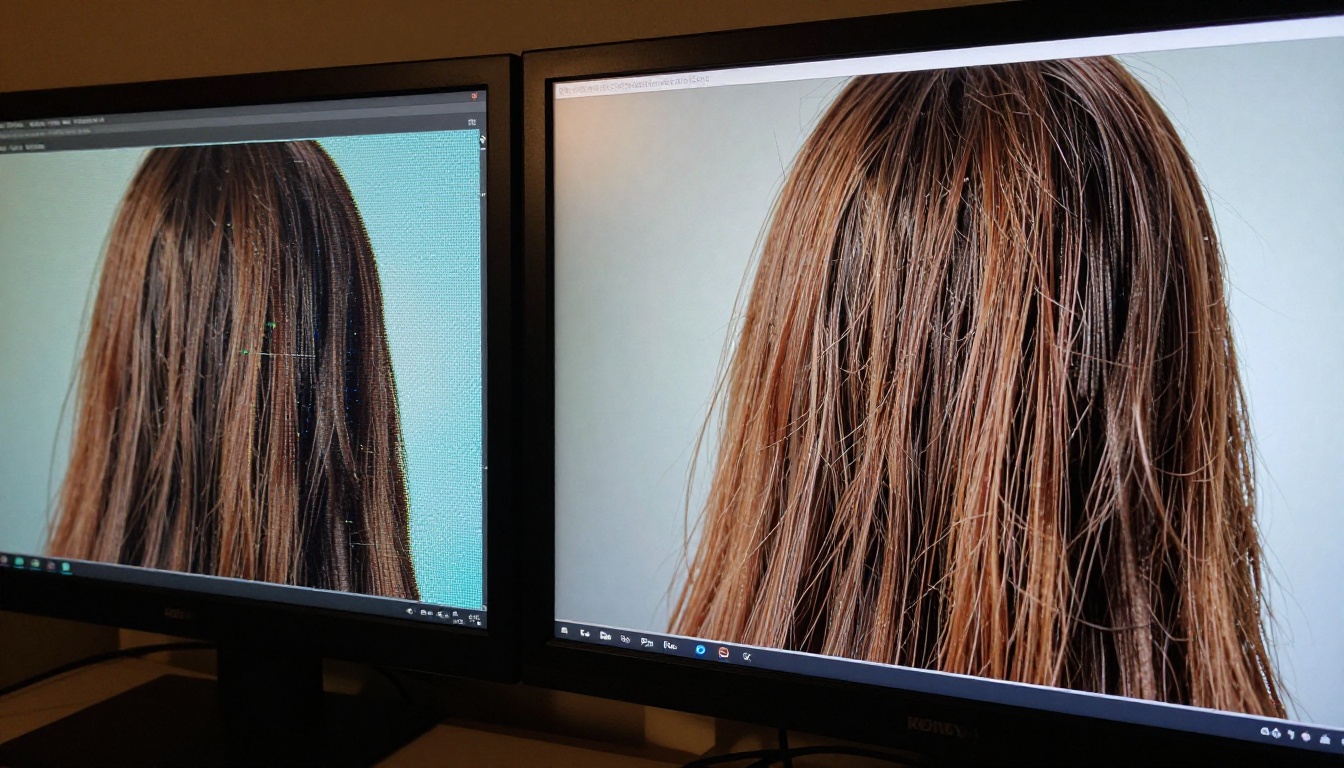
Bilinear and bicubic interpolation share one fatal flaw. They do not know what the image is supposed to look like. They only know the values of surrounding pixels. So when a tree branch dissolves into a blurry smudge, interpolation makes it blurrier, not sharper.
The core problem: upscaling is an inverse problem. You are trying to reconstruct information that was never recorded. Classical algorithms cannot invent plausible detail. AI can.
The Neural Networks Behind 4K Upscaling
How ESRGAN Changed the Field
ESRGAN (Enhanced Super-Resolution Generative Adversarial Network) was the first widely adopted AI architecture to produce genuinely sharp upscaled images. It uses two competing neural networks: a generator that creates upscaled frames and a discriminator that evaluates whether those frames look real.
The generator learns to produce textures, edges, and fine details that are statistically consistent with real 4K footage. The discriminator keeps it honest. Over millions of training iterations, the generator becomes so accurate that even human reviewers struggle to distinguish AI-upscaled from natively captured 4K footage.
💡 Why it works: ESRGAN was trained on thousands of paired low-res and high-res image patches. It absorbed the statistical relationship between the two. When it sees a blurry edge, it does not average. It predicts what the sharp version should look like based on everything it has processed.
Convolutional Neural Networks, Explained
Most video upscaling AI uses convolutional neural networks (CNNs) at its core. A CNN processes each frame as a grid of numbers, applies learned filters at multiple scales, and outputs a higher-resolution version.
The main steps in a CNN-based upscaling pipeline:
- Feature extraction — the network identifies edges, textures, gradients, and structures within the frame.
- Residual prediction — rather than predicting the full output, the network predicts only what needs to be added to the input to achieve sharpness.
- Sub-pixel convolution — instead of upsampling first and then refining, modern networks shuffle channels into spatial dimensions, preserving crispness throughout.
- Perceptual loss training — the network is optimized not just to minimize pixel error but to maximize perceptual similarity to real high-resolution imagery.
Temporal Coherence: The Video-Specific Challenge
Static images and video present different problems. A single image can be processed frame-by-frame without side effects, but video has a critical requirement: temporal coherence. Each frame must be consistent with the frames before and after it.
Without temporal consistency, AI-upscaled video flickers. Textures appear and disappear. Edges shimmer. Modern video-specific models address this by processing multiple frames simultaneously, using recurrent neural networks (RNNs) or 3D convolutions that account for movement across time.
| Problem | Image Upscaling | Video Upscaling |
|---|
| Resolution increase | Per-frame | Per-frame |
| Temporal consistency | Not applicable | Critical |
| Motion blur handling | Static | Dynamic |
| Processing speed | Faster | Slower |
| Artifact type | Ringing, aliasing | Flickering, shimmer |
The 4K Upscaling Process, Step by Step
Frame Extraction
Before any AI processing begins, the video is broken into individual frames. At 24fps, a 10-minute video contains 14,400 frames. At 30fps, that is 18,000 frames. Each one must be processed while maintaining consistency with its neighbors.
Noise and Artifact Removal First
Raw footage often contains compression artifacts, digital noise, and interlacing issues. Before upscaling, a dedicated denoising pass removes these problems. This step is essential because upscaling amplifies noise. A small JPEG artifact becomes a large, obvious block at 4K.
💡 Pro tip: Always denoise before upscaling, not after. AI upscalers trained on clean input perform significantly better than those processing already-corrupted frames.
The Upscaling Pass
With clean frames as input, the upscaling neural network reconstructs spatial resolution. Different models handle this differently:
- Crystal Video Upscaler: Specializes in portrait and human subject clarity, preserving skin texture and hair detail through a modified ESRGAN architecture.
- Video Upscale by Topaz: Uses Topaz Labs' proprietary AI engine, optimized for both noise reduction and resolution increase to 4K and 120fps simultaneously.
- Upscale v1 by Runway: Prioritizes cinematic output with smooth temporal transitions, ideal for professional film restoration work.
Post-Processing: Sharpening and Color
After the upscaling pass, some models apply a sharpening filter to accentuate edges without introducing halos. Color correction may also run to ensure the upscaled output matches the original color profile exactly.
Why 4K Specifically?
The Display Standard Has Shifted
4K (3840 x 2160) became the consumer display standard around 2020. By 2024, over 60% of TVs sold globally were 4K panels. Legacy content libraries contain enormous volumes of SD (480p), HD (720p), and Full HD (1080p) material that looks poor on these screens.
Streaming platforms face billions of dollars in catalog re-encoding costs. Individual creators face the same problem at a smaller scale: older content looks amateurish compared to native 4K uploads, affecting views and revenue directly.
2x vs 4x vs 8x Upscaling
Not all upscaling is the same. The mathematics differ significantly:
| Upscale Factor | Input Resolution | Output Resolution | AI Difficulty |
|---|
| 2x | 1080p | 4K | Moderate |
| 4x | 720p | 4K | High |
| 8x | 480p | 4K | Very High |
The more aggressive the upscale, the more information the AI must reconstruct. An 8x upscale from 480p to 4K means the model invents 63 of every 64 pixels. At that ratio, temporal coherence becomes extremely difficult to maintain.
💡 Realistic expectations: 2x upscaling (1080p to 4K) delivers consistently excellent results with modern AI. 4x upscaling from 720p is good but shows occasional artifacts in fast motion. 8x from 480p should be treated as restoration work, not standard upscaling.

Hardware Requirements and Processing Speed
GPU vs CPU Processing
AI video upscaling is computationally intensive. A single 1080p frame processed through a full ESRGAN pipeline takes approximately 0.3 to 2 seconds on a modern GPU, depending on model complexity.
Processing time estimates for a 10-minute video at 24fps:
- High-end consumer GPU (RTX 4090): 45 to 90 minutes
- Mid-range GPU (RTX 3060): 3 to 6 hours
- CPU only: 24 to 72 hours (not recommended for production work)
Cloud-based tools like those available on Picasso IA eliminate this hardware requirement entirely. Processing happens on enterprise-grade GPU infrastructure, making 4K upscaling accessible without owning a workstation.
Model Size and Accuracy
Larger models produce better results but process more slowly. Lighter models run faster but may miss fine detail.
The three video upscaling models on Picasso IA represent different points on this spectrum:
- Crystal Video Upscaler: High fidelity, best for portrait-heavy content, slower processing.
- Video Upscale by Topaz: Balanced speed and quality, the best all-purpose option for most content types.
- Upscale v1 by Runway: Optimized for cinematic footage, preserves film grain and color grading intent.
How to Use Crystal Video Upscaler on Picasso IA
Step 1: Choose Your Model
Navigate to the video upscaling section. For most general footage, Video Upscale by Topaz delivers the most consistent results. For close-up human subjects and portraits, Crystal Video Upscaler handles skin and hair detail with greater precision.
For cinematic or archival footage where preserving the original film aesthetic matters, Upscale v1 by Runway is the strongest option.
Step 2: Upload Your Source Footage
Upload your source video. The tool accepts MP4, MOV, and AVI formats. For best results, always use the highest-quality source file available. Never upscale from a compressed export when the original file exists.
Step 3: Set Resolution and Output Parameters
Choose 4K as your target resolution. Enable noise reduction if your source footage has visible grain or digital artifacts. Set frame interpolation if you want to increase the output frame rate alongside resolution.
Step 4: Process and Download
Submit the job. When processing completes, download the 4K output file. Review the full video before publishing, paying close attention to fast-motion sequences where temporal artifacts are most likely to appear.
Step 5: Extract Stills for Thumbnails
If you need static frames from the video for thumbnails or promotional assets, image super-resolution models produce even sharper results on individual frames. Clarity Pro Upscaler and Image Upscale by Topaz are the strongest options for extracted stills.
Common Problems and How to Fix Them
Flickering and Temporal Artifacts
Problem: The upscaled video flickers, with textures appearing unstable between frames.
Cause: The model processed each frame without sufficient temporal context from neighboring frames.
Fix: Switch to a model with explicit temporal coherence training, such as Video Upscale by Topaz. If flickering persists, apply a temporal smoothing pass in post-production after upscaling.
Over-Sharpening and Halos
Problem: Edges in the upscaled video have bright halos or look unnaturally crisp.
Cause: Aggressive post-processing sharpening or a model trained on overly synthetic data.
Fix: Reduce the sharpness parameter if the model exposes it. Alternatively, apply a slight Gaussian blur in post-production to smooth the halo without losing the resolution gain.
Detail Hallucination at High Upscale Ratios
Problem: The AI invents details not present in the original, such as fabricated text on signs or altered facial features.
Cause: Extreme upscale ratios (8x or higher) where the model has insufficient information and relies heavily on statistical patterns from its training data.
Fix: Limit upscaling to 4x maximum. For very low-resolution sources, consider whether noise removal and stabilization should come before any upscaling work.
AI Super Resolution for Images
The same neural network principles powering video upscaling apply equally to static images. PicassoIA offers several dedicated image upscaling models worth knowing:
- Real ESRGAN: The original ESRGAN implementation, excellent for photographic content and archival restoration up to 4x.
- Google Upscaler: Google's proprietary super-resolution model, strong on architectural and product photography.
- Crystal Upscaler: Optimized for portrait photography with skin-preserving detail reconstruction.
- Recraft Crisp Upscale: Focused on edge definition and contrast clarity, ideal for commercial and product images.
- P Image Upscale: Fast processing for high-volume workflows where speed matters alongside quality.
These models process each image without the temporal consistency requirement of video, allowing for higher per-frame sharpness than video-specific pipelines.

Where AI Video Upscaling Fits in Real Work
Content Creators and YouTubers
Older videos shot in 1080p or 720p receive fewer impressions on platforms that prioritize 4K content. Upscaling the back catalog extends the commercial life of years of work without requiring reshoots.
Film Restoration
Archives contain decades of footage scanned at HD resolutions. AI upscaling combined with grain removal and color work brings historical footage to contemporary display standards, making it viable for modern streaming distribution.
Security Footage Analysis
Surveillance footage is often captured at low resolution to conserve storage. AI upscaling in post-production helps extract facial features and license plate information from footage that would otherwise be unusable for identification.
Real Estate and Commercial Video
Property walkthrough videos shot on older equipment benefit from AI upscaling, making listings appear more professional without the cost of reshooting on new hardware.
AI video upscaling is no longer reserved for post-production studios with expensive workstations. The same neural networks used for film restoration are available through Picasso IA's browser-based interface, running on cloud infrastructure with no local hardware requirements.
Start with a short clip using Video Upscale by Topaz for general footage, or Crystal Video Upscaler for human subjects. For extracting sharp stills, Clarity Pro Upscaler and Real ESRGAN produce outstanding results on individual frames.
Your older footage contains more visual quality than you can currently see. AI reconstruction brings it out, frame by frame.