The gap between "AI video" and "cinematic video" has historically been enormous. Most AI video generators produce clips that look artificial: jittery motion, flat lighting, subjects that deform mid-clip. Seedance 2.0 by ByteDance is different. It consistently produces footage that holds up to scrutiny: smooth motion physics, coherent lighting across frames, and built-in synchronized audio that eliminates the need for post-production sound design. This article breaks down exactly how it works and how to get the most out of it on PicassoIA.
What Sets Seedance 2.0 Apart
Most AI video models share a common failure mode: they treat video as a sequence of generated images rather than a coherent temporal event. The result is objects that flicker, camera moves that drift, and subjects that subtly warp between frames. Seedance 2.0 was built around a fundamentally different objective: produce video that could pass as real footage.
The Cinematic Benchmark Most Models Skip
ByteDance trained Seedance 2.0 on a massive dataset of professionally shot film and broadcast content, not just internet video. That training distribution matters enormously. The model internalized the visual grammar of professional cinematography: the way a handheld camera adds weight and presence to a shot, how rack focus shifts emotional attention, the subtle bloom that real lenses produce around practical lights.
The practical result is that Seedance 2.0 outputs carry photographic imperfection in all the right ways. You get natural motion blur on fast-moving objects, appropriate lens distortion at wide angles, and specular highlights that behave like glass rather than plastic. These details are not added in post. They emerge from the model's learned representation of how real cameras record the physical world.
Built-In Audio Changes Everything
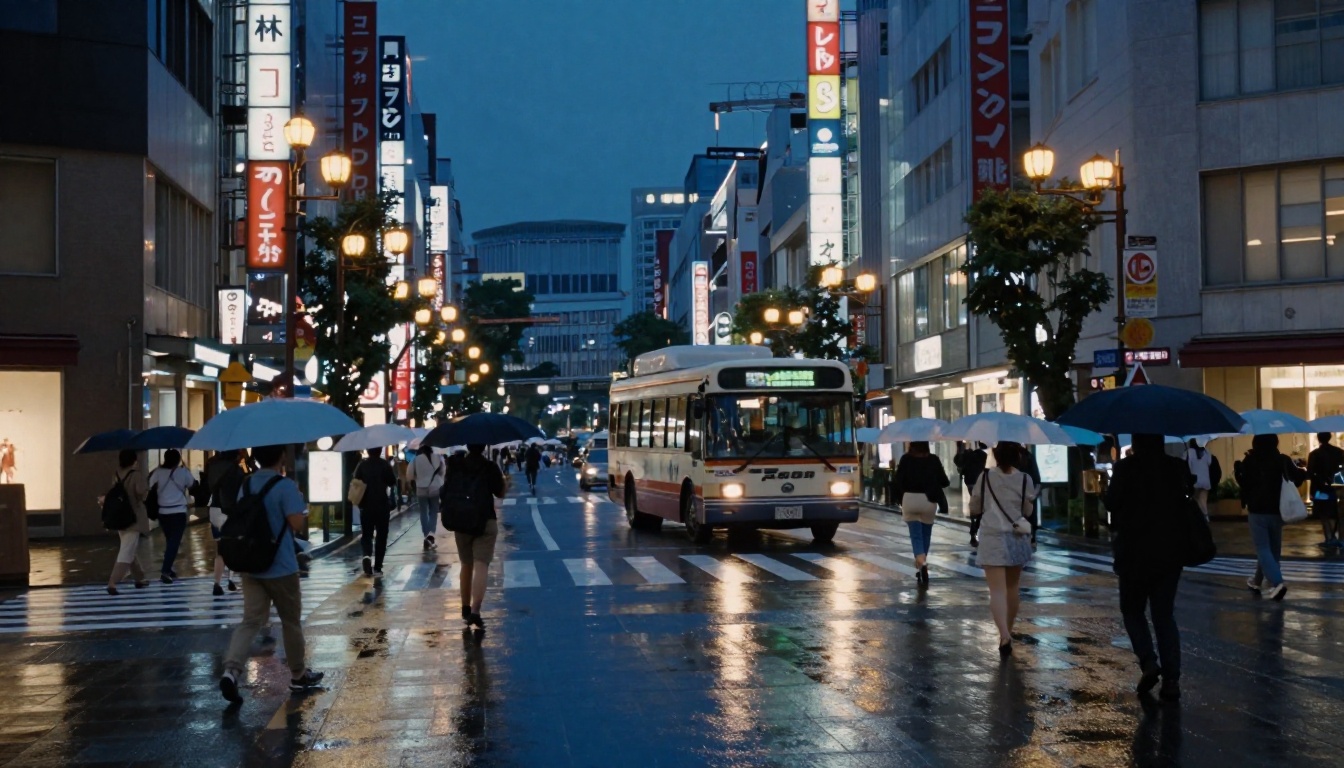
Seedance 2.0 generates synchronized audio natively alongside the video. This is not a trivial feature. Most video generation tools output silent clips that require a separate sound design pass. With Seedance 2.0, a prompt describing ocean waves at sunset will produce a clip where you can actually hear the water. A city street scene includes ambient traffic and crowd noise.
The audio is generated in sync with the visual content, not added independently. If a character speaks in the video, the lip movement and audio alignment are handled within the same generation process. For content creators producing short-form video for social platforms, this cuts production time dramatically.
💡 Pro tip: Include audio descriptors in your prompts. Writing "the sound of rain on a city street, distant thunder, umbrellas opening" alongside your visual description produces significantly better audio sync than ignoring sound entirely.
The Technology Powering the Quality
Understanding what Seedance 2.0 does technically helps you prompt it better and know where its limits are.
Motion Coherence at the Frame Level
The model uses a diffusion-based video synthesis approach where the temporal dimension is treated as a core constraint rather than an afterthought. Each frame is not generated independently and then stitched together. Instead, the model reasons about motion trajectories, acceleration, and deceleration across the full clip duration before committing to any single frame.
This means physically plausible motion is a baseline, not a bonus. A ball thrown across frame follows a parabolic arc. Hair blows in the direction of implied wind. Camera movement accelerates and decelerates with natural easing curves rather than abrupt starts and stops.
Temporal Consistency Over Time
One of the hardest problems in AI video is keeping subjects consistent across the full clip duration. Seedance 2.0 handles this through an attention mechanism that maintains a reference representation of subjects and anchors them through time. A person's face on frame 1 will still be recognizably the same person on frame 120, even through head turns and partial occlusion.
This temporal anchor also applies to environments. If you generate a scene with specific architectural features in the background, those features remain stable. Walls do not ripple. Windows do not shift. The world has spatial permanence.
Lighting Simulation and Depth
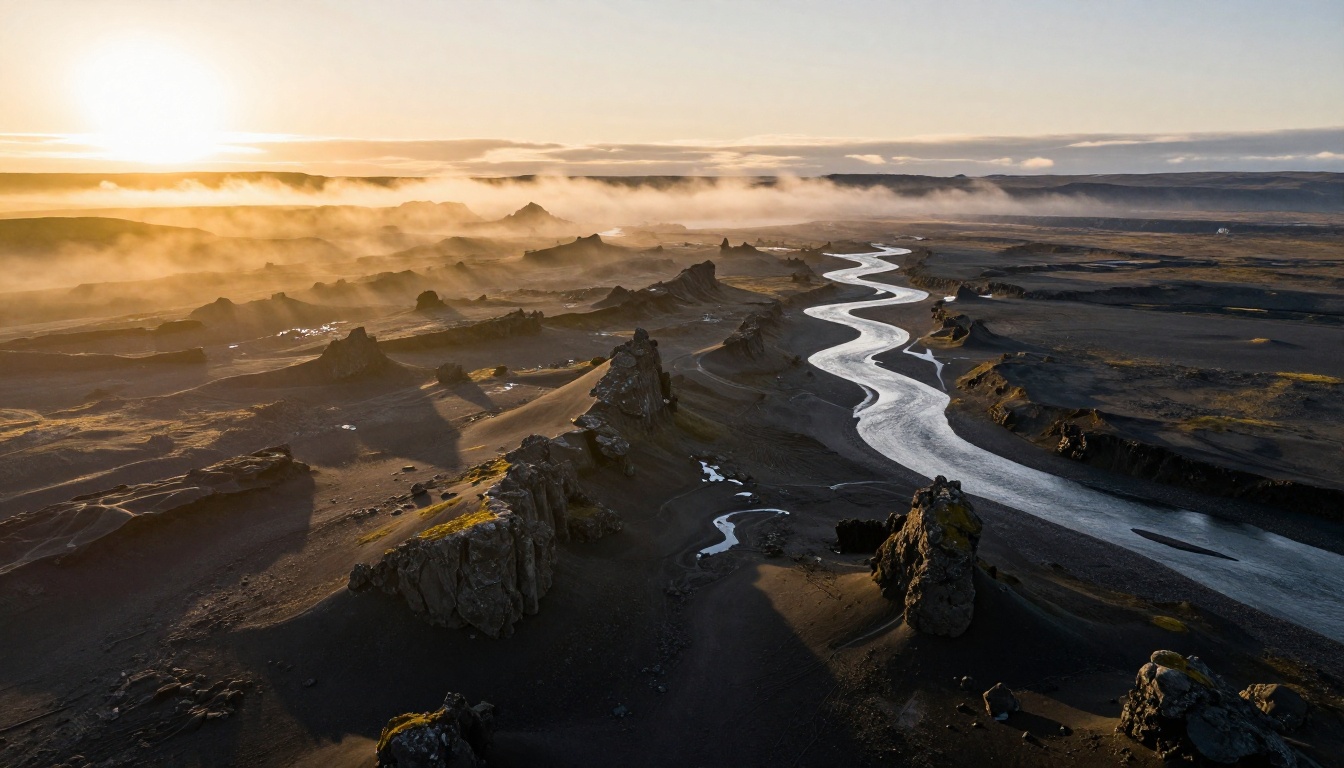
The model produces physically plausible lighting that includes the full stack of real-world optical effects: subsurface scattering on skin surfaces, occlusion shadows in scene corners and fabric folds, specular reflection on wet surfaces and glass, and atmospheric depth that adds haze at distance. This is trained behavior, not post-processing.
💡 Note: Describe lighting like a cinematographer. "Overcast diffused daylight from above, warm practical tungsten fill from screen left, negative fill on screen right" will produce a dramatically more controlled result than simply writing "good lighting."
How to Use Seedance 2.0 on PicassoIA
PicassoIA gives you direct access to Seedance 2.0 without needing API credentials or local setup. Here is how to go from zero to your first cinematic clip.
Your First Generation in 3 Steps
Step 1: Open the model page.
Go to Seedance 2.0 on PicassoIA. You will see the text prompt input and a set of output parameters.
Step 2: Write a structured prompt.
Seedance 2.0 responds best to prompts that separate the scene, the motion, and the camera behavior:
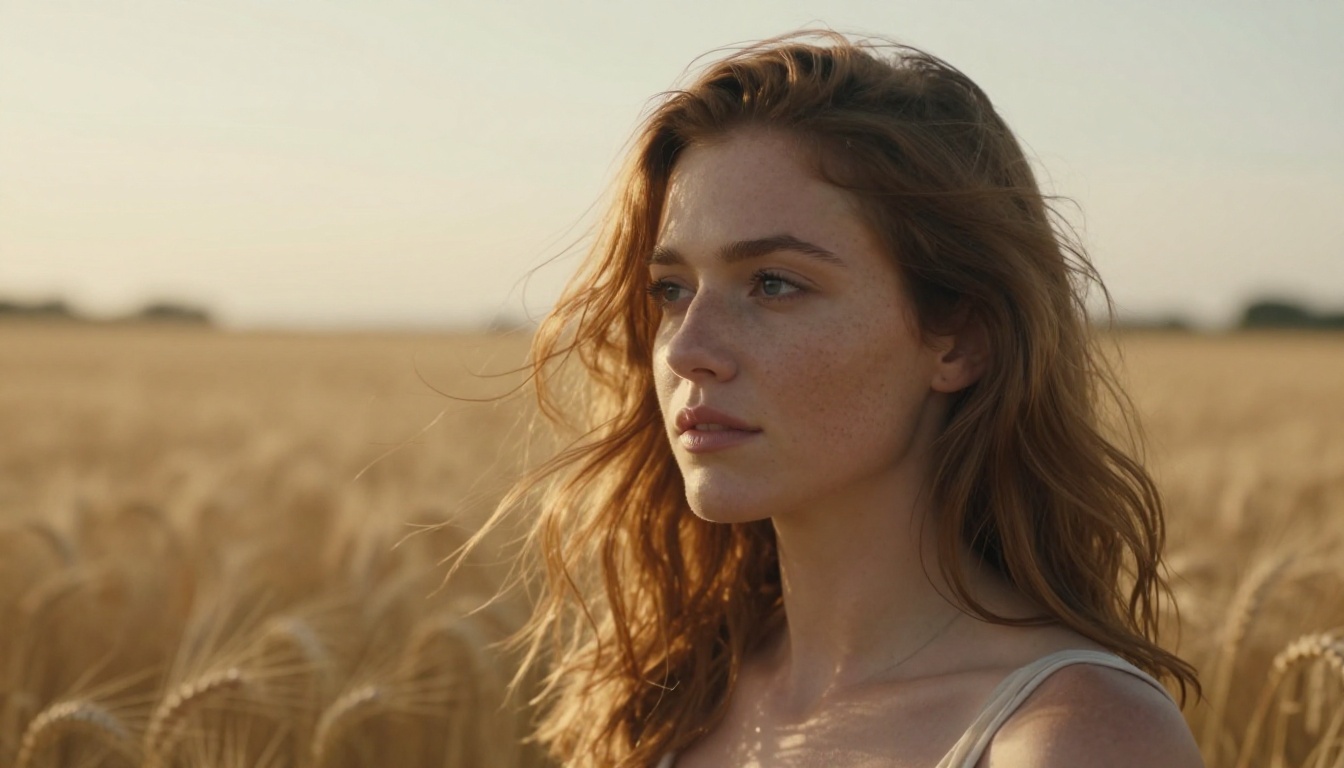
- Scene: "Golden hour wheat field, a woman in a white dress walks slowly forward"
- Motion: "Her dress and hair move gently in a warm breeze, wheat stalks sway"
- Camera: "Slow dolly forward, 85mm lens, slight depth of field"
- Atmosphere: "Warm backlit rim light, haze in the distance, Kodak film grain"
Combining these into a single coherent prompt produces results that outperform one-line descriptions by a significant margin.
Step 3: Choose your output settings and generate.
Set your resolution (1080p for final output, 720p for rapid iteration) and submit. Generation typically completes within 60 to 90 seconds for a 5-second clip.
Choosing Between Seedance 2.0 and Seedance 2.0 Fast
PicassoIA offers both Seedance 2.0 and Seedance 2.0 Fast. The difference matters for your workflow:
| Feature | Seedance 2.0 | Seedance 2.0 Fast |
|---|
| Generation time | 60-90 seconds | 20-35 seconds |
| Output quality | Maximum cinematic fidelity | Slightly reduced detail |
| Best for | Final delivery content | Rapid concept testing |
| Audio quality | Full native audio | Full native audio |
| Resolution | Up to 1080p | Up to 1080p |
For anything you are publishing, use Seedance 2.0. For iterating on a concept before committing to a final prompt, Seedance 2.0 Fast cuts your feedback loop in half.
Resolution and Output Settings That Matter
1080p is the sweet spot for most use cases. It gives you enough resolution for full-screen social media and enough headroom to crop or reframe in post. If you are generating content specifically for mobile-first platforms like TikTok or Instagram Reels, consider generating in portrait-oriented prompts that describe vertical compositions.
The audio quality is consistent regardless of resolution setting. You will not get better audio by choosing higher resolution, but you also will not lose it by working at 720p during drafts.
Prompts That Actually Produce Cinematic Results
The most common mistake with Seedance 2.0 is writing vague prompts and hoping the model fills in the gaps with cinematic intent. It will not. Specificity in your prompt directly translates to specificity in the output.
Camera Movement Descriptors
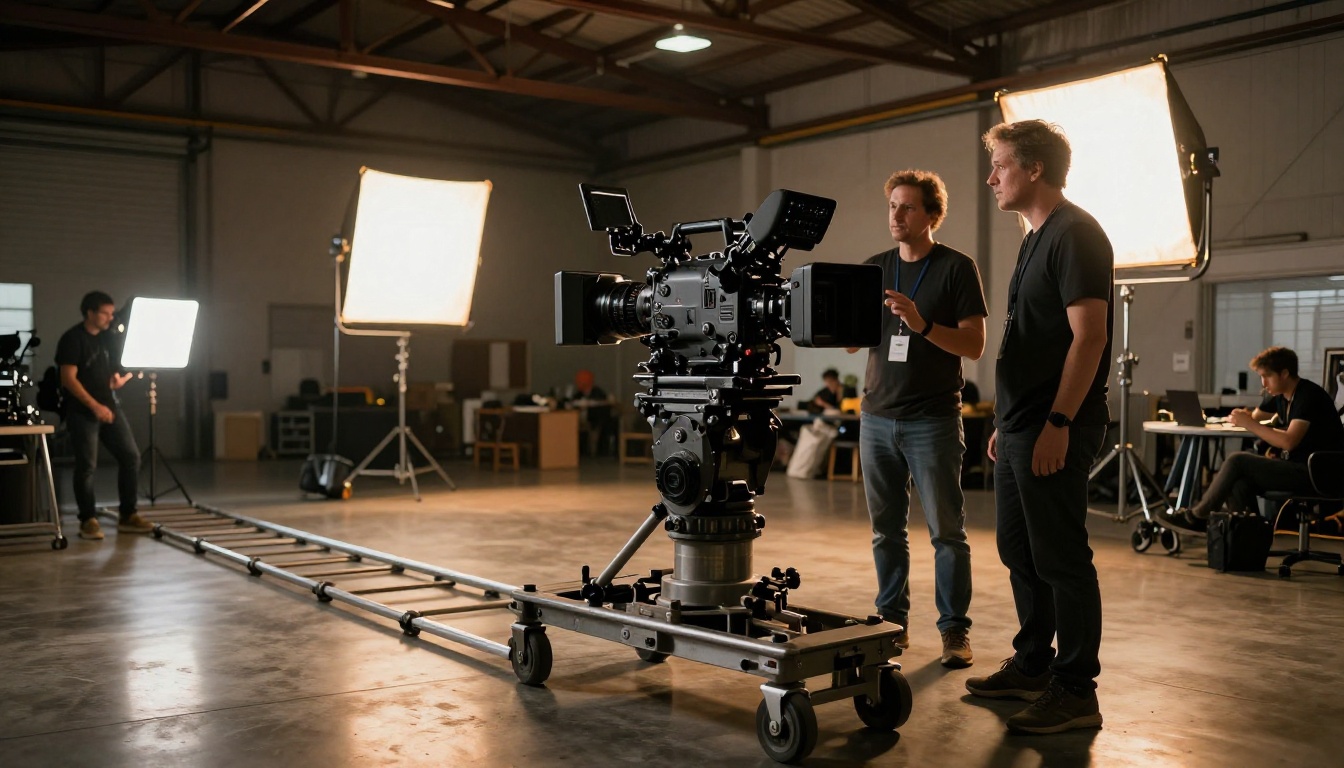
Including explicit camera movement in your prompt is the single highest-leverage change you can make. Compare:
- Weak: "A forest at sunrise"
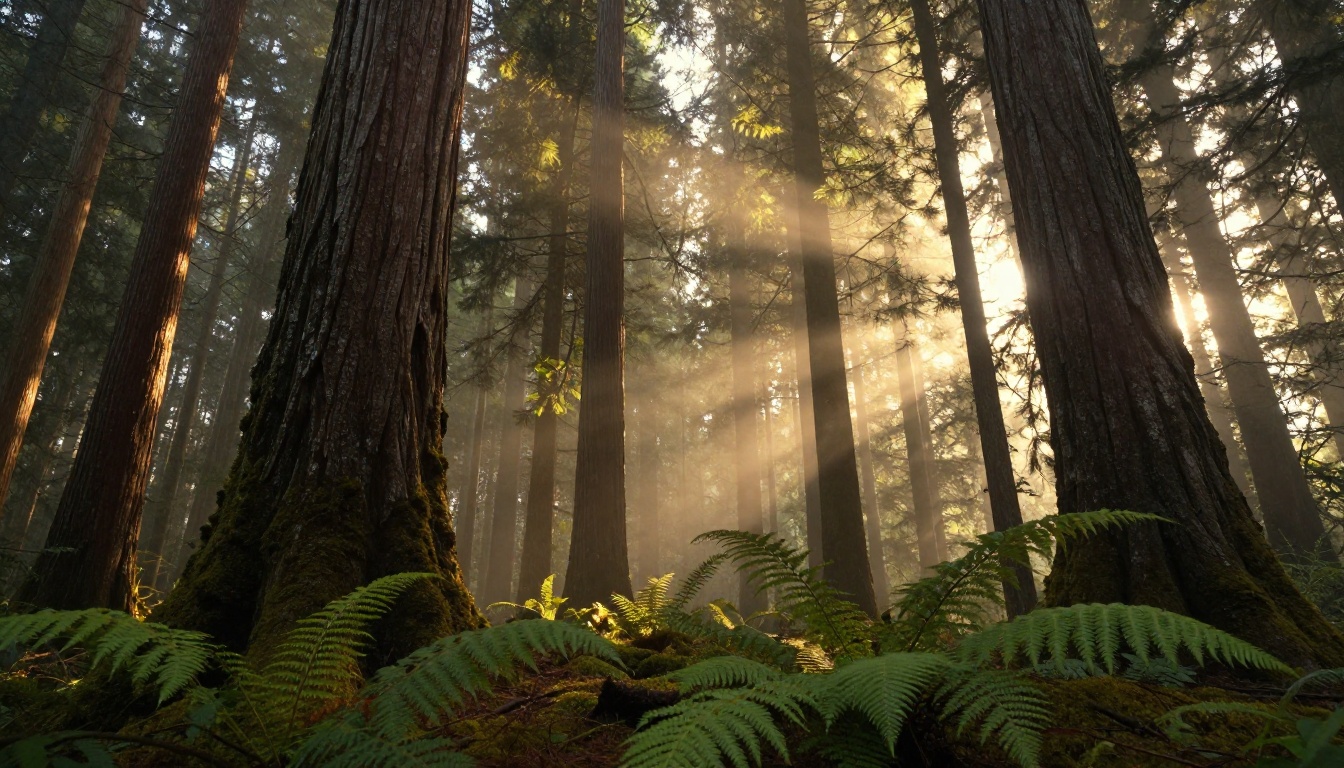
- Strong: "Ancient Douglas fir forest at sunrise, slow upward crane shot starting from the forest floor moss, rising through the mid-canopy, golden mist visible between trunks, volumetric morning light from the east"
Effective camera descriptors to use:
- Slow dolly in / dolly out
- Gentle pan left / pan right
- Upward crane / downward crane
- Handheld with slight organic movement
- Static locked-off wide shot
- Shallow rack focus from foreground to background
Lighting and Atmosphere Terms
Lighting language taken directly from cinematography and photography produces the best results:
- Golden hour / blue hour (time of day)
- Volumetric light / god rays (light through atmosphere)
- Overcast diffused vs. harsh direct sun
- Practical light sources (candles, screen light, lanterns)
- Backlit / rim lit / silhouette
- Atmospheric haze / depth of field
- Film grain (Kodak Portra 400, Fuji Velvia, etc.)
💡 Prompt pattern that works: [Subject + action] + [environment + time of day] + [camera movement + lens] + [lighting description] + [film stock or grain style]. This structure consistently produces the most controlled, cinematic outputs.
Subject and Scene Structure
For scenes with people, describe their physicality and action with specificity:
- Age range and rough appearance: "a woman in her 30s with dark hair"
- Exact action and its pace: "walks slowly forward, arms slightly raised"
- Clothing and how it moves: "a linen shirt that catches the breeze"
- Emotional state if relevant: "relaxed, contemplative expression"
For environments, describe what exists in the foreground, midground, and background separately. This gives the model clear spatial hierarchy to work with and produces compositions with professional depth.
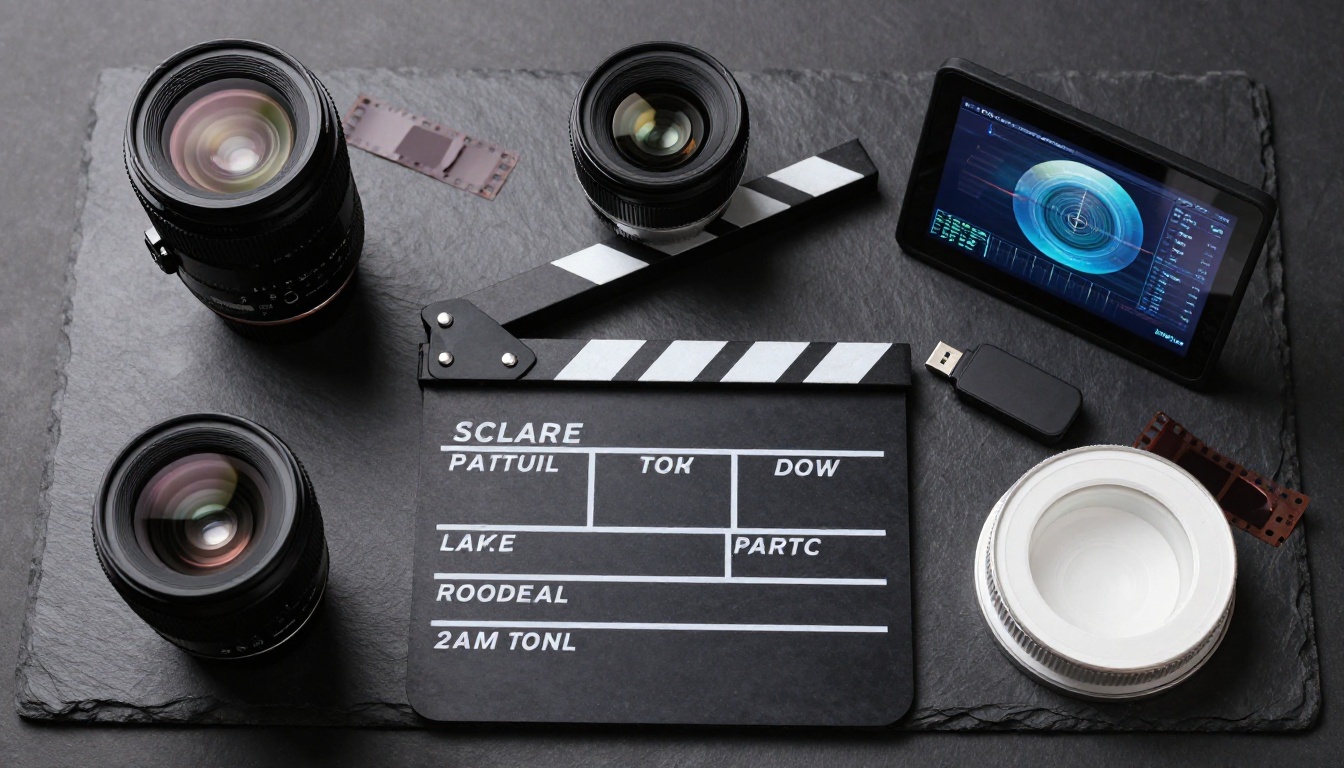
Seedance 2.0 vs. Other Top Video Models
PicassoIA hosts the full landscape of competitive video models. Here is how Seedance 2.0 compares to the models you are most likely to consider alongside it.
Speed vs. Quality Breakdown
Where Each Model Wins
Seedance 2.0 wins when you need cinematic quality with native audio in a single pass. The combination of motion realism plus synchronized sound in one model is its defining advantage over everything else at this tier.
Veo 3.1 produces comparable quality for narrative scenes but at slower generation times. Worth using for hero content where you can afford longer waits.
Ray 3.2 is strong for abstract and atmospheric content. Its HDR color output is distinctive and performs well for visual effects and mood pieces.
Kling v3 Video has particularly strong character animation. For scenes where a person is the central subject, it competes closely with Seedance 2.0.
LTX 2.3 Pro is the speed choice when iteration volume matters more than peak quality. At 4K output and fast generation, it is excellent for storyboarding and concept validation.
Real Creative Applications
The practical value of Seedance 2.0 shows up most clearly when you look at specific creative contexts.
Short Film and Narrative Content
Seedance 2.0 is capable of producing establishing shots, scene-setting B-roll, and atmospheric inserts that hold up alongside professionally shot footage. Filmmakers are using it to fill gaps in productions where scheduling a camera crew is not viable: underwater shots, aerial establishing shots, specific weather conditions, or time-lapse sequences compressed into 5-second clips.
The temporal consistency of the model means you can generate multiple clips of the same environment and they will read as the same location, even though each clip was generated independently. This matters for cutting together a coherent sequence.
Social Media and Marketing Content
For brands producing short-form video content, Seedance 2.0 reduces the cost of visually compelling clips from a full production shoot to a text prompt. A campaign that previously required a location scout, lighting setup, and a camera crew can now be iterated on in the same afternoon.
The built-in audio is particularly valuable here. Social platforms auto-play video with sound. Having a clip that sounds as good as it looks, without a separate audio post pass, changes the economics of content production significantly.
💡 Creative tip: Generate several variations of the same concept with minor prompt changes (different times of day, different camera angles, different lighting conditions) and cut them together into a single edited piece. The temporal consistency of Seedance 2.0 means the clips will feel like they belong together.
Music Videos and Visual Effects
The atmospheric and environment generation capabilities make Seedance 2.0 strong for music video production. Abstract scenes, landscape transitions, and atmospheric mood pieces all benefit from the model's cinematic lighting and camera behavior.
For visual effects work, you can also combine Seedance 2.0 output with tools like Kling v2.6 Motion Control when you need precise control over character animation within a scene Seedance 2.0 generated as background footage.
What Seedance 2.0 Still Cannot Do
Being precise about limitations helps you plan your workflow and avoid frustrating sessions trying to get something the model was not built for.
When to Combine Models
Exact facial control: Seedance 2.0 does not offer face swap or precise likeness matching for specific individuals. For that, you would layer output from the model with Kling Avatar v2 or a lipsync tool on top.
Extended duration: 5-second clips are the standard output. For longer content, you need to generate multiple clips and edit them together. This is true of most video generation models, but worth knowing upfront when planning a project.
Precise text in frame: As with most video models, rendering specific legible text within the video itself is unreliable. If you need text overlays, add them in post-production.
Exact style matching from a reference image: If you need output that precisely matches a visual reference, Wan 2.7 I2V or Wan 2.6 I2V with an image input give you more explicit control over the visual starting point.
Create Your First Cinematic Video Now
Seedance 2.0 is running on PicassoIA right now, alongside Seedance 1.5 Pro, Seedance 1 Pro, and over 80 other text-to-video models in one place. You do not need to install anything, set up API keys, or manage GPU infrastructure. You write a prompt, choose your model, and get a cinematic clip.
The best way to calibrate your understanding of what Seedance 2.0 does is to run 3 or 4 variations of the same scene with different camera and lighting descriptions. The difference between a prompt that produces good AI footage and one that produces cinematic footage is almost always in the specificity of those two elements.
Start with something familiar: a place you know well, a time of day you can visualize clearly. Write it the way a cinematographer would brief a camera operator. Then generate, compare, and iterate. Use the free PicassoIA Video generator to quickly test concepts before moving to Seedance 2.0 for final quality output.
💡 The full model library at picassoia.com/en/all-models covers every category from image to audio generation in one place. If your workflow grows beyond video into images, audio, or effects, everything you need is already there.
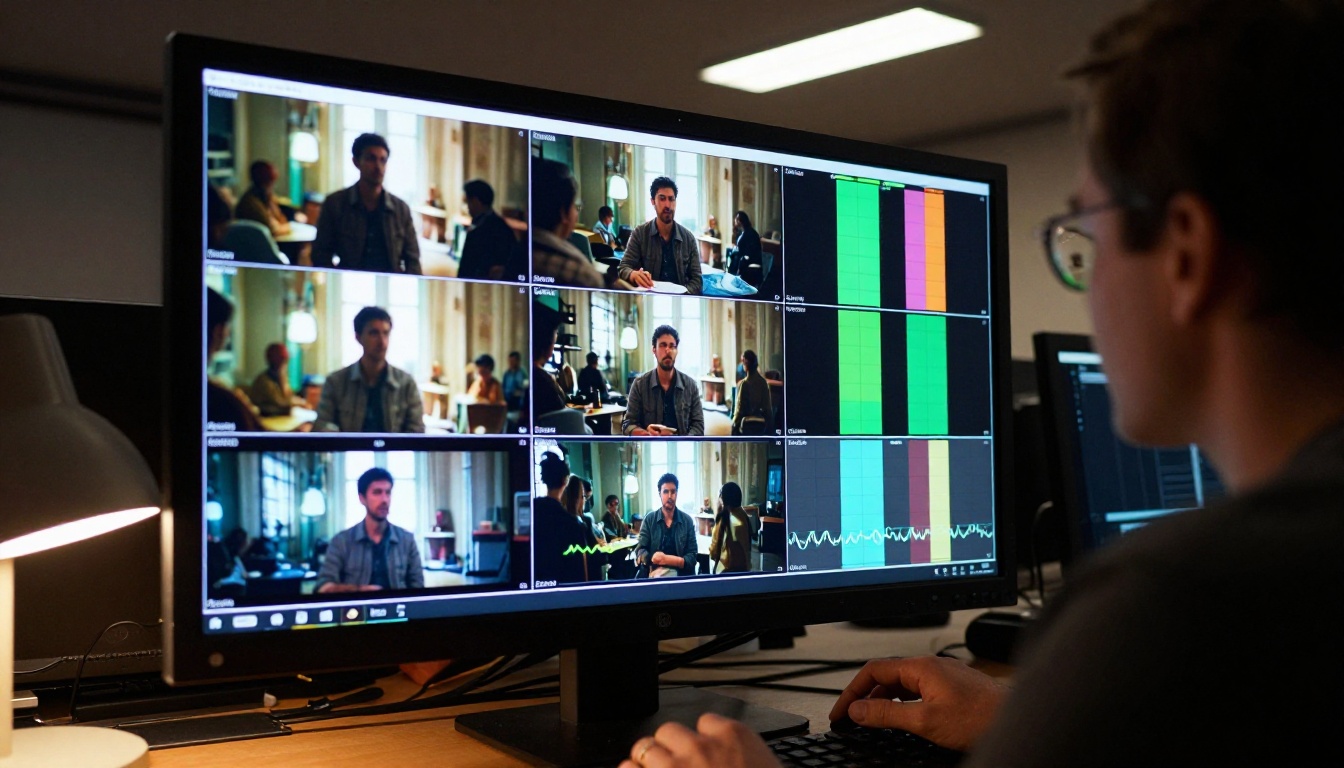
Cinematic video used to require a crew, a location, and a significant budget. With Seedance 2.0, the barrier is a well-written prompt.


