Seedance 2.0 is not ByteDance's attempt to build another generic text-to-video model. It's a direct response to the single biggest complaint that creators had with previous generations of AI video: the motion looked wrong. Bodies floated. Cameras drifted aimlessly. Physics broke. Seedance 2.0 addresses this through two parallel systems working in tandem: a dual-stream motion architecture and a structured camera control layer. Knowing both will change how you write prompts and what you expect from the output.
What Seedance 2.0 Is Actually Built On
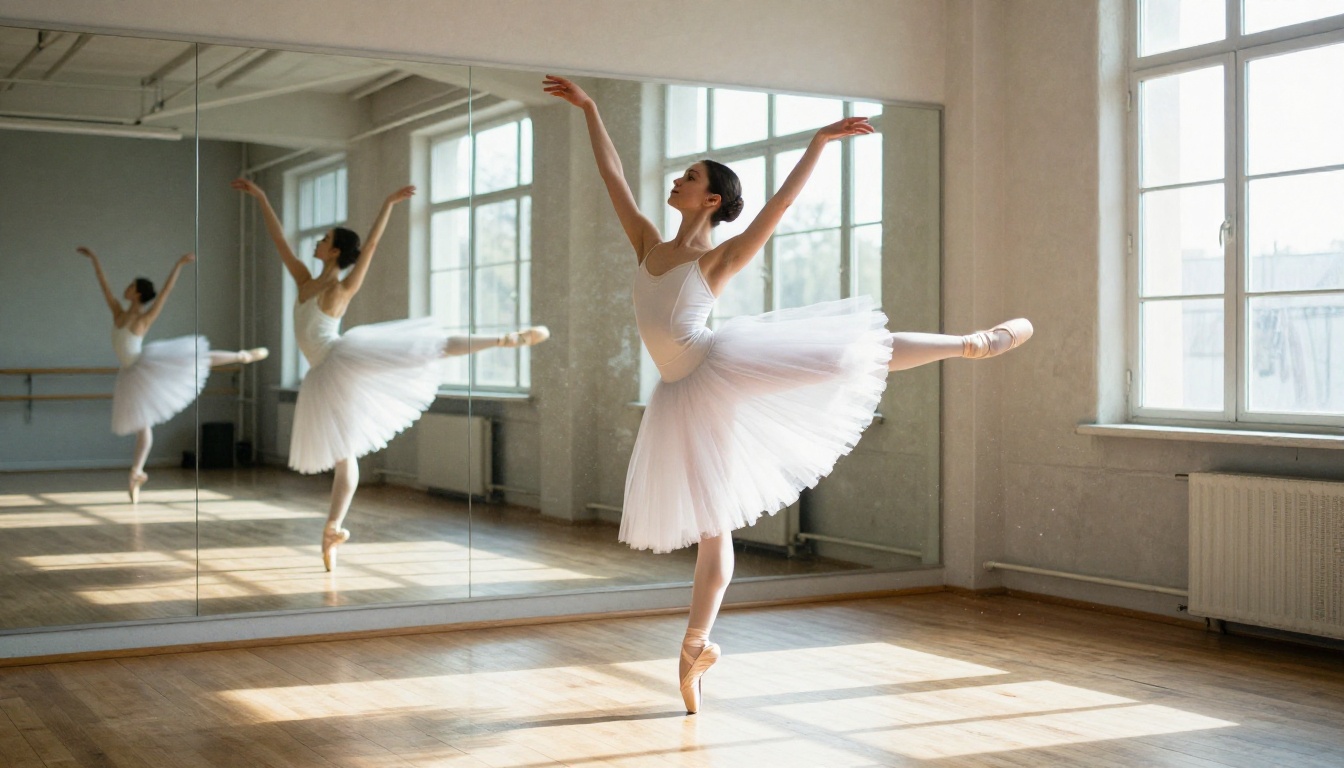
ByteDance trained Seedance 2.0 on an enormous dataset of high-quality video paired with precise motion annotations. Unlike models that treat a video as a sequence of independent images, Seedance 2.0 treats each generation as a motion event: a time-bound physical process with defined start conditions, trajectory, and end state.
The architecture is described internally as a dual-stream system. One stream handles semantic content (what the subjects are, what they look like, what they are doing). The other handles motion fields (how pixels move through space over time). These streams are trained separately and then fused during inference.
This separation matters enormously. In a single-stream model, motion and appearance compete for the same parameters. A model trying to keep a face consistent over 8 seconds is also trying to describe a realistic dolly shot. Those two objectives pull against each other during training. In Seedance 2.0, they are given separate representations.
💡 The dual-stream architecture is why Seedance 2.0 can maintain subject identity across longer clips. The appearance stream is not corrupted by motion estimation.
How Motion Is Processed Inside the Model
Subject Motion vs. Scene Motion
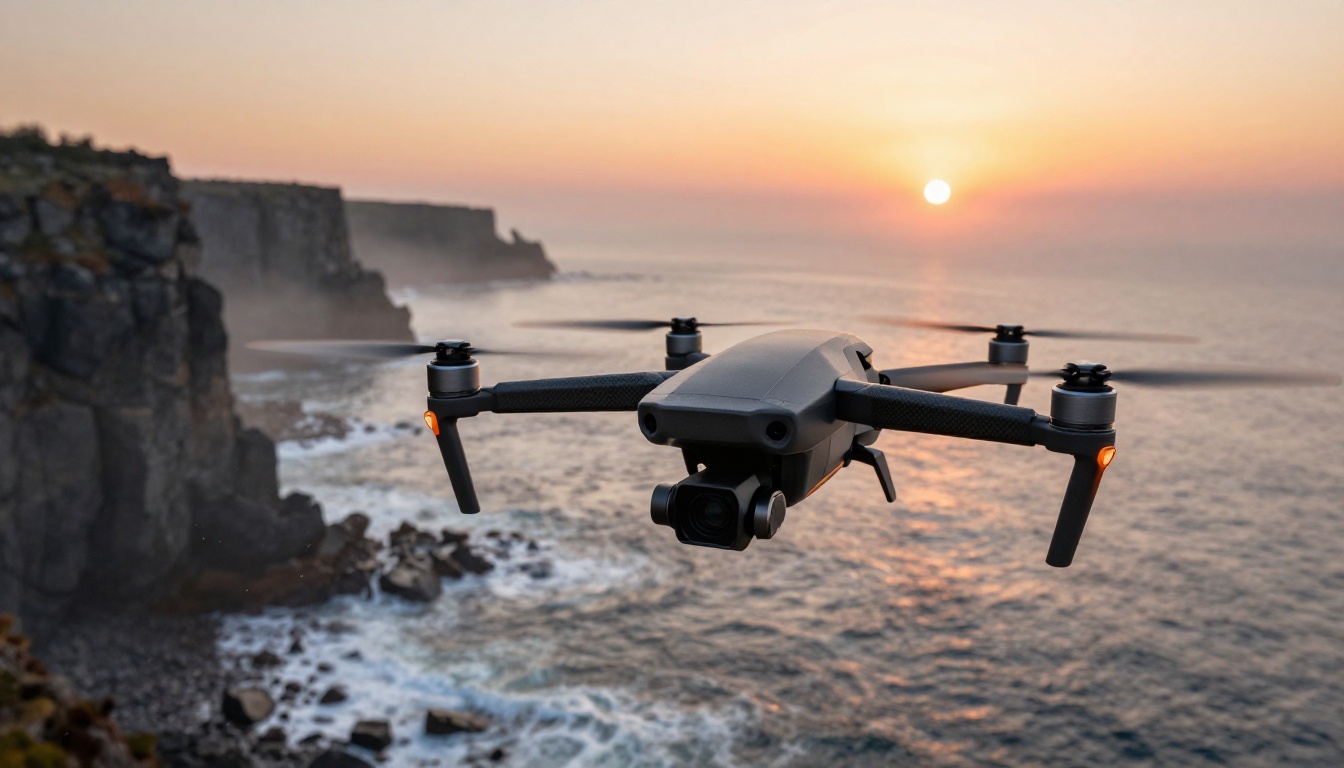
There are two distinct types of motion in any video: the motion of subjects within the scene and the motion of the camera itself relative to the scene. Most earlier AI video models conflated these. Seedance 2.0 separates them explicitly.
Subject motion includes everything that moves within the frame: a person walking, water flowing, a flag rippling. Scene motion is the result of camera movement: a pan that slides the entire frame left, a zoom that enlarges everything uniformly, a tilt that brings the sky into view.
When you prompt Seedance 2.0 with "a woman running through a park with a tracking camera shot," the model generates two separate motion fields: one for the woman's biomechanically plausible running gait, and one for the camera's lateral tracking movement. These are composited at inference time rather than generated as a single undifferentiated stream of pixels.
The practical result is that subject motion does not degrade when camera motion is complex. You can have a fast pan across a scene while a subject in the foreground maintains anatomically correct movement without the arms and legs becoming smeared or distorted.
Temporal Consistency Across Frames
Temporal consistency is the measure of how well a model maintains identity and physics across all frames of a clip. It is the reason older models produced characters whose faces changed between seconds 2 and 4, or whose hands gained and lost fingers mid-motion.
Seedance 2.0 approaches temporal consistency through frame-level attention with extended context windows. Rather than generating each frame with attention only to the immediately preceding frames, it attends to a much longer history. This means decisions about appearance and position are made with reference to many prior frames simultaneously.
The result is visible in outputs: faces stay stable across the full clip duration, clothing wrinkles deform physically, and hair moves with consistent weight and inertia. The model "remembers" what a subject looked like at second 1 when generating second 7.
Why Fast Motion Looks Different Here
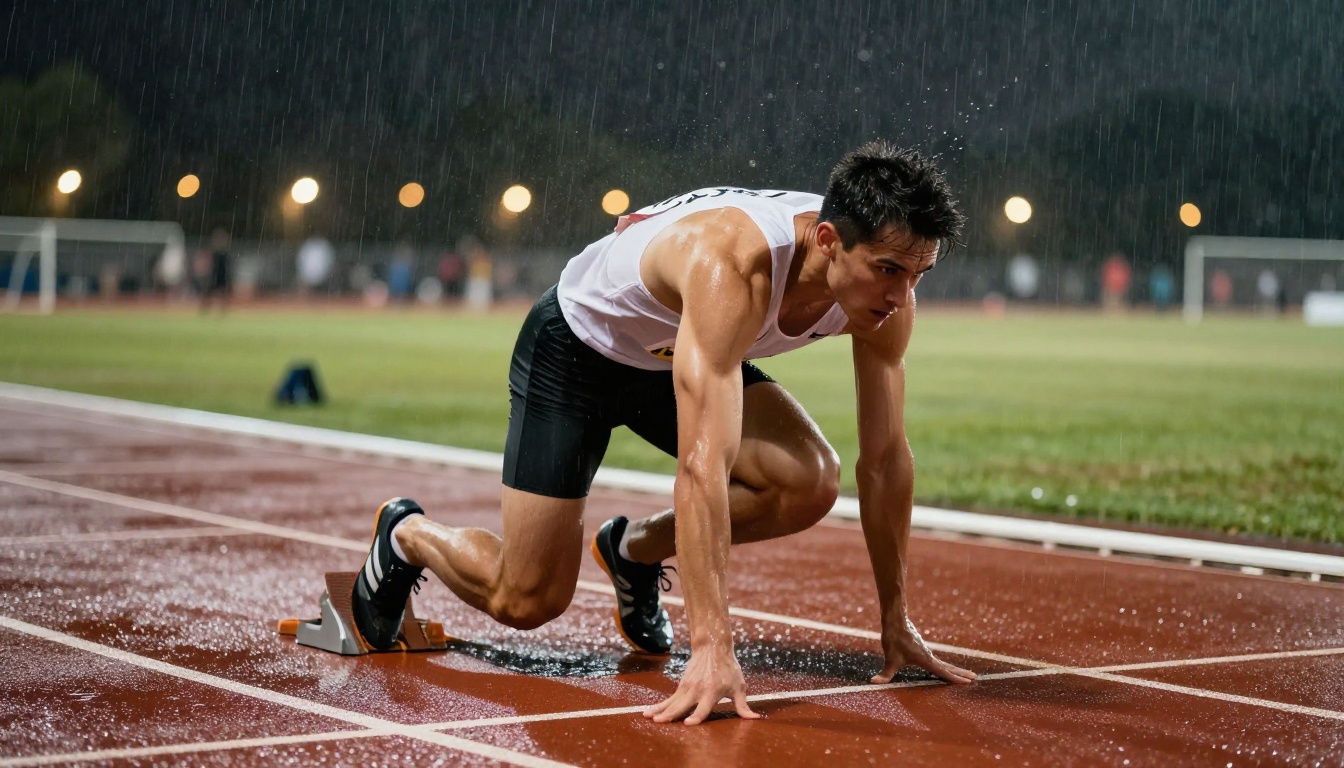
One of Seedance 2.0's notable characteristics is how it handles high-velocity motion. Most text-to-video models struggle with fast movement because the optical flow vectors become very large between adjacent frames, overwhelming the model's ability to maintain semantic coherence.
Seedance 2.0 uses motion magnitude normalization during training. Fast and slow motion scenes are sampled with different weighting strategies so the model develops robust representations of both extremes. A sprinter at full speed and a person sitting still are both handled without the model defaulting to artificially slowed motion (a common failure mode in competitor models) or producing blurred, incoherent fast-motion frames.
| Motion Type | Typical AI Model | Seedance 2.0 |
|---|
| Slow movement | Good | Excellent |
| Mid-speed walking | Moderate | Excellent |
| Fast running and action | Poor, often blurred | Good to Excellent |
| Camera pan during action | Often distorted | Stable, separated |
| Water and fluid dynamics | Often glitchy | Good |
The Camera Control System
Camera Movement Types Available
Seedance 2.0 supports explicit camera control through natural language prompts and, depending on the interface, structured camera parameters. The model was trained with annotated camera trajectory data, which means it has internalized the physics of real camera rigs.
The following movement types are well-supported:
- Pan: Horizontal rotation around the camera's vertical axis. "Pan left across the room."
- Tilt: Vertical rotation around the camera's horizontal axis. "Tilt up to reveal the mountain peak."
- Dolly/Track: Physical movement of the camera through space. "Dolly forward toward the subject."
- Zoom: Focal length change, not physical movement. "Slow zoom in on her face."
- Orbit/Arc: Camera moves in an arc around a subject. "Orbit clockwise around the car at ground level."
- Crane/Pedestal: Camera moves vertically. "Crane up from street level to rooftop."
- Handheld: Simulated organic camera movement. "Handheld, slightly shaky as if documentary footage."
💡 Combining two camera movements in a single prompt works well in Seedance 2.0. "Slow dolly forward with a slight tilt up" produces coherent compound motion. Avoid combining more than two simultaneously.
How to Write Camera Instructions in Prompts
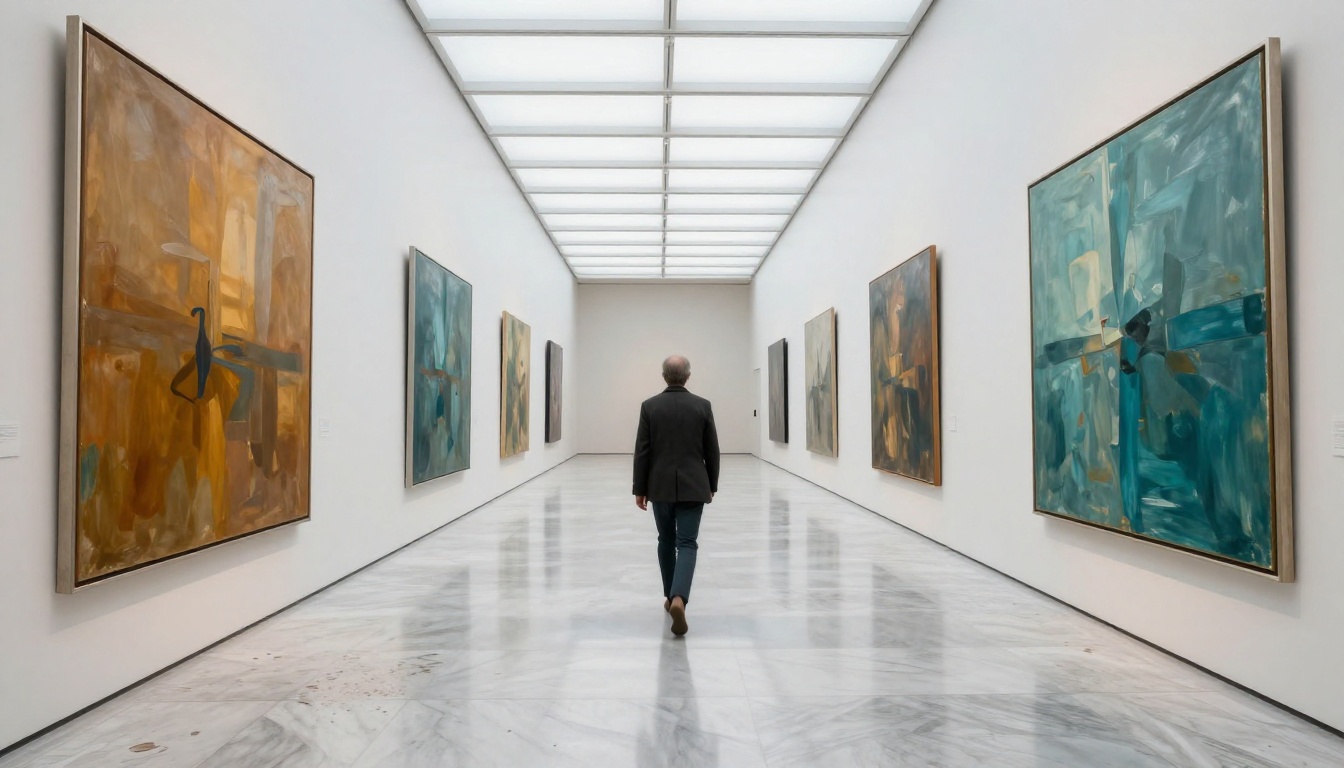
Camera instructions in Seedance 2.0 prompts work best when they are specific, sequential, and grounded in physical camera language. Vague instructions like "move the camera" produce unpredictable results.
Effective prompt patterns:
- Specify the movement type first: "Slow tracking shot moving left..."
- Add pacing cues: "...gradually, over the full duration of the clip..."
- Describe the subject relationship: "...keeping the subject centered in frame..."
- Include a focal reference: "...with a 35mm equivalent wide angle..."
Patterns to avoid:
- "Make it cinematic" (too vague, no specific motion instruction)
- "Dynamic camera" (ambiguous)
- "Moving camera" (too generic)
- Combining more than two camera movements at once
The model responds to standard cinematography vocabulary. If you think in terms of a real camera operator's instructions on a film set, your prompts will be interpreted with much higher fidelity.
What Orbital and Tracking Shots Look Like
Orbital shots, where the camera moves in a curved arc around a stationary or moving subject, are one of Seedance 2.0's more impressive capabilities. The model maintains correct perspective distortion throughout the arc, meaning subjects at the center of the orbit appear to rotate naturally rather than appearing to scale or warp.
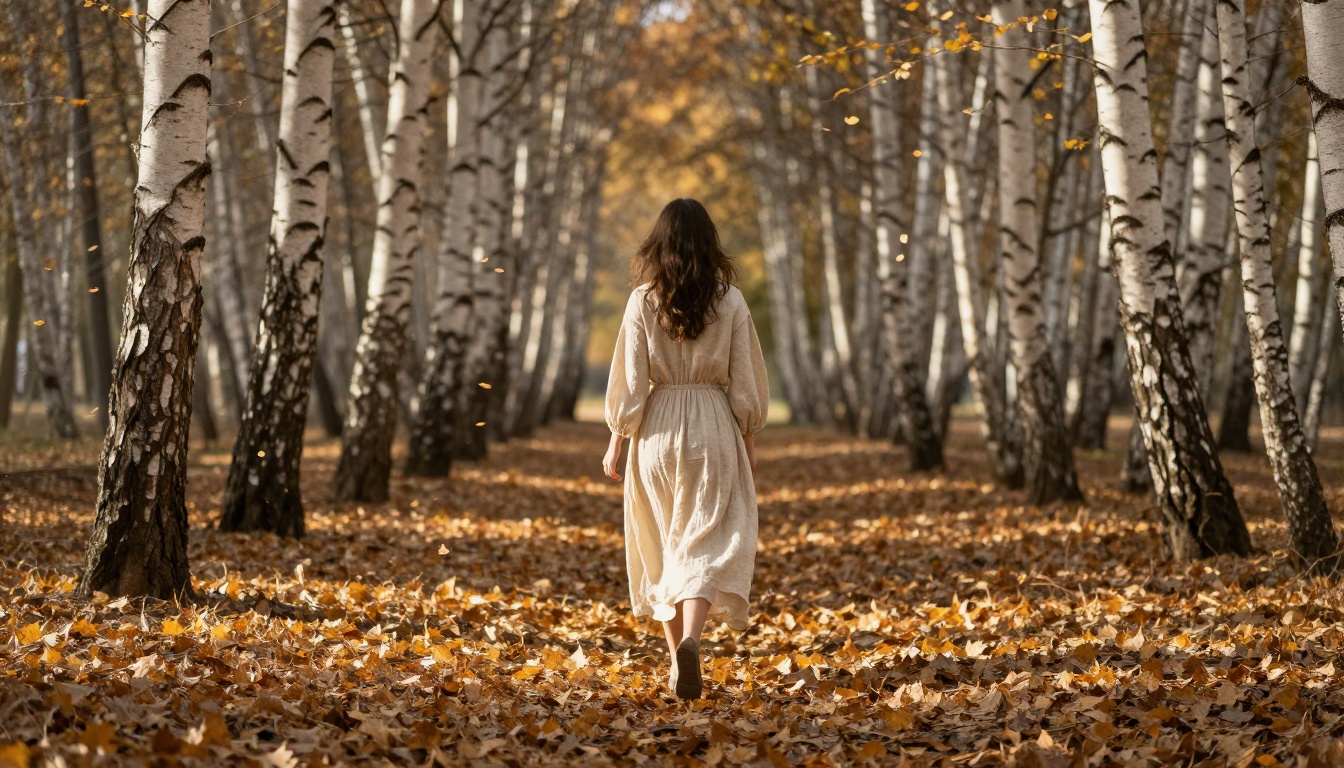
Tracking shots that follow a moving subject require the model to simultaneously compute the subject's motion trajectory and the camera's matching trajectory. Seedance 2.0 handles this by tying the camera motion field to the subject motion field during generation, creating a co-dependent relationship where the camera path responds dynamically to subject position estimates.
Seedance 2.0 vs. the Competition
How does Seedance 2.0 stack up against other capable models available right now? The honest answer is that different models have different strengths, and the right choice depends on what your footage demands.
Kling v3 Motion Control offers explicit, keyframe-based camera control that some creators find more predictable than natural language camera instructions. If you need a very specific camera path, Kling's structured control interface gives you more deterministic results.
Video 01 Director from Minimax specializes in camera movement control and is particularly strong for dramatic cinematic movements like crane shots and sweeping landscapes. Its strength is camera movement; subject motion physics are less of a priority.
Veo 3 produces highly photorealistic outputs and includes native audio generation, which Seedance 2.0 does not prioritize to the same degree. For documentary-style footage with synchronized ambient sound, Veo 3 is compelling.
| Feature | Seedance 2.0 | Kling v3 Motion Control | Video 01 Director | Veo 3 |
|---|
| Subject motion quality | Excellent | Good | Moderate | Excellent |
| Camera control precision | Good | Excellent | Excellent | Good |
| Temporal consistency | Excellent | Good | Good | Excellent |
| Native audio | Limited | No | No | Yes |
| Fast motion handling | Excellent | Good | Moderate | Good |
| Prompt flexibility | High | Moderate | Moderate | High |
Where It Falls Short
No model is without limits. Seedance 2.0 has specific failure modes worth knowing before you commit to a workflow.
Complex multi-subject scenes with three or more independently moving subjects can produce artifacts where the model conflates motion fields between subjects. A crowd scene will look good. A scene where three distinct characters each perform a different precise action simultaneously is harder to get right.
Very long clips beyond 10 seconds sometimes show drift in subject appearance as the extended attention context reaches its limits. For clips requiring more than 8 to 10 seconds of stable subject identity, generating multiple shorter segments and editing them together produces better results.
Extreme close-ups with fast camera movement can produce micro-jitter artifacts, particularly in scenes with fine texture like fabric or hair. A fast whip-pan combined with tight macro framing pushes the motion separation system past its comfort zone.
Lighting changes within a clip (like a scene transitioning from indoor to outdoor) are sometimes handled inconsistently, with the model producing abrupt rather than gradual illumination shifts.
💡 For best results with Seedance 2.0: keep your clips focused on one or two subjects, target 5 to 8 second outputs, and be specific about camera movement in natural language.
How to Use Seedance 2.0 on PicassoIA
Seedance 2.0 is available directly on PicassoIA, alongside the faster variant Seedance 2.0 Fast. Here is how to get from prompt to output efficiently.
Step 1: Access the Model
Navigate to Seedance 2.0 on PicassoIA from the text-to-video collection. You will see a text prompt input field and resolution options. No account linking or API key configuration is needed beyond your PicassoIA account.
Step 2: Write Your Prompt
Structure your prompt in three layers:
- Scene setup: What is the environment, time of day, and lighting? "A sun-drenched Mediterranean rooftop at midday."
- Subject description: Who or what is in the scene and what are they doing? "A woman in a white linen dress pours espresso at a small round table."
- Camera instruction: What is the camera doing? "Slow dolly backward, starting tight on the coffee cup and gradually widening to reveal the full rooftop and city skyline below."
Each layer gives the model's dual-stream architecture the information it needs without ambiguity.
Step 3: Choose Resolution and Duration
PicassoIA exposes the main generation parameters:
- Resolution: 720p is faster; 1080p produces sharper subject detail at the cost of generation time. For motion-heavy content, 720p is sufficient for most use cases.
- Duration: 5 seconds is the sweet spot for subject motion quality. 8 seconds works well for camera-dominant shots with less subject movement.
- Aspect ratio: 16:9 for landscape, 9:16 for vertical and social content, 1:1 for square formats.
Step 4: Iterate with Small Changes
The most effective iteration approach with Seedance 2.0 is changing one variable at a time. If the subject motion looks good but the camera movement is wrong, adjust only the camera instruction in your next run. If both are wrong, adjust the scene setup first, then refine from there.
💡 Save the exact text of any prompt that produces a result you like. A well-crafted prompt reliably produces results in the same quality range, even when individual outputs vary slightly.
You can also try Seedance 1.5 Pro or Seedance 1 Pro if you want to compare the previous generation's motion handling against the newer architecture. The improvement in camera control from version 1 to version 2 is substantial and immediately visible in side-by-side comparisons.
Start Creating Right Now
The gap between knowing how Seedance 2.0 works and seeing it work in your own projects is just one prompt away. The dual-stream motion architecture and camera control system are not abstract features: they show up immediately in the quality of your first output when you write your prompt with the right structure.
PicassoIA gives you access to Seedance 2.0 and Seedance 2.0 Fast side by side, so you can compare the full quality model against the speed-optimized version for your specific use case. The platform also gives you access to alternatives like Kling v3 Motion Control and Video 01 Director if you want to test how different architectural approaches handle the same prompt.
The best way to calibrate your intuition for AI video motion is to generate the same scene description across several models and compare the outputs directly. Pick a subject with fast movement, specify a non-trivial camera movement, and see which model keeps both clean. That single test tells you more than any written breakdown.