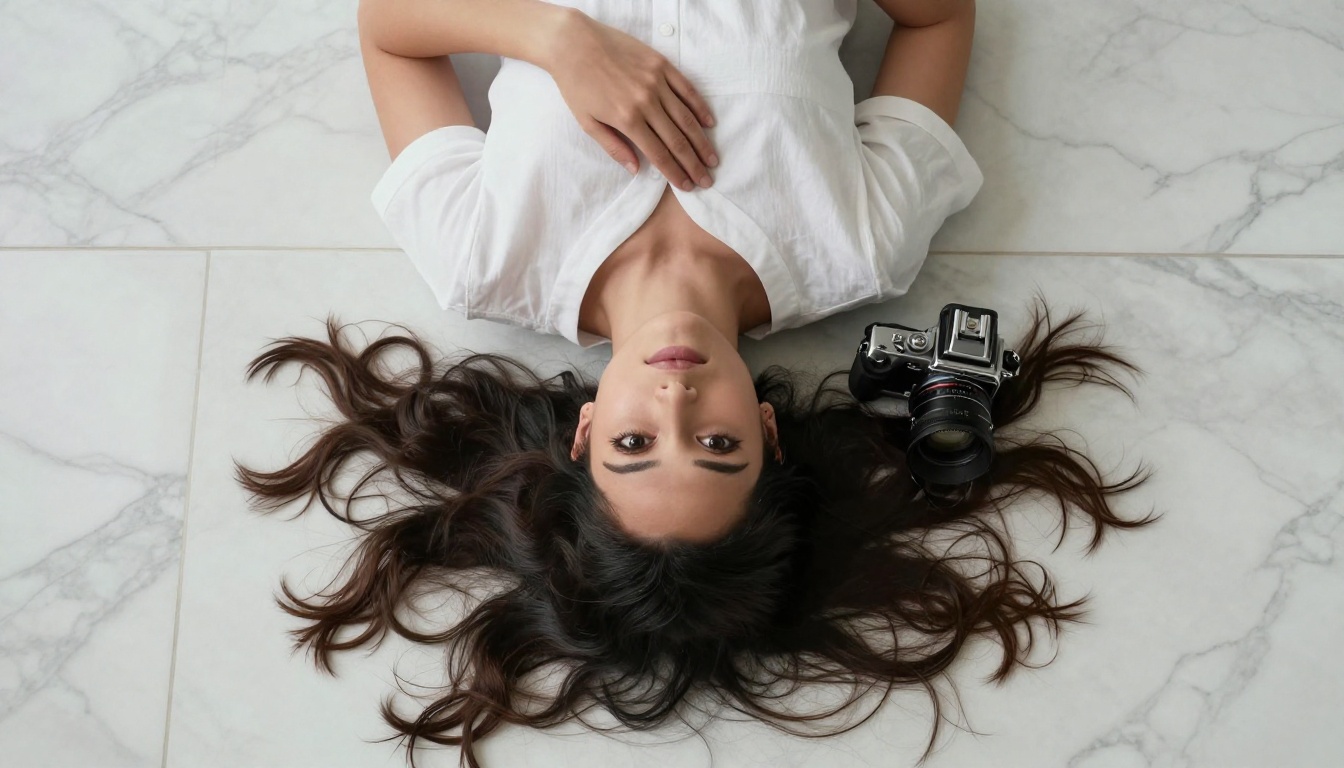
A deep technical look at how Seedream 5.0 produces photorealistic portraits at scale, covering skin texture synthesis, lighting simulation, depth of field rendering, hair strand physics, and the exact prompt strategies that produce stunning results on PicassoIA.
Generating a truly photorealistic portrait with an AI model is harder than it sounds. Faces are the subject humans are most wired to scrutinize, which means the smallest defect in skin texture, a slightly off-angle pupil, or unnatural hair physics instantly breaks the illusion. Seedream 5.0 from ByteDance was built with this challenge at its core, and the results speak directly to why portrait photography remains the benchmark every serious text-to-image model gets judged by.
What Sets Seedream 5.0 Apart
The landscape of text-to-image portrait generation has shifted significantly with Seedream 5.0. While earlier diffusion models treated faces as just another region of the image, Seedream 5.0 applies a fundamentally different hierarchical attention strategy that prioritizes facial topology, micro-detail regions, and biological accuracy over generic scene coherence.
Architecture Built for Faces
Seedream 5.0 is built on a flow-matching diffusion backbone with a multi-resolution transformer that dedicates higher attention density to facial feature regions detected during the initial noise denoising passes. Think of it as the model establishing where the face is before it renders anything, then allocating proportionally more computational passes to that region than to background or clothing.
This architectural choice means facial features in Seedream 5.0 portraits benefit from hierarchical feature refinement: the model first resolves large facial geometry (jaw shape, nose bridge, brow ridge), then progressively refines mid-level features (nasolabial folds, orbital structure, ear shape), and finally applies micro-level synthesis (pore texture, fine hair, capillary network, sebaceous detail).
💡 Why this matters: Most portrait failures in AI happen at the micro-level. When a model allocates equal compute across the entire image, facial skin gets the same attention budget as a plain background wall. Seedream 5.0's selective depth allocation changes that equation fundamentally.
Training Data at Scale
The quality of a portrait AI model scales directly with the quality and diversity of its training data. Seedream 5.0 was trained on a curated dataset substantially larger and more carefully filtered than its predecessors, with particular emphasis on several critical dimensions:
Photographic diversity: Images spanning dozens of ethnicities, age groups, skin tones, and facial structures, ensuring the model builds accurate internal references for the full spectrum of human appearance
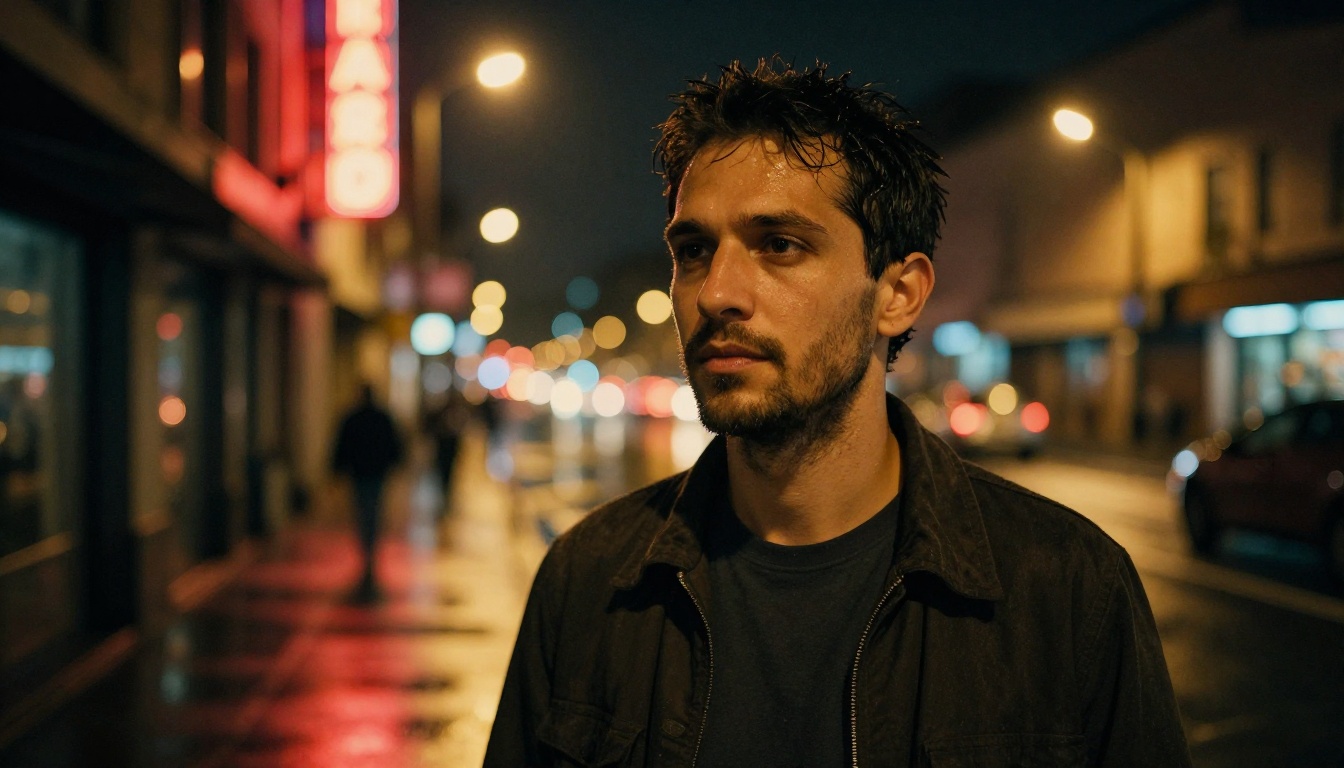
Lighting variety: Studio setups, natural daylight, golden hour, twilight, night with artificial sources, mixed light environments, and single-source dramatic setups
Lens simulation: Data labeled with approximate focal lengths, apertures, and sensor characteristics, allowing the model to internalize how specific optical configurations render faces
Quality filtering: Aggressive removal of training images with motion blur, heavy JPEG compression artifacts, extreme noise, or images that were themselves AI-generated
This breadth gives the model a statistically rich internal reference. When synthesizing a specific combination of lighting, skin tone, and facial structure that might be rare in any single photographic subset, it can draw from multiple learned representations to produce a coherent result.
The Science of Skin in AI Portraits
Skin is the most technically demanding surface in portrait photography, and it poses an identical challenge for AI models. Real skin has multiple layers with different optical properties: the outer stratum corneum scatters and absorbs light differently than the deeper dermis, creating a subsurface scattering effect that gives healthy skin its characteristic warm inner glow. Getting this right is what separates a convincing photorealistic face generation from something that reads as plastic or waxy.
Pore-Level Texture Rendering
Seedream 5.0 achieves convincing skin texture through a synthesis process that generates detail at multiple spatial frequency scales simultaneously:
Frequency Scale
What It Controls
Visual Result
Low
Overall skin tone gradient
Natural warmth, shadow placement, color variation
Mid
Pore clusters, surface topology
Skin looks real, not computer-smooth
High
Individual pores, fine hairs, sebaceous details
Macro-photography believability
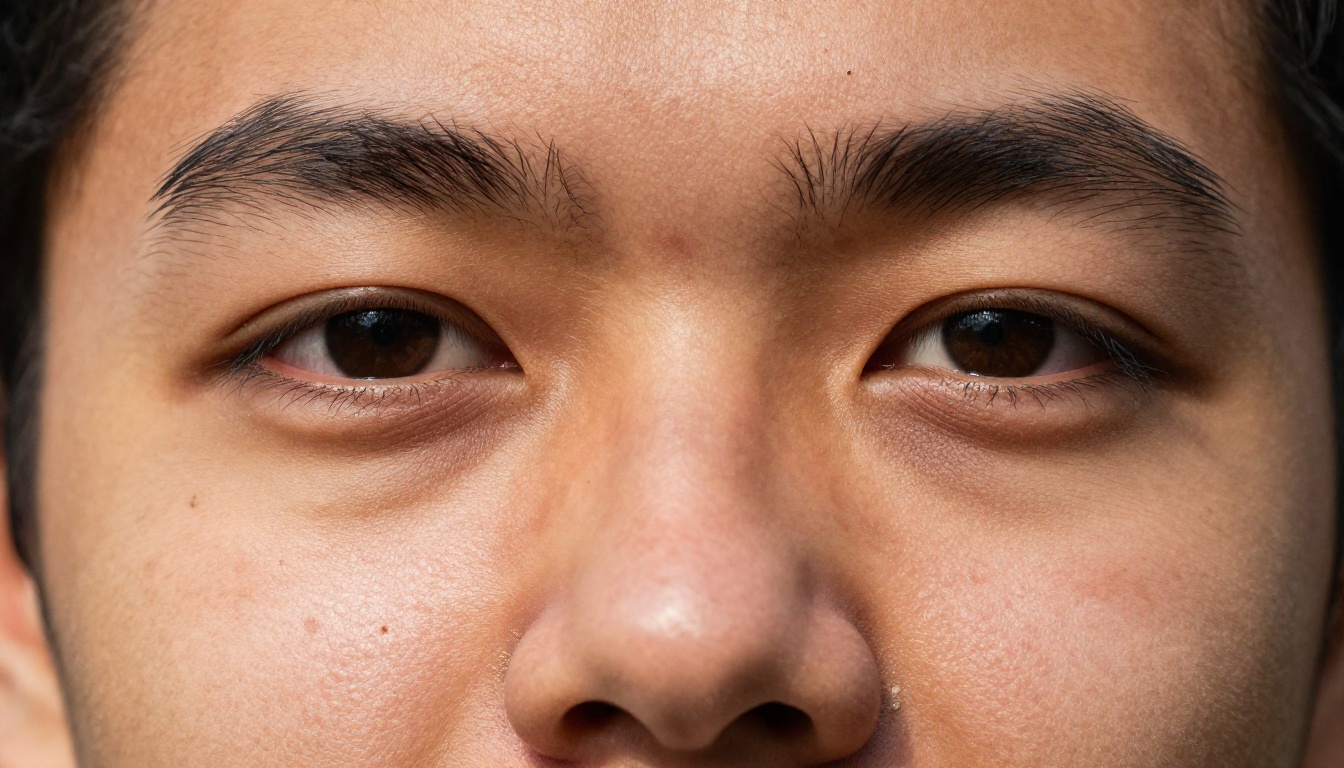
The critical innovation is that these frequency scales are synthesized with spatial coherence, meaning pore density increases correctly toward the nose and forehead while decreasing on the cheeks and temples, mirroring actual biological distribution patterns. Earlier models generated random noise-like pore texture that, while looking detailed in thumbnails, appeared wrong at full size.
💡 Tip: Prompting for "visible pores, skin micro-texture, Kodak Portra 400 film grain" activates the model's highest-resolution skin synthesis mode. Prompts that mention "smooth skin, airbrushed" will suppress this detail.
Color Science and Skin Tones
One persistent failure of earlier portrait AI models was the tendency to drift skin tones toward a narrow band of color, particularly for darker complexions which were underrepresented in training data. Seedream 5.0 addresses this with a dedicated skin tone conditioning system that maintains a stable internal color anchor throughout the denoising process, preventing the gradual saturation drift and desaturation artifacts that older models produced.
The result is accurate skin tone rendering across the full human range, from the warmest deep brown to the palest porcelain, with natural undertones (warm yellow, neutral olive, cool pink) preserved throughout the image. A prompt specifying "warm olive Mediterranean skin" produces an image where that tone stays internally consistent across the forehead, cheeks, and neck without greenish shadow casts or orange highlight blowouts.
Eyes That Actually Look Real
Human visual processing is extraordinarily sensitive to eyes. We are neurologically wired to read emotional states, health signals, and intentions from the eyes first and everything else second. Any AI portrait model that fails at eyes fails at portraits.
Catchlights and Reflections
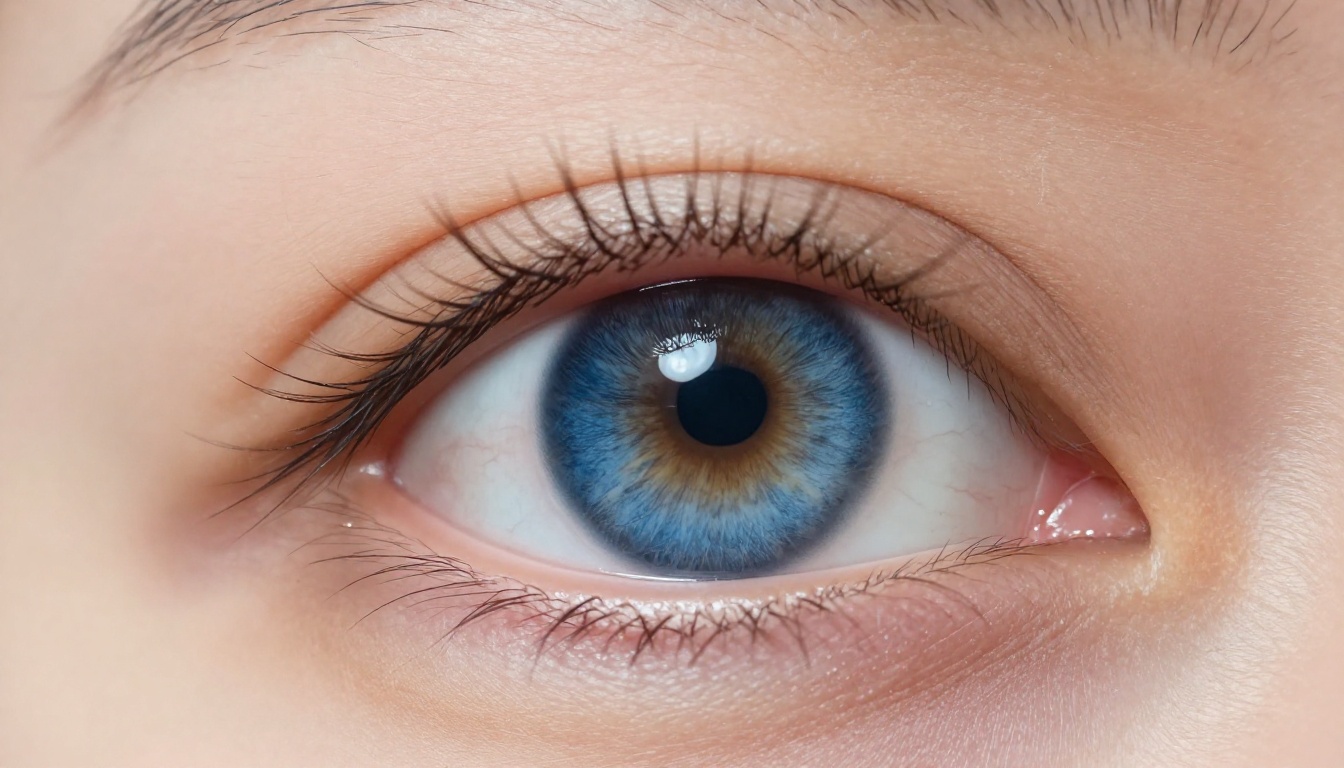
The single most critical detail for making AI-generated eyes appear real is the catchlight: the small reflected highlight from the light source that appears on the cornea. Seedream 5.0 synthesizes catchlights with physical accuracy, positioning the catchlight geometrically consistent with the lighting direction specified in the prompt or inferred from the scene.
In a portrait lit from upper-left, Seedream 5.0 places the catchlight in the upper-left quadrant of both pupils simultaneously, with the correct size relationship based on the implied distance of the light source. In a softer, overcast lighting scenario, the catchlight is diffused and appears as a larger, lower-contrast reflection. This consistency was something that regularly broke immersion in earlier models where catchlights appeared random or absent.
Iris Detail and Depth
Beyond catchlights, Seedream 5.0 synthesizes iris anatomy with radial fiber structure, a visible limbal ring, and pupil dilation appropriate to the lighting conditions in the scene. Bright scenes produce contracted pupils; dark scenes produce dilated pupils. Iris colors include realistic variation with flecks, radial striations, and the subtle transition zone between iris and pupil.
The cornea itself receives a curved reflective surface treatment that creates the slight distortion of reflected objects visible in real macro photography, a detail that registers subconsciously as "this is a real eye" even when a viewer cannot articulate the specific reason.
How Seedream 5.0 Handles Light
Lighting is the photographer's primary tool for expressing mood, dimensionality, and visual drama. For an AI model to create convincing portraits, it must not just know where light originates but how it behaves when it strikes different facial surfaces, how it wraps around curved geometry, and how shadows reveal rather than obscure form.
Directional and Soft Light Sources
Seedream 5.0 has internalized the vocabulary of professional portrait lighting. When you reference classic lighting setups in your prompts, the model knows what to produce:
Rembrandt lighting: Single source high at 45 degrees, characteristic triangular highlight on the shadow-side cheek
Butterfly (Paramount) lighting: Source directly above camera, small symmetric shadow under the nose, flattering for cheekbones
Split lighting: Source at 90 degrees to camera, half the face fully lit, half in deep shadow, dramatic and sculptural
Loop lighting: Source slightly off-center above camera, creating a small shadow loop under the nose, the most common commercial headshot setup
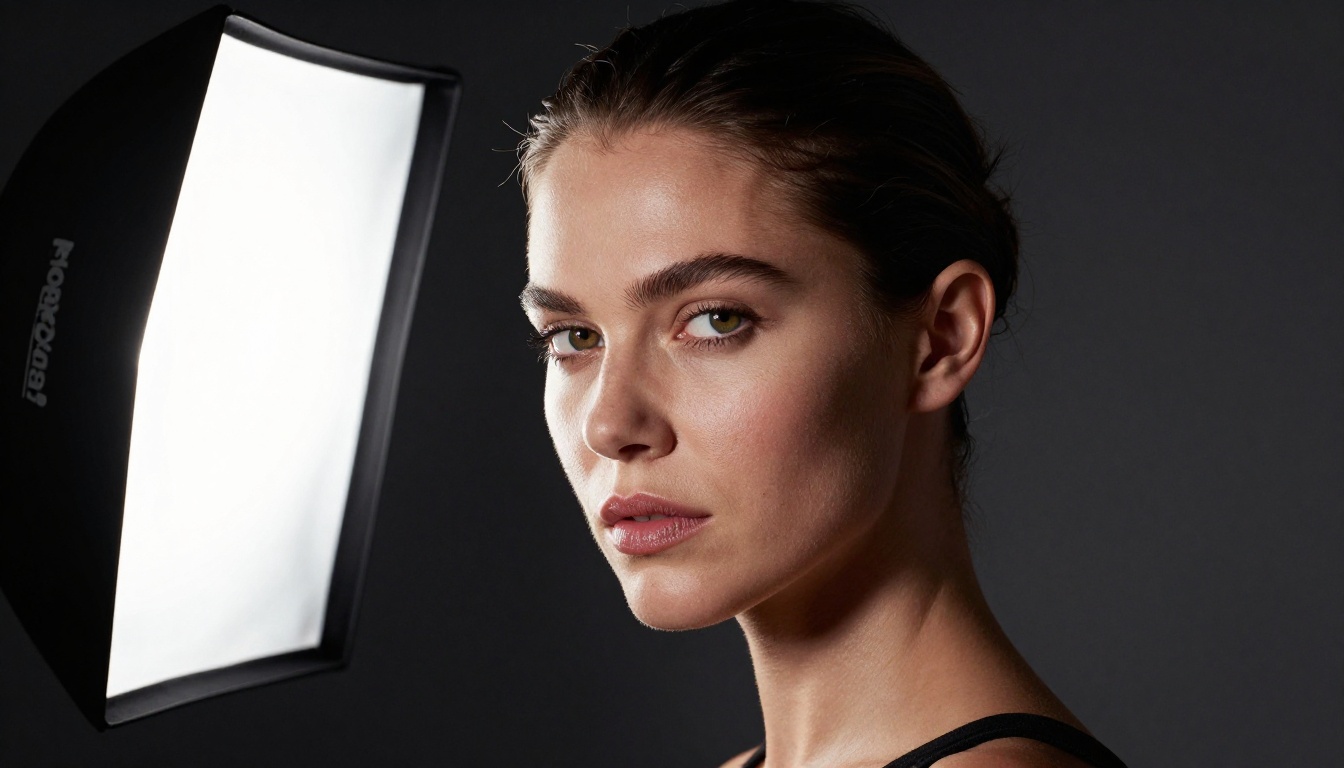
Natural window light: Soft, directional, slightly cooler color temperature, wraps around facial curves with gentle falloff
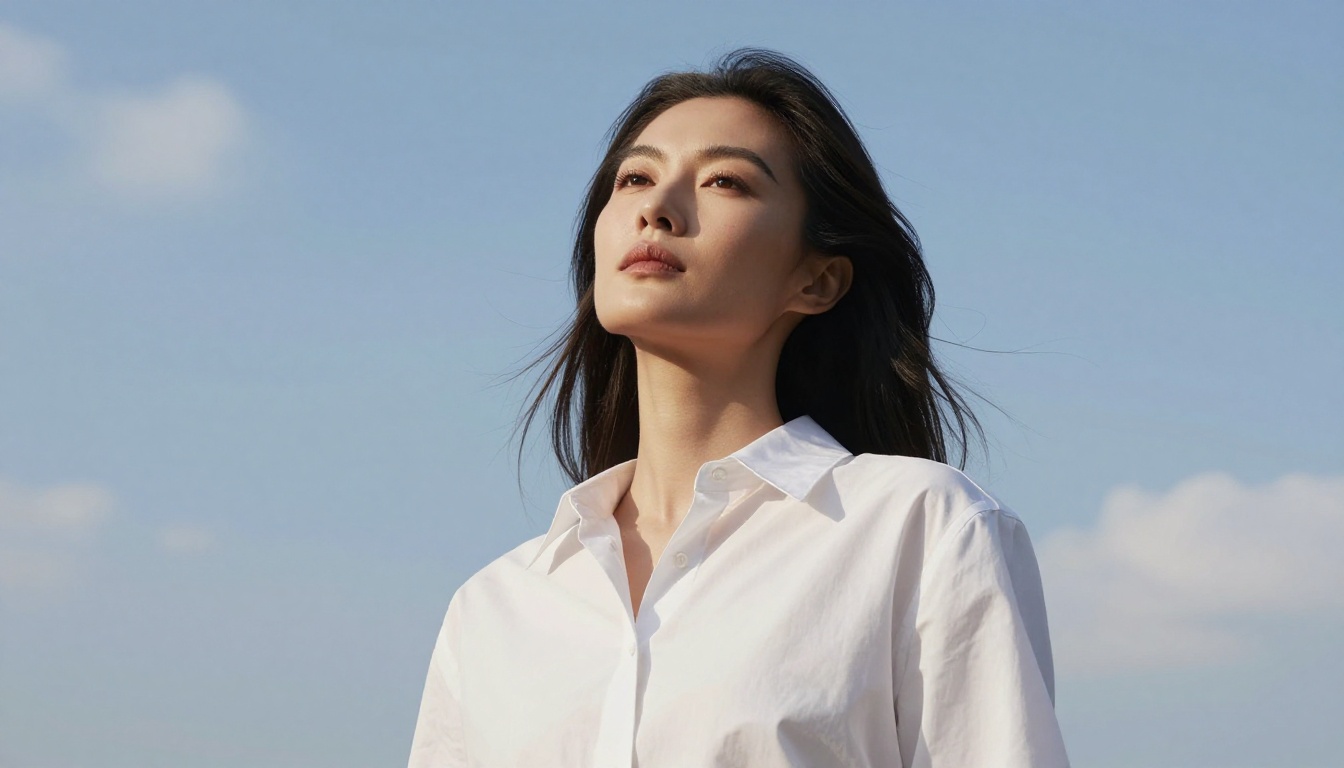
Overcast outdoor: Fully diffused from above, even and flattering, minimal shadows
Bokeh and Depth of Field
The simulation of optical bokeh in Seedream 5.0 portraits is one of its most visually striking capabilities. The model synthesizes physically plausible depth of field based on the focal length and aperture values specified in the prompt. A reference to an "85mm f/1.4 lens" produces tighter, creamier bokeh than "35mm f/4," because Seedream 5.0 has internalized the optical relationship between focal length, aperture, subject distance, and the resulting circle of confusion diameter in out-of-focus regions.
Specifying aperture also affects the apparent sharpness of skin texture in the focal plane. Wide apertures like f/1.2 to f/1.8 produce a softening fall-off from the sharpest focal point, which is often on the eyes, allowing the nose tip and ears to render with progressive softness exactly as a real lens would.
💡 Practical tip: Always include lens specifications in portrait prompts. "85mm f/1.4" and "24mm f/8" represent two completely different artistic choices, and Seedream 5.0 will honor that difference in the rendered image.
Prompting for Better Portraits
The quality of Seedream 5.0 portraits scales directly with the specificity and technical accuracy of the prompt. Vague prompts produce generic results; precise photographic prompts activate the model's full synthesis capability.
Camera and Lens Specifications
Including specific camera bodies and lens details is not decorative padding. It triggers the model's internalized knowledge about how specific sensor and glass combinations render light, color, and sharpness:
Canon EOS R5, 85mm f/1.4 prime, ISO 100, f/2.0, Kodak Portra 400
generates a meaningfully different image than:
portrait photo, high quality
The first prompt activates a constellation of learned associations: full-frame sensor color science, the specific bokeh character of 85mm primes, the tonal range of ISO 100, the sharpness profile of a fast prime stopped down one stop.
Controlling Expression and Mood
Expression prompting in Seedream 5.0 benefits from specificity about facial muscle engagement rather than vague emotional labels:
Vague Label
Specific Description
Result
"happy"
"slight asymmetric smile, cheek lift, crow's feet at eye corners"
Natural, unforced warmth
"serious"
"relaxed jaw, neutral lips, calm direct gaze"
Composed authority
"surprised"
"raised inner brows, slightly open mouth, wide pupils"
This specificity prevents the "AI smile" artifact common in earlier models, where every positive expression defaulted to an overly broad, unnaturally symmetric smile.
Background and Environmental Context
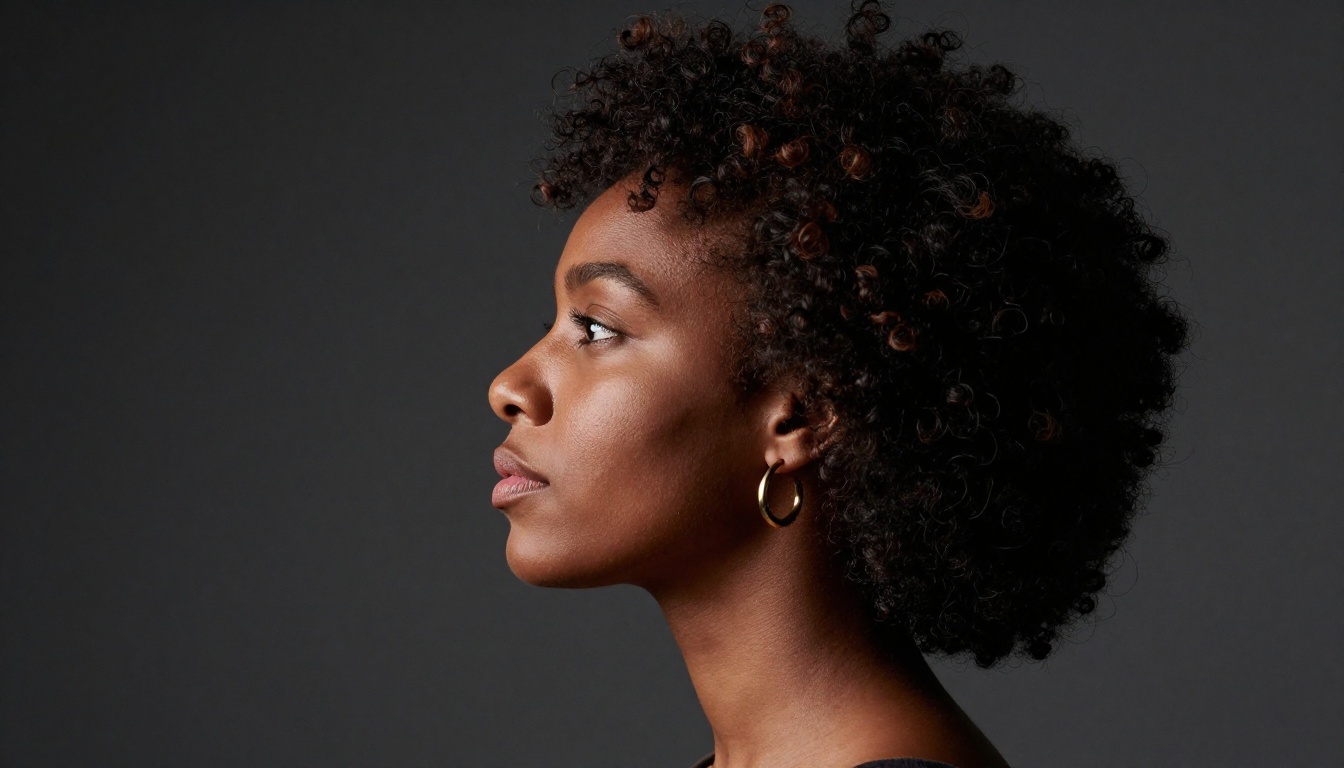
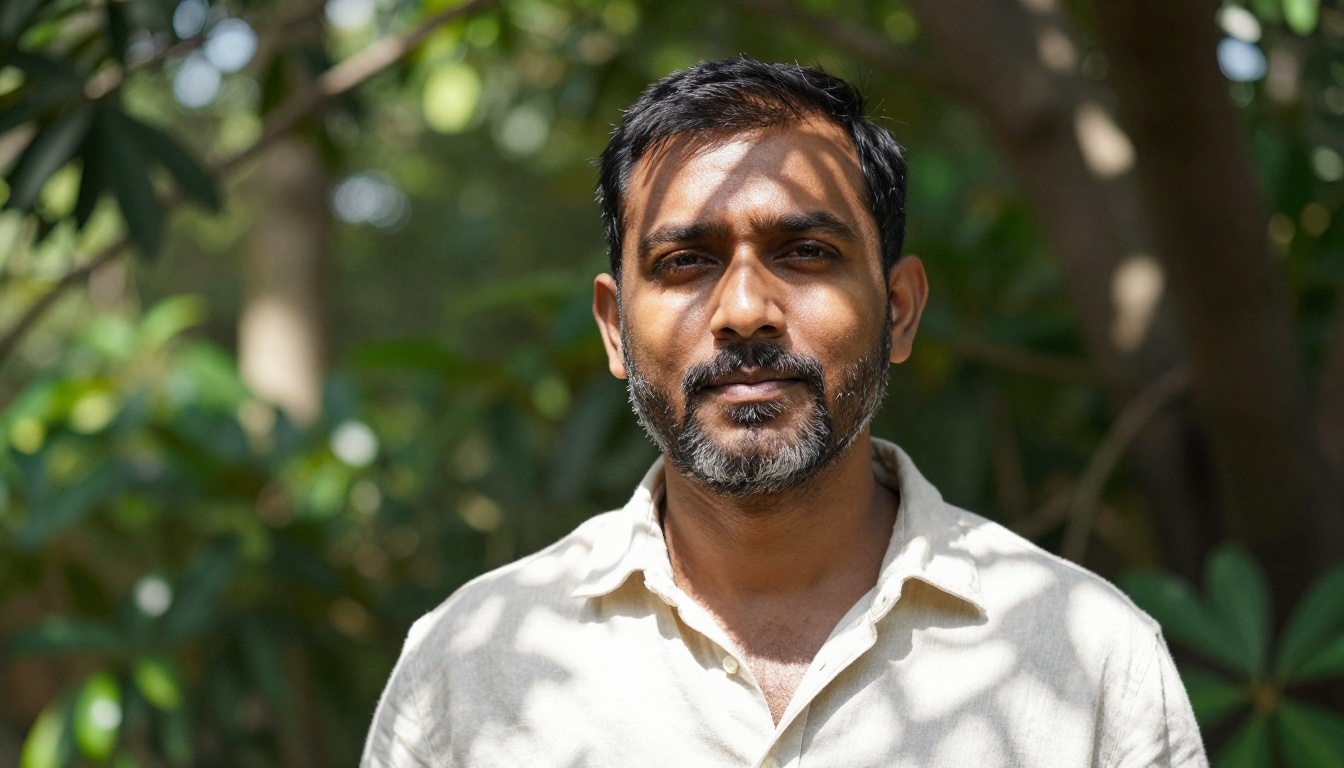
The background in a portrait is not just a backdrop. It affects the overall exposure the model targets, the color grading it applies, and the light sources it infers from context. Specifying "seamless charcoal gray backdrop, controlled studio light" activates a different internal model state than "outdoor park, dappled natural light, summer afternoon." Both change the facial rendering, not only the background pixels, because the model reasons about how the environment illuminates the subject.
Seedream 5.0 vs. Seedream 4.5
If you have been working with Seedream 4.5, the improvements in 5.0 are immediately visible even on casual inspection. The two models share a lineage but differ substantially in output quality for portrait-specific tasks.
What Actually Improved
The most significant gains from Seedream 4.5 to Seedream 5.0 in portrait generation:
Facial symmetry accuracy: 5.0 maintains bilateral facial symmetry with far greater consistency, particularly around the eyes and brow, where 4.5 occasionally drifted into subtle asymmetry
Skin micro-texture coherence: Pore and fine-hair detail in 5.0 is not only sharper but biologically correct in its spatial distribution, where 4.5 sometimes applied uniform texture without regional variation
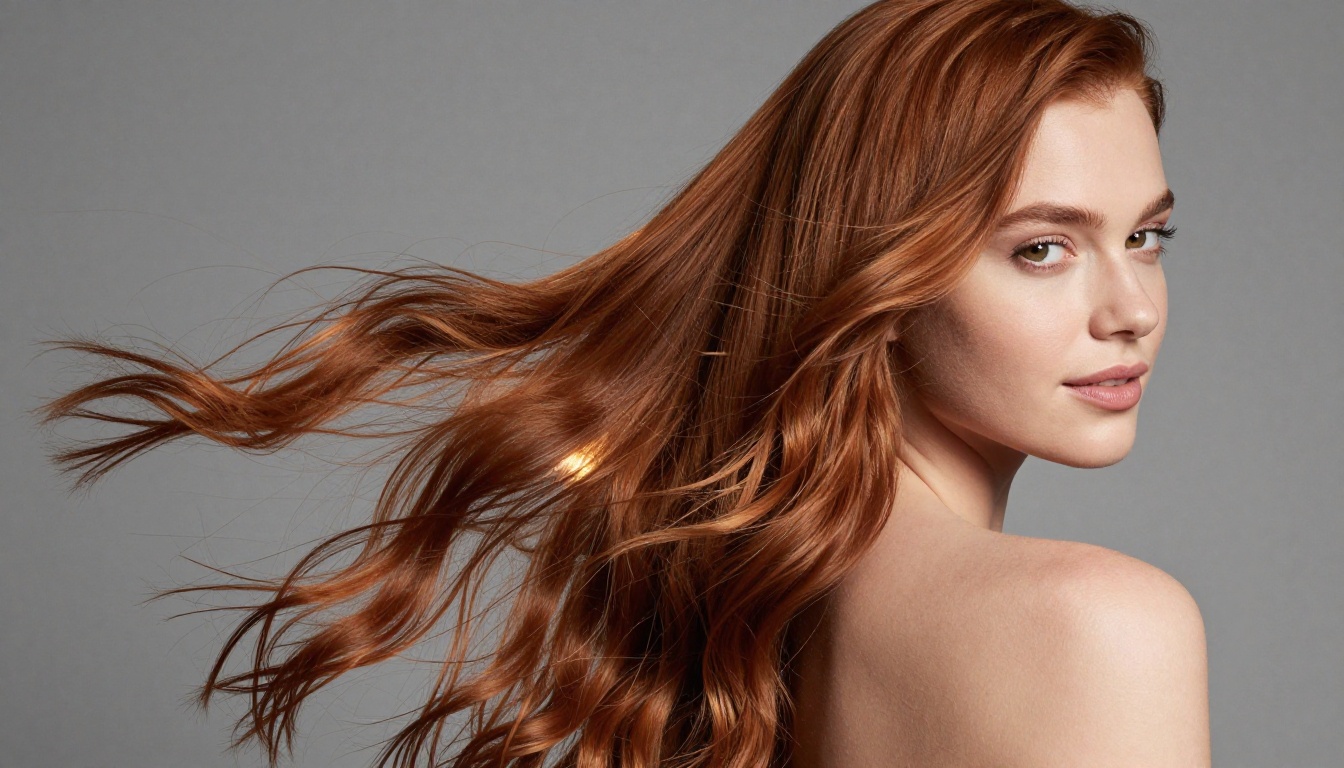
Hair physics: Individual hair strands in 5.0 follow plausible gravity and wind-direction behavior instead of appearing randomly arranged, which was a persistent issue in 4.5
Eye consistency: Both eyes now receive matching iris color, pupil size, and catchlight positioning, solving one of the most common uncanny valley triggers in 4.5 outputs
Wide-aperture rendering: Earlier models often made fast-lens bokeh look uniformly blurry; 5.0 renders the correct center-sharp/periphery-soft falloff profile
Where It Still Struggles
Honesty about limitations is useful. Seedream 5.0 still occasionally produces errors with:
Complex occlusions: Hands near faces, glasses with strong reflective lenses, hair partially covering one eye at specific angles
Extreme expression range: Wide-open laughing or crying expressions can introduce jaw and mouth geometry irregularities
Multi-person close proximity: Two faces at close range with consistent quality across both remains a harder problem than single-subject portraits
For these scenarios, the iterative approach on Seedream 5 Lite with targeted inpainting passes on PicassoIA offers an effective workaround.
Upscaling Portraits for Maximum Quality
Even at native output resolution, Seedream 5.0 portraits benefit enormously from a super-resolution pass. The initial generation resolves detail at a conceptual level. A dedicated upscaling model then reveals and sharpens that underlying detail at the pixel level, producing output suitable for large-format print or commercial applications.
The Right Super-Resolution Tool for Portraits
PicassoIA offers several dedicated upscaling models that pair well with Seedream 5.0 portrait outputs, each with a distinct approach:
Clarity Pro Upscaler is the first choice for portrait upscaling. It uses a detail-enhancement diffusion approach that specifically benefits facial micro-texture, sharpening pores and fine hairs without introducing the over-sharpening halos that simpler bicubic upscalers produce.
Crystal Upscaler focuses on 4x enlargement with a strong emphasis on portrait-specific detail preservation. It excels at recovering fine hair strands and iris detail that may have been soft at native resolution.
Topaz Image Upscale from Topaz Labs reaches up to 6x enlargement, making it the right choice when you need print-quality output from a standard web-resolution generation. Its training on photographic content means it handles skin tone preservation with accuracy.
Google Upscaler offers reliable 4x upscaling with strong detail retention, particularly for fine textures and edges, making it a solid all-purpose choice for portraits that need clean, neutral upscaling without creative interpretation.
For portraits where creative enhancement is the goal rather than pure fidelity, Recraft Creative Upscale adds depth and interpretive detail that can give a portrait a richer, more editorial quality while maintaining its photographic grounding.
💡 Workflow optimization: Generate 3 to 4 variations at native resolution, select the single best result, then upscale only that image. Upscaling every generation wastes credits; only upscale the image you intend to keep or publish.
How to Use Seedream 5.0 on PicassoIA
Seedream 5 Lite is available directly on PicassoIA, giving you access to the same portrait generation quality described throughout this article without any local setup, GPU hardware, or API configuration. Here is the exact workflow for best results:
Step 2: Build your prompt with photographic precision
Start with the subject description, add lighting, add camera and lens details, then add mood and atmosphere. A working template:
[Subject description and expression] photographed with [camera body + lens + aperture],
[lighting setup], [background/environment], [skin tone detail], [atmosphere details].
8K RAW photography, photorealistic, Kodak Portra 400, film grain.
Step 3: Choose your aspect ratio
For classic portrait framing, 3:4 or 4:5 work best. For environmental portraits where the background context matters, 16:9 gives you the room to show the setting alongside the subject.
Step 4: Generate 3 to 4 variations
Portrait generation benefits from multiple attempts. Small variations in expression descriptors or lighting setup yield meaningfully different results. Review the set and select the strongest image.
Step 5: Upscale the selected result
Take your best output to Clarity Pro Upscaler or Crystal Upscaler for final high-resolution output ready for print or publication.
Step 6: Refine with inpainting if needed
If a specific region requires adjustment (an eye that is slightly off, a distracting background element, a hairline that didn't render cleanly), PicassoIA's inpainting tools let you regenerate only that region without affecting the rest of the image.
Start Creating Your Own Portraits Now
Photorealistic portrait generation with Seedream 5.0 is no longer a specialist skill that requires deep prompt engineering experience. The model's internalized knowledge of facial anatomy, optical physics, skin biology, and photographic lighting means that a carefully structured prompt produces results that would have required professional studio time just a few years ago.
PicassoIA gives you immediate access to Seedream 5 Lite alongside over 90 other text-to-image models, plus dedicated upscaling, inpainting, and visual effects tools in one platform. Whether you need a portrait for a creative project, a professional headshot concept, editorial imagery, or simply want to see the technology at its current ceiling, the workflow is the same: write a precise prompt, generate several variations, select the best, upscale, and refine.
The gap between AI portrait generation and professional photography is narrowing. Seedream 5.0 is one of the models closing it fastest. See all available portrait models and generation tools at picassoia.com/en/all-models and try your first prompt today.