You type a few words, press generate, and within seconds a photorealistic image appears. The process looks effortless from the outside, but behind every text to image model is months of computation, billions of training examples, and a remarkably precise chain of machine learning decisions. This article pulls back the curtain on how text to image models are trained, from the raw ingredients all the way to the final deployed system you interact with.
The Data Problem Comes First
Before any neural network trains a single weight, someone has to solve the data problem. Text to image models require enormous collections of image-caption pairs, meaning each photograph or illustration must come packaged with an accurate written description of what it shows.
The scale here is not modest. Models like Stable Diffusion were trained on subsets of the LAION-5B dataset, which contains roughly five billion image-text pairs scraped from publicly available web pages. More recent systems, including Flux Redux Dev from Black Forest Labs, draw on curated datasets refined for quality over raw volume.
Where the Images Come From
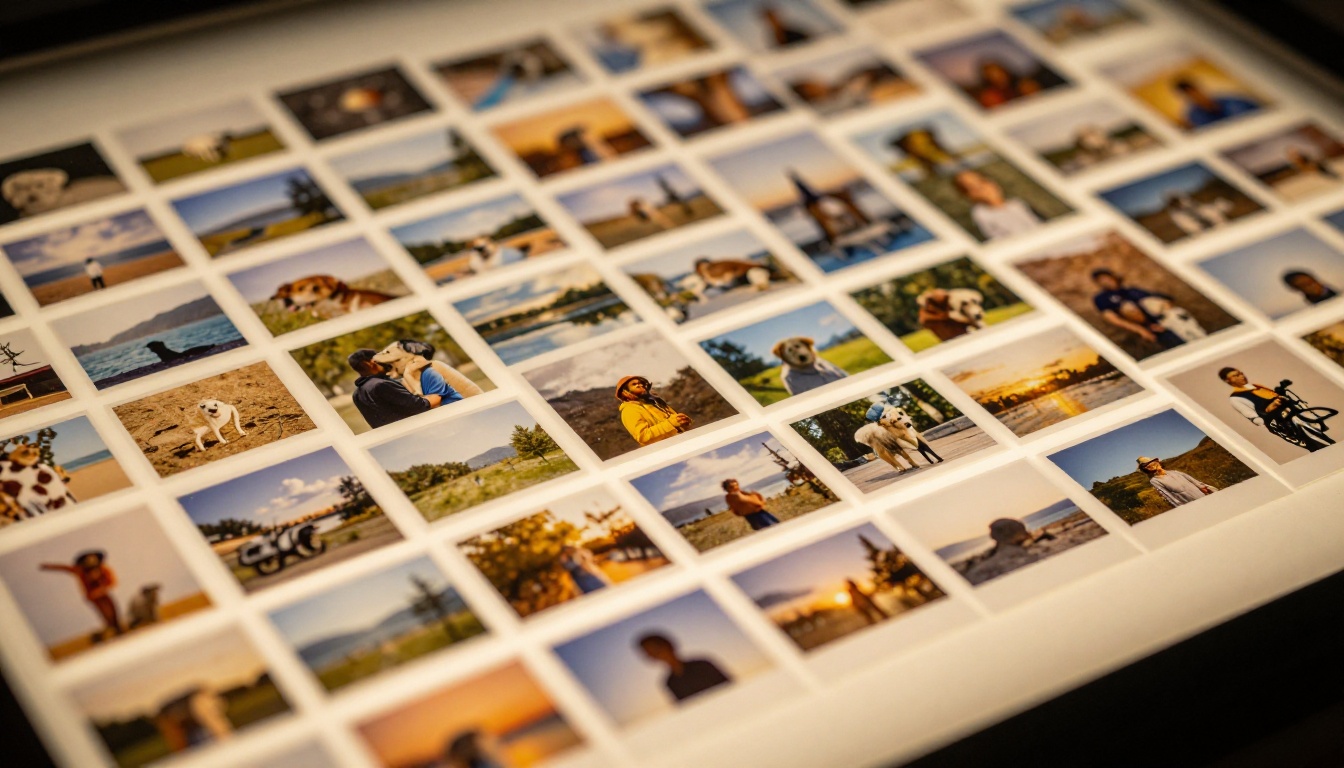
The majority of training images come from web scraping at scale. Automated crawlers visit billions of web pages and download every image they find alongside the surrounding HTML text, alt attributes, and captions. That raw haul then passes through several filtering stages.
Common filters remove:
- Images below a minimum resolution threshold (usually 512x512 pixels)
- Near-duplicate images that would bias the model toward specific content
- Images with mismatched or empty captions
- Content flagged by safety classifiers
What remains is still an imperfect, heavily biased sample of the internet, which is why dataset curation has become one of the most consequential decisions any model lab makes.
How Text Captions Are Paired
Not every image on the web comes with a useful description. A product photo might have an alt tag like "img_4782.jpg" while a social post has no caption at all. To handle this, model labs do one of two things:
- Use existing captions from reliable sources (Wikipedia, stock photo databases, news archives) where human-written descriptions are already present
- Generate synthetic captions using a vision-language model that automatically describes image content
The second approach has become standard. Systems like LLaVA or Flamingo are used to generate detailed descriptions for millions of images that would otherwise lack usable text pairs. The result is a richer caption that describes not just the subject but lighting, composition, and mood.
Why Dataset Quality Changes Everything
A model trained on poorly matched captions will struggle to follow prompts accurately. If an image of a sunset is captioned "beautiful pic" rather than "golden hour sunset over ocean waves with orange and purple sky," the model picks up almost nothing from that example about what "sunset" should look like.
This is why labs like Bytedance (behind Seedream 4.5) and Stability AI (behind Stable Diffusion 3) invest heavily in dataset pipelines rather than just compute. Better data often beats more compute.
💡 The data flywheel: Companies with large user bases can use real prompts and ratings from users to continuously improve dataset quality, giving established platforms a growing advantage over newcomers.
The Architecture That Does the Learning
Once a clean dataset exists, the model architecture determines how the system processes it. Two dominant approaches power most modern text to image models: diffusion models and autoregressive models. Diffusion models are by far the more common choice.
Diffusion Models Explained Simply
A diffusion model generates images by reversing a destruction process. During training, the system takes real images and progressively adds Gaussian noise over hundreds of steps until the image is indistinguishable from pure random static. The model then trains to predict and remove that noise, one step at a time, working backward from chaos toward a coherent image.
At inference time, the model starts with pure noise and iteratively denoises it, guided by a text prompt, until a recognizable image appears. The text conditioning is what steers the denoising in a specific direction.
This process runs in what is called latent space rather than pixel space. A separate network called a Variational Autoencoder (VAE) compresses full-resolution images into a compact lower-dimensional representation before the diffusion process begins. This dramatically reduces the compute cost of training and inference.
The Role of CLIP in Training
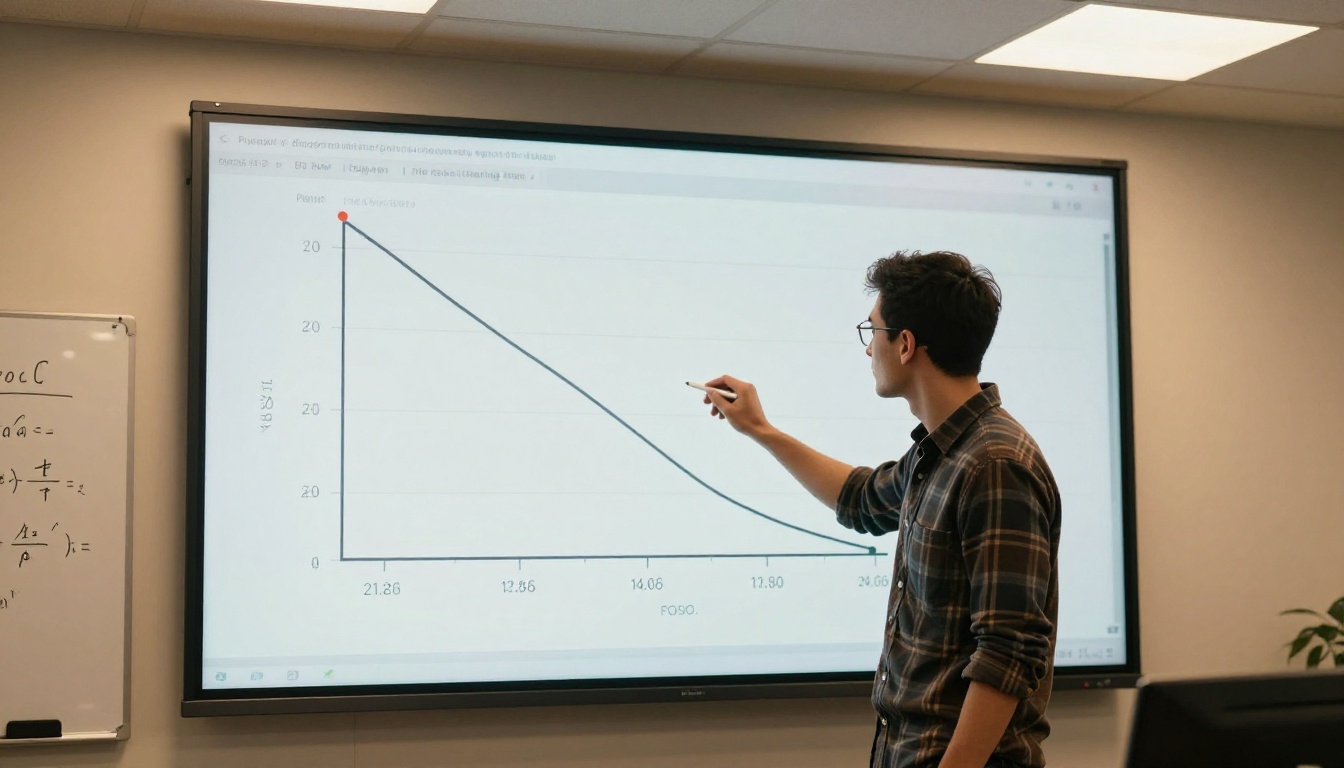
For a model to generate images from text, it needs a shared representation space where text and images can be compared meaningfully. CLIP (Contrastive Language-Image Pretraining) from OpenAI provided the breakthrough that made this possible.
CLIP was trained on 400 million image-text pairs to produce embeddings where matching images and captions sit close together in vector space, while mismatched pairs are pushed apart. This contrastive learning approach means that the phrase "a red sports car on a mountain road" produces an embedding geometrically close to actual images of red sports cars on mountain roads.
Most diffusion models use CLIP or a successor (like the T5 text encoder used in Stable Diffusion 3) to convert input text prompts into conditioning vectors. These vectors are then injected into the denoising network via cross-attention layers, telling the model which visual concepts to emphasize at each denoising step.
Latent Space: Why It Matters
The concept of latent space is central to how modern image generators work, and it explains why prompt engineering matters so much. Each point in latent space corresponds to a possible image. Images with similar visual characteristics cluster near each other. When you type a prompt, the text encoder maps your words to a region in this space, and the denoiser finds a plausible image within that region.
This is why small prompt changes can produce dramatically different outputs. Moving even slightly in latent space can cross into a different visual cluster. Models like Recraft 20B and GPT Image 2 have been specifically tuned so that their latent spaces better honor precise prompt instructions.
What Training Actually Looks Like
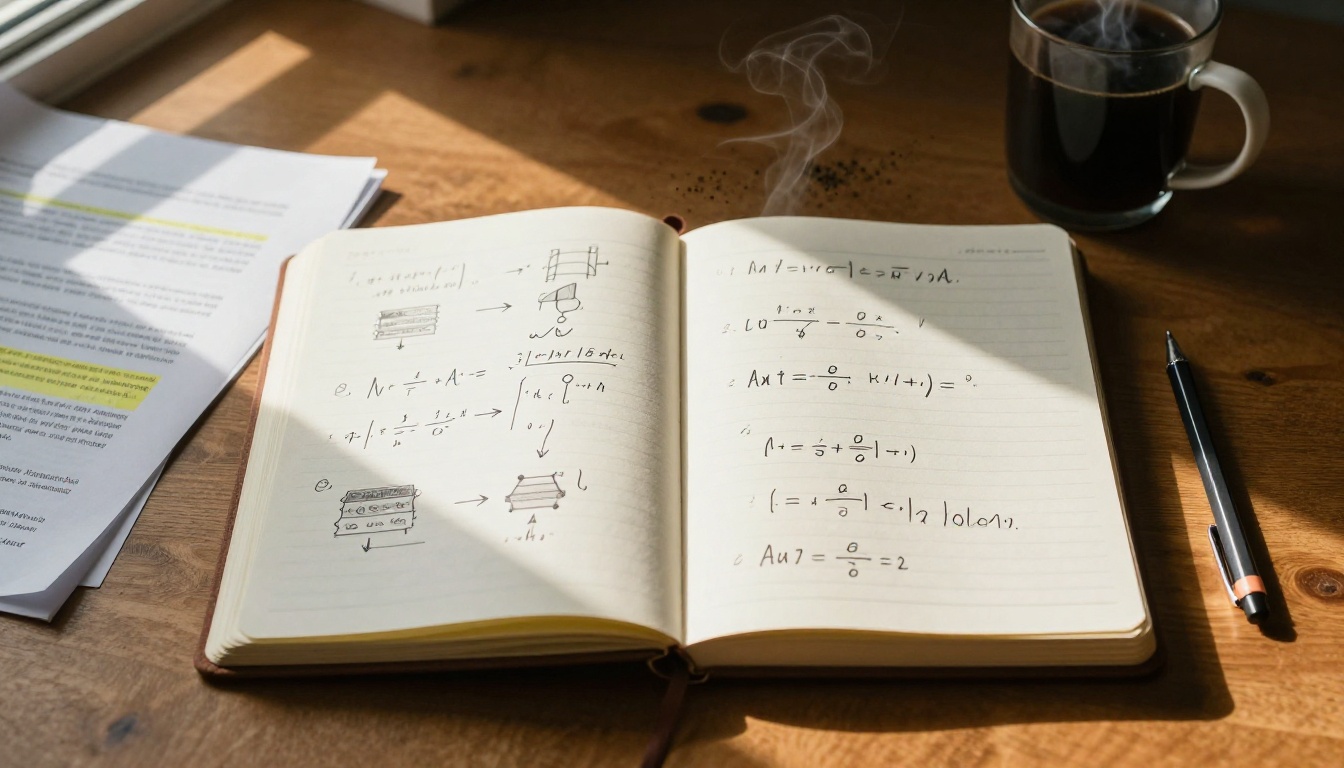
Understanding the architecture is one thing. Seeing what training actually involves is another. It is an extended, computationally expensive optimization loop that runs continuously for weeks or months.
Loss Functions and Gradients
During training, the model processes a batch of image-text pairs. For each pair, it adds noise to the image and then attempts to predict what was added. The difference between the predicted noise and the actual noise is the loss, specifically called the denoising score matching loss.
The optimizer (typically Adam or AdamW) then computes gradients of this loss with respect to every parameter in the model, and nudges those parameters in the direction that reduces the error. This repeats across billions of image-text pairs over days or weeks.
As training progresses, the loss curve drops. Early in training, the model generates incoherent noise with vague shapes. After millions of steps, clear structures emerge. After tens of millions of steps, photorealistic results with accurate prompt adherence become possible.
How Long Training Actually Takes
The numbers here are striking:
| Model Scale | Approximate Training Time | GPUs Required |
|---|
| Small (300M params) | 2-5 days | 8-32 A100s |
| Medium (1B params) | 1-3 weeks | 64-256 A100s |
| Large (3B+ params) | 4-12 weeks | 512-2048 H100s |
| Very large (10B+) | 3-6 months | 4000+ H100s |
Models like Wan 2.7 Image Pro and Hunyuan Image 2.1 sit in the large-to-very-large category, requiring clusters that most organizations will never own outright.
The Hardware Reality
GPUs are the workhorses of model training, but the infrastructure around them matters just as much. Fast interconnects (NVLink, InfiniBand) are needed to synchronize gradients across hundreds of GPUs simultaneously. Storage systems must serve training data fast enough to keep GPUs fed without bottlenecks. Power and cooling at scale become genuine engineering challenges.
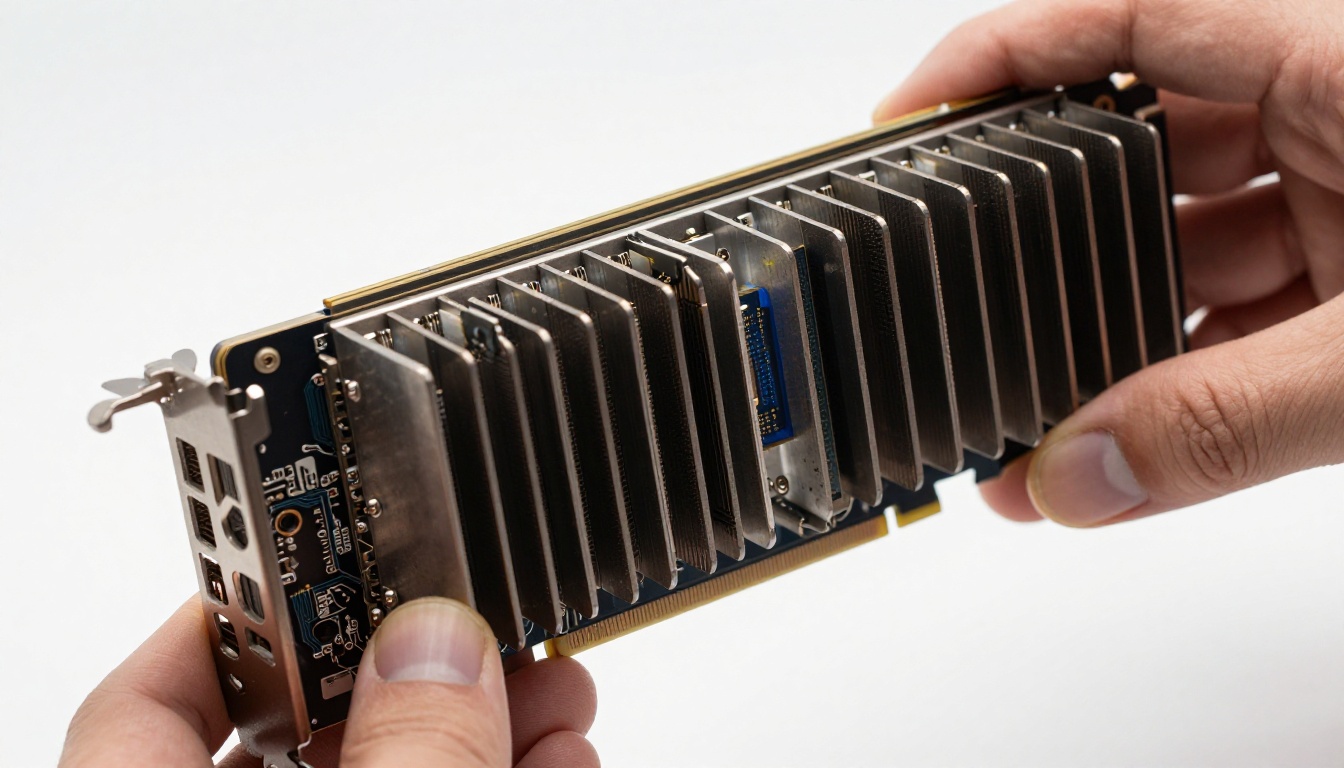
The cost of training a frontier text to image model from scratch now runs into millions of dollars. This is why very few organizations train base models from scratch, while many more focus on fine-tuning existing ones.
Fine-Tuning After Pre-Training
Pre-training a model on billions of examples gives it broad general capabilities. Fine-tuning then specializes it for specific styles, subjects, or behaviors without repeating the full training process.
LoRA: Custom Styles Without Full Retraining
LoRA (Low-Rank Adaptation) has become the most popular fine-tuning method in the text to image space. Instead of updating all billions of parameters in a model, LoRA adds small low-rank matrices alongside the existing weight matrices. Only these additions are trained on the custom dataset.
The practical result: a LoRA training run on a specific photography style, character, or product might require only 20-100 images, a consumer-grade GPU, and a few hours of training, rather than the months and millions needed for a full base model.
This is exactly what the P Image Trainer on PicassoIA offers. It allows anyone to train a custom LoRA on their own images and then use that trained adapter to generate new images in the same style or featuring the same subject.
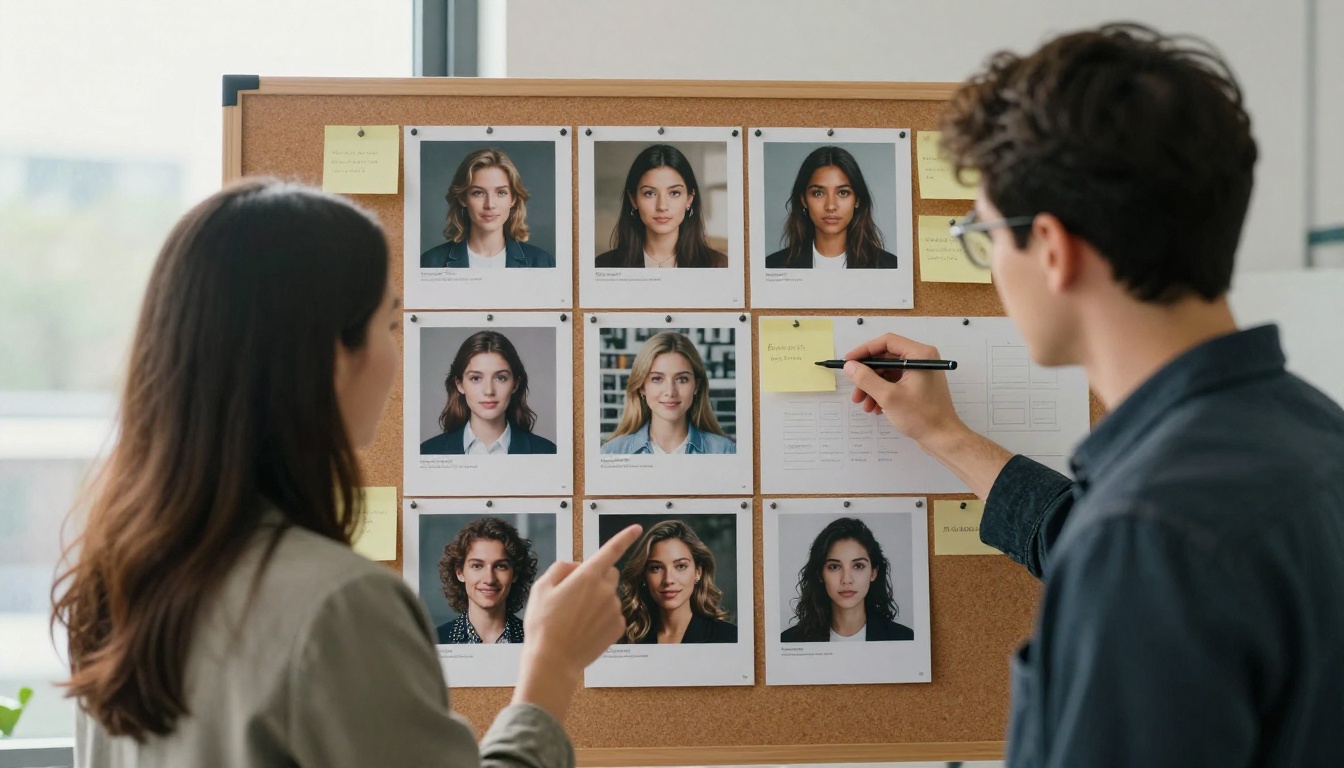
What Fine-Tuning Requires
A successful LoRA fine-tuning session needs:
- Dataset size: 15-200 high-quality images of the target subject or style
- Caption quality: Each image needs an accurate, detailed description
- Base model choice: The base model's existing capabilities constrain what fine-tuning can add
- Hyperparameters: Learning rate, training steps, and rank size all affect output quality
💡 Overfitting trap: Training too long on too few images causes the model to memorize rather than generalize. If every generated image looks identical to your training photos, your learning rate was too high or you ran too many steps.
When to Fine-Tune vs. When to Prompt
Not every use case needs a fine-tuned model. Text to image models like Flux Schnell LoRA are already highly capable at following detailed natural language prompts for diverse subjects. Fine-tuning becomes genuinely necessary when:
- You need consistent representation of a specific face or character
- You want a proprietary visual style that prompting alone cannot replicate
- You are generating product images where exact brand colors and details must appear
- You need the model to generate content from a specialized domain with limited online representation
How Modern Models Compare
The text to image landscape in 2025 has fragmented into several distinct architectural philosophies:
| Model | Architecture | Strength | Best For |
|---|
| Stable Diffusion 3 | Diffusion Transformer | Open weights, customizable | Fine-tuning, research |
| Flux Redux Dev | Flow Matching | Image variation quality | Style consistency |
| GPT Image 2 | Autoregressive | Text rendering, instruction following | Document graphics |
| Seedream 4.5 | Diffusion | 4K detail, fine aesthetics | High-resolution output |
| Recraft 20B | Diffusion | Typography, vector styles | Design and branding |
| Hunyuan Image 2.1 | Diffusion | Photorealism | Product photography |
The variety reflects the fact that no single training approach dominates across all use cases. A model trained to render accurate text in images (like GPT Image 2) has made different architectural and dataset trade-offs than one trained for maximum photorealism (like Hunyuan).

The Gap Between Training and What You See
One detail worth noting: the model you interact with is rarely the raw pre-trained checkpoint. Most deployed text to image systems go through additional stages after base pre-training.
Classifier-free guidance (CFG) trains the model to accept a guidance scale parameter that amplifies prompt adherence at the cost of some diversity. Higher guidance scale means outputs that stick closer to the prompt but explore less of the possible output space.
Reinforcement Learning from Human Feedback (RLHF) or similar reward modeling stages use human preference ratings to steer the model toward outputs that people actually find appealing, not just outputs that statistically resemble training data.
Safety fine-tuning adds layers that prevent generation of certain content categories, again via human labeling and reward modeling.
Each of these stages involves additional compute, additional human labor, and additional decisions about what the model should and should not produce. The "simple" act of typing a prompt connects to months of work happening across multiple teams.
💡 What this means for your prompts: Because these post-training stages push models toward human-preferred aesthetics, prompts that describe what a professional photographer or art director would care about (lighting direction, lens choice, mood, composition) tend to outperform vague creative requests.
The Infrastructure Behind the Output
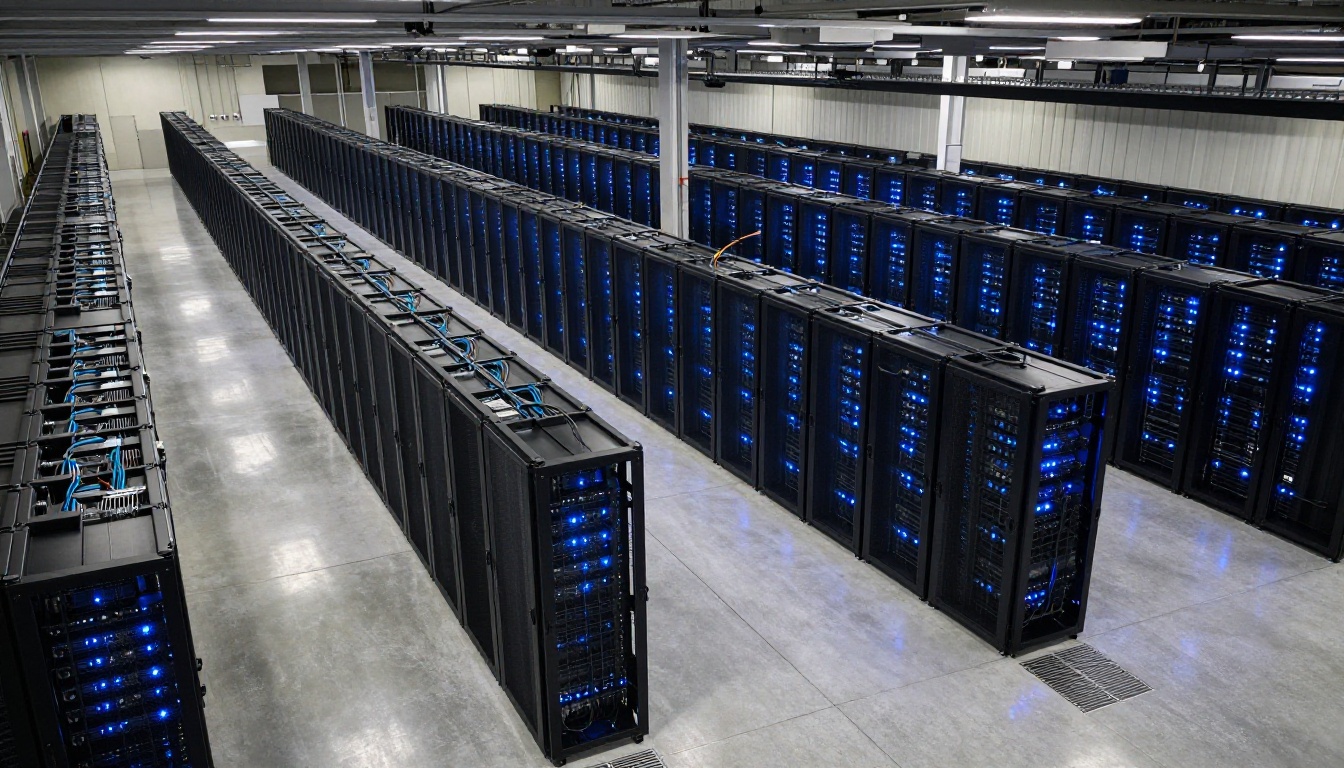
Training at the scale of modern text to image models requires dedicated infrastructure that runs continuously for months. A single training run for a large model can consume as much electricity as a small town uses in a week. Cooling systems, power redundancy, and network fabric all become first-order engineering concerns, not afterthoughts.
This is the infrastructure reality behind models you now access in seconds via a web interface. The PicassoIA Image generator connects you to pre-trained models that took months of cluster time to produce, served on hardware optimized for fast inference rather than training throughput.
What you see as a clean, simple prompt box represents the outermost layer of an extraordinarily complex system: crawled datasets, curated captions, distributed training across thousands of GPUs, alignment stages with human raters, and safety filtering, all compressed into a single API call.
Put the Training to Work
You now know the full chain: curated datasets, contrastive text encoders, diffusion processes in latent space, loss optimization across billions of examples, and post-training alignment steps. Every image you generate carries the imprint of these decisions.
The most direct way to apply this knowledge is to experiment with the range of models available on PicassoIA Image. Each model reflects different training choices, different dataset priorities, and different architectural bets. The difference between a highly detailed prompt response and a generic one often comes down to writing prompts that align with what the model was trained to respond to.
If you want to go deeper, the P Image Trainer lets you run your own LoRA fine-tuning directly in the browser, no GPU setup required. Upload 20-100 images of a subject, write captions, and within hours you have a custom model checkpoint that generates that subject on demand.
The barrier between reading about how text to image models are trained and actually doing it yourself has never been lower. Pick a subject, gather your images, and start training.


